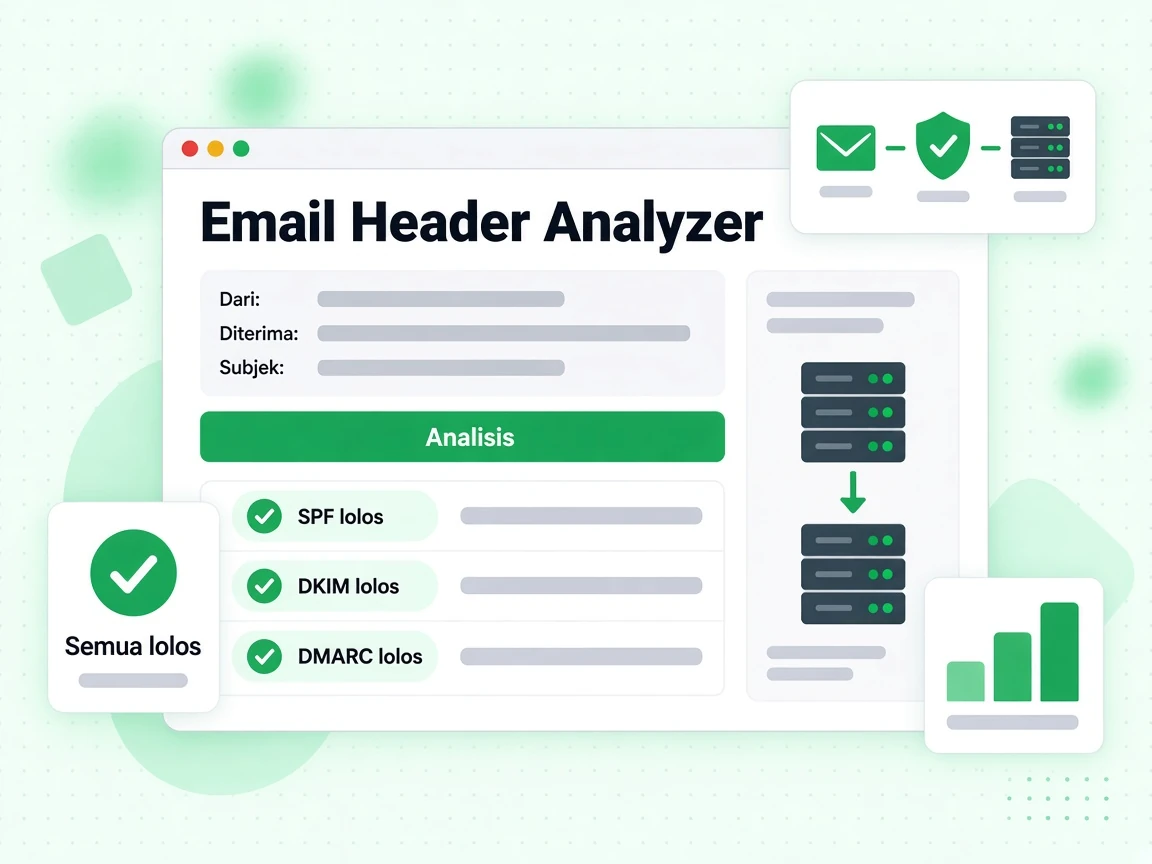
Apa itu header email dan apa isinya?
Setiap pesan email terdiri dari dua bagian: isi yang terlihat (teks, gambar, dan HTML yang Anda baca) dan header teknis yang berada di atas isi. Header mencatat seluruh riwayat perjalanan pesan, hasil autentikasi, skor spam, serta metadata seperti pengirim, penerima, subjek, dan stempel waktu. Sebagian besar klien email menyembunyikan header dari tampilan normal, tetapi header selalu ada dan bisa ditampilkan lewat opsi "tampilkan asli" atau "lihat header" di klien email Anda.
Menganalisis header email adalah salah satu cara paling andal untuk mendiagnosis masalah pengiriman, menyelidiki pesan phishing yang dicurigai, dan memastikan pengaturan autentikasi Anda (SPF, DKIM, DMARC) berfungsi benar pada pesan nyata.
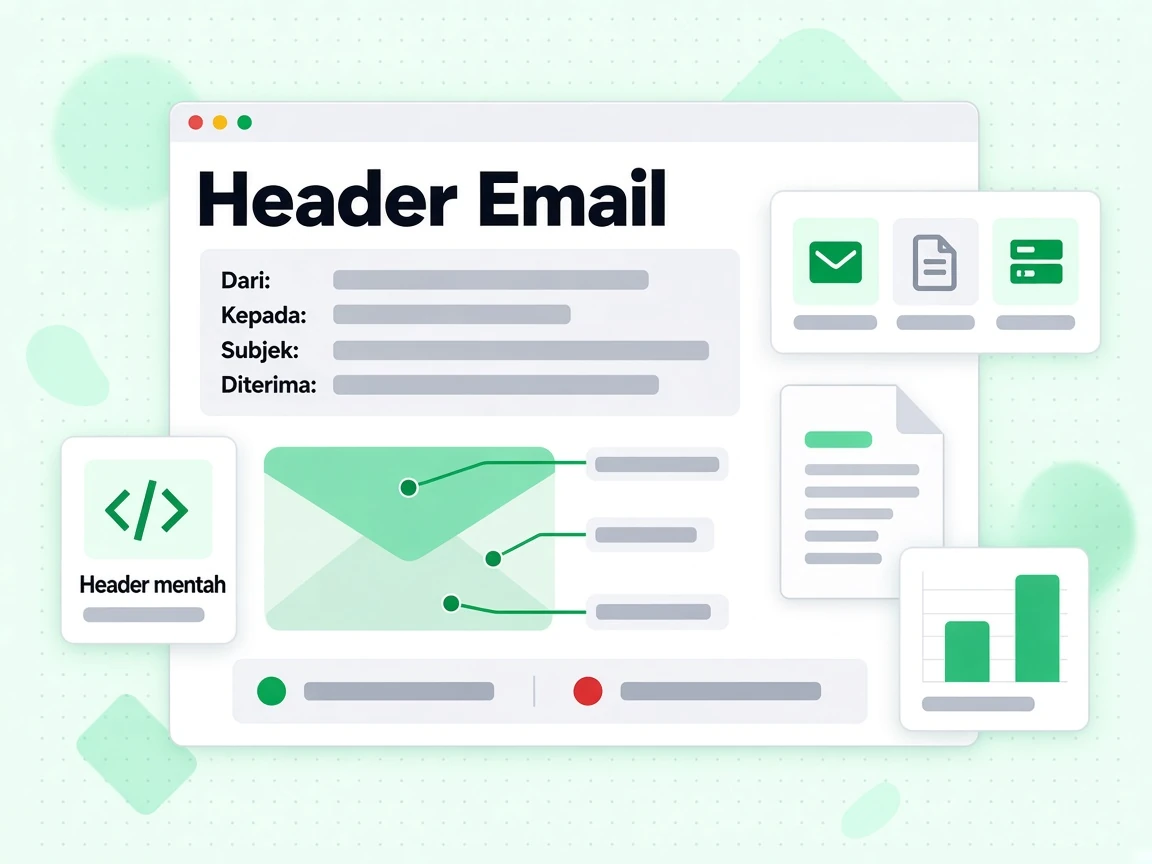
Cara menemukan header email di berbagai klien email
- Gmail: Buka pesan, klik menu tiga titik (⋮) di pojok kanan atas, lalu pilih "Tampilkan asli". Salin seluruh isi yang muncul.
- Outlook (web): Buka pesan, klik menu tiga titik, lalu pilih Lihat → Lihat sumber pesan.
- Apple Mail: Buka pesan, lalu pilih Tampilan → Pesan → Semua Header, atau tekan Shift + Command + H.
- Thunderbird: Buka pesan, lalu pilih Tampilan → Header → Semua.
- Yahoo Mail: Buka pesan, klik Lainnya → Lihat Pesan Mentah.
Salin semuanya mulai dari baris header pertama (biasanya Delivered-To: atau Return-Path:) sampai baris kosong sebelum isi email.

Header penting yang perlu diperhatikan
Header terpenting untuk mendiagnosis masalah pengiriman adalah:
- Authentication-Results: Menampilkan hasil lulus/gagal SPF, DKIM, dan DMARC sebagaimana dinilai server penerima. Ini header terpenting untuk mendiagnosis kegagalan autentikasi.
- Received: Satu entri untuk setiap lompatan di jalur pengiriman. Dibaca dari bawah ke atas, urutannya kronologis. Setiap entri biasanya memuat nama host server, alamat IP, dan stempel waktu.
- X-Spam-Score / X-Spam-Status: Ditambahkan oleh filter spam seperti SpamAssassin. Menampilkan skor numerik dan aturan mana yang terpicu.
- DKIM-Signature: Tanda tangan DKIM sebenarnya yang ditempelkan oleh server pengirim. Berisi selector, domain, dan tanda tangan kriptografi.
- Return-Path: Pengirim amplop — alamat yang dipakai untuk notifikasi bounce dan diperiksa oleh SPF.
- Message-ID: Pengenal unik pesan, berguna untuk melacaknya di file log.
Arti hasil autentikasi bagi keterkirimen email
Pesan dengan spf=pass dkim=pass dmarc=pass pada header Authentication-Results punya peluang terbaik masuk ke kotak masuk. Setiap kegagalan di sini perlu diselidiki. Kegagalan SPF sering berarti IP pengirim tidak terdaftar di rekaman SPF Anda. Kegagalan DKIM bisa berarti tanda tangan hilang, kedaluwarsa, atau kunci publik di DNS tidak cocok dengan kunci privat yang dipakai untuk menandatangani. Kegagalan DMARC berarti baik SPF maupun DKIM tidak selaras dengan domain From.
Analisis header memberi tahu apa yang terjadi pada pesan tertentu. Untuk mencegah masalah sebelum mengirim, gunakan verifikasi email pada daftar Anda dan periksa konfigurasi autentikasi dengan generator SPF, DKIM, dan DMARC kami. Untuk daftar besar, verifikasi massal dan API validasi memungkinkan Anda memasukkan pemeriksaan ke alur kerja.