📍 MapLeads 출시: Google 지도, Bing 지도, Apple 지도를 리드 목록으로.MapLeads 살펴보기
무료 도구

이메일 헤더 분석기

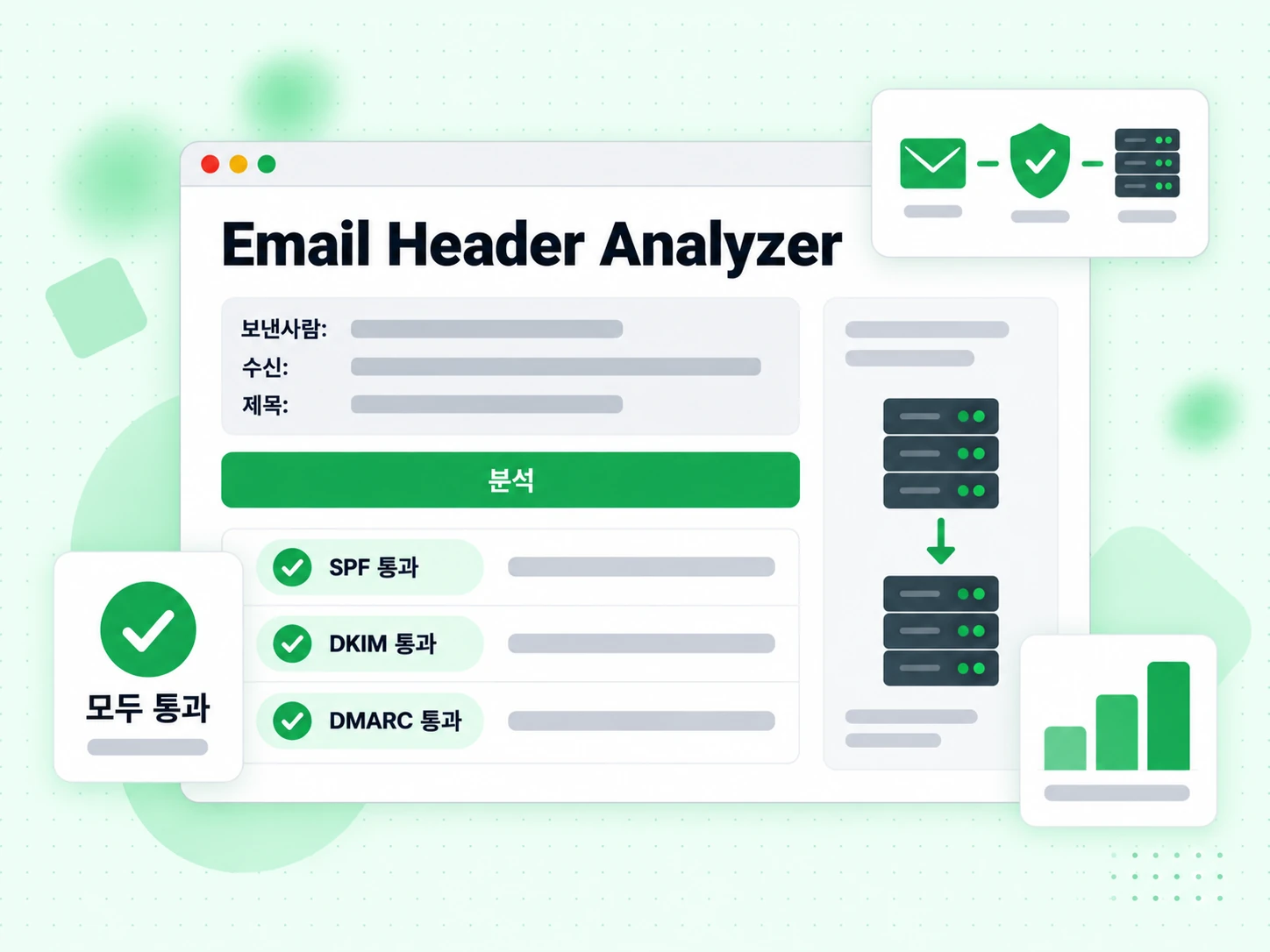
raw 이메일 헤더를 붙여넣으면 SPF, DKIM, DMARC 결과, 전체 전달 경로, 스팸 점수, 주요 메타데이터를 즉시 파싱·설명해 드립니다.

이메일 헤더 붙여넣기

What Are Email Headers and What Do They Contain?

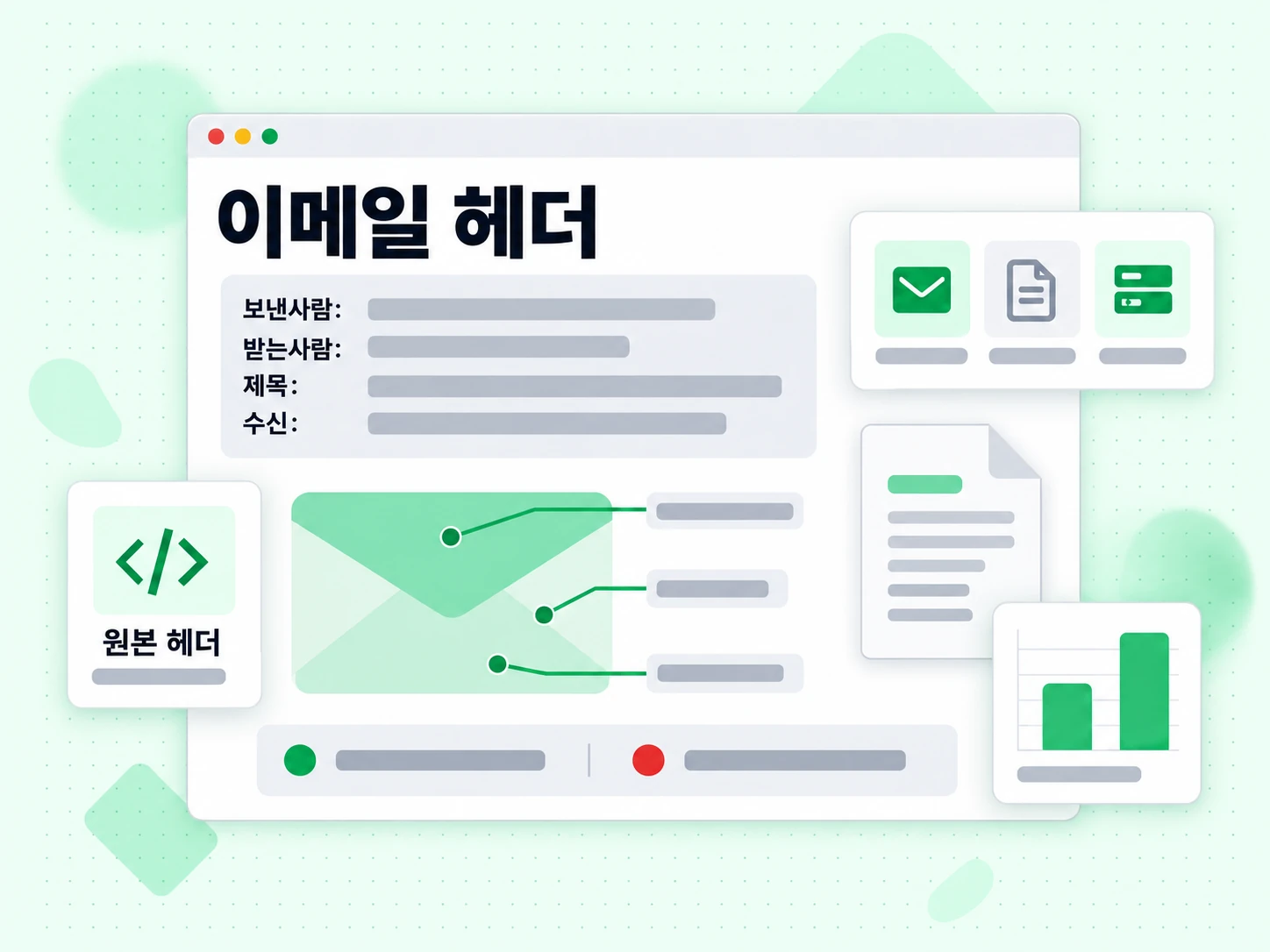
Every email message contains two parts: the visible body (the text, images, and HTML you read) and the technical headers that live above the body. Headers record the full routing history of the message, authentication results, spam scores, and metadata like the sender, recipient, subject, and timestamps. Most email clients hide headers from normal view, but they are always present and can be revealed through your mail client's "show original" or "view headers" option.

Analyzing email headers is one of the most reliable ways to diagnose delivery problems, investigate suspected phishing messages, and verify that your authentication setup (SPF, DKIM, DMARC) is working correctly for a real message.

How to Find Email Headers in Different Mail Clients

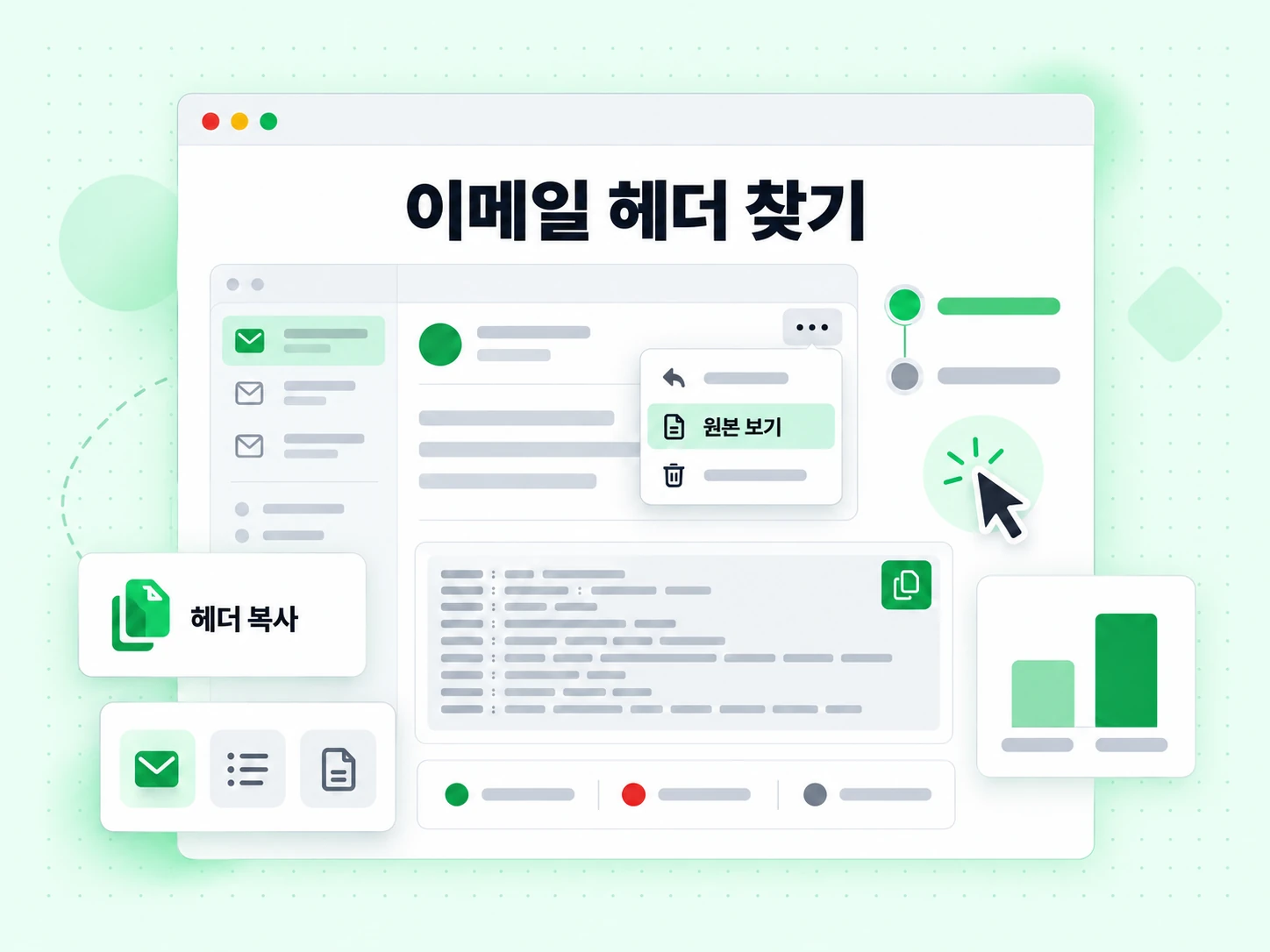
  • Gmail:Open the message, click the three-dot menu (⋮) in the top-right corner, and select "Show original". Copy all content from the popup.
  • Outlook (web):Open the message, click the three-dot menu, then View → View message source.
  • Apple Mail:Open the message, then View → Message → All Headers, or press Shift + Command + H.
  • Thunderbird:Open the message, then View → Headers → All.
  • Yahoo Mail:Open the message, click More → View Raw Message.

Copy everything from the first header line (usually Delivered-To: or Return-Path:) down to the blank line before the email body.

Key Headers to Look For

The most important headers for diagnosing delivery issues are:

  • Authentication-Results: Shows SPF, DKIM, and DMARC pass/fail results as evaluated by the receiving server. This is the most important header for diagnosing authentication failures.
  • Received: One entry per hop in the delivery path. Reading from bottom to top gives chronological order. Each entry usually includes the server hostname, IP address, and timestamp.
  • X-Spam-Score / X-Spam-Status: Added by spam filters like SpamAssassin. Shows the numeric score and which rules were triggered.
  • DKIM-Signature: The actual DKIM signature attached by the sending server. Contains the selector, domain, and cryptographic signature.
  • Return-Path: The envelope sender — the address used for bounce notifications, checked by SPF.
  • Message-ID: A unique identifier for the message, useful for tracking it through log files.

What Authentication Results Mean for Deliverability

A message showing spf=pass dkim=pass dmarc=pass in the Authentication-Results header has the best chance of inbox placement. Any failure here should be investigated. An SPF failure often means the sending IP is not listed in your SPF record. A DKIM failure may mean the signature is missing, expired, or the public key in DNS does not match the private key used for signing. A DMARC failure means neither SPF nor DKIM aligned with the From domain.

Header analysis tells you what happened with a specific message. To prevent problems before sending, use email verification on your list and verify your authentication configuration with our SPF, DKIM, and DMARC generator tools. For large lists, bulk verification and the validation API let you integrate checks into your workflow.

자주 묻는 질문

1. 내 이메일 헤더가 서버로 전송되나요?

아니요. 이 도구는 브라우저에서 JavaScript로 완전히 실행됩니다. 붙여넣은 헤더는 로컬에서만 분석되며 어떤 서버로도 전송되지 않습니다. 이메일 내용과 메타데이터는 완전히 비공개로 유지됩니다.

2. Gmail에서 이메일 헤더를 어떻게 보나요?

Gmail에서 이메일을 열고 메시지 오른쪽 위 점 3개 메뉴를 클릭한 뒤 '원본 보기'를 선택하면 다음 페이지 상단에 raw 헤더가 표시됩니다. '클립보드에 복사'를 클릭하거나 헤더 블록을 수동으로 선택해 복사하세요.

3. SPF는 실패하고 DKIM은 통과하면 무엇을 의미하나요?

SPF는 발송 서버 IP를 검사합니다. 실패는 해당 IP가 발신자 SPF 레코드에 없음을 뜻합니다 — 전달되었거나 SPF에 없는 릴레이를 통과했을 수 있습니다. DKIM 통과는 좋은 신호이며, DKIM이 From 도메인과 정렬되면 DMARC를 단독으로 충족할 수 있습니다. SPF가 계속 실패하면 메시지가 전달되었는지 확인하세요.

4. 이메일이 여러 서버를 거치는 이유는 무엇인가요?

Received 체인이 여러 hop을 보이는 이유는 이메일이 여러 서버를 통과하기 때문입니다: 발신자의 발송 SMTP 서버, 가능하면 릴레이 서버, 수신자 수신 서버, 때로는 내부 필터 서버. 각 단계가 Received 헤더를 추가합니다. 이는 정상입니다. 체인 중간에 비정상적인 외부 릴레이가 있으면 전달 또는 라우팅 문제를 의미할 수 있습니다.

5. Message-ID란 무엇이며 왜 중요한가요?

Message-ID는 이메일이 생성될 때 발송 메일 서버가 부여하는 고유 식별자입니다. 메일 시스템이 스레드를 추적하고, 중복을 감지하며, 전달 로그를 상관하는 데 사용합니다. 서버 로그에서 특정 메시지를 추적하려면 Message-ID가 검색 키입니다.

6. 이메일에 DMARC fail이 표시됩니다 — 어떻게 고치나요?

DMARC fail은 SPF와 DKIM 모두 aligned pass를 내지 못했음을 뜻합니다. Authentication-Results 헤더에서 어떤 검사가 실패했는지 확인하세요. SPF는 SPF Checker로 발송 IP가 SPF 레코드에 있는지 확인하고, DKIM은 DKIM Checker로 레코드가 올바르게 게시되었는지 확인하세요. 종종 수정은 발송 서비스를 SPF에 추가하거나 메일 제공자에서 DKIM 서명을 활성화하는 것입니다.

관련 도구

보내기 전에 이메일 주소를 검증하세요

인증 문제는 전달성 요인 중 하나일 뿐입니다. 무효 주소는 발신자 평판을 해치는 바운스를 만듭니다. BillionVerify로 목록을 검증하세요.

매일 100회 무료 검증 · 99.9% SMTP 정확도 · 즉시 API 액세스 · 신용카드 불필요

99.9%
정확도
Real-time
API 속도
$0.00014
이메일당
100/day
영구 무료