



📍 Maak kennis met MapLeads: maak van Google Maps, Bing Maps & Apple Maps je leadlijst.MapLeads proberen
Gratis tool

E-mail Header Analyzer

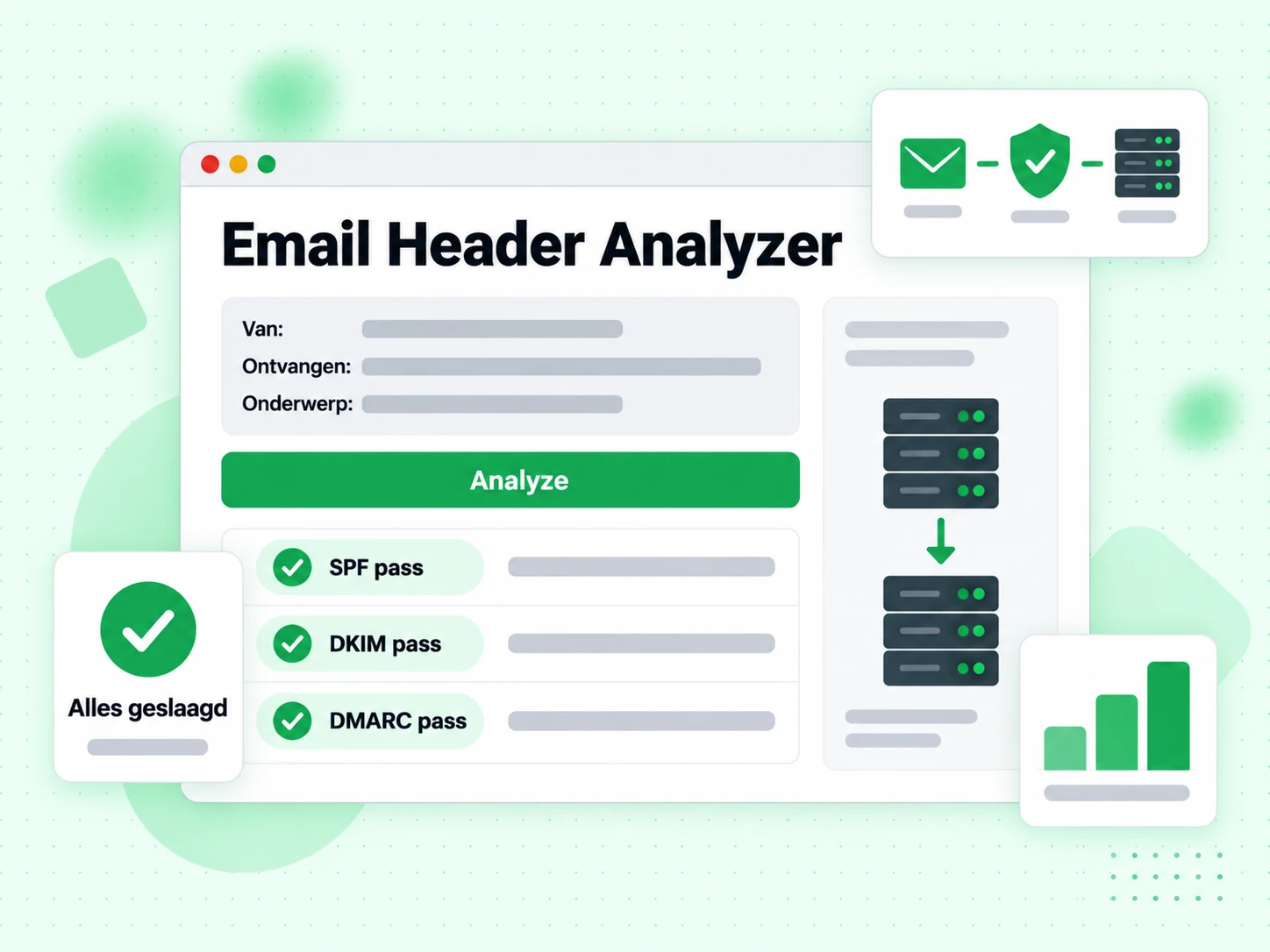
Plak raw e-mailheaders en zie direct SPF-, DKIM- en DMARC-resultaten, het volledige delivery path, spam scores en belangrijke metadata — allemaal geparsed en uitgelegd.

Plak je e-mailheaders

What Are Email Headers and What Do They Contain?

Every email message contains two parts: the visible body (the text, images, and HTML you read) and the technical headers that live above the body. Headers record the full routing history of the message, authentication results, spam scores, and metadata like the sender, recipient, subject, and timestamps. Most email clients hide headers from normal view, but they are always present and can be revealed through your mail client's "show original" or "view headers" option.

Analyzing email headers is one of the most reliable ways to diagnose delivery problems, investigate suspected phishing messages, and verify that your authentication setup (SPF, DKIM, DMARC) is working correctly for a real message.

How to Find Email Headers in Different Mail Clients

  • Gmail:Open the message, click the three-dot menu (⋮) in the top-right corner, and select "Show original". Copy all content from the popup.
  • Outlook (web):Open the message, click the three-dot menu, then View → View message source.
  • Apple Mail:Open the message, then View → Message → All Headers, or press Shift + Command + H.
  • Thunderbird:Open the message, then View → Headers → All.
  • Yahoo Mail:Open the message, click More → View Raw Message.

Copy everything from the first header line (usually Delivered-To: or Return-Path:) down to the blank line before the email body.

Key Headers to Look For

The most important headers for diagnosing delivery issues are:

  • Authentication-Results: Shows SPF, DKIM, and DMARC pass/fail results as evaluated by the receiving server. This is the most important header for diagnosing authentication failures.
  • Received: One entry per hop in the delivery path. Reading from bottom to top gives chronological order. Each entry usually includes the server hostname, IP address, and timestamp.
  • X-Spam-Score / X-Spam-Status: Added by spam filters like SpamAssassin. Shows the numeric score and which rules were triggered.
  • DKIM-Signature: The actual DKIM signature attached by the sending server. Contains the selector, domain, and cryptographic signature.
  • Return-Path: The envelope sender — the address used for bounce notifications, checked by SPF.
  • Message-ID: A unique identifier for the message, useful for tracking it through log files.

What Authentication Results Mean for Deliverability

A message showing spf=pass dkim=pass dmarc=pass in the Authentication-Results header has the best chance of inbox placement. Any failure here should be investigated. An SPF failure often means the sending IP is not listed in your SPF record. A DKIM failure may mean the signature is missing, expired, or the public key in DNS does not match the private key used for signing. A DMARC failure means neither SPF nor DKIM aligned with the From domain.

Header analysis tells you what happened with a specific message. To prevent problems before sending, use email verification on your list and verify your authentication configuration with our SPF, DKIM, and DMARC generator tools. For large lists, bulk verification and the validation API let you integrate checks into your workflow.

Veelgestelde vragen

1. Worden mijn e-mailheaders naar jullie servers gestuurd?

Nee. Deze tool draait volledig in je browser met JavaScript. De headers die je plakt worden lokaal geanalyseerd en nooit naar een server verzonden. Je e-mailinhoud en metadata blijven volledig privé.

2. Hoe open ik e-mailheaders in Gmail?

Open de e-mail in Gmail, klik op het menu met drie stippen rechtsboven in het bericht, kies 'Oorspronkelijke weergeven', en de volgende pagina toont de raw headers bovenaan. Klik op 'Kopiëren naar klembord' of selecteer en kopieer het headerblok handmatig.

3. Wat betekent het als SPF faalt maar DKIM slaagt?

SPF controleert het IP-adres van de verzendende server. Een failure betekent dat het IP niet in het SPF-record van de afzender staat — mogelijk doorgestuurd of via een relay die niet in SPF staat. Een geslaagde DKIM is een goed teken en kan DMARC op zichzelf voldoen als DKIM is uitgelijnd met het From-domein. Controleer of het bericht is doorgestuurd als SPF consequent faalt.

4. Waarom gaat een e-mail door meerdere servers?

De Received-keten toont vaak meerdere hops omdat e-mail door meerdere servers gaat: de uitgaande SMTP-server van de afzender, mogelijk relayservers, daarna de inkomende server van de ontvanger, en soms interne filterservers. Elke stap voegt een Received-header toe. Dat is normaal. Ongebruikelijke externe relays midden in de keten kunnen doorsturen of routeringsproblemen aangeven.

5. Wat is een Message-ID en waarom is die belangrijk?

De Message-ID is een unieke identifier die de verzendende mailserver toewijst bij het aanmaken van de e-mail. Mail systemen gebruiken hem om threads te volgen, duplicaten te detecteren en delivery-logs te correleren. Om een specifiek bericht in serverlogs te traceren, is de Message-ID de sleutel-identifier om op te zoeken.

6. Mijn e-mail toont DMARC fail — hoe los ik dat op?

DMARC fail betekent dat noch SPF noch DKIM een aligned pass gaf. Bekijk de Authentication-Results-header om te zien welke checks faalden. Voor SPF: controleer of het verzendende IP in je SPF-record staat met de SPF Checker. Voor DKIM: bevestig dat het DKIM-record correct is gepubliceerd met de DKIM Checker. Vaak is de fix het toevoegen van de verzendservice aan je SPF-record of DKIM-signing inschakelen bij je mailprovider.

Gerelateerde tool

Verifieer e-mailadressen voordat je verzendt

Authenticatieproblemen zijn maar één deliverabilityfactor. Ongeldige adressen veroorzaken bounces die je afzenderreputatie schaden. Verifieer je lijst met BillionVerify.

100 gratis verificaties per dag · 99,9% SMTP-nauwkeurigheid · Directe API-toegang · Geen creditcard vereist

99.9%
Nauwkeurigheid
Real-time
API-snelheid
$0.00014
Per e-mail
100/day
Altijd gratis