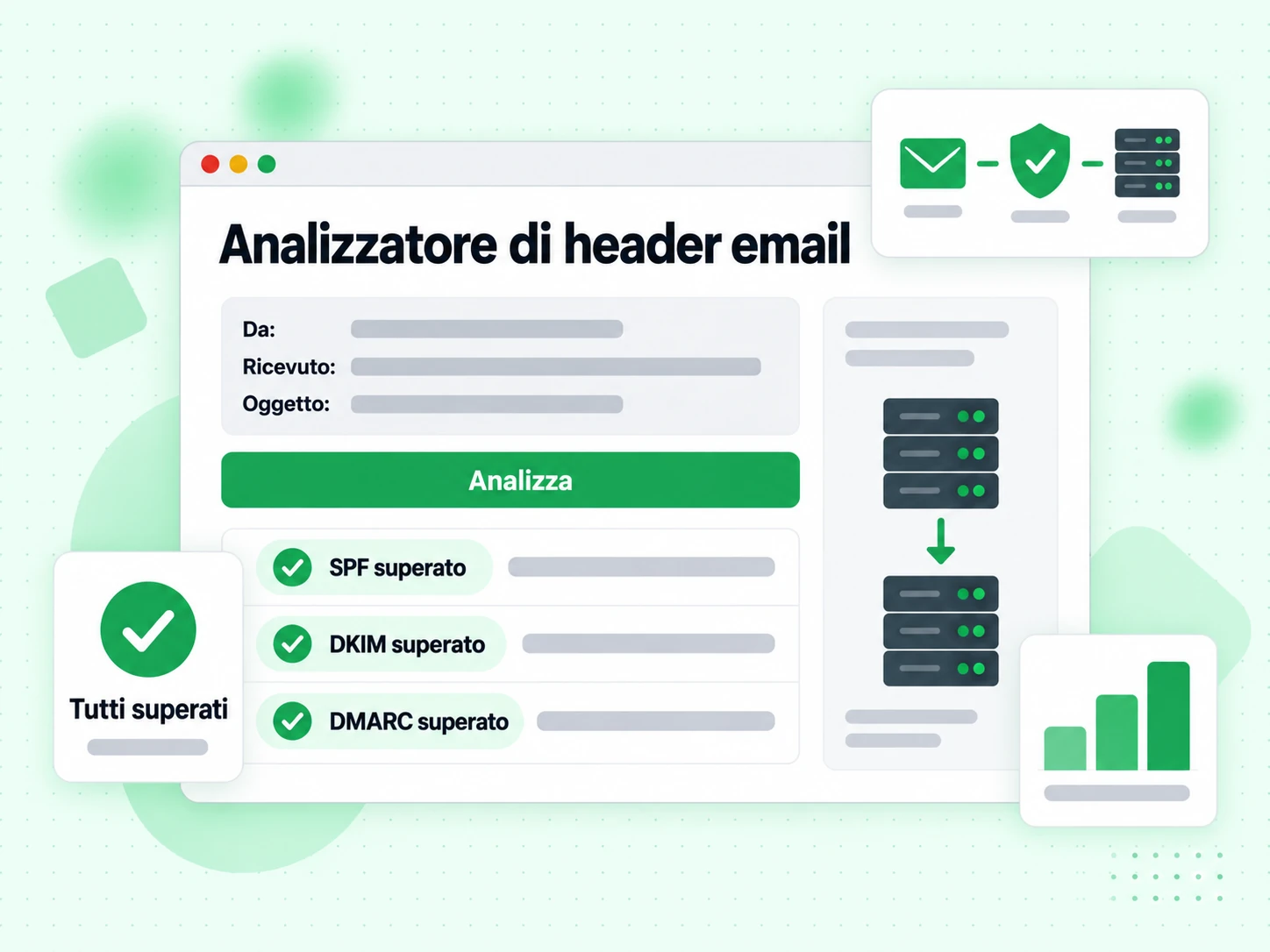
Cosa sono gli header delle email e cosa contengono?
Ogni email è composta da due parti: il corpo visibile (il testo, le immagini e l’HTML che leggi) e gli header tecnici che stanno sopra il corpo. Gli header registrano l’intero percorso di instradamento del messaggio, i risultati di autenticazione, i punteggi di spam e metadati come mittente, destinatario, oggetto e orari. La maggior parte dei client di posta nasconde gli header nella vista normale, ma ci sono sempre e si possono mostrare con l’opzione «mostra originale» o «visualizza header» del tuo client.
Analizzare gli header è uno dei modi più affidabili per diagnosticare problemi di consegna, indagare su messaggi di phishing sospetti e verificare che la tua autenticazione (SPF, DKIM, DMARC) funzioni correttamente su un messaggio reale.

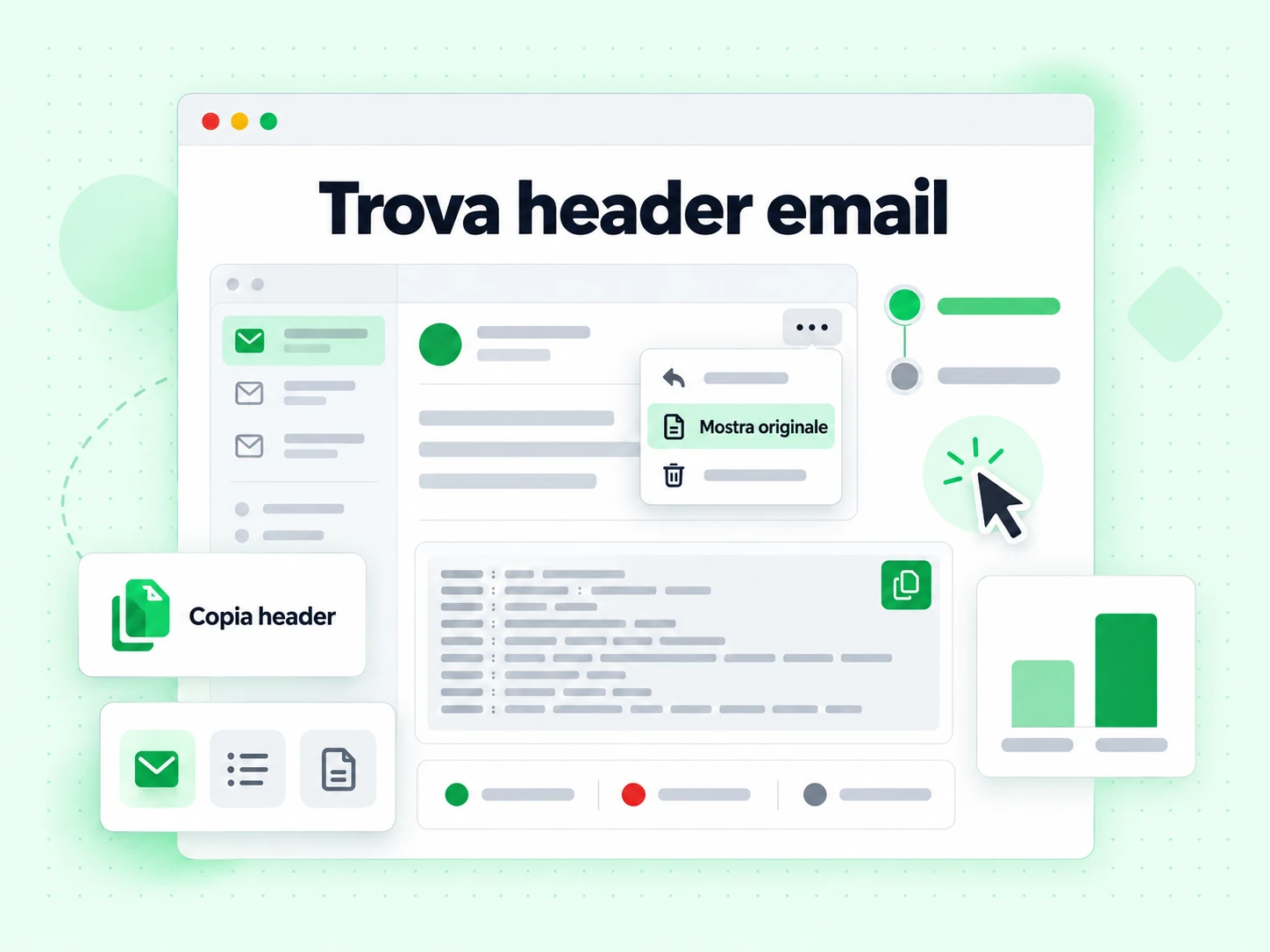
Come trovare gli header nei diversi client di posta
- Gmail: Apri il messaggio, clicca sul menu con i tre puntini (⋮) in alto a destra e seleziona «Mostra originale». Copia tutto il contenuto della finestra.
- Outlook (web): Apri il messaggio, clicca sul menu con i tre puntini, poi Visualizza → Visualizza origine del messaggio.
- Apple Mail: Apri il messaggio, poi Vista → Messaggio → Tutti gli header, oppure premi Maiusc + Comando + H.
- Thunderbird: Apri il messaggio, poi Visualizza → Intestazioni → Tutte.
- Yahoo Mail: Apri il messaggio, clicca su Altro → Visualizza messaggio non elaborato.
Copia tutto dalla prima riga di header (di solito Delivered-To: o Return-Path:) fino alla riga vuota prima del corpo del messaggio.
Gli header chiave da guardare
Gli header più importanti per diagnosticare i problemi di consegna sono:
- Authentication-Results: Mostra i risultati SPF, DKIM e DMARC (superato o fallito) come valutati dal server ricevente. È l’header più importante per diagnosticare i fallimenti di autenticazione.
- Received: Una voce per ogni passaggio lungo il percorso di consegna. Letto dal basso verso l’alto dà l’ordine cronologico. Ogni voce di solito include nome host del server, indirizzo IP e orario.
- X-Spam-Score / X-Spam-Status: Aggiunto da filtri antispam come SpamAssassin. Mostra il punteggio numerico e quali regole sono scattate.
- DKIM-Signature: La vera firma DKIM aggiunta dal server mittente. Contiene selettore, dominio e firma crittografica.
- Return-Path: Il mittente della busta: l’indirizzo usato per le notifiche di bounce e controllato da SPF.
- Message-ID: Un identificatore univoco del messaggio, utile per seguirlo nei file di log.
Cosa significano i risultati di autenticazione per la deliverability
Un messaggio con spf=pass dkim=pass dmarc=pass nell’header Authentication-Results ha le migliori possibilità di finire in inbox. Qualsiasi errore qui va indagato. Un errore SPF spesso significa che l’IP mittente non è nel tuo record SPF. Un errore DKIM può voler dire che la firma manca, è scaduta o che la chiave pubblica nel DNS non corrisponde alla chiave privata usata per firmare. Un errore DMARC significa che né SPF né DKIM erano allineati con il dominio del campo From.
L’analisi degli header ti dice cosa è successo a un messaggio specifico. Per prevenire i problemi prima dell’invio, usa la verifica email sulla tua lista e controlla la configurazione di autenticazione con i nostri generatori SPF, DKIM e DMARC. Per le liste grandi, la verifica in blocco e l’API di validazione ti permettono di integrare i controlli nel tuo flusso di lavoro.