

メールヘッダーアナライザー
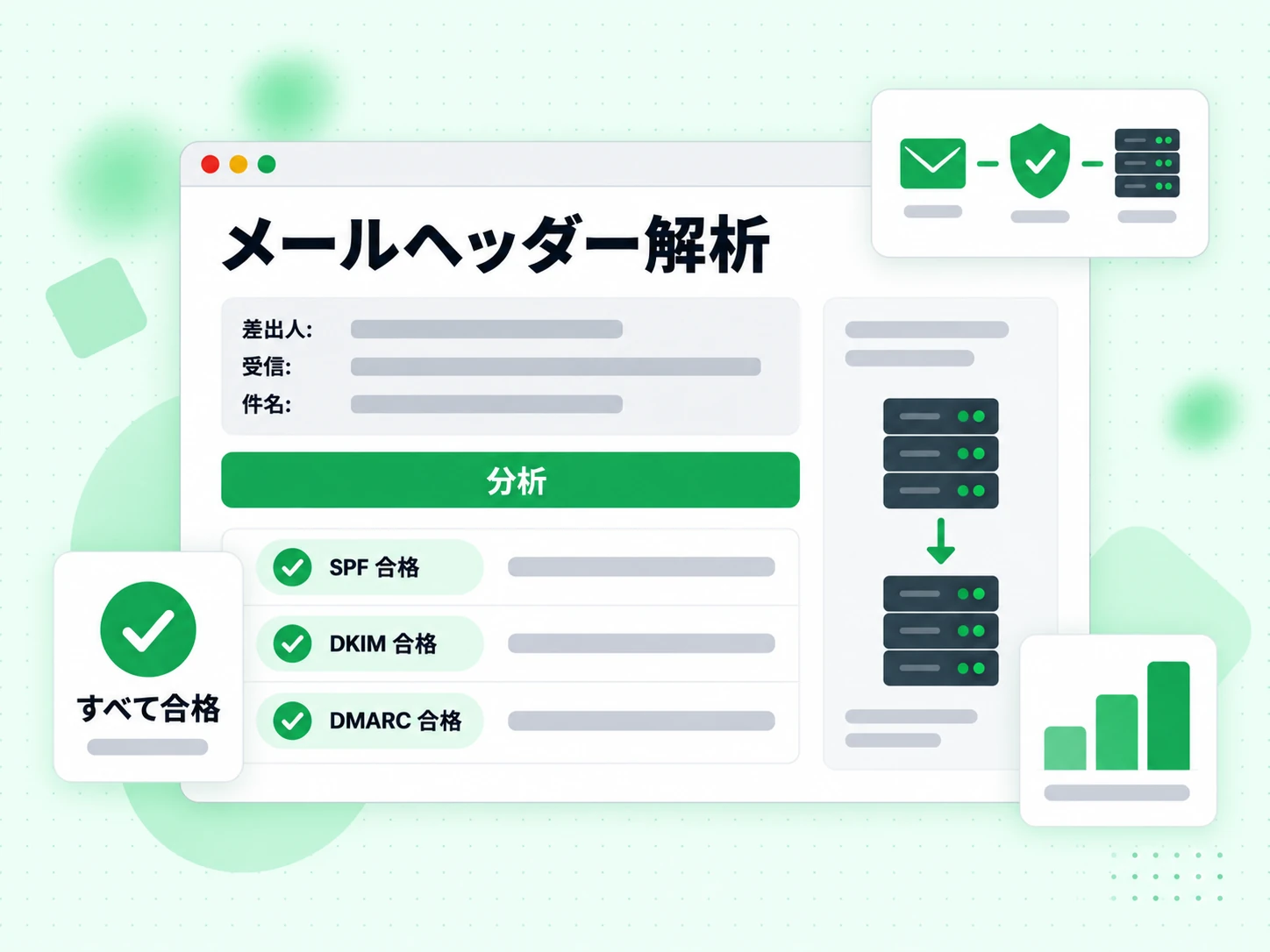
生のメールヘッダーを貼り付けると、SPF、DKIM、DMARC 結果、完全な配送経路、スパムスコア、主要メタデータを即座に解析・説明します。
メールヘッダーを貼り付け
What Are Email Headers and What Do They Contain?
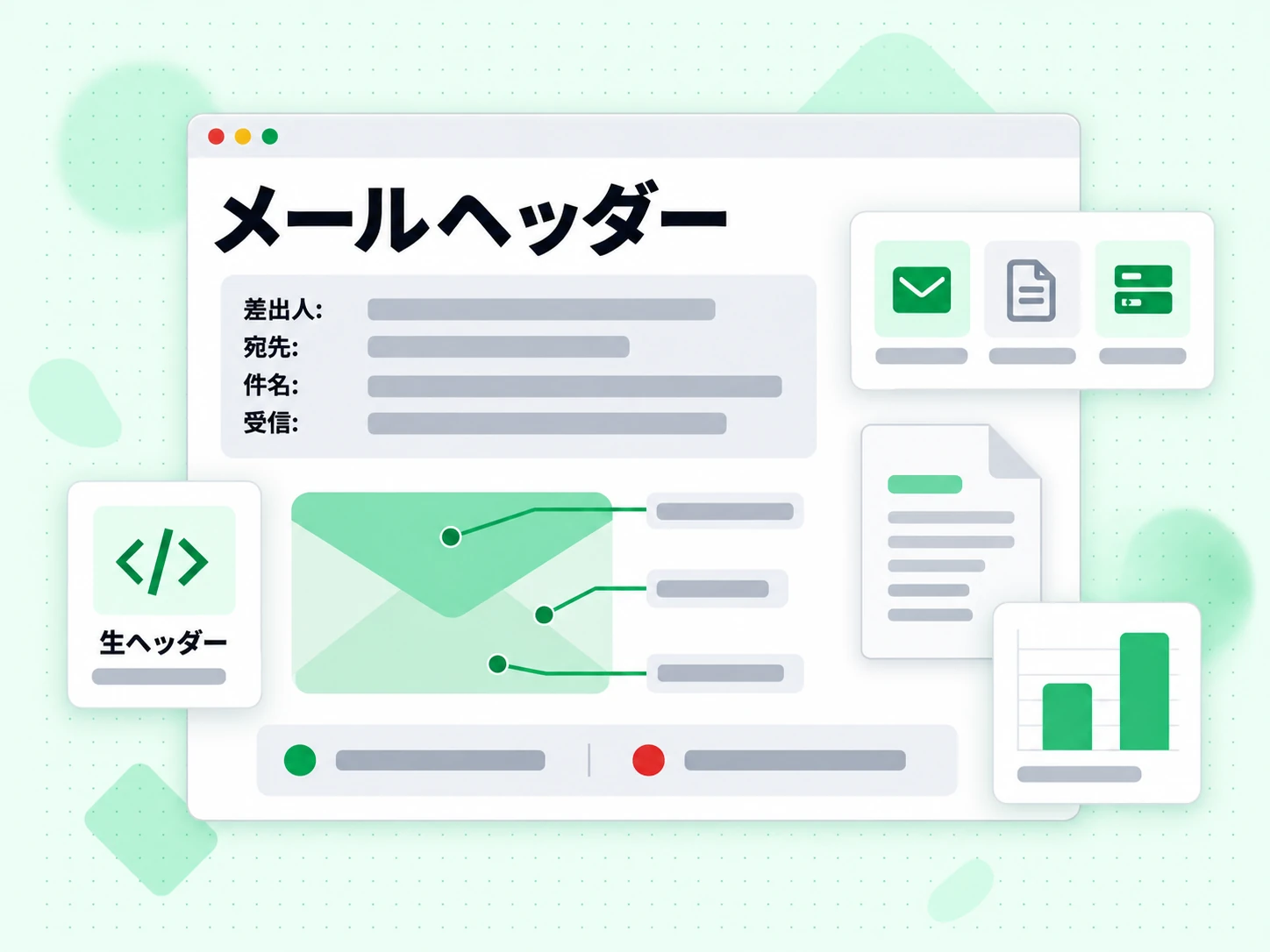
Every email message contains two parts: the visible body (the text, images, and HTML you read) and the technical headers that live above the body. Headers record the full routing history of the message, authentication results, spam scores, and metadata like the sender, recipient, subject, and timestamps. Most email clients hide headers from normal view, but they are always present and can be revealed through your mail client's "show original" or "view headers" option.
Analyzing email headers is one of the most reliable ways to diagnose delivery problems, investigate suspected phishing messages, and verify that your authentication setup (SPF, DKIM, DMARC) is working correctly for a real message.
How to Find Email Headers in Different Mail Clients
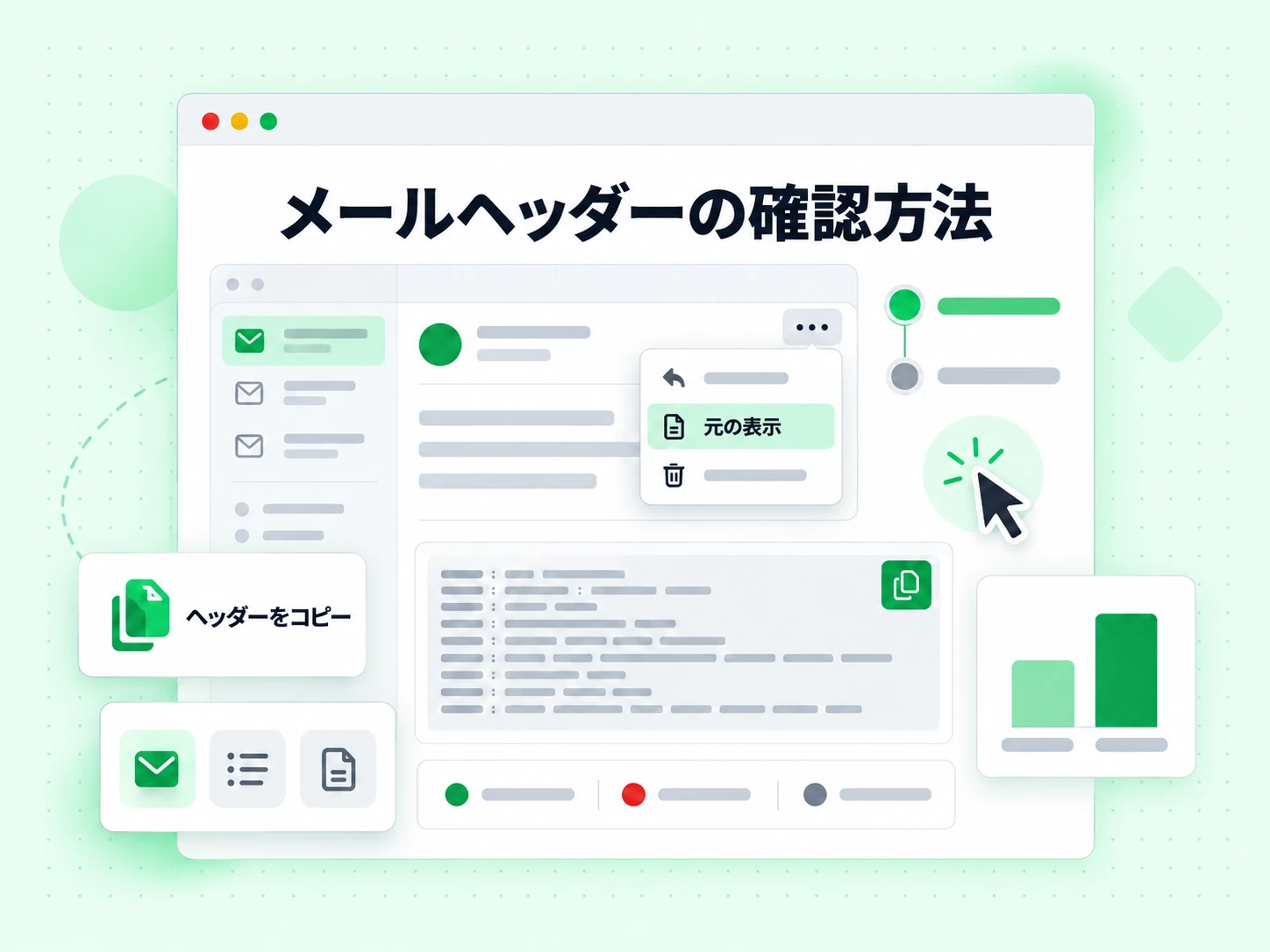
- Gmail:Open the message, click the three-dot menu (⋮) in the top-right corner, and select "Show original". Copy all content from the popup.
- Outlook (web):Open the message, click the three-dot menu, then View → View message source.
- Apple Mail:Open the message, then View → Message → All Headers, or press Shift + Command + H.
- Thunderbird:Open the message, then View → Headers → All.
- Yahoo Mail:Open the message, click More → View Raw Message.
Copy everything from the first header line (usually Delivered-To: or Return-Path:) down to the blank line before the email body.
Key Headers to Look For
The most important headers for diagnosing delivery issues are:
- Authentication-Results: Shows SPF, DKIM, and DMARC pass/fail results as evaluated by the receiving server. This is the most important header for diagnosing authentication failures.
- Received: One entry per hop in the delivery path. Reading from bottom to top gives chronological order. Each entry usually includes the server hostname, IP address, and timestamp.
- X-Spam-Score / X-Spam-Status: Added by spam filters like SpamAssassin. Shows the numeric score and which rules were triggered.
- DKIM-Signature: The actual DKIM signature attached by the sending server. Contains the selector, domain, and cryptographic signature.
- Return-Path: The envelope sender — the address used for bounce notifications, checked by SPF.
- Message-ID: A unique identifier for the message, useful for tracking it through log files.
What Authentication Results Mean for Deliverability
A message showing spf=pass dkim=pass dmarc=pass in the Authentication-Results header has the best chance of inbox placement. Any failure here should be investigated. An SPF failure often means the sending IP is not listed in your SPF record. A DKIM failure may mean the signature is missing, expired, or the public key in DNS does not match the private key used for signing. A DMARC failure means neither SPF nor DKIM aligned with the From domain.
Header analysis tells you what happened with a specific message. To prevent problems before sending, use email verification on your list and verify your authentication configuration with our SPF, DKIM, and DMARC generator tools. For large lists, bulk verification and the validation API let you integrate checks into your workflow.
よくある質問
1. メールヘッダーはサーバーに送信されますか?
いいえ。このツールはブラウザ内の JavaScript だけで動作します。貼り付けたヘッダーはローカルで分析され、サーバーには送信されません。メール内容とメタデータは完全にプライベートです。
2. Gmail でメールヘッダーを表示するには?
Gmail でメールを開き、メッセージ右上の三点メニューをクリックし「オリジナルを表示」を選びます。次のページの上部に生ヘッダーが表示されます。「クリップボードにコピー」またはヘッダーブロックを手動選択してコピーしてください。
3. SPF が失敗して DKIM が合格するとどうなりますか?
SPF は送信サーバーの IP を確認します。失敗は IP が送信者の SPF にないことを意味し — 転送された、または SPF に未掲載のリレー経由の可能性があります。DKIM 合格は良い兆候で、From ドメインに整合していれば DMARC を単独で満たせます。SPF が常に失敗するなら転送されたか確認してください。
4. なぜメールは複数のサーバーを経由するのですか?
Received チェーンに複数ホップがあるのは、メールが送信側 SMTP、場合によりリレー、受信側受信サーバー、内部フィルタリングサーバーなどを経由するためです。各サーバーが Received ヘッダーを追加します。これは正常です。チェーン途中の異常な外部リレーは転送やルーティング問題を示すことがあります。
5. Message-ID とは何で、なぜ重要ですか?
Message-ID はメール作成時に送信メールサーバーが割り当てる一意の識別子です。スレッド追跡、重複検出、配送ログの相関に使われます。特定メッセージをサーバーログで追う場合、検索するキー識別子が Message-ID です。
6. メールが DMARC 失敗を示します — どう修正しますか?
DMARC 失敗は SPF も DKIM も整合した合格を出さなかったことを意味します。Authentication-Results ヘッダーでどのチェックが失敗したか確認します。SPF は SPF Checker で送信 IP がレコードに含まれるか確認。DKIM は DKIM Checker でレコードが正しく公開されているか確認。多くの場合、送信サービスを SPF に追加するか、プロバイダーで DKIM 署名を有効にすれば直ります。
その他の機能を探索
BillionVerify が提供するすべての強力な機能を発見