

Received 邮件头链就是投递路径
每台处理邮件的服务器都会在最前面添加自己的 Received 头,因此邮件头链要从下往上读,最早的一跳位于末尾。邮件头分析器会将其反转为时间顺序,只有这样才能看懂延迟。
每条 Received 头上的时间戳都能显示邮件停留的位置。两跳之间相隔 12 小时,说明邮件曾在队列中等待,并非网络问题;邮件头分析器会立即呈现这段延迟。
粘贴原始邮件头区块,这款免费邮件头分析器会显示 SPF、DKIM、DMARC 判定、完整投递路径与所有关键字段。直接在浏览器中免费在线解析邮件头,不会上传任何邮件头文本。
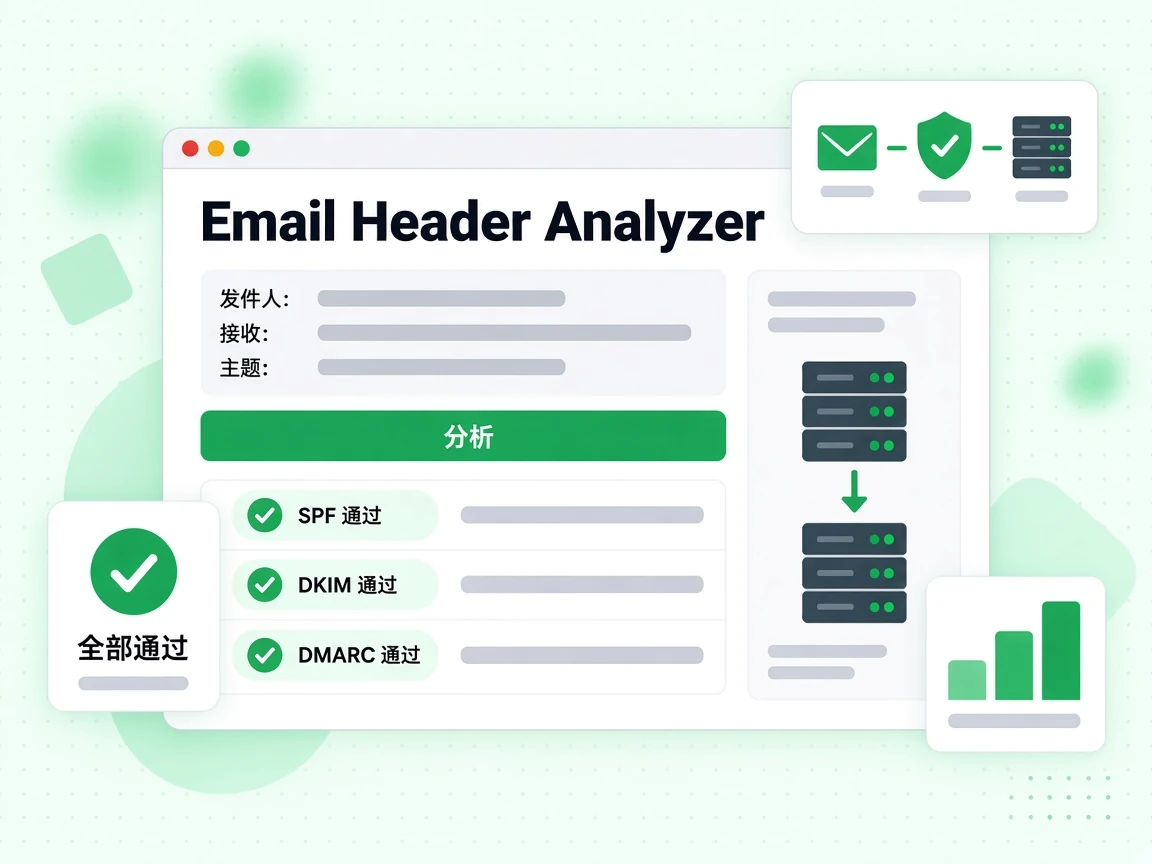
每封邮件都由两部分组成:你看到的正文(文字、图片和 HTML),以及位于正文之上的技术性邮件头。邮件头记录了邮件完整的传递路径、认证结果、垃圾邮件评分,以及发件人、收件人、主题和时间戳等元数据。多数邮件客户端在正常视图中会隐藏邮件头,但它们始终存在,可以通过邮件客户端的“显示原始邮件”或“查看邮件头”选项展开。
分析邮件头是诊断投递问题、调查可疑钓鱼邮件,以及确认认证设置(SPF、DKIM、DMARC)在真实邮件上是否正常工作的最可靠方法之一。
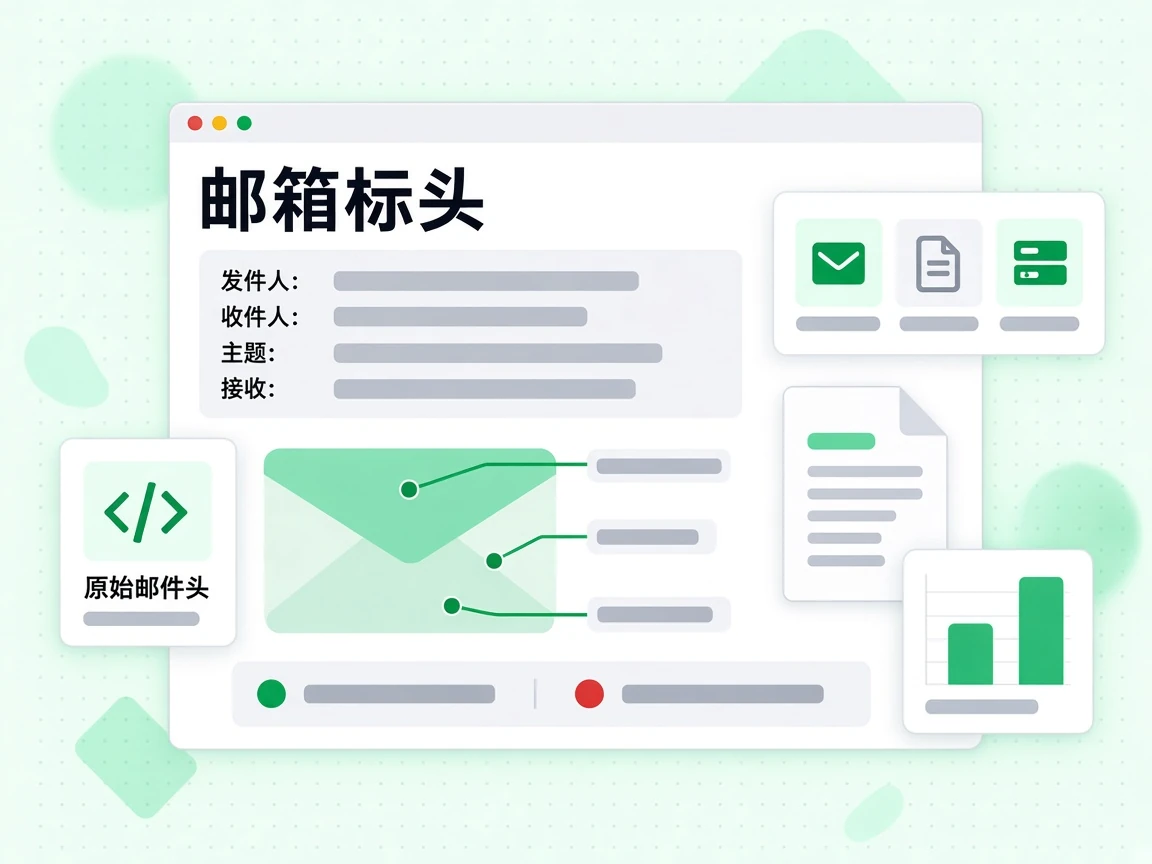
从第一行邮件头(通常是 Delivered-To: 或 Return-Path:)一直复制到正文之前的空行。
诊断投递问题时最重要的邮件头有:
在 Authentication-Results 邮件头中显示 spf=pass dkim=pass dmarc=pass 的邮件,进入收件箱的机会最大。这里出现任何失败都应排查。SPF 失败通常说明发送 IP 不在你的 SPF 记录中。DKIM 失败可能意味着签名缺失、已过期,或 DNS 中的公钥与签名所用的私钥不匹配。DMARC 失败意味着 SPF 和 DKIM 都没有与 From 域名对齐。
邮件头分析能告诉你某封具体邮件发生了什么。要在发送前预防问题,请对名单使用邮箱验证,并用我们的 SPF、DKIM、DMARC 生成器检查认证配置。名单很大时,批量验证和验证 API 可以把检查接入你的工作流程。
邮件头包含什么
每封邮件都带有收件人平时看不到的邮件头区块。免费邮件头分析器会解析这些内容,提取真正能说明邮件经历的字段。
每台处理邮件的服务器都会在最前面添加自己的 Received 头,因此邮件头链要从下往上读,最早的一跳位于末尾。邮件头分析器会将其反转为时间顺序,只有这样才能看懂延迟。
每条 Received 头上的时间戳都能显示邮件停留的位置。两跳之间相隔 12 小时,说明邮件曾在队列中等待,并非网络问题;邮件头分析器会立即呈现这段延迟。
接收服务器会把自己的结论写入该邮件头。免费邮件头分析器读取的是这些已有判定,而不是重新运行检查,因为真正决定邮件投递结果的是接收方的判定。
这是诊断仿冒和送达率问题最有用的单个邮件头。三个判定集中在一个邮件头中,分析器会将它们分开,避免把 DKIM 通过误认为 DMARC 通过。
Return-Path 头是 SPF 授权的信封发件人,From 头则是收件人看到的地址。当两者不一致时,DMARC 对齐会判断这是合法转发还是仿冒。
邮件头分析器将两个字段并排显示,让你一眼发现不一致;直接阅读原始邮件头则可能需要几分钟。
Message-ID 头是邮件的唯一标识,也是服务商支持团队会索要的信息。Date 头只是发件方声明的时间,并非实际投递时间;Received 邮件头链才记录真实过程。
接收方添加过滤评分时,可能会出现 X-Spam-Status 等邮件头。邮件头分析器会呈现接收系统实际写入的对应字段。
解读判定
免费邮件头分析器在 Authentication-Results 头中显示的结果,几乎都可归入以下四种组合。
认证与对齐全部通过。如果邮件仍进入垃圾箱,原因就不是认证,应检查内容、信誉与投诉历史。
这就是邮件头分析器中健康邮件头的样子。建议分析一次自己发出的邮件,熟悉这种结果结构。
这是转发邮件的典型特征。转发会改写投递 IP,导致 SPF 失败;DKIM 签名则会完整保留并维持 DMARC 对齐。
这不是问题。若邮件头分析器将这种组合标为失败,反而会误导你。
邮件通常在传输中被修改过,例如邮件列表追加页脚,或安全设备改写链接。此时签名不再与正文匹配。
SPF 仍保持对齐,因此投递没有问题。如果每次发送都出现这种情况,值得用免费邮件头分析器进一步调查。
SPF 和 DKIM 都没有产生对齐的通过结果。在强制执行策略下,邮件会被隔离或直接拒绝。
查看邮件头分析器提取的 Authentication-Results 头,找出失败的机制,再修复发件方的相应记录。
使用场景
邮件头分析器能回答其他工具无法回答的问题,而且依据的是你已经拥有的邮件头。
从下往上读取 Received 邮件头链,检查时间戳之间的间隔。时间突然跳变的那一跳就是邮件排队的位置,只有邮件头会记录它。
其他信息无法说明这段过程。你一侧的投递日志会在交接时结束,邮件头则记录后续旅程。
对比 Return-Path 头与 From 头,再查看 DMARC 判定。这两项邮件头检查能在不到一分钟内判断大多数可疑邮件。
免费邮件头分析器只分析已经到达的这封邮件。对于发件地址本身,请使用此邮箱是否可信确认其背后是否有正常工作的邮箱。
向其他服务商的账户发送邮件,再从收到的副本中免费在线解析邮件头。接收方自己的邮件头判定比任何预测都更有用。
如果邮件头分析器显示认证全部通过,问题就在内容或信誉,而不是配置。
服务商通常会先索要 Message-ID 头,再着手调查。邮件头分析器会直接提取该字段,无需你在原始文本中滚动查找。
请从邮件头分析器中完整复制,包括尖括号。
局限
邮件头是事件记录,不是预测,也不是身份证明。
发件人写入的任何邮件头都可以伪造。只有你信任的服务器添加的 Received 头才可靠,因此应从接收端开始向上读取邮件头链。
免费邮件头分析器会显示完整链路,但仍需由你判断邮件头中的信任边界从哪里开始。
邮件头分析器读取的是一封已经到达的邮件。邮件头无法判断你的 SPF 记录是否低于 10 次查询上限,也无法判断 DMARC 策略是否配置正确。
这些问题应使用发件方检查器,而不是邮件头分析器——邮件头只能证明一封邮件发生了什么,无法说明你的整体配置。
大型邮箱服务商很少在邮件头中解释邮件为何进入垃圾箱。邮件头中没有解释,并不代表什么都没发生。
只有服务商提供的 Postmaster 工具才能查看这一层信息。
解析邮件头只能说明一封已送达邮件的情况。名单中的地址是否存在,是邮件头无法回答的另一个问题。
为此,请使用邮箱验证器;邮件头干净与收件地址失效完全可能同时存在。
参考资料
邮件头语法由 IETF 定义,免费邮件头分析器旁的相关工具则覆盖发件方检查。
IETF 的 RFC 5322 定义了每款邮件头分析器都会解析的字段语法,包括 Received、From 和 Message-ID。
Authentication-Results 由 RFC 8601 单独定义,因此邮件头分析器会将其作为独立部分处理。
邮件头显示的是接收方的判定。SPF 检查器和 DMARC 检查器会说明你自己的记录能否通过认证。
免费在线解析邮件头可以了解已经发生的情况;使用这些工具则能改变下一次的结果。
认证只完成了一半工作。批量邮箱验证可以移除失效地址;无论邮件头多么干净,这些地址都会损害发件信誉。
免费邮件头分析器与经过验证的名单,分别解决同一送达率问题的两个方面。
不会。邮件头分析器完全在你的浏览器中运行。你粘贴的邮件头文本绝不会离开当前页面,因此无需账户即可免费在线解析邮件头,也不必担心邮件头包含的内容。
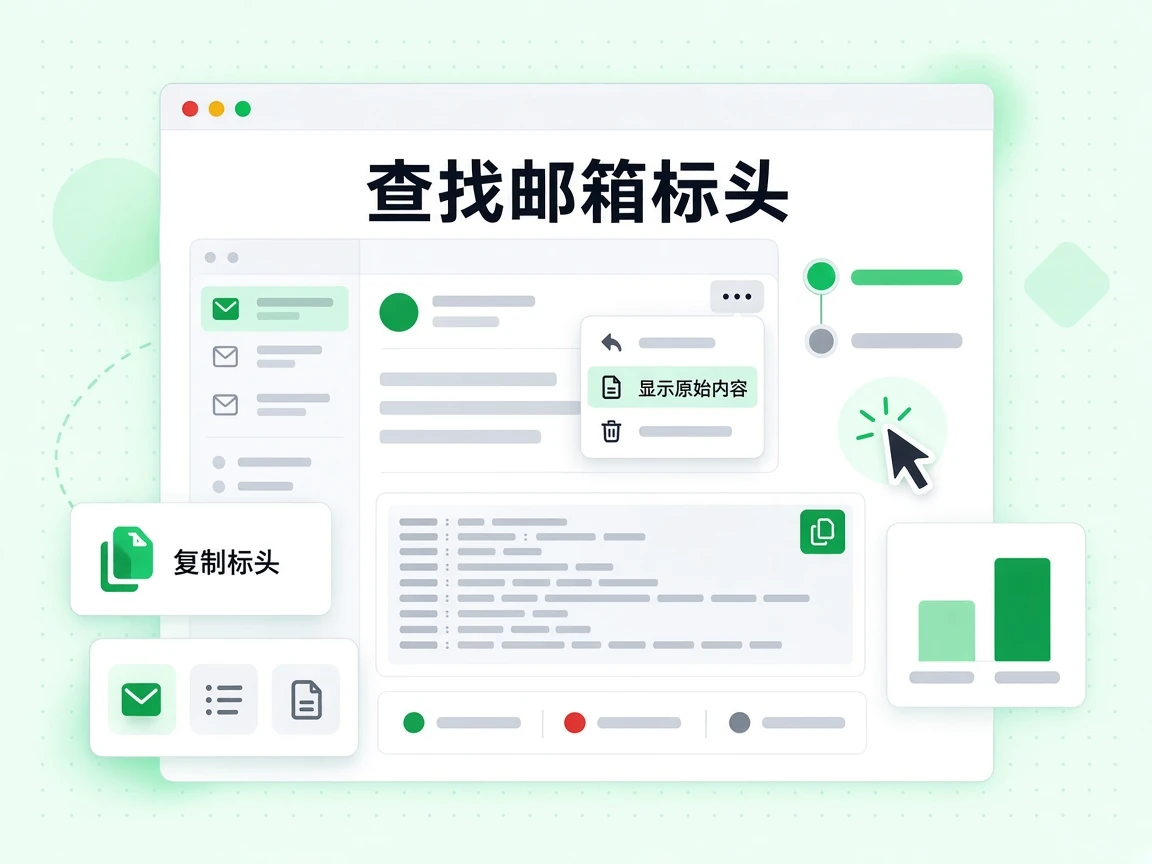
打开邮件,点击三点菜单并选择“显示原始邮件”。复制该页面顶部的邮件头区块,再粘贴到邮件头分析器中。Outlook 将同一视图称为“邮件详细信息”,邮件头分析器支持这两种格式。
通常没有。这是转发邮件的典型特征:转发会改写投递 IP,导致 SPF 失败;DKIM 签名则会保留下来并维持 DMARC 对齐。若免费邮件头分析器将其标为失败,反而会误导你。
每台处理邮件的服务器都会在最前面添加自己的 Received 头。邮件头链要从下往上读,最早的一跳位于末尾。邮件头分析器会将顺序反转为时间顺序,让你看清邮件究竟在哪里等待过。
它是邮件的唯一标识,也是服务商支持团队首先会索要的信息。邮件头分析器会直接提取它,无需你在原始邮件头文本中滚动查找。
DMARC 失败表示 SPF 和 DKIM 都没有产生对齐的通过结果。查看邮件头分析器提取的 Authentication-Results 头,确定失败的机制,再用 SPF 或 DMARC 检查器修复发件方的相应记录。
除付费 AI 功能外,还有 19 款免费工具,全部无需账户。
邮件工具
邮件送达率与收件箱投放测试会向你专属的测试邮箱发送真实邮件,再查看认证、DNS、垃圾过滤器、黑名单、邮件头和内容六个层面的评分。报告会列出具体垃圾过滤规则,并检查 SPF、DKIM、DMARC 对齐、MX、PTR 记录及链接与文图比例,帮你定位影响收件箱投放的环节。结果页会实时更新并在 7 天内保留,也可下载 PDF。
发件人或邮件诊断——不是地址发现。
邮件工具
邮件退信率计算器根据发送数、退信数、硬退信和软退信算出总退信率并拆分两类指标,对照 2%、5% 与 10% 的公开阈值判断当前水平。它还会说明 ESP 分母差异,并提示硬退信对发件信誉的影响,同时说明软退信大多只是背景噪声;可输入原始数量,避免平台按不同口径报告,并比较自身历史变化。免费使用,无需注册。
邮件工具
邮箱反查可免费查找邮箱所有者:从地址出发,报告域名与组织、邮件路由、本地部分模式和所有者主动公开的资料,四层信号按可靠性排列;无需注册,推断会明确标注,消费级邮箱往往只能给出服务商与模式,不会编造雇主或身份。它也可用于线索调研或补全 CRM 中缺少公司字段的记录,但不是背景调查,也不能证明当前所有权。
邮箱验证工具
邮箱验证器可检查地址语法、解析 MX 记录、发起实时 SMTP 邮箱探测,并标注一次性、角色与 Catch-All 风险。每个 IP 在滚动 24 小时内可进行 20 次 SMTP 检查,无需注册;结果会区分可投递、有风险与未知,Catch-All 域名不会被强行判为有效。需要批量处理时可上传 CSV 或改用 API。
收件人证据——不是发件人或 DNS 配置。
免费工具
DNS 检查器实时查询任意域名的 A、AAAA、MX、TXT、NS、CNAME 和 SOA 记录,直接从权威域名服务器解析并报告 TTL,不用缓存,也无需注册。结果会显示控制面板可能看不到的原始 TXT 值,并区分本地解析器缓存与权威应答的差异,适合排查邮件路由与 SPF、DMARC 配置,可在迁移前核对记录。
域名或基础设施证据——不是邮箱存在证明。
邮箱验证工具
邮箱列表清洗会逐行执行语法、域名、MX 与实时 SMTP 验证,先去重,再抑制硬退信地址,并为每一行保留具体原因。你可以上传 CSV 或 Excel,也可粘贴少量地址试用;导出文件保留原始字段与清洗结果,只对唯一地址计费,便于在活动发送前处理导入文件中的重复与失效行。免费演示最多 20 个邮箱,上传后立即开始清洗。