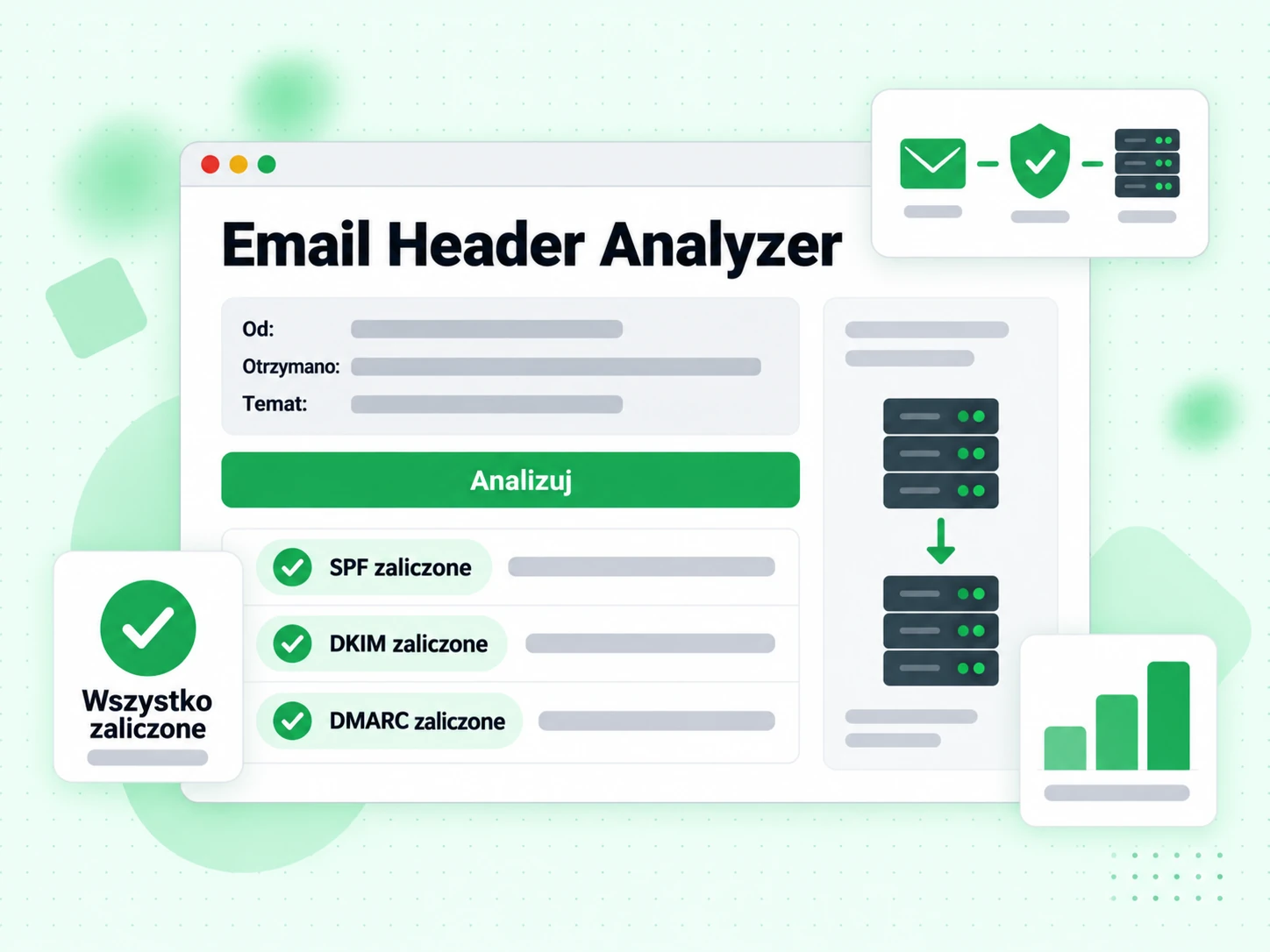
Czym są nagłówki e-maila i co zawierają?
Każda wiadomość e-mail składa się z dwóch części: widocznej treści (tekstu, obrazów i HTML, które czytasz) oraz technicznych nagłówków umieszczonych nad treścią. Nagłówki zapisują całą historię trasy wiadomości, wyniki uwierzytelniania, oceny spamu oraz metadane, takie jak nadawca, odbiorca, temat i znaczniki czasu. Większość klientów poczty ukrywa nagłówki w zwykłym widoku, ale są one zawsze obecne i można je wyświetlić opcją „pokaż oryginał” lub „wyświetl nagłówki” w Twoim kliencie poczty.
Analiza nagłówków e-maila to jeden z najbardziej niezawodnych sposobów diagnozowania problemów z dostarczaniem, badania podejrzanych wiadomości phishingowych i sprawdzania, czy Twoje uwierzytelnianie (SPF, DKIM, DMARC) działa poprawnie na prawdziwej wiadomości.
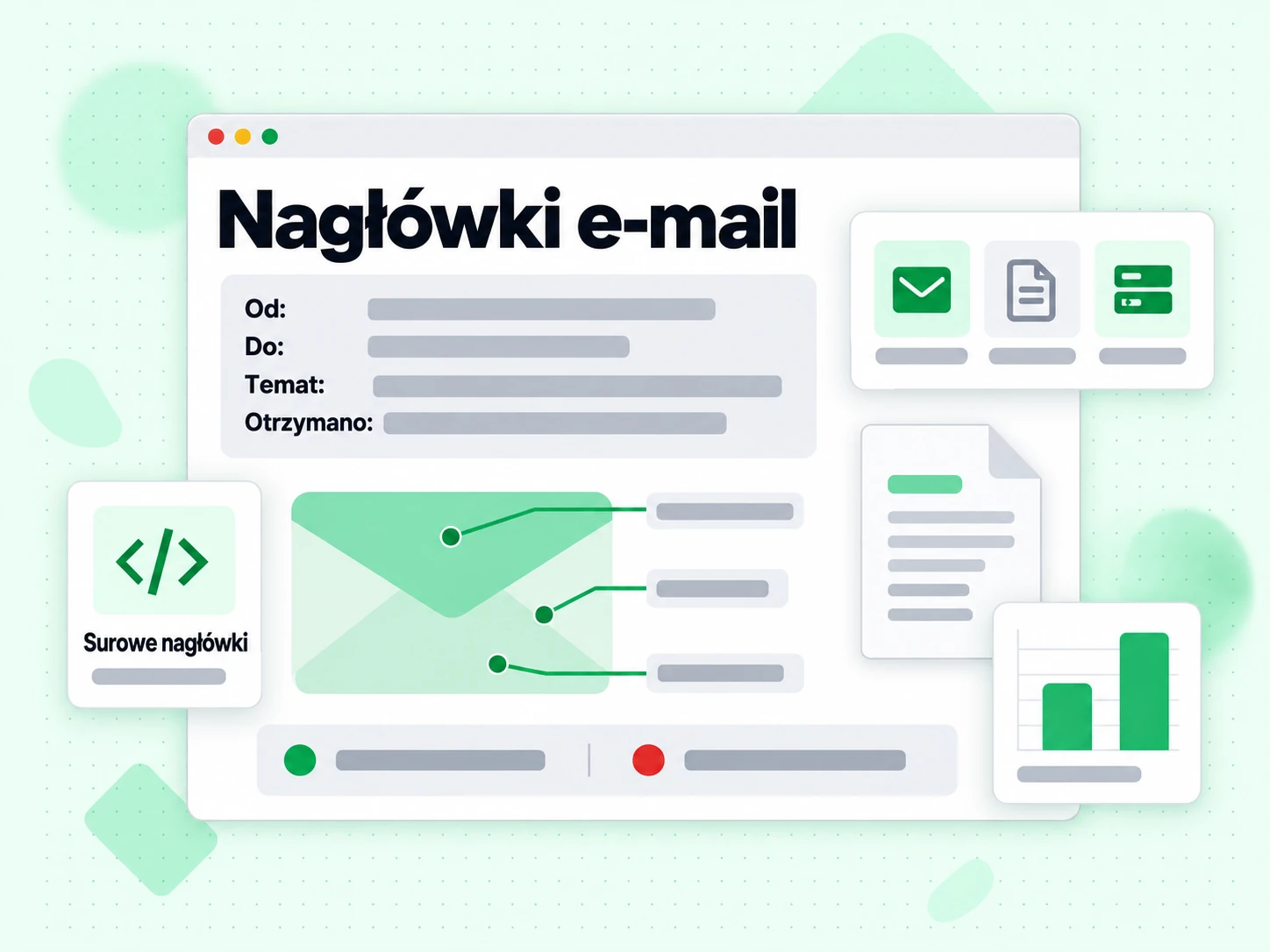
Jak znaleźć nagłówki e-maila w różnych klientach poczty
- Gmail: Otwórz wiadomość, kliknij menu z trzema kropkami (⋮) w prawym górnym rogu i wybierz „Pokaż oryginał”. Skopiuj całą zawartość z wyświetlonego okna.
- Outlook (przeglądarka): Otwórz wiadomość, kliknij menu z trzema kropkami, a następnie Widok → Wyświetl źródło wiadomości.
- Apple Mail: Otwórz wiadomość, a następnie wybierz Widok → Wiadomość → Wszystkie nagłówki albo naciśnij Shift + Command + H.
- Thunderbird: Otwórz wiadomość, a następnie wybierz Widok → Nagłówki → Wszystkie.
- Yahoo Mail: Otwórz wiadomość i kliknij Więcej → Wyświetl surową wiadomość.
Skopiuj wszystko od pierwszego wiersza nagłówka (zwykle Delivered-To: lub Return-Path:) do pustego wiersza przed treścią wiadomości.
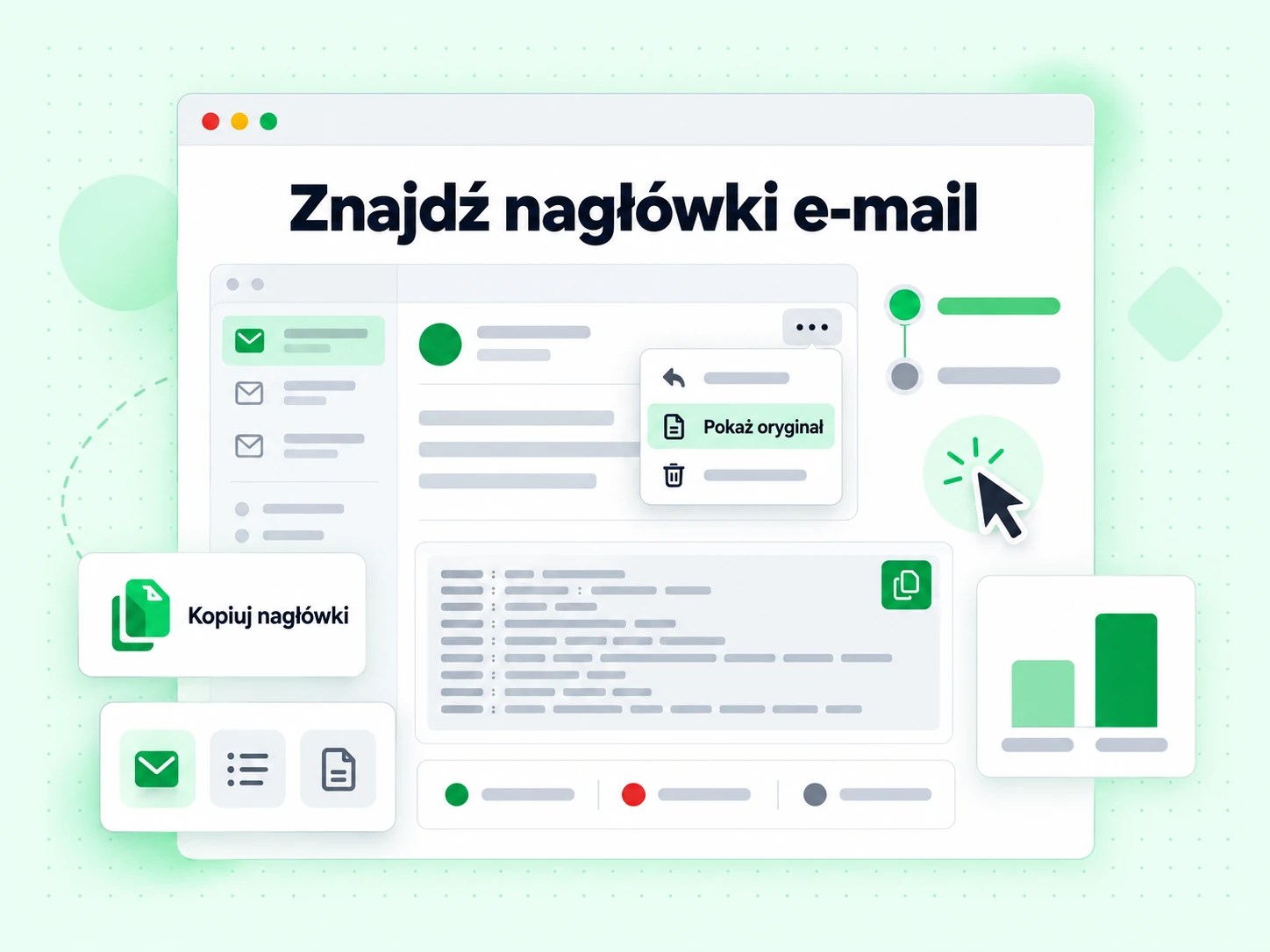
Kluczowe nagłówki, na które warto patrzeć
Najważniejsze nagłówki do diagnozowania problemów z dostarczaniem to:
- Authentication-Results: Pokazuje wyniki SPF, DKIM i DMARC (zaliczone lub niezaliczone) oceniane przez serwer odbiorcy. To najważniejszy nagłówek do diagnozowania błędów uwierzytelniania.
- Received: Jeden wpis na każdy przystanek na trasie dostarczenia. Czytany od dołu do góry daje kolejność chronologiczną. Każdy wpis zwykle zawiera nazwę hosta serwera, adres IP i znacznik czasu.
- X-Spam-Score / X-Spam-Status: Dodawany przez filtry antyspamowe, takie jak SpamAssassin. Pokazuje wynik liczbowy i to, które reguły zadziałały.
- DKIM-Signature: Rzeczywisty podpis DKIM dołączony przez serwer wysyłający. Zawiera selektor, domenę i podpis kryptograficzny.
- Return-Path: Nadawca koperty — adres używany do powiadomień o odrzuceniach, sprawdzany przez SPF.
- Message-ID: Unikalny identyfikator wiadomości, przydatny do śledzenia jej w plikach dziennika.
Co wyniki uwierzytelniania oznaczają dla dostarczalności
Wiadomość z spf=pass dkim=pass dmarc=pass w nagłówku Authentication-Results ma największe szanse na trafienie do skrzynki odbiorczej. Każdy błąd tutaj należy zbadać. Błąd SPF często oznacza, że adres IP wysyłki nie figuruje w Twoim rekordzie SPF. Błąd DKIM może oznaczać brak podpisu, jego wygaśnięcie albo to, że klucz publiczny w DNS nie pasuje do klucza prywatnego użytego do podpisania. Błąd DMARC oznacza, że ani SPF, ani DKIM nie były zgodne z domeną z pola From.
Analiza nagłówków mówi, co stało się z konkretną wiadomością. Aby zapobiegać problemom przed wysyłką, użyj weryfikacji e-maili na swojej liście i sprawdź konfigurację uwierzytelniania naszymi generatorami SPF, DKIM i DMARC. W przypadku dużych list masowa weryfikacja i API walidacji pozwalają włączyć kontrole do Twojego procesu.