

Analizador de cabeceras de email
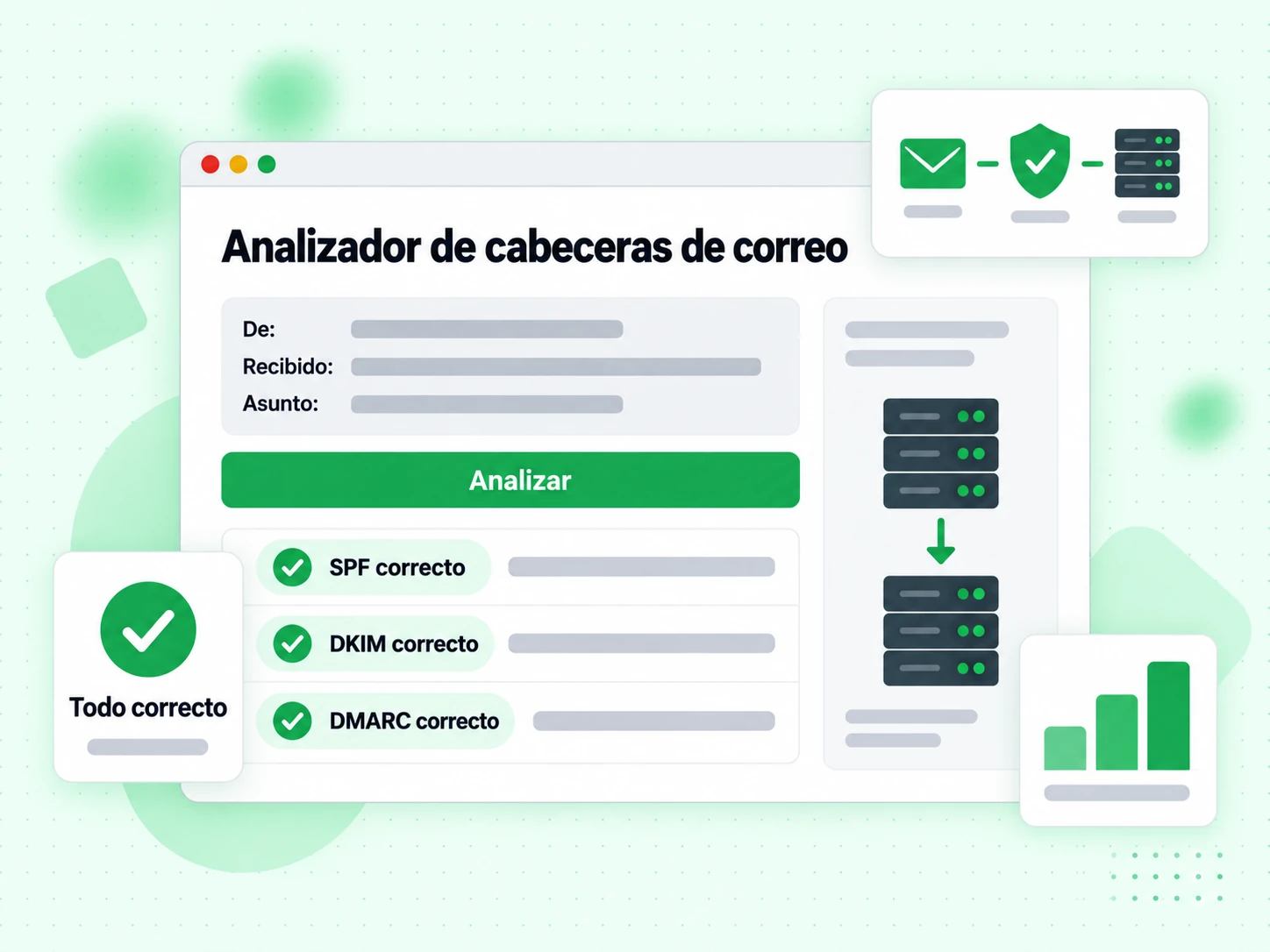
Pega cabeceras de email en bruto y ve al instante resultados SPF, DKIM, DMARC, la ruta de entrega completa, puntuaciones de spam y metadatos clave — todo parseado y explicado.
Pega tus cabeceras de email
What Are Email Headers and What Do They Contain?
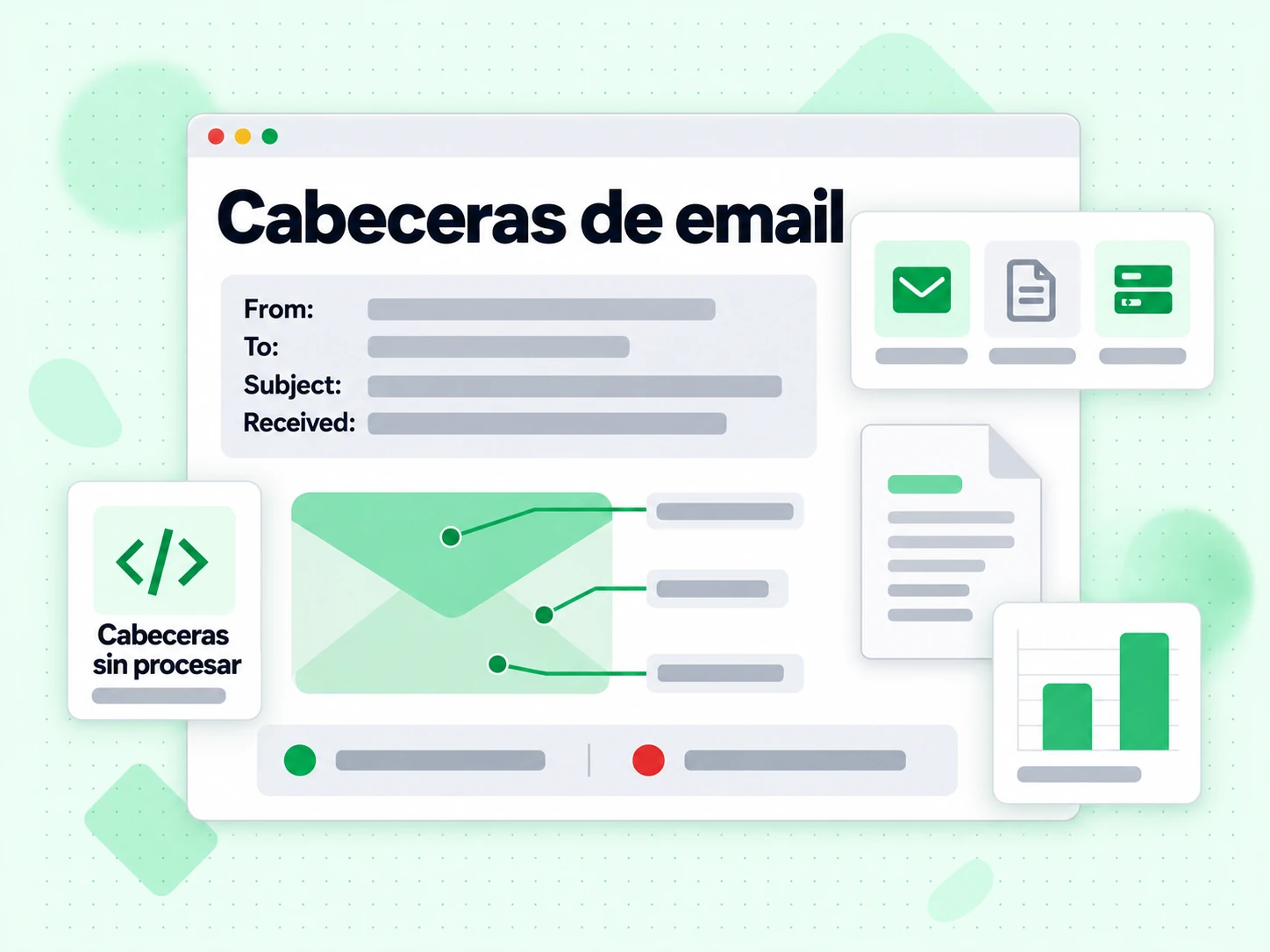
Every email message contains two parts: the visible body (the text, images, and HTML you read) and the technical headers that live above the body. Headers record the full routing history of the message, authentication results, spam scores, and metadata like the sender, recipient, subject, and timestamps. Most email clients hide headers from normal view, but they are always present and can be revealed through your mail client's "show original" or "view headers" option.
Analyzing email headers is one of the most reliable ways to diagnose delivery problems, investigate suspected phishing messages, and verify that your authentication setup (SPF, DKIM, DMARC) is working correctly for a real message.
How to Find Email Headers in Different Mail Clients
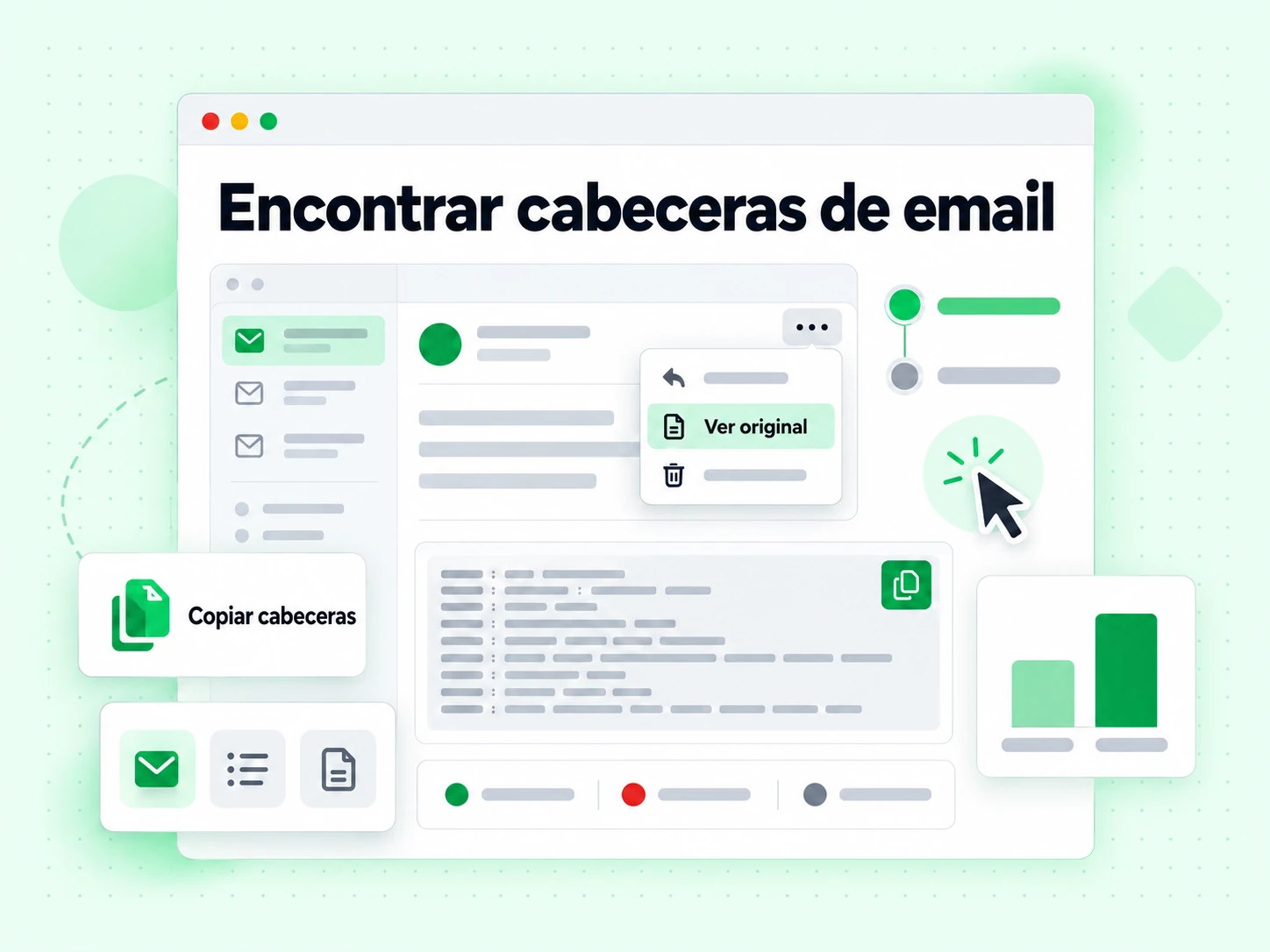
- Gmail:Open the message, click the three-dot menu (⋮) in the top-right corner, and select "Show original". Copy all content from the popup.
- Outlook (web):Open the message, click the three-dot menu, then View → View message source.
- Apple Mail:Open the message, then View → Message → All Headers, or press Shift + Command + H.
- Thunderbird:Open the message, then View → Headers → All.
- Yahoo Mail:Open the message, click More → View Raw Message.
Copy everything from the first header line (usually Delivered-To: or Return-Path:) down to the blank line before the email body.
Key Headers to Look For
The most important headers for diagnosing delivery issues are:
- Authentication-Results: Shows SPF, DKIM, and DMARC pass/fail results as evaluated by the receiving server. This is the most important header for diagnosing authentication failures.
- Received: One entry per hop in the delivery path. Reading from bottom to top gives chronological order. Each entry usually includes the server hostname, IP address, and timestamp.
- X-Spam-Score / X-Spam-Status: Added by spam filters like SpamAssassin. Shows the numeric score and which rules were triggered.
- DKIM-Signature: The actual DKIM signature attached by the sending server. Contains the selector, domain, and cryptographic signature.
- Return-Path: The envelope sender — the address used for bounce notifications, checked by SPF.
- Message-ID: A unique identifier for the message, useful for tracking it through log files.
What Authentication Results Mean for Deliverability
A message showing spf=pass dkim=pass dmarc=pass in the Authentication-Results header has the best chance of inbox placement. Any failure here should be investigated. An SPF failure often means the sending IP is not listed in your SPF record. A DKIM failure may mean the signature is missing, expired, or the public key in DNS does not match the private key used for signing. A DMARC failure means neither SPF nor DKIM aligned with the From domain.
Header analysis tells you what happened with a specific message. To prevent problems before sending, use email verification on your list and verify your authentication configuration with our SPF, DKIM, and DMARC generator tools. For large lists, bulk verification and the validation API let you integrate checks into your workflow.
Preguntas frecuentes
1. ¿Se envían mis cabeceras de email a vuestros servidores?
No. Esta herramienta se ejecuta por completo en tu navegador con JavaScript. Las cabeceras que pegas se analizan localmente y nunca se transmiten a ningún servidor. El contenido y los metadatos de tu email permanecen totalmente privados.
2. ¿Cómo accedo a las cabeceras de email en Gmail?
Abre el email en Gmail, haz clic en el menú de tres puntos arriba a la derecha del mensaje, selecciona 'Mostrar original' y la página siguiente muestra las cabeceras en bruto arriba. Haz clic en 'Copiar al portapapeles' o selecciona y copia el bloque de cabeceras manualmente.
3. ¿Qué significa si SPF falla pero DKIM pasa?
SPF comprueba la IP del servidor de envío. Un fallo significa que la IP no está en el SPF del remitente — posiblemente porque el mensaje se reenvió o se envió por un relay no listado en SPF. Que DKIM pase es buena señal y puede satisfacer DMARC por sí solo si DKIM está alineado con el dominio From. Comprueba si el mensaje se reenvió si SPF falla de forma consistente.
4. ¿Por qué un email pasa por varios servidores?
La cadena Received suele mostrar varios saltos porque el email pasa por múltiples servidores: el SMTP de salida del remitente, posiblemente relays, luego el servidor de entrada del destinatario y a veces servidores internos de filtrado. Cada uno añade una cabecera Received. Es normal. Relays externos inusuales en medio de la cadena pueden indicar reenvío o problemas de enrutado.
5. ¿Qué es un Message-ID y por qué importa?
El Message-ID es un identificador único que asigna el servidor de correo al crear el email. Ayuda a rastrear hilos, detectar duplicados y correlacionar logs de entrega. Si necesitas seguir un mensaje concreto en logs de servidor, el Message-ID es la clave de búsqueda.
6. Mi email muestra fallo DMARC — ¿cómo lo corrijo?
Fallo DMARC significa que ni SPF ni DKIM produjeron un pase alineado. Revisa la cabecera Authentication-Results para ver qué comprobaciones fallaron. Para SPF, verifica que la IP de envío esté en tu registro SPF con el SPF Checker. Para DKIM, confirma que el registro DKIM esté bien publicado con el DKIM Checker. A menudo la solución es añadir el servicio de envío a tu SPF o activar la firma DKIM en tu proveedor de correo.
Explorar más funciones
Descubra todas las potentes funciones que ofrece BillionVerify
Verifica emails antes de enviar
Los problemas de autenticación son solo un factor de entregabilidad. Las direcciones inválidas causan rebotes que dañan tu reputación de remitente. Verifica tu lista con BillionVerify.
100 verificaciones gratis al día · 99,9 % de precisión SMTP · Acceso API instantáneo · Sin tarjeta de crédito