📍 Introducing MapLeads: Turn Google Maps, Bing Maps & Apple Maps into your lead list.Try MapLeads

Email Verify Tools

Disposable Email Detection: Find Temporary Email Addresses

Is this a temporary or throwaway email? Get a focused disposable result — not a wall of unrelated flags. Full verification under the hood; disposable interpretation on the surface.

GitHubView the open-source disposable domain list on GitHub
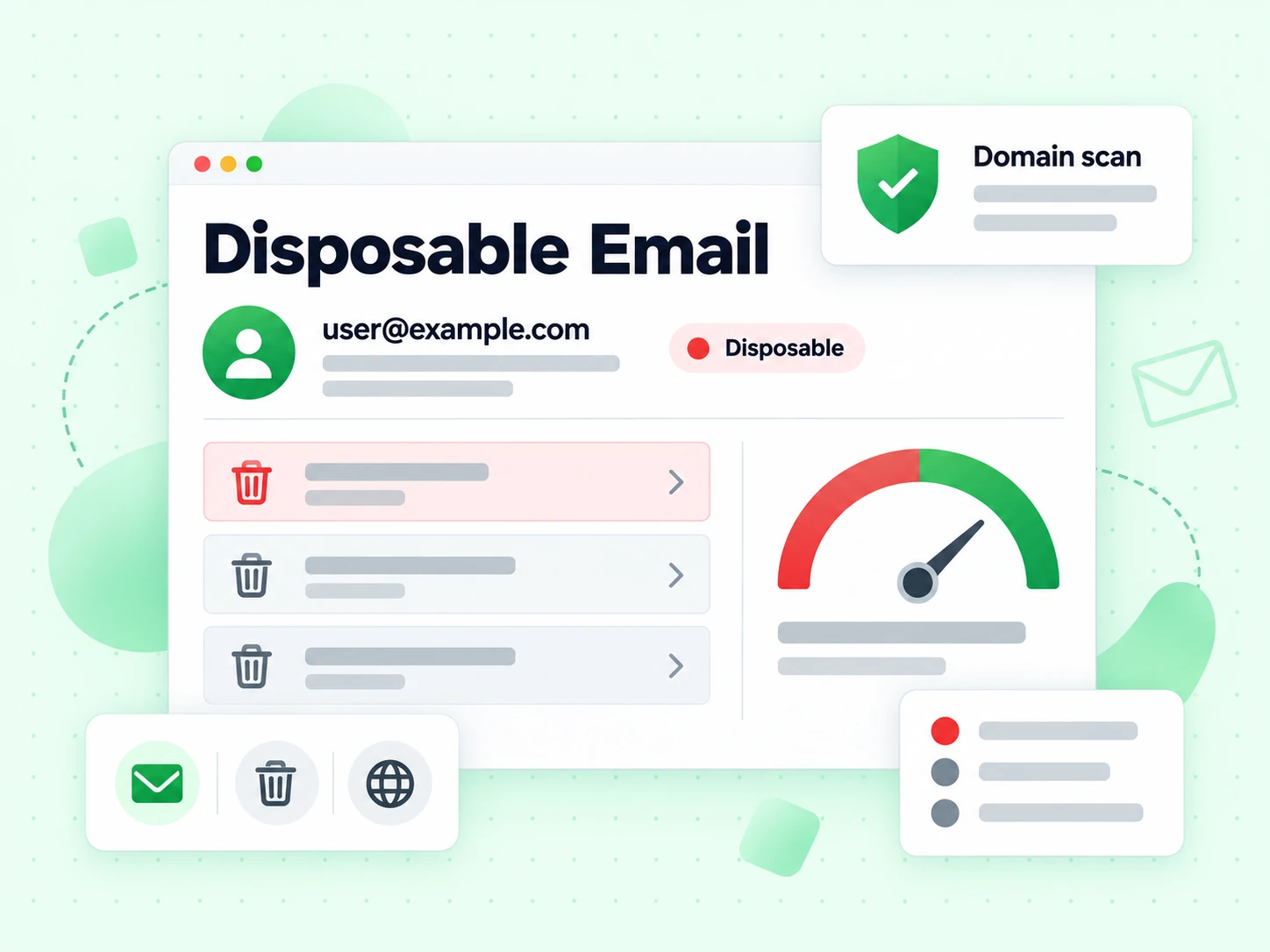
What is disposable email detection?

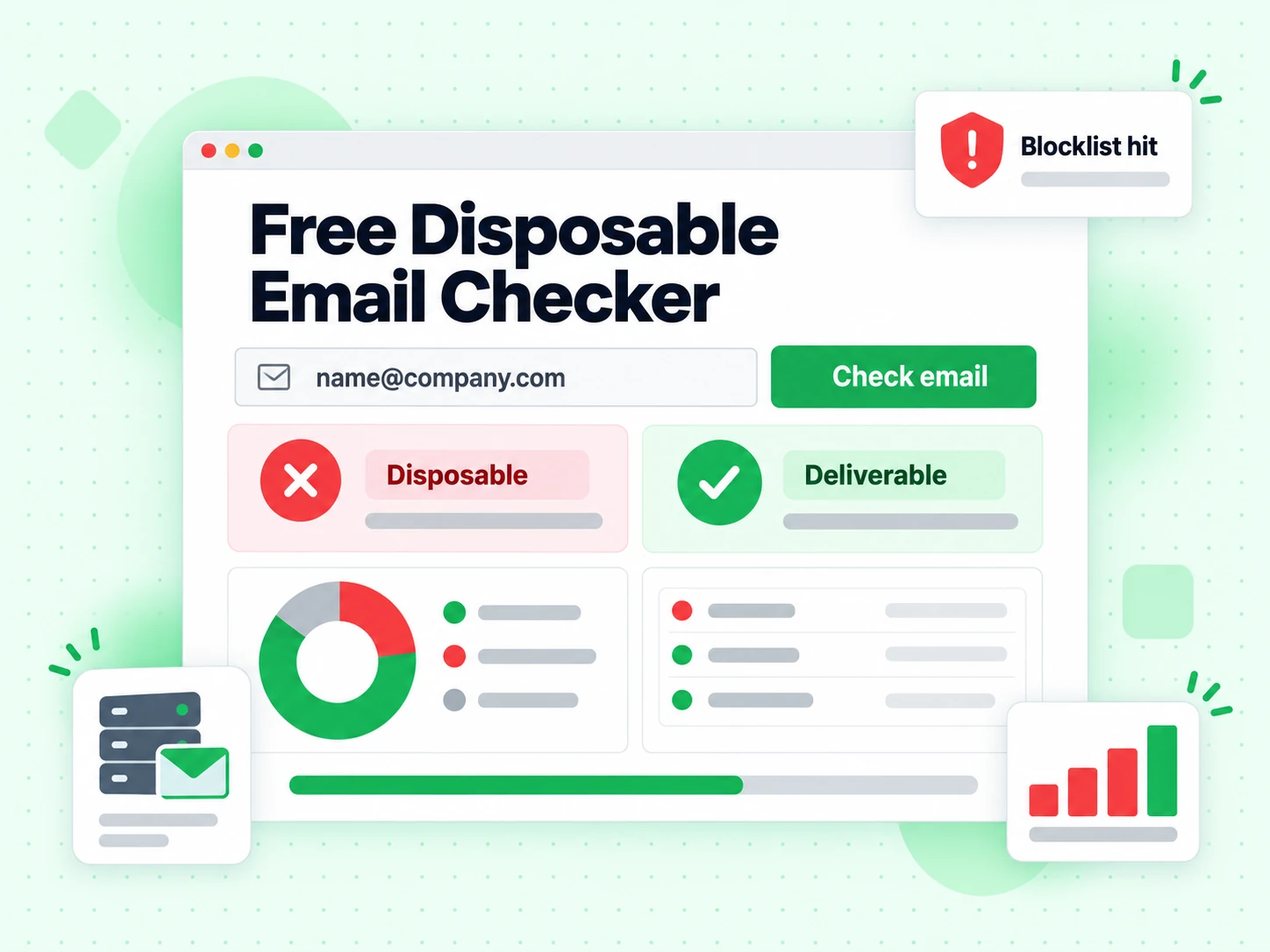
Disposable email detection answers one question: is this address hosted on a temporary or throwaway email service?

Fake signups, trial abuse, and zero-engagement contacts almost always start with disposable domains. A focused detector keeps that decision simple — yes disposable or not — without burying the answer under a full risk dashboard.

BillionVerify runs a full verification underneath so classification is current, then this page only surfaces the disposable reading and what it means for your funnel.

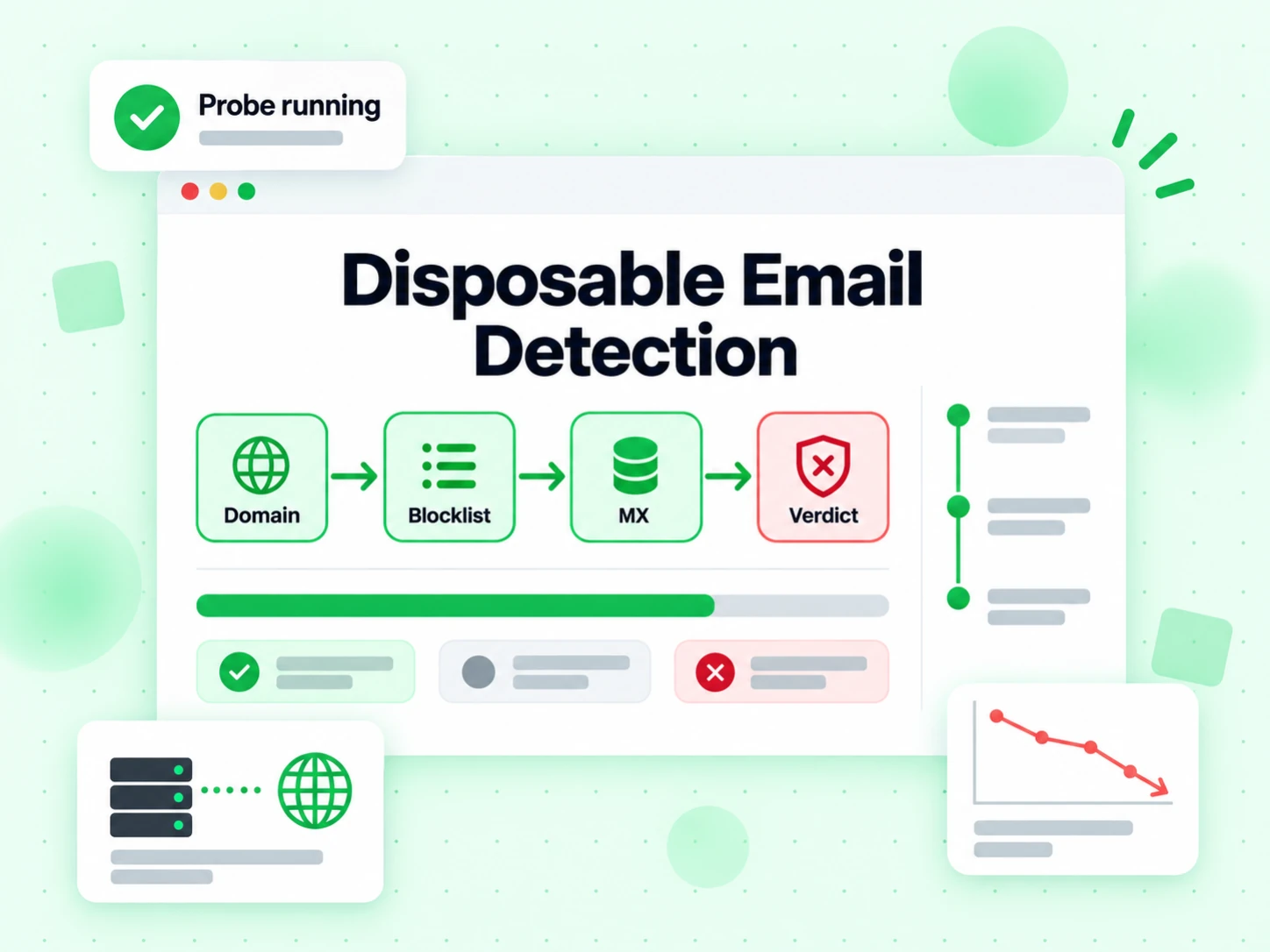
How disposable email detection works

Disposable email detection identifies temporary or throwaway email domains (temp-mail, 10-minute mail, and similar services) that people use to bypass signups, grab free trials, or avoid follow-up. This page focuses that decision: is this domain disposable or not? Under the hood we still run verification context so classification is current, but the UI only emphasizes the disposable reading so product and growth teams can block or flag bad signups cleanly.

  1. 1. Validate the address

    Reject empty or malformed input before any network work.

  2. 2. Match the maintained provider data

    Compare the normalized domain with BillionVerify's published disposable-provider dataset.

  3. 3. Keep SMTP evidence separate

    Check whether the mailbox accepts mail without confusing deliverability with provider classification.

  4. 4. Show only the disposable reading

    The UI highlights this page’s dimension and its plain-language meaning — not the full multi-flag dashboard.

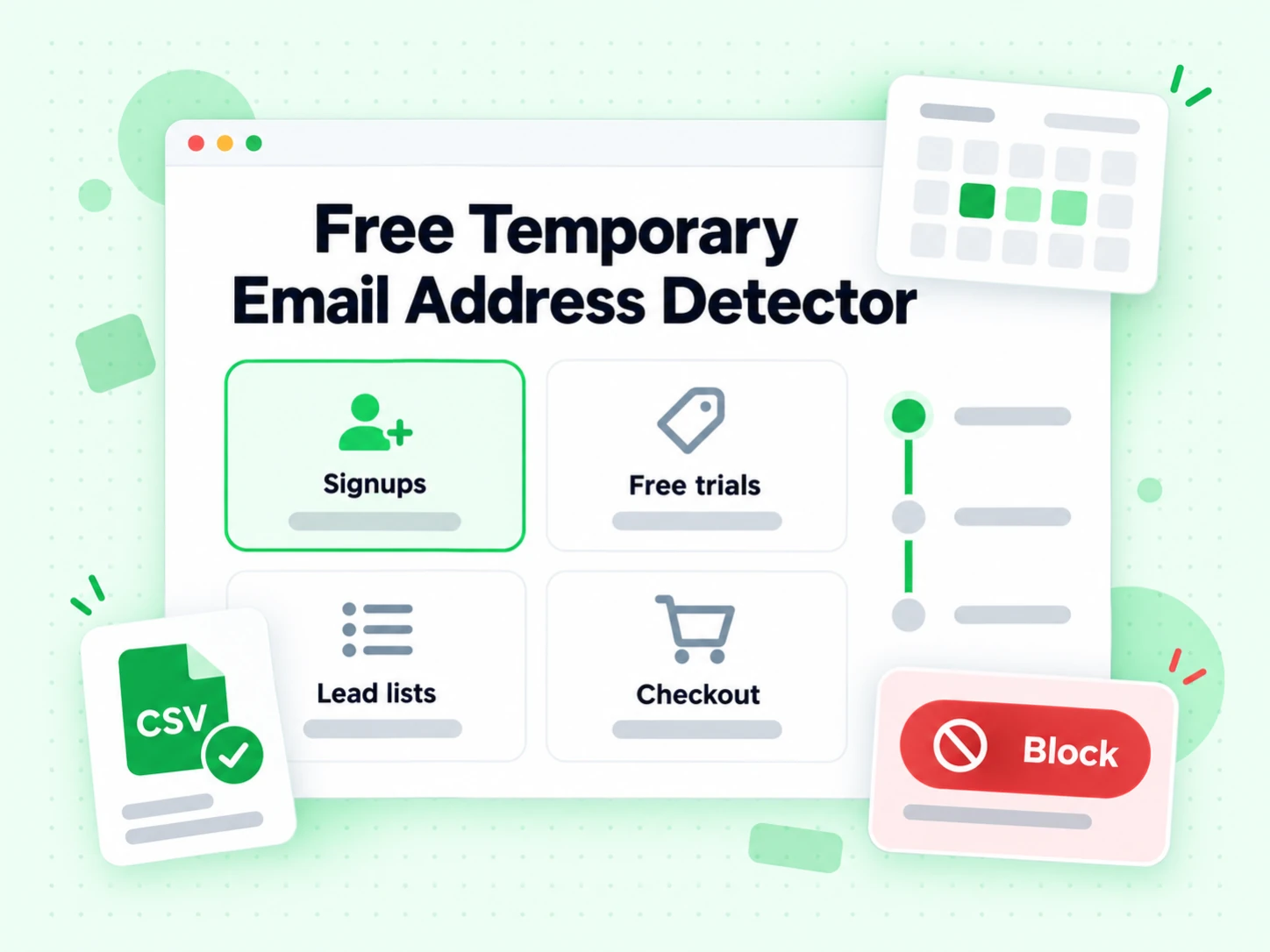
When you need disposable email detection

Disposable addresses inflate signup metrics, burn trial and support capacity, and never become retained customers. They also pollute CRM and email lists, which hurts campaign engagement and can look like low-quality sending to ISPs over time. Detecting disposable email at form submit or list import is one of the highest-ROI list-quality controls for freemium and lead-magnet funnels.

  • Check at account creation

    Ask for a durable replacement while the user is still in the form instead of discovering the issue after recovery depends on it.

  • Protect signup incentives

    Flag temporary providers before issuing credits, downloads, referrals, or other benefits that depend on a durable account address.

  • Separate temporary mail from free webmail

    Do not block Gmail or Outlook simply because they are free. This classifier focuses on short-lived and throwaway providers.

  • Clean aging lists

    Refresh disposable classifications before sending to older CRM records because provider domains appear, disappear, and change ownership.

Disposable Email Detection vs other Email Verify Tools

These are interactive Email Verify Tools — not bulk jobs, not the API, not Free Tools (DNS / SPF / DKIM).

This page isolates the disposable decision. Other tools either show a full multi-layer result or a different specialized flag.

ToolWhat it doesUse it when
Email VerifierFull SMTP mailbox check plus all risk flagsWhen deliverability and send safety matter
Email CheckerFull SMTP + all risk flags on one addressWhen you want a complete multi-layer result in one place
Free Email CheckerDetect free personal webmail providers (Gmail, Yahoo, …)Lead quality and B2B domain scoring — not free-of-charge verification
Email ValidatorSyntax + MX only — no SMTPQuick format and domain screen
Disposable Email DetectionFlags temporary / throwaway domainsSignup and lead capture
Bounce Email CheckerFocus on bounce and undeliverable riskList hygiene for bounce-rate control
Catch-All VerifierDetects catch-all domainsWhen SMTP accept is unreliable
Role Account DetectionFinds generic role addressesB2B outreach quality
Email List CleaningVerify many addresses at once (paste or CSV)When a single check is not enough and you need a cleaned list
Reverse Email LookupFind public owner and company context from an email addressLead research and unknown-sender review
Phone Number ValidatorValidate phone format, country, type, and E.164 outputCRM phone cleanup before outreach

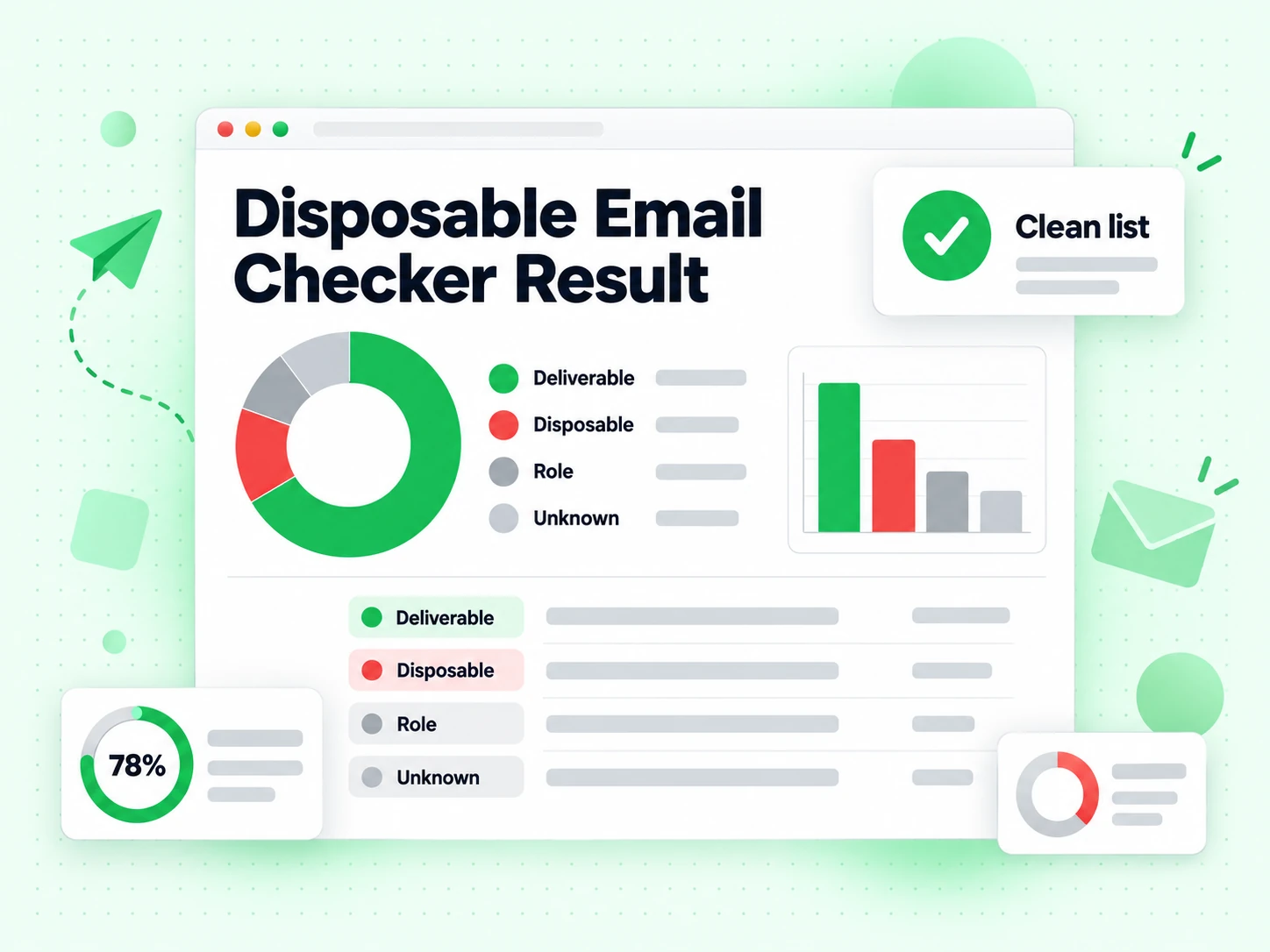
How to read a disposable email detection result

Disposable means temporary mail — suppress at capture. Not disposable means the domain is not classified as throwaway; it can still bounce or be a role address.

Syntax and routing failures still surface first. If no published MX route is found, the current check cannot continue to a mailbox result; unusual implicit-MX domains may need manual review.

Signal by signal

What the disposable email checker actually evaluates

A useful result separates domain classification from mailbox deliverability. These signals answer different questions and should remain separate in your policy.

The domain is compared with a maintained provider dataset

Disposable email services create domains for short-lived inboxes, aliases, or forwarding addresses. BillionVerify compares the address domain with its maintained disposable-provider dataset instead of guessing from the domain name. The underlying list is published in the BillionVerify disposable repository, so teams can inspect the source and contribute corrections.

A positive match means the domain is known to provide temporary or disposable mail. It does not mean the submitted person committed fraud, and it does not establish who controls the inbox. Treat it as a product-quality signal that your application can block, flag, or route according to its own policy.

Syntax and domain routing are checked before classification is useful

The address must first have a usable structure and a domain that can be evaluated. Published MX records identify the advertised inbound mail route. If that route cannot be resolved, a disposable classification alone cannot make the address sendable.

These checks prevent a common reporting error: presenting a recognized temporary-mail domain as though the exact mailbox were verified. For a broader view of syntax, routing, SMTP, role, catch-all, and disposable signals together, use the Email Checker.

SMTP deliverability remains an independent result

A disposable address may currently accept mail, and a permanent-domain address may reject it. BillionVerify therefore keeps the disposable flag separate from the SMTP result. The first describes provider type; the second describes what the receiving system reported for the mailbox during the check.

This distinction matters at signup. You may reject all temporary providers even when their inboxes work, while still allowing a personal Gmail address that passes verification. Use the Email Verifier when the immediate decision is whether a specific mailbox appears safe to send to.

Read the outcome

Turn each disposable result into the right action

The result is a classification, not a universal verdict about the person behind the address.

Disposable detected

The domain appears in the maintained temporary-email dataset. For free trials, coupon claims, gated downloads, and account recovery, the safest default is to ask for a durable address or place the account into a restricted review flow.

Do not convert this signal into an identity claim. A legitimate user may choose a privacy-oriented relay, and a malicious signup can still use a permanent mailbox. Combine the flag with the value and abuse risk of the workflow.

Not classified as disposable

The domain is not currently known as a disposable provider. That narrows one risk, but it does not prove the mailbox exists, belongs to a named person, or will accept a message.

Continue reading the SMTP, role, and catch-all fields. If a generic address such as sales@ is the concern, use Role Account Detection rather than treating every non-disposable result as a personal contact.

Unknown or inconclusive

Temporary DNS, provider throttling, ambiguous SMTP replies, and network timeouts can prevent a decisive result. Unknown is not the same as invalid and should not be silently counted as a disposable match.

Queue an important address for retry, preserve the reason returned by the checker, and avoid launching a large campaign based on an inconclusive sample. The Bounce Email Checker explains the deliverability side of that decision.

Apply it

A practical disposable-email control for forms and lists

Start with the business event, then choose an action proportional to the cost of a temporary address.

  1. 1

    Classify at the point of capture

    Check the address before issuing a valuable free trial, download, referral reward, or account-recovery channel. Immediate feedback lets a real user replace a temporary address while the form context is still clear.

    For automated signup decisions, call the Email Verification API and store the disposable flag separately from the overall verification status. That keeps future policy changes possible without rerunning every record.

  2. 2

    Use a graduated policy instead of one global block

    A hard block fits high-abuse incentives and security-sensitive recovery flows. A warning or limited-access state may fit newsletters, low-value downloads, or communities where privacy relays are expected. The detector supplies evidence; your application defines the consequence.

    Document the policy in plain language and give users a way to submit a different address. This reduces false-positive frustration while preserving the economic purpose of the control.

  3. 3

    Recheck imported and aging records before sending

    Provider domains appear and disappear, so a list classified months ago can drift. Run Email List Cleaning before a campaign to refresh disposable and deliverability evidence across the file.

    Keep suppression reasons in the export. A row removed for a temporary provider should not be reported as a hard bounce, because those categories lead to different remediation and analytics.

Know the boundary

What disposable email detection does not prove

Accurate classification is most useful when the surrounding claims stay narrow.

A permanent provider does not prove a permanent customer

People can abandon any mailbox, create free consumer accounts in seconds, or use forwarding aliases on custom domains. A negative disposable result only says the domain is not in the current temporary-provider dataset.

Use the Free Email Checker when the separate question is whether the address belongs to a free personal provider or a company-controlled domain.

A disposable flag is not an SMTP verdict

Some temporary inboxes accept mail reliably during their short lifetime. Conversely, a corporate mailbox can be disabled or mistyped. Blocking disposable providers improves funnel quality, while SMTP verification reduces bounce risk; neither substitutes for the other.

Keep both fields in exports and event logs so growth, security, and deliverability teams can measure the effect of each rule independently.

The detector does not grant permission to contact someone

Finding that an address is durable does not establish consent, ownership, or a lawful outreach basis. Apply your own collection notices, suppression lists, and contact preferences before sending.

Disposable detection is a data-quality control. It should not be described as identity verification, fraud proof, or permission to market.

Maintain trust

Keep disposable classification explainable and current

Transparent sources and stable result semantics make the signal easier to audit.

Review the public domain source

BillionVerify publishes the maintained provider list on GitHub. The repository provides a concrete place to inspect entries, report stale domains, and understand why a domain is classified instead of relying on an opaque label.

Store classification separately from the send decision

Use a dedicated disposable field alongside SMTP, catch-all, and role results. Separate fields prevent a policy change from corrupting historical meaning and make metrics such as blocked signups or retained users auditable.

Measure false positives and provider drift

Track user corrections, support appeals, and domains that change ownership. Feed confirmed corrections back into the maintained dataset, then re-evaluate the policy threshold rather than weakening all checks because of one exceptional provider.

Frequently Asked Questions

1. What is disposable email detection?

Disposable email detection identifies temporary or throwaway email domains (temp-mail, 10-minute mail, and similar services) that people use to bypass signups, grab free trials, or avoid follow-up. This page focuses that decision: is this domain disposable or not? Under the hood we still run verification context so classification is current, but the UI only emphasizes the disposable reading so product and growth teams can block or flag bad signups cleanly.

2. Why block disposable emails at signup?

Disposable addresses inflate signup metrics, burn trial and support capacity, and never become retained customers. They also pollute CRM and email lists, which hurts campaign engagement and can look like low-quality sending to ISPs over time. Detecting disposable email at form submit or list import is one of the highest-ROI list-quality controls for freemium and lead-magnet funnels.

3. Is disposable email the same as free webmail (Gmail)?

No. Gmail, Yahoo, and Outlook.com are free personal webmail — long-lived consumer inboxes. Disposable mail is temporary by design. Blocking all free webmail can hurt real users; blocking disposable domains protects quality. Use Free Email Checker for free-vs-company domain scoring and Disposable Email Detection for throwaway domains.

4. How is this different from the Email Checker?

The Email Checker returns a comprehensive multi-layer result (SMTP deliverability plus multiple risk flags). Disposable Email Detection is specialized: it highlights whether the domain is temporary/throwaway and explains what that means for your funnel. Same verification family, different job-to-be-done and page SEO focus on disposable email detection keywords.

5. Can I detect disposable emails in bulk?

Yes. Prove the signal on this page, then use Email List Cleaning for multi-line paste or CSV (free demo ≤20 emails per IP every rolling 24 hours) or signed-in bulk jobs for large files. The API can enforce disposable checks at signup scale. Free interactive checks share the rolling 20 full-SMTP quota per IP with other full tools on the site.

6. Do you store emails I test?

Public interactive checks return a result and enforce abuse limits. We do not build marketing lists from addresses you paste into this tool. Use a signed-in account for history and exports of your own verification jobs.

Disposable Email Detection

Scale beyond a single check

Sign in for bulk list cleaning, higher volume, and API access with the same verification engine.

20 free SMTP checks / 24h · No credit card for free tier · Same engine as bulk & API

99.9%
Accuracy
Real-time
API Speed
$0.00014
Per Email
100/day
Free Forever