📍 Introducing MapLeads: Turn Google Maps, Bing Maps & Apple Maps into your lead list.Try MapLeads

Email Verify Tools

Free Email Checker: Inspect Deliverability and Risk

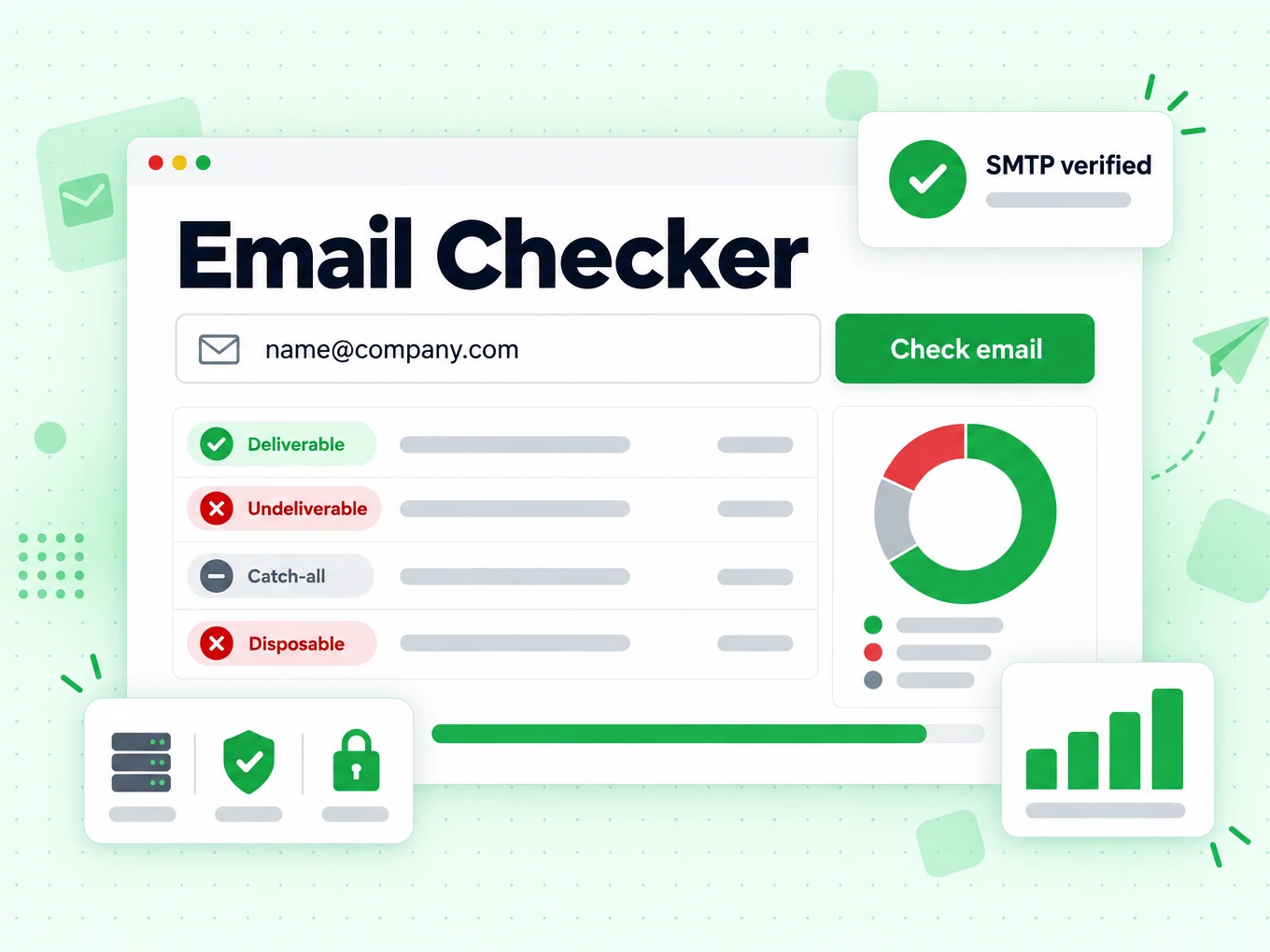
See the complete evidence behind one email address: syntax, MX, SMTP, disposable, catch-all, role, free-webmail, and supported domain-risk signals. 20 free full checks per IP every rolling 24 hours.

What is an email checker?

An email checker answers the search intent behind “is this email good?” in one interactive result. People search for email checker when they want a fast, all-in-one answer: format, domain, mailbox acceptance, and common risk flags — not a long product brochure.

BillionVerify’s email checker runs the same multi-layer pipeline as the Email Verifier: syntax, MX, live SMTP, then disposable, catch-all, and role signals. The page is optimized for the email checker keyword family while the result stays comprehensive — every dimension you need to decide send, suppress, or review.

That is different from specialized tools that only highlight disposable or role status. Use the email checker when you want the full picture on a single address. Free use includes real SMTP — 20 full checks per IP every rolling 24 hours.

How the email checker works

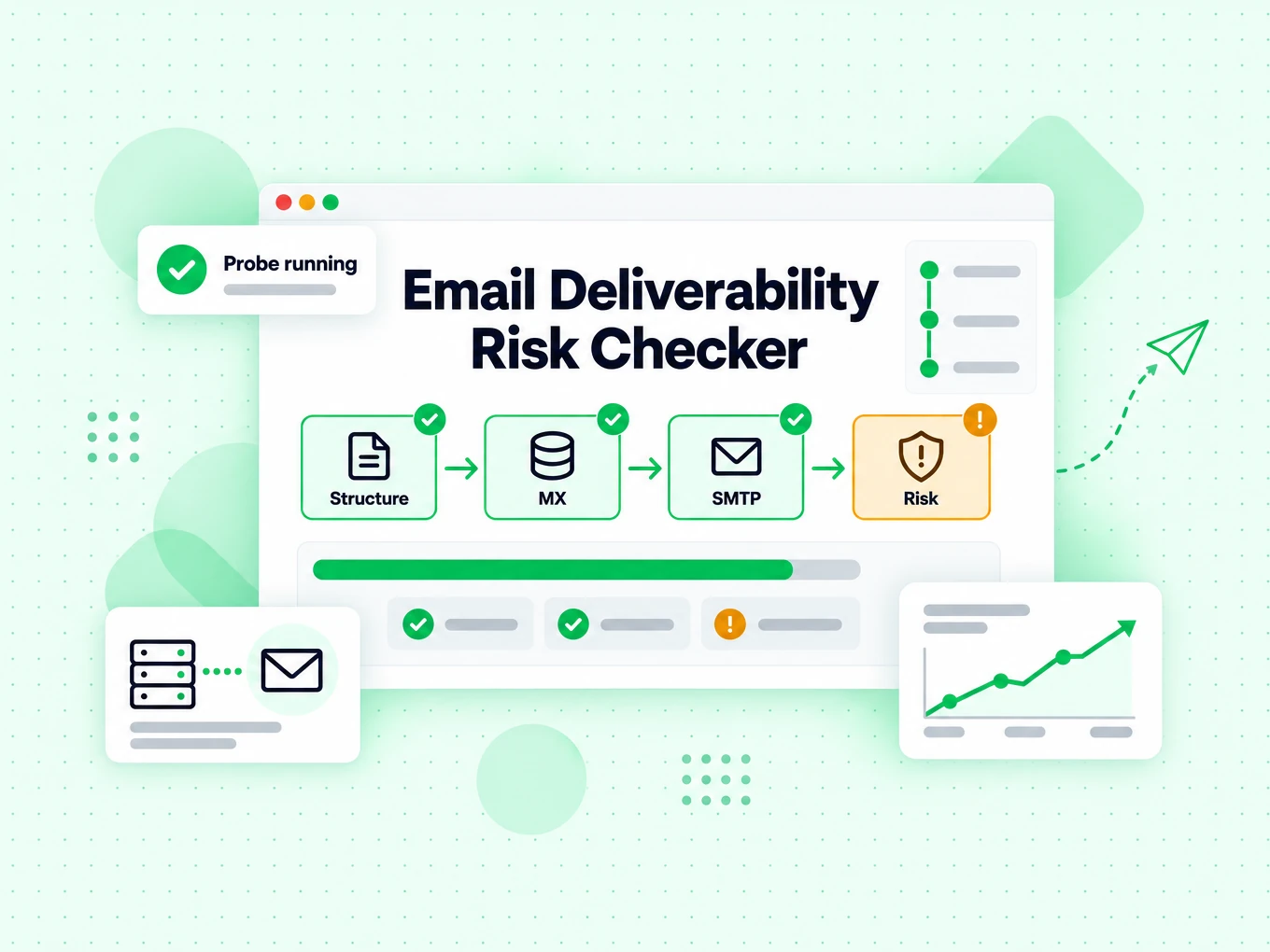
One pipeline. One comprehensive result. Nothing skipped for the free tool.

  1. 1. Syntax and structure

    Normalize the address and reject obvious format failures before any network call.

  2. 2. Domain and MX resolution

    Confirm the domain can receive mail and gather infrastructure context for later risk flags.

  3. 3. SMTP mailbox handshake

    Probe the receiving server so “valid” means more than “looks like an email.”

  4. 4. Full risk panel

    Surface disposable, catch-all, and role flags beside deliverability so you can act without opening three other tools.

When to use an email checker

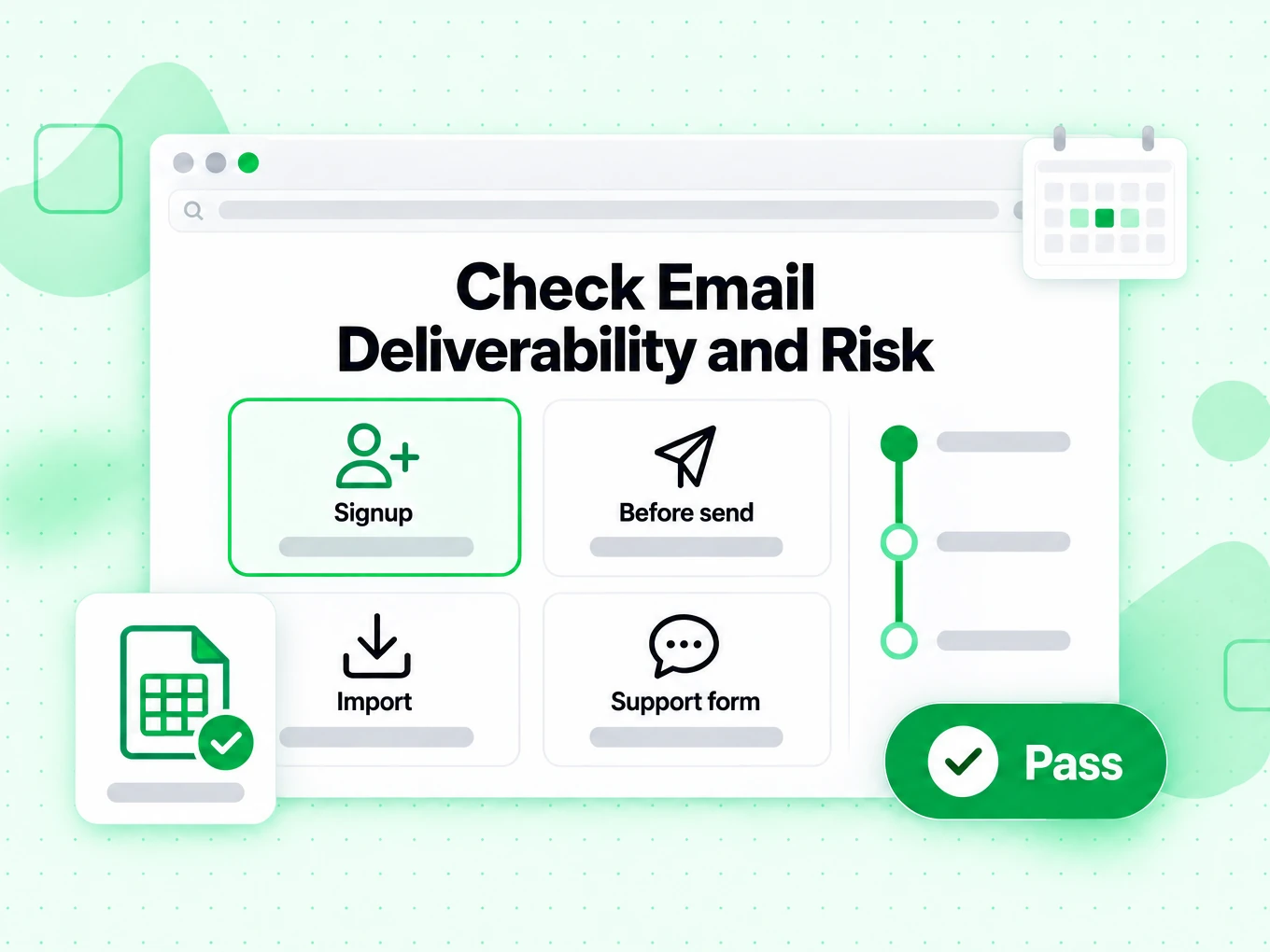
Choose the comprehensive check when one decision needs every layer.

  • Ad-hoc single-address checks

    Sales and support teams paste one address and need a full readout — not just green/red.

  • After form capture

    Validate new signups with SMTP and risk flags before they pollute the CRM.

  • Spot-checking list samples

    Sample rows from a purchased CSV with the same accuracy bulk cleaning will use later.

  • Comparing tools by keyword

    If you found us via “email checker,” this page is the all-in-one result; specialized pages isolate one flag.

Email checker vs other Email Verify Tools

These are interactive Email Verify Tools — not bulk jobs, not the API, not Free Tools (DNS / SPF / DKIM).

The email checker is the comprehensive result. Other tools isolate one decision when that is all you need.

ToolWhat it doesUse it when
Email VerifierFull SMTP mailbox check plus all risk flagsWhen deliverability and send safety matter
Email CheckerFull SMTP + all risk flags on one addressWhen you want a complete multi-layer result in one place
Free Email CheckerDetect free personal webmail providers (Gmail, Yahoo, …)Lead quality and B2B domain scoring — not free-of-charge verification
Email ValidatorSyntax + MX only — no SMTPQuick format and domain screen
Disposable Email DetectionFlags temporary / throwaway domainsSignup and lead capture
Bounce Email CheckerFocus on bounce and undeliverable riskList hygiene for bounce-rate control
Catch-All VerifierDetects catch-all domainsWhen SMTP accept is unreliable
Role Account DetectionFinds generic role addressesB2B outreach quality
Email List CleaningVerify many addresses at once (paste or CSV)When a single check is not enough and you need a cleaned list
Reverse Email LookupFind public owner and company context from an email addressLead research and unknown-sender review
Phone Number ValidatorValidate phone format, country, type, and E.164 outputCRM phone cleanup before outreach

How to read an email checker result

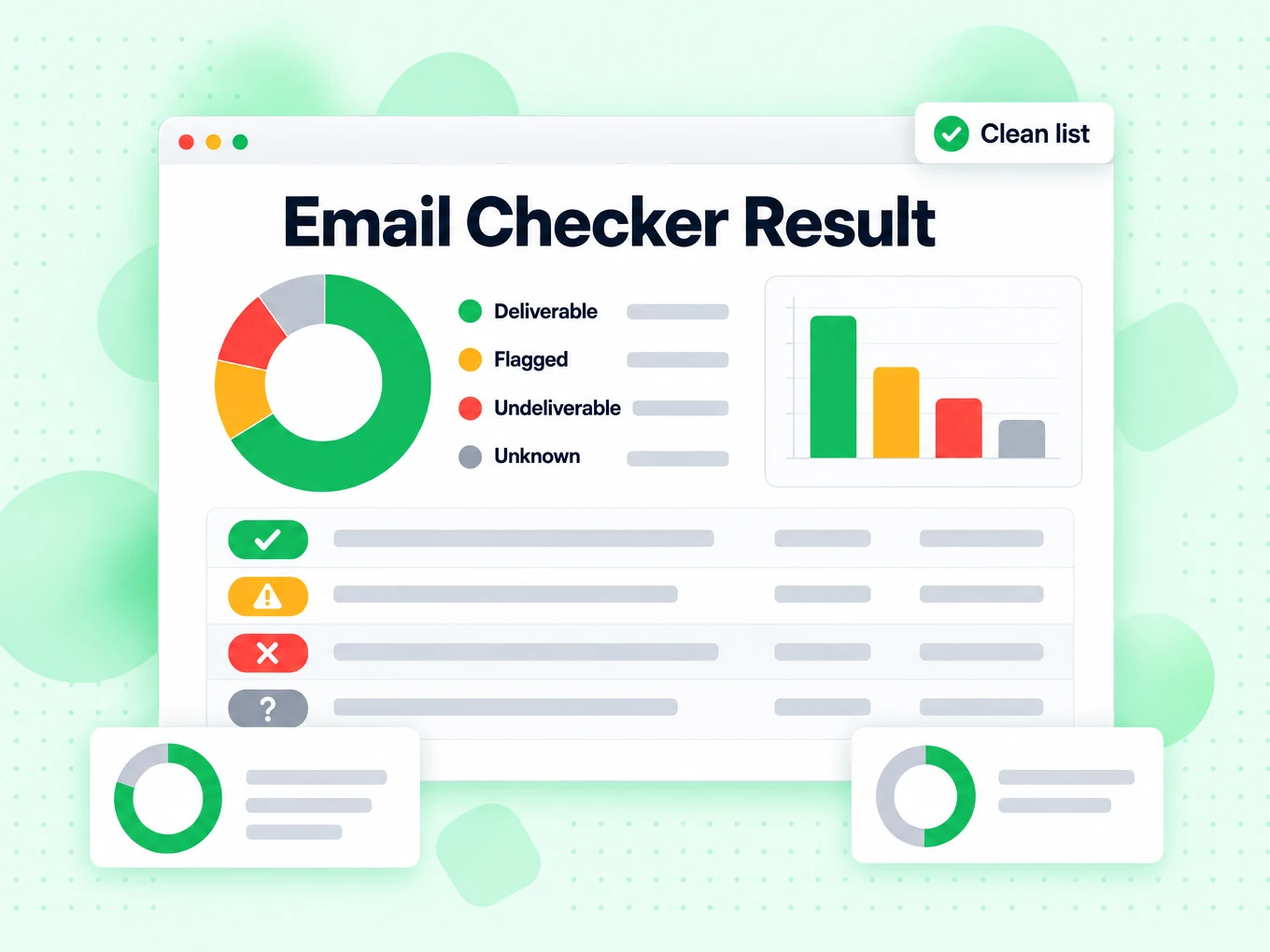
A full email checker result combines deliverability status with risk flags. Valid means SMTP accepted the mailbox. Invalid means permanent failure. Disposable, catch-all, and role do not always block delivery — they change how you should treat the contact for marketing quality.

Use the complete panel when you want one place to decide. If you only care about throwaway domains or role inboxes, open the specialized tools for a focused reading.

One address, complete inspection

What the email checker examines in one result

The checker is the diagnostic view of BillionVerify’s full verification engine. It keeps the final status and every supporting signal visible so you can understand why an address passed, failed, or needs review.

Format and domain readiness remove impossible inputs

The first pass normalizes the address, checks its structure, and resolves the receiving domain. Broken syntax and domains without a usable mail route are stopped before an SMTP conversation because the address cannot work in its current form.

These checks are fast and deterministic, but deliberately narrow. The Email Validator exposes this syntax-and-MX layer by itself. The Email Checker continues because a well-formed address on a mail-enabled domain may still point to no mailbox at all.

SMTP supplies mailbox-level evidence

BillionVerify connects to the receiving infrastructure and tests the target recipient path without sending an email message. An accepting response supports deliverability; a definitive rejection supports an invalid decision; a temporary or defensive response stays inconclusive.

Keeping those three outcomes separate matters. A timeout is not proof that the recipient does not exist, and an accepted probe is not proof that a future campaign will reach the inbox. The checker reports the strongest conclusion the exchange supports instead of filling uncertainty with a guess.

Address-type flags explain audience quality

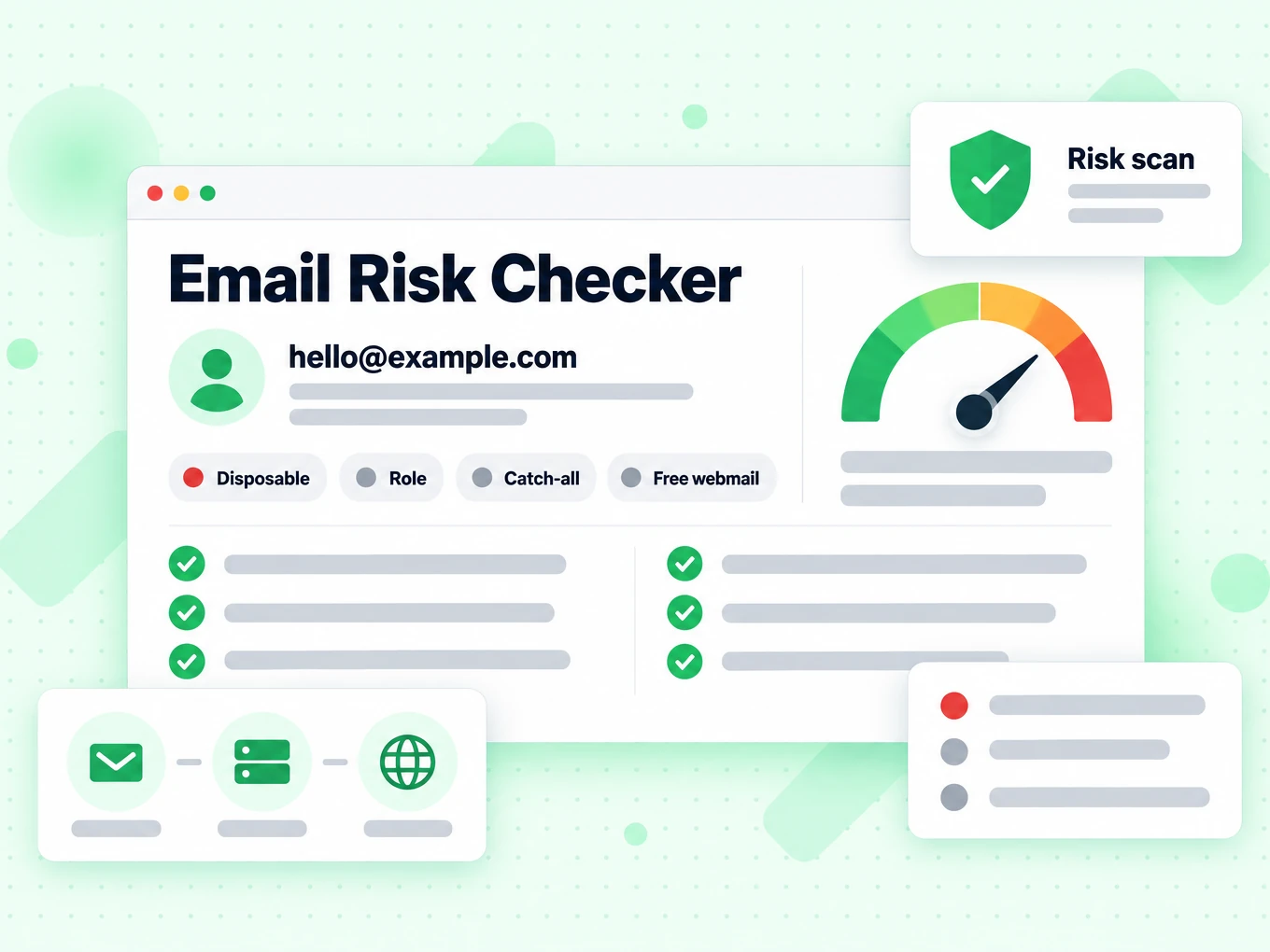
The result identifies common categories that change how teams use an address: free personal webmail, disposable services, and role-based local parts such as sales@ or support@. These are classification signals, not alternative names for invalid.

A Gmail mailbox can be deliverable and valuable for a consumer product. A support@ mailbox can be deliverable and correct for a ticket. A disposable mailbox can also accept mail briefly. Your use case determines whether each flag is allowed, reviewed, or suppressed.

Domain behavior and reputation explain hidden risk

Catch-all detection shows when a domain accepts many unassigned local parts, making person-level proof weaker. Supported recipient-domain abuse history adds a different risk dimension: the address may accept mail while its domain appears in a maintained abuse category.

The checker displays these signals alongside SMTP rather than replacing the SMTP result. That lets you distinguish deliverable-but-risky from truly undeliverable and route each case according to your own acquisition, fraud, support, or outreach policy.

Read the panel

Each signal answers a different operational question

The complete panel is useful because no single badge describes deliverability, contact type, domain behavior, and campaign suitability at the same time.

Syntax and MX answer whether deeper checking is possible

Syntax says the input has a usable address structure. MX says the domain publishes mail-routing infrastructure. If either fails, there is no reason to trust a positive-looking business label or continue toward a send decision.

If both pass, the address is only ready for the next layer. Do not import format-and-MX success into a CRM as verified deliverability; keep the result name explicit so future users know what was actually tested.

SMTP answers whether the recipient path currently accepts mail

A positive SMTP result is the strongest address-level evidence in the panel. A permanent rejection is the clearest reason to suppress. An inconclusive response asks for a retry or review instead of a send or delete decision.

The Email Verifier uses the same full engine but presents this final deliverability decision first. Use the checker when you want to inspect the supporting signals; use the verifier when you mainly need the send decision.

Disposable, role, and free-webmail flags answer who or what kind of inbox it is

Disposable describes a temporary provider pattern. Role describes a shared function-oriented local part. Free webmail describes a consumer provider rather than a company-owned domain. They are independent attributes and can coexist with a technically accepting mailbox.

Avoid one global rule for all three. Fraud prevention may reject disposable addresses. B2B scoring may lower free-webmail leads. Support operations may prefer role mailboxes. Store the reason so the team applying policy can see the difference.

Catch-all and risky results answer where confidence should stop

Catch-all means the domain’s acceptance pattern prevents confirmation of this exact local part. Risky means a supported risk condition exists even if the recipient path may accept mail. Neither should be silently relabeled as ordinary deliverable.

Place these records in a review segment with their reasons intact. When volume is high, that small amount of structured caution is cheaper than mixing ambiguous contacts into the same campaign as individually confirmed mailboxes.

Diagnostic workflow

Use the checker to investigate, decide, and preserve the evidence

The checker is most valuable when the result becomes a repeatable data decision instead of a one-time visual answer.

  1. 1

    Start with the final status, then read the reason

    Look first for deliverable, undeliverable, risky, or unknown. Then inspect the lower-level fields that explain that status. This order prevents a secondary attribute such as role or free webmail from hiding a permanent mailbox failure.

    For an invalid result, correct only source-backed typos. For unknown, retry later. For risky or catch-all, retain the address outside the main send segment until your policy or another trusted signal resolves it.

  2. 2

    Match every flag to a documented business rule

    Write down what each result does in each workflow. A newsletter signup, account registration, support request, sales prospect, and transactional recipient do not have the same tolerance for disposable, role, or personal webmail addresses.

    Documenting the mapping prevents teams from treating the color of a badge as policy. It also makes false-positive review possible because the original signal remains available instead of being collapsed into a generic quality score.

  3. 3

    Move repeated checks into the API at the point of collection

    Manual checking is appropriate for investigation and low-volume decisions. When the same check happens in every signup, lead form, or CRM import, use the Email Verification API so the result reaches the system that owns the record.

    Keep validation responsive: obvious format failures can be returned immediately, while provider-sensitive states should retain their exact outcome. Do not rewrite an unknown network result as invalid merely to simplify a form message.

  4. 4

    Use list cleaning for campaign-scale decisions

    A campaign list needs consistent checks, duplicates handled once, review segments separated, and reasons preserved for export. Opening a single-address page for every row cannot provide that operational control.

    Use Email List Cleaning or bulk verification before a launch, especially when records were collected over time. Recheck older accepted addresses because mailbox and employment state can change after the original result.

Avoid category mistakes

The checker does not replace sender, content, or identity checks

A comprehensive address result is still an address result. Several adjacent email problems require different evidence.

Recipient verification is separate from sender deliverability

The checker examines the destination address. It does not audit the SPF, DKIM, or DMARC configuration of the domain you send from, measure your sending-IP reputation, or predict the placement of a specific campaign.

Use the Email Deliverability Test for sender-side readiness and keep address checking as the recipient-side layer. Good campaign hygiene needs both, but the two results should never be presented as the same measurement.

Mailbox acceptance is separate from consent and identity

A server can accept mail for an address without proving who controls it or whether the person asked to hear from you. Forwarders, shared mailboxes, recycled accounts, and incorrect enrichment can all pass a technical check.

Use first-party collection, an authorized confirmation flow, and your suppression records for ownership and permission decisions. Verification reduces technical delivery failures; it does not create consent.

Recipient-domain risk is separate from message-content scoring

When a supported recipient-domain abuse category appears, it describes known risk around the destination domain. The checker has not opened your draft email, followed its links, scored its subject line, or judged whether mailbox providers will classify the message as spam.

Use the Email Spam Checker for a focused explanation of this recipient-domain signal and its boundaries. Content testing and inbox placement remain separate workflows.

An old result is not a permanent property of the address

Addresses are retired, domains change providers, and temporary defenses recover. The check describes the evidence available at one time. A result without its timestamp encourages teams to reuse stale data as if mail infrastructure never changed.

Retain checked-at time, final status, and reason fields. Define a re-verification interval based on list age and sending risk rather than repeatedly checking every address on every page view.

Technical references

Why the checker keeps format, DNS, and SMTP separate

Internet email is layered by design. The page mirrors those layers so every conclusion can be traced back to the evidence that supports it.

Address grammar does not define mailbox existence

The IETF’s RFC 5322 Internet Message Format describes valid message and address syntax. That makes it the right reference for structure checks, not for claims about a live recipient.

BillionVerify therefore labels syntax separately and continues to routing and SMTP. If structure and domain readiness are all you need, the lighter validator makes that limited conclusion explicit.

This layered display is also useful during support investigations. A team can see whether a complaint begins with malformed input, domain routing, recipient rejection, or a secondary risk flag instead of receiving one unexplained score that cannot be audited.

SMTP responses require more than a binary parser

The IETF’s RFC 5321 Simple Mail Transfer Protocol distinguishes successful, temporary, and permanent reply classes. A production checker must preserve that difference because a temporary server response is neither a confirmed mailbox nor a confirmed failure.

That protocol boundary is reflected in deliverable, undeliverable, and unknown outcomes. Risk classifications then sit beside the channel result rather than overwriting it.

Focused tools are views into distinct questions

Use Free Email Checker when the question is personal webmail versus an organization domain. Use Disposable Email Detection for throwaway providers, and Bounce Email Checker when the operating concern is suppressing likely hard failures.

The Email Checker is the broadest single-address inspection page. It is the right place to begin when you do not yet know which signal explains the problem and want the complete result in one view.

Frequently Asked Questions

1. How does the email checker work?

The email checker runs a multi-layer pipeline on a single address: syntax and structure checks first, then domain and MX resolution, then a live SMTP mailbox probe when available. On the same result it surfaces disposable, catch-all, and role flags so you can decide send, suppress, or review without opening three other tools. Free interactive checks use the same verification stack as bulk list cleaning and the API — only the quota and UI differ.

2. How accurate is an SMTP email checker?

SMTP-level email checking is far more reliable than format-only tools because it asks the receiving mail server whether the mailbox is accepted. Accuracy still depends on provider policy, greylisting, and catch-all domains that accept every local-part. That is why a good email checker returns risk states (valid, invalid, risky, disposable, catch-all, role) instead of a fake always-green binary. Treat catch-all and risky as “review,” not “safe to blast.”

3. Is the email checker free?

Yes for fair-use interactive checks: each IP gets 20 free full SMTP verifications every rolling 24 hours with no signup. Those free checks include the SMTP handshake — not just syntax. For higher volume, CSV list cleaning, job history, and API automation, create a free account and use credits. The free quota is per IP and rolls continuously, not a calendar-day reset.

4. Email checker vs email verifier — same thing?

On BillionVerify, the Email Checker and Email Verifier both run full multi-layer verification including SMTP, disposable, catch-all, and role signals. The pages differ mainly in search keywords and explanatory copy (people search both “email checker” and “email verifier”), not in verification depth. Choose the URL that matches how your audience searches; the deliverability quality of the result is the same engine.

5. Email checker vs email validator — what is the difference?

An email validator on this site checks syntax and MX only — it confirms the address is well-formed and the domain can receive mail, but it does not probe the mailbox over SMTP. An email checker adds the SMTP handshake plus risk flags (disposable, catch-all, role). Use the validator for a fast, unlimited shallow screen (typos and dead domains). Use the email checker when bounce risk, deliverability, and list quality matter before you send or import contacts.

6. Can I check emails in bulk?

Yes. Spot-check with the email checker on this page, then use Email List Cleaning for multi-line paste or CSV (free demo up to 20 addresses per IP every rolling 24 hours). Signed-in bulk email verification handles large CSV/Excel files with progress, history, and filtered downloads. The Email Verification API is for real-time checks in forms, CRM, and automation. All paths share the same SMTP-capable engine as the single-address checker.

7. Do you store emails I check here?

Public interactive checks are processed to return a result and enforce abuse limits. We do not build marketing lists from addresses you paste into this free email checker. Use a signed-in account when you need job history, exports, and team workflows for your own lists.

8. Why does the result show disposable, catch-all, and role?

Deliverability alone is not list quality. A mailbox can accept mail and still be a disposable inbox, a catch-all domain that accepts any local-part, or a generic role address (info@, sales@) that rarely converts. The email checker surfaces those flags next to SMTP status so marketers and growth teams can suppress, route, or score contacts correctly — not only ask “does it bounce?”

Email Checker

Check the next address with full SMTP

20 free full SMTP checks per IP every rolling 24 hours. Sign in for bulk, API, and higher volume.

20 free SMTP checks / 24h · No credit card for free tier · Same accuracy as bulk & API

99.9%
Accuracy
Real-time
API Speed
$0.00014
Per Email
100/day
Free Forever