

Chapter 1 of 7 · Nine layers
About this video
Addresses in this video are examples. File verification needs a paid account.
Video transcript
Nine layers
Here's every layer an email address passes through before you get a result. Nine layers decide the result. Syntax. Disposable. Labels. DNS. Policy. SMTP. Catch-all. Lookup. And scoring. The first five layers never touch a mail server. And an address can stop early, so later layers never run.
Before the mail server
Layer one is syntax. We check the email format, leftover URL encoding like %20, and length. Fail here and it's invalid, with no credit used. Layer two compares the domain with a constantly updated disposable list. A match stops the check there, and by default it's free. Layer three only adds labels. A free mail domain. A role name, like info or sales. An alias, like Gmail dots or plus tags. And a typo hint. One label can change the outcome. A valid or catch-all address with a role name ends up as role. Layer four asks DNS where this domain receives mail. No domain, no mail servers, or a record refusing all mail means invalid. But a DNS timeout or server error proves nothing, so that's unknown. Layer five is policy. Apple iCloud, Proton and Tuta don't give a reliable SMTP signal on their own domains. So we don't ask. It's unknown, and it's free.
Ask the mail server
Layer six is the first one that talks to a mail server. It's on by default. Through the API, check_smtp false turns it off. Layers six to eight are skipped, and most addresses come back unknown. It opens an SMTP conversation. It connects, introduces itself, names this recipient, and reads the reply. No email is ever sent. No such user means invalid. Try again later means unknown, and file jobs retry greylisting on their own. Blocked says nothing about the mailbox, so it's unknown. Mailbox full is unknown too. An accepted reply moves on. A yes isn't always proof, because some domains accept every address. So layer seven also tries a random address that shouldn't exist. If the server refuses it, the yes counts. If it accepts that too, the domain is catch-all. Catch-all only appears when the server accepted your address too. Without that yes, the result is unknown. Layer eight is for some consumer mail providers. A provider account check replaces SMTP. Account found is valid. Not found is invalid. If the check fails, it's unknown, never invalid.
From evidence to a result
Layer nine recognizes setups like security gateways and forwarding aliases, then applies fixed rules for the status, score and reason. So the score comes from rules. It's not a weighted sum, and it's not a probability. Two steps follow. Domain reputation is an optional API field, for information only. Then caching and billing work out what you pay.
What it costs
Unknown, bad syntax and disposable are free. Every other result uses one credit, including catch-all and role. Check the same address again within 24 hours, and you won't pay twice, unless you force a refresh through the API. But an unknown that comes back definite uses a credit.
Six outcomes
So every address ends in one of six statuses. Invalid. Disposable. Role. Catch-all. Valid. And unknown, which isn't a bad address. It means we couldn't get a reliable answer.
Get started free
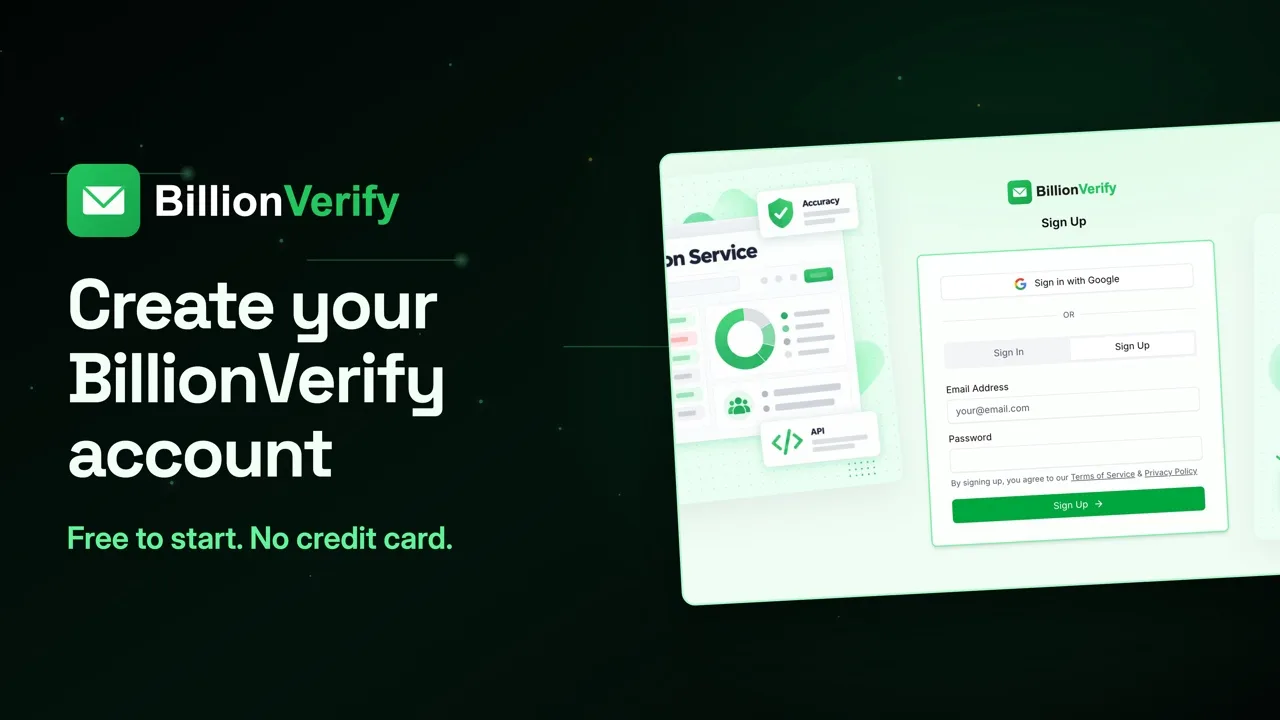
20 free credits every day you use your account, up to 600 a month. No credit card required. Start at billionverify.com.
More in Results Explained
All email verification videos
BillionVerify pricing
Start free, then pay for what you verify. Pick a plan or buy credits once.
billed yearly $96
Save 60%$0.0004 / per credit
All 240,000 credits arrive at once. Use them anytime.
Choose your credits
Included in every paid plan
- 240,000 credits / year
- Single email verification
- Bulk email verification
- Email Finder
- Bulk Email Finder
- Company Search
- Live SMTP mailbox check
- Real-time API + batch processing
- CSV & Excel upload support
- Comprehensive verification reports
- Workspaces and teams with spend limits
- Credits never expire
Try the AI email verification features
20 free credits every day you log in, up to 600 a month. Free AI first email verification across every feature, no credit card.
Native MCP Server integration · Catch-all reported separately · Free tier, no credit card