

📍 Introducing MapLeads: Turn Google Maps, Bing Maps & Apple Maps into your lead list.Try MapLeads

What is catch-all verifier?

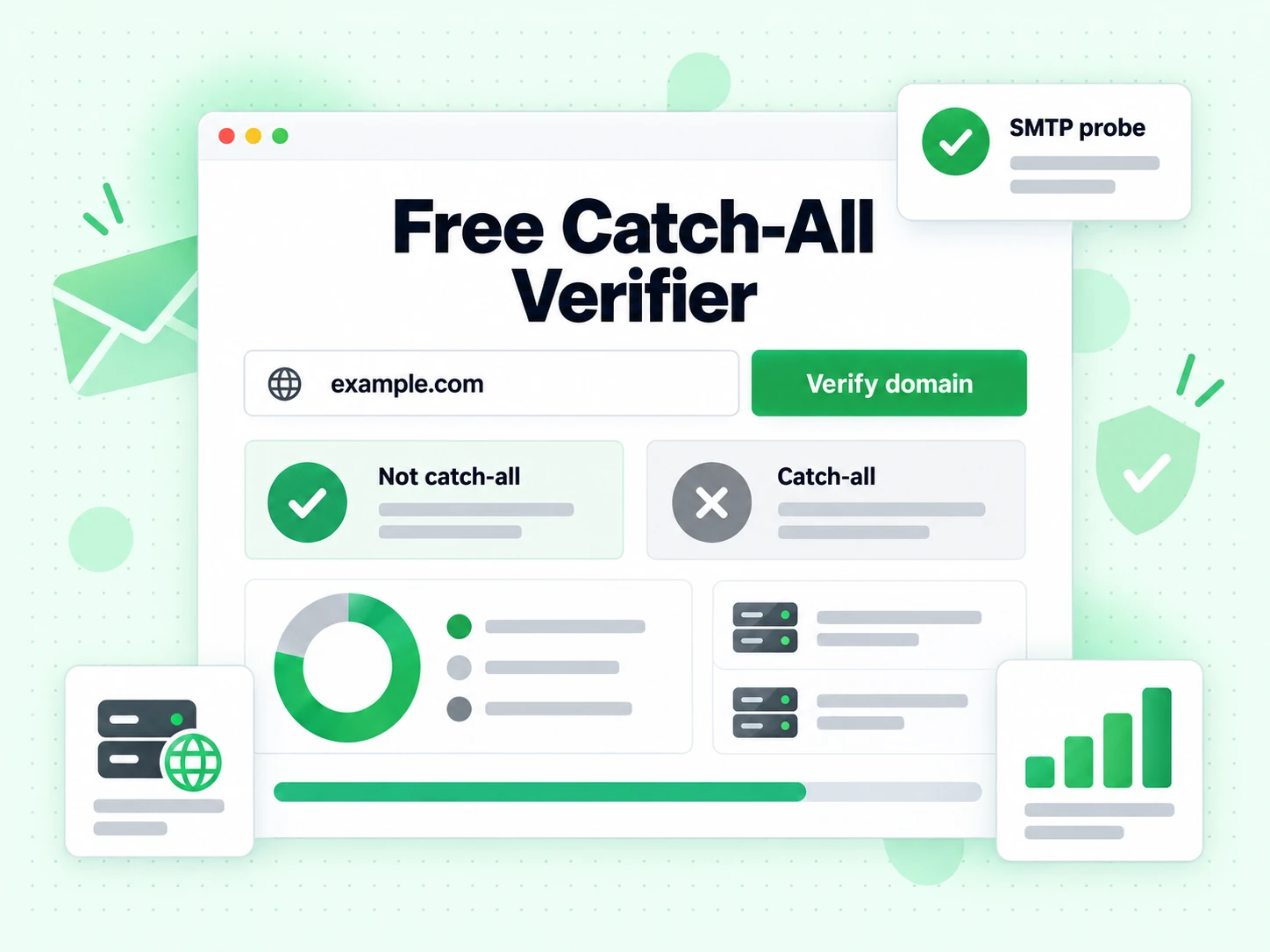
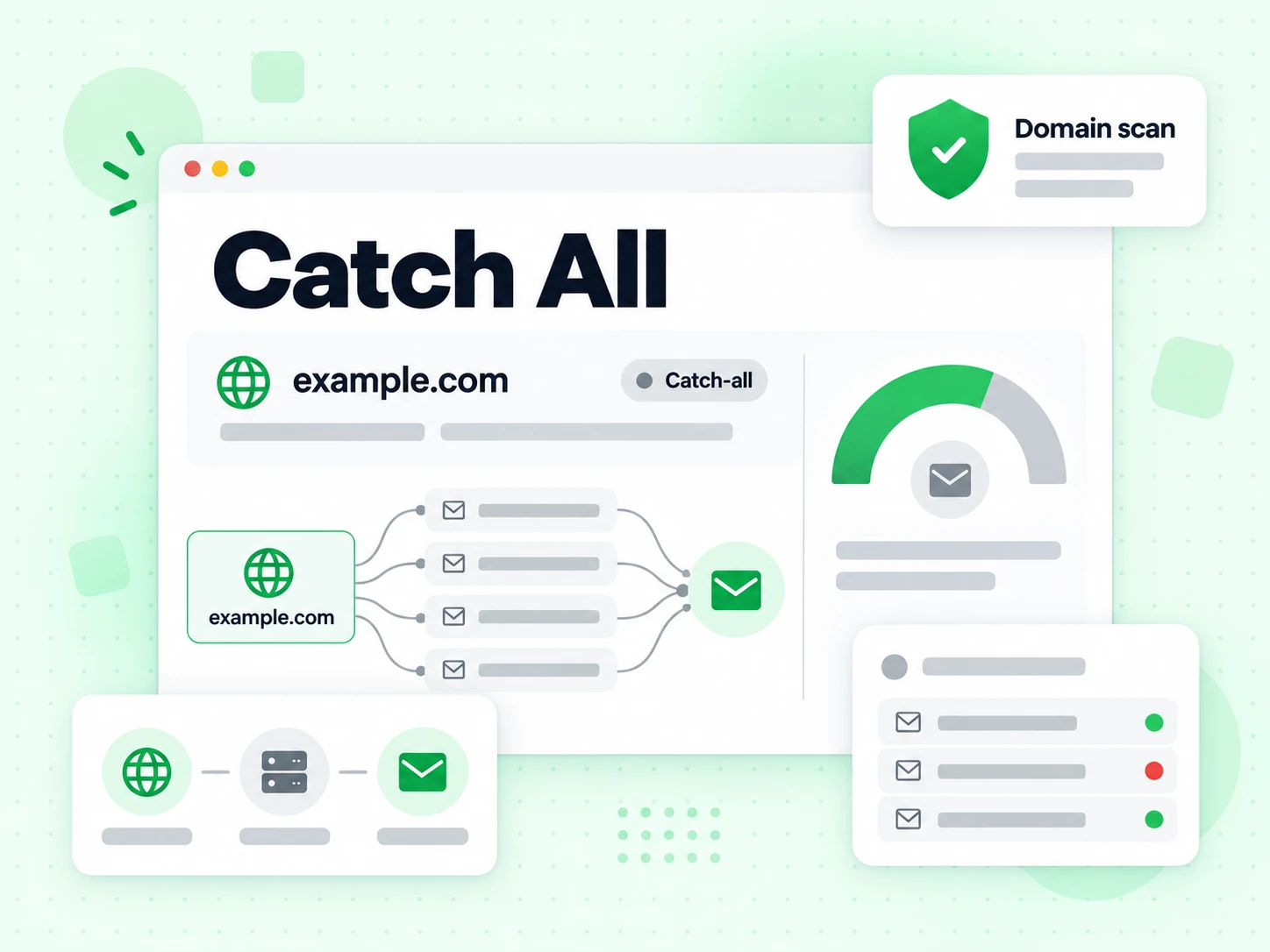
A catch-all verifier detects domains that accept mail for any local-part — even addresses that do not belong to a real person.

On catch-all domains, SMTP “accepted” is weak proof. You need a focused catch-all reading so sales and enrichment workflows do not treat every guess as a verified employee inbox.

We still probe the mail path; the UI only emphasizes whether catch-all behavior is present and how to interpret it.

How catch-all verifier works

Measure domain-wide acceptance without turning it into person-level proof.

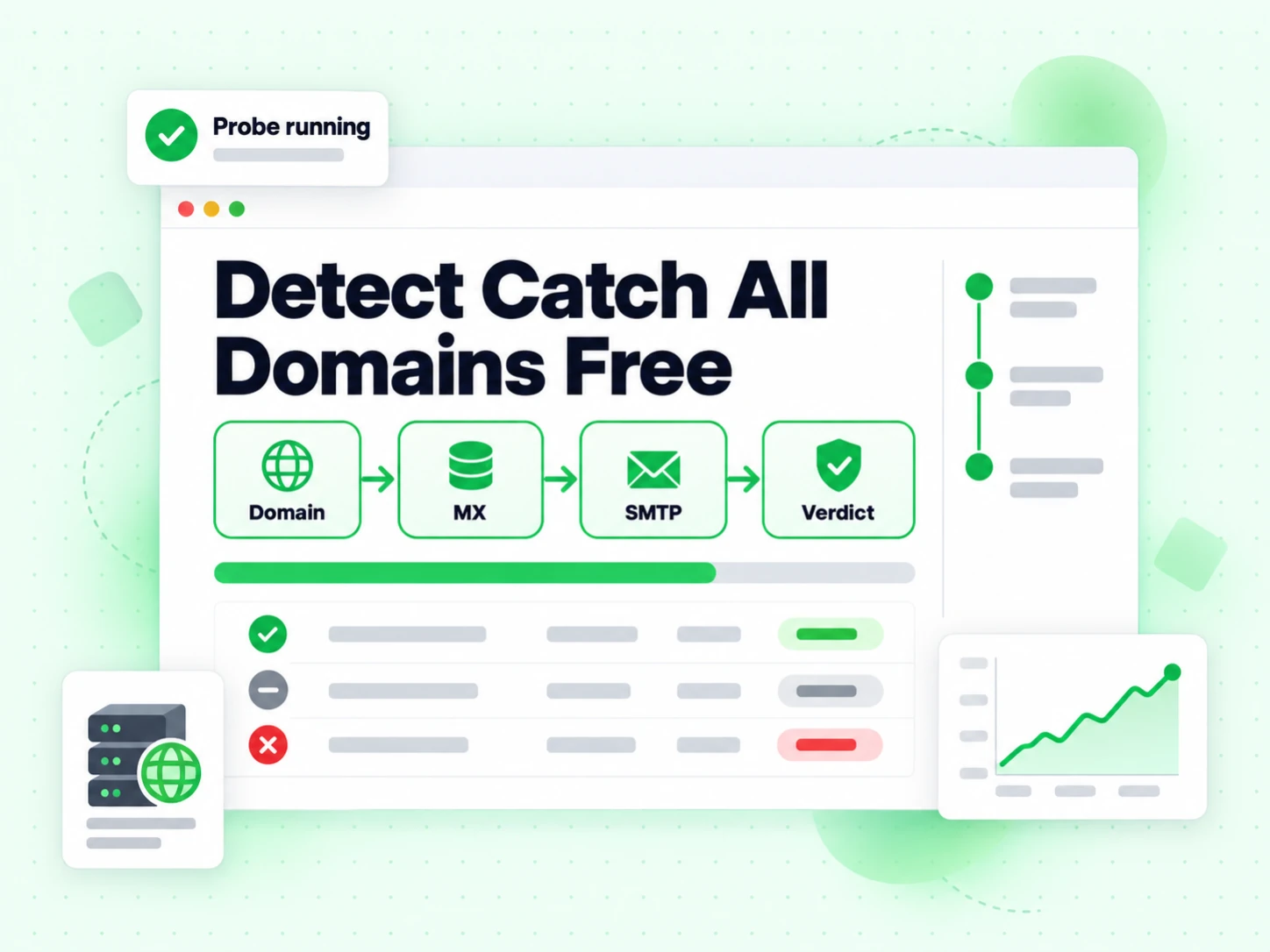
  1. 1. Validate the address

    Reject empty or malformed input before any network work.

  2. 2. Resolve the receiving route

    Locate the published mail exchangers before testing how the domain handles recipients.

  3. 3. Compare recipient behavior

    Evaluate whether acceptance appears specific to the target or consistent with broader domain policy.

  4. 4. Show only the catchall reading

    The UI highlights this page’s dimension and its plain-language meaning — not the full multi-flag dashboard.

When you need catch-all verifier

Use a specialized tool when one decision matters more than a full report.

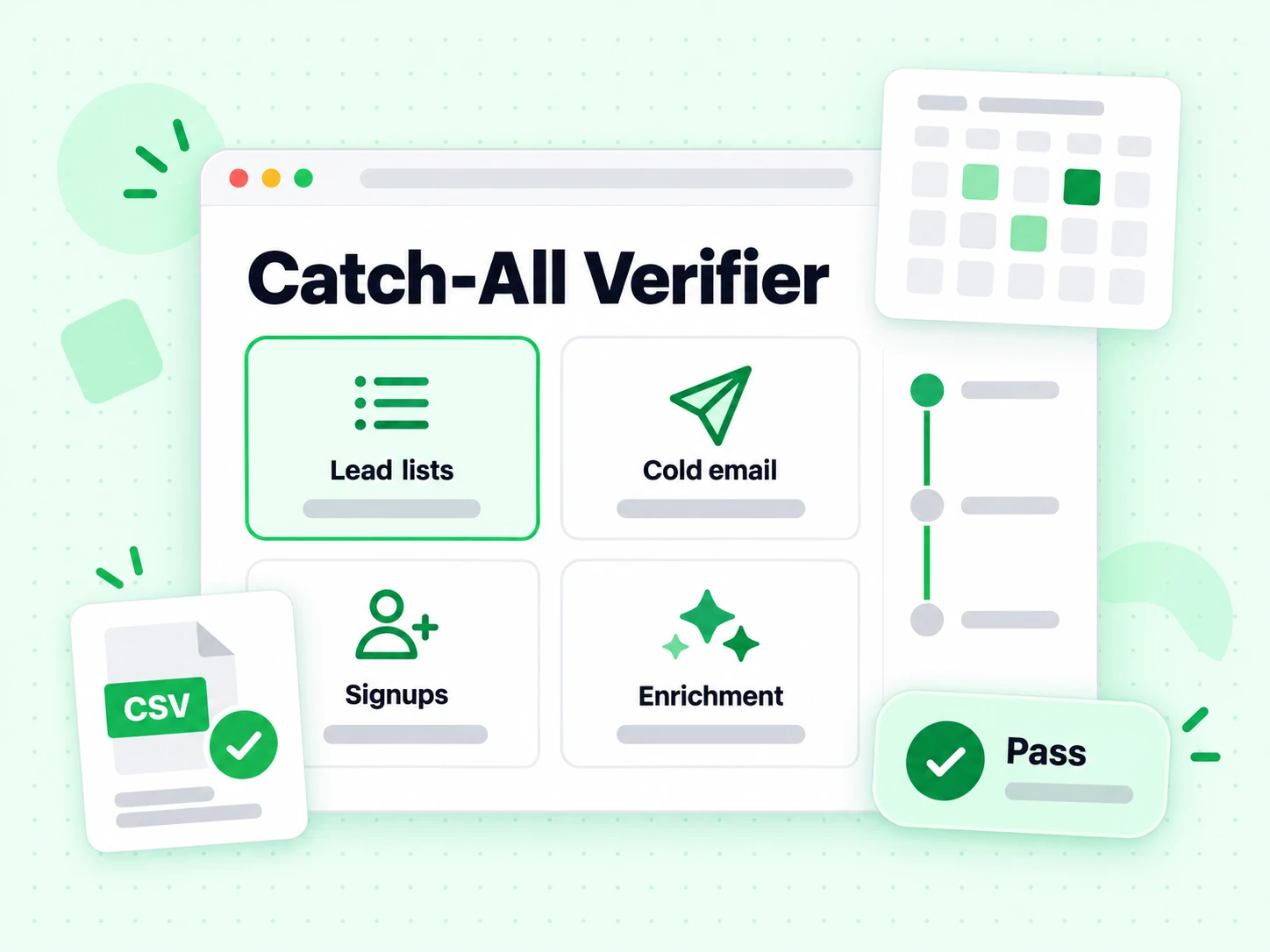
  • Explain accepted-but-uncertain results

    Show operators why SMTP acceptance on a catch-all domain is weaker than acceptance tied to one exact recipient.

  • Review enriched or guessed contacts

    A guessed firstname.lastname address needs stronger supporting evidence when the domain accepts broadly.

  • Segment by confidence

    Route first-party catch-all addresses differently from generated contacts instead of deleting every result.

  • Refresh aging results

    Recheck older classifications before important campaigns because mail-provider migrations can change domain behavior.

Catch-All Verifier vs other Email Verify Tools

These are interactive Email Verify Tools — not bulk jobs, not the API, not Free Tools (DNS / SPF / DKIM).

This page isolates the catchall decision. Other tools either show a full multi-layer result or a different specialized flag.

ToolWhat it doesUse it when
Email VerifierFull SMTP mailbox check plus all risk flagsWhen deliverability and send safety matter
Email CheckerFull SMTP + all risk flags on one addressWhen you want a complete multi-layer result in one place
Free Email CheckerDetect free personal webmail providers (Gmail, Yahoo, …)Lead quality and B2B domain scoring — not free-of-charge verification
Email ValidatorSyntax + MX only — no SMTPQuick format and domain screen
Disposable Email DetectionFlags temporary / throwaway domainsSignup and lead capture
Bounce Email CheckerFocus on bounce and undeliverable riskList hygiene for bounce-rate control
Catch-All VerifierDetects catch-all domainsWhen SMTP accept is unreliable
Role Account DetectionFinds generic role addressesB2B outreach quality
Email List CleaningVerify many addresses at once (paste or CSV)When a single check is not enough and you need a cleaned list
Reverse Email LookupFind public owner and company context from an email addressLead research and unknown-sender review
Phone Number ValidatorValidate phone format, country, type, and E.164 outputCRM phone cleanup before outreach

How to read a catch-all verifier result

Catch-all means the domain appears willing to accept mail broadly. The target address may receive mail, but SMTP acceptance cannot prove that the named person or exact mailbox exists.

Not catch-all means the current evidence did not show domain-wide acceptance; it is not a permanent promise about future server policy. Unknown remains inconclusive and should be retried when the decision matters.

Domain behavior

How catch-all detection changes an SMTP result

The important distinction is between evidence about a mail domain and evidence about one exact recipient.

The target address is checked first

BillionVerify validates the address, resolves the published receiving route, and evaluates the target recipient during an SMTP conversation. A permanent rejection is useful negative evidence. An acceptance shows that the server was willing to receive the recipient command at that moment.

For the complete set of syntax, MX, SMTP, disposable, role, and catch-all fields in one result, use the Email Checker. This page concentrates on what acceptance means when the domain has broad recipient policy.

Broad acceptance weakens person-level certainty

A catch-all configuration can accept mail for local parts that were never provisioned. The server may route them to a shared inbox, process them later, or silently discard them. That makes an accepted RCPT response weaker evidence for guessed addresses such as firstname.lastname@company.com.

The SMTP protocol in RFC 5321 describes recipient acceptance, but it does not turn that reply into proof of a human identity or a dedicated inbox.

Catch-all is retained as an independent signal

A domain can be catch-all while the target recipient is accepted, and a role or disposable flag can coexist with either result. BillionVerify keeps these facts separate so the UI does not replace deliverability evidence with a single marketing label.

Use the Email Verifier when you need the practical send decision. Use this page when the key question is whether domain-wide behavior makes that decision less certain.

Decision guide

Read catch-all, not catch-all, and unknown differently

Each outcome supports a different level of confidence and a different follow-up action.

Catch-all detected

Treat the address as uncertain, especially when it was generated from a name pattern rather than supplied by the recipient. The domain appears to accept broadly, so acceptance cannot distinguish a real employee inbox from an invented local part.

Prefer an additional source tied to the person, recent engagement, or a first-party form submission before high-volume outreach. Catch-all is not automatically invalid, but it should not be promoted to verified-person status.

Catch-all not detected

The current probe did not show broad recipient acceptance. A successful target response is therefore more specific to the submitted mailbox, but it remains point-in-time network evidence rather than identity proof.

Continue to apply Role Account Detection and disposable checks. A non-catch-all sales@ address may still be a shared team mailbox, and a personal-looking local part may still be stale.

Catch-all inconclusive

Some servers defer, throttle, tarp, or hide recipient policy. A timeout or temporary SMTP reply cannot safely establish either catch-all or non-catch-all behavior. Preserve unknown instead of choosing the more convenient label.

Retry valuable contacts later and use the Bounce Email Checker to understand whether the underlying mailbox result was also temporary or permanently negative.

Operational policy

Handle catch-all contacts without discarding every lead

A tiered workflow protects sender reputation while preserving addresses that have stronger supporting evidence.

  1. 1

    Record how the address was obtained

    A catch-all address typed by a user into your own form carries more supporting evidence than one generated from a name and domain. Keep source provenance alongside the verification result so both rows do not receive the same risk score.

    The verifier cannot recover that provenance after the fact. Make it a first-class field in CRM imports and enrichment workflows.

  2. 2

    Segment by confidence before sending

    Send normal, non-catch-all accepted addresses through the standard path. Put catch-all addresses with first-party evidence into a cautious segment, and suppress or manually review guessed catch-all contacts with no corroboration.

    For large files, Email List Cleaning preserves category counts and lets teams route catch-all rows separately rather than flattening the whole list into valid and invalid.

  3. 3

    Recheck near the campaign date

    Domain policy changes when companies migrate providers or administrators adjust recipient handling. Reverify older catch-all records before an important campaign, particularly when the original result came from enrichment rather than direct engagement.

    Automated systems can call the Email Verification API and store the catch-all flag separately from the overall status and SMTP reason.

Claims to avoid

Catch-all detection is not mailbox or identity proof

The signal is valuable precisely because it exposes uncertainty instead of hiding it.

Accepted does not mean the guessed person exists

A catch-all server may accept any plausible local part. It cannot confirm an employee name, job title, ownership, or whether messages reach a monitored inbox. Do not use SMTP acceptance as evidence that enrichment found the right person.

Catch-all does not always mean undeliverable

Some organizations intentionally route unknown recipients to a monitored mailbox. Others accept first and reject or discard later. The domain behavior raises uncertainty; it does not provide a universal bounce prediction.

Keep the exact SMTP result and catch-all signal together so downstream users can see both facts.

The result does not replace consent and suppression controls

Technical acceptance does not authorize outreach. Apply contact preferences, unsubscribes, consent records, and your own sending policy after verification, regardless of whether the domain is catch-all.

Explain the evidence

Preserve the protocol result and its uncertainty

Auditable catch-all handling depends on more than a yes-or-no badge.

Use RFC 5321 response classes correctly

SMTP distinguishes temporary 4xx replies from permanent 5xx replies. A temporary response during catch-all testing belongs in an inconclusive state, not in a permanent invalid bucket. The definitions are documented in RFC 5321.

Store target status and catch-all status separately

Separate fields prevent broad domain policy from overwriting what happened to the requested recipient. They also let analysts compare outcomes for direct form submissions, enriched contacts, and generated address patterns.

Keep timestamps because domain policy changes

A catch-all result is an observation at a moment in time. Store when it was measured and recheck when a stale classification would materially affect a campaign or product decision.

Frequently Asked Questions

1. What is a catch-all email domain?

A catch-all (accept-all) domain is configured to accept mail for any local-part at that domain — even addresses that do not belong to a real person. SMTP often returns “accepted,” which looks deliverable but does not prove the mailbox is a real employee inbox. Catch-all is common on small business domains and some Microsoft 365 / Google Workspace setups.

2. Why does catch-all break email verification?

Most SMTP verifiers infer existence from whether the server accepts RCPT TO for that address. On catch-all, acceptance is weak evidence. Sales enrichment tools that guess first.last@company.com can mark invented addresses as valid. A catch-all verifier surfaces that uncertainty so you do not treat every accepted guess as a verified contact.

3. How should I treat catch-all results in outreach?

Treat catch-all as uncertain deliverability: fine for low-risk transactional mail if policy allows, risky for cold sequences and aggressive enrichment. Prefer secondary confirmation (LinkedIn, form fill, known pattern) or suppress invented locals. Combine catch-all detection with role detection and free-webmail checks for B2B list quality.

4. Catch-All Verifier vs Email Checker — difference?

Email Checker shows a full multi-layer result including catch-all as one flag among many. Catch-All Verifier is specialized: the page title, SEO, and result panel focus on catch-all interpretation. Use the specialized page for playbooks and training; use Email Checker when you want every signal at once.

5. Is the catch-all verifier free?

Interactive checks use the same fair-use free full verification quota as other full tools: 20 per IP every rolling 24 hours. For bulk CSV detection at scale, use Email List Cleaning or the API after you confirm behavior on this page.

6. Do you store emails I test?

Public checks return a result and enforce abuse limits. We do not build marketing lists from addresses you paste into this tool.

Catch-All Verifier

Scale beyond a single check

Sign in for bulk list cleaning, higher volume, and API access with the same verification engine.

20 free SMTP checks / 24h · No credit card for free tier · Same engine as bulk & API

99.9%
Accuracy
Real-time
API Speed
$0.00014
Per Email
100/day
Free Forever