

📍 Introducing MapLeads: Turn Google Maps, Bing Maps & Apple Maps into your lead list.Try MapLeads

Email Verify Tools

Email List Cleaning

Verify many addresses at once — paste a short list or upload CSV/TXT. Free demo: up to 20 emails per IP every rolling 24 hours with full SMTP. Sign in for large files, job history, and filtered downloads.

What is email list cleaning?

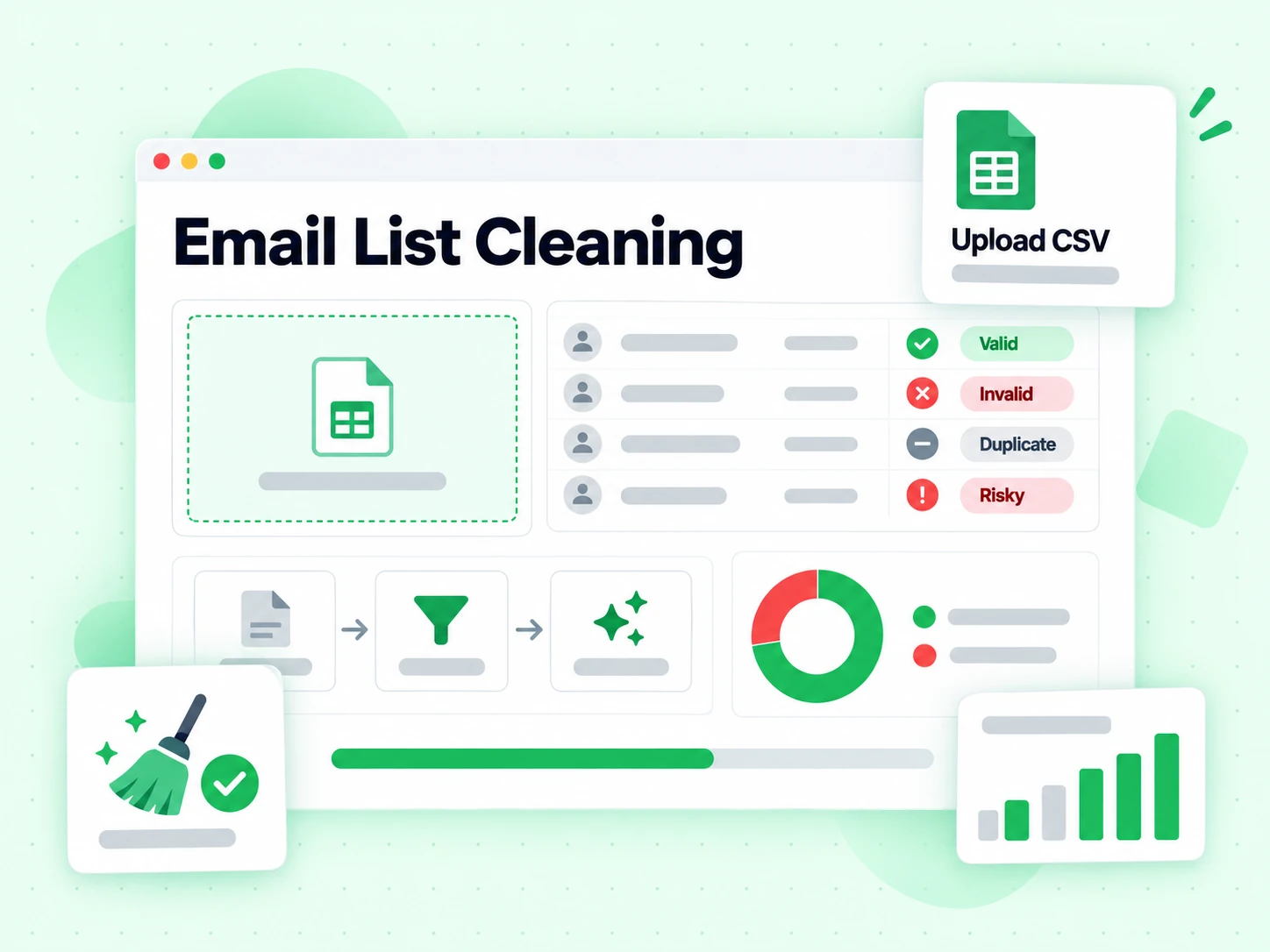
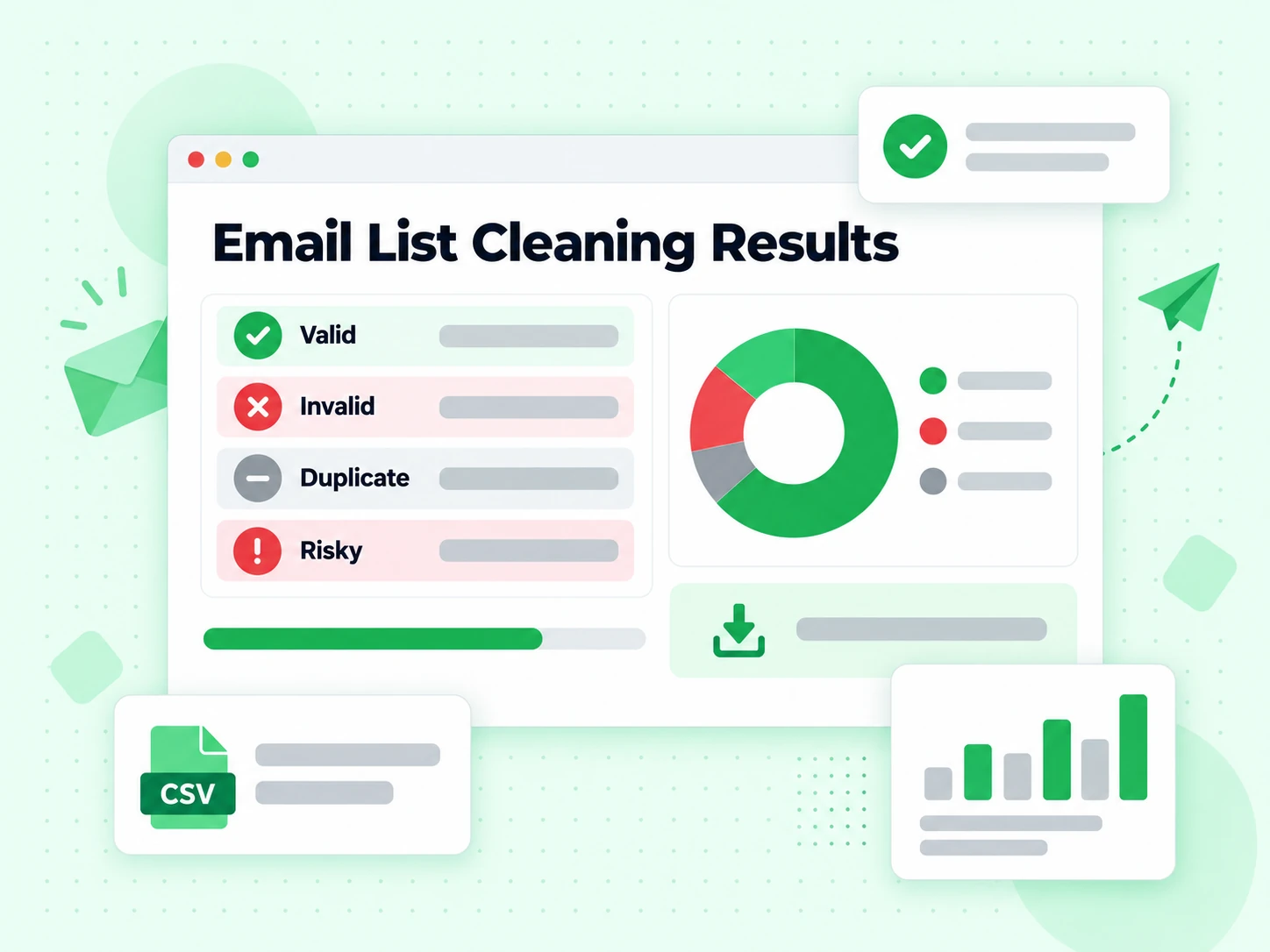
Email list cleaning is the process of verifying every address on a file or paste, then separating deliverable contacts from invalid, risky, disposable, role, and catch-all rows before you send. The goal is practical: lower hard bounces, protect domain reputation, and stop paying an ESP to deliver into dead mailboxes.

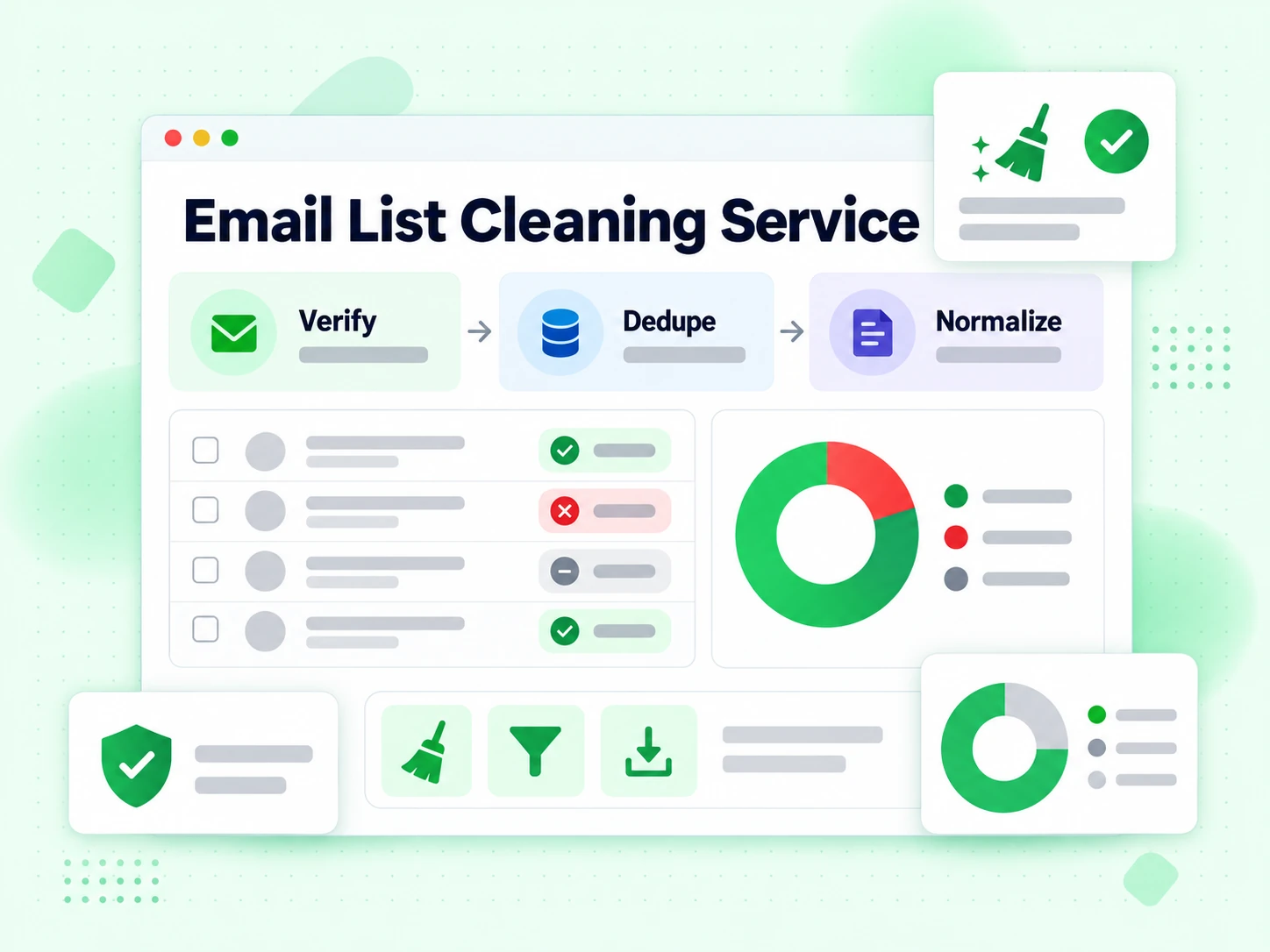
BillionVerify list cleaning uses the same multi-layer pipeline as the Email Checker — syntax, domain routing, live SMTP where available, plus disposable, catch-all, and role signals — applied row by row. The free tool proves that pipeline on up to 20 unique addresses per IP every rolling 24 hours; signed-in bulk jobs add larger uploads, progress, history, and exports.

That is different from a single-address checker (one paste, one result) and different from shallow “validators” that only test format. List cleaning is for when the unit of work is a campaign list, CRM export, event registration file, or purchased lead CSV — not one curious address.

How email list cleaning works

From raw rows to a statused export. Free demo and signed-in bulk share the verification engine; volume and UX differ.

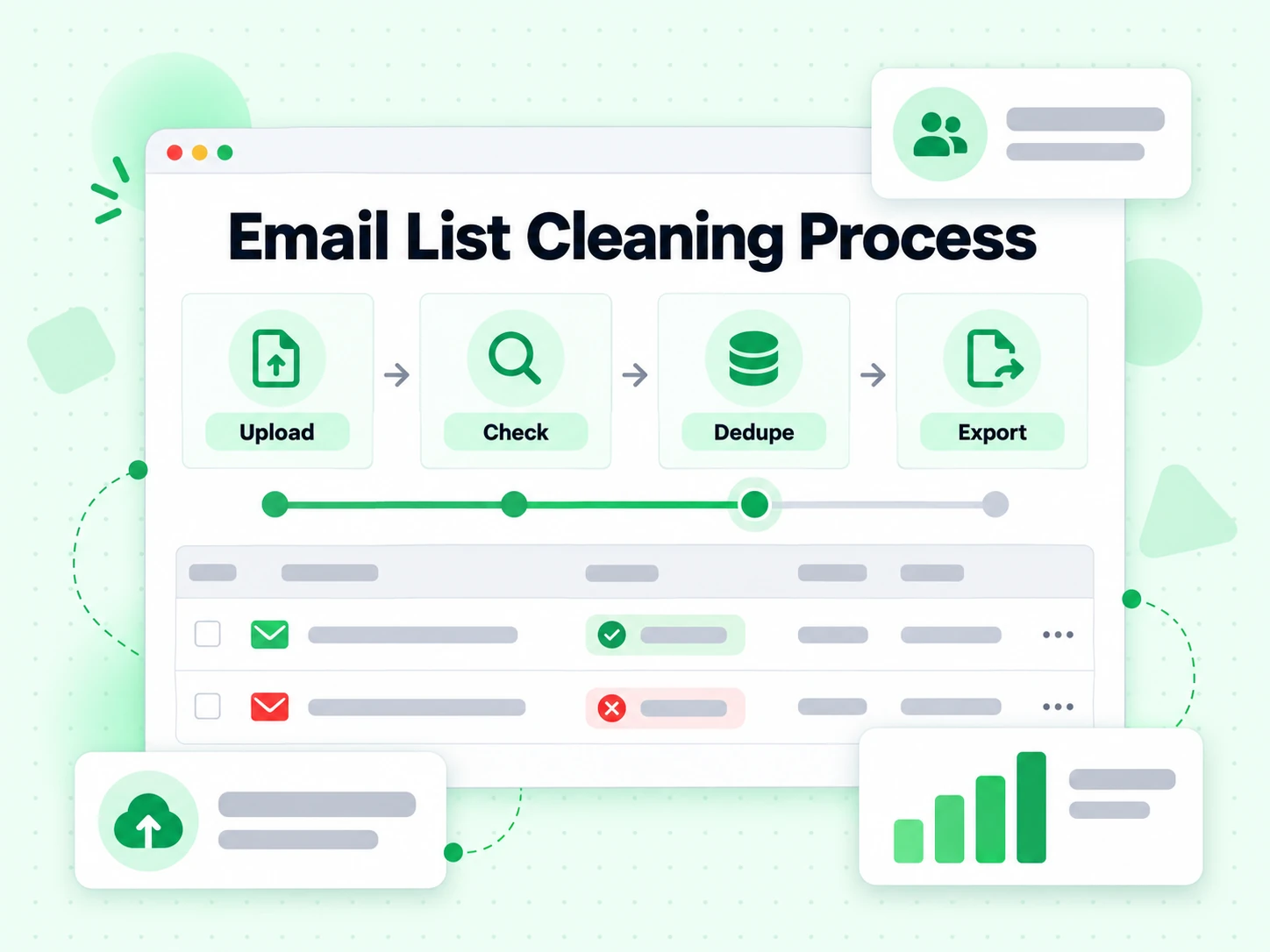
  1. 1. Bring the list in

    Paste addresses or upload CSV/TXT on the free demo (max 20). Signed-in bulk accepts larger CSV/Excel files with automatic email-column detection. Duplicates are collapsed so you do not pay twice for the same mailbox in one job.

  2. 2. Queue every unique address

    Each row enters an ordered verification queue. Signed-in jobs survive restarts: if something fails mid-run, work resumes from the last completed address instead of restarting the whole file.

  3. 3. Run multi-layer verification per row

    Syntax → MX → SMTP mailbox probe when possible, then risk flags (disposable, catch-all, role). Results mirror what you see on Email Checker for a single address, so spot-checks and bulk jobs stay consistent.

  4. 4. Read summary and export

    The free demo returns a compact table with status per email. Signed-in jobs add live progress, history, filtered downloads (valid only / invalid only / risky), and optional email or webhook completion notices.

When you need list cleaning

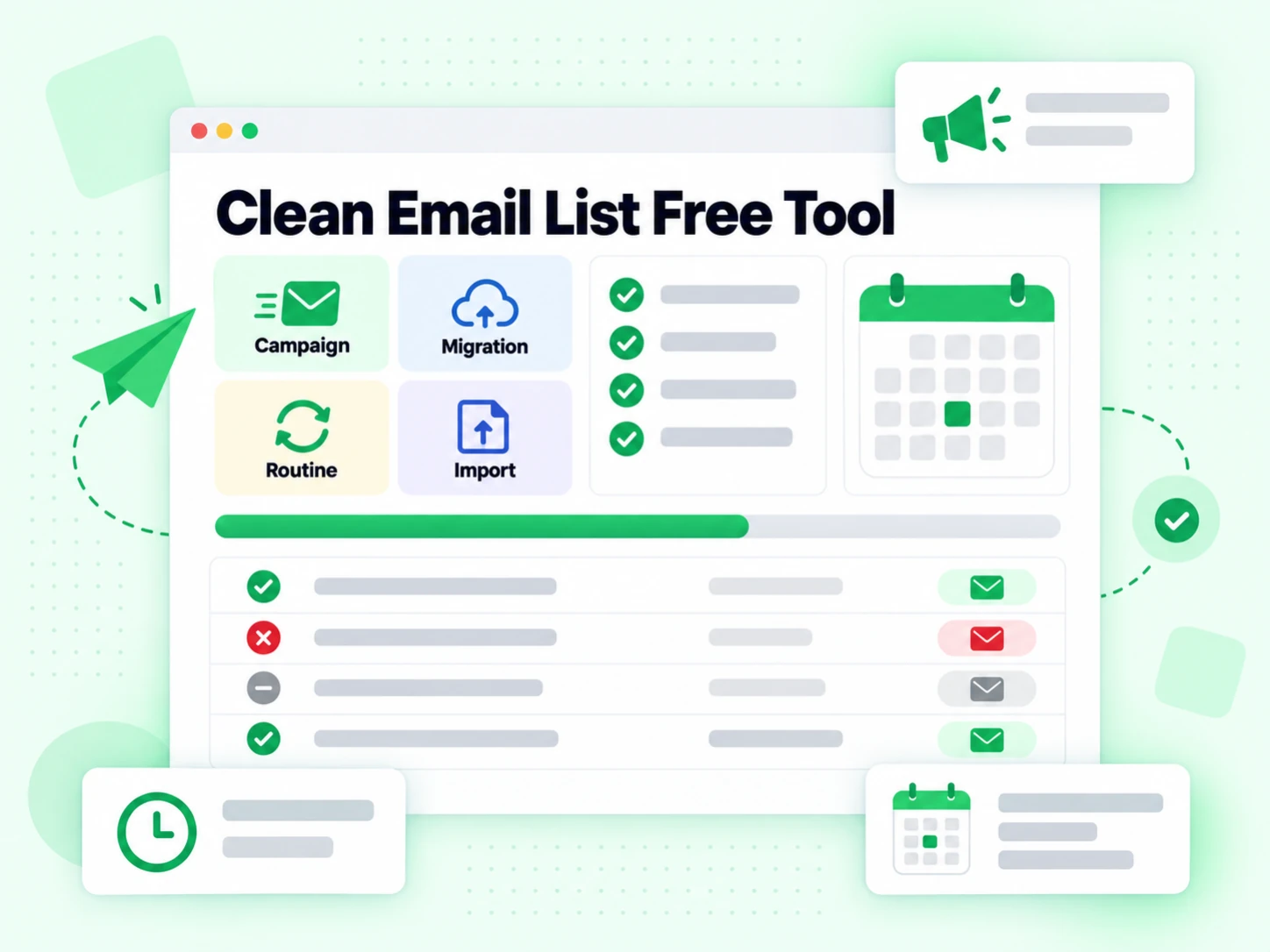
Use list-scale verification when one address at a time is too slow — or too easy to skip before a send.

  • Before a campaign or sequence

    Remove clear permanent failures before importing recipients into your sending platform, especially for webinar exports, event lists, and dormant CRM segments.

  • CRM or ESP migrations

    Moving contacts between tools multiplies stale rows. Run list cleaning once so the destination system starts with fewer closed mailboxes and fewer disposable signups.

  • Sampling an imported third-party file

    Use the free 20-address demo to inspect a representative, authorized sample before processing the full CSV. Keep source permission and technical verification as separate acceptance gates.

  • Routine hygiene for active lists

    Even permission-based lists decay as people change jobs, domains expire, and mailboxes close. Set a cleaning cadence based on list age, source quality, and send frequency instead of waiting for failures to accumulate.

List cleaning vs other Email Verify Tools

Same verification family. Different unit of work.

List cleaning is for many addresses. Single-address tools are for one decision. Free Tools (SPF/DKIM) are DNS utilities, not list scrubbing.

ToolWhat it doesUse it when
Email VerifierFull SMTP mailbox check plus all risk flagsWhen deliverability and send safety matter
Email CheckerFull SMTP + all risk flags on one addressWhen you want a complete multi-layer result in one place
Free Email CheckerDetect free personal webmail providers (Gmail, Yahoo, …)Lead quality and B2B domain scoring — not free-of-charge verification
Email ValidatorSyntax + MX only — no SMTPQuick format and domain screen
Disposable Email DetectionFlags temporary / throwaway domainsSignup and lead capture
Bounce Email CheckerFocus on bounce and undeliverable riskList hygiene for bounce-rate control
Catch-All VerifierDetects catch-all domainsWhen SMTP accept is unreliable
Role Account DetectionFinds generic role addressesB2B outreach quality
Email List CleaningVerify many addresses at once (paste or CSV)When a single check is not enough and you need a cleaned list
Reverse Email LookupFind public owner and company context from an email addressLead research and unknown-sender review
Phone Number ValidatorValidate phone format, country, type, and E.164 outputCRM phone cleanup before outreach

How to read list-cleaning results

Each row receives a point-in-time result from the same engine as single-address checks. A permanent invalid result belongs on a technical suppression path. Unknown and temporary outcomes need retry or review. Disposable, catch-all, and role signals remain separate because they describe different kinds of risk even when SMTP accepts the recipient.

On the free demo, use the summary counts to inspect a small list, then review each row rather than treating “other” as one outcome. Signed-in jobs provide richer progress and export workflows for larger files.

Row by row

What happens during email list cleaning

A cleaned list is built from explainable results on individual addresses, not from one score applied to the whole file.

Addresses are extracted, normalized, and deduplicated

The free tool reads pasted text or one CSV/TXT file in the browser, finds common email-shaped strings, and converts them to lowercase. Pasted input must contain no more than 20 unique addresses; a file import loads the first 20 unique matches and tells you when more were present. The API normalizes and deduplicates again before reserving quota, so repeated rows in one request are not verified twice.

Extraction only finds candidate strings. If the first task is collecting addresses from mixed documents or spreadsheets, use the Email Extractor, then bring the reviewed output back for mailbox verification.

Syntax and routing remove failures before SMTP

Each address is checked for a usable structure before network work. The verifier then evaluates the domain's published receiving route. If the current check cannot find a published MX path, it cannot continue to a normal mailbox-level result; unusual implicit-MX domains may need manual review.

A format or MX pass alone cannot prove a recipient exists. The Email Validator intentionally stops at those lighter checks, while list cleaning continues because campaign decisions need recipient-level evidence.

SMTP and risk signals stay visible as separate evidence

For structurally usable addresses, BillionVerify evaluates the receiving server's point-in-time recipient response without sending campaign content. It also returns disposable-provider, catch-all-domain, and role-mailbox signals when present.

Keeping these fields separate prevents a catch-all acceptance or deliverable role mailbox from being mislabeled as a named-person contact. Use the Email Checker to inspect the same evidence in depth for one address before processing the full list.

Read every bucket

Turn list-cleaning statuses into routing decisions

Valid, invalid, and other are summary groups. The row-level status and reason determine the next action.

Permanent invalid results belong on a technical suppression path

Malformed addresses and clear permanent recipient rejections should not enter the next send. Keep the normalized address, verification time, and reason so operators can distinguish a typo from a mailbox or domain failure.

A permanent invalid result is different from an unsubscribe or policy suppression. Preserve both controls rather than overwriting permission history with a technical status.

Accepted recipients still need their risk context

An SMTP acceptance is positive point-in-time evidence, but it does not guarantee inbox placement or prove a person's identity. A role address may route to a team, and a catch-all domain may accept invented local parts.

Use the Email Verifier for the focused send decision on one important row. Review Catch-All Verifier, Role Account Detection, and Disposable Email Detection when one of those policies drives the campaign decision.

Unknown and temporary results require review or retry

Timeouts, greylisting, provider throttling, and temporary server failures do not establish a permanent invalid mailbox. Keep them out of the send-ready group for the current campaign, but do not silently delete them as confirmed hard bounces.

The Bounce Email Checker explains how temporary 4xx replies differ from permanent 5xx replies and why the retry path matters.

From file to campaign

A practical email list cleaning workflow

Prepare the data, verify close to the send date, and export decisions that downstream teams can understand.

  1. 1

    Preserve the original row and source before cleaning

    Keep the original address, source system, acquisition date, and permission state. Normalize a separate verification field rather than rewriting the only copy of the customer record. That makes corrections and audits possible when an imported row is malformed.

    Remove obvious test records and select the intended email column before upload. For a small unknown source, use the free 20-address tool to inspect representative rows before spending credits on the whole file.

  2. 2

    Run the full list and route categories separately

    Use Bulk Email Verification for large CSV or Excel jobs with progress, history, and export workflows. Send normal accepted recipients through the intended path, suppress permanent invalids, and place unknown or catch-all rows into review or retry queues.

    Keep disposable and role classifications as fields rather than forcing them into invalid. A temporary provider may accept mail, and a role mailbox may be exactly right for an invoice or support message.

  3. 3

    Verify again when a list becomes stale

    People change jobs, mailboxes close, aliases are retired, and domains move providers. There is no universal lifetime for a clean result. Set the cadence from list age, source quality, send frequency, and the cost of a bounce.

    Automated forms and CRM events can call the Email Verification API as contacts arrive, reducing the amount of correction required immediately before a campaign.

Keep the promise narrow

What email list cleaning cannot guarantee

Cleaning reduces preventable recipient failures. It does not control message content, sender infrastructure, or permission.

Cleaning does not automatically delete or rewrite your source file

The free tool returns a status table and summary for up to 20 unique addresses. Signed-in workflows add larger jobs and exports, but your team still chooses which categories to send, retry, review, or suppress.

That choice is intentional: a catch-all lead, shared billing address, and temporary SMTP failure should not all be discarded for the same reason.

Mailbox acceptance does not guarantee inbox placement

A receiving server can accept the recipient and later filter, quarantine, defer, or reject a message because of authentication, reputation, content, or provider policy. List cleaning does not send the campaign message and cannot predict every downstream filter.

Use the Email Deliverability Test to inspect SPF, DKIM, DMARC, and other sending-infrastructure evidence separately.

Verification does not create consent or restore an unsubscribe

A technically deliverable mailbox may still be unsubscribed, suppressed, collected without the required permission, or inappropriate for the message. Apply contact preferences and permission records after verification and before sending.

Treat cleaning as a data-quality layer. It should never overwrite a stronger do-not-contact decision simply because the mailbox accepted SMTP.

Technical reference

Make list-cleaning evidence auditable

Stable status semantics, protocol-aware retries, and timestamps make results useful beyond one export.

RFC 5321 separates temporary and permanent SMTP replies

SMTP 4xx replies indicate temporary negative conditions, while 5xx replies indicate permanent negative conditions. That protocol distinction is why a temporary failure should remain retryable rather than being counted as a confirmed invalid. See RFC 5321 for the response model.

Store status, reason, flags, and verification time

A single cleaned boolean throws away too much evidence. Preserve the normalized status, SMTP or validation reason, disposable/catch-all/role fields, and timestamp so another team can understand how the row was classified.

Measure list quality by source and age

Compare invalid, unknown, disposable, role, and catch-all rates across acquisition sources and time windows. These category-level trends reveal which imports need earlier validation without pretending that one global percentage defines every list.

Frequently Asked Questions

1. What is email list cleaning?

Email list cleaning verifies every address on a list and separates valid mailboxes from invalid, risky, and low-quality rows before you send. BillionVerify runs syntax, MX, and SMTP checks per address so cleaning reduces hard bounces and protects sender reputation — not just a format filter.

2. Is the list cleaning tool on this page free?

Yes for a fair-use demo: up to 20 emails per IP every rolling 24 hours, with full SMTP and no signup. For larger files, history, and filtered exports, create a free account and use bulk verification credits.

3. What file formats are supported?

The free demo accepts pasted text and reads one CSV or TXT file in the browser, extracting up to the first 20 unique addresses. Signed-in bulk jobs support larger CSV and Excel (.xlsx) files with email-column detection; the current product limit shown during upload is the authority for each job.

4. List cleaning vs Email Checker — which should I use?

Use Email Checker when the unit of work is one interactive address and you want a full multi-layer result (SMTP + risk flags). Use email list cleaning when the unit of work is a file or multi-line paste — campaigns, CRM exports, event lists, or purchased CSVs. Both share the same verification engine, so spot-checks on the checker match bulk outcomes on list cleaning. Typical flow: sample with checker or free list demo → clean the full file → send only valid (and policy-approved) rows.

5. Will cleaning my list reduce bounce rate?

Removing hard-invalid and undeliverable addresses before send is one of the most reliable ways to lower hard-bounce rate and protect domain reputation with ISPs and ESPs. List cleaning cannot fix weak SPF/DKIM/DMARC, spammy content, or a burned sending IP — use Free Tools for authentication and fix infrastructure separately. Clean before major sends and on a schedule, because lists decay as people change jobs and domains expire.

6. What does 24-hour caching mean for credits?

On signed-in bulk verification, if the same address was verified recently within the cache window, the cached result can be returned without charging again. That protects you when the same mailbox appears across multiple uploads in a short period.

7. What happens if a bulk job fails midway?

Signed-in jobs use a persistent, ordered queue. After interruptions, processing resumes from the last completed address so you do not re-verify the whole file from scratch or lose progress.

8. Is email scrubbing the same as list cleaning?

Yes — scrubbing and list cleaning both mean removing invalid or risky addresses before send. Marketing teams usually say “list cleaning”; some direct-mail contexts say “scrubbing.” The workflow here is upload or paste → verify → export by status.

Email List Cleaning

Clean the next list with full SMTP

Try 20 free addresses on this page, then sign in for large CSV/Excel jobs, filtered downloads, and API automation.

20 free list cleans / 24h demo · Same engine as Email Checker · CSV upload when signed in

99.9%
Accuracy
Real-time
API Speed
$0.00014
Per Email
100/day
Free Forever