Recipient-domain abuse categories
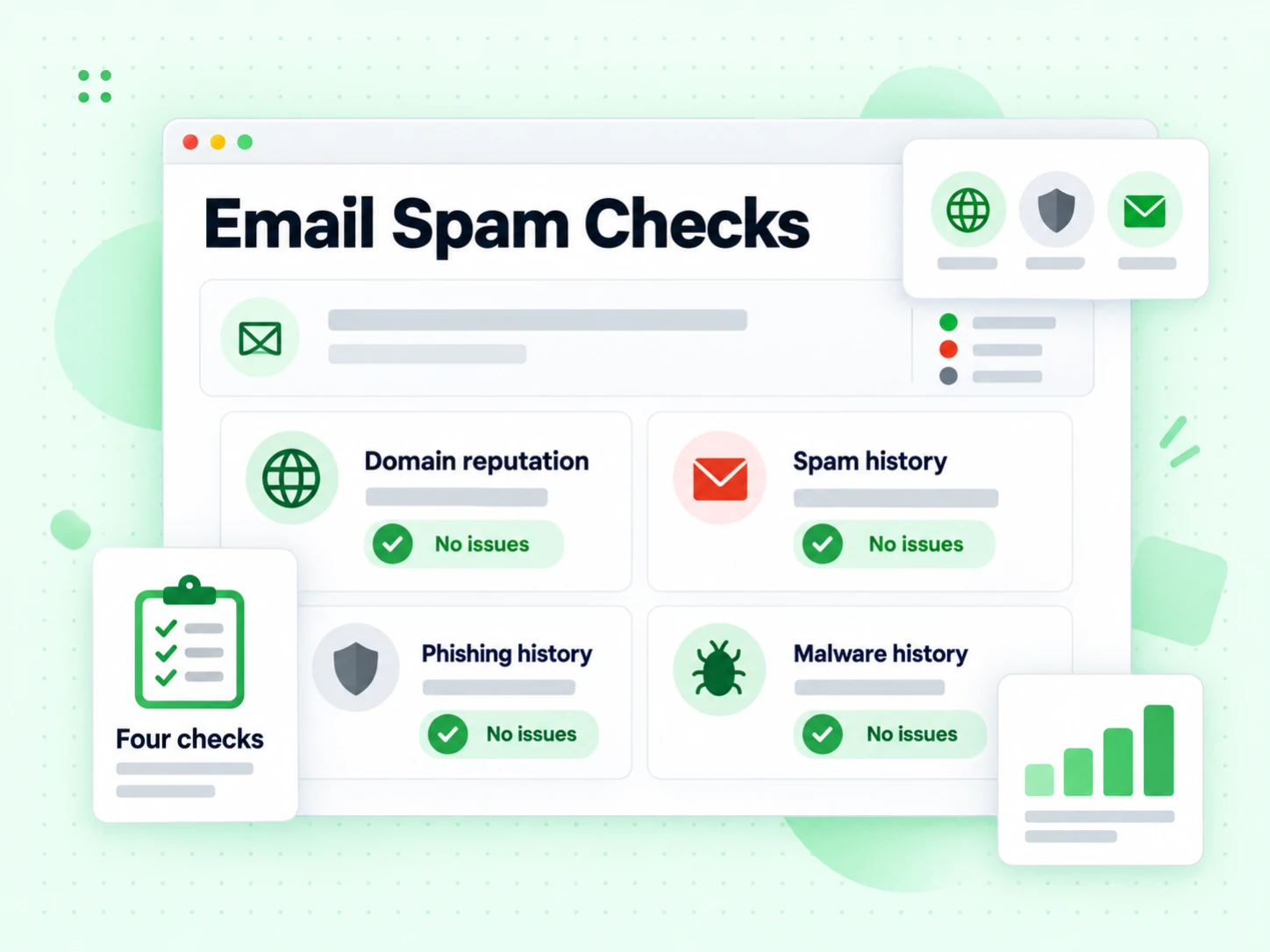
Report supported Spamhaus DBL categories for spam, phishing, malware, and botnet command-and-control domains.
Free recipient risk check
Check whether an email address can receive mail and whether its recipient domain has confirmed spam, phishing, malware, or botnet abuse history. No signup required.
An email spam checker can describe several different tools. Some score the words, links, and HTML inside a marketing message. Others test a sender's authentication or inbox placement. This free checker focuses on a different decision: whether a recipient email address is deliverable and whether the recipient domain has confirmed abuse history.
BillionVerify runs syntax, MX, and SMTP mailbox checks, then reads the verification API's recipient-domain risk reasons. A risky result can identify a domain associated with spam, phishing, malware, or botnet command-and-control activity. The address may still accept mail, which is exactly why this signal belongs beside deliverability rather than behind a simple valid-or-invalid label.
Use the result before adding an address to outreach, importing a contact into a CRM, or keeping a questionable recipient in a bulk list. Do not use it to predict whether your own campaign will land in spam. Message content, sender infrastructure, authentication, complaints, and recipient engagement are separate parts of email deliverability.
One check combines mailbox evidence with a narrow, named recipient-domain reputation signal. Each part answers a different question.
Report supported Spamhaus DBL categories for spam, phishing, malware, and botnet command-and-control domains.
Run a full SMTP verification so a risky-but-deliverable address is not confused with a nonexistent mailbox.
Check address structure and MX records before making any mailbox or domain-risk interpretation.
Return valid, invalid, unknown, or risky with explicit reasons instead of hiding uncertainty in one score.
Recipient risk fundamentals
A useful result keeps mailbox deliverability, recipient-domain reputation, and campaign spam placement separate. Combining the evidence is valuable; collapsing it into one vague promise is not.
The check begins with the address you plan to store or contact. Syntax validation catches malformed input before any network request. DNS resolution then confirms whether the domain has usable mail routing. These are necessary gates, but neither one says that the individual mailbox exists or that the recipient domain has a trustworthy history.
A string can look perfect and still point to a closed mailbox. A domain can publish MX records while every useful recipient is rejected. Conversely, a mailbox can accept SMTP while the domain itself carries an abuse signal. That is why BillionVerify does not label an address safe after a format-only check. For that shallower task, use the Email Validator; this page continues into mailbox and domain-risk evidence.
The full check asks the receiving mail system whether the specific recipient can accept mail. SMTP evidence distinguishes a deliverable mailbox from an invalid or inconclusive address. This matters because the API's risky status is not another name for invalid. A risky address may be fully deliverable, which makes it tempting to keep unless the abuse reason is visible.
BillionVerify preserves that distinction in separate fields. The result can say that SMTP accepted the recipient while the status is risky and risk_reasons names the domain category. Operations teams can then suppress the address for a concrete reason instead of confusing reputation with a hard bounce. If bounce prevention is the only objective, the Bounce Email Checker presents the same mailbox evidence with a narrower interpretation.
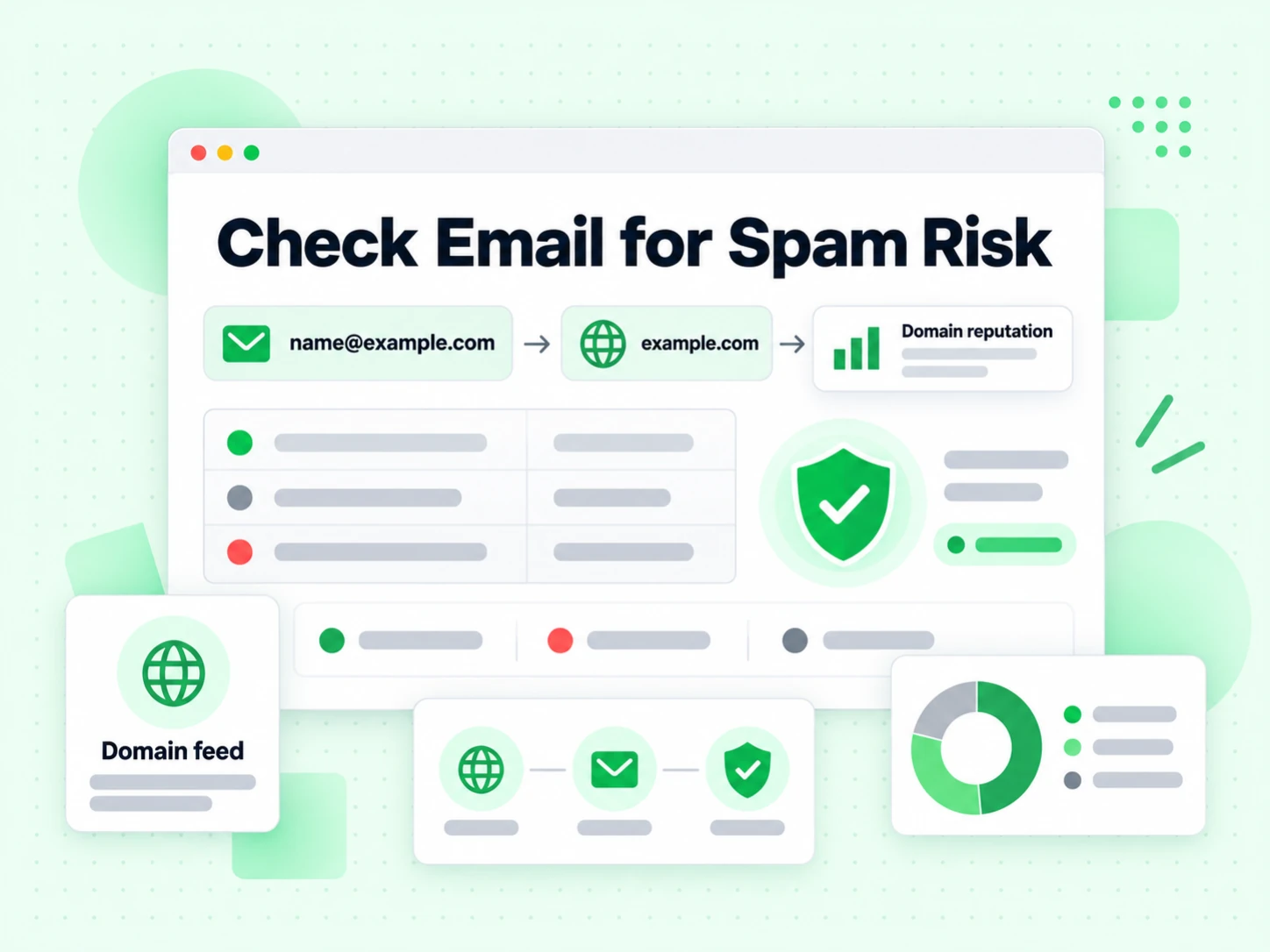
After verification, the service evaluates the recipient domain against the supported Domain Blocklist signal. Spamhaus describes the DBL as a domain-only reputation dataset covering domains associated with spam and malicious activity. BillionVerify maps the supported actor-owned categories into four stable API reasons: spam, phishing, malware, and botnet command-and-control.
This is deliberately narrower than saying that an email is spam. The input is an address, not a received message. The lookup concerns the domain after the at-sign and the history attached to that domain. It does not inspect what anyone wrote, decide whether a sender is legitimate, or classify a message in an inbox. The result should be used as recipient risk evidence during verification and list hygiene.
A numeric quality score can help sort records, but it should not hide the event that caused a decision. When the status is risky, risk_reasons explains whether the recipient domain matched the spam, phishing, malware, or botnet C&C category. A person reviewing the result can understand the threat class without reverse-engineering thresholds or treating every low score as the same problem.
The status remains the action field and the reasons remain explanatory evidence. A supported abuse match changes an otherwise deliverable result to risky. An empty reason list does not prove that every part of the address is benign; it says that this specific external signal did not match. Keep the result timestamp and recheck important records when the send decision happens much later, because reputation data changes.
Network verification can be inconclusive because of temporary DNS failure, mail-server policy, greylisting, provider protection, or a degraded service path. BillionVerify returns unknown when it cannot reach a deterministic conclusion. The spam-focused panel also shows an inconclusive state when the full result is unavailable instead of quietly calling the domain clean.
Retrying can make sense for unknown. It does not make sense for a deterministic risky result whose domain abuse signal is already known. This difference is important in automation: unknown belongs in a retry or review queue, while risky belongs in suppression. If you are cleaning more than one address, the Email List Cleaning workflow keeps these statuses separate across the whole file.
What the result does not claim
Search results mix recipient verification, message scoring, sender reputation, and inbox placement under the same phrase. Choose the tool according to the object being tested.
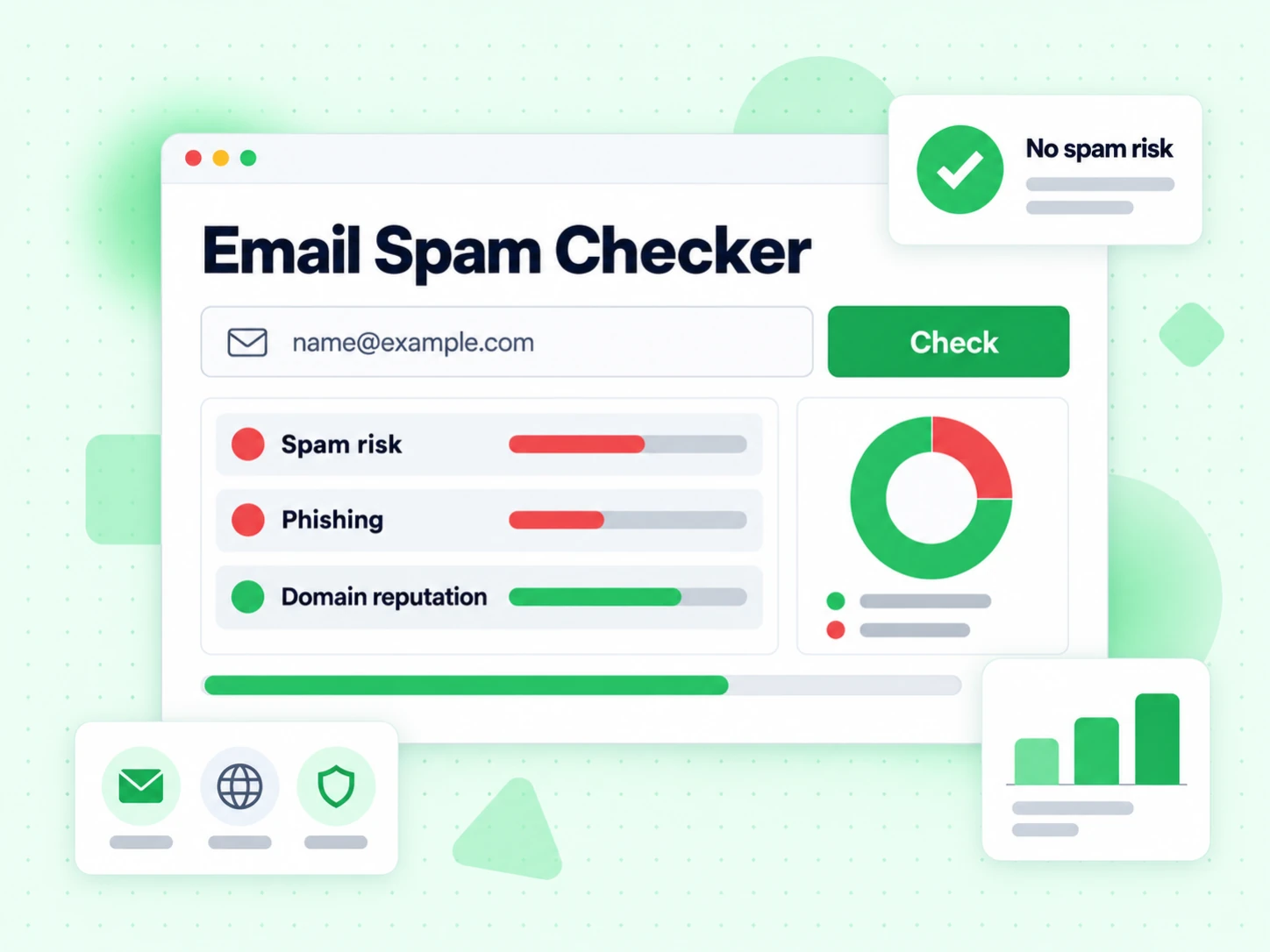
This page belongs to recipient verification. It starts with name@example.com, checks whether that mailbox can receive mail, and identifies supported abuse history on example.com. Use it before storing or contacting a recipient. The object under review is the destination address, not the campaign you plan to send.
The strongest action is suppress, review, or keep the contact based on deterministic address evidence. Disposable, role, catch-all, bounce, and domain-abuse signals solve adjacent list-quality problems. They do not measure creative quality, authentication alignment, or how mailbox providers will rank the eventual message.
A content spam test starts with a subject line and message body. It may inspect wording, HTML balance, links, images, headers, and patterns associated with filtering rules. That can help writers catch obvious problems, but it cannot prove that a mailbox exists and it cannot turn a bad recipient list into a healthy one.
BillionVerify does not accept message copy on this page, so it cannot make a content judgment. If your question is whether a specific newsletter template contains suspicious language or markup, use a purpose-built message tester. Still verify the recipients separately, because clean creative sent to invalid or abusive destinations remains a deliverability problem.
Sender reputation tools start with the infrastructure that sends mail: the visible From domain, envelope domain, DKIM signing domain, sending IP, reverse DNS, and authentication records. They can reveal blocklist entries or configuration problems that affect every campaign from that infrastructure.
That is different from checking the recipient domain after the at-sign. Use the Blacklist Checker when the object is an IP or sending domain. A sender can have a clean infrastructure and still upload a risky recipient list; a recipient domain can be clean while the sender's own IP is blocked. Both directions deserve independent checks.
Inbox placement is the final behavior observed after a real or seeded message is sent. Mailbox providers consider authentication, sending history, complaints, engagement, content, rate patterns, and recipient-specific signals. No recipient-address lookup can guarantee the inbox rather than spam because it does not observe that full sending event.
Use the Email Deliverability Test for sender-side readiness, then keep list verification as a separate pre-send control. This two-part approach answers both questions honestly: can this destination accept mail, and is the sending setup prepared to deliver a campaign responsibly?
A technical result does not prove who controls an inbox, whether the owner consented to a campaign, or whether a planned message is wanted. Deliverability and domain reputation are operational facts, not permission. A public or purchased address can pass every technical test and still be inappropriate for a particular outreach use.
For public company and owner context, start with the Reverse Email Lookup. Then keep source, consent, suppression, and contact-preference records in the systems that own those decisions. The spam checker should improve list quality without being stretched into identity or policy claims it cannot support.
Practical workflow
The fastest workflow is to validate the input, read the mailbox result, inspect the named risk category, and route the contact by status. Each step narrows a different failure mode.
Paste the exact address from the signup, CRM, support request, or source file. Do not replace the domain with a company website or enter a sending IP; those inputs belong to different tools. Keeping the original address allows the syntax, mail-routing, SMTP, and domain-risk layers to describe the same record.
Correct obvious transcription errors only when you have first-party evidence. Do not invent missing characters, swap a domain because it looks unusual, or assume a suggested spelling belongs to the same person. A technically clean result for a guessed address is still a result for the wrong input.
Invalid syntax means the address cannot be used as entered. Missing usable mail routing means the domain cannot currently receive ordinary email. SMTP rejection means the specific mailbox appears undeliverable. These failures already answer the send question, even if there is no domain-abuse category to display.
If the full check is unknown, queue a limited retry rather than marking the address valid. Mail servers sometimes defer automated probes, and infrastructure can fail temporarily. The page never substitutes syntax and MX for a completed mailbox and reputation result without showing that the response is degraded or inconclusive.
When the result is risky, read the category shown below the status. Spam identifies a domain associated with unsolicited bulk activity. Phishing identifies credential or impersonation abuse. Malware identifies malicious software distribution. Botnet C&C identifies command-and-control infrastructure. Each is stronger evidence than a generic low-quality label.
BillionVerify deliberately excludes Spamhaus abused-legitimate categories from this risky overlay. A normal website can be compromised without its company mailboxes becoming malicious recipients. The implementation keeps the marketing decision focused on the supported actor-owned abuse categories instead of turning every compromised hostname into a blanket accusation against the organization.
Keep a valid address only when it also meets your source and contact rules. Remove invalid addresses because another send is likely to bounce. Suppress risky addresses because the domain abuse signal is deterministic even when the mailbox accepts mail. Put unknown results into a bounded retry or manual-review queue.
Do not turn every status into a single pass-or-fail boolean too early. Keeping the original status and risk_reasons lets later systems explain why a contact was removed, avoid endlessly retrying deterministic risk, and update policy without rerunning every historical job merely to recover lost evidence.
A single-address check is useful for exploration and support, but production hygiene needs consistent treatment in forms, imports, CRM syncs, and campaign preparation. The Email Verification API returns the same risk_reasons field for automation, while bulk cleaning keeps the reasons with each row for export and audit.
Write the decision once: retry unknown under a bounded policy, remove invalid and risky, and review catch-all or role addresses according to the campaign. Keep metrics for each bucket instead of only the final list size. A sudden rise in risky domains may reflect a source-quality change that deserves investigation before the next send.
The same green SMTP response can lead to a different list decision when recipient-domain abuse evidence is present. These examples show what each combination means.
The mailbox accepted the verification path and the recipient domain did not return one of the supported abuse categories at check time. This is the strongest result available from this tool, but it remains a recipient check rather than an inbox-placement guarantee.
Keep the record only if its source, identity context, and contact rules are also acceptable. A clean domain result does not measure engagement, consent, sender authentication, message content, or whether the domain will remain unlisted in the future.
The address may accept mail, but the recipient domain matched a supported external abuse category. The verification status is risky, not valid, because deliverability alone is not enough to justify keeping this destination in an outreach list.
Suppress the record and retain the named reason. Repeating the check immediately is not useful: risky is a deterministic classification, not a temporary SMTP failure. If the record came from a lead source, inspect nearby records from the same source for similar quality problems.
The address failed syntax, routing, or mailbox verification. The absence of a domain-abuse category does not rescue it. Remove or correct the record based on trusted first-party information, because sending to a known invalid address creates bounce risk.
Use the technical reason that is already available rather than describing every bad record as spam. Invalid means the destination does not appear deliverable; risky means a likely deliverable destination carries a confirmed abuse signal. Those are different operational failures.
The service could not complete enough of the full check to reach a deterministic conclusion. The panel shows uncertainty and does not claim that the recipient domain is clean. A later retry may succeed when the temporary mail-server or infrastructure condition clears.
Keep retries limited and observable. If a result stays unknown, review or suppress it according to risk tolerance instead of looping indefinitely. Do not map unknown to valid merely because syntax and MX passed; those checks do not prove the mailbox or the domain-risk layer.
An address can carry more than one useful classification. A role account may be deliverable but inappropriate for person-level outreach. A disposable address may work briefly but undermine long-term account quality. A catch-all domain may accept every recipient, leaving the specific mailbox uncertain.
Open the full Email Verifier when you need all of these dimensions together. The spam-focused page intentionally emphasizes recipient-domain abuse, but the underlying verification decision is strongest when deliverability and every relevant risk flag remain available to the reviewer.
Named sources and data points
The page uses named technical sources and the published API contract so readers can distinguish measured evidence from marketing language. Source facts were reviewed on August 14, 2026.
Spamhaus describes the Domain Blocklist as a domain-only reputation dataset for domains showing signs of spam or malicious activity. Its policy statement includes unsolicited bulk email, phishing, fraud, and malware distribution. The DBL lists domain names rather than IP addresses, so BillionVerify treats this as recipient-domain evidence, not a sending-IP verdict.
The official DBL documentation says the zone is continually updated and served from more than 80 mirrors worldwide. Read the current scope, usage guidance, and removal process on the Spamhaus Domain Blocklist page.
The published DBL table assigns 127.0.1.2 to spam domains, 127.0.1.4 to phishing domains, 127.0.1.5 to malware domains, and 127.0.1.6 to botnet command-and-control domains. BillionVerify converts those categories into stable API strings instead of exposing raw DNS response codes in the marketing tool.
Spamhaus also publishes separate 127.0.1.102 through 127.0.1.106 categories for abused legitimate or redirector infrastructure. The BillionVerify risky overlay deliberately excludes those compromised-legitimate categories. See the official DBL return-code table for the distinction.
The verification response exposes risk_reasons as an array. Current values are spamhaus_dbl_spam, spamhaus_dbl_phish, spamhaus_dbl_malware, and spamhaus_dbl_botnet_cc. The field is absent or empty when none of those supported external signals matched.
The status is the decision and the array explains it. Risky means the full verification reached a deterministic conclusion: the mailbox is most likely deliverable, but the recipient domain carries confirmed abuse history. Unknown is reserved for a check that could not reach a conclusion and may benefit from a retry.
RFC 5782, published by the IETF in February 2010, documents common DNS blacklist and whitelist conventions, including operational test entries and the meaning of a name-not-found response. It also warns that list operators define their own policies, which is why a negative lookup must be described narrowly rather than as universal proof of safety.
BillionVerify reports that no supported category was returned; it does not say that no threat exists anywhere. Read the protocol background in RFC 5782 and the current dataset meaning in Spamhaus documentation. The named provider policy is more important than guessing from a raw DNS response alone.
Spamhaus recommends using the DBL at several stages of inbound filtering, including SMTP strings and domains found in message headers or bodies. That broader anti-spam use does not mean an address-only check has inspected an outbound campaign. BillionVerify queries the recipient-domain signal in the verification context and states that limited scope on every clean result.
For sender-side preparation, validate SPF, DKIM, DMARC, infrastructure reputation, and campaign behavior independently. Recipient verification reduces invalid and risky destinations; it cannot promise placement. Keeping these layers separate makes the result easier to cite, automate, and correct when any one source changes.
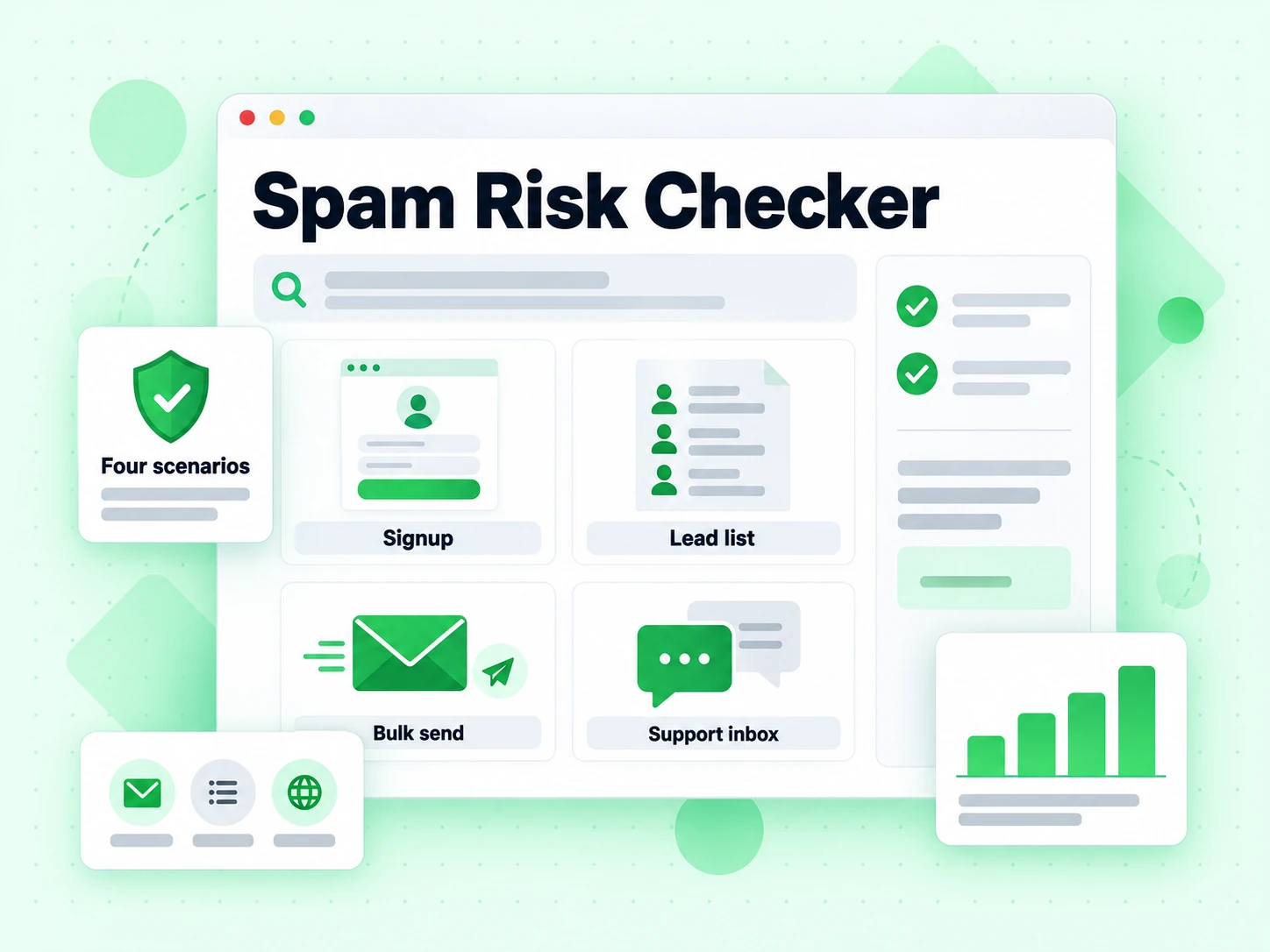
Recipient-domain abuse checks are most useful at list entry, review, and cleanup points where a deliverable address can still be the wrong contact to keep.
Review a mailbox that passes syntax but belongs to a recipient domain with suspicious or confirmed abusive activity.
Suppress deterministic risky results before a campaign instead of assuming every SMTP-accepted address is safe to contact.
Separate invalid mailboxes, uncertain checks, and deliverable addresses with recipient-domain abuse history.
Translate risk_reasons into a readable abuse category for operations, support, and list-hygiene decisions.
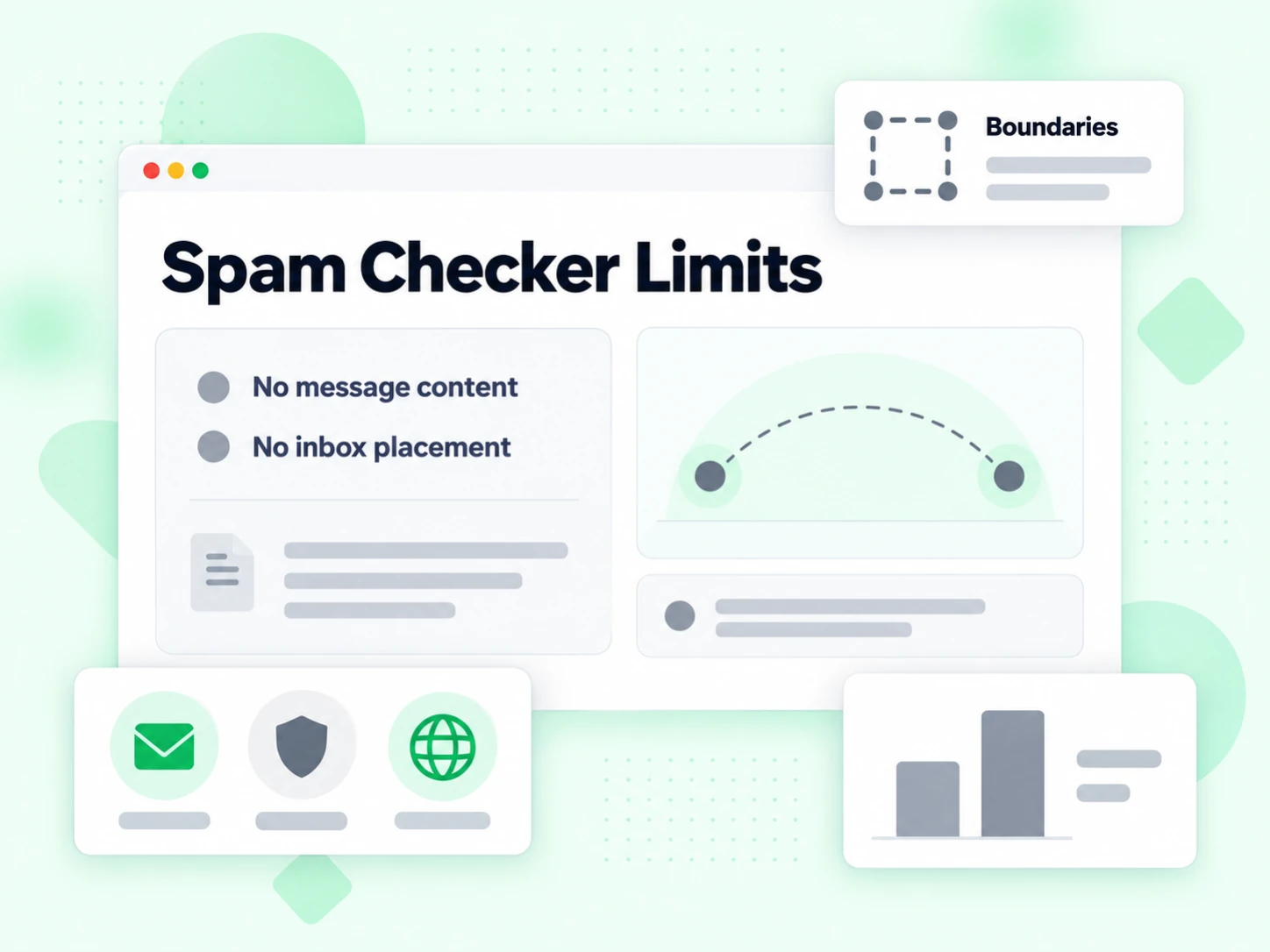
The checker does not inspect an email subject line, body copy, HTML, links, attachments, or headers. It cannot tell you whether Gmail or Outlook will place your message in the inbox, promotions tab, or spam folder.
It also does not replace sender-side checks for SPF, DKIM, DMARC, sending-IP reputation, blocklist status, complaint rate, or engagement. A clean recipient-domain result only means that no supported abuse category was returned at check time; it is not a universal safety certificate.
Use Email Deliverability Test for sender and campaign readiness. Use Email Verifier when the main question is mailbox deliverability and you want the complete set of disposable, role, catch-all, SMTP, and recipient-domain risk signals together.
Spam risk is one layer. Continue with the focused BillionVerify tool that matches the address, list, sender, or research question you still need to answer.
Run SMTP deliverability plus disposable, role, catch-all, and recipient-domain risk checks.
Review the complete multi-layer result for one email address in a single panel.
Identify temporary and throwaway mailbox providers used for short-lived signups.
Focus on mailbox rejection and hard-bounce risk before sending.
Apply deliverability and risk rules across pasted addresses or a CSV list.
Check sender authentication and the factors that affect campaign delivery.
Check an IP or domain against reputation lists from a sender-infrastructure perspective.
Find public owner clues, organization context, and mail-routing information.
Enter the address in the free checker. BillionVerify validates the mailbox and checks the recipient domain for supported Spamhaus DBL abuse categories. A risky result means the mailbox may accept mail but the domain has confirmed abuse history.
No. It does not score copy, links, HTML, headers, or attachments. It checks the recipient address, mailbox path, and recipient-domain abuse signals. Use a deliverability test for sender authentication and campaign readiness.
Risky is a deterministic result: the address is likely deliverable, but its recipient domain matched a supported external abuse category. Do not treat risky as a temporary timeout or as safe to send.
The current API can report recipient-domain categories for spam, phishing, malware, and botnet command-and-control activity. The page shows the category returned with the result.
No. It means no supported recipient-domain abuse category was returned at check time. It does not guarantee identity, consent, message safety, sender reputation, inbox placement, or future domain behavior.
Yes. Each IP can run 20 full checks in a rolling 24-hour window without signup. These checks include SMTP verification and the recipient-domain risk result.
Free tier for autonomous workflows — AI agents verify emails without billing setup. 99.9% SMTP-level accuracy.
Native MCP Server integration · 99.9% SMTP-level accuracy · Free tier, no credit card