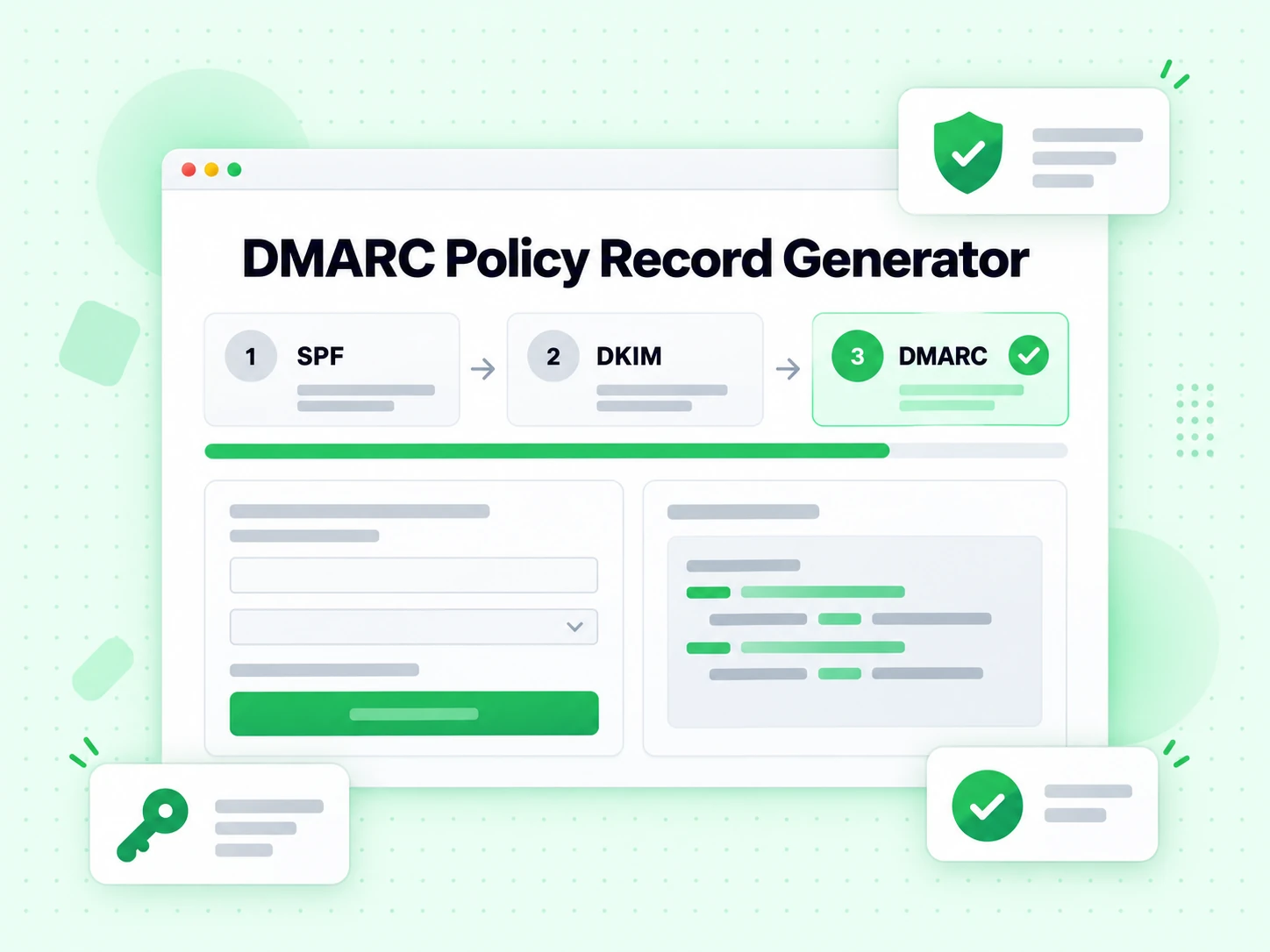
What this DMARC generator produces
A DMARC record is one TXT record published at _dmarc.yourdomain that tells receivers what to do when SPF and DKIM fail to align with the visible From domain. This free DMARC record generator turns that DMARC policy decision into correct tag syntax.
Receivers read the record at delivery time, evaluate SPF and DKIM alignment, and apply the policy you published. Our DMARC generator defaults to p=none with a reporting address, because monitoring before enforcing is the only safe rollout, and a DMARC generator that defaults to reject is dangerous.
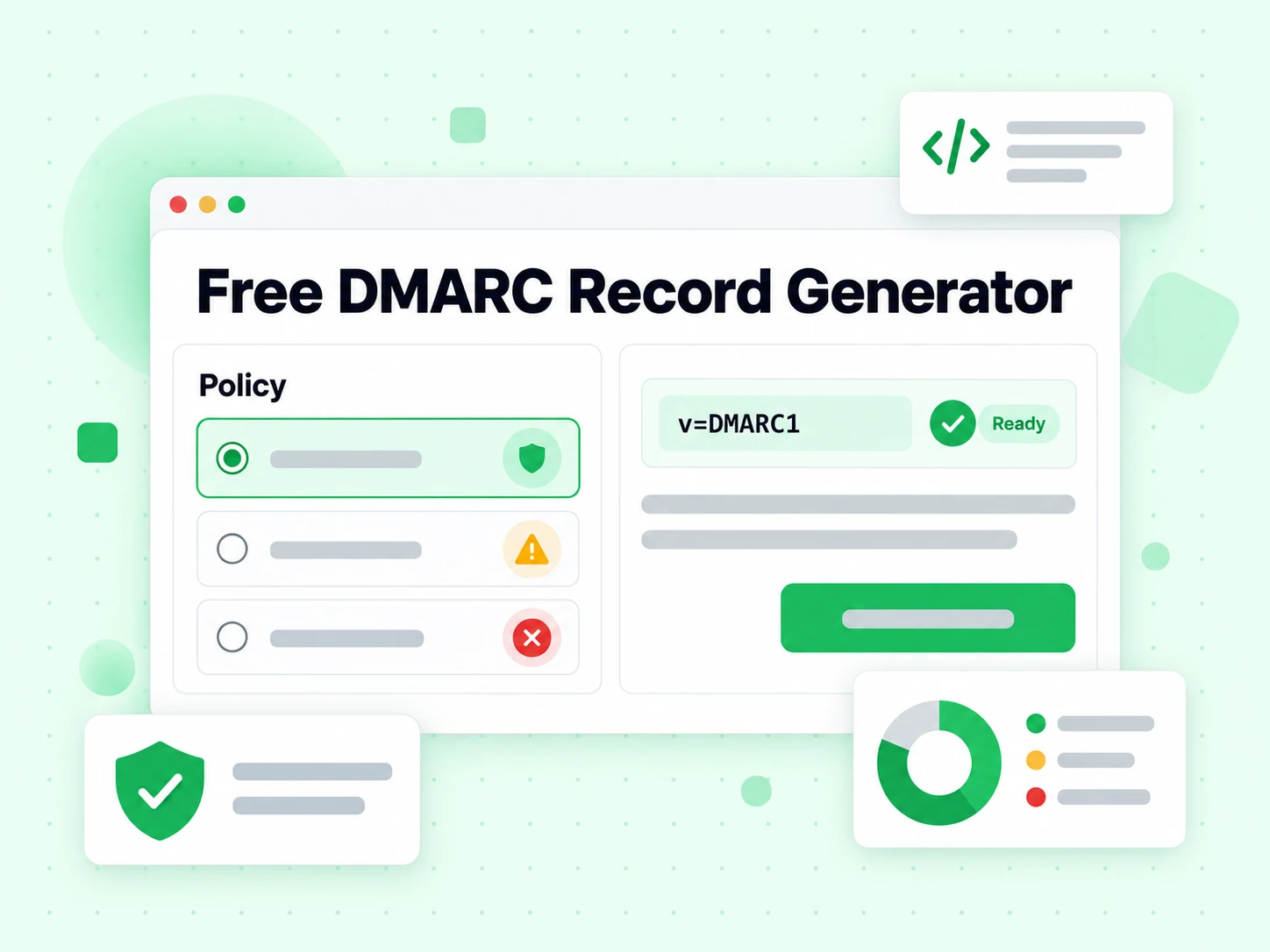
DMARC policies the DMARC generator can emit
The p tag is the whole policy decision. A DMARC generator should offer all three and default to the safe one; this free DMARC policy record generator does.
- p=none — monitor only. The DMARC record generator default: nothing changes for your mail, but aggregate reports start arriving.
- p=quarantine — failing mail goes to spam. Re-run the DMARC record generator with this once reports are clean.
- p=reject — failing mail is refused outright. The end state, not the starting point of any DMARC record generator run.

Alignment modes in a DMARC generator
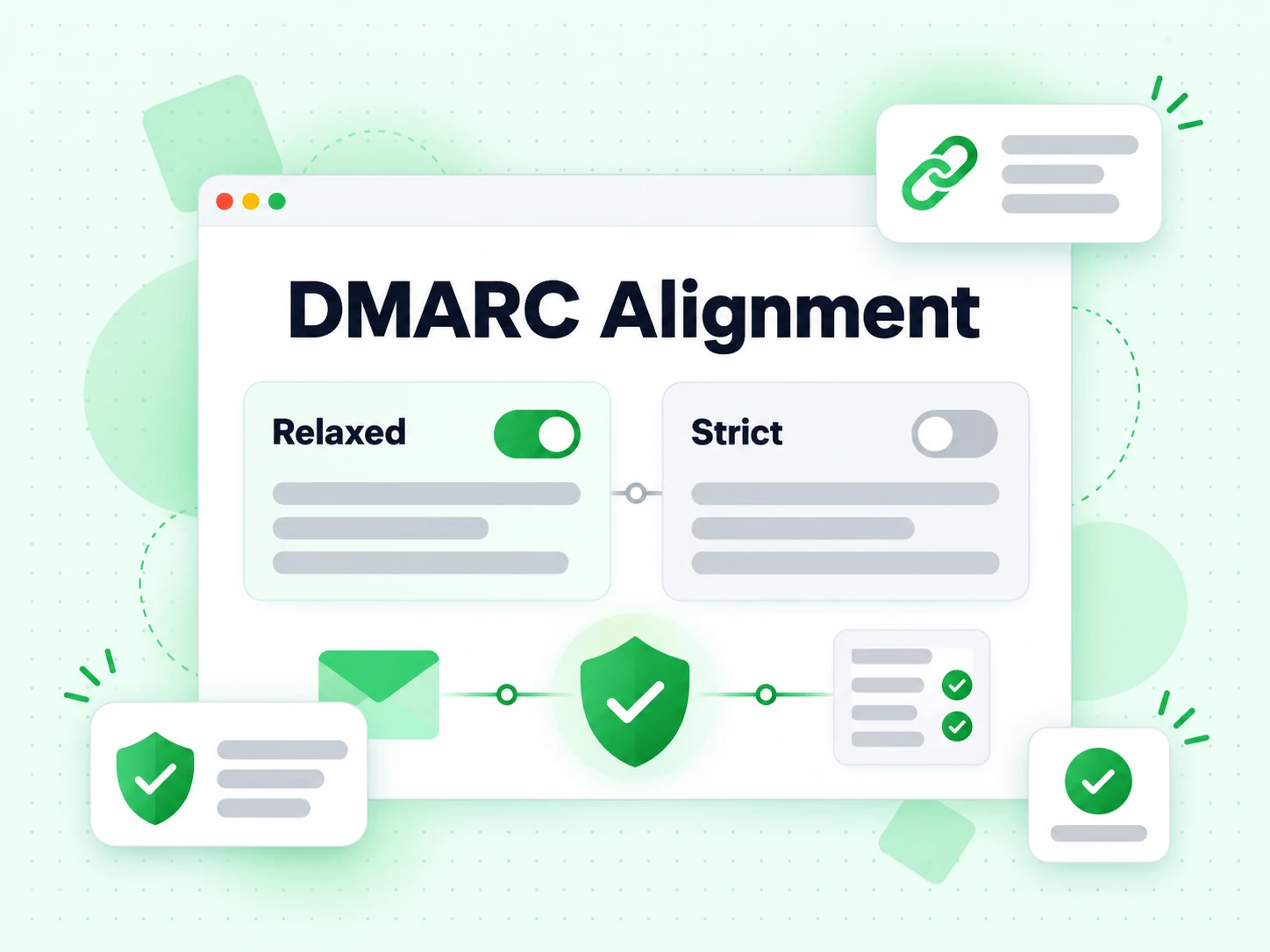
The aspf and adkim tags control how strictly the authenticated domain must match the From domain. Relaxed matches the organisational domain and is what our DMARC generator uses by default; strict requires an exact match and quietly breaks subdomain sending. Change it in this DMARC generator only when you know every aligned source.
Reporting addresses in the DMARC generator
The rua tag collects daily aggregate XML from every major receiver. Without it, a p=none record tells you nothing at all, which is why a DMARC generator treats rua as the important field rather than an optional one.
The ruf tag requests per-message forensic copies. Many receivers no longer send them for privacy reasons, so our DMARC generator sets rua always and leaves ruf optional. Aggregate data is what finds the sending source nobody remembered.

The DMARC generator is step three
DMARC has no cryptography and no IP list of its own. It reads SPF and DKIM results and checks alignment, so DMARC generator output with neither record behind it enforces nothing. Publish SPF and DKIM first, then run this DMARC generator.
Once the DMARC record generator output is live, verify it with the email verification to remove invalid addresses before every send, or check large lists with bulk email verification. See pricing for verification plans.