

Free LinkedIn Video Downloader: Download LinkedIn Video in HD
Paste a public LinkedIn post link and this LinkedIn video downloader saves the native video as an MP4 in seconds — no login, no watermark, and no app to install.
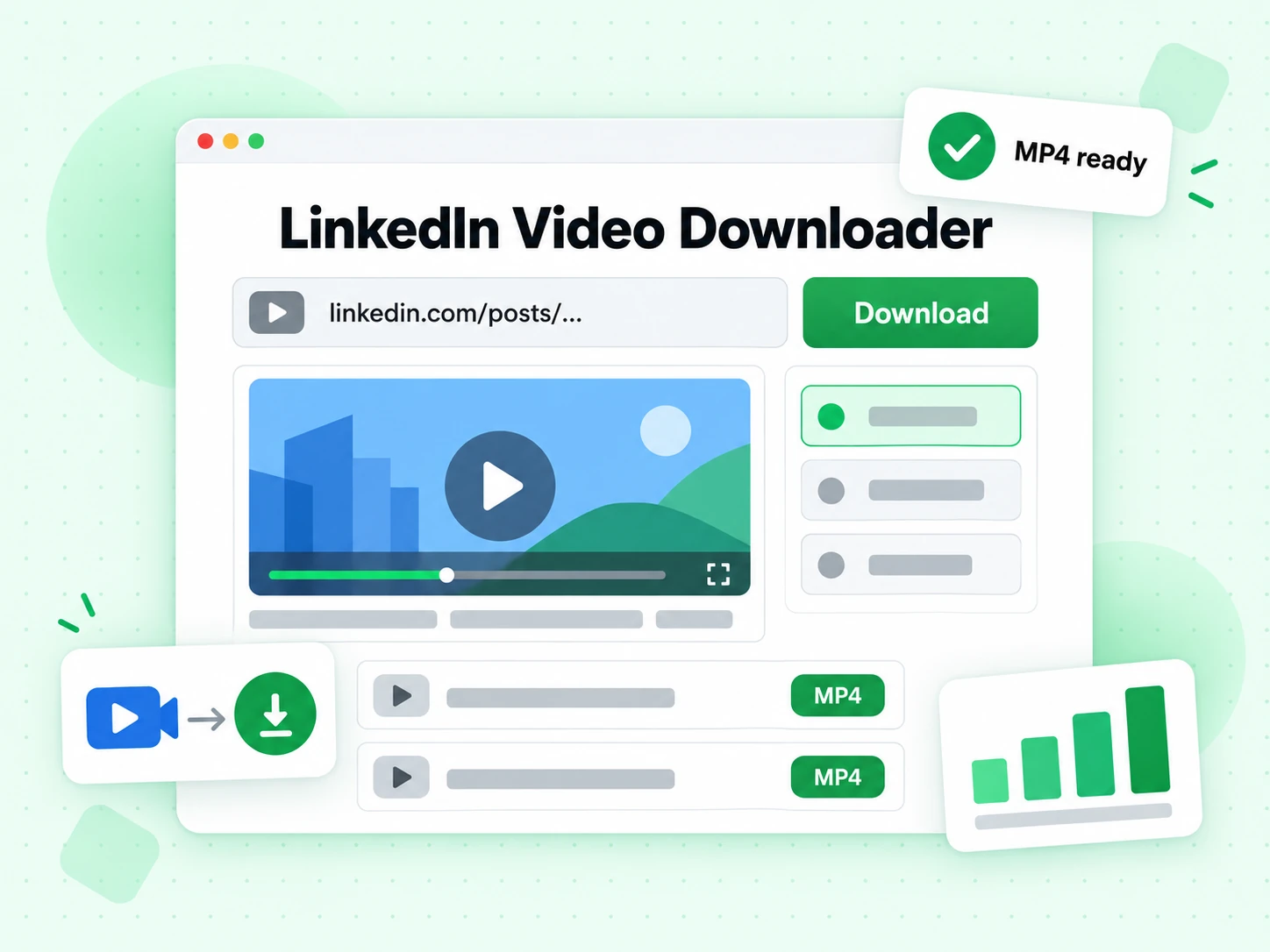
Paste a LinkedIn post URL to download the video
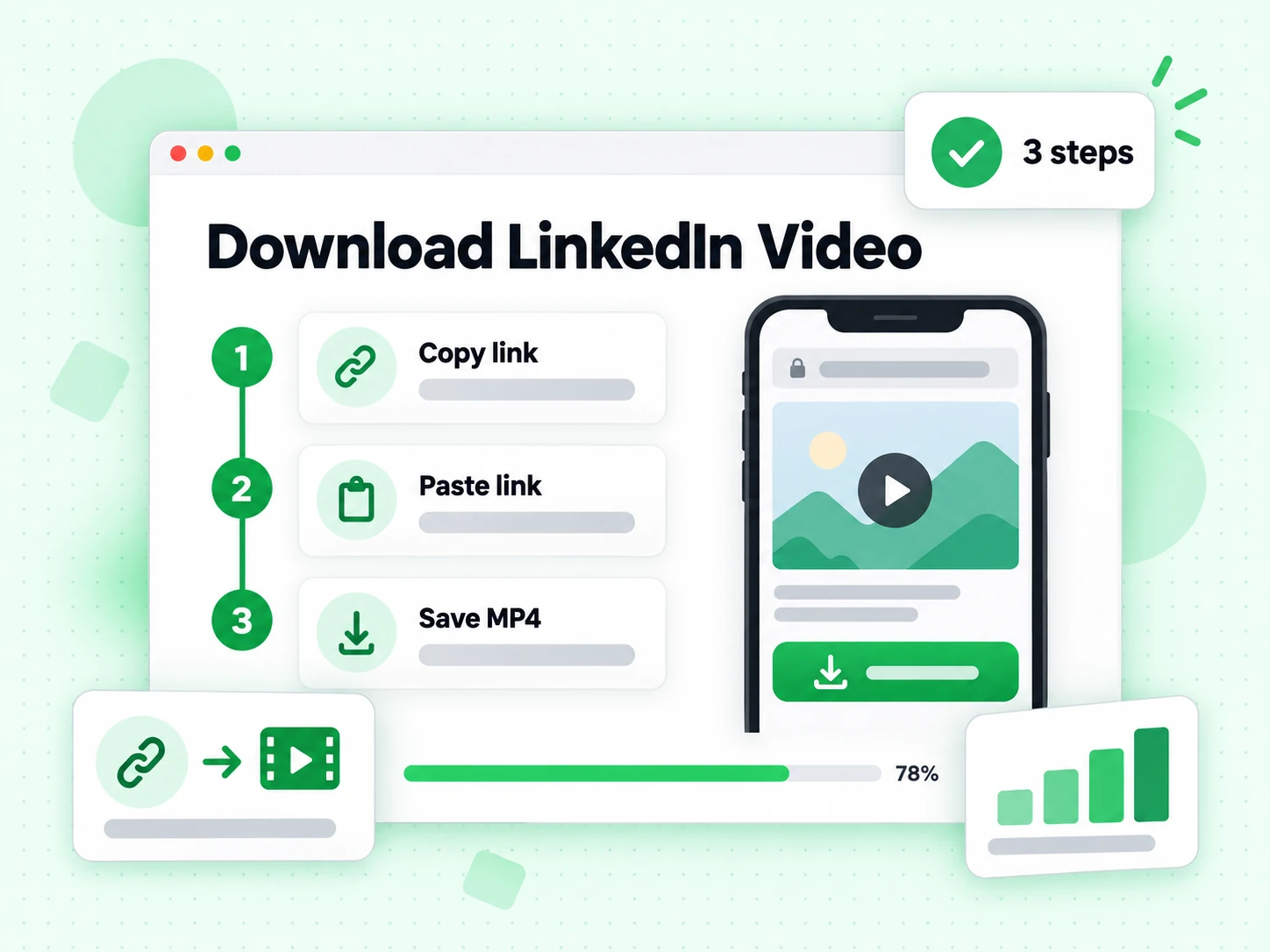
How to Download a LinkedIn Video in 3 Steps
- 1
Copy the LinkedIn post link
Open the LinkedIn post that has the video, tap the three-dot menu on the post, and choose "Copy link to post." That's the link this LinkedIn video downloader needs to find the video.
- 2
Paste it into the LinkedIn video downloader
Drop the LinkedIn post link into the box above and click "Download LinkedIn Video." The tool reads the post and locates the native video file behind it — no LinkedIn login required.
- 3
Save the LinkedIn video as an MP4
Click "Save LinkedIn Video" to download the file straight to your device. No account, no browser extension, nothing to install — just a finished LinkedIn video download.
What Is a LinkedIn Video Downloader?
A LinkedIn video downloader is a tool that saves the native video from a public LinkedIn post as a standalone file, so you can watch it offline, share it outside LinkedIn, or keep a personal backup. LinkedIn plays video directly inside the feed, but it doesn't give you a built-in way to save that video to your device — there's no official download button on a video post the way there sometimes is on a document post. A LinkedIn video downloader fills that gap: paste the post link, and the tool locates the video file LinkedIn is already serving to your browser, then hands it back to you as a normal MP4.
BillionVerify's LinkedIn video downloader works from the post link alone. You don't sign in to LinkedIn, install a browser extension, or connect an account — paste a public LinkedIn post URL, and the tool resolves the underlying video source the same way your browser does when it plays the post, then gives you a direct download. Because it reads the same file LinkedIn already serves for that post, what you get is the original upload, not a re-encoded or lower-quality copy, and there's no watermark added on top of it.
That's different from a browser extension, which needs to be installed and typically reads video while you're already logged in and browsing LinkedIn yourself. A LinkedIn video downloader that works from a pasted link instead trades that logged-in access for convenience: nothing to install, no account risk, and it works the same on desktop or mobile. The trade-off is scope — this kind of free LinkedIn video downloader online only reaches public posts, since it never has your logged-in session to read anything private, connections-only, or otherwise access-gated.
How This Free LinkedIn Video Downloader Works
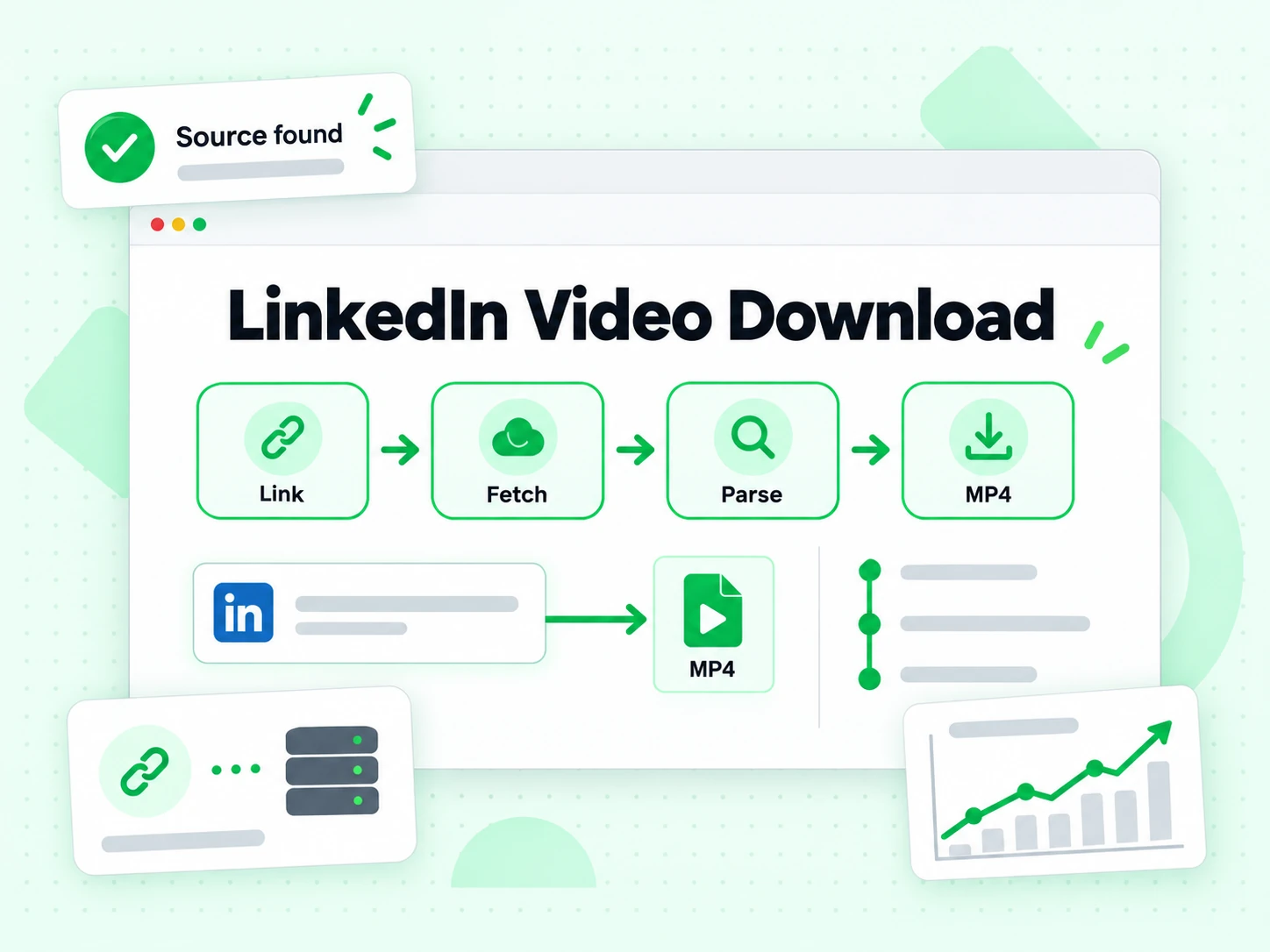
Every LinkedIn post video download run through this free LinkedIn video downloader goes through the same four-step process, whether it's a single post or the hundredth one you've saved this week.
1. Read the post link
The LinkedIn video downloader parses the pasted URL to confirm it points to a real LinkedIn post or feed update — not a profile page, a search result, or a LinkedIn Learning course link, which this tool doesn't support.
2. Load the public post
The tool requests the post the same way a signed-out visitor's browser would. If the post is private, restricted to connections, or sits behind LinkedIn's sign-in wall, this LinkedIn video downloader can't reach it — only fully public posts work here.
3. Locate the native video source
For a post with a native video, LinkedIn's own player already points at a direct video file. This LinkedIn video downloader reads that same source instead of re-recording the screen or re-encoding anything, which is why the LinkedIn video download you get matches the original upload.
4. Hand you the finished file
Once the video source resolves, the LinkedIn video downloader returns a direct save link. Click it, and the LinkedIn video download starts immediately — no LinkedIn account, no extension, and no wait beyond the download itself.
Why Use This Free LinkedIn Video Downloader
No login required.
Public post videos download without signing in to LinkedIn or connecting an account to this free LinkedIn video downloader.
No watermark added.
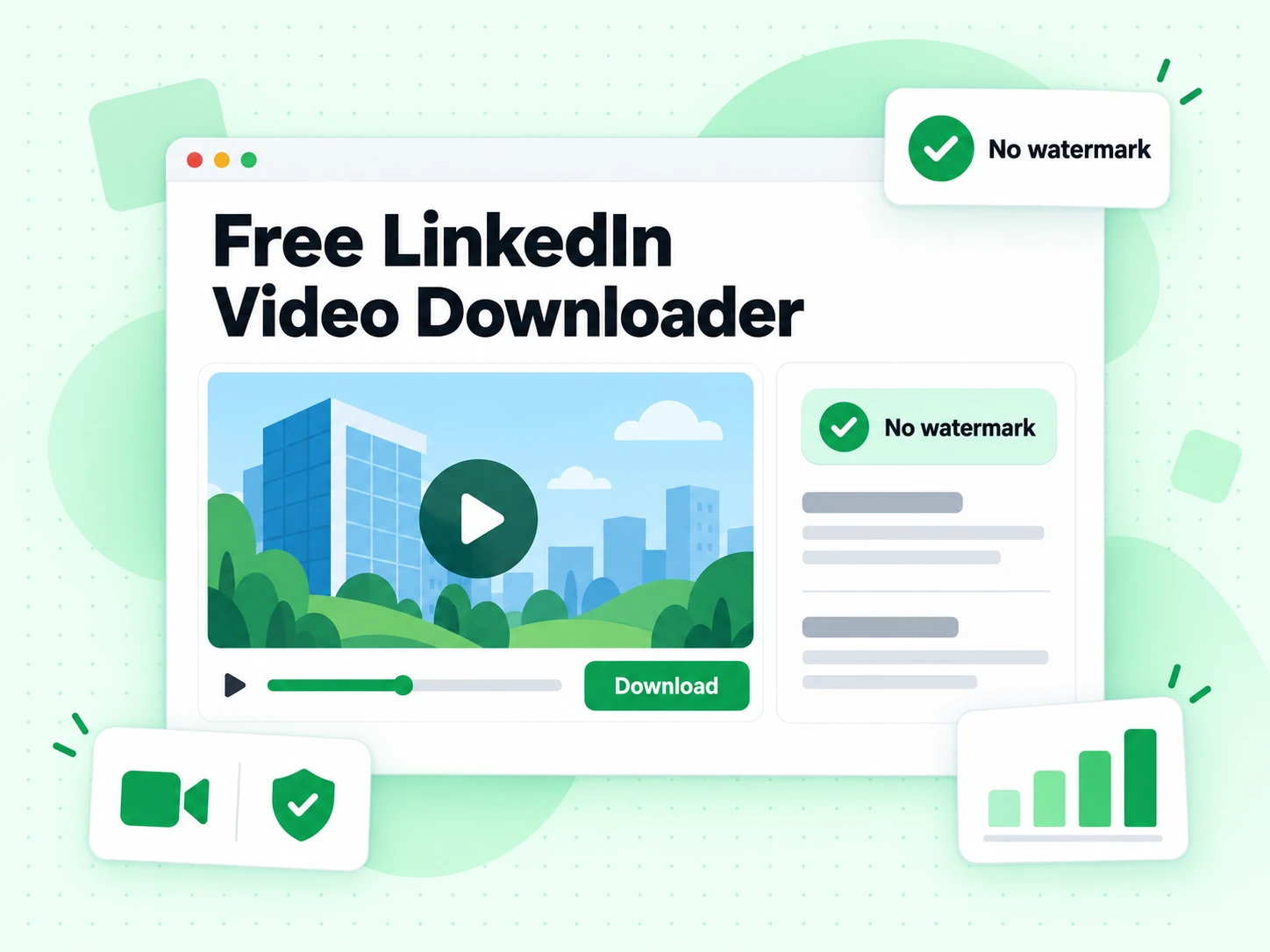
This LinkedIn video downloader doesn't stamp the file or add branding — download LinkedIn video without watermark and get it exactly as LinkedIn published it.
Original quality.
The tool fetches the same video file LinkedIn serves for the post, not a re-compressed copy, so every LinkedIn video download matches the original upload.
Works on any device.
Use this free LinkedIn video downloader on desktop, phone, or tablet through your regular browser — no separate app for either platform.
Nothing to install.
It's a web tool, not a browser extension or a desktop app, so there's nothing left behind on your device once you're done.
Free, fair-use limits.
Download LinkedIn video for free within a daily limit designed to prevent automated abuse of this LinkedIn video downloader.
When You Need a LinkedIn Video Downloader
Reach for a LinkedIn video downloader whenever you need to keep a copy of a post's video outside LinkedIn itself — not just watch it once in the feed.
Before a call with a prospect or competitor
Sales and marketing teams use a LinkedIn video downloader to save a prospect's product demo or a competitor's video post for internal review, without asking colleagues to dig back through the LinkedIn feed to find it later.
Archiving a candidate's video introduction
Recruiters download LinkedIn video introductions candidates share as part of an application, keeping a local copy alongside the rest of the candidate's file instead of relying on the original post staying up on LinkedIn.
Backing up your own published videos
Content creators run their own posts back through a LinkedIn video downloader to keep a personal archive at full quality — useful if you ever need to re-upload the same video elsewhere or simply don't have the original file anymore.
Preserving a public post before it changes
Researchers and journalists use a free LinkedIn video downloader to save a public video post as a reference before it's edited, taken down, or made harder to find — a quick LinkedIn video download now avoids a broken link later.
Free LinkedIn Video Downloader vs. Browser Extensions
Both approaches get you the same MP4 file. The difference is what each one needs from you before it can work.
A browser extension needs to be installed, kept updated, and usually reads the video while you're logged in and browsing LinkedIn yourself — which means it can see more of your account than a single video download requires. A free LinkedIn video downloader that works from a pasted link skips all of that: nothing to install, no LinkedIn session to protect, and it works identically on a phone you don't normally install extensions on.
| Tool | What it does | Use it when |
|---|---|---|
| LinkedIn Video Downloader (this tool) | Reads the native video LinkedIn already serves for a public post and returns a direct LinkedIn video download | You have a public LinkedIn post link and want the fastest, no-install way to save LinkedIn video |
| Browser Extension | Reads video while you're logged in and browsing LinkedIn in your own session | You're already living inside LinkedIn all day and don't mind installing and updating an extension |
| Manual Screen Recording | Captures whatever plays on screen, including LinkedIn video, at your device's recording quality | The video isn't a native LinkedIn upload — reposted content or LinkedIn Live — that a downloader can't reach |
What This Free LinkedIn Video Downloader Supports
This free LinkedIn video downloader works with public LinkedIn posts (linkedin.com/posts/...) and public feed updates (linkedin.com/feed/update/...) that contain a native LinkedIn video.
It does not support private or connections-only posts, videos reposted from an external site (for example a YouTube link shared inside a LinkedIn post), LinkedIn Learning course videos, or LinkedIn Live events — none of those give this LinkedIn video downloader a native video file to read.
Free LinkedIn Video Downloader Online for iPhone and Android
This free LinkedIn video downloader works in any mobile browser — no app needed. Copy the post link from the LinkedIn app's share menu, open this page on your phone, and paste it.
Common Reasons a LinkedIn Video Won't Download
- The post is private or restricted to the poster's connections — a LinkedIn video downloader only works with fully public posts.
- The link points to a repost of an external video (for example, a YouTube or Vimeo link shared inside the post), not a native LinkedIn video — there's no LinkedIn-hosted file for the downloader to find.
- The link is for a LinkedIn Learning course video, which sits behind a paid subscription and isn't something any free LinkedIn video downloader can reach.
- The post has been deleted, or the poster removed the video — once that happens, there's no LinkedIn video download to run at all.
- The URL was copied incorrectly — use "Copy link to post" from the post's menu, not the address bar, so the LinkedIn video downloader gets the exact link it needs.
More Ways to Work With LinkedIn Content
Downloading one video is often just the first step. Here's where to go next.
Need a LinkedIn carousel too?
Use the LinkedIn Carousel Downloader when the post is a carousel or document instead of a LinkedIn video, and save every slide or grab the original PDF.
Find the person behind the video
Turn a LinkedIn profile or company domain into a verified email address with Email Finder — a natural next step after you download a LinkedIn video from someone worth reaching out to.
Verify an email before you send
Before you email the person whose LinkedIn video you just downloaded, run the address through the Email Verifier to confirm it can actually receive mail.
Check a free vs. company address
See whether an email address is a free personal webmail account or a company domain with the Free Email Checker — handy for sorting leads found through LinkedIn.
Turn the video into a transcript
Once you've saved the video from this free LinkedIn video downloader as an MP4, feed it into transcript.im to get a text transcript or subtitles — useful for quoting a post, repurposing the audio, or making the video accessible.
Frequently Asked Questions
1. Is this free LinkedIn video downloader really free?
Yes. This is a free LinkedIn video downloader: there's no charge to use it, and no account is required. Free use is subject to a daily limit designed to prevent automated abuse.
2. Do I need to log in to LinkedIn to use this tool?
No. This LinkedIn video downloader works with the public post link alone. You don't need a LinkedIn account or an active session to download LinkedIn video here.
3. Will the downloaded video have a watermark?
No. This LinkedIn video downloader doesn't add any branding or watermark to the file — you get the same file LinkedIn serves for the post.
4. Can I download a private LinkedIn post video?
No. This tool only works with posts that are public. Private and connections-only posts aren't something any LinkedIn video downloader can reach, this one included.
5. Can I download LinkedIn Learning videos?
No. LinkedIn Learning videos are paid course content behind a separate login wall and aren't supported by this LinkedIn video downloader.
6. Can I download a video someone reposted from YouTube or another site?
No. This LinkedIn video downloader only extracts LinkedIn's own native video player, not embedded links to other platforms.
7. What video quality do I get from a LinkedIn video download?
You get the video file LinkedIn serves for that post. Available quality depends on what LinkedIn stored for the original upload, not on this LinkedIn video downloader adding or removing anything.
8. Does the poster get notified when I use a LinkedIn video downloader on their post?
No. Viewing and downloading a public post doesn't send a notification to the poster.
9. Why did my LinkedIn video download fail?
The most common reasons are a private post, a reposted external video, a LinkedIn Learning link, or an incorrectly copied URL — see "Common Reasons a LinkedIn Video Won't Download" above.
10. Is there a LinkedIn video downloader online that needs nothing installed?
This page is exactly that: a free LinkedIn video downloader online that works from a pasted link, with nothing to install and no LinkedIn account required.
Find Verified Emails From Any LinkedIn Profile
Looking for LinkedIn contacts to reach out to after using this free LinkedIn video downloader? Try our free Email Finder to get verified email addresses from a LinkedIn profile or company domain.
600 free credits/mo · 99.9% SMTP accuracy · No credit card required