

📍 Introducing MapLeads: Turn Google Maps, Bing Maps & Apple Maps into your lead list.Try MapLeads

Email Verify Tools

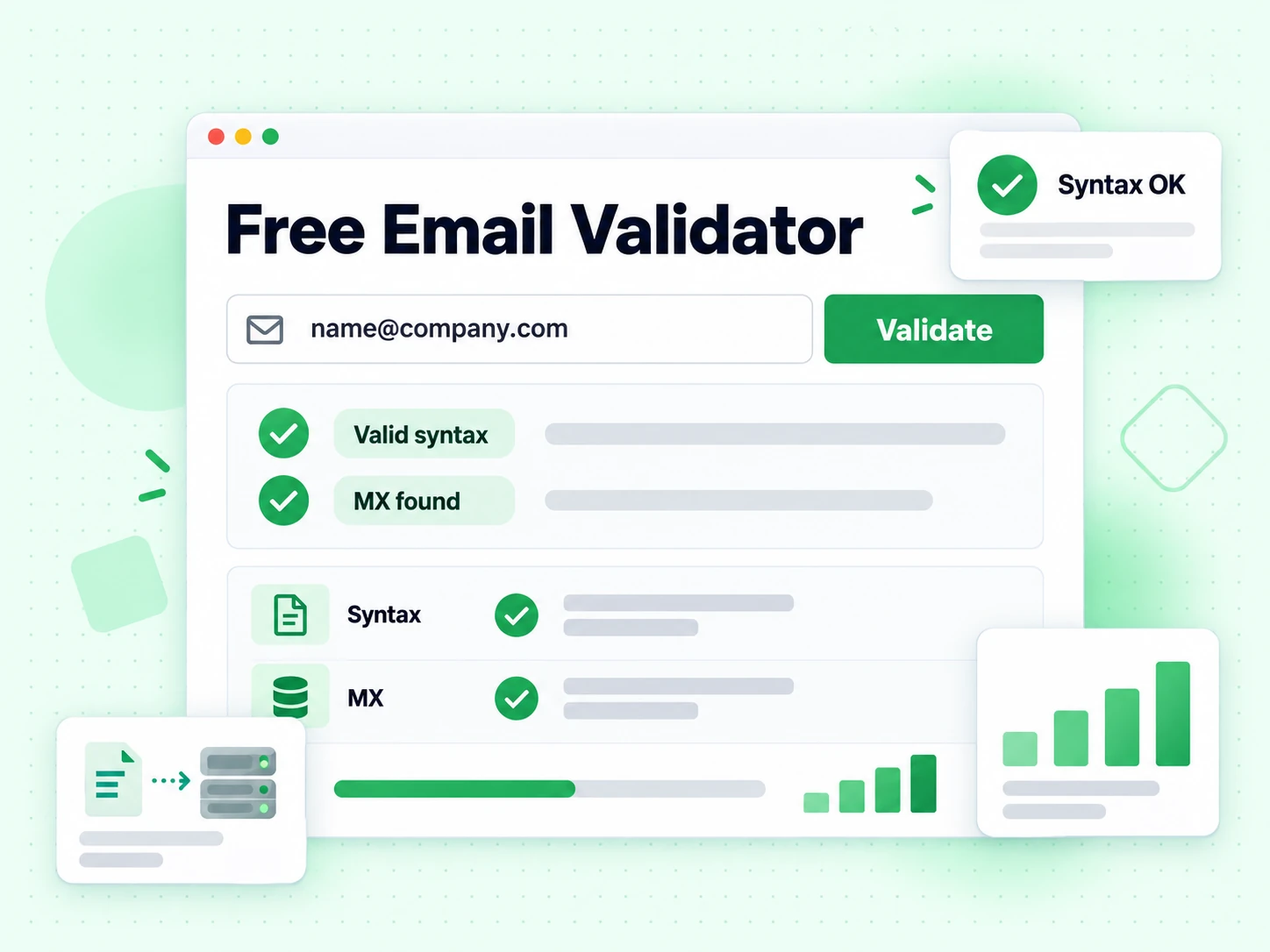
Free Email Validator: Syntax and MX Records Validation

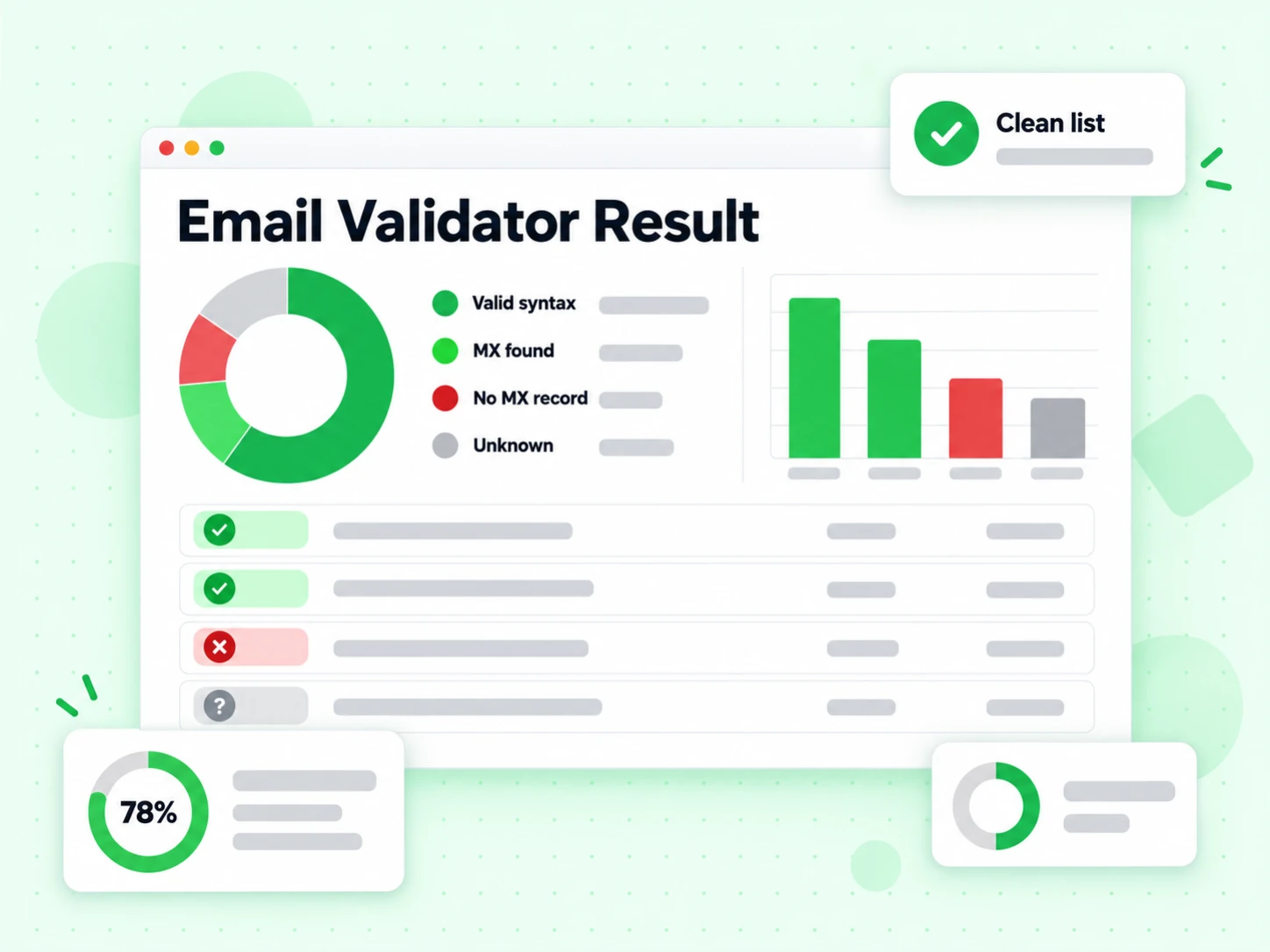
Check whether an address is well formed and its domain is configured to receive mail. This fast validator stops before SMTP, so it does not claim the mailbox exists.

What is an email validator?

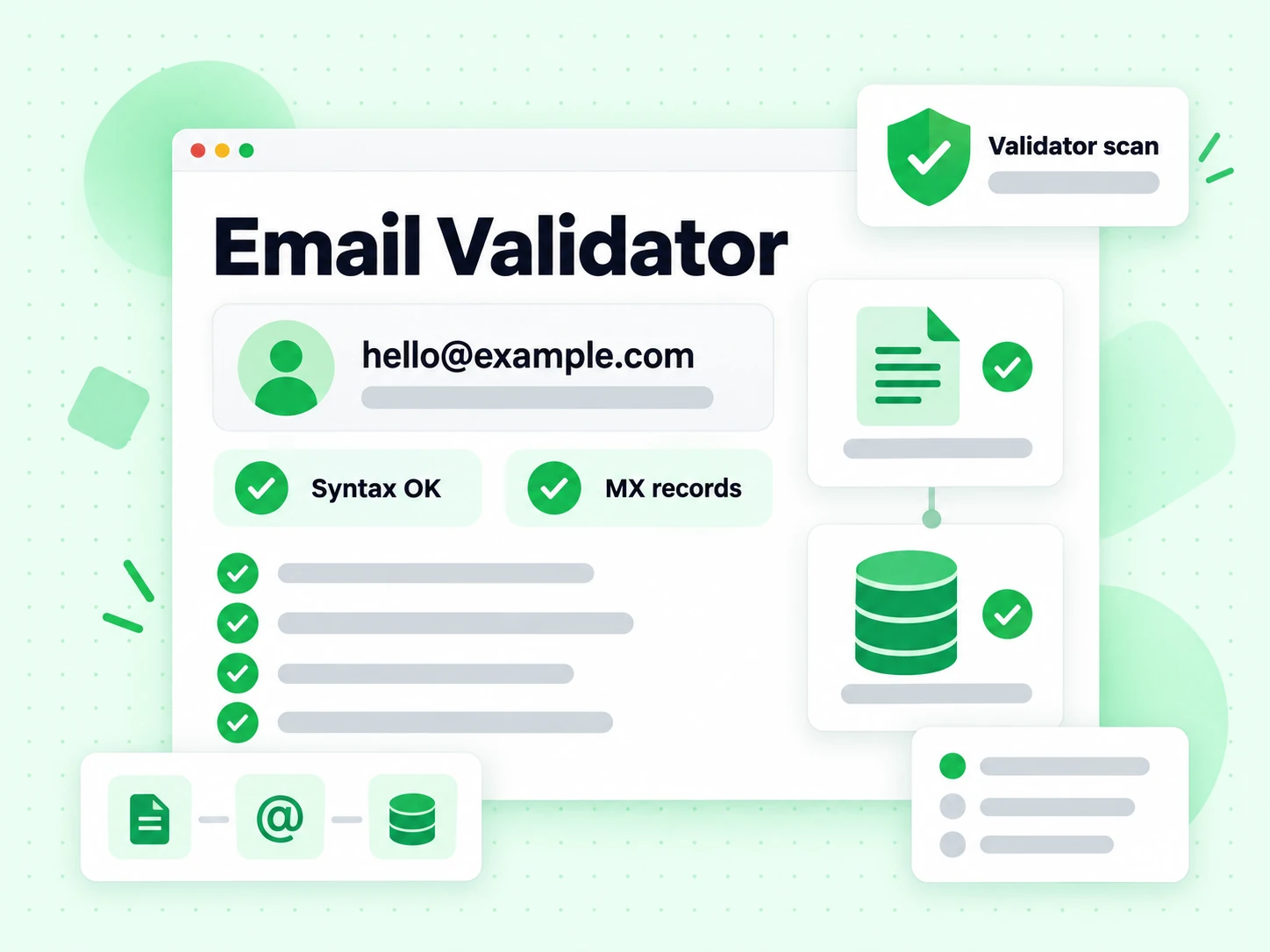
An email validator answers a narrower question than a verifier: is this string a well-formed address on a domain that publishes mail servers? That is format and MX — not proof a person or inbox exists.

Searchers use “email validator” and “validate email” when they want a fast, free screen. BillionVerify keeps this page honest: no fake deliverability claims, no SMTP handshake, unlimited shallow checks for legitimate use.

When bounce risk matters, move to the Email Checker or Email Verifier. Those tools add mailbox probes and risk flags on top of the same format foundation.

How the email validator works

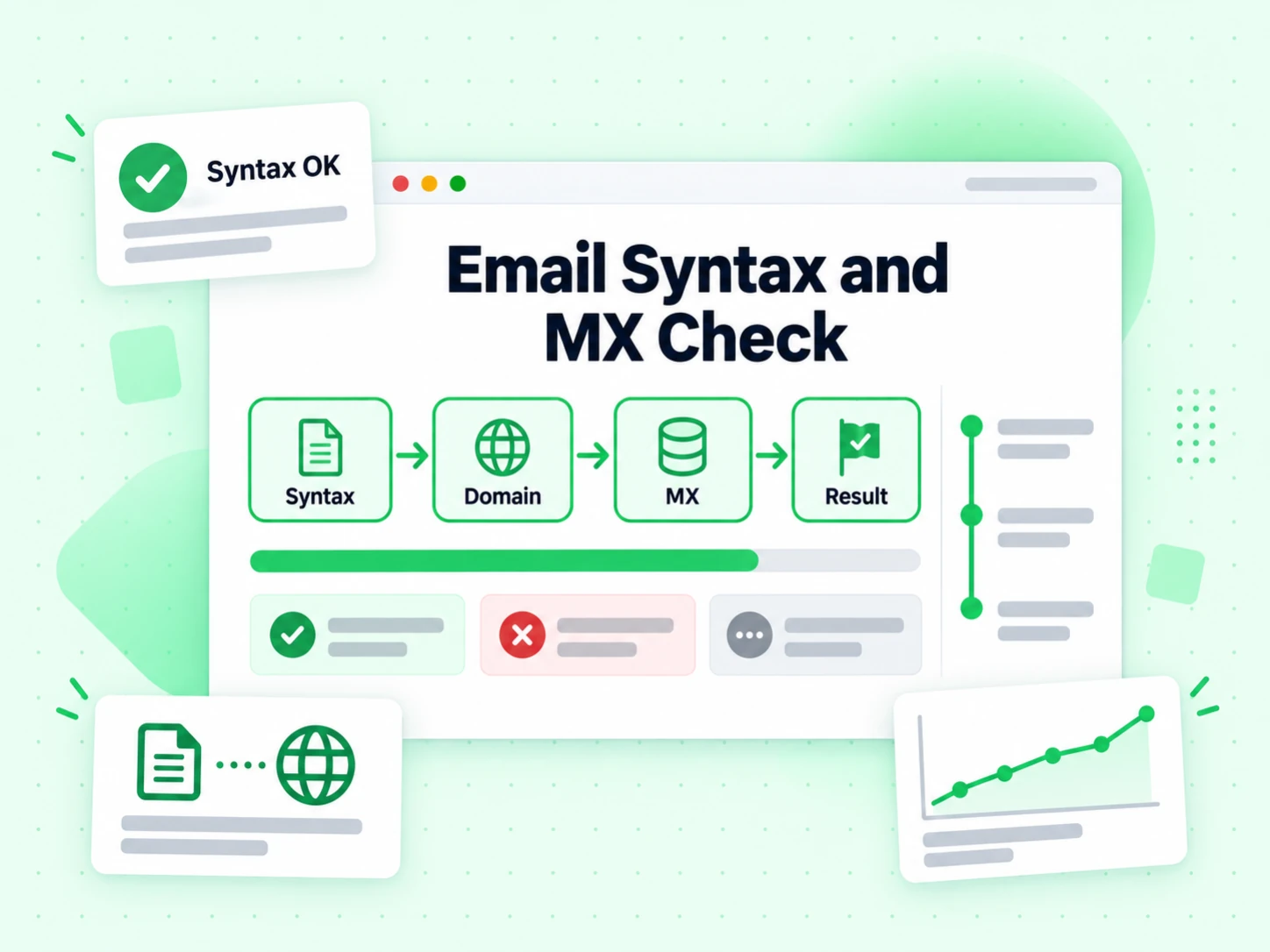
Two layers only. Intentionally no SMTP.

  1. 1. Parse and normalize

    Check local-part and domain shape against practical format rules. Typos fail in milliseconds.

  2. 2. Resolve MX records

    Check for published mail exchange records. If none are found, this shallow validator reports no MX and stops before any mailbox test.

  3. 3. Stop before the mailbox

    We do not open an SMTP conversation. Catch-all domains can still pass this validator.

  4. 4. Point you to full proof

    If you need deliverability, the Email Verifier and Email Checker run SMTP on the same product stack.

When to use an email validator

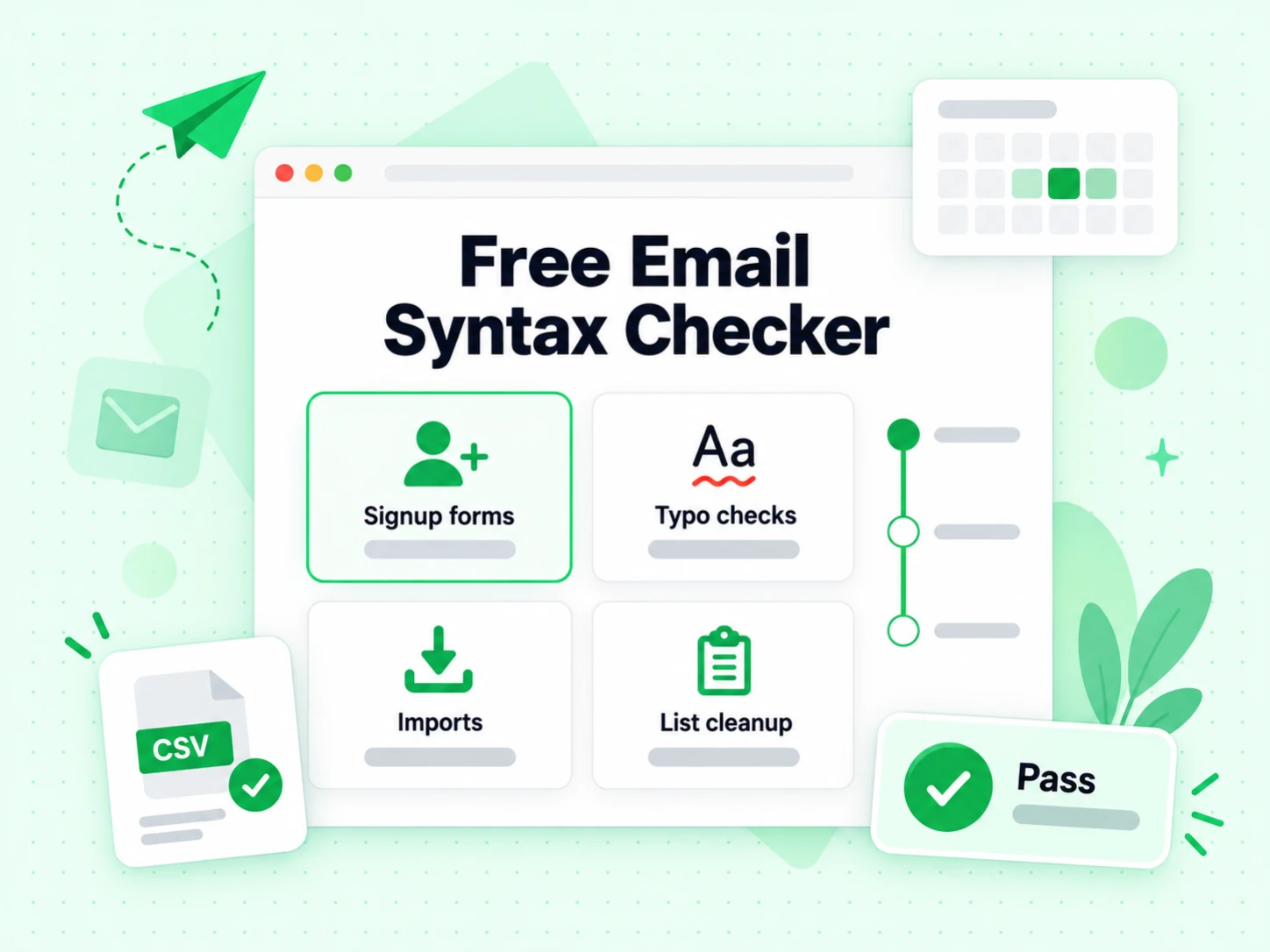
Use shallow validation when speed matters more than mailbox proof.

  • Catch obvious typos

    Form fields and manual entry produce format errors. Fix them before any deeper check.

  • Confirm the domain can receive mail

    A published MX route clears the normal DNS gate; no published MX stops this shallow check and exposes the reason without spending SMTP quota.

  • Pre-screen before full verify

    Cheap first filter before bulk SMTP jobs on large lists.

  • Not for send decisions alone

    Do not treat format+MX OK as safe to cold email. Use SMTP tools for that.

Email validator vs other Email Verify Tools

These are interactive Email Verify Tools — not bulk jobs, not the API, not Free Tools (DNS / SPF / DKIM).

This page only returns format and MX. Other tools add SMTP or specialize in one risk flag.

ToolWhat it doesUse it when
Email VerifierFull SMTP mailbox check plus all risk flagsWhen deliverability and send safety matter
Email CheckerFull SMTP + all risk flags on one addressWhen you want a complete multi-layer result in one place
Free Email CheckerDetect free personal webmail providers (Gmail, Yahoo, …)Lead quality and B2B domain scoring — not free-of-charge verification
Email ValidatorSyntax + MX only — no SMTPQuick format and domain screen
Disposable Email DetectionFlags temporary / throwaway domainsSignup and lead capture
Bounce Email CheckerFocus on bounce and undeliverable riskList hygiene for bounce-rate control
Catch-All VerifierDetects catch-all domainsWhen SMTP accept is unreliable
Role Account DetectionFinds generic role addressesB2B outreach quality
Email List CleaningVerify many addresses at once (paste or CSV)When a single check is not enough and you need a cleaned list
Reverse Email LookupFind public owner and company context from an email addressLead research and unknown-sender review
Phone Number ValidatorValidate phone format, country, type, and E.164 outputCRM phone cleanup before outreach

How to read a validation result

Format & MX OK means the address is well formed and the domain publishes an MX route. It does not mean the mailbox exists. Invalid syntax stops immediately; no published MX stops this shallow check, but unusual implicit-MX domains need review before a final rejection.

There is no disposable, catch-all, or bounce reading on this page by design. Those require full verification or specialized tools.

Two-layer validation

What syntax and MX validation can establish

The validator intentionally stops after two inexpensive layers. That makes it fast for forms and pre-screening while keeping the conclusion narrower than full email verification.

Syntax checks whether the input can be interpreted as an email address

BillionVerify separates the local part from the domain, normalizes the input, and rejects structural failures such as missing components, broken separators, or characters in positions the address parser cannot accept. This catches common typing and copy-paste problems before any network lookup.

A syntax pass does not consult the recipient’s provider. The string may follow every format rule while naming a domain that does not receive mail or a mailbox that was never created. Treat syntax as the first gate, never the final deliverability result.

MX checks whether the domain publishes a mail route

The Domain Name System lets a domain publish mail exchanger records that direct senders to receiving servers. BillionVerify resolves that routing context after syntax passes. A usable route means the domain is configured to participate in email delivery.

MX evidence applies to the domain, not to the exact local part. The same mail route can serve active employees, retired aliases, unassigned names, group inboxes, and catch-all behavior. That is why the result says format and MX OK rather than mailbox verified.

Null MX and missing MX require standards-aware handling

A domain can publish a Null MX record to state explicitly that it does not accept email. The IETF’s RFC 7505 Null MX defines this signal so senders do not waste time attempting delivery to a domain that has opted out of mail.

A missing explicit MX record is not identical in every technical context because SMTP historically defines fallback behavior through the domain’s address record. This shallow page does not perform that implicit-MX fallback and reports no published MX for both cases, so an unusual domain needs review before a final rejection.

Stopping before SMTP is part of the product definition

This page does not open a recipient conversation, test a mailbox command, or infer acceptance from provider behavior. No email message is sent. The limited scope makes the validator appropriate for rapid pre-screening and preserves full SMTP quota for checks that need mailbox evidence.

When the exact mailbox matters, continue to the Email Verifier. It applies the same syntax and routing foundation, then adds recipient-level SMTP and risk signals.

Validation outcomes

Interpret the result at the layer it actually tested

A shallow result is useful when its label remains precise. Most mistakes happen when format or domain evidence is renamed as mailbox evidence.

Format and MX OK means ready for deeper verification

This outcome means the address is structurally usable and the domain exposes mail-receiving infrastructure under the validator’s rules. It is a positive pre-screen, not permission to call the mailbox deliverable.

Use it to accept form input provisionally, continue an enrichment pipeline, or reduce obviously impossible rows before a full job. Add SMTP before sending messages where a hard bounce has operational cost.

Invalid syntax means repair the source value

The parser cannot interpret the input as a usable address. Common causes include missing @ signs, incomplete domains, whitespace copied into the middle of the value, and punctuation errors.

Show the user the original field and let them correct it. Do not automatically invent missing characters or replace the domain, because a syntactically improved guess can belong to a different person.

No mail route means the domain is not ready for normal delivery

When the domain has no usable route under the validation rules, continuing to mailbox verification will not rescue the current address. It may be misspelled, expired, parked, or deliberately configured not to accept mail.

Return the reason rather than a generic invalid label. A domain-level failure is actionable for data repair and different from a recipient rejection on an otherwise functioning company domain.

Passing validation leaves several questions unanswered

The mailbox may be unassigned, disabled, full, protected by provider policy, or hidden behind catch-all behavior. The address may also be disposable, role-based, or unrelated to the person in your record.

Those are not validator defects; they are questions outside syntax and DNS. Use the Email Checker when you need the complete single-address panel.

Fast pre-screening

Place email validation at the start of the data pipeline

The validator saves time and network work when it removes impossible inputs early, while later stages remain responsible for mailbox and audience decisions.

  1. 1

    Validate structure while the user can still correct it

    Run syntax validation at form entry or immediately after submission. A clear message beside the field is more useful than discovering a malformed address after the user has left the page.

    Avoid overly aggressive real-time blocking while someone is still typing. Validate at a stable interaction point and preserve the entered value so the user—not an autocorrect rule—chooses the correction.

    When the form is business-critical, log the reason category rather than the complete address in general analytics. Product teams need to know whether failures come from syntax or DNS without turning a validation event stream into a second contact database.

  2. 2

    Resolve domain readiness before expensive enrichment or SMTP

    A no-published-MX result stops this shallow pipeline before mailbox probing or contact enrichment. Early DNS screening reduces unnecessary downstream work, while unusual domains that rely on implicit MX should be routed to review instead of being silently treated as ordinary hard failures.

    Keep retry behavior sensible because DNS can fail temporarily. Distinguish a confirmed no-mail condition from a lookup that could not be completed, and do not turn transient infrastructure failure into permanent customer-data deletion.

  3. 3

    Upgrade only records that need a send decision

    If a workflow only needs clean formatting and a mail-capable domain, stop here. If it will send onboarding, sales, password, billing, or campaign email, continue to full SMTP verification close to the sending event.

    This layered approach keeps fast checks fast without lowering the standard for deliverability. The result name should travel with the data so downstream systems know whether they received validated or fully verified evidence.

    A useful field model stores syntax status, published-MX status, validation depth, and checked-at time separately. That prevents a later export from flattening format and MX success into a misleading verified boolean.

  4. 4

    Use bulk cleaning when every row needs the full decision

    Large files need consistent deduplication, status handling, retry logic, and exports. A shallow validator can pre-screen a dataset, but it cannot tell a campaign operator which exact recipients accepted an SMTP probe.

    Use Email List Cleaning for campaign-scale verification and preserve syntax, routing, SMTP, and risk reasons as separate output fields.

Honest limits

Validation is not verification, identity, or deliverability testing

The term valid can become misleading when the tested layer is omitted. BillionVerify names the layers so users can choose the right next step.

No SMTP means no mailbox-existence claim

The validator never asks the receiving system about the target local part. It therefore cannot establish whether jane@company.com is assigned even when company.com accepts mail.

A result that claims deliverable from syntax and MX alone is overstating its evidence. BillionVerify reserves mailbox-level language for the full SMTP workflow.

Catch-all domains can pass every shallow layer

A catch-all domain has valid mail infrastructure and may accept arbitrary local parts. The address can look perfect and the domain can route mail while the named person-level mailbox remains unconfirmed.

Use the Catch-All Verifier to understand that domain behavior, and keep catch-all contacts in a review segment instead of calling them individually verified.

This matters most for generated B2B patterns. Guessing firstname.lastname at a company domain can pass syntax and MX for every employee name, while catch-all behavior prevents those shallow checks from confirming any one guessed recipient.

Domain readiness does not identify the address owner

DNS records say nothing about the person attached to a CRM row. A domain may route mail correctly while the name, employer, title, or consent attached to the address is wrong.

Identity and permission require first-party or authorized evidence. Validation prevents technical input errors; it does not transform third-party contact data into verified identity.

Keep identity confidence in a separate field from technical validation. A sales team can then review the enrichment source without losing the fact that the address structure and published mail route passed their own checks. This separation also makes later data-quality audits easier to explain.

Recipient validation does not test your sender setup

A valid destination can still receive a message in spam when the sender has poor reputation, missing authentication, risky content, or unhealthy campaign behavior. Those conditions live on the sending side.

Use the Email Deliverability Test for sender-domain readiness. Keep recipient validation and sender deliverability as separate controls in the same sending workflow.

Protocol references

The standards explain why shallow validation stops where it does

Address grammar, DNS mail routing, and SMTP recipient replies are separate parts of Internet email. The product boundary follows that architecture.

RFC 5322 describes message and address structure

The IETF’s RFC 5322 Internet Message Format defines the syntax used to represent email addresses and messages. It is the foundation for deciding whether a string can be parsed as an address.

The document does not provide a network query that proves a mailbox exists. BillionVerify keeps that distinction visible in the validation result.

RFC 5321 describes mail routing and SMTP replies

The IETF’s RFC 5321 Simple Mail Transfer Protocol defines mail exchange behavior, including recipient commands and temporary versus permanent response classes. Those recipient replies belong to full verification, not this page.

The validator uses the routing layer needed to establish domain readiness and stops before recipient interaction. This makes its result fast, explainable, and correctly scoped.

The next tool depends on the next question

Use Free Email Checker to classify consumer webmail, Disposable Email Detection to identify throwaway providers, and the full verifier when you need current mailbox acceptance.

The Email Validator remains the right starting point when the job is simply to catch malformed input and domains that are not configured to receive mail.

Frequently Asked Questions

1. What does an email validator check?

This email validator checks two layers only: (1) whether the address is well-formed (syntax/structure), and (2) whether the domain publishes MX records so it can receive mail. It does not open an SMTP conversation with the mailbox and cannot prove that a specific person or inbox exists. That honesty is intentional — format and MX are a cheap screen, not full email verification.

2. Does the email validator use SMTP?

No. SMTP mailbox verification is available on the Email Checker, list cleaning, and signed-in product flows. The validator stays fast and unlimited (soft rate limits only for abuse) by stopping at syntax and MX. If you need bounce risk and deliverability, open the Email Checker for a full SMTP result.

3. When should I use the email validator instead of the email checker?

Use the email validator when you only need a quick format and domain screen — catching typos, rejecting domains with no MX, or pre-filtering before a heavier job. Use the email checker when a wrong address costs you bounces, ESP penalties, or wasted SDR time. Many teams run validator-style checks at form entry and full SMTP email checking before campaigns or CRM import.

4. Is the email validator free?

Yes. Shallow validation (syntax + MX) is free and is not limited to the 20 full-SMTP quota used by the Email Checker. A soft rate limit may apply only to block automated abuse. For bulk CSV cleaning and API volume, sign up for an account.

5. Email validator vs email checker — which should I pick?

Pick the email validator for unlimited shallow checks: “does this look like email on a mail-capable domain?” Pick the email checker for multi-layer verification: SMTP deliverability plus disposable, catch-all, and role flags. They answer different questions; using a validator result as if it were full verification is a common deliverability mistake.

6. Can catch-all domains pass the email validator?

Yes. Catch-all domains usually publish valid MX records, so syntax + MX can look fine even when the specific local-part is not a real person. Only full verification tools (Email Checker / Catch-All Verifier) can surface catch-all uncertainty. If you enrich leads by guessing names@company.com, do not rely on the validator alone.

Email validation

Need full SMTP deliverability?

Run the Email Checker for mailbox-level proof and risk flags, or sign up for bulk cleaning and API access.

20 free SMTP checks / 24h · No signup for shallow checks · Results in seconds

99.9%
Accuracy
Real-time
API Speed
$0.00014
Per Email
600/mo
Free Forever