

1
Read and validate the bulk CSV rows
The bulk importer detects supported name and domain headers, keeps the original row data, and rejects unsupported file types before a long-running bulk job is created.
Bulk Email Find Tools
Upload a CSV, find one verified work email per matched person, download an enriched bulk file. This CSV email enrichment tool, free on every row the bulk job cannot match.
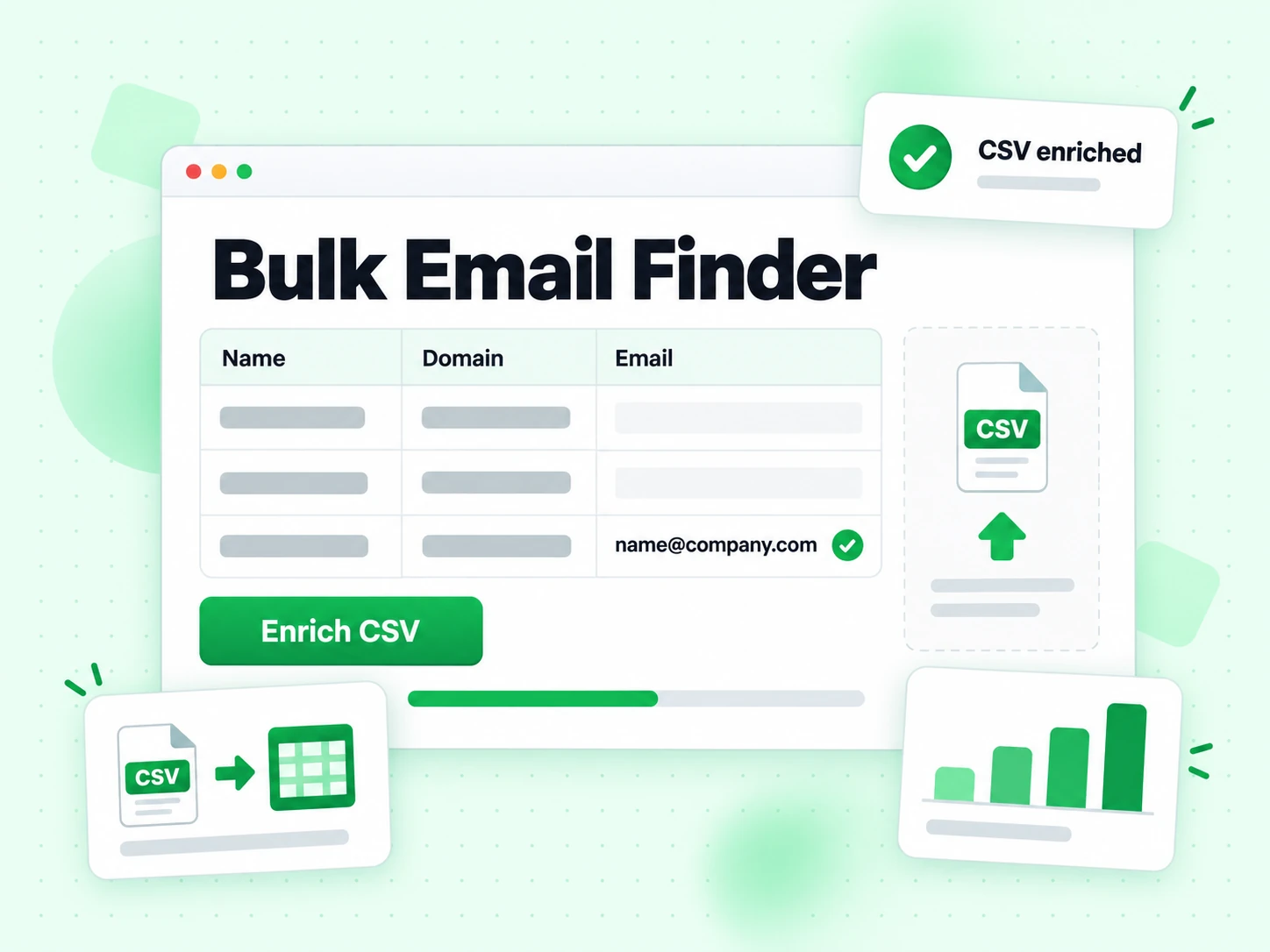
Upload a CSV with a person's name and company domain on each row. The bulk email finder groups work by domain, searches progressively, and preserves your original bulk rows in the result file.
Up to 64 MiB and 200,000 bulk data rows. Headers are detected automatically.
Download sample bulk CSVBulk Email Finder is the list-scale version of a person-level email finder. Each bulk input row identifies a person and company domain; each successful output row receives one best work email, confidence, verification status, and evidence. The bulk result stays aligned with the original file, so it can return to a CRM, recruiting system, lead database, or review queue.
This bulk workflow is built for lists where identity is already known but the email field is empty. It does not replace email extraction from unstructured text, domain-wide company discovery, or verification of addresses the file already contains. Those are separate tools, because their inputs, outputs, and billing units differ from our bulk email finder CSV upload.
Bulk discovery must not mean bulk guessing. BillionVerify searches by company domain, reuses domain-level evidence across people at the same organisation, verifies every returned bulk email, and leaves unmatched rows uncharged — the CSV email enrichment tool, free wherever the evidence does not reach the bar, instead of a file padded with low-confidence patterns.
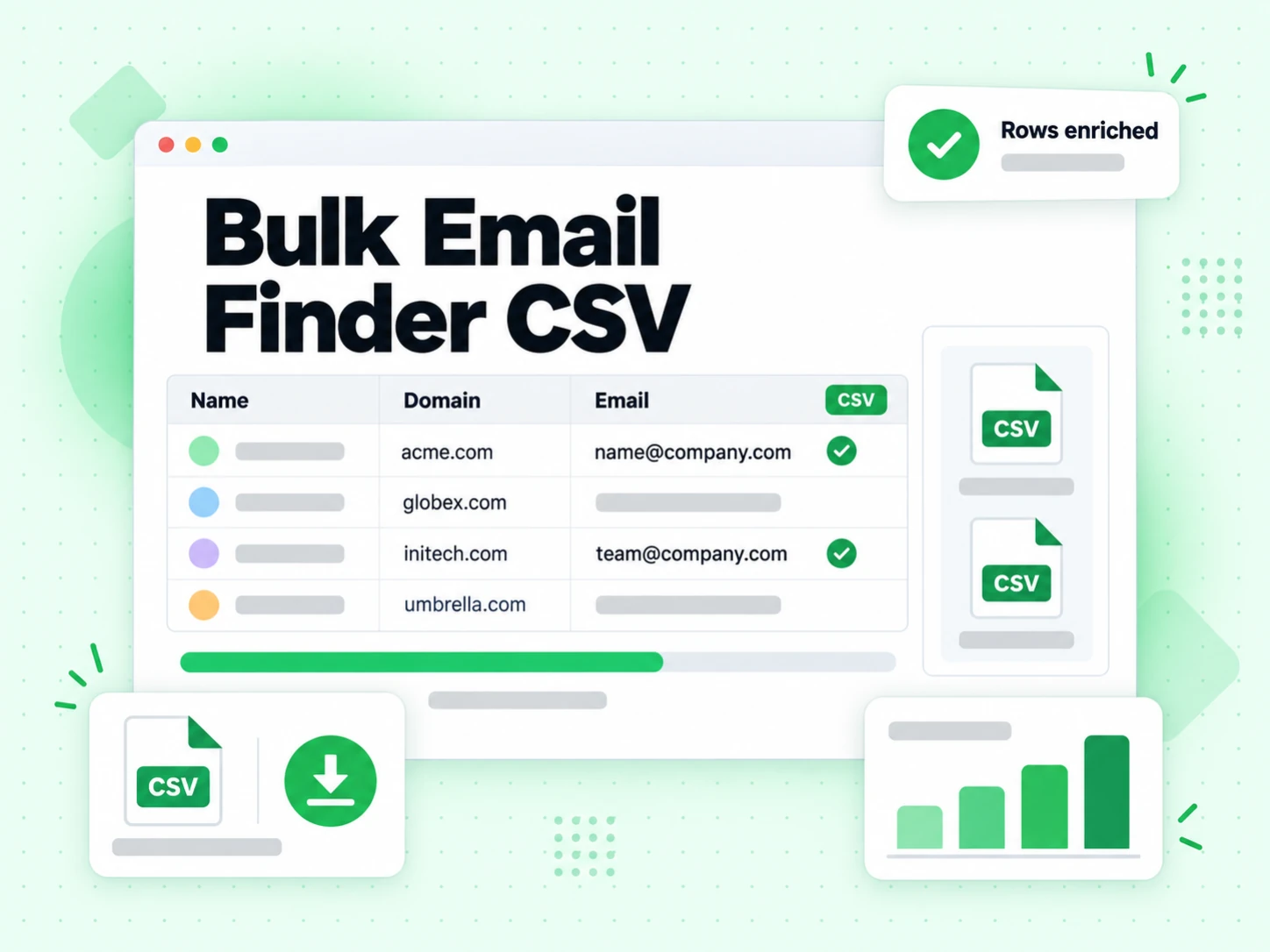
The bulk job keeps row identity stable while sharing company-level discovery work wherever it can.
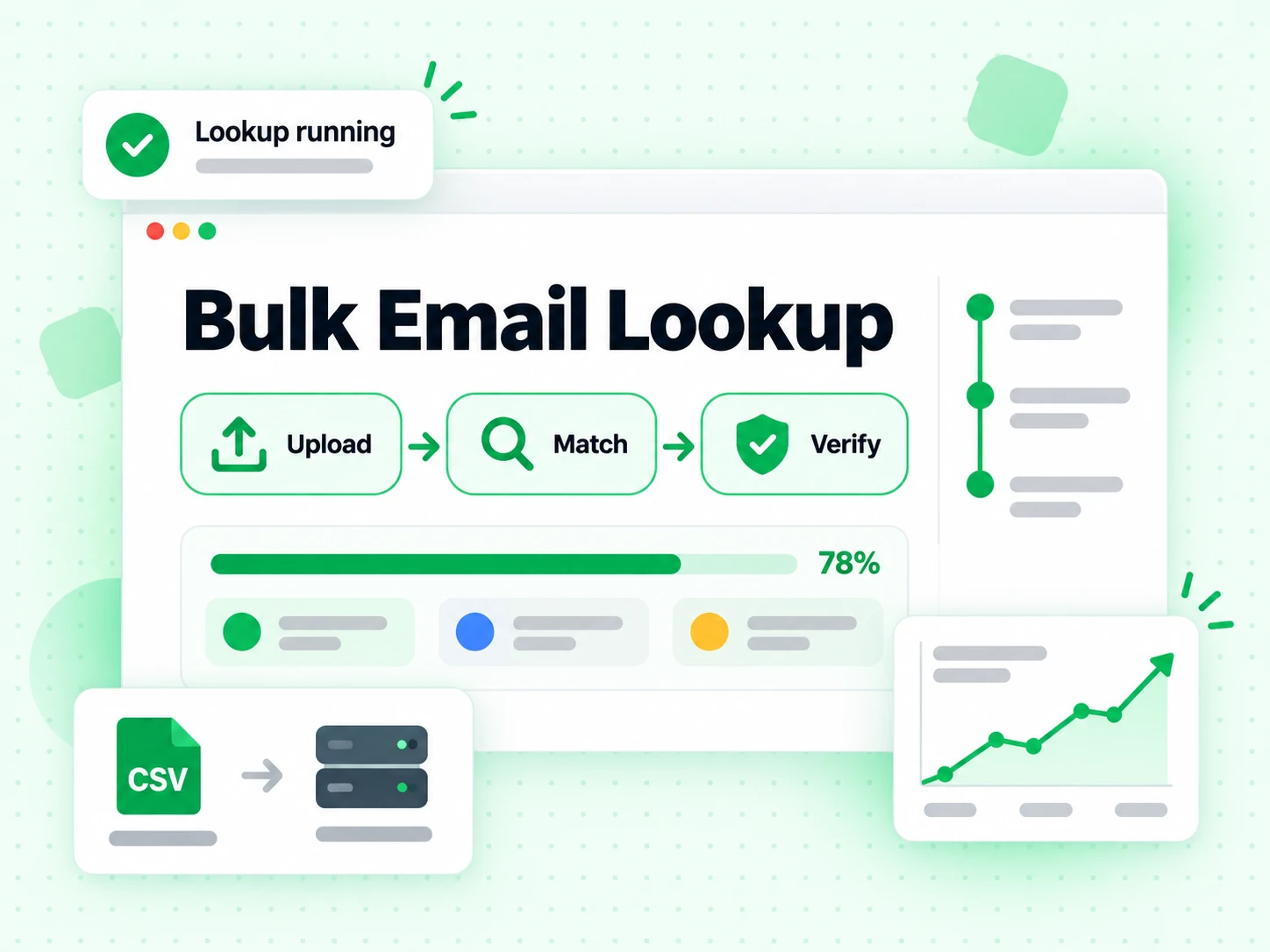
The bulk importer detects supported name and domain headers, keeps the original row data, and rejects unsupported file types before a long-running bulk job is created.
People at the same company share domain-level evidence and public-site discovery. Grouping stops the bulk job treating every row as an unrelated website search, while each person still gets an individual candidate evaluation.
The bulk search expands automatically for unresolved rows, tests likely work-email candidates, and folds mailbox verification into the bulk Finder result rather than charging a second verification fee.
The bulk output preserves every source row and appends match, confidence, status, and evidence fields. Unmatched rows stay visible for correction or later review and carry no Finder charge.
A bulk result file must stay auditable after it leaves the finder, so the match and its evidence travel with the source row.

Each successful bulk row receives one best-match professional address. The output never multiplies one source record into a confusing list of unranked email guesses.
The bulk CSV separates the selected address, confidence score, verification conclusion, status, and evidence summary, so downstream teams define their own acceptance rules.
Source fields stay beside the enrichment output. That lets you join bulk results back to an account, campaign, owner, territory, or external record identifier.
The bulk job reports total rows, processed rows, matches found, unique domains, domains searched, reserved credits, and final credits charged before the result file is downloaded.
Most bulk errors begin before upload. A stable schema and clean identity inputs reduce ambiguous searches and make the bulk output easier to review.
Keep the person's name and current company domain in distinct columns. Do not put several people in one cell, mix company names with domains, or hand the bulk job a LinkedIn profile as the company website.
Include a stable source ID when the file will return to another system. The bulk result can then be joined back without relying on names, which may be duplicated or formatted differently.
A no-match bulk result can reveal a wrong domain, a recent employer change, an unsupported name, a company without mail routing, or evidence that never reached the confidence threshold. Keeping the row makes those cases reviewable.
Because unmatched rows carry no 10-credit Finder charge, this stays our CSV email enrichment tool, free on exactly the rows you would otherwise be tempted to fill with weak guesses just to make the bulk output look complete.
The bulk Finder result states whether it found and verified a best match. Your sending workflow still decides which confidence bands, caveats, job titles, regions, and contact purposes are acceptable.
Store the verification and caveat columns rather than importing the email alone. Discard a catch-all warning and downstream users may read an uncertain bulk candidate as a confirmed mailbox.
Inspect row counts, matched counts, unmatched counts, and a sample of joined IDs before updating a production CRM. A successful bulk finder job does not guarantee a separate importer mapped every output column correctly.
If the source file already holds emails and your goal is deliverability, use bulk email verification or email list cleaning instead. Bulk discovery must not overwrite a known address without an explicit reconciliation rule.
Reach for the bulk email finder when every row names a person and organisation, but manual email research would be far too slow.
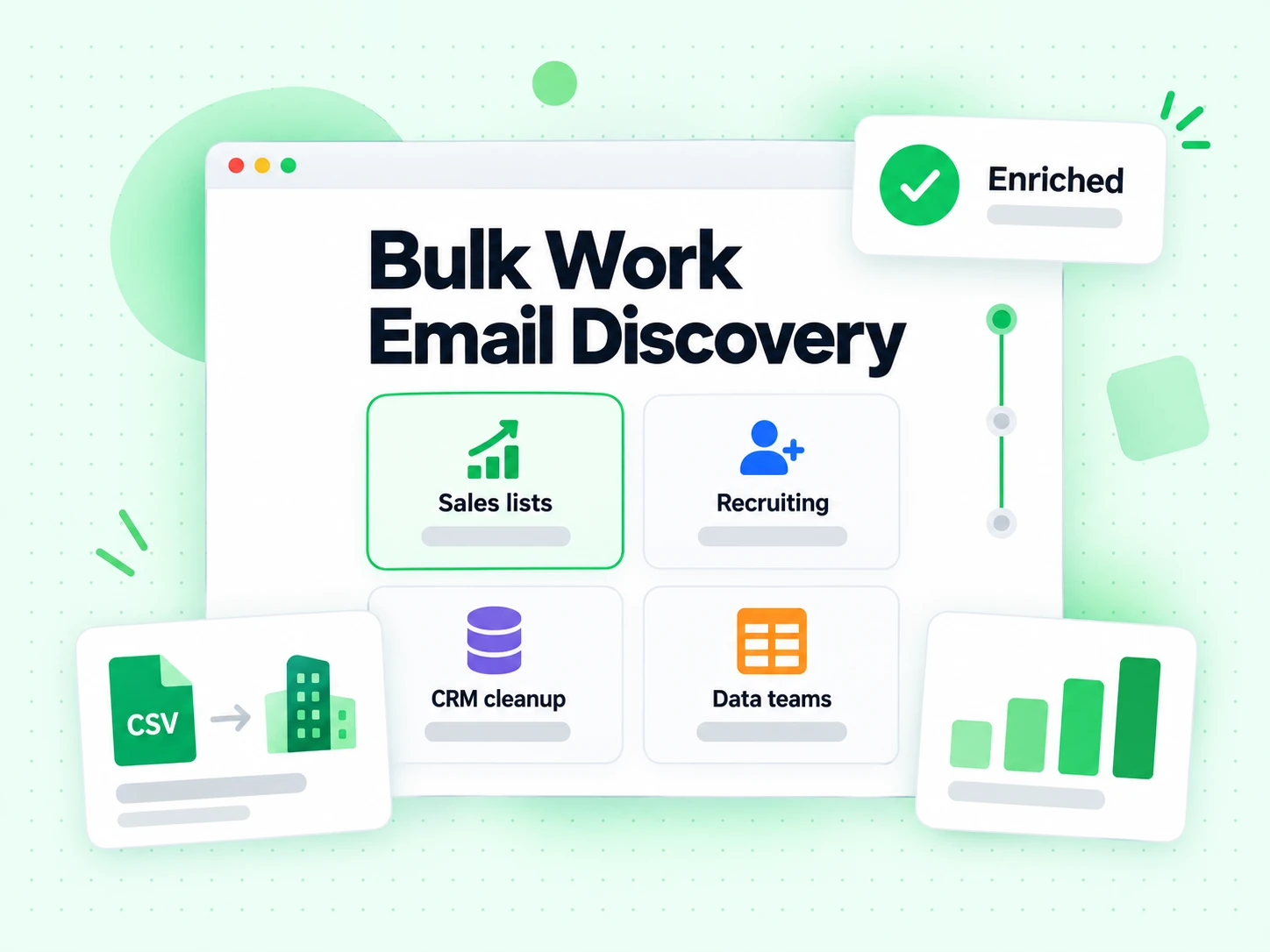
Enrich a permissioned attendee, speaker, sponsor, or exhibitor list in bulk when names and employers are present but professional emails are missing.
Fill missing work-email fields in bulk while retaining source IDs and owners, then route uncertain or unmatched rows to a separate cleanup queue.
Prepare named buying-committee contacts across a target-account list in one bulk job, instead of repeating the same company-domain research person by person.
Add professional contact fields to a candidate research list in bulk, keeping company identity, verification evidence, and unmatched outcomes explicit.
Choose on the shape of the source data, not on how many bulk rows you have.
| Tool | You provide | You receive | Use it when |
|---|---|---|---|
| Email Verifier | One complete email address | SMTP deliverability and risk signals | The address already exists and needs a sendability decision |
| Email Finder | One name and company domain | One verified best-match work email | You are researching one important person |
| Bulk Email Finder | Bulk CSV rows with names and company domains | Enriched bulk CSV, one match per person | Many named records are missing a bulk email field |
| Company Search | One domain and maximum result count | Verified public email addresses from that company | The company is known but the people are not |
A bulk tool should make large jobs easier without pretending every bulk row is equally searchable.
The bulk email finder accepts CSV files up to 64 MiB and 200,000 data rows. Spreadsheet formulas, multiple worksheets, and PDF contact lists must be exported or transformed first.
Names without a company domain are ambiguous, and domains without a named person belong in Company Search. Unsupported bulk inputs stay visible rather than silently changing product behaviour.
Any bulk email finder CSV import returns one selected work email per person. Candidate attempts are evidence used to reach that conclusion, not a collection for indiscriminate sending.
Bulk output still requires a relevant purpose, suppression checks, audience rules, and the sender's own compliance process before it enters outreach.
The bulk finder adds product-specific fields, while established specifications define the CSV exchange format and the email and mail-routing concepts inside the result.
Describes the common comma-separated value format, including records, fields, headers, quoting, and embedded line breaks.
Defines SMTP and mail exchanger behaviour, used when judging whether a discovered bulk email address can receive mail.
Defines mailbox address syntax and the local-part plus domain structure carried in every bulk email result field.
Documents structured organization properties that public company pages may expose during domain-level discovery.
The right adjacent page depends on whether your bulk list is missing addresses or already contains them.
Research one named person when a bulk CSV job is unnecessary.
Discover public company contacts when the source list contains domains but no people.
Validate a bulk file that already contains email addresses instead of searching for missing ones.
Classify and remove risky, invalid, disposable, role-based, and other unwanted addresses from an existing list.
Each bulk row needs a person's name and company domain. The importer detects supported name and domain headers, and a stable source ID is recommended when bulk results will be joined back to another system.
This bulk email finder CSV list accepts files up to 64 MiB and 200,000 data rows. Use the downloadable sample to confirm the expected structure before preparing a large bulk job.
Each person the bulk job matches costs 10 credits. Rows with no reliable match cost zero — any CSV email enrichment tool, free wherever it cannot answer. Verification of the returned work email is included and never charged twice.
Yes. The bulk result preserves source rows, so no-match cases can be corrected, reviewed, or imported with a clear status instead of vanishing from the file.
No. The bulk email finder CSV run starts from names and company domains to discover missing work emails. Bulk email verification starts from complete email addresses and evaluates their deliverability and risk.
Yes. Every best match the bulk job returns includes verification in the Finder price. Confidence, verification status, evidence, and caveats all stay available for downstream review.
No. Company names are ambiguous, so the bulk workflow requires domains. Resolve each organisation to its official domain first, or use Company Search one domain at a time when no named contacts are available.
Upload a structured bulk CSV, preserve every row, and pay only for the people who receive a reliable best match — a CSV email enrichment tool, free on the rest.
10 credits per matched person · Bulk email verification included · Unmatched bulk rows are free