

Chapter 1 of 7 · Why new domains are exposed
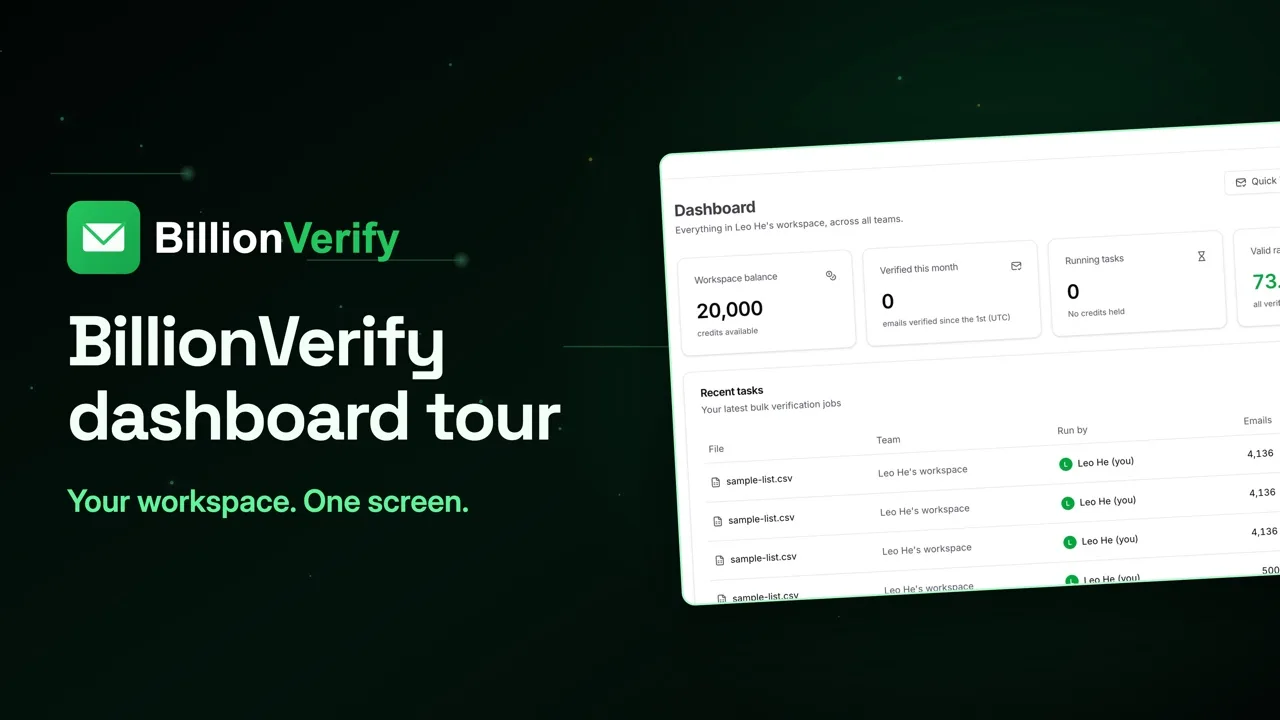
About this video
This video uses sample data. File verification needs a paid account.
Video transcript
Here's where verification fits in a cold email setup, and how it protects a new sending domain. Cold email usually runs on new domains and new mailboxes. After a few weeks of warmup, there's almost no history to fall back on. So every bounce counts. Warmup won't fix a bad list. Warmup works on the sender. It builds your domain's reputation. Verification works on the list. A warm domain that mails a dead address still gets a hard bounce. So the order matters. Collect the list. Verify it. Import what passes. Then warm up and scale. Flip that, and a new domain takes the risk first. Import is the commitment point. Once a sequence is ready, cutting records feels like losing work. So clean the list first. No source gets a pass. Database exports go stale. Scraped lists pick up generic inboxes. CRM exports hold people who left. Open File List Verify, and upload the CSV before it goes near your sending tool. You see the email column, the unique addresses, and the credits it can use, all before anything runs. Start it and get on with your day. It works in the background and emails you when it's finished. The next screen is a bigger sample list, not cold email data. Your split will look different. Each status has its own count. Now give each one a destination. Valid goes to your main campaign. Invalid and disposable go to a suppression file, so they can't return on a later import. Role gets its own messaging. Unknown waits for review. Catch-all gets a policy. Here's why catch-all needs one. The domain accepts everything, so the check can't reach the mailbox behind it. Teams get this wrong in two ways. Mix them into the main campaign, and you can't trace a bounce. Delete them all, and you lose real contacts. Try this instead. Give them their own segment. Cap the first send at about a third of your main volume. Watch replies and bounces. Then suppress what bounced. Now filter by status. Export valid for your main campaign, and catch-all for its own segment. Once you're sending, track hard bounces on every campaign. Under 2% is healthy. Two to five needs attention. Five to ten, stop and clean. Over ten is urgent. Verification removes addresses that don't exist. It can't stop soft bounces, like a full mailbox. So watch the first send before you scale. On cost, valid, invalid, catch-all and role each use one credit. Unknown, bad syntax and disposable are free. File uploads need a paid account. 20 free credits every day you use your account, up to 600 a month. No credit card required. Start at billionverify.com.
Featured in this video
Cold Email Verification FrameworkCold email verification framework: check the list before warmup and import, classify each signal type, and stop risky records from reaching the sender.Try Cold Email Verification FrameworkMore in Cold Email
All email verification videos

BillionVerify pricing
Start free, then pay for what you verify. Pick a plan or buy credits once.
billed yearly $96
Save 60%$0.0004 / per credit
All 240,000 credits arrive at once. Use them anytime.
Choose your credits
Included in every paid plan
- 240,000 credits / year
- Single email verification
- Bulk email verification
- Email Finder
- Bulk Email Finder
- Company Search
- Live SMTP mailbox check
- Real-time API + batch processing
- CSV & Excel upload support
- Comprehensive verification reports
- Workspaces and teams with spend limits
- Credits never expire
Try the AI email verification features
20 free credits every day you log in, up to 600 a month. Free AI first email verification across every feature, no credit card.
Native MCP Server integration · Catch-all reported separately · Free tier, no credit card