πŸ“ Introducing MapLeads: Turn Google Maps, Bing Maps & Apple Maps into your lead list.Try MapLeads
Free bounce rate calculator

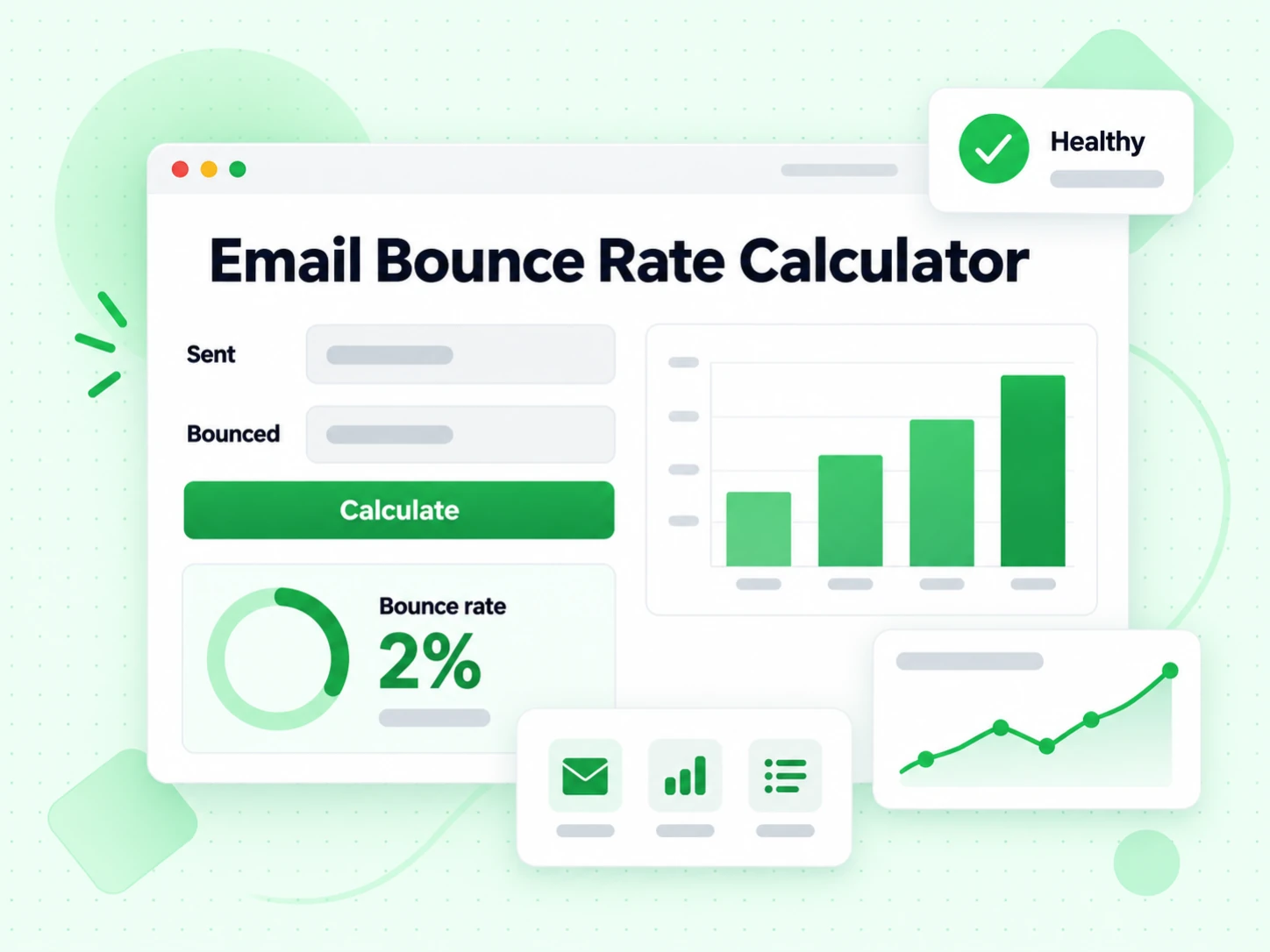
Email Bounce Rate Calculator

A free email bounce rate calculator that works out your total, hard, and soft bounce rate from the numbers your ESP already reports β€” and shows where each bounce rate sits against published thresholds, so you can check acceptable email bounce rate levels without guessing.

Email bounce rate calculator

Optional: Break down by bounce type

Understanding Email Bounce Rates

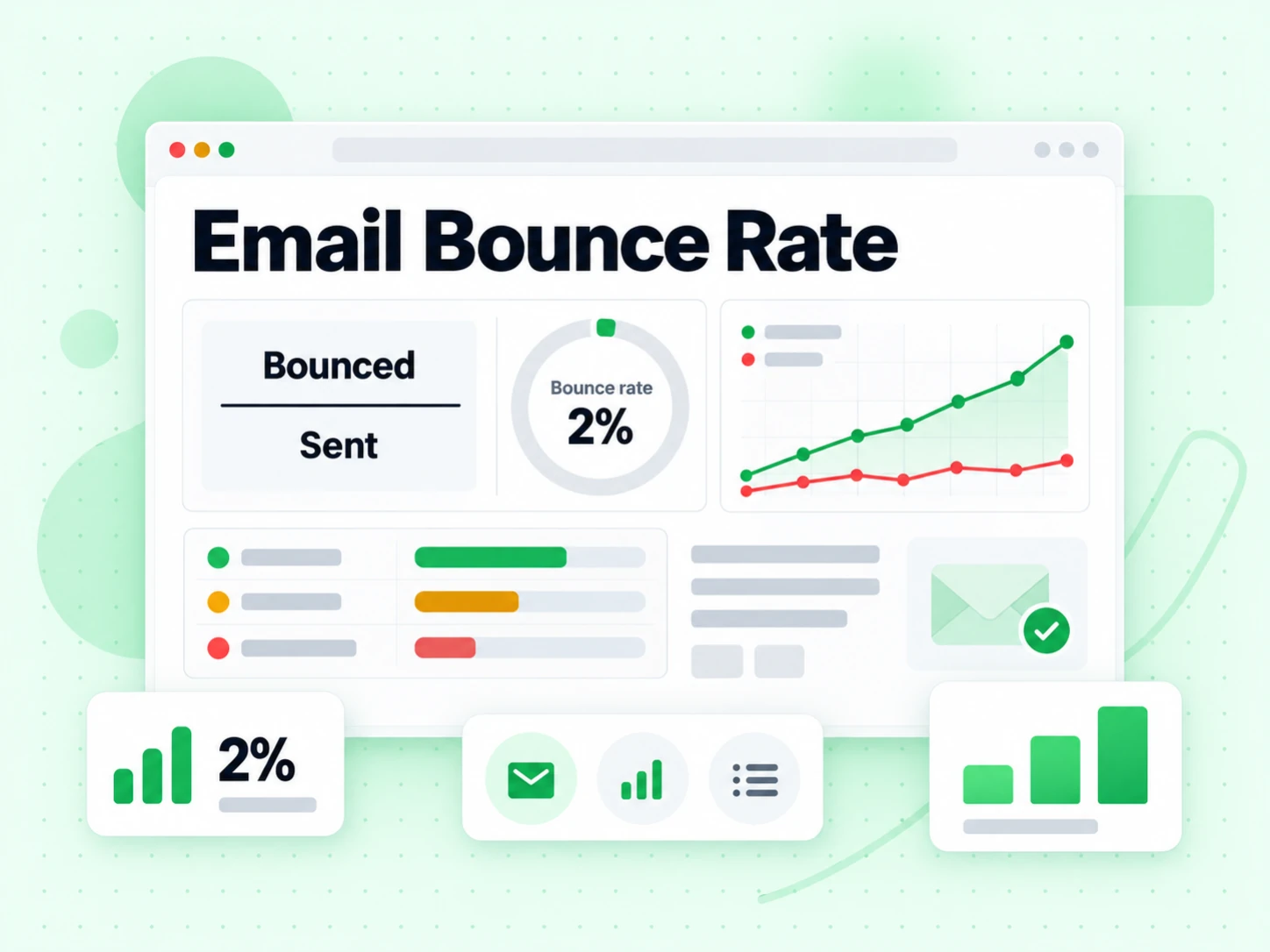
Your email bounce rate measures the percentage of sent messages that could not be delivered to the recipient's mail server. Bounces are a normal part of email sending β€” some addresses become invalid over time, mailboxes fill up, and servers go offline. But when your bounce rate climbs too high, it signals a list quality problem that can damage your sender reputation and affect inbox placement for your entire list.

The industry standard formula is simple: divide the number of bounced messages by the total number sent, then multiply by 100 to get a percentage. A rate under 2% is healthy, 2-5% is a warning zone, and above 5% is dangerous territory where email service providers start throttling or suspending accounts.
Hard Bounces vs Soft Bounces

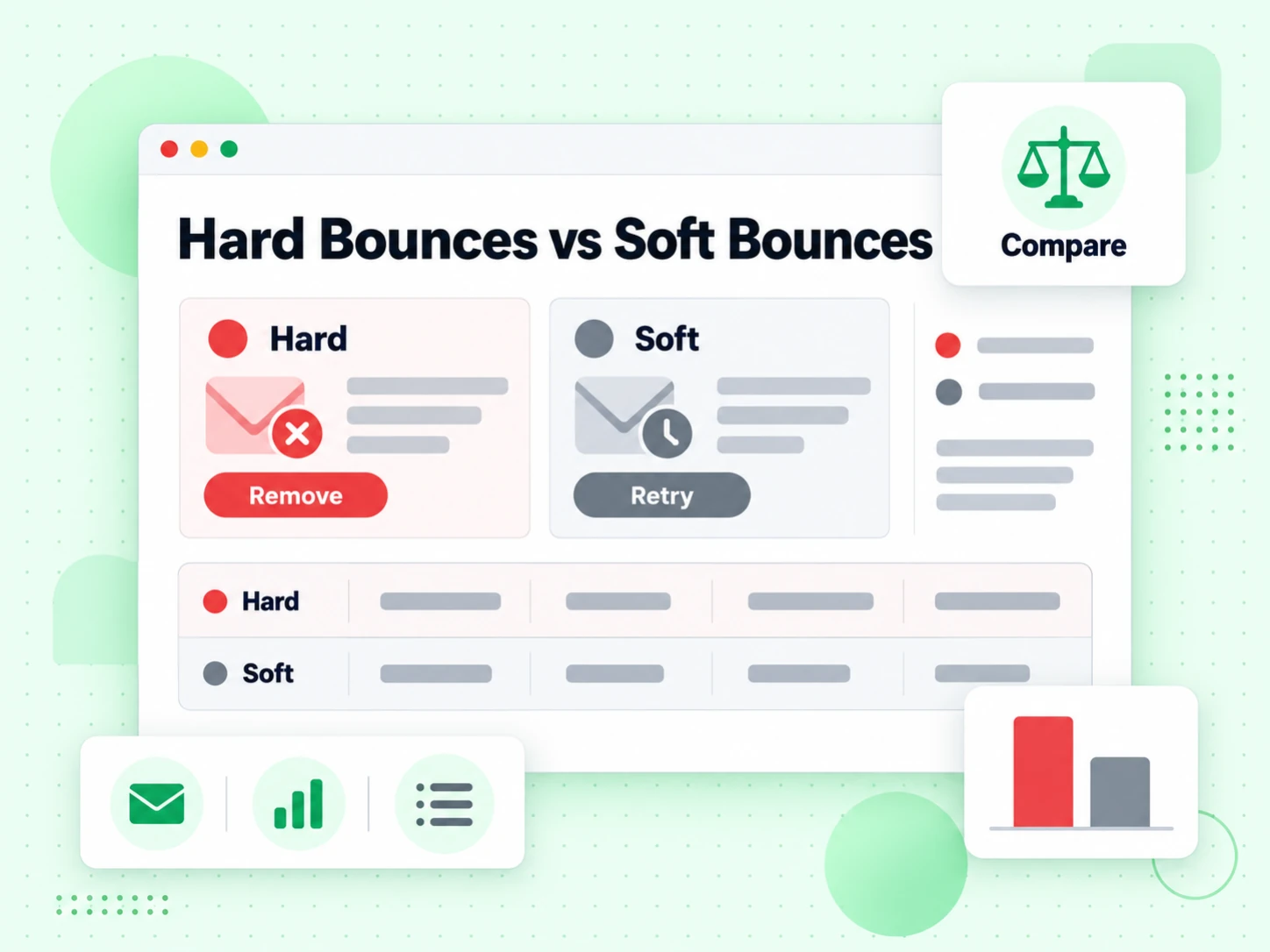
Not all bounces are equal. Hard bounces are permanent failures: the email address does not exist, the domain is invalid, or the recipient server has permanently refused delivery. These addresses should be removed from your list immediately and never retried. Sending again to hard-bounced addresses is a clear signal of poor list hygiene that damages your reputation with mailbox providers.

Soft bounces are temporary failures: the mailbox is full, the server was temporarily unavailable, or the message was too large. Most email service providers retry soft bounces automatically for a few days. If an address continues to soft bounce over multiple campaigns, treat it like a hard bounce and remove it.
Industry Bounce Rate Benchmarks

Bounce RateStatusAction
Under 2%HealthyMaintain regular list cleaning cadence.
2% to 5%WarningClean the list before next send. Verify new sign-ups at point of entry.
Above 5%DangerousPause sending. Verify the entire list before resuming. Review list acquisition sources.

How to Reduce Your Email Bounce Rate

The most effective long-term strategy for low bounces is proactive list verification. Checking every address before it enters your list β€” at sign-up forms, data imports, and CRM syncs β€” prevents invalid addresses from accumulating in the first place.

  • Verify at point of entry: Use the email validation API to check addresses as they are submitted in forms and sign-up flows.
  • Clean existing lists: Run your full contact database through bulk email verification before major campaigns.
  • Remove hard bounces immediately: Configure your ESP to automatically suppress hard-bounced addresses and never retry them.
  • Use double opt-in: Requiring subscribers to confirm their address via a confirmation email eliminates typos and fake sign-ups before they cause bounces.
  • Clean regularly: Email addresses decay at roughly 20-30% per year as people change jobs, switch providers, and abandon inboxes. Schedule verification runs quarterly at minimum.

The Sender Reputation Impact of High Bounces

Gmail, Outlook, Yahoo, and other major mailbox providers track sender behavior in real time. A consistently high bounce rate signals that you are not maintaining your list carefully, which erodes trust. Once your reputation drops, even well-formed messages with perfect authentication may land in spam or be rate-limited. Rebuilding sender reputation after a significant drop can take weeks of careful, low-volume sending with strong engagement signals.

The best time to address bounce rate is before it becomes a problem. Use the email checker to verify individual addresses, or explore pricing to find the right plan for your list size and sending volume.


The arithmetic

What the email bounce rate calculator computes

Bounce rate is bounced divided by sent, expressed as a percentage. The bounce rate calculator does that arithmetic and then splits it into hard and soft, because the two numbers mean entirely different things.

Bounce rate = bounces Γ· delivered attempts

Divide total bounces by total messages sent and multiply by 100. That is the whole formula. Our email bounce rate calculator exists because the useful part is not the arithmetic β€” it is knowing which denominator your ESP used.

Some platforms report bounce rate against messages sent, others against messages accepted for delivery. A two-point difference in a reported bounce rate is often just a difference in denominator, which is why this email bounce rate calculator asks for raw counts.

Hard bounce rate is the number that matters

A hard bounce is a permanent rejection: the mailbox does not exist. Mailbox providers weigh hard bounce rate heavily when deciding whether to throttle a sender, so our bounce rate calculator reports it separately.

A 3% total bounce rate that is entirely soft is a very different situation from a 3% bounce rate that is entirely hard, and only the split tells you which you have.

Soft bounce rate is mostly noise

Full mailboxes, temporary outages, greylisting. Soft bounces recover on their own and a healthy list still produces them. Treat a soft bounce rate under a couple of percent as background.

Persistent soft bounces on the same addresses across several sends are worth treating as hard, because a mailbox that has been full for a month is effectively dead.

The rate is only comparable against itself

Industry benchmarks vary by sector, list source, and how the ESP counts. The most useful comparison is your own bounce rate over time, which this bounce rate calculator makes easy to track.

A rising bounce rate trend matters more than any single bounce rate number, including the benchmarks below.

The thresholds

What counts as an acceptable bounce rate

Published benchmarks converge on a narrow range. Use an email bounce rate calculator to check acceptable email bounce rate levels against your own numbers, not as a target to optimise.

Under 2%: healthy

A well-maintained list with verification at capture typically sits here. Nothing to act on.

If your bounce rate is under 2% and deliverability is still poor, the cause is authentication, content, or complaints rather than bounce rate.

2% to 5%: worth investigating

Something is entering the list unverified, or a segment has aged. The bounce rate calculator will show whether the excess is hard or soft, which points at which.

Hard bounces in this band usually trace to a purchased list or a form with no verification. Check acceptable email bounce rate thresholds again once that source is fixed.

Above 5%: providers start acting

Most mailbox providers begin throttling or filtering at this level, and ESPs frequently suspend accounts. This is the point at which bounce rate stops being a metric and becomes an operational problem.

Stop sending to the affected segment, clean it, and resume gradually. Check acceptable email bounce rate levels before you resume rather than after.

Above 10%: reputation damage is already happening

At this level the sending domain is being penalised regardless of content. Recovery takes weeks of consistent sending to engaged recipients.

Check acceptable email bounce rate figures again after a cleaning run rather than after the next campaign, because a bounce rate measured mid-recovery is misleading.

Lowering it

How to move the bounce rate the calculator shows

Bounce rate is a lagging indicator of list hygiene. Three changes move it, and only one of them is fast.

  1. 1

    Verify before the send, not after

    Every hard bounce was preventable. Running verification over the list before a campaign converts what would have been a bounce rate into a suppression list nobody outside your team ever sees.

    For a whole file, Bulk Email Verification removes the addresses that would have bounced before the ESP ever sees them.

  2. 2

    Verify at capture

    A list that is cleaned quarterly and refilled daily with unverified signups will show the same bounce rate every quarter. Verification at the form is what makes the improvement stick.

    This is the change that stops you needing the email bounce rate calculator as often, because the bounce rate stops drifting upward between runs.

  3. 3

    Suppress rather than delete

    Keep hard-bounced addresses with their reason. Deleting them means the next import from the same source re-introduces every one of them and the bounce rate resets.

    This is why a cleaning programme compounds and a one-off clean does not.

Limits

What the bounce rate does not tell you

Three things a bounce rate cannot answer, however carefully our email bounce rate calculator computes it.

It does not measure inbox placement

A message that does not bounce may still land in spam. Bounce rate covers acceptance at the server, not what happens after.

For placement, use Email Deliverability Test; a bounce rate of zero and a message in the spam folder are entirely compatible.

It does not distinguish list quality from list age

A pristine list that has sat untouched for two years and a freshly purchased list can produce identical bounce rates for entirely different reasons.

The fix differs: one needs re-verification, the other needs a different acquisition source.

It is not comparable across ESPs

Different platforms count different denominators and classify borderline responses differently. Comparing your reported bounce rate to a competitor's is comparing two different measurements.

Track your own trend instead.

Related

Tools for acting on the bounce rate

This email bounce rate calculator measures. These three change what it measures next time.

Check one address

The Bounce Email Checker tells you whether one specific address will hard bounce, before you send to it.

Useful for spot checks and for understanding what this bounce rate calculator is counting.

Clean the whole list

The Email List Cleaning service applies the same check to every row and preserves the reason on each one.

That is what actually moves the number an email bounce rate calculator reports next time.

Check the sending side

If the bounce rate is already low, the Email Deliverability Test covers the sender-side causes bounce rate cannot see.

Authentication, content, and complaint history all affect delivery independently of bounce rate.

Frequently Asked Questions

1. How does our bounce rate calculator work?

Bounce rate is bounces divided by messages sent, times 100. This bounce rate calculator does that and splits the result into the hard and soft split, because the two mean different things: hard bounce rate is what mailbox providers weigh when deciding to throttle a sender.

2. What is an acceptable bounce rate?

Under 2% is healthy. Between 2% and 5% something unverified is entering the list. Above 5% most providers begin throttling, and above 10% reputation damage is already happening. Use this email bounce rate calculator to check acceptable email bounce rate levels against your own numbers.

3. What is the difference between hard and soft bounce rates?

A hard bounce is a permanent rejection β€” the mailbox does not exist. A soft bounce is temporary: full mailbox, outage, greylisting. Soft bounce rate is largely background noise; hard bounce rate is the number that damages sending reputation.

4. Why does my ESP report a different bounce rate?

Different denominators. Some platforms compute bounce rate against messages sent, others against messages accepted for delivery, and they classify borderline responses differently. A two-point gap is often just that, which is why our email bounce rate calculator asks you for the raw counts.

5. How do I lower the bounce rate?

Verify before sending and verify at capture. Every hard bounce was preventable β€” verification converts what would have been a bounce rate into a suppression list nobody outside your team sees. Suppress rather than delete, or the next import restores the same addresses.

6. Does a low bounce rate mean good deliverability?

No. Bounce rate measures acceptance at the receiving server, not what happens afterwards. A message can have a zero bounce rate and still land in spam, because placement depends on authentication, content, and complaint history.

Bounce Rate Calculator

Lower the number, not just measure it

An email bounce rate calculator tells you where you are. Verification before the send is what moves it.

Free bounce rate calculator Β· hard and soft bounce rate split Β· Check acceptable email bounce rate Β· Bounce rate calculator, no signup

99.9%
Accuracy
Real-time
API Speed
$0.00014
Per Email
600/mo
Free Forever