What this DKIM generator produces
DKIM signs outgoing mail with a private key and publishes the matching public key in DNS. This free DKIM DNS record generator turns that public half into the exact TXT record receivers expect, at the exact DKIM hostname they will query.
A DKIM record lives at selector._domainkey.yourdomain rather than at the domain root, and a DKIM generator writes the full hostname so you do not have to guess it. Publishing a correct DKIM record at the wrong host is the most common DKIM failure there is.
DKIM record format the DKIM record generator emits
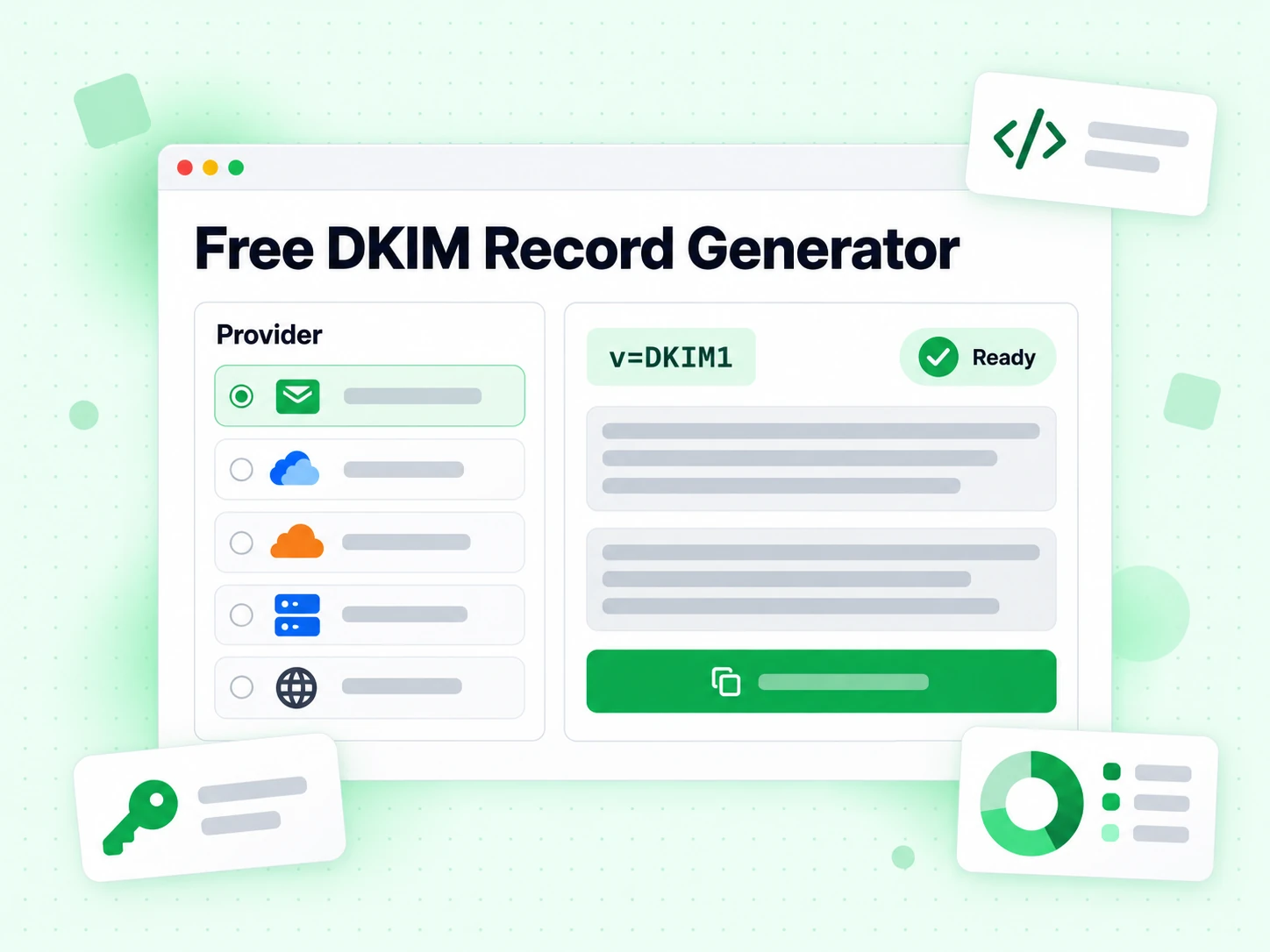
v=DKIM1; k=rsa; p='<public key>'. The version tag must come first, the key type is almost always RSA, and the p tag carries the base64 public key. Our free DKIM record generator only ever handles the public half — any DKIM generator asking for your private key is doing something you should refuse.
2048-bit DKIM keys are the modern default. 1024-bit exists only because some legacy DNS providers truncate long TXT values, and a truncated DKIM record validates as broken rather than as missing. This DKIM record generator emits the full record and leaves the panel problem visible.
Where to find the key for our DKIM generator
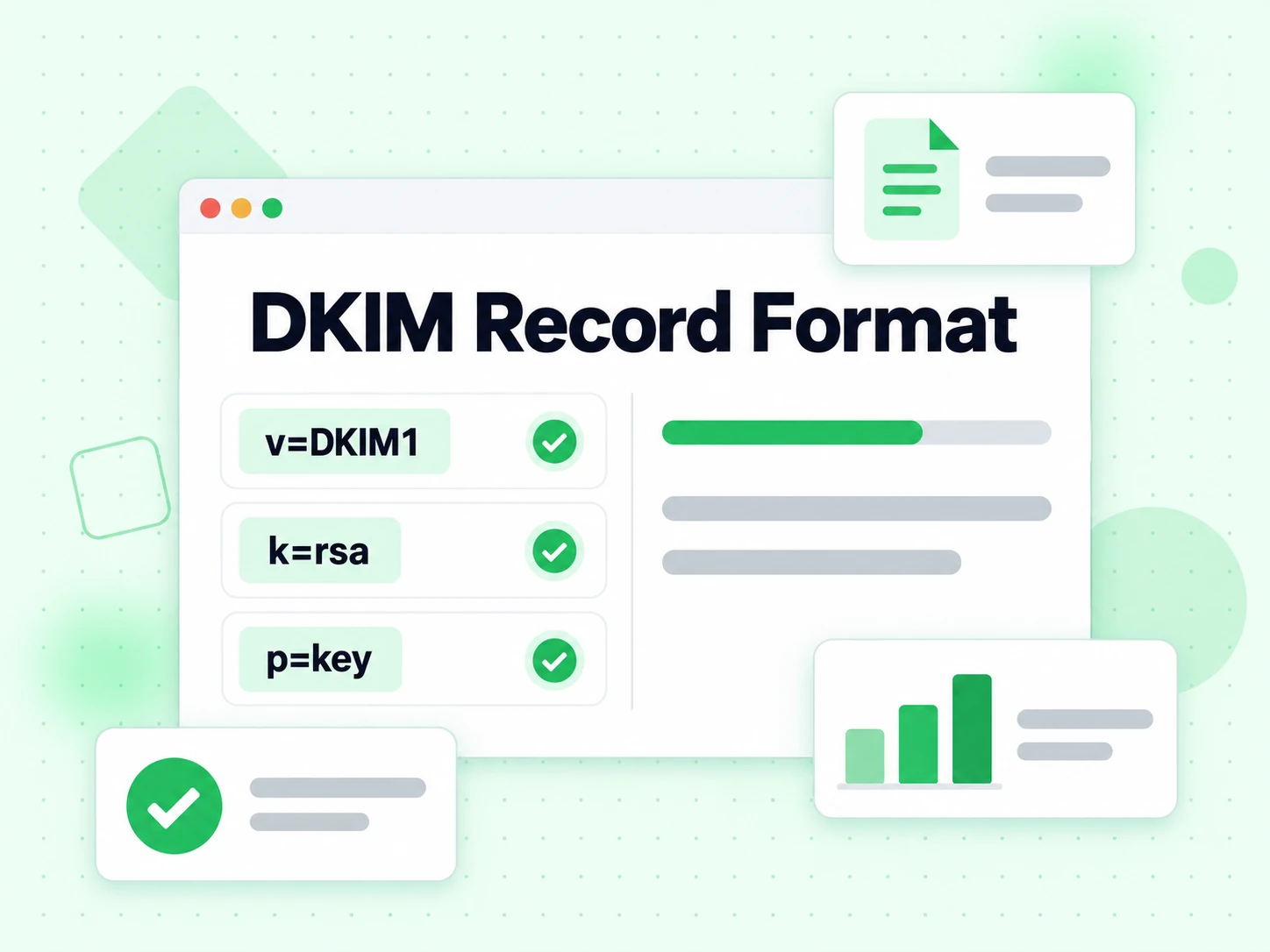
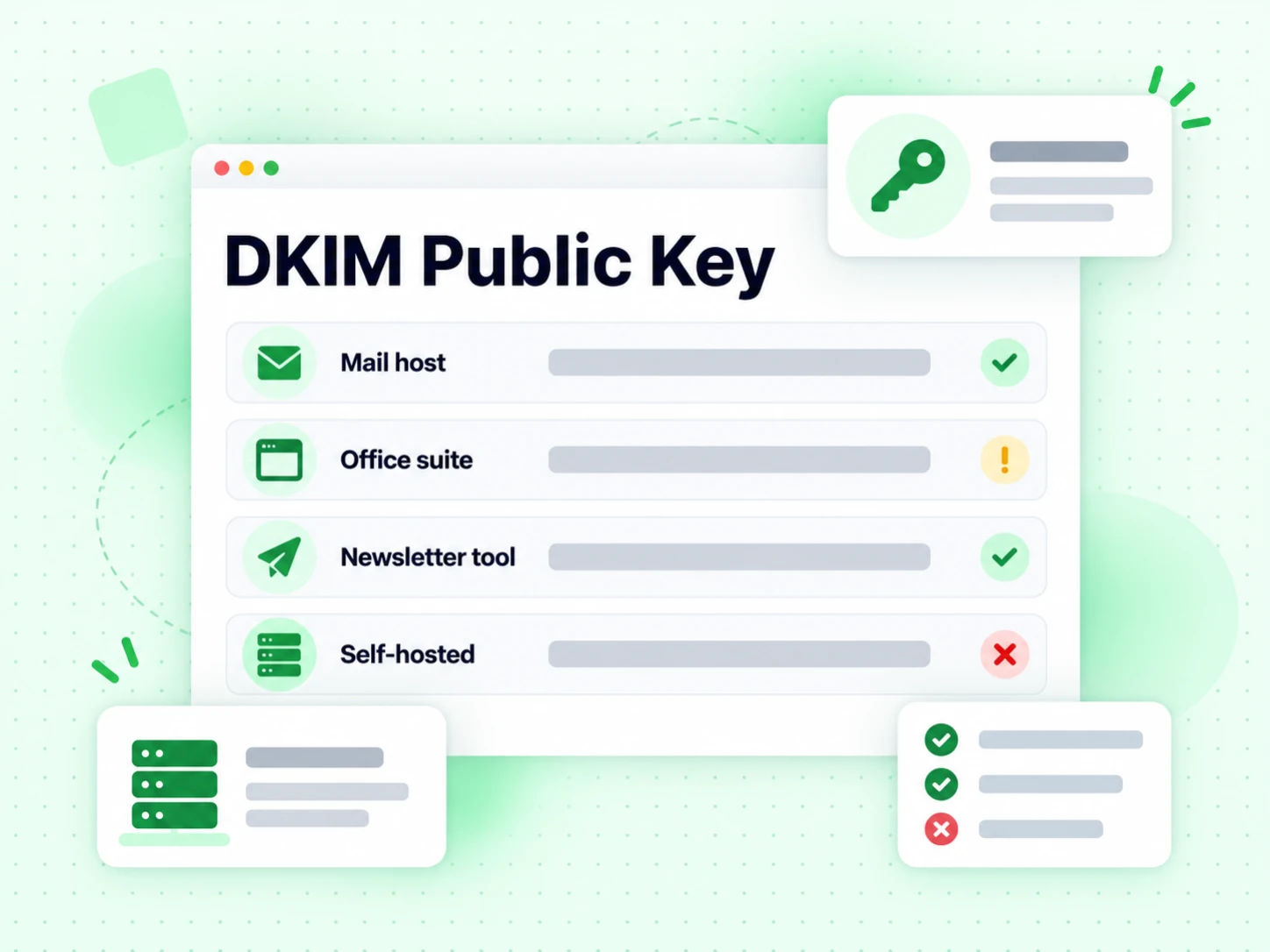
Every provider generates the DKIM key pair for you and shows the public half. Paste it into this DKIM generator with the DKIM selector they specify, and a DKIM generator writes the record.
- Google Workspace: Admin console → Apps → Google Workspace → Gmail → Authenticate email. Generate a new key and copy the TXT record value.
- Microsoft 365: Exchange admin center → Protection → DKIM. Enable DKIM for your domain and copy the CNAME records (Microsoft uses CNAMEs, not direct TXT records).
- Mailchimp: Account → Domains → Verify a domain. Mailchimp provides the DKIM TXT record value to add to your DNS.
- SendGrid: Settings → Sender Authentication → Domain Authentication. SendGrid generates the full DKIM TXT record for you.
- Self-hosted (Postfix, Exim): Use opendkim-genkey to generate a key pair. The public key file contains the TXT record value.
DKIM record generator best practices
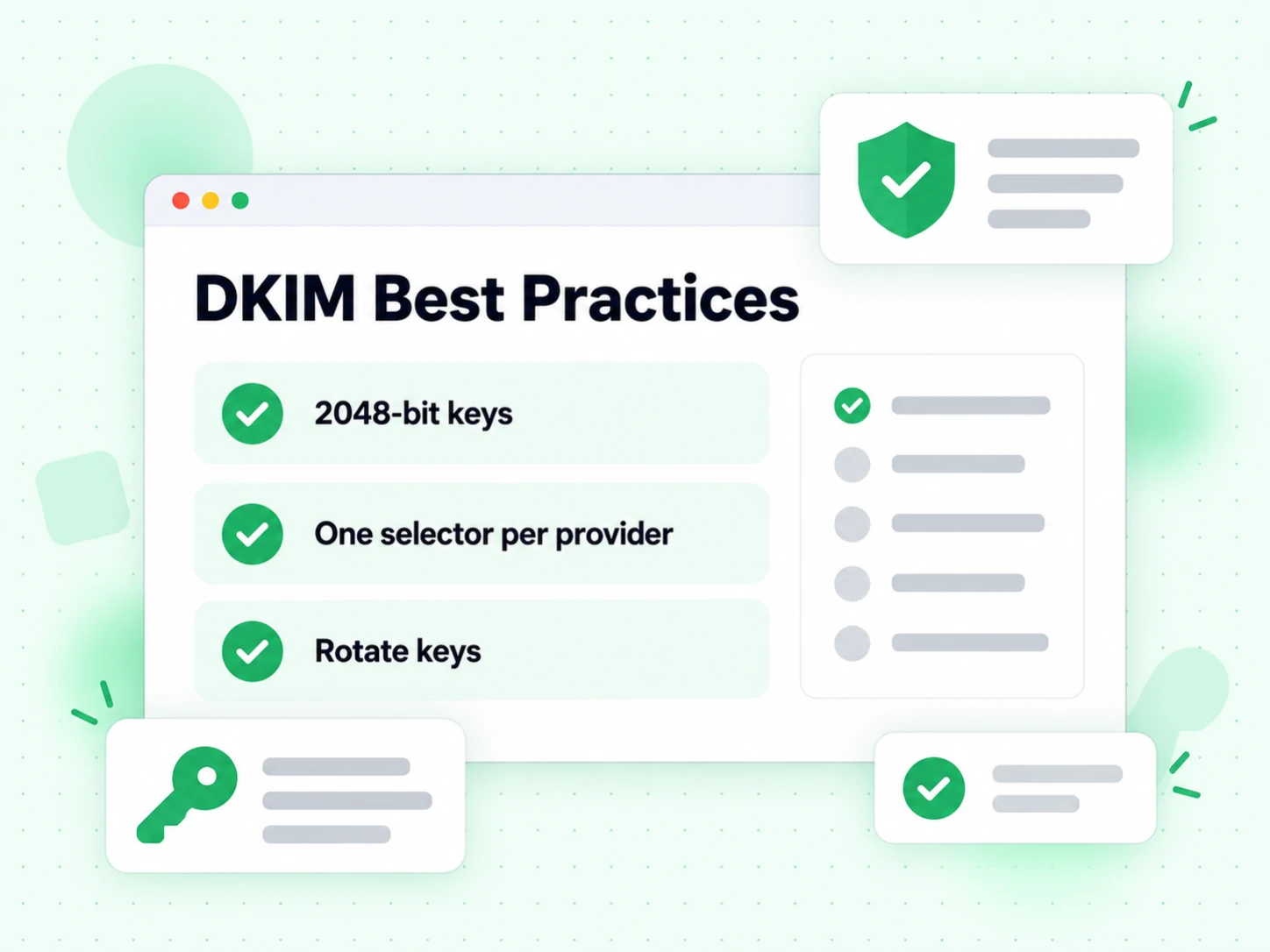
Run our free DKIM record generator once per sending provider. Every provider that sends as your domain needs its own DKIM selector and its own DKIM record — there is no single combined DKIM record, and merging two DKIM record generator outputs breaks both. Rotate DKIM keys when a provider offers it, and delete the DKIM record for any provider you stop using.
DKIM alone does not protect the visible From header. To complete your email authentication setup, add a DMARC policy that aligns DKIM results with the From domain. A clean email list also matters — even authenticated mail lands in spam if it bounces repeatedly. Use email verification to remove invalid addresses, or verify large lists with bulk email verification.