

1
Read the name and domain
The email finder by name needs both. A name alone has no domain to search; a domain alone is a company search rather than a finder request.
Free email finder
This free email finder that takes a person's name and a company domain and returns their verified work address. This is the email finder by name — every result is SMTP-verified before you see it, so you can find anyone's work email free of the usual guesswork.
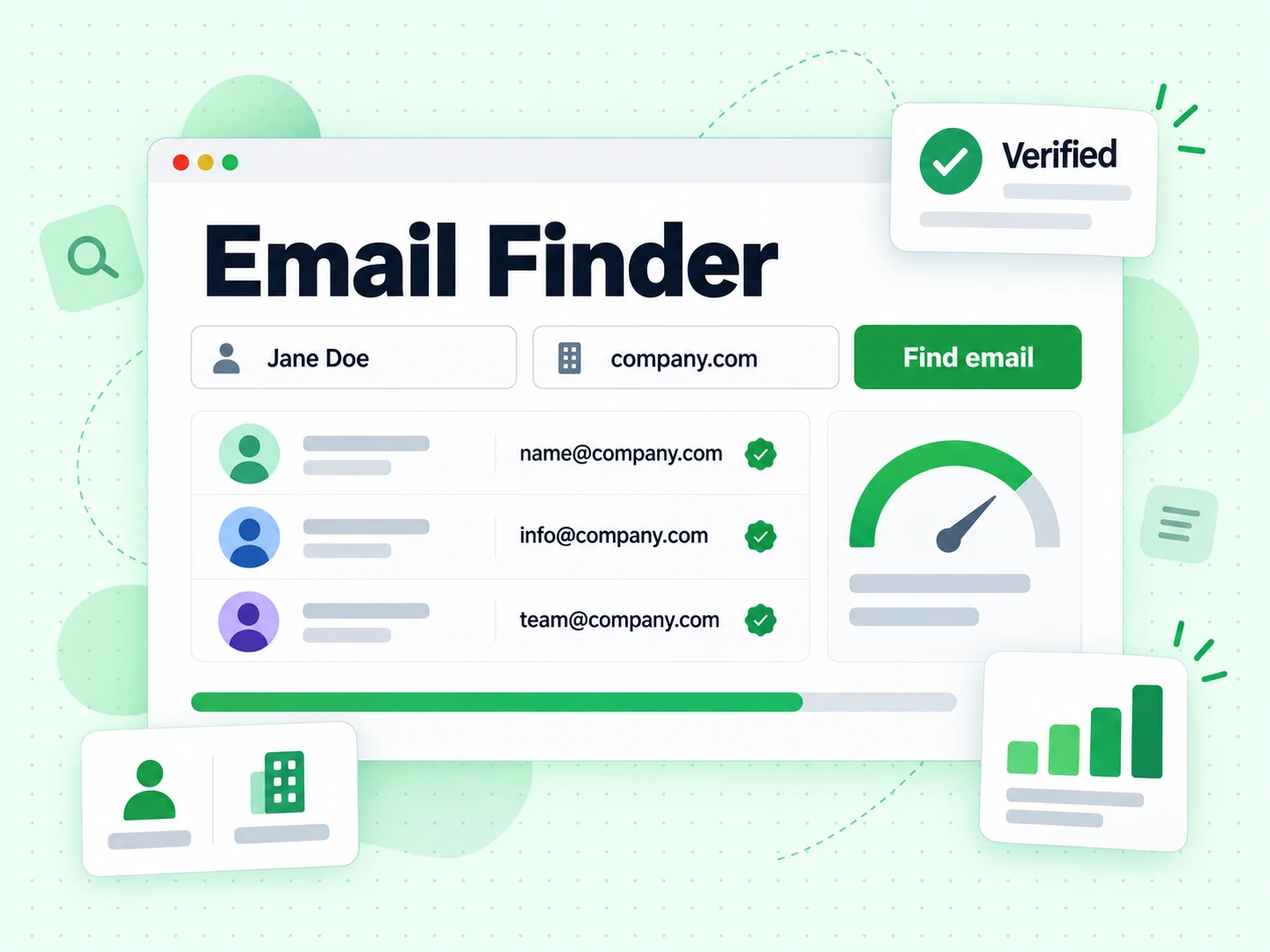
Enter a name and a company domain. The email finder derives the candidate addresses, verifies each one over SMTP, and returns only what exists.
Use English letters (A–Z), spaces, hyphens, or apostrophes so the name can be mapped to work-email formats.
A free email finder starts from two things you already know — a person's name and the company they work at — and returns the work address that actually exists. That is the difference between our email finder by name and a pattern guesser: the finder verifies before it answers.
Most company domains follow a small number of local-part conventions. Our free email finder tests the plausible forms against the receiving mail server rather than picking the most common one and hoping. An email finder that skips that step is handing you a guess with a confidence score attached.
Every result the email finder returns carries the same SMTP evidence as a direct verification, plus the disposable, role, and catch-all flags. You can find anyone's work email free on the free tier, and the finder charges only for results it actually found.
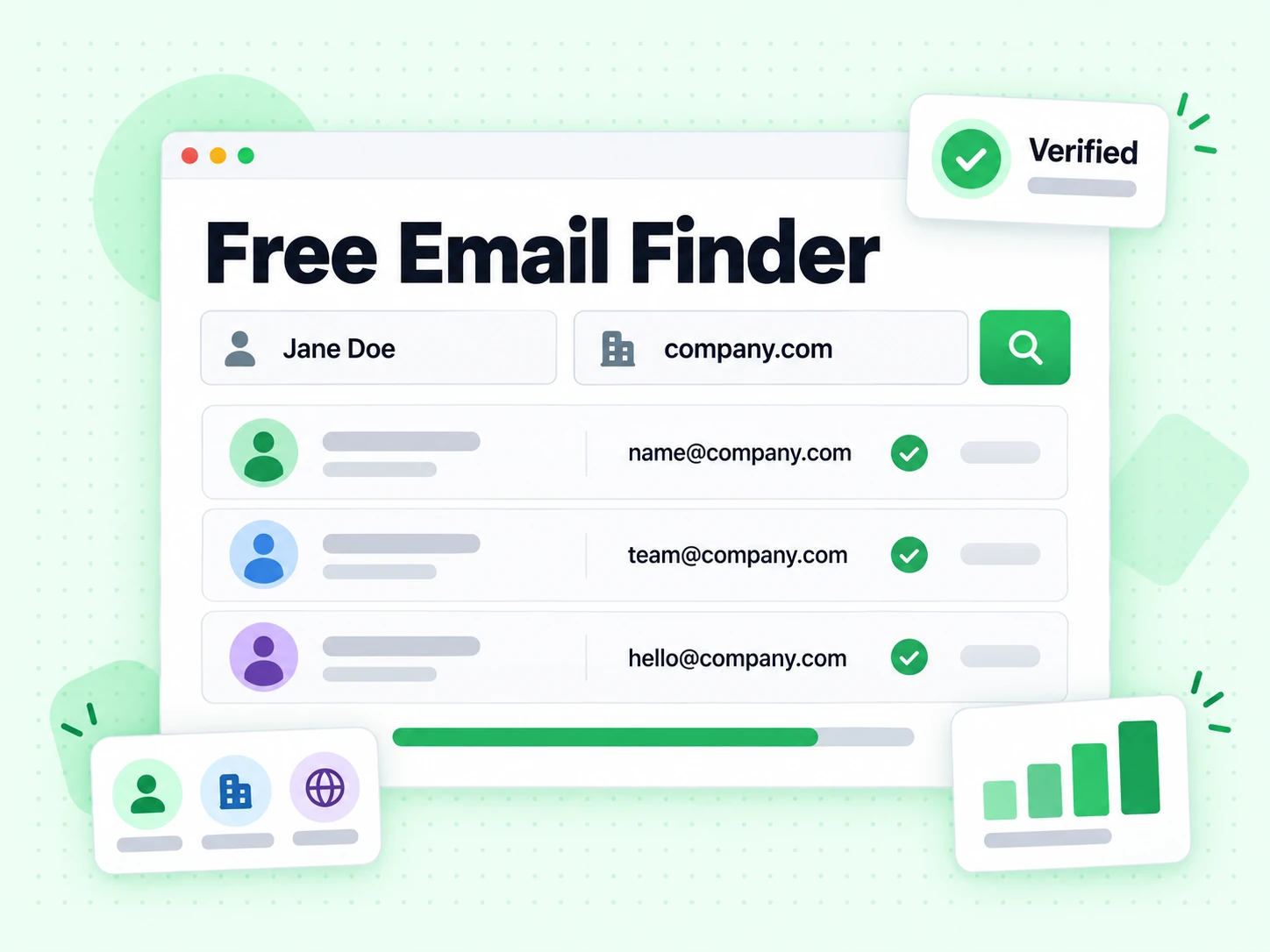
Four steps run on every free email finder request.
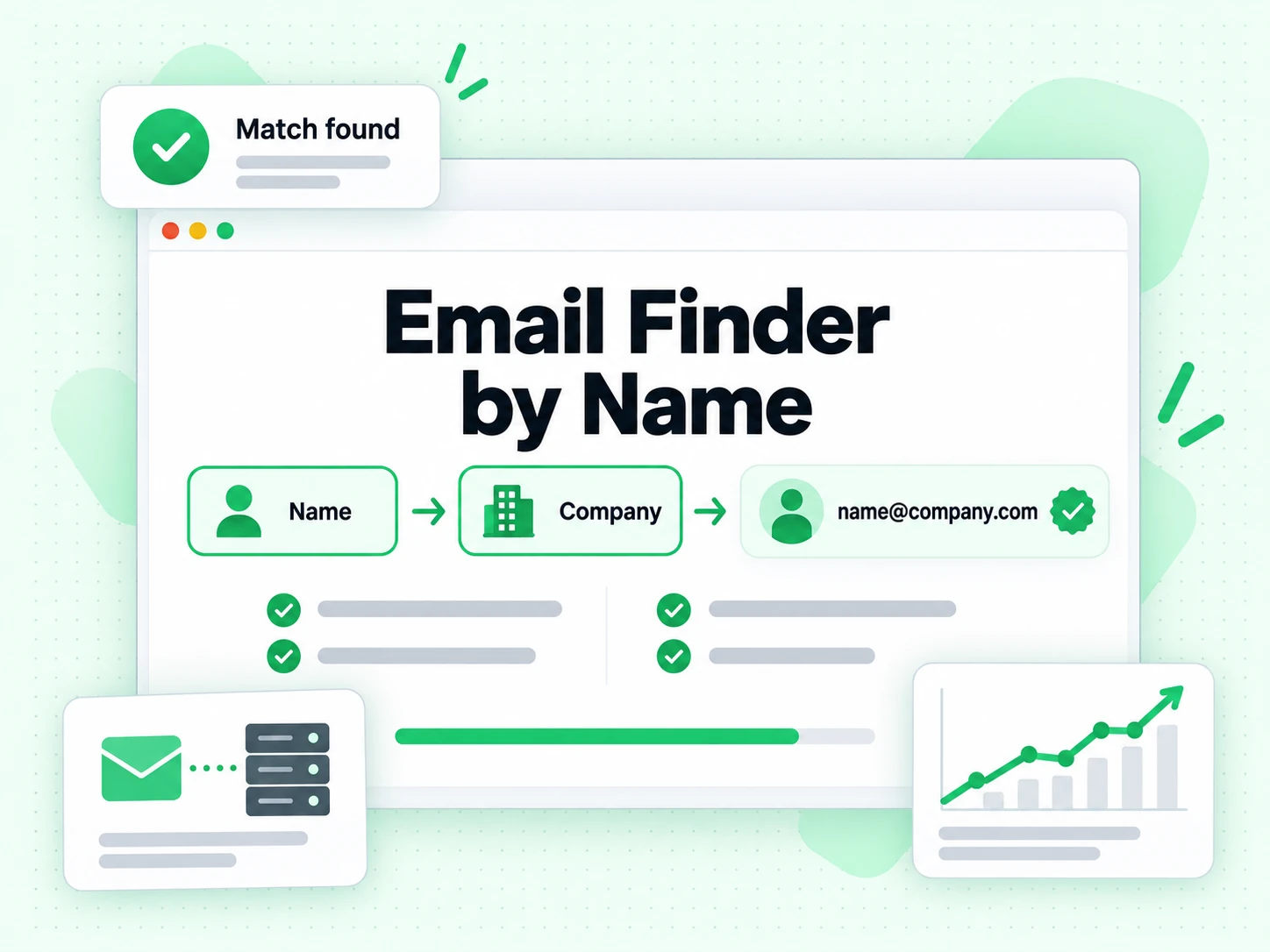
The email finder by name needs both. A name alone has no domain to search; a domain alone is a company search rather than a finder request.
The finder builds the local-part forms that domain actually uses, rather than assuming firstname.lastname everywhere.
This is the step that makes it our free email finder rather than a pattern generator. Candidates that the server rejects never reach you.
One address, plus disposable, role, and catch-all signals. The email finder returns nothing rather than returning a guess.
Four outcomes from this free email finder request, and what each one means.

The email finder tested the candidates and one accepted an SMTP probe. Find anyone's work email free within the monthly credits, then use it subject to your own consent rules.
Every candidate looks valid because the domain accepts everything. An honest email finder reports the uncertainty rather than picking one.
No candidate accepted. The finder charges nothing, because the email finder by name that bills for failures is billing for guesses.
The finder found info@ or similar rather than a personal mailbox. Useful for support, weak for outreach.
The free email finder is one step in a sequence. These four chapters cover the rest.
Our email finder by name needs both halves. A name without a company gives the finder no domain to search, and a domain without a name is a company search rather than a finder request.
Get the domain right before you run the free email finder. A parent-company domain when the person works at a subsidiary is the most common reason a finder returns nothing.
Guessing firstname.lastname and sending is how bounce rates climb. The email finder tests each candidate against the receiving server and discards the ones that fail, so what reaches you is evidence rather than a pattern.
This is the whole argument for using this email finder by name instead of a spreadsheet formula: the formula cannot ask the mail server anything.
Sometimes the free email finder returns nothing, because the person uses a personal address, has left, or sits on a catch-all domain. That is the correct answer, and the finder charges nothing for it.
Do not fall back to sending to a guessed address when the email finder declined to confirm one. That converts a clean no-result into a hard bounce.
An address the finder confirmed three months ago describes a mailbox that may have closed since. Email finder results carry a timestamp for the same reason verification results do.
Re-run verification on anything older than a quarter rather than trusting a stored email finder result.
Four situations where the email finder by name saves real time.

You have a name from LinkedIn and a company. The email finder turns that into a verified address without a research pass.
Candidate outreach needs a work address that exists. Find anyone's work email free rather than sending into a guessed inbox and burning the first impression.
One specific person at one specific company is exactly the shape our email finder by name handles best.
Records with a name and company but no address. A free email finder fills the gap with a verified value rather than a pattern.
The free email finder answers one shape of question. These cover the others.
| Tool | You provide | You receive | Use it when |
|---|---|---|---|
| Email Verifier | One complete email address | SMTP deliverability and risk signals | You already have the address and need to decide whether it is safe to send |
| Email Finder | One person’s name and company domain | One verified best-match work email | You know exactly who you want to contact but the work email is missing |
| Bulk Email Finder | CSV rows containing names and company domains | An enriched CSV with one best match per person | A lead, recruiting, or account list has many missing work-email fields |
| Company Search | Company domain and result limit | A set of verified addresses published by that company | You know the company but have not chosen a specific person |
Three limits that apply to every email finder, including this one.
Every candidate appears valid, so no email finder can isolate the real one. The finder reports the uncertainty instead of guessing.
A verified address is not permission to email someone. The email finder supplies a fact, not a right to use it.
If the person uses a personal address or is not at that domain, this free email finder returns nothing — which is the correct answer.
The finder derives and verifies; it does not look people up in purchased contact data of uncertain provenance.
The email finder by name works from observable convention rather than a purchased people database.
Defines SMTP delivery and domain mail routing, including how MX records participate in locating a mail exchanger.
Defines the mailbox address structure used when interpreting the local part and domain of an email address.
Documents the structured Person properties that organizations may publish on public web pages.
Documents structured organization properties that can connect a public company identity, URL, and contact information.
The free email finder gives you one address. These tools cover what comes next.
Start with a known email address and inspect public domain, provider, avatar, and inferred-name context.
Check a complete address with SMTP-level deliverability and risk signals before sending.
Upload a CSV when many named contacts need one verified work email each.
Search a company domain when you need to discover available contacts before choosing one person.
There is a free tier: 20 credits every day you log in, up to 600 a month. You can find anyone's work email free within that, and the free email finder charges only for results it actually finds.
Every address the finder returns has passed a live SMTP check, so accuracy on returned results is the same as direct verification. What varies is coverage: this email finder by name cannot return an address on a catch-all domain, because no candidate can be isolated there.
The person may use a personal address, may have left the company, or the domain may be catch-all. The finder returns nothing rather than a guess, and you are not charged. That is the honest outcome for the email finder by name.
No. Email Finder is a B2B work-email finder that requires a company domain. It does not search personal inbox directories or promise Gmail, Yahoo, Outlook, or other consumer addresses by name.
Yes. Verification is included in the Finder price and is not charged again. The result also preserves status, confidence, evidence, and catch-all caveats so you can judge the conclusion correctly.
A catch-all domain can accept SMTP mail for addresses that do not belong to real people. BillionVerify does not treat that response as definitive mailbox proof; confidence is capped and the result includes a caveat.
Email Finder starts with a person and company to locate a missing work email. Reverse email lookup starts with a complete email address and explains public context around that known input.
A free email finder with SMTP verification on every result. Find anyone's work email free on the free tier, and pay only for addresses the finder actually finds.
10 credits only when found · Find anyone's work email free, SMTP-verified · Uses your BillionVerify credit balance