📍 Introducing MapLeads: Turn Google Maps, Bing Maps & Apple Maps into your lead list.Try MapLeads

Verify Email Address

Verify email address online with a live SMTP mailbox check in under 2 seconds, so a message you care about does not bounce. Verify email address for free here, and verify as often as you need — 99.9% accuracy, 600 credits a month, plus 20 more every day you log in.

Verify Email Address

Verify email address online, before you send

Paste an address and BillionVerify will verify it end to end: syntax, domain, MX records, a live SMTP mailbox probe, disposable providers, and role accounts. Verify email address for free, one verify run, one send decision.

99.9% SMTP accuracyReal mailbox probe600 free credits monthly
Get Started for Free
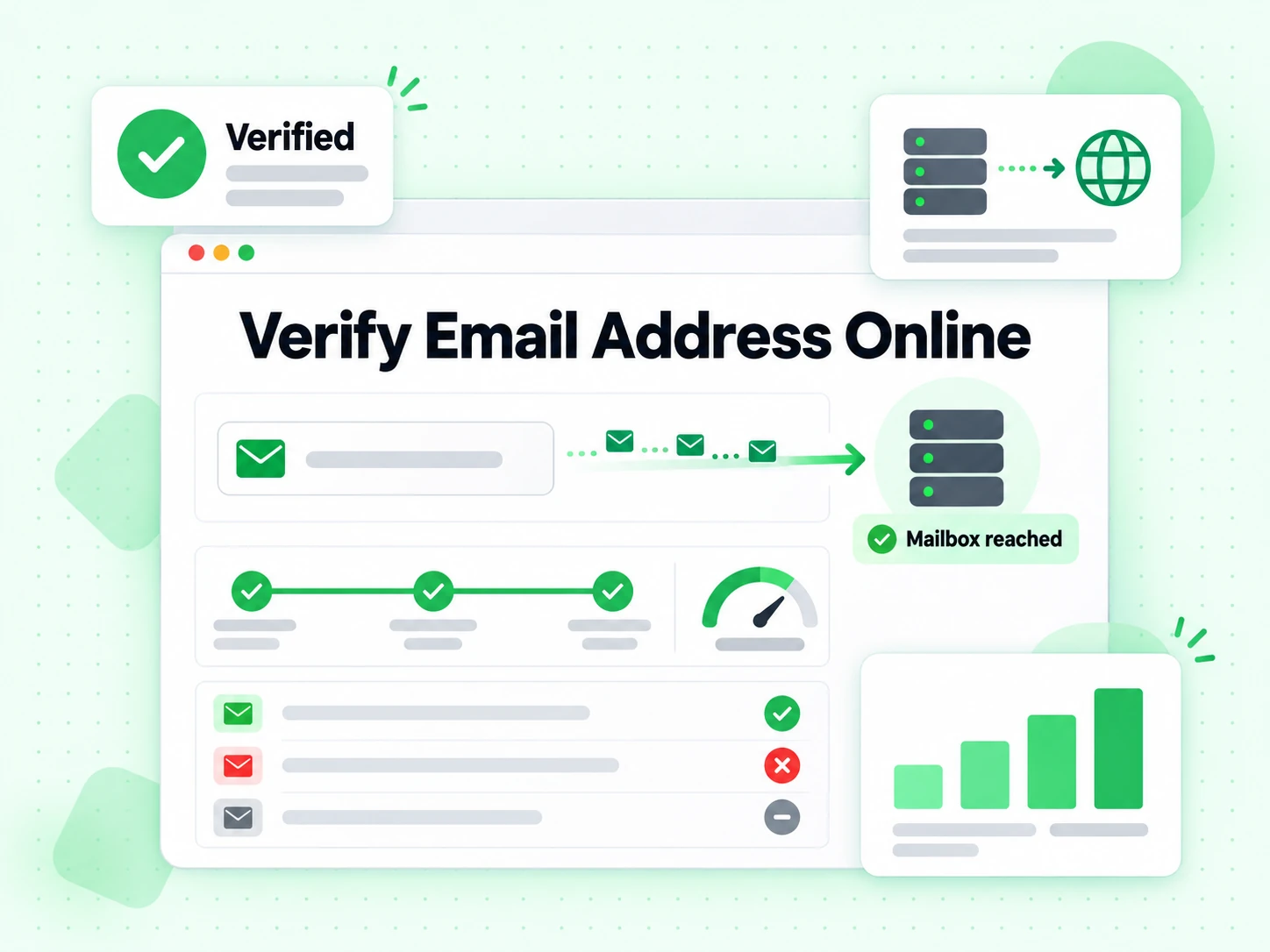
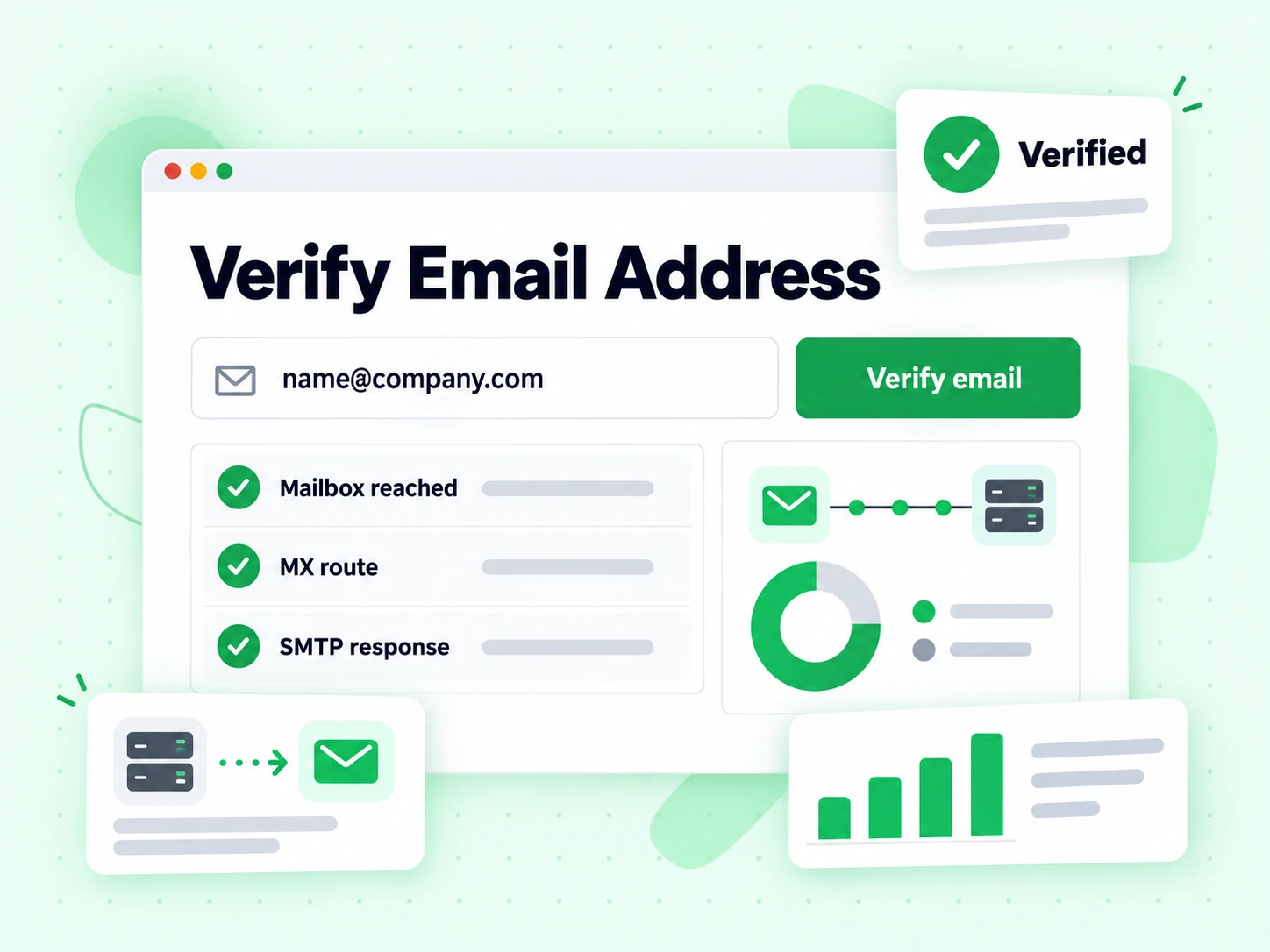
BillionVerify free email address checker result screen

What runs every time you verify an email address

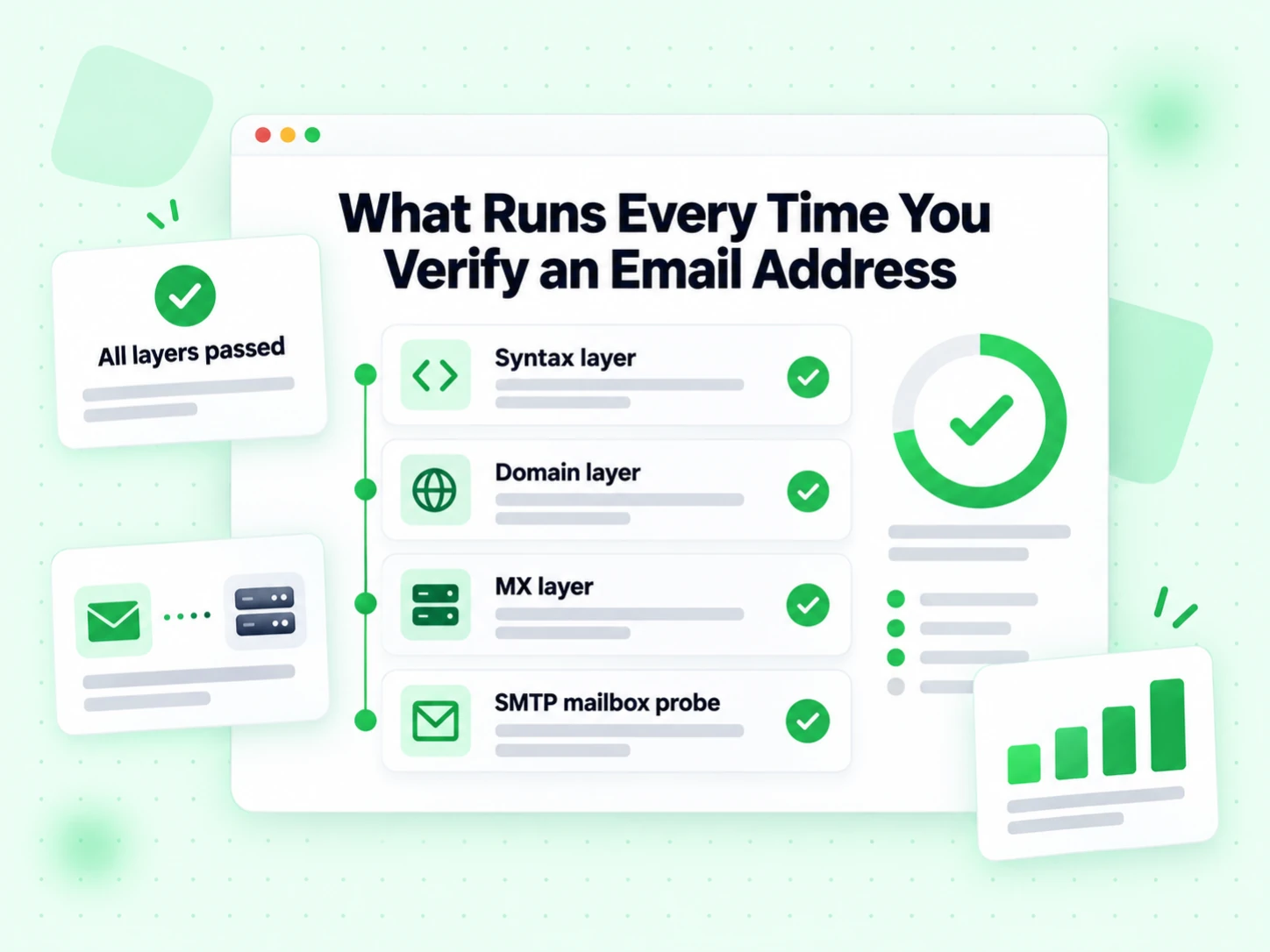
Six layers verify every request, and each one reports separately. Verify email address online in under 2 seconds.

Syntax layer

Rejects malformed shapes before the network is touched, so a verify run never wastes SMTP quota on a typo.

Domain layer

Verify that the domain resolves and is configured to receive mail at all.

MX layer

Verify the mail exchanger records that tell senders where mail for the domain actually goes.

SMTP mailbox probe

Opens a real session with the receiving server to verify email address online for this exact mailbox.

Disposable signal

Flags temporary providers so a verify result can separate deliverable from durable.

Role account signal

Flags shared inboxes like info@ and support@ that verify as deliverable but rarely engage.

How to verify an email address here

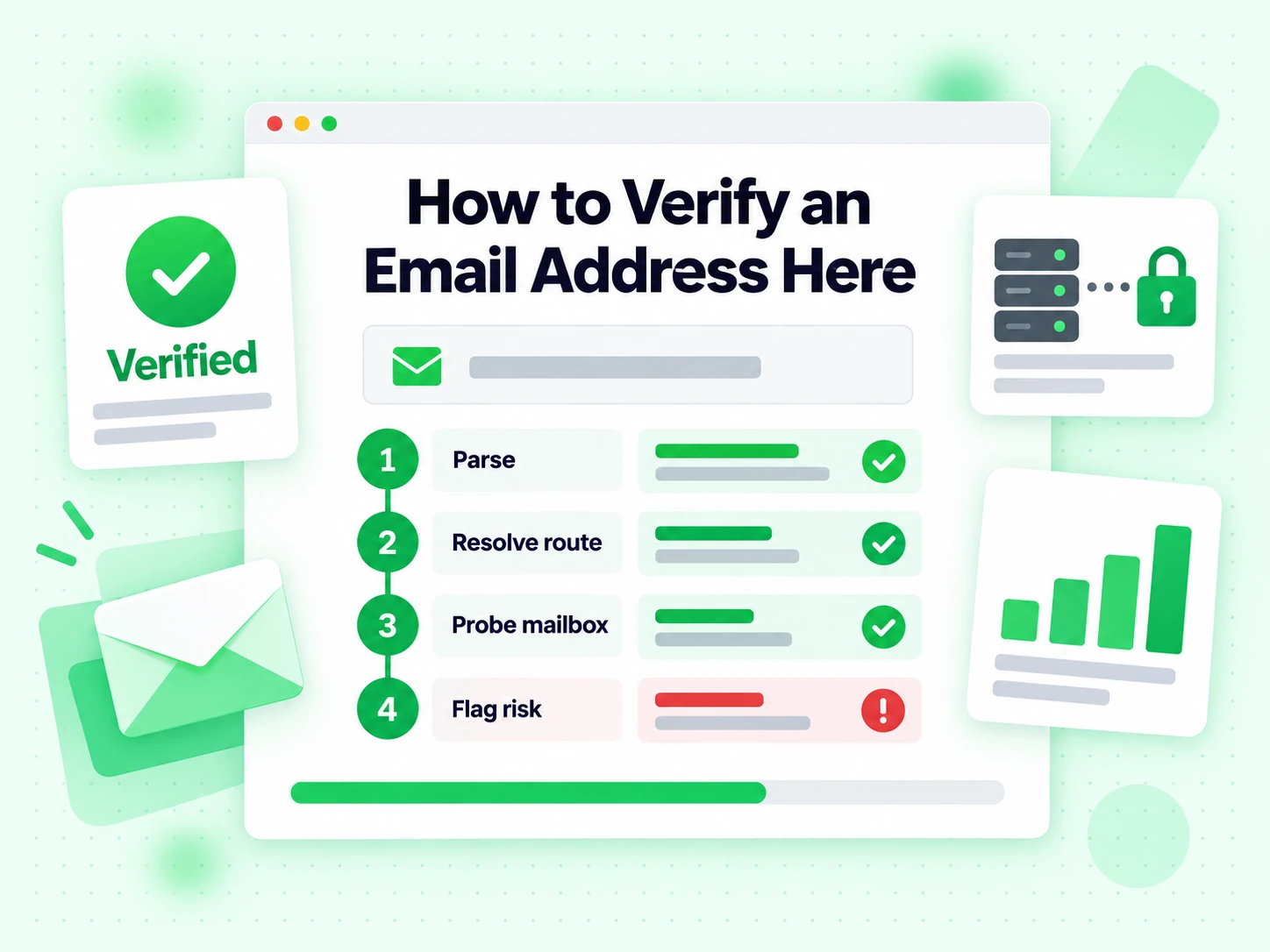
Four automated steps verify every address you submit.

Parse and normalise

The address is cleaned and verified for structure, so a typo fails in milliseconds rather than after a network round trip.

Resolve the mail route

The domain is resolved for MX records. No route means nothing can arrive, and the verify run stops with that reason.

Probe the mailbox

A live SMTP session tests the recipient path. This is the only layer that can verify email address online for real.

Attach the risk flags

Disposable, role, catch-all, and spam-trap signals come back beside the verify verdict rather than folded into it.

<2s

Response Time

Average SMTP verification

99.9%

Accuracy

Multi-layer validation

600

Free Monthly Credits

No signup required

6

Validation Layers

Per address checked

Bounce prevention

What it takes when you verify email address deliverability

This page exists for one question: if you send, will it arrive? To verify email address online you need evidence from the receiving side, and a verify run gathers that evidence in a fixed order.

Structure and routing are preconditions, not proof

Before anything reaches the network, a verify run parses the address and resolves the domain for its MX records. A malformed string or a domain with no mail route cannot receive mail, so those cases end here with a named reason.

Neither layer can verify a mailbox on its own. They only verify that delivery is theoretically possible, which is why a format-only tool consistently over-reports how healthy a list is — it never gets far enough to verify anything real.

The SMTP conversation is what actually verifies the mailbox

To verify email address for free properly, the tool opens a real SMTP session with the receiving server and asks it to verify the recipient path. Nothing is delivered, no confirmation link is sent, and the mailbox owner is never notified that you chose to verify them.

The server's reply is the whole point. An accepted recipient, a permanent rejection, and a temporary deferral are three different facts, and a tool that flattens them is guessing rather than choosing to verify honestly.

Hard bounces are what a verify run prevents

Every hard bounce is a small tax on your sending reputation. Mailbox providers watch bounce rates closely, and a campaign sent into a list nobody bothered to verify address by address is the fastest way to end up filtered.

Verify email address online before the send and the bounce simply never happens, because the address was suppressed while it was still cheap to suppress. Verify late and you pay for it in deliverability for weeks.

Risk flags sit beside the verdict, not inside it

Disposable providers, role accounts, catch-all domains, and free personal webmail all come back as separate flags. A verify run can mark an address perfectly deliverable and still raise three of them.

Keeping them separate is deliberate: verify email address deliverability with SMTP, then decide audience fit with your own rules. One verify result should not silently make both decisions.

What the answer means

Turning a verify email address result into a send decision

Four states, four actions. The mistake that costs the most is treating anything a verify run left inconclusive as safe.

Deliverable — send

The recipient path accepted the probe when you ran it. That is as close to a guarantee as the protocol offers, and it is the reason before you verify email address input before a campaign rather than after.

It is still a timestamped observation. Verify email address records again before the next send if the list has been sitting, because nothing about a verify result is permanent.

Undeliverable — suppress, do not delete

A permanent failure. The verify run reached the server and the server said no. Sending anyway produces exactly the hard bounce you were trying to avoid.

Keep the row and the reason so the same bad address does not walk back in on the next import from the same source.

Risky — your policy decides

A disposable provider or a shared role inbox can accept mail perfectly well, so a verify run marks them deliverable and risky at the same time. Whether that is acceptable depends on why you collected the address.

Verify email address deliverability first, then apply the audience rule. Doing it in the other order throws away good contacts.

Unknown — retry, never assume

Greylisting and provider deferrals are normal. Unknown means the receiving system declined to commit when we tried to verify it, not that the mailbox is bad.

Queue it and verify email address status again later. Most unknowns resolve the second time you verify, because the temporary condition has cleared.

Sending workflow

Where to verify email address input before you send

A verify run is cheapest at the moment the address enters your system and most valuable just before a message leaves it.

  1. 1

    At capture

    Signup, checkout, lead form, profile update. Verify email address input while the person is still on the page, because a typo can only be fixed by the one person who knows the correct answer.

    Keep the verify call non-blocking past a short timeout: let the user through as unverified rather than failing the form when a provider is slow, then verify again in the background.

  2. 2

    Before a campaign

    Lists decay. People change jobs, aliases retire, domains migrate. A verify result from last quarter describes a list that no longer exists, so verify again before the campaign.

    For a whole file, Bulk Email Verification runs the same engine over every row and returns an export with the reasons preserved.

  3. 3

    Before anything that must not bounce

    Invoices, password resets, contract notices, a reply to a hot inbound lead. Verify email address input once and the failure mode disappears.

    This page is built for exactly that: verify one address, full SMTP, an answer in about two seconds. Verify email address for free, as often as the work needs.

Limits

What a verify run does not cover

The claim is narrow on purpose, which is what makes it reliable. You cannot verify your way to any of the three below.

It is not inbox placement

SMTP acceptance describes the recipient path. Whether the message lands in the inbox depends on your reputation, authentication, content, and complaint history — none of which a verify run can see.

Verify email address deliverability to remove address-level failures, then treat placement as a separate programme with its own metrics.

It is not consent

A deliverable address is not a permitted one. A verify run lowers bounce rate; it does not grant the right to send.

Consent and suppression stay in your own system, applied before you verify rather than after.

It is not identity

An accepting mailbox does not verify the person in your CRM controls it or still works there. A verify run can verify a mailbox and still be pointing at the wrong human.

Verify email address deliverability with SMTP; verify ownership from first-party evidence instead.

Related pages

Same engine, different question

Every tool here uses one pipeline. The pages differ in the question they are written around — this one is written around when and how to verify.

A quick look rather than a send decision

The Check Email Address page is written around a fast first look at an address rather than a pre-send decision.

Use this page instead when the message is already written and you need when you verify email address online before it goes.

Format and routing without SMTP

The Email Validator stops at syntax and MX, which makes it a cheap pre-screen but never a deliverability answer.

It cannot verify email address online, and it is careful not to claim that it can.

A whole list

When one address is not enough, Email List Cleaning keeps deduplication, retries, and reason codes consistent across a whole file.

Verify email address behaviour on a sample here first, then commit credits to the full run. Verify email address for free on the sample.

Frequently Asked Questions

1. How do I verify an email address here?

Paste the address and four steps run: parse the syntax, resolve the domain and its MX records, open a direct SMTP session to verify email address online for that exact mailbox, and attach the risk flags. Results come back in under 2 seconds.

2. How accurate is it when you verify an email address?

BillionVerify reaches 99.9% accuracy because a verify run does not stop at format. Syntax, DNS, MX, and a live SMTP probe together catch the invalid, inactive, and risky addresses that a format-only tool reports as fine. Verify email address for free and compare the two yourself.

3. What does the verify email address result actually detect?

Syntax errors, unregistered domains, missing MX records, mailboxes the server rejects, disposable providers, catch-all domains, and role accounts like info@ and support@. Each comes back with its own reason code, so you can see exactly what the verify run found.

4. Can I verify many email addresses at once?

Yes. Upload a CSV to verify email address rows in bulk and download the cleaned file in minutes, or call the real-time API to verify email address online as it arrives from your forms or CRM. Both paths verify with the same engine as this page.

5. Can I verify email address input for free?

Yes. Verify email address for free with 600 credits a month, plus 20 more every day you log in — no credit card required. The free tier runs the full SMTP probe, so you verify email address for free at the same accuracy paid volume gets.

6. Do you store the addresses I verify?

No. Every verify request runs in real time and the address you verify is never stored. Data is encrypted in transit and deleted immediately after we verify it.

Verify Email Address

Verify email address online, free

Verify email address for free — 600 credits a month, plus 20 more every day you log in. A real SMTP probe on every verify, in under 2 seconds.

600 free credits monthly · No signup required · Results in under 2 seconds

99.9%
Accuracy
Real-time
API Speed
$0.00014
Per Email
600/mo
Free Forever