

Email Verify Tools
Email Verifier
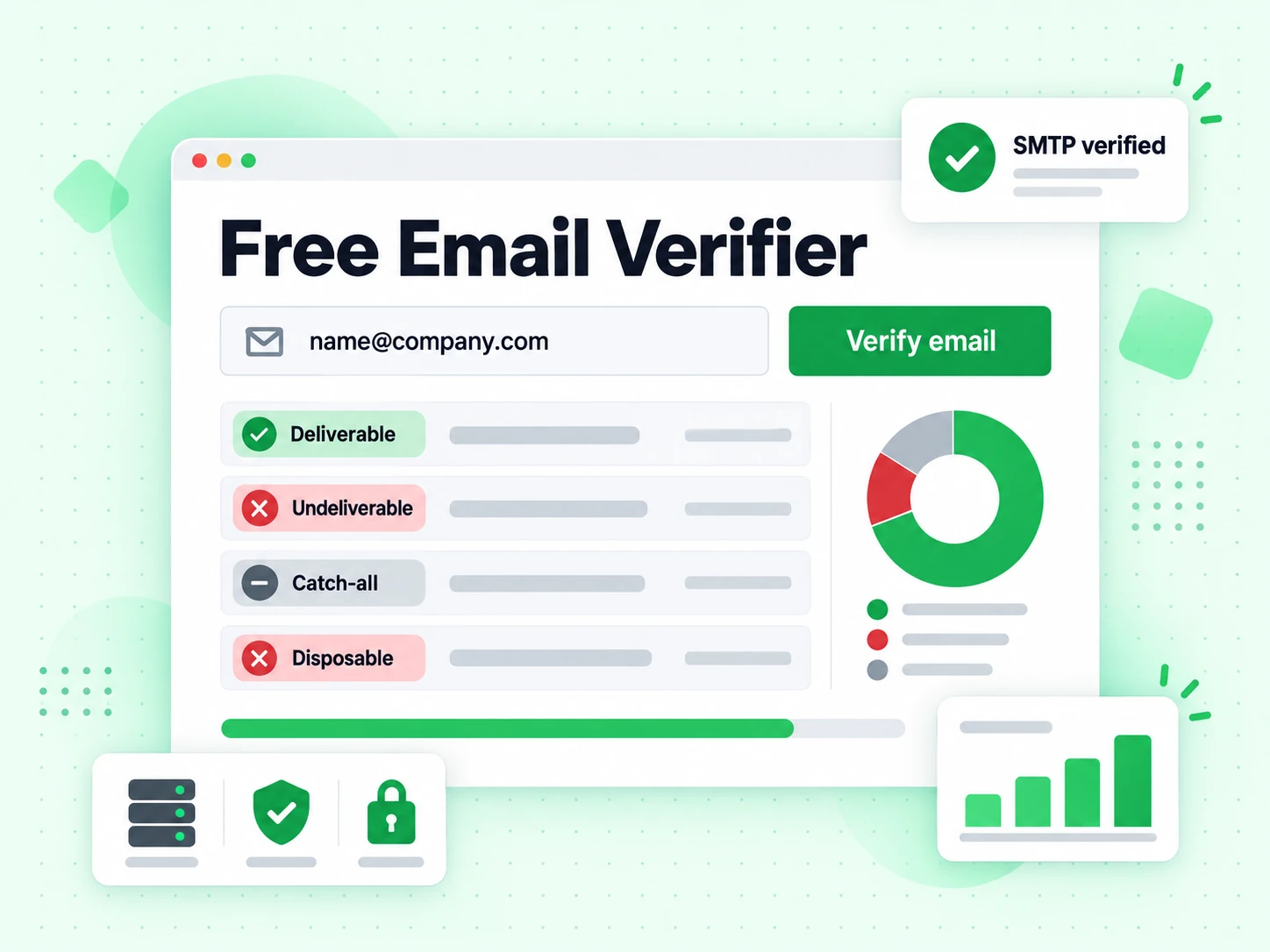
Prove a mailbox can accept mail — not just that the address is well-formed. Full SMTP verification in under 2 seconds. 20 free checks per IP every rolling 24 hours, no signup.
What is an email verifier?
An email verifier answers one practical question: if you send a message to this address, will the receiving server accept it? Looking valid on paper is not enough. Typos, closed accounts, disposable domains, and catch-all policies all create addresses that pass a format check but still bounce or never engage.
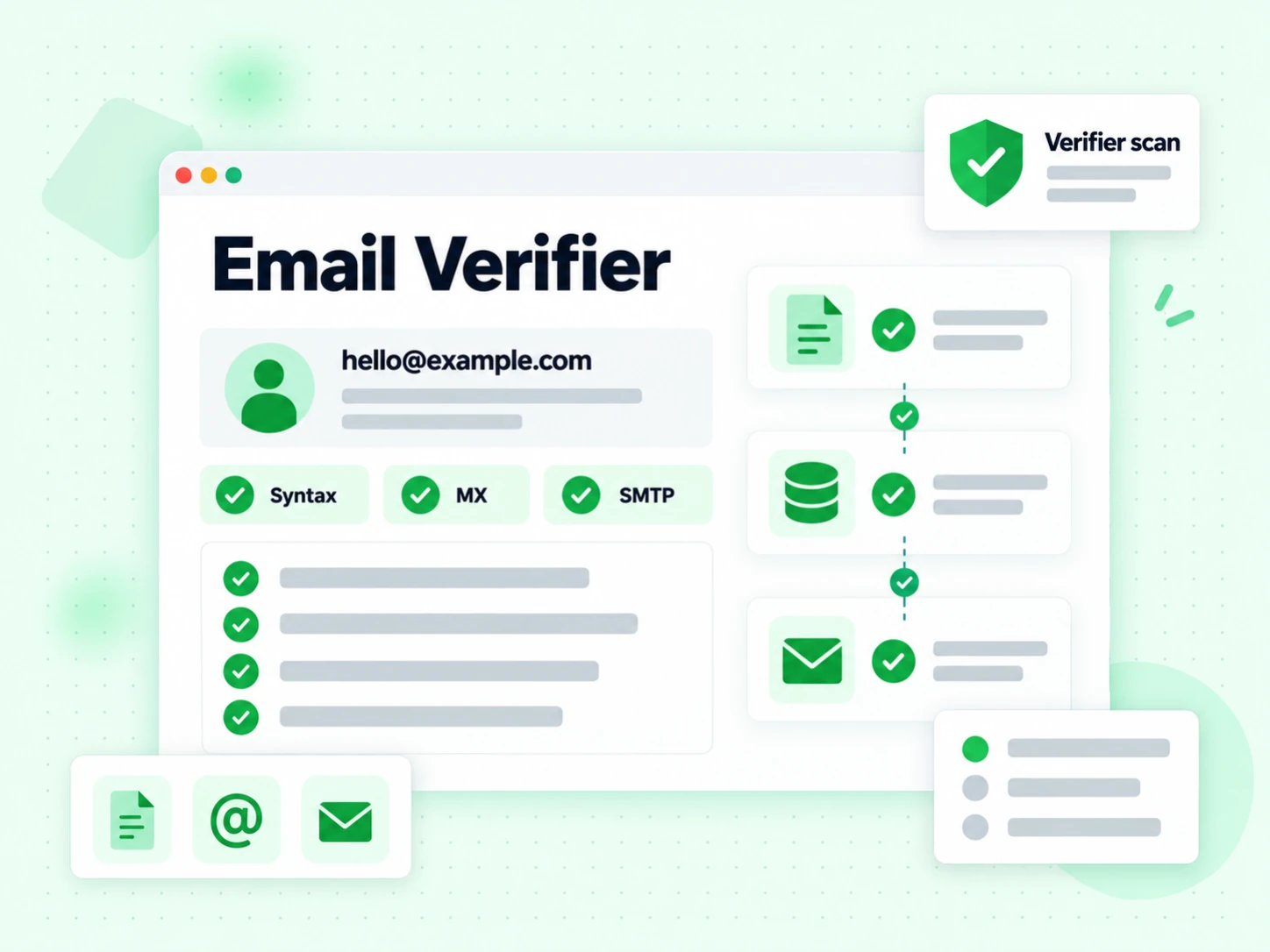
BillionVerify’s email verifier runs a full multi-layer check on a single address: syntax, domain and MX, a live SMTP handshake against the mailbox, plus risk flags for disposable, role, and catch-all patterns. The result is a deliverability-oriented status you can act on before you put the address on a list or into a campaign.
That is different from a shallow “validator” that only looks at format and DNS. SMTP is what separates “looks like email” from “this inbox answered the mail server.” Free use on this page includes real SMTP — 20 full checks per IP every rolling 24 hours, no account required.
How the email verifier works
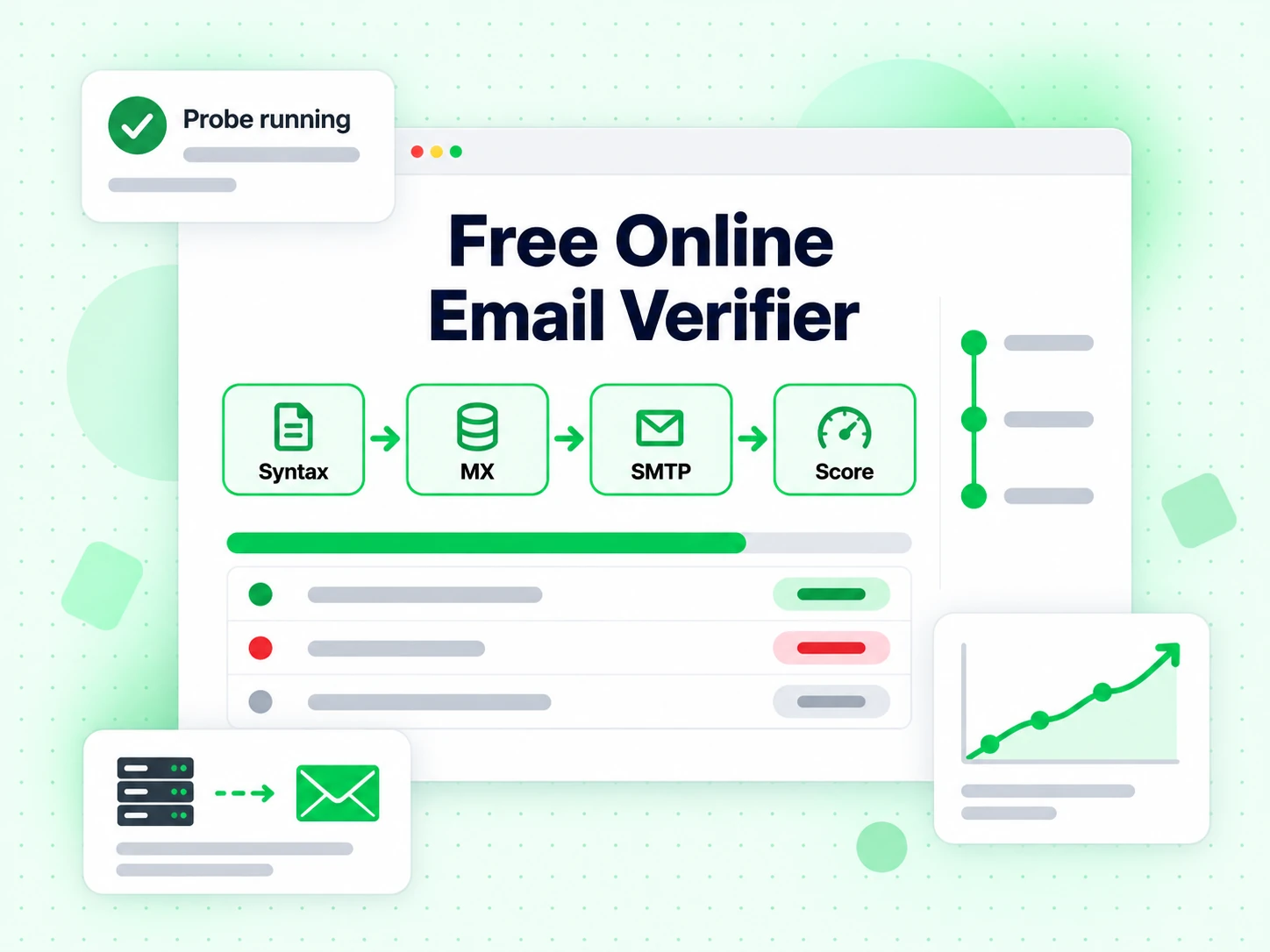
Each address goes through the same pipeline the product uses for bulk jobs and the API. Nothing is skipped on the free tool for marketing show.
1. Syntax and structure
The address is normalized and checked against practical RFC-style rules: local-part and domain shape, illegal characters, and common malformations. Failures here never reach the network — you get a clear “invalid format” result in milliseconds.
2. Domain and MX resolution
The domain must resolve and publish mail exchange (MX) records. No MX means the domain is not set up to receive mail, even if the string looks perfect. This step also feeds later risk logic (free webmail vs corporate infrastructure).
3. SMTP mailbox handshake
The verifier opens a real SMTP conversation with the receiving server (RCPT TO / equivalent probe path) to see whether that specific mailbox is accepted. This is the step most free “validators” skip, and the reason this page is called a verifier — not just a checker of text format.
4. Risk signals on the same result
Alongside deliverability status, the result surfaces disposable domains, role accounts (info@, sales@), catch-all domains, and related risk so you do not treat every “accepted” address as a safe marketing contact. One response, one place to decide send / suppress / review.
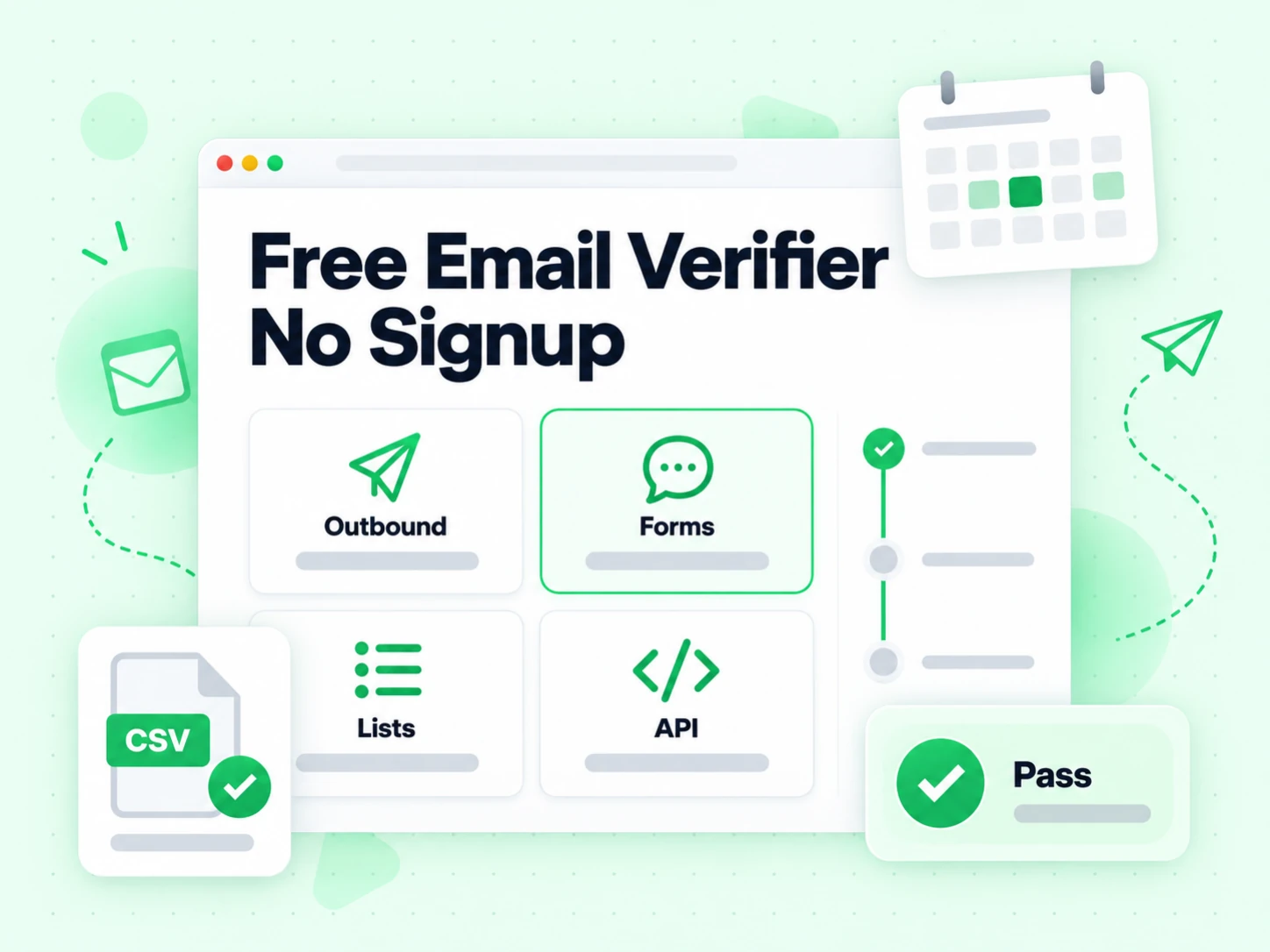
When you need an email verifier
Use full SMTP verification when the cost of a wrong address is a bounce, a burned domain, or a wasted sales sequence — not when you only need a quick format screen.
Before cold outreach or sequences
One hard bounce rate spike can land you in spam folders for weeks. Verifying leads before the first send protects domain reputation more than any warmup tool can fix after the fact.
After form and signup capture
Users mistype addresses, or use disposable inboxes to grab a free resource. Verifying at capture (or in a nightly clean of new signups) keeps the CRM from filling with undeliverable rows.
Before importing a purchased or old list
Aged CSVs and third-party lists almost always contain closed mailboxes. A full verifier is the cheapest filter before you pay an ESP to send into a bounce mine.
When building verify-as-you-collect flows
The same SMTP pipeline powers the real-time API and bulk jobs. Prototype behavior on this page, then wire the same accuracy into signup, CRM sync, or agent workflows without changing what “verified” means.
How this email verifier differs from other Email Check Tools
These are interactive email checks — not bulk jobs, not the API, not Free Tools (DNS / SPF / DKIM).
Use the full SMTP verifier when you need proof a mailbox can accept mail. Use a shallower or specialized check when that is all you need for the decision.
| Tool | What it does | Use it when |
|---|---|---|
| Email Checker | Full SMTP + all risk flags on one address | When you want a complete multi-layer result in one place |
| Free Email Checker | Detect free personal webmail providers (Gmail, Yahoo, …) | Lead quality and B2B domain scoring — not free-of-charge verification |
| Email Validator | Syntax + MX only — no SMTP | Quick format and domain screen |
| Disposable Email Detection | Flags temporary / throwaway domains | Signup and lead capture |
| Bounce Email Checker | Focus on bounce and undeliverable risk | List hygiene for bounce-rate control |
| Catch-All Verifier | Detects catch-all domains | When SMTP accept is unreliable |
| Role Account Detection | Finds generic role addresses | B2B outreach quality |
| Email List Cleaning | Verify many addresses at once (paste or CSV) | When a single check is not enough and you need a cleaned list |
How to read a verification result
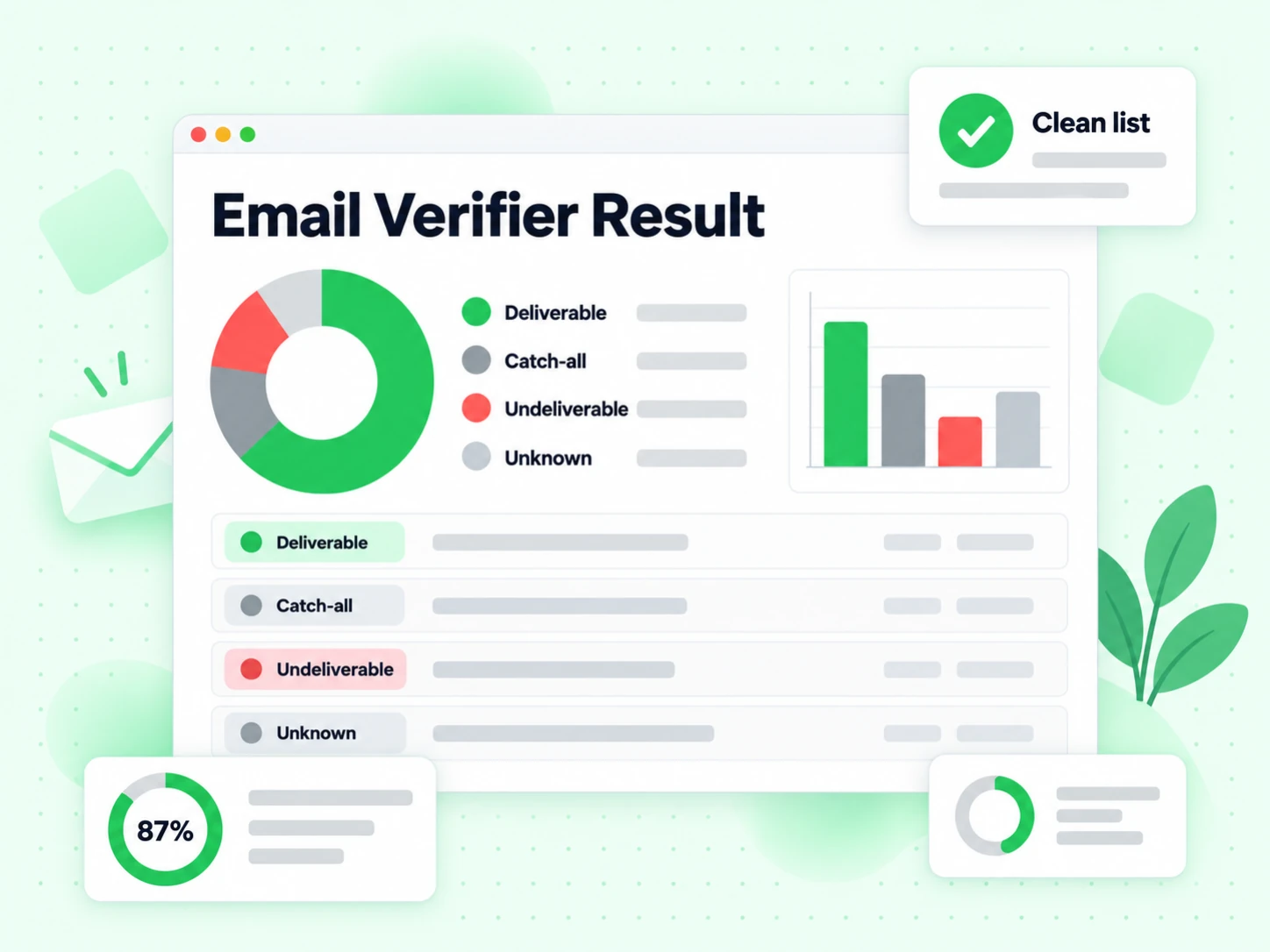
A strong email verifier does not only return green or red. Valid means the mailbox path accepted the probe; invalid means permanent failure — do not send. Catch-all means the domain accepts any local-part, so SMTP cannot prove that person exists. Disposable and role flags mean the address may accept mail but is a poor fit for long-term relationship marketing.
Treat unknown or risky as “review,” not “safe.” Re-run later, try a signed-in account for higher volume, or suppress until you have another confirmation channel. That discipline is what keeps bounce rates under control.
Next steps after a single verify
When one address is not enough, stay on the same accuracy path.
Frequently Asked Questions
1. How does the email verifier work?
It validates syntax, resolves MX records, runs an SMTP mailbox probe against the receiving server, then attaches risk flags (disposable, role, catch-all). Free checks on this page use the same stack as paid bulk and API verification.
2. How accurate is SMTP email verification?
SMTP-level verification is far more reliable than format-only tools because it asks the mail server about the mailbox. Accuracy still depends on provider policies, greylisting, and catch-all domains — which is why we surface risk states instead of forcing a false binary.
3. Is the email verifier free?
Yes. Each IP gets 20 free full SMTP verifications per rolling 24-hour window with no signup. Unlike many free tools that stop at syntax or DNS, these free checks include the SMTP handshake.
4. Email verifier vs email validator — what is the difference?
An email validator checks syntax and MX only and does not prove a mailbox exists. An email verifier adds SMTP mailbox probing and risk flags (disposable, role, catch-all). Use the validator for a cheap format/domain screen; use the verifier (or Email Checker — same engine, different SEO page) when bounce risk and deliverability matter before outreach, form cleanup, or list import.
5. Email verifier vs email checker — are they the same?
On BillionVerify, both names describe full multi-layer verification including SMTP. The pages differ in keyword focus and explanation, not in the underlying check pipeline. Choose the URL that matches how people search; the result quality is the same.
6. Can I verify a list of emails in bulk?
Yes. After you confirm single-address behavior here, use bulk email verification for CSV uploads or the email validation API for automated pipelines. Account credits apply for volume above the free IP quota.
7. Do you store the emails I verify on this page?
Public checks are processed to return a result and enforce abuse limits. We do not build marketing lists from addresses you paste into this tool. Use a signed-in account when you need history and exports for your own jobs.
8. What does catch-all mean in an email verifier result?
A catch-all domain accepts mail for any local-part. SMTP will often say “accepted” even when the person does not exist. Treat catch-all as uncertain deliverability — good for “might receive,” bad for “definitely a real employee inbox.”
Verify the next address with full SMTP
20 free full SMTP checks per IP every rolling 24 hours. No signup for the free tool. Sign in for bulk, API, and higher volume.
20 free SMTP checks / 24h · No credit card for free tier · Same accuracy as bulk & API