

📍 Introducing MapLeads: Turn Google Maps, Bing Maps & Apple Maps into your lead list.Try MapLeads

Email Verify Tools

Validate Email Address

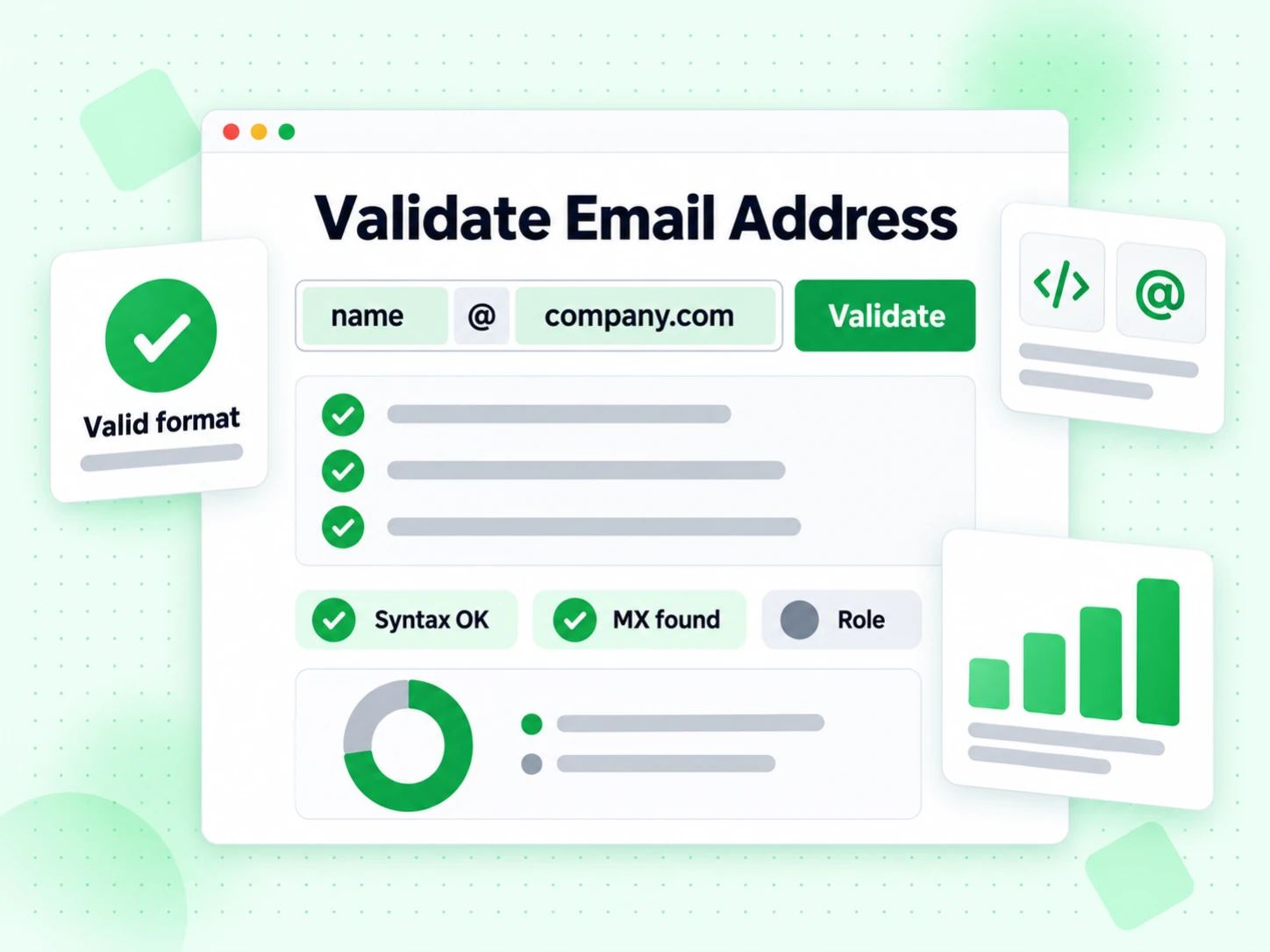
Validate email address online for syntax, domain health, MX records, and SMTP deliverability in under 2 seconds. You can validate email address for free here — 99.9% accuracy, 600 credits a month, plus 20 more every day you log in.

What does it mean before you validate email address online?

To validate the address is to prove, before you rely on it, that a message sent there has a real chance of arriving. A string that merely looks correct — right @ sign, plausible domain — can still be a typo, a closed account, or a domain with no mail server. That gap is why people validate email address for free at all.

BillionVerify runs the full check on one address: syntax and structure, domain and MX resolution, a live SMTP handshake against the mailbox, and risk flags for disposable, role, and catch-all patterns. Validate email address online here and you get send, skip, or review — not just well-formed or malformed.

That is different from a syntax-only screen. Passing a format rule proves nothing about whether a server will accept mail; only a live SMTP conversation can validate that. You can validate email address for free on this page, real SMTP included, no account required.

How to validate an email address here

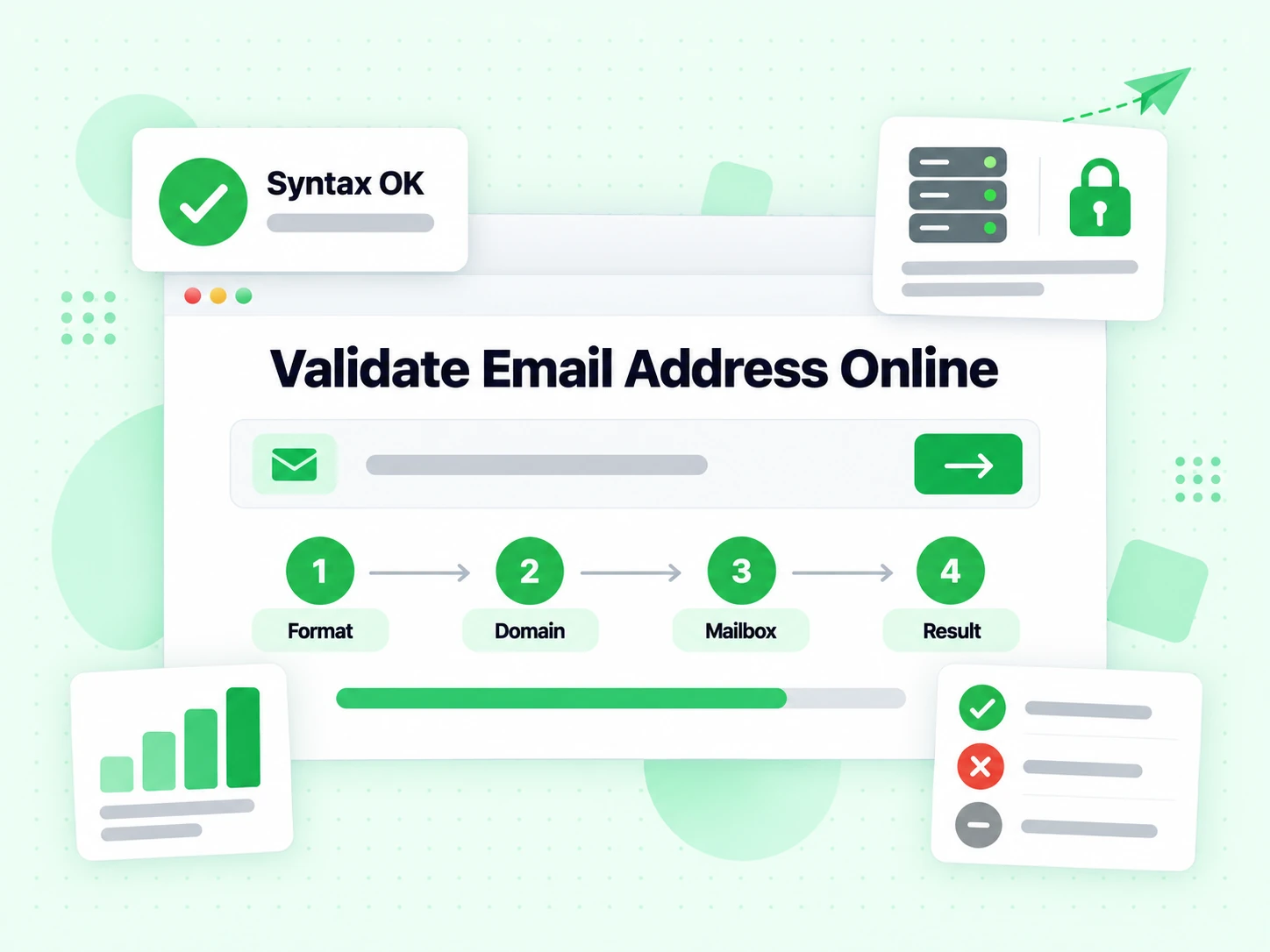
Four automated steps run every time you validate email address input, and each one reports separately.

  1. Validate the format

    The first job is to validate email address structure: validate the syntax, the separators, the illegal characters, and the typos a human eye slides past.

  2. Validate the domain and MX route

    Next we validate the domain exists and validate its MX records, so the check knows delivery is possible before it spends an SMTP query.

  3. Validate the mailbox over SMTP

    Connect to the mail server and validate that the mailbox itself accepts incoming mail. This is the step a format checker cannot validate at all.

  4. Validate against risk signals

    Validate the address against disposable, role, catch-all, and spam-trap signals alongside the verdict, so you validate email address quality and deliverability separately.

When when you validate email address online

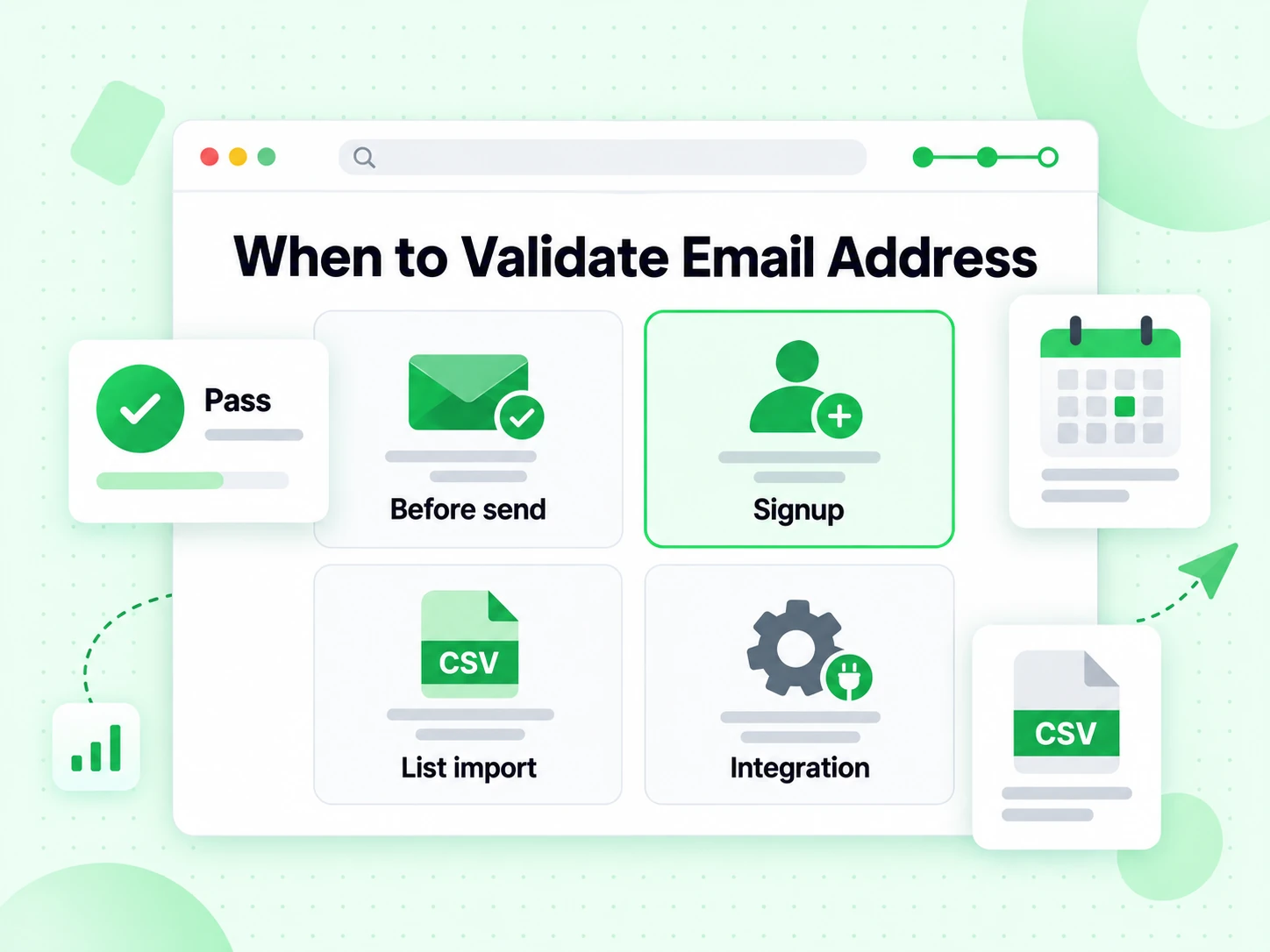
Validate email address input whenever the cost of a wrong address is a bounce, a burned domain, or a wasted message. These four moments cover most of it.

  • Before you send anything important

    Validate email address online before an invoice, a password reset, or any one-off message that has to land. One check costs less than one hard bounce.

  • Right after a signup or form submission

    Typos and disposable inboxes both slip past a format screen. Validate email address online at submit time and your user table stays clean from day one.

  • Before importing an old or purchased list

    Aged lists are full of closed mailboxes. Validate email address samples here before committing credits to a full bulk run.

  • While building a signup or CRM integration

    Validate email address behaviour on this page first — syntax, MX, SMTP, disposable, role — then call the same pipeline from the Email Verification API once the logic is right.

How this differs from the other Email Validate Tools

This page is for interactive, single-address checks — validate one address, not a bulk job, not the API, not the Free Tools (DNS / SPF / DKIM).

Validate email address online here when you need an instant answer on one address. Use a specialised or bulk tool below when the question is different.

ToolWhat it doesUse it when
Free Email VerifierFull SMTP mailbox check plus all risk flagsWhen deliverability and send safety matter
Email CheckerSame full SMTP and risk-flag engine, framed as a diagnostic panelWhen you want every signal laid out on one result screen
Free Email CheckerFlags free personal webmail providers like Gmail and YahooLead scoring and B2B domain checks, not free-of-charge verification
Email ValidatorFormat and MX checks without an SMTP handshakeWhen you only need a fast syntax and domain screen
Disposable Email DetectionFlags temporary and throwaway inboxesSignup forms and lead capture where burner emails hurt data quality
Bounce Email CheckerFocuses on undeliverable and hard-bounce riskList hygiene before a send, to control bounce rate
Catch-All VerifierDetects domains that accept mail for any local partWhen SMTP acceptance alone can't prove a mailbox is real
Role Account DetectionFinds generic addresses like info@ and support@B2B outreach lists where personal inboxes convert better
Email List CleaningRuns the same validation pipeline across a pasted or CSV listWhen one address isn't enough and you need a cleaned file
Reverse Email LookupFind public owner and company context from an email addressLead research and unknown-sender review
Phone Number ValidatorValidate phone format, country, type, and E.164 outputCRM phone cleanup before outreach

How to read the result when you validate email address for free

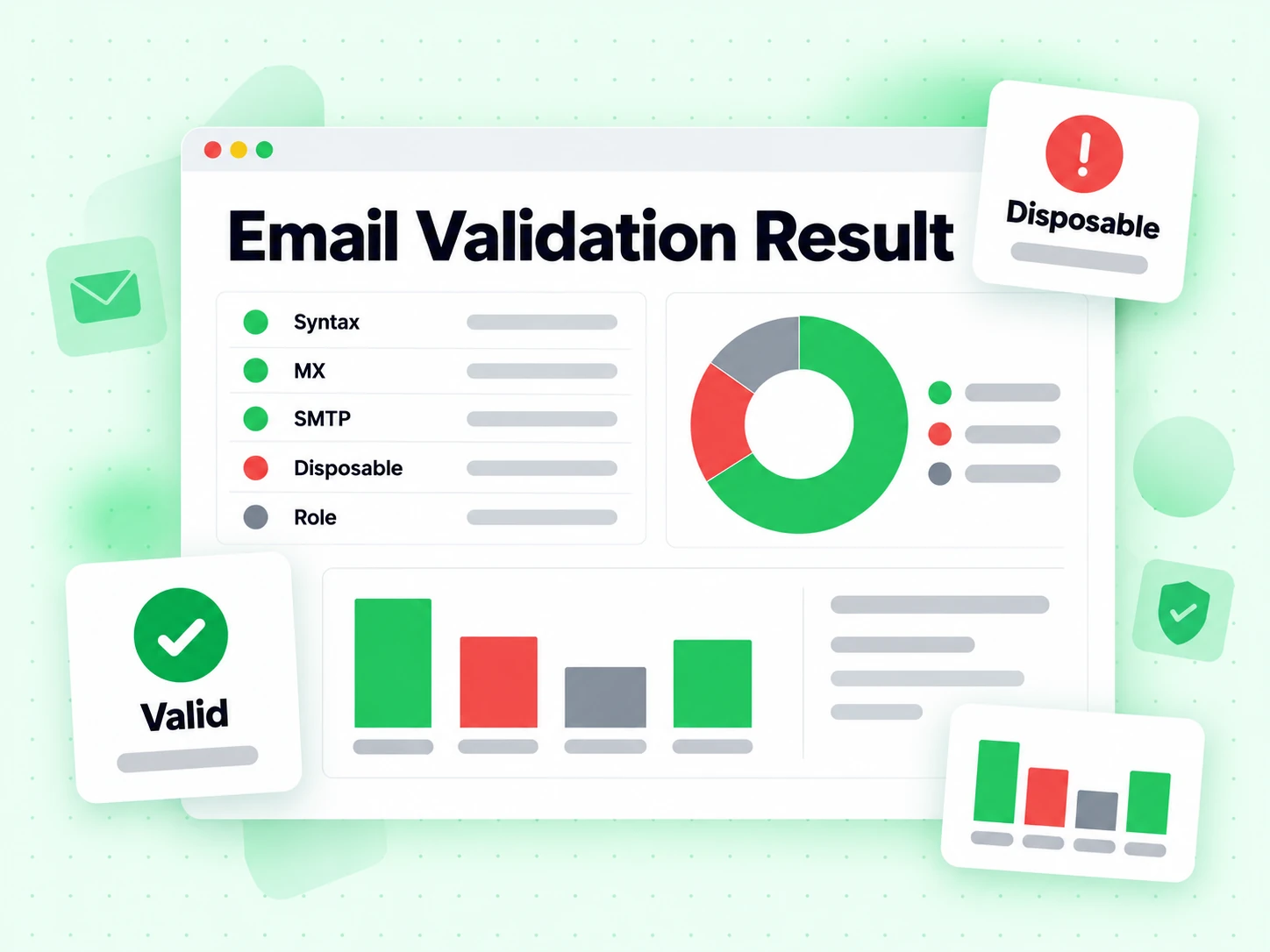
Valid means the mailbox accepted the SMTP probe — safe to send for most purposes. Invalid means a permanent failure such as bad syntax, no mail route, or a rejected mailbox — do not send. Catch-all means the domain accepts every local part, so SMTP cannot prove that specific person exists no matter how carefully you validate email address structure.

Disposable and role flags describe fit, not deliverability: a temporary inbox or a shared info@ address can accept mail and still be a poor long-term contact. Treat unknown as retry later, never as safe to send — validate it again instead of guessing.

Four layers

What happens when you validate an email address

To validate email address data properly is to answer four separate questions in order. Each layer removes one kind of doubt, and none may claim what only a later check can prove.

Validate the structure first — it settles nothing on its own

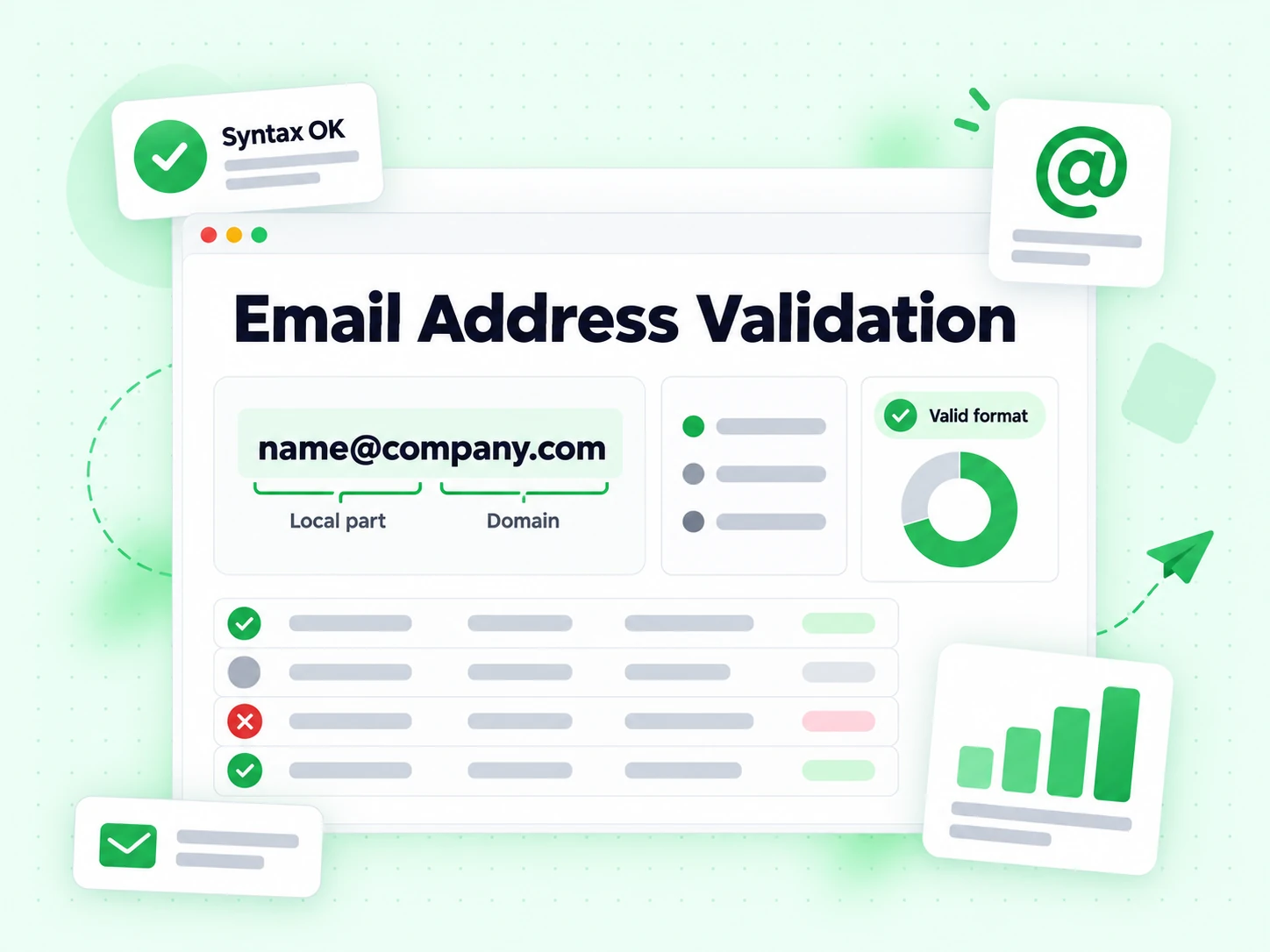
The first step to validate email address input is splitting the local part before the @ from the domain after it, normalising case, and rejecting shapes the parser cannot use: missing domains, stray whitespace pasted into the middle, illegal characters, doubled separators.

Structure is cheap and proves nothing about delivery. Any plausible string passes it. You can validate the shape perfectly and still be holding a mailbox that was closed two years ago, which is why we do not stop here — a tool that only claims to validate format is not really validating much.

Validate the mail route before spending an SMTP query

Next the domain is resolved for its MX records, which tell every sender which server accepts mail for it. A domain with no usable route cannot take a normal message however well the address is written, so we validate that route before going further.

This is domain-level evidence, not person-level evidence. One MX record serves every employee, every alias, and every misspelling at that company, so we validate the route and then keep going rather than declaring success.

Validate the mailbox itself over SMTP

The decisive layer opens a real SMTP conversation with the receiving server and tests the recipient path. No message body is sent and nothing appears in anyone's inbox. The server's answer separates an accepted recipient from a permanent rejection.

When people ask a tool to validate email address inputs before a campaign, this is the layer they actually want. Format tells you the address is writable; SMTP tells you it is reachable. Validate email address online here and both layers run every time.

Validate the risk signals, not just the verdict

Alongside the verdict we validate the address against disposable, role-account, catch-all, and free-webmail signals. These are attributes, not failures: a shared info@ inbox usually accepts mail and is usually a poor outreach target.

Keeping the flags beside the status is what lets you validate email address quality and validate deliverability as two separate decisions, instead of collapsing them into one misleading boolean.

Result states

How to read the result when you validate email address inputs

Four outcomes, four different next actions. Most of the damage comes from teams who validate email address online and then flatten the answer into valid and invalid.

Valid — the recipient path accepted the probe

The mailbox answered at the moment we tried to validate it. Send, subject to your own consent and segmentation rules, which no tool that validates an address can evaluate for you.

Valid is a technical fact with a timestamp, not a permanent property of the contact. Validate email address status again before the next campaign rather than trusting a stored flag, and validate high-value recipients closest to the send.

Invalid — a permanent failure, stop here

Bad structure, no mail route, or an outright recipient rejection. We could validate the shape but not the recipient, and sending anyway buys a hard bounce plus a slightly worse sending reputation.

Show the user the original field and let them correct it. Do not automatically invent missing characters or validate a replacement domain into place, because a syntactically improved guess can belong to a different person.

Catch-all — the domain answers for everyone

The domain accepts every local part, so SMTP cannot validate this recipient specifically. Large B2B files built from firstname.lastname patterns are full of these rows.

Treat catch-all as its own review segment. Folding it into valid makes the file look cleaner than it is, and no attempt when you validate email address structure will separate the real recipients from the invented ones.

Unknown — the network refused to commit

Greylisting, deferrals, and rate limits mean we could not validate the mailbox this time. Unknown is the honest answer; converting it to invalid destroys good contacts.

Validate the address again later. The share of unknowns usually collapses on a second pass, because the temporary condition has cleared.

In practice

Where when you validate email address inputs in a real workflow

The check earns its keep at three moments. Outside them it is usually redundant work.

  1. 1

    Validate at capture, while the person can still fix it

    Signup, checkout, lead form, profile edit. Validate email address for free at the point of capture — it is the only moment where a typo can be corrected by the one person who knows the right answer.

    Keep the call non-blocking past a short timeout. If a receiving provider is slow, let the user through as unverified and validate the address again in the background rather than failing the form; validate late beats validate never.

  2. 2

    Validate before anything important leaves the building

    Invoices, password resets, contract notices, one-off replies to a prospect. Validate email address input before any of those leave the building; a single hard bounce costs more than the check does, and it is far cheaper to validate once than to chase a lost message.

    For a whole file rather than one address, Bulk Email Verification applies the identical rules to every row and hands back an export with the reasons preserved.

  3. 3

    Validate again before an old list is trusted

    Mailboxes decay: people leave, aliases retire, domains migrate. A result from six months ago describes a list that no longer exists, so validate email address records again before you trust them, and validate the high-value rows twice.

    Store the status, the reason flags, and the time you last managed to validate the address as separate fields, so a later export cannot flatten them into one misleading column.

Limits

What it does not mean when you validate email address online

The answer is trustworthy because it is narrow. Every item below belongs to a different tool or a different team — you cannot validate your way to any of them.

Validating is not consent

An accepting mailbox says nothing about permission. To validate deliverability is to lower your bounce rate, not to acquire the right to send, and no amount of technical evidence will validate a contact you were never allowed to email.

Consent and suppression stay in your own system of record, checked before the send. Validate the address for deliverability; check permission separately.

Validating is not identity

A deliverable company address does not prove the person named in your CRM controls it, or still works there. We validate a mailbox, not an employment record, and shared aliases break that assumption constantly.

Use first-party data when ownership matters. To validate email address deliverability is not to identify a human being.

Validating is not inbox placement

SMTP acceptance is a recipient-side fact. Whether your campaign lands in the inbox depends on sender reputation, authentication, content, and complaint history — none of which this page can validate.

Remove address-level failures here; treat placement as a separate discipline with its own metrics. Validate email address online for the recipient side, and validate your own domain configuration separately with the deliverability test.

Related tools

Choosing the right page for the question you are asking

Every page on this site runs the same engine. What differs is the question the page is written around — and this one is written around how to validate email address for free.

Validate format and routing only

If SMTP is more than you need, the Email Validator stops at syntax and MX and never spends a mailbox query.

It is the cheapest way to validate email address structure at volume before deciding which rows deserve a full mailbox check — validate broadly first, then validate deeply where it matters.

The same check, framed as a verdict

The Email Verifier runs the same pipeline but is written around proving a mailbox accepts mail rather than around how to validate email address input.

Same engine, same accuracy, different question. Pick whichever page matches how you think about the problem — validate email address online here, or prove a mailbox there.

Validate a whole list at once

When the job is a file rather than an address, Email List Cleaning keeps deduplication, retries, and reason codes consistent across every row.

Use this page to validate email address behaviour on a sample first, then run the whole file once you trust the result. Validate email address for free here before you spend credits on the bulk job.

Frequently Asked Questions

1. How do I validate the address here?

Paste the address and the checker runs four steps: validate the syntax, validate the domain and its MX records, open a direct SMTP connection to validate that the mailbox accepts mail, and score the risk flags. You can validate email address input in under 2 seconds.

2. How accurate is it when you validate email address online?

BillionVerify reaches 99.9% accuracy by combining syntax validation, DNS lookups, MX resolution, and direct SMTP verification. That multi-layer approach catches the invalid, inactive, and risky addresses a single-check tool misses when it tries before you validate email address input from format alone.

3. What does it mean to validate an email address?

To validate email address online is to establish that a message sent there can arrive. BillionVerify does that in four layers: validate the syntax, validate the domain and its MX route, validate the mailbox over SMTP, and validate the address against disposable, role, and catch-all signals.

4. Does it validate against disposable addresses?

Yes. Every attempt when you validate email address for free here checks the domain against a maintained list of temporary and throwaway providers, and returns that as its own flag rather than folding it into the verdict.

5. Can I validate email address input for free?

Yes. Validate email address for free with 600 credits a month, plus 20 more every day you log in — no credit card required. The free tier includes every layer: syntax, domain, MX, SMTP, and disposable detection.

6. Do you store the addresses I validate?

No. Every attempt to validate an email address runs in real time and the address is never stored. Data is encrypted in transit and deleted immediately after processing.

Validate Email Address

Validate email address online, free

Validate email address for free — 600 credits a month, plus 20 more every day you log in. Full SMTP validation on every address in under 2 seconds.

600 free credits monthly · +20 credits every day you log in · Results in under 2 seconds

99.9%
Accuracy
Real-time
API Speed
$0.00014
Per Email
600/mo
Free Forever