

1
Resolve the company domain
The company search confirms the domain exists and can receive mail. A domain with no MX route ends a company email search immediately.
Corporate email finder by domain
This company email search that starts from a domain rather than a name: enter the company domain and get the verified addresses behind it. Find company emails free on the free tier — every result is SMTP-verified, and the company search charges only for what it finds.
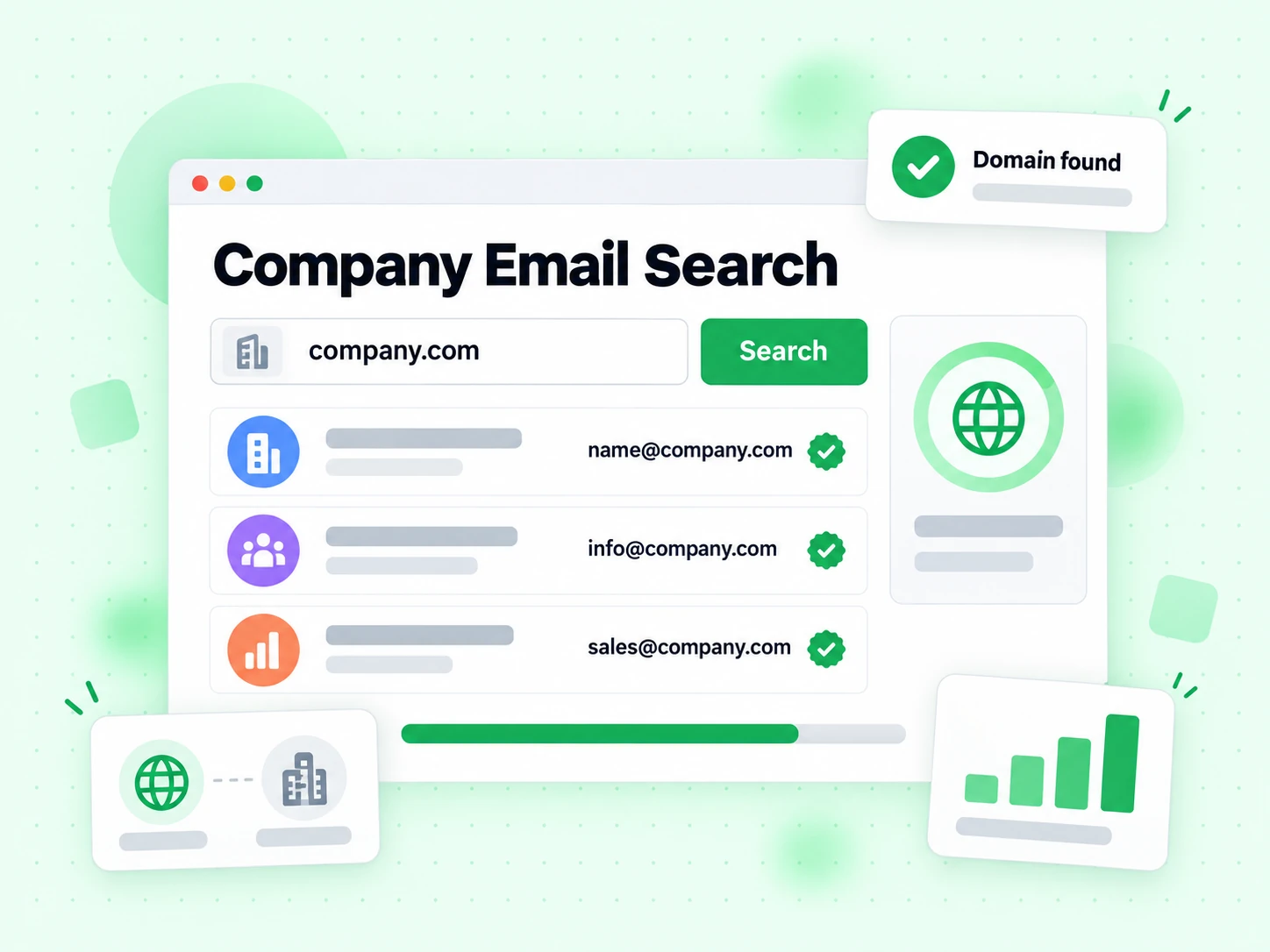
Enter a company domain. This corporate email finder by domain derives the candidate addresses, verifies each over SMTP, and returns only what exists.
Your selected limit sets the maximum charge before the search begins.
Our company email search starts from one thing: the company domain. Where an email finder needs a specific person, a company search maps the domain itself — which addresses exist, which are role inboxes, and what local-part convention that company actually uses.
That makes company search the right tool when you know the organisation but not the individual. Find company emails free by pointing it at the domain, and find company emails free again next quarter when the roster has changed — results come back SMTP-verified rather than pattern-guessed.
Every address a company email search returns carries the same evidence as a direct verification, plus role and catch-all flags. A company search on a catch-all domain will say so rather than returning a list of plausible-looking inventions.
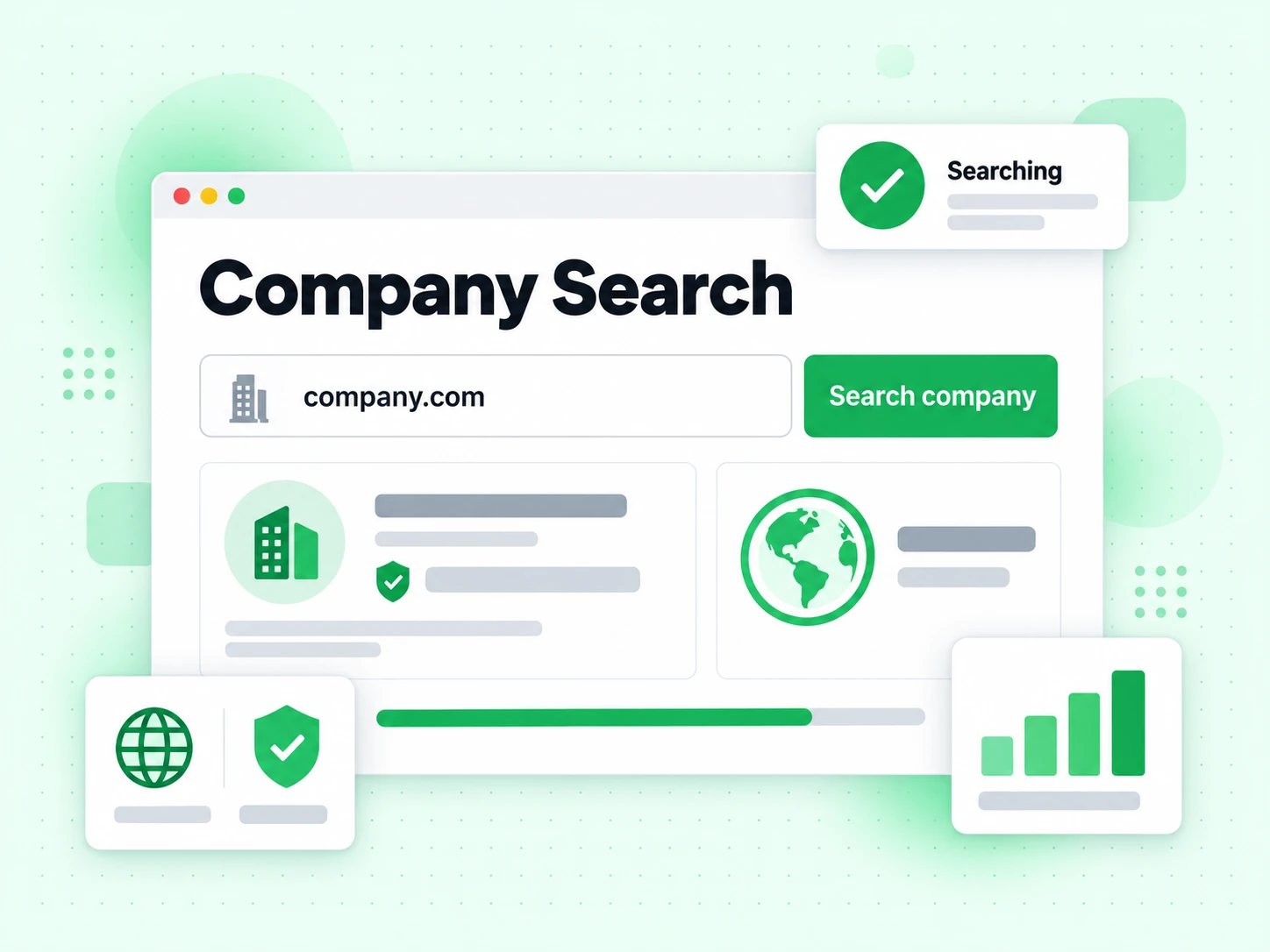
Four steps run on every company email search request.
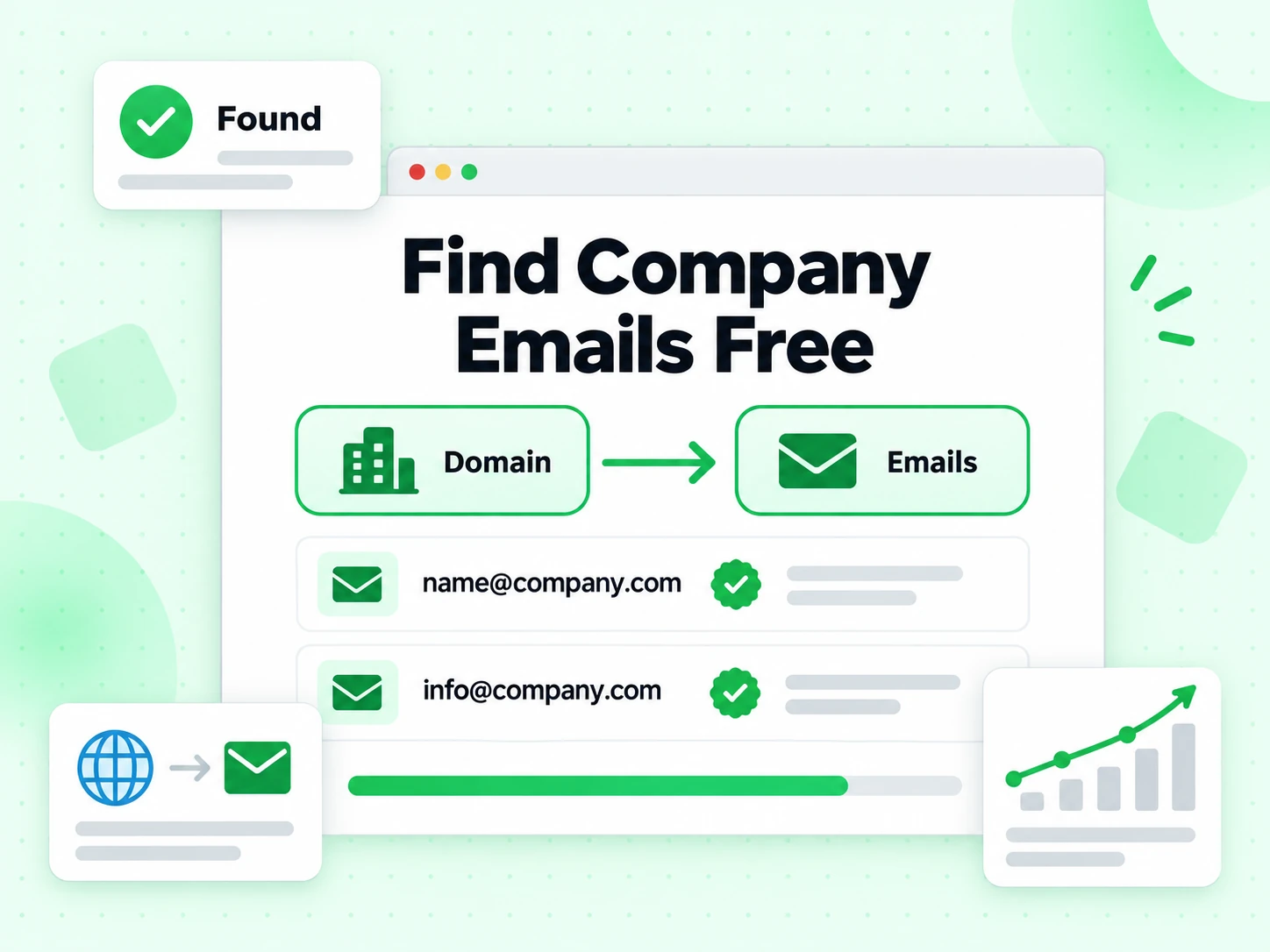
The company search confirms the domain exists and can receive mail. A domain with no MX route ends a company email search immediately.
Which local-part pattern that company actually uses. This company email search that assumes firstname.lastname everywhere is guessing rather than searching.
Each candidate is tested against the receiving server. This is what separates a company search from a directory scrape.
info@ and support@ are real company addresses and rarely the person you want. Company email search reports them separately.
Four outcomes from a company search, and what each one means for your next step.

Addresses that accepted an SMTP probe on that company domain. Find company emails free within the monthly credits, then apply your own consent rules.
The company search found info@ or sales@ but no personal mailboxes. Useful for a first contact, weak for targeted outreach.
Every candidate looks valid. An honest company email search reports the uncertainty instead of returning a list it cannot stand behind.
The domain publishes no MX records, so no address on it can receive anything. The company search stops there and says why.
Company email search is one step. These four chapters cover the sequence it sits in.
Parent companies, subsidiaries, and acquired brands frequently keep separate mail domains. A company search on the wrong one returns nothing even when the company is large and well known.
Check the domain in the company's own email footer or website first. Find company emails free is only true if you searched the right domain.
The most useful output of a company search is often the pattern rather than any single address. Once you know a company uses first.last, every future contact there is one step shorter.
Store the convention on the company record so the next company email search on that domain is unnecessary.
A company search that returns only info@ has told you something real: this company routes external contact through a shared inbox. That is a different outreach approach, not a failed search.
Shared inboxes suit support and procurement enquiries and suit personalised outreach badly.
People leave. A company email search result from last quarter describes a company roster that has since changed, and the address may now bounce.
Re-verify anything older than a quarter rather than trusting a stored company search result.
Four situations where searching by company domain beats searching by person.
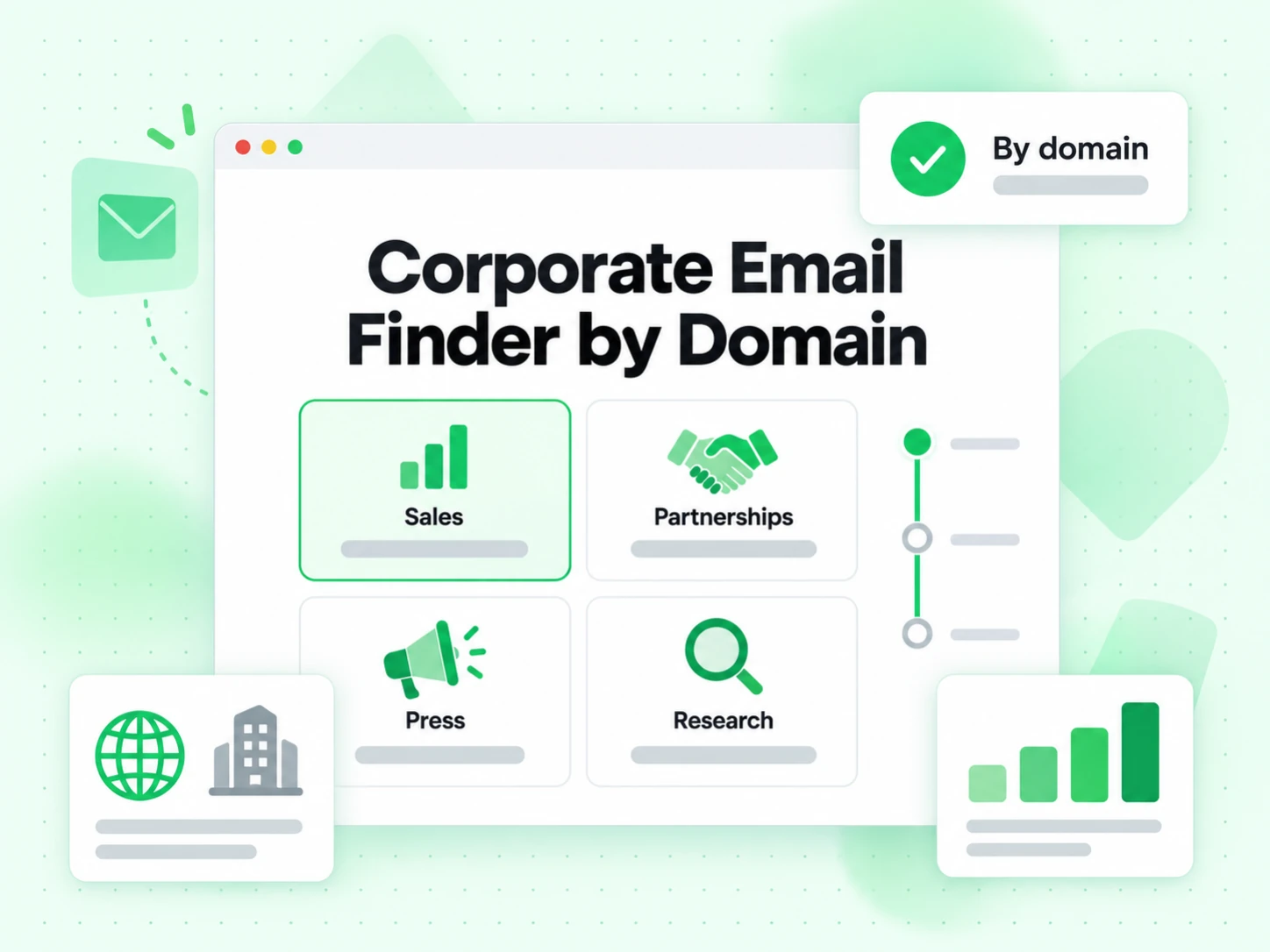
You have a target company but no named contact. Our company email search maps the domain so you can pick a starting point.
Find company emails free before a partnership conversation, rather than filling in a generic web form and waiting a week for a reply.
Rows with a company domain and no contact. A corporate email finder by domain fills them with verified addresses rather than patterns.
A company email search also tells you whether the domain is catch-all, which changes how you treat every address on it.
A corporate email finder by domain answers one shape of question. These cover the others — use the email finder when you already have a person's name.
| Tool | You provide | You receive | Use it when |
|---|---|---|---|
| Email Verifier | One complete email address | SMTP deliverability and risk signals | An address is known and needs verification before use |
| Email Finder | One person’s name and company domain | One verified best-match work email | A specific person is known but the address is missing |
| Bulk Email Finder | CSV rows with names and domains | Enriched CSV with one match per person | A structured list contains many named contacts |
| Company Search | Company domain, result limit, role-account choice | Verified public company addresses with attribution | The company is known but the relevant people or mailboxes are not |
Four limits that apply to every company search, including this one.
Every candidate accepts, so no company email search can tell a real mailbox from an invention on that domain.
The company search derives and verifies addresses; it does not list employees from purchased data of uncertain provenance.
A verified company address is a fact, not permission. Consent stays in your own system regardless of what the company search returns.
If a company routes everything through one inbox, that is what our company email search finds, because that is what exists.
A corporate email finder by domain derives candidates from observable convention and verifies them live, rather than reading a purchased contact database.
Defines SMTP delivery and mail exchanger lookup behavior used during final address verification.
Defines the mailbox address structure used when extracting and normalizing company email addresses.
Documents structured organization properties, URLs, contact points, and other data a company may publish on its website.
Documents structured person properties that can support stronger public name-to-email attribution.
A company email search maps a domain. These tools cover the next question.
Search for one named person’s best work email at the company.
Process many named people and company domains in a CSV.
Inspect SMTP deliverability and risk when a complete address is already known.
Understand shared function mailboxes such as info, sales, support, and billing before using them in a workflow.
There is a free tier: 20 credits every day you log in, up to 600 a month. Find company emails free within that, and the company search charges only for addresses it actually returns.
An email finder starts from a person's name; a corporate email finder by domain starts from the company domain. Use company search when you know the organisation but not the individual, and find company emails free either way on the free tier.
Usually the domain is catch-all, has no MX route, or the company routes everything through one shared inbox. A corporate email finder by domain reports which, and does not charge for a no-result.
Yes. Turn off role-based addresses before submitting. The filter applies before billing, so excluded role accounts do not consume your result limit or returned-email credits.
No. It discovers addresses supported by public company sources and the product’s evidence process. It is not a private employee directory and cannot guarantee coverage of people whose emails are not published or reliably inferable.
It explains how a person name was connected to an address: structured data, nearby page text, inference, or an email-pattern guess. Pattern-inferred names are weaker and should be reviewed before personalization.
The result stops at the maximum you selected and reports that the available set was truncated. It also distinguishes returned count from the total found before filtering when that information is available.
Find company emails free on the free tier, with SMTP verification on every result. Pay only for what the search actually finds.
5 credits per returned email · Verification included · No returned emails means no charge