


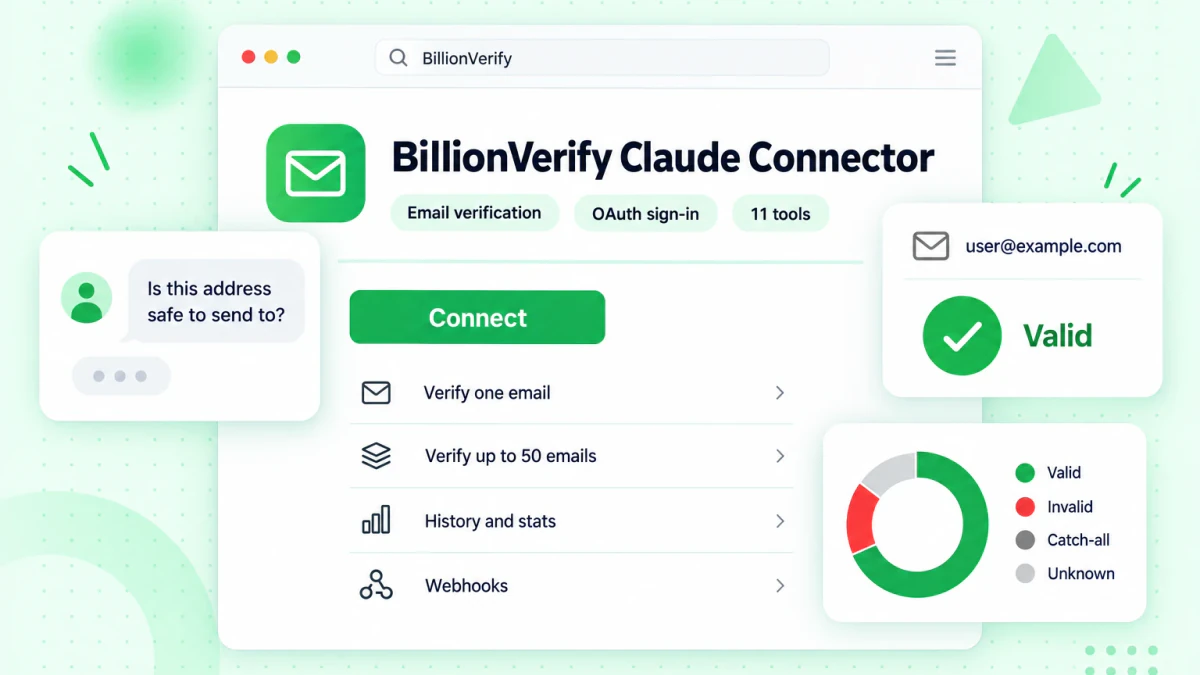
BillionVerify is now listed in Claude's official connector directory. Search for "BillionVerify" in Claude, or open claude.ai/directory/billionverify, click Connect, and sign in with your BillionVerify account. After that you can ask Claude to verify an email address, clean a short list, or show your verification history, without leaving the chat.
Until now, using BillionVerify in Claude meant copying our MCP server URL and adding it as a custom connector yourself. The directory listing replaces that step: there is no URL to paste and no API key to copy.
How to connect BillionVerify in Claude
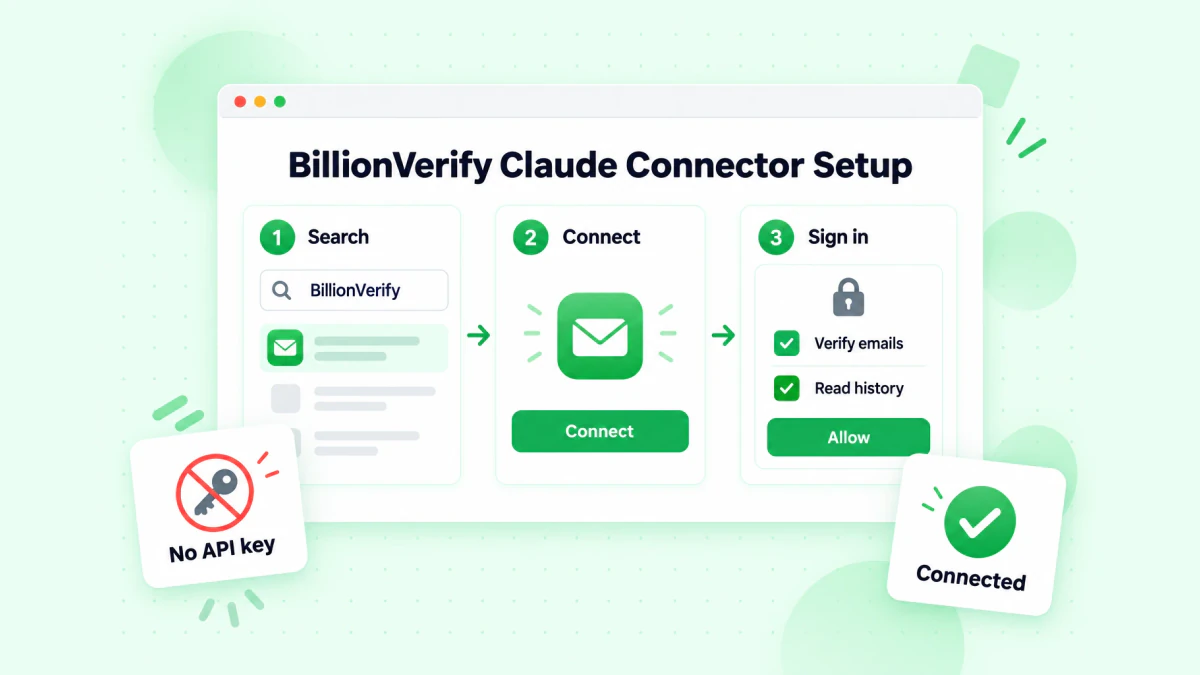
- Open claude.ai/directory/billionverify, or search for BillionVerify in Claude's connector directory.
- Click Connect, sign in with your BillionVerify account, and approve access.
- Start a chat and ask something like "Is this address safe to send to?"
If you don't have an account yet, sign up at billionverify.com first. The connector uses the same account, credits and verification history you see in the BillionVerify dashboard.
What you can ask Claude to do
The connector gives Claude 11 tools. In practice that covers four jobs:
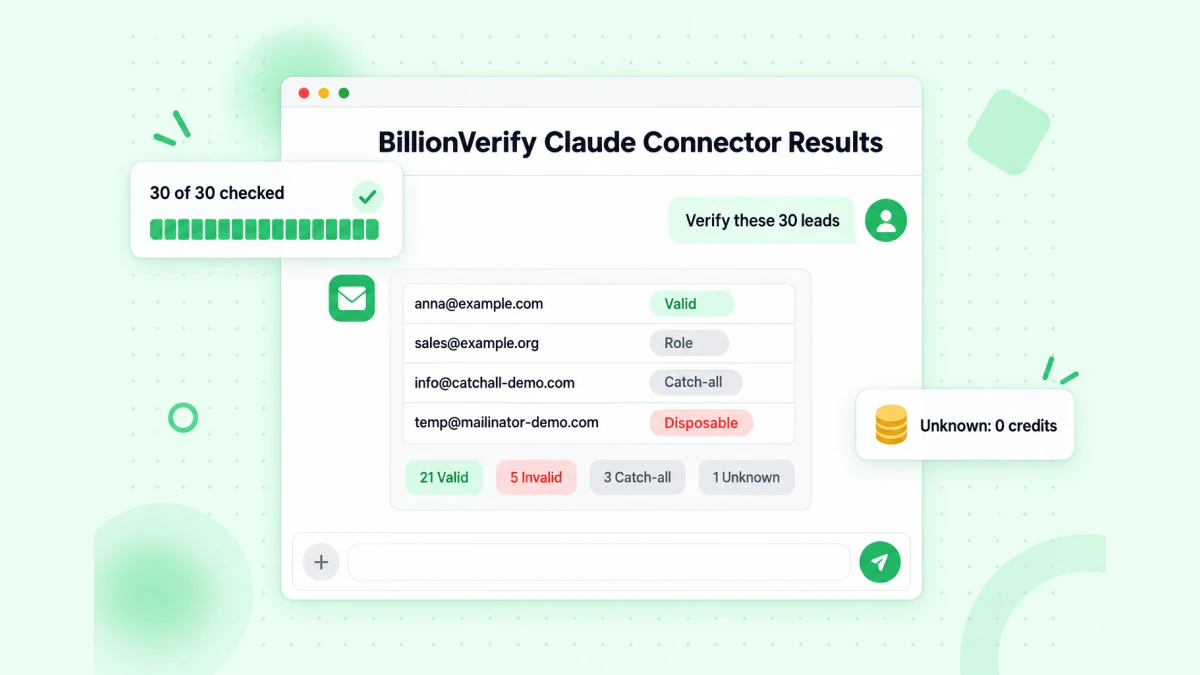
- Verify email addresses. One address, or up to 50 in a single request. Each result says whether the address is valid, invalid, catch-all, disposable, a role account or unknown, with the domain's mail server status and an optional mailbox-level SMTP check.
- Review your results. Recent verifications, plus totals for the last 7, 30 or 90 days or the last year.
- Follow bulk jobs. Check the status of a file you uploaded in the dashboard and get a download link for the results, filtered to the rows you want.
- Manage webhooks. Create, list and delete the webhooks that tell your systems when a job finishes.
A few prompts to start with:
Is support@billionverify.com a deliverable email address?
Check these emails and tell me which ones will bounce: anna@example.com, sales@example.org, nobody@this-domain-does-not-exist-bv.com
Summarize my email verification results for the last 30 days.
How many verification credits do I have left?
Use cases: where the connector fits your sales and marketing stack
Most addresses you need to verify come from somewhere else: a CRM, a lead database, a cold email tool or an email marketing platform. Claude is the quick way to check them while you work. Paste up to 50 addresses, or describe the list you're about to use, and ask. For bigger lists, upload the file in the BillionVerify dashboard and ask Claude to track the job and fetch the results.
When the same check needs to run on its own every day, each integration page below shows how to connect BillionVerify to that tool with the n8n community node, Integrately or our REST API. The full list is in our sales and outreach integrations.
CRM: keep HubSpot and Salesforce contacts reachable
Contacts pile up in a CRM from forms, list imports and reps typing them in by hand, and nobody re-checks them. Bad addresses bounce your sequences, skew lead scoring and fill reports with people you can't reach. Before a sequence or a re-engagement campaign, export the contacts you're about to email and let Claude sort them.
Here are 40 contacts from my HubSpot export. Which ones should I remove before the next sequence?
To verify contacts automatically as they enter your CRM, see HubSpot, Salesforce, Pipedrive and Zoho CRM.
Lead data: check Hunter, Lusha and Clearbit results before you use them
Lead databases find addresses; they can't promise those addresses still work. People change jobs, companies switch domains, and catch-all domains accept mail for any name. Verify the addresses you pull before they go into your CRM or an outreach sequence.
I found these 25 emails in Hunter. Verify them and list the ones that aren't valid.
To verify found or enriched contacts automatically, see Hunter, Lusha and Clearbit.
Cold email: clean the list before Instantly or Lemlist sends
Cold outreach is where bounces hurt most. A run of hard bounces can push a sending domain into spam for weeks, and replacing and warming up a new domain costs time you don't get back. Verify every prospect list before you import it, keep catch-all addresses in a separate small batch, and take role accounts such as info@ and sales@ out of personal sequences. Our cold email verification framework covers the full pre-send checklist.
Check these 50 prospects for my Instantly campaign. Group them into send, hold for catch-all, and remove.
To verify prospects automatically before they enter a campaign, see Instantly and Lemlist.
Email marketing and ecommerce: clean audiences in Mailchimp, Klaviyo and Shopify
Newsletter and store lists collect typos, disposable sign-ups and abandoned inboxes. Many email platforms bill by the number of contacts you keep, so dead addresses cost money every month and drag down deliverability when you send to them. In a store, disposable addresses are also how people open extra accounts to reuse first-order discount codes.
Here are this week's new Shopify customers. Flag any disposable or invalid addresses before I add them to Klaviyo.
To verify subscribers and customers automatically, see Mailchimp, ActiveCampaign and Brevo for email marketing, and Shopify and Klaviyo for ecommerce.
How credits work in Claude
Verifying an address in Claude costs the same as verifying it anywhere else in BillionVerify: one credit for a definite result. Unknown, disposable and badly formatted addresses are free, and so is checking the same address again within 24 hours. Checking your balance, history, statistics, job status and webhooks doesn't use credits.
Catch-all addresses are reported as catch-all, not counted as valid, so you can decide how to treat them.
Use BillionVerify in Claude Code
If you work in Claude Code, install the BillionVerify plugin. It connects the same server and adds a skill that tells Claude which tool to use for each request and how to report the results:
/plugin marketplace add BillionVerify/billionverify-claude-plugin
/plugin install billionverify@billionverify
The plugin has no scripts, hooks or local binaries. Its source is on GitHub at BillionVerify/billionverify-claude-plugin.
Already using our custom connector?
It keeps working. If you added https://mcp.billionverify.com/mcp as a custom connector earlier and would rather use the directory version, remove the custom one from your connector settings first, so BillionVerify doesn't show up twice.
What the connector doesn't do
BillionVerify verifies addresses you give it. It doesn't find, guess or generate email addresses, and it doesn't send email. It only reads the addresses you ask it to check and the verification data in your own account.
FAQs
What is the BillionVerify connector for Claude?
It's BillionVerify's hosted MCP server, listed in Claude's connector directory. Once connected, Claude can call BillionVerify to verify email addresses and read your verification history, statistics, job results and webhooks.
Do I need an API key?
No. You sign in with your BillionVerify account over OAuth when you click Connect. The Agent Skills for coding agents are the option that uses an API key.
Does verifying emails in Claude cost extra?
No. It uses the credits in your BillionVerify account at the normal rate: one credit for a definite result, and nothing for unknown, disposable or badly formatted addresses.
How many emails can Claude verify at once?
Up to 50 addresses in one request. For bigger lists, upload the file in the BillionVerify dashboard and ask Claude to track the job and fetch the results.
Can Claude verify contacts from HubSpot, Salesforce or Instantly?
Yes, when you give Claude the addresses: paste them or export them from the tool, up to 50 per request. To verify contacts automatically inside those tools, use the integration for that tool, for example HubSpot, Salesforce or Instantly.
Does it work in ChatGPT too?
The same MCP server works in ChatGPT as a custom connector. Setup steps for ChatGPT, Claude and Claude Code are in the MCP guide.
Connect BillionVerify in Claude
Open claude.ai/directory/billionverify, click Connect, and ask Claude to verify your next list before you send it.