

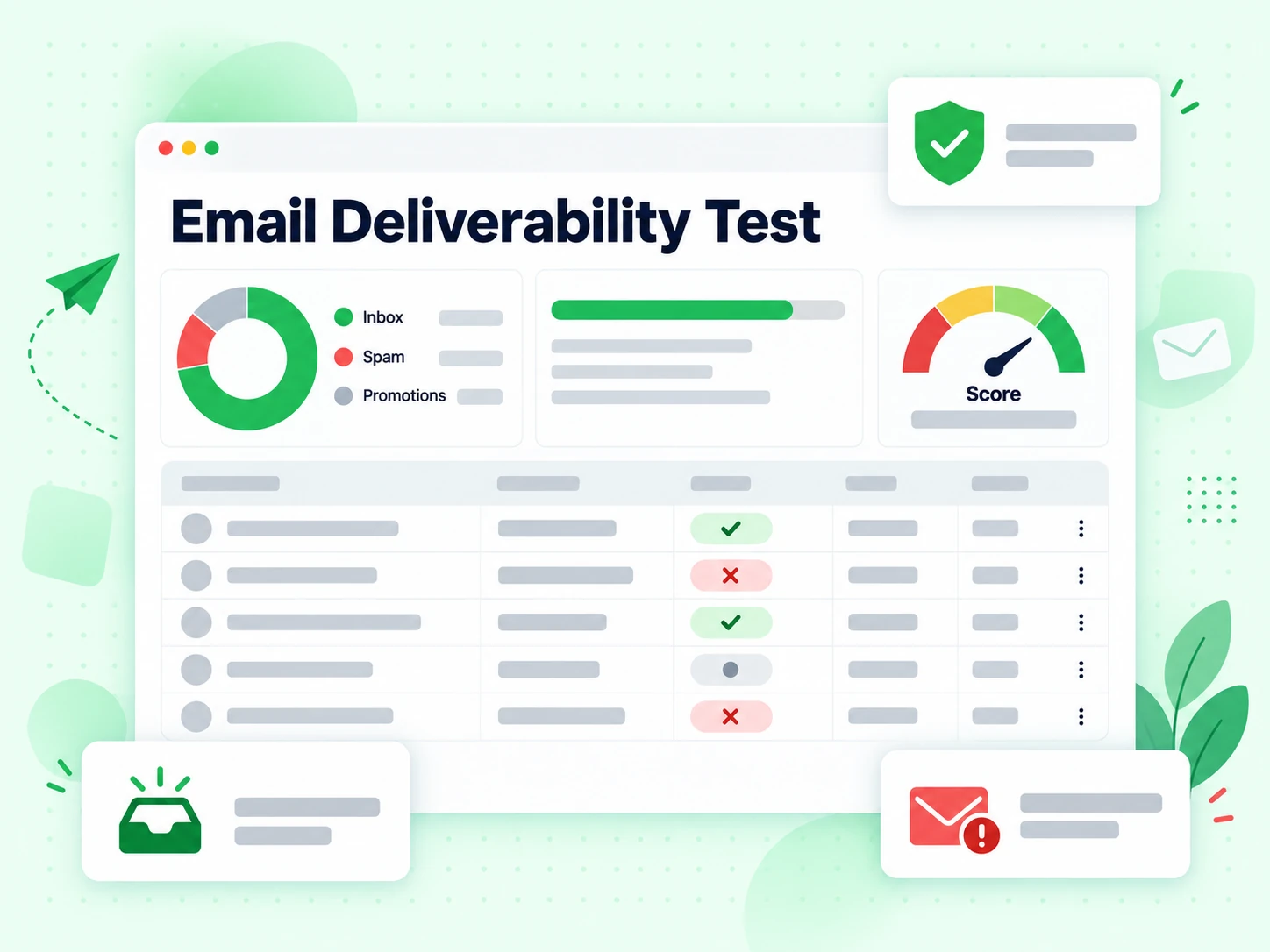

Create a private test address, send one of your real email samples, and get a structured report covering authentication, DNS, spam filters, blacklist checks, and content warnings.
We will create a unique mailbox for this session, then take you to a dedicated result page where the mailbox, live status, and final report are shown.
Generate a private mailbox, then review the result on its own page.
After you click generate, we will take you to a dedicated result URL where the mailbox, live status, and final report are shown.
Send a real sample
Use the same sending platform, from-address, links, and template that you plan to use in production.
Keep the result page open
We poll the test status automatically on the dedicated result page and fetch the report as soon as the message is analyzed.
Use the findings
Start with authentication and DNS issues first, then move to spam, content, and header warnings.
The report is built to answer the same operational questions you ask before sending a live campaign.
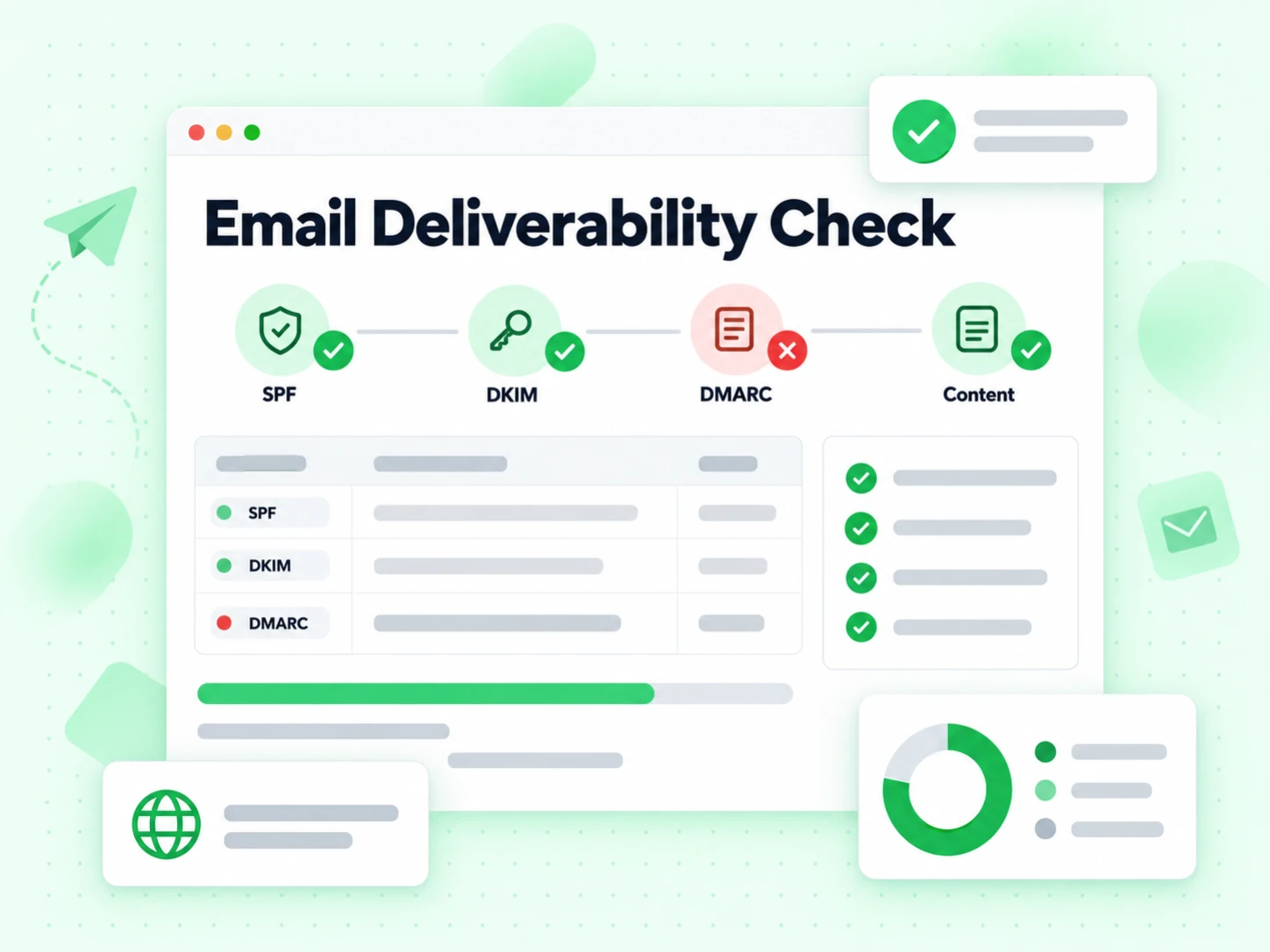
Check SPF, DKIM, DMARC, BIMI, ARC, and reverse DNS so you can catch trust failures before launch.
Review MX, PTR, SPF, DKIM, and DMARC records tied to the domains and IPs in your message flow.
See how SpamAssassin and rspamd score the message and which rules were triggered.
Find broken links, missing unsubscribe signals, HTML issues, and header alignment problems that affect inbox placement.
A quick pre-send check helps you catch trust, spam, and inbox-placement issues before a campaign goes live.
Spot SPF, DKIM, DMARC, or blacklist problems before they become bounce or spam-folder issues.
Marketers, CRM owners, and email engineers can review the same summary without parsing raw headers.
Test the exact message, sending identity, and infrastructure you plan to use in production.
Fix authentication and content gaps before they hurt inbox placement across larger sends.
An email deliverability test helps you check whether a real campaign sample has the trust signals needed to reach the inbox instead of spam. A strong email deliverability result usually depends on sender authentication, domain configuration, message content, and overall sending reputation working together.
This free email deliverability test generates a private mailbox for your session, then waits for you to send a real message from your usual mailbox, ESP, or automation platform. After the message arrives, we inspect the received email for SPF, DKIM, DMARC, DNS, spam-filter, blacklist, header, and content signals that affect inbox placement.
Start with the authentication and DNS sections first, because broken SPF, DKIM, DMARC, PTR, or policy records can lower email deliverability before content even matters. Then review spam-filter findings, blacklist checks, and header or content warnings to see which fixes are most likely to improve inbox placement.
Email deliverability problems often show up when sender authentication is missing, domain records are misconfigured, content looks risky, or mailbox providers do not trust the sending reputation behind the message. Even a well-designed campaign can land in spam if the message headers, links, unsubscribe signals, or infrastructure checks fail.
If your email deliverability score is low, fix trust issues before touching copy tweaks. In practice, that means validating SPF, DKIM, and DMARC alignment, checking DNS and reverse DNS records, reviewing blacklist hits, and then cleaning up the message content, links, and headers that triggered spam rules.
Use the same domain, sending platform, and template that you plan to use in production, then run an email deliverability test before the campaign goes live. The best improvements usually come from tightening sender authentication, maintaining a clean list, keeping content relevant, and monitoring the exact deliverability issues that appear in test sends.
An email deliverability test and email verification both exist to improve sending success, but they solve different parts of the problem. Email verification focuses on recipient-side reachability by checking whether an address is valid, safe, and likely to accept mail. An email deliverability test focuses on sender-side trust by checking authentication, reputation, DNS, spam signals, and inbox-placement risks. One protects the quality of the destination, while the other protects the health of the sending path. Together they form a complete email lifecycle workflow and are both essential if you want an email to reach the recipient's inbox reliably and safely.
Yes. This email deliverability test is designed for private, session-based review rather than public indexing of raw messages. We show a structured report in the current session and do not expose a public raw-email endpoint from the web layer.
Discover all our verification tools
Move from manual troubleshooting to production-grade verification, list cleaning, and verification APIs across your workflows.