πŸ“ Introducing MapLeads: Turn Google Maps, Bing Maps & Apple Maps into your lead list.Try MapLeads
Free Tool

Free Email Extractor

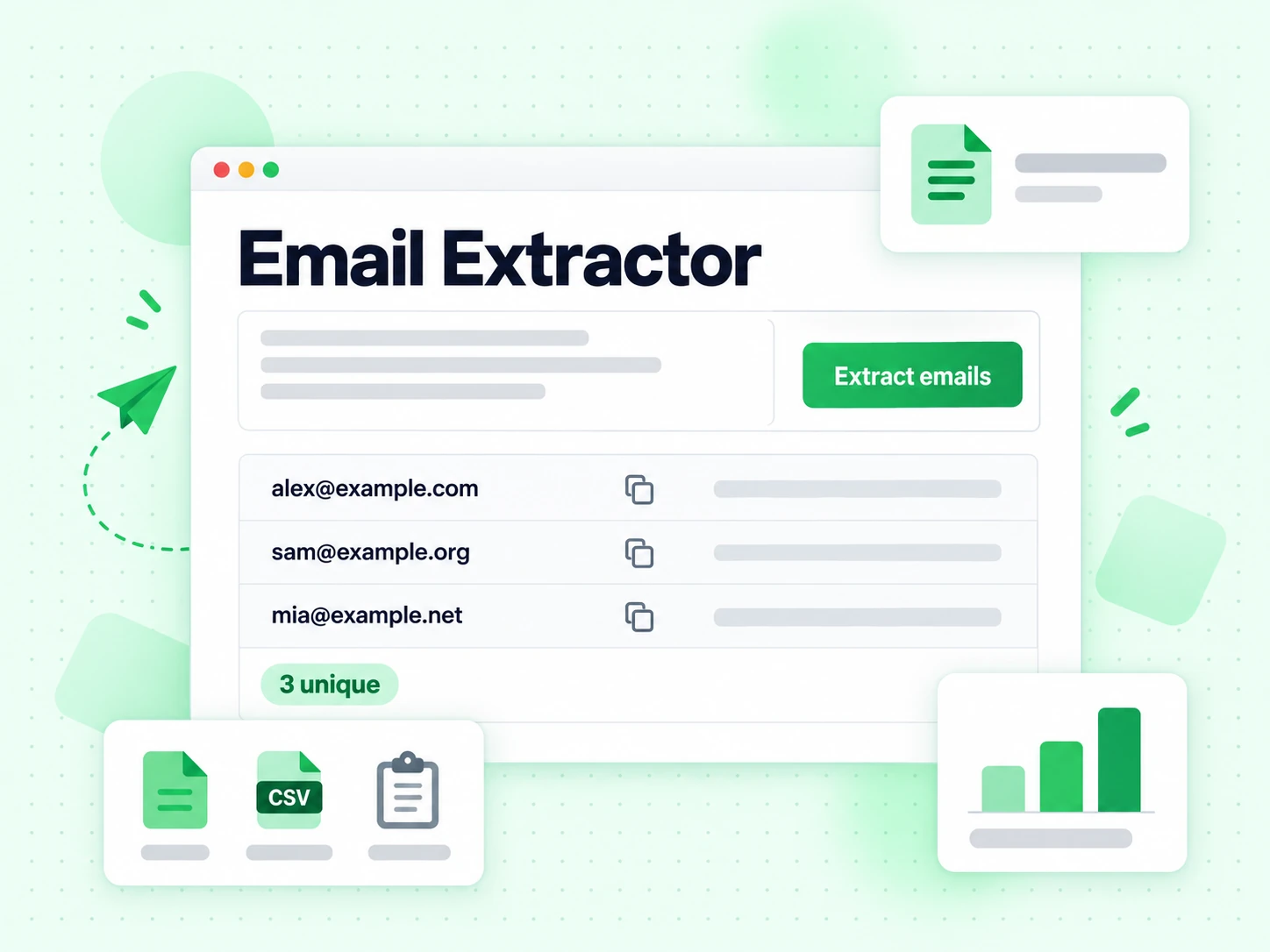
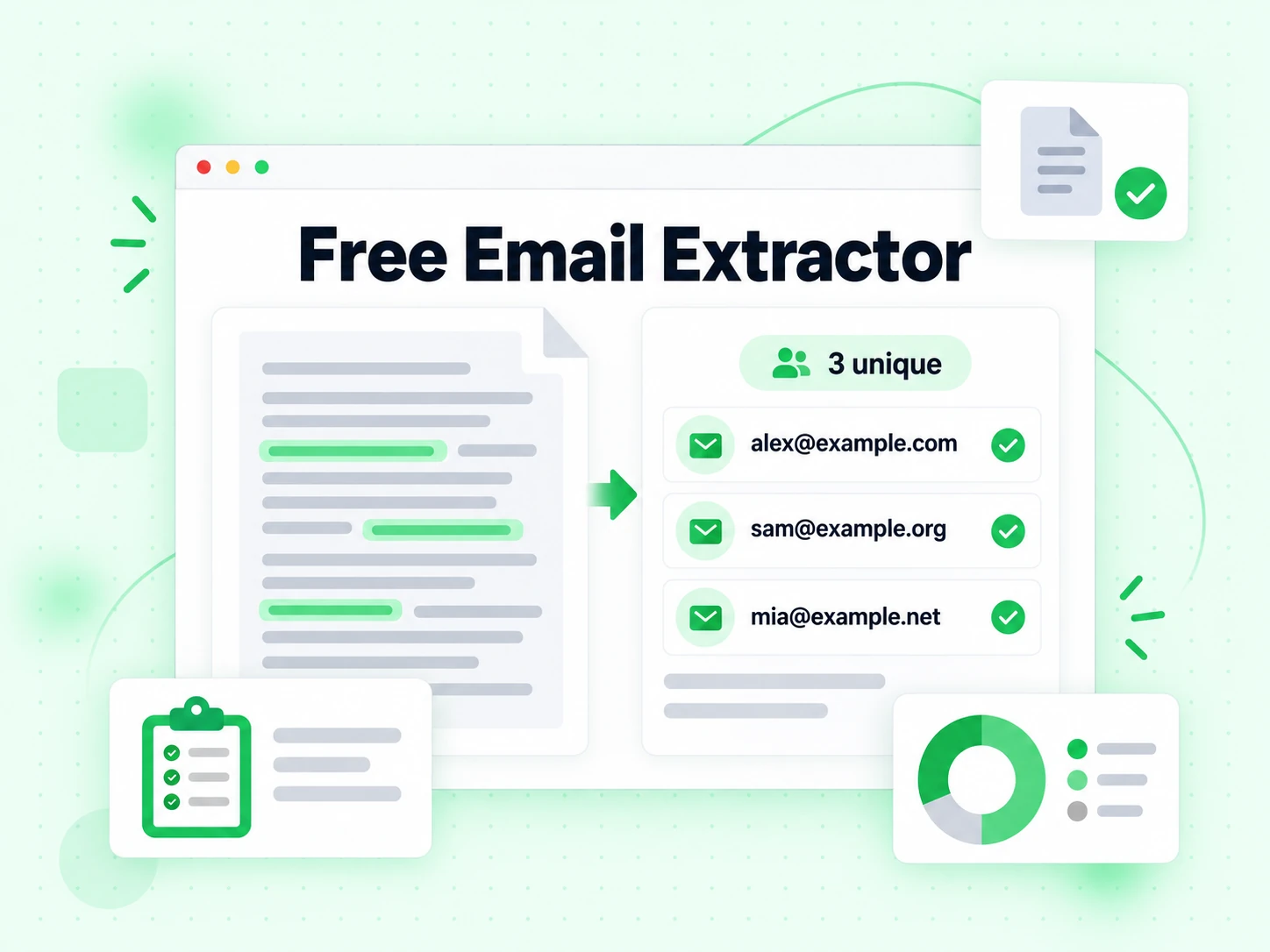
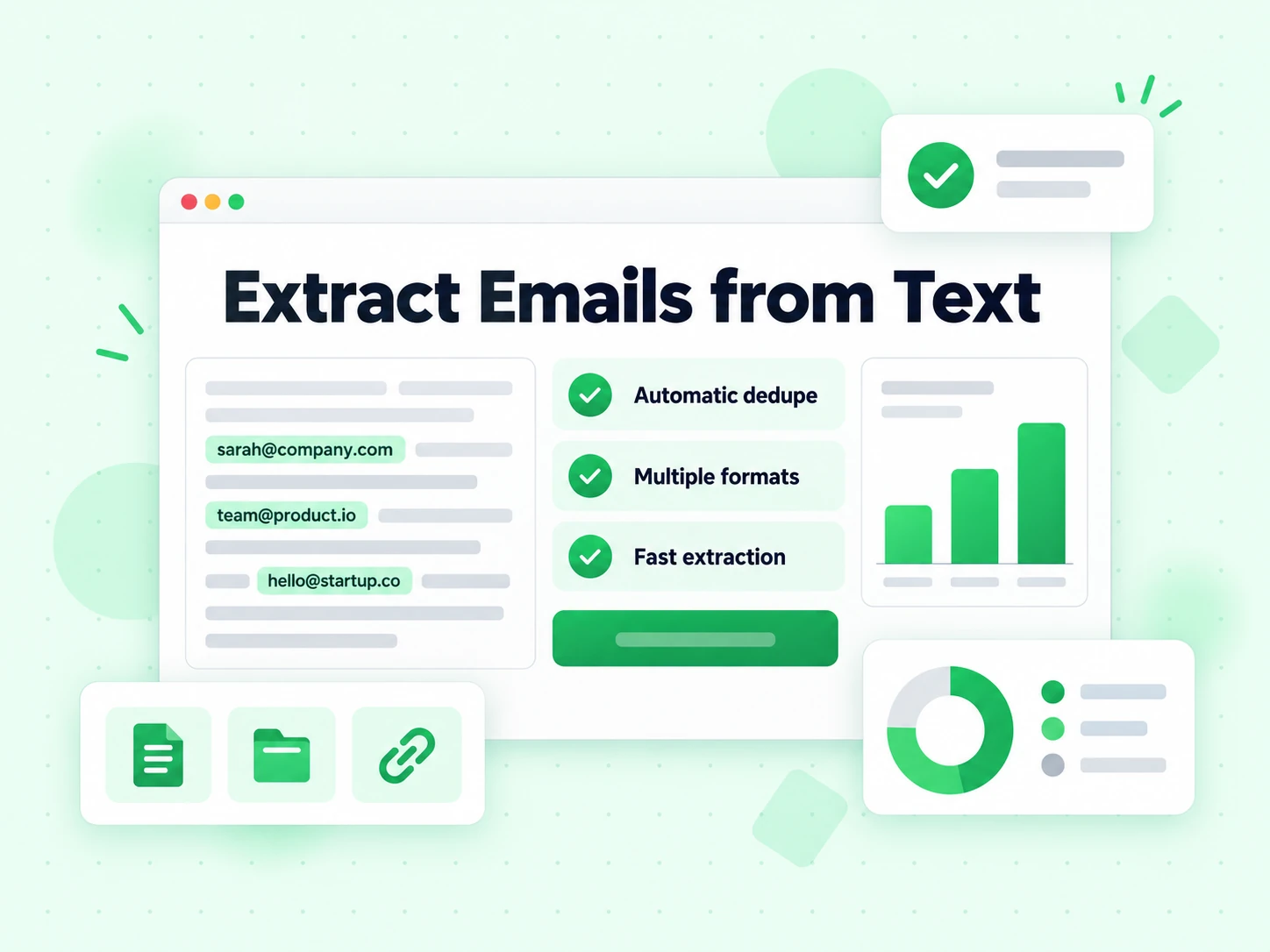
Paste text or upload TXT, CSV, and XLSX files. The free email extractor finds email-shaped strings, normalizes case, removes duplicates, and prepares the list for verification.

OR

What is an Email Extractor?

An email extractor scans text, spreadsheets, and documents for strings that look like email addresses. It replaces manual copy-and-paste work, but it does not confirm mailbox existence, ownership, consent, or deliverability.

Paste content or upload supported files, then review the normalized, deduplicated output. Extraction is only the collection step: run important addresses through email verification before sending so a pattern match is not mistaken for a working mailbox.

How to Use the Email Extractor

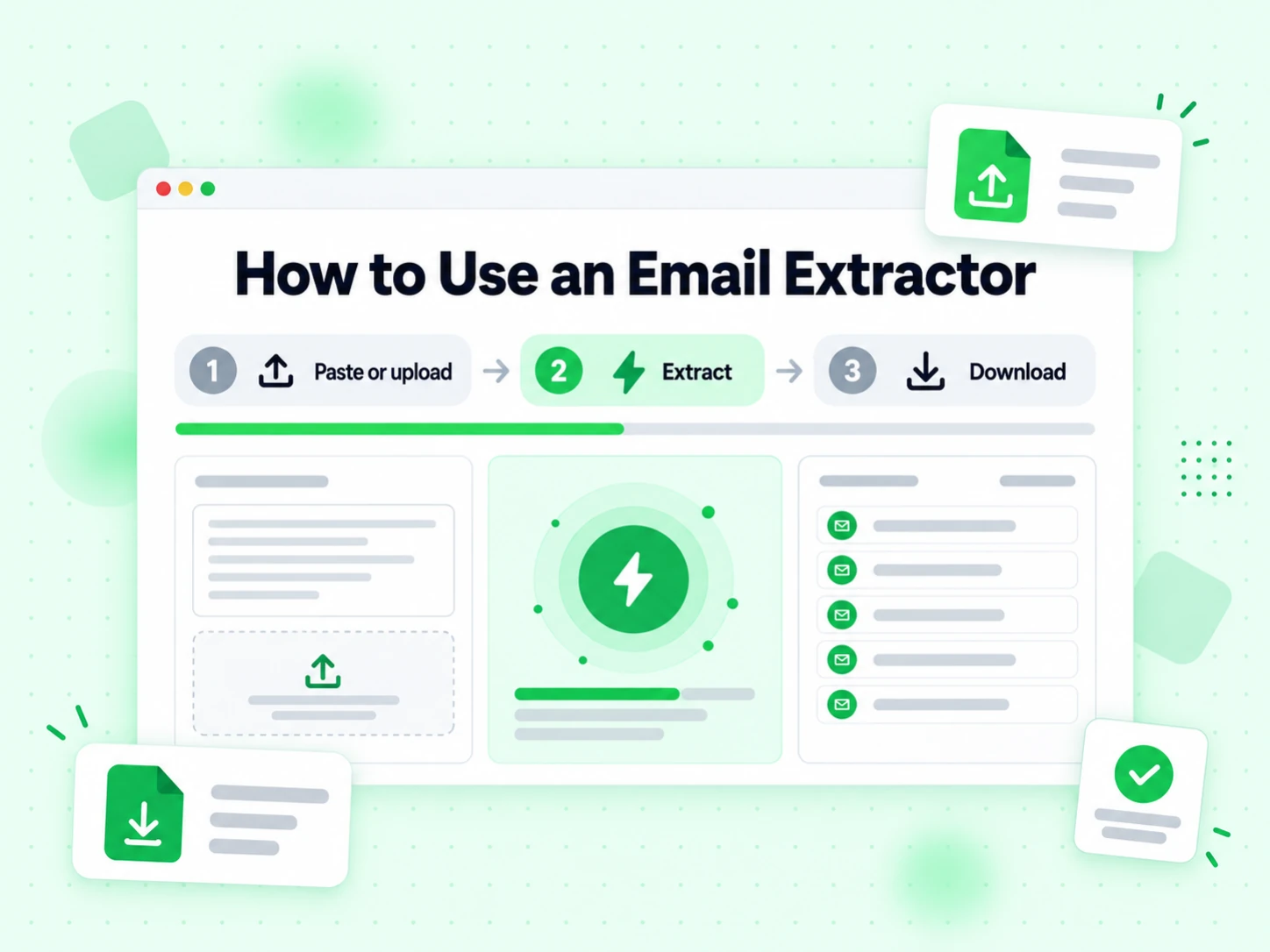
Extracting emails is simple and takes just seconds. Follow these three easy steps:

1

Upload File or Paste Text

Start by uploading your file (CSV, TXT, or Excel format) or paste text directly into the input area. Our email extractor online tool accepts multiple file uploads at once.

2

Click Extract Emails

Hit the Extract button and our algorithm scans your content, identifying every email address pattern. The extraction happens instantly, even for large files.

3

Copy or Download Results

Once extraction is complete, copy your email list directly or download it as a CSV file. All duplicate emails are automatically removed.

Browser Extensions

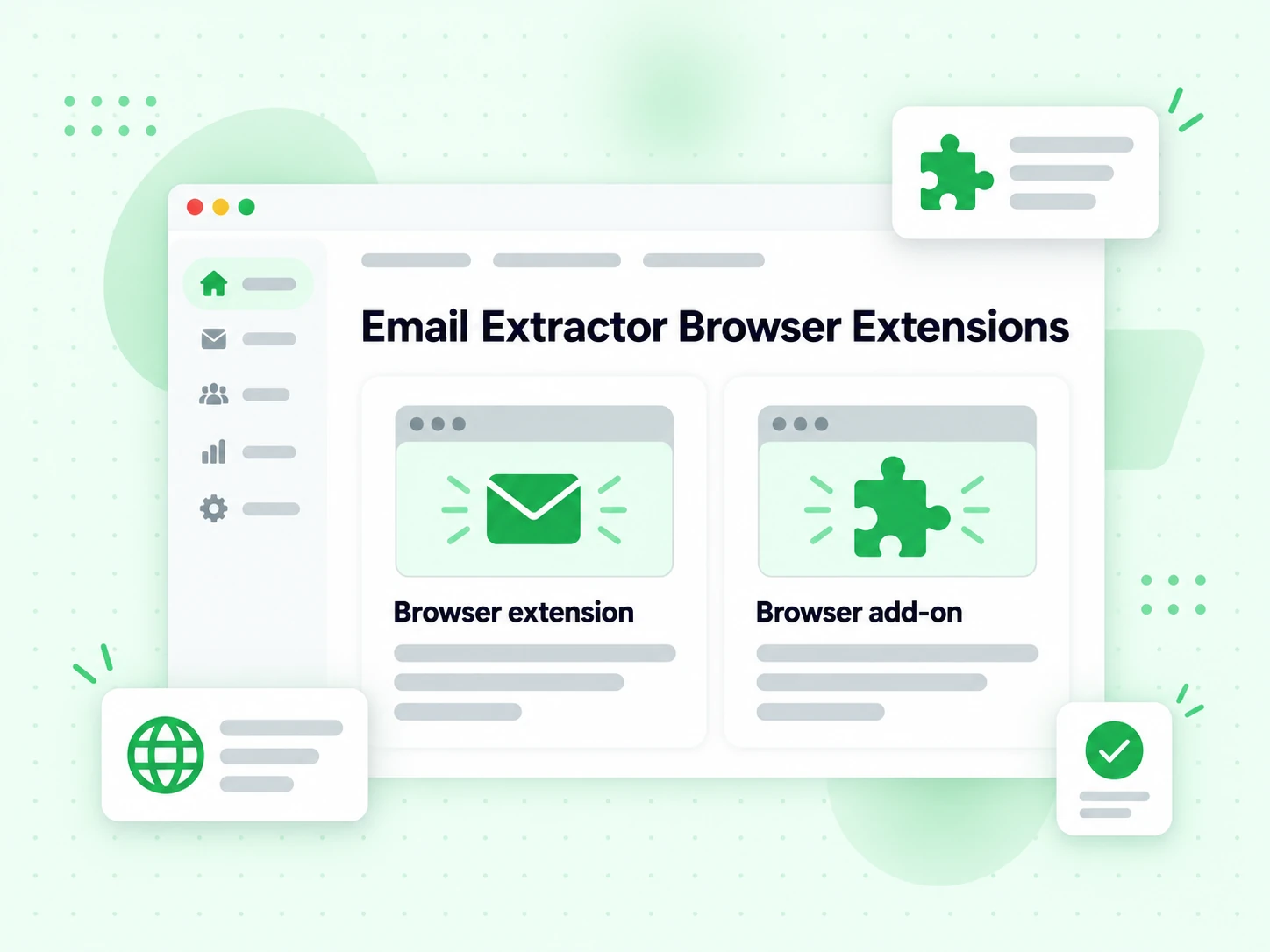
Extract emails directly from any webpage with our browser extensions.

Chrome

Chrome Extension

Extract email addresses directly from any website you visit with one click.

ChromeAdd to Chrome
Firefox

Firefox Add-on

Extract email addresses directly from any website you visit with one click.

FirefoxAdd to Firefox

Benefits of Using Our Free Email Extractor

  • ⏱️

    Save Hours of Manual Work

    Replace line-by-line copying with one bounded extraction request, then spend the saved time reviewing and verifying the output.

  • 🎯

    Get Consistent Pattern Matches

    Find common email-shaped strings and remove exact duplicates. Extraction does not establish that a matched mailbox is real or deliverable.

  • πŸš€

    Boost Your Efficiency

    Extract from large datasets or multiple files at once, then review provenance and verify the results before importing them downstream.

  • πŸ“

    Support Multiple File Formats

    Upload TXT, CSV, or XLSX files, or paste text directly. Use source material that you own or are authorized to process.

  • πŸ”—

    Easy Integration with Your Workflow

    Download your extracted email list as a CSV file and import it directly into your email marketing platform, CRM, or verification tool.

  • πŸ“ˆ

    Handle Large Datasets

    Our free online email extractor processes files up to 10MB, making it ideal for businesses dealing with extensive data sources.

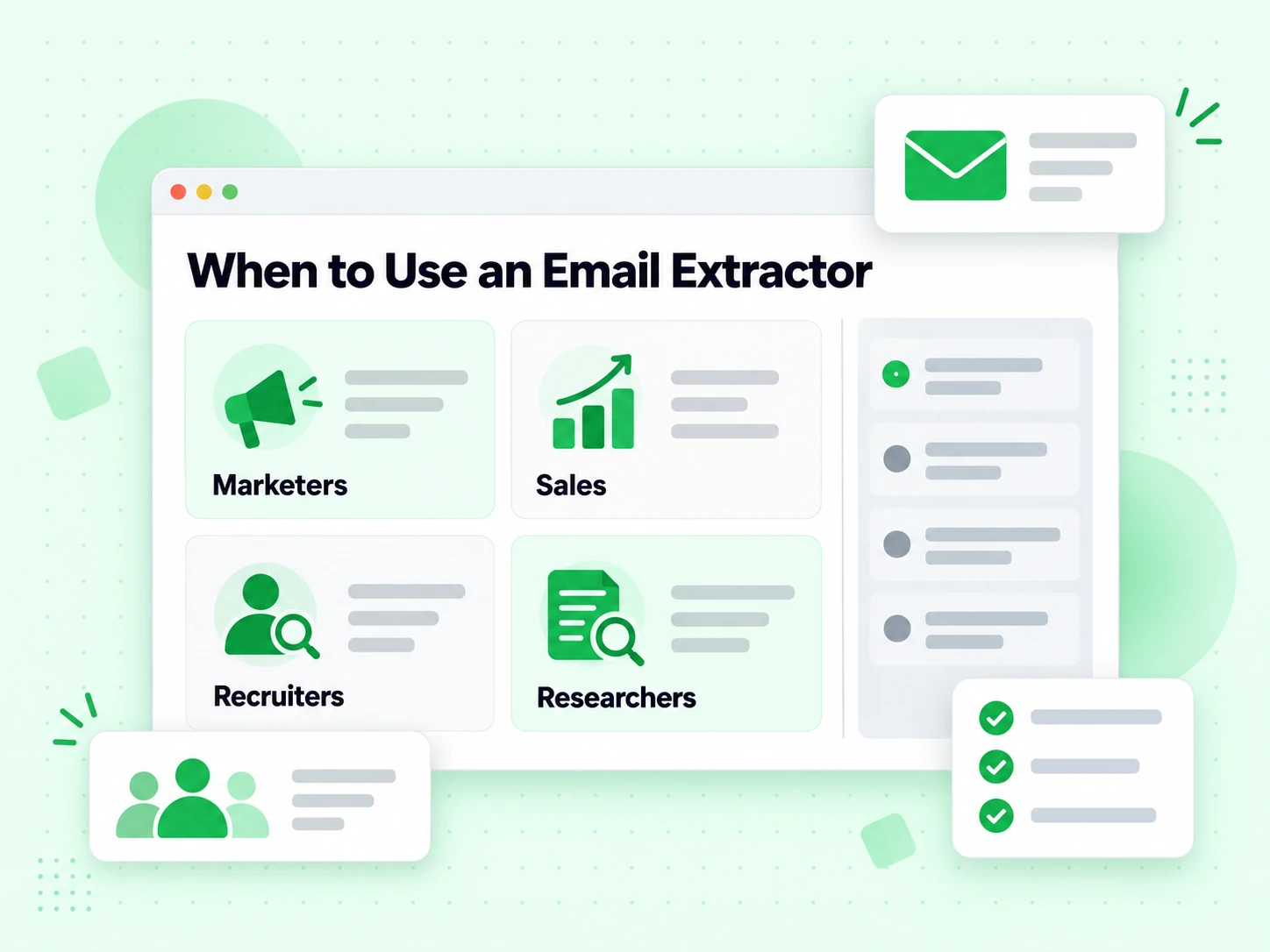
Who Uses Email Extractors?

  • πŸ“§

    Email Marketers

    Extract email addresses from customer data exports, survey responses, or CRM exports to build targeted email lists for campaigns.

  • πŸ’Ό

    Sales Teams

    Pull emails from business directories, LinkedIn exports, or trade show lists to build prospect databases quickly.

  • πŸ‘₯

    Recruiters & HR

    Extract candidate emails from resume databases, job applications, or LinkedIn profiles to streamline outreach.

  • πŸ”¬

    Researchers

    Collect addresses from research material and survey data you are authorized to process, while preserving source and permission context.

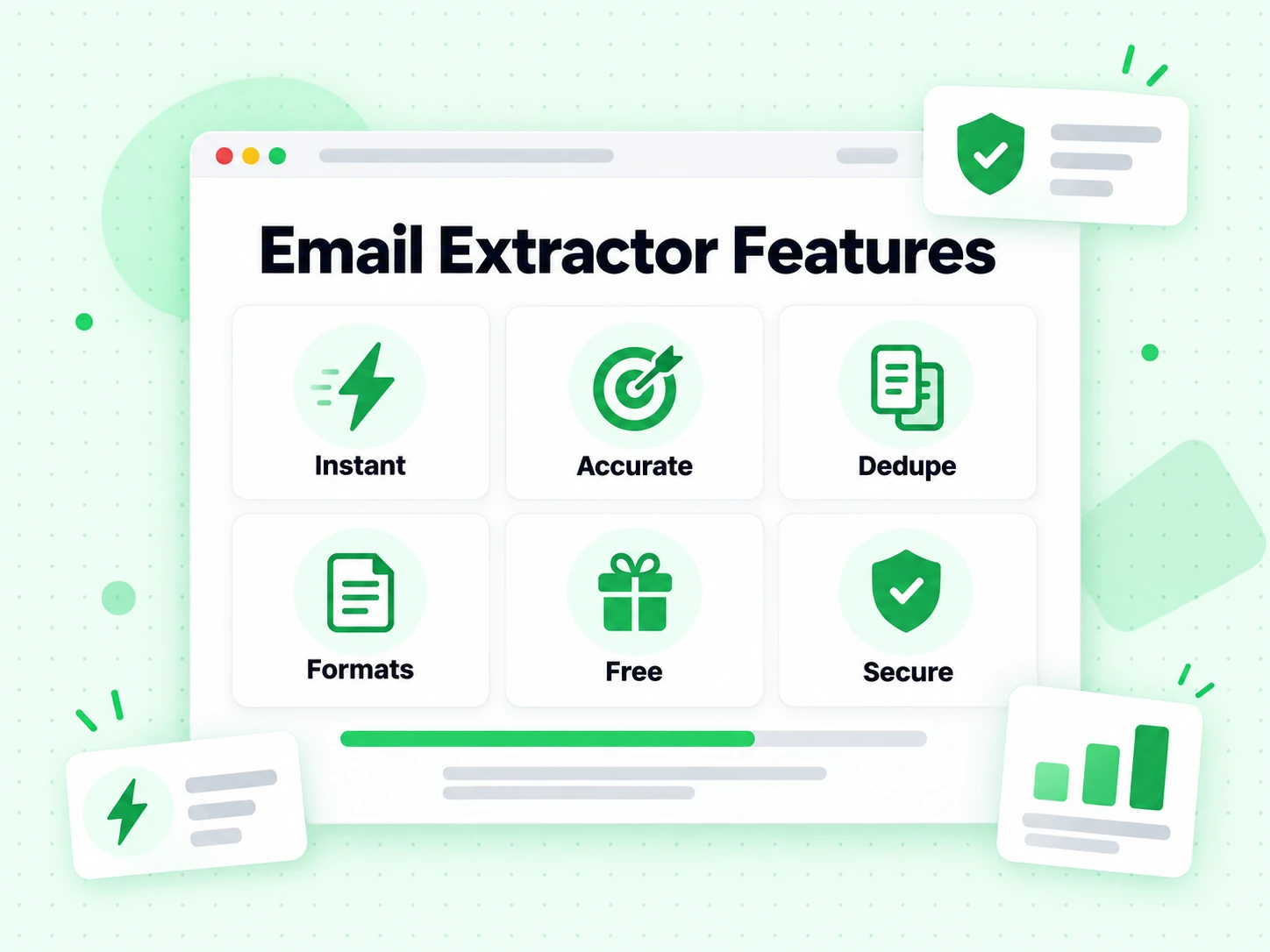
Why Choose Our Email Extractor

  • ⚑

    Instant Email Extraction

    Extract hundreds of email addresses in seconds with our lightning-fast algorithm. No waiting, no delays.

  • 🎯

    Common Format Detection

    A practical pattern finds common business and consumer email formats. Verify the matches when mailbox existence matters.

  • πŸ”„

    Automatic Deduplication

    Duplicate emails are automatically removed, giving you a clean and unique email list every time.

  • πŸ“„

    Multiple File Formats

    Support for TXT, CSV, XLSX files and direct text input. Upload multiple files at once.

  • πŸ’Έ

    100% Free to Use

    No signup or payment is required for the public tool. Fair-use request and payload limits protect the shared service.

  • πŸ”’

    Privacy Protected

    Submitted source files are processed without permanent storage. Temporary CSV result links, when created, expire after one hour.

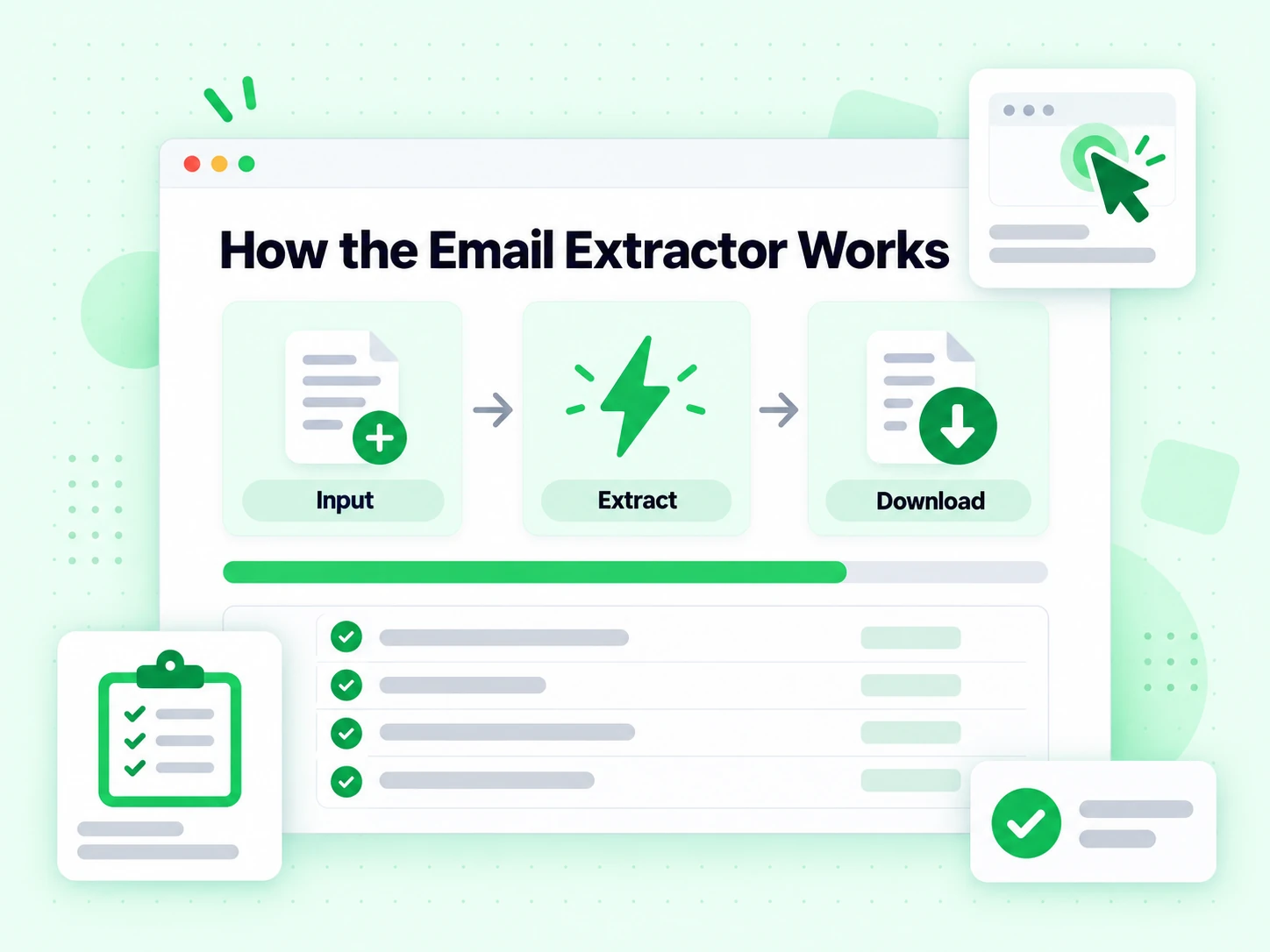
How the Email Extractor Works

The extractor scans only the text and supported files you submit. It finds email-shaped strings, normalizes them to lowercase, removes duplicates, and prepares the result for copying or CSV export.

  1. 1

    Content Scanning

    The server reads pasted text or supported files and searches the supplied content for patterns that look like email addresses.

  2. 2

    Smart Filtering

    Exact duplicates are removed after matches are normalized to lowercase. Extraction does not prove that any mailbox exists or accepts mail.

  3. 3

    Clean Export

    Copy the extracted list or download a CSV when available, then verify the addresses before using them in a sending workflow.

Extraction pipeline

What happens after you paste text or upload files

The tool performs a bounded collection task: read supplied content, find common address patterns, normalize matches, and remove duplicates.

The extractor reads only submitted content

Paste plain text or upload TXT, CSV, and XLSX files. The service reads the supplied content; it does not crawl a domain, search the web, or discover contacts that are absent from the input. Browser extensions provide a separate way to collect addresses visible on a page you are authorized to use.

A request can include up to five files, each no larger than 10MB, with a 20MB combined file limit. Pasted text is limited to 2MB. These limits keep processing predictable and protect the shared free tool.

Pattern matching finds common email-shaped strings

The current extractor recognizes common local parts containing letters, numbers, dots, underscores, percent signs, plus signs, and hyphens, followed by a dotted domain and alphabetic suffix. This covers ordinary business and consumer addresses found in exports and documents.

A match is not verification. The syntax grammar in RFC 5322 contains edge cases that a practical extractor may not capture, and any matched string can still point to a mailbox that does not exist.

Matches are normalized and deduplicated

The service converts extracted addresses to lowercase and removes exact duplicates before returning the result. This makes the list easier to copy, count, and import without repeated rows caused only by casing differences.

Normalization does not merge aliases, plus-address variants, or different addresses that may reach the same person. Those are distinct strings and remain distinct output records.

Read the output

Understand what an extracted email list does and does not contain

The output is a set of text matches, ready for review and verificationβ€”not a verified lead database.

A found address is a pattern match

The tool found text shaped like an email address in the supplied material. It has not contacted the domain or mailbox, confirmed the owner, or checked whether the address is current.

Run high-value results through the Email Verifier before sending. That adds routing, SMTP, and risk evidence that extraction cannot provide.

Zero results means no supported pattern was found

The input may contain no email address, an obfuscated form such as name [at] example [dot] com, an image rather than searchable text, or an uncommon valid syntax outside the practical pattern. Zero does not prove the source has no contact information.

Review the source format and convert scanned images with an authorized OCR workflow before trying again; the extractor itself does not perform OCR.

CSV availability depends on result size and export storage

Up to 10 matches are returned directly. For larger results, the service creates a CSV download when export storage is configured and the temporary link expires after one hour. If storage is unavailable, the API returns the addresses directly instead.

Copy or download the result promptly, then store it according to your own retention and access rules.

From source to usable data

A responsible extraction and verification workflow

Collection, verification, classification, and permission are separate stages with separate evidence.

  1. 1

    Start with owned or authorized source material

    Use exports, documents, spreadsheets, and webpages you are permitted to process. Preserve the source URL or file name when provenance matters, because the output list alone cannot explain where an address came from.

    The browser extensions can speed up collection from a page, but installation does not change the site's terms, privacy requirements, or your responsibility for authorized use.

  2. 2

    Extract, review, and remove obvious context errors

    Run the source through the extractor, inspect the count, and sample the output. Documents often contain examples, support aliases, historical contacts, or addresses in quoted correspondence that should not enter the same campaign.

    Use Role Account Detection when shared functional inboxes need a separate route rather than automatic inclusion.

  3. 3

    Verify before importing into a sending workflow

    Use Email List Cleaning for a file or the Email Verification API for automation. Keep invalid, unknown, catch-all, disposable, and role results separate so each can follow an appropriate policy.

    Verification reduces technical send risk. Apply consent, suppression, and contact-preference controls after verification and before outreach.

Do not overread it

What the email extractor cannot verify

A clear boundary prevents a fast text utility from being mistaken for enrichment or mailbox verification.

It does not confirm mailbox existence or deliverability

No DNS or SMTP check runs during extraction. A syntactically plausible address may use a non-existent domain, a retired mailbox, a disposable provider, or a catch-all domain.

Use the Email Checker when you need all verification signals in one diagnostic panel.

It does not identify the person behind an address

A document can contain aliases, forwarded messages, examples, or another person's contact details. Extraction does not establish name, employer, title, account control, or the relationship between the address and the source.

The Reverse Email Lookup adds limited public context to a known address, but inferred data should still remain distinct from verified identity.

It does not create permission to send

An address appearing in public or internal content is not automatically subscribed to a campaign. Apply source permissions, consent records, unsubscribes, suppression lists, and applicable contact rules independently.

Extraction is a data-processing step, not a consent mechanism or a guarantee that outreach is appropriate.

Technical reference

Keep the extraction contract simple and auditable

Documented formats, limits, and output semantics make the tool easier to use correctly.

RFC 5322 shows why extraction and validation differ

Internet message syntax supports constructions beyond the common patterns found in marketing data. BillionVerify intentionally uses a practical extractor for ordinary address-shaped text, then delegates deliverability to verification. See RFC 5322 for the broader message format.

Fair-use and payload limits are explicit

The public endpoint allows 5 requests per minute and 30 per hour per IP. It enforces file-count, file-size, combined-size, pasted-text, and extracted-content limits rather than claiming unlimited bulk processing.

Preserve provenance after export

Add source, extraction time, verification time, and permission state to downstream records. Those fields turn a bare list of strings into data that can be reviewed, refreshed, and suppressed responsibly.

Related Email Tools

Choose the next tool by evidence type: recipient, discovery, DNS and infrastructure, or sender workflow.

Email Extractor FAQ

1. What is an email extractor?

An email extractor scans supplied text or files for strings that match a common email-address pattern, normalizes the matches, removes duplicates, and returns a list. It finds address-shaped text; it does not prove that the mailbox exists, belongs to a person, or can receive mail.

2. What file formats does the email extractor support?

Our free email extractor online supports TXT, CSV, XLSX files. You can also paste text directly into the text area. The maximum file size is 10MB per file, and you can upload multiple files at once.

3. Is there a limit on how many emails I can extract?

Extraction is protected by fair-use limits: up to 5 requests per minute and 30 per hour per IP. Each request can include up to five files, with 10MB per file, 20MB combined files, and 2MB of pasted text. When more than 10 addresses are found and export storage is available, the response includes a one-hour CSV download link.

4. How accurate is the email extraction?

The tool uses a practical pattern to find common email-shaped strings, including many addresses with subdomains, plus signs, dots, underscores, and hyphens. Pattern matching can miss uncommon standards-valid forms or capture a string that looks valid but has no real mailbox, so extraction must be followed by verification when deliverability matters.

5. Is my data secure when I extract emails?

Yes, your privacy is our priority. Uploaded files and text are processed in memory only and are never permanently stored on our servers. Download links expire after 1 hour for added security.

6. What's the difference between email extraction and email verification?

Email extraction finds and collects email addresses from text or files. Email verification checks if those extracted emails are valid, deliverable, and safe to send to. We recommend verifying emails after extraction for best results.

7. Can I use this for bulk email extraction?

Yes. You can upload up to five supported files. Each file can be up to 10MB and the combined file limit is 20MB. Pasted text is limited to 2MB. The tool extracts and deduplicates matching strings; it does not verify mailbox deliverability.

8. Should I verify emails after extracting them?

Absolutely. Extracted emails may include invalid, disposable, or outdated addresses. Use our email verifier to check each address before sending campaigns to reduce bounces and protect your sender reputation.

Email Verification Service

After Extraction: Verify Your Email List

Extracting emails is just the first step. Before sending campaigns, verify your email list to ensure deliverability. Our email verifier checks each address for validity.

Reduce bounce rates and protect sender reputation Β· Identify invalid, disposable, and role-based emails Β· Improve email deliverability and open rates Β· Save money by only sending to valid addresses

99.9%
Accuracy
Real-time
API Speed
$0.00014
Per Email
100/day
Free Forever