

🎬 Introducing transcript.im: Free transcripts for YouTube, TikTok & Instagram videos.Try transcript.im

Email verification MCP

Email Verification MCP Server

A hosted email verification MCP server: give Claude, Cursor, and any MCP client real SMTP mailbox verification as a callable tool. OAuth, no local process.

There is nothing to install. It is a hosted MCP server: add the URL to your client's MCP configuration, authorise over OAuth, and the tool appears. No local process, no container, no dependency to keep current.

Add Remote Endpoint
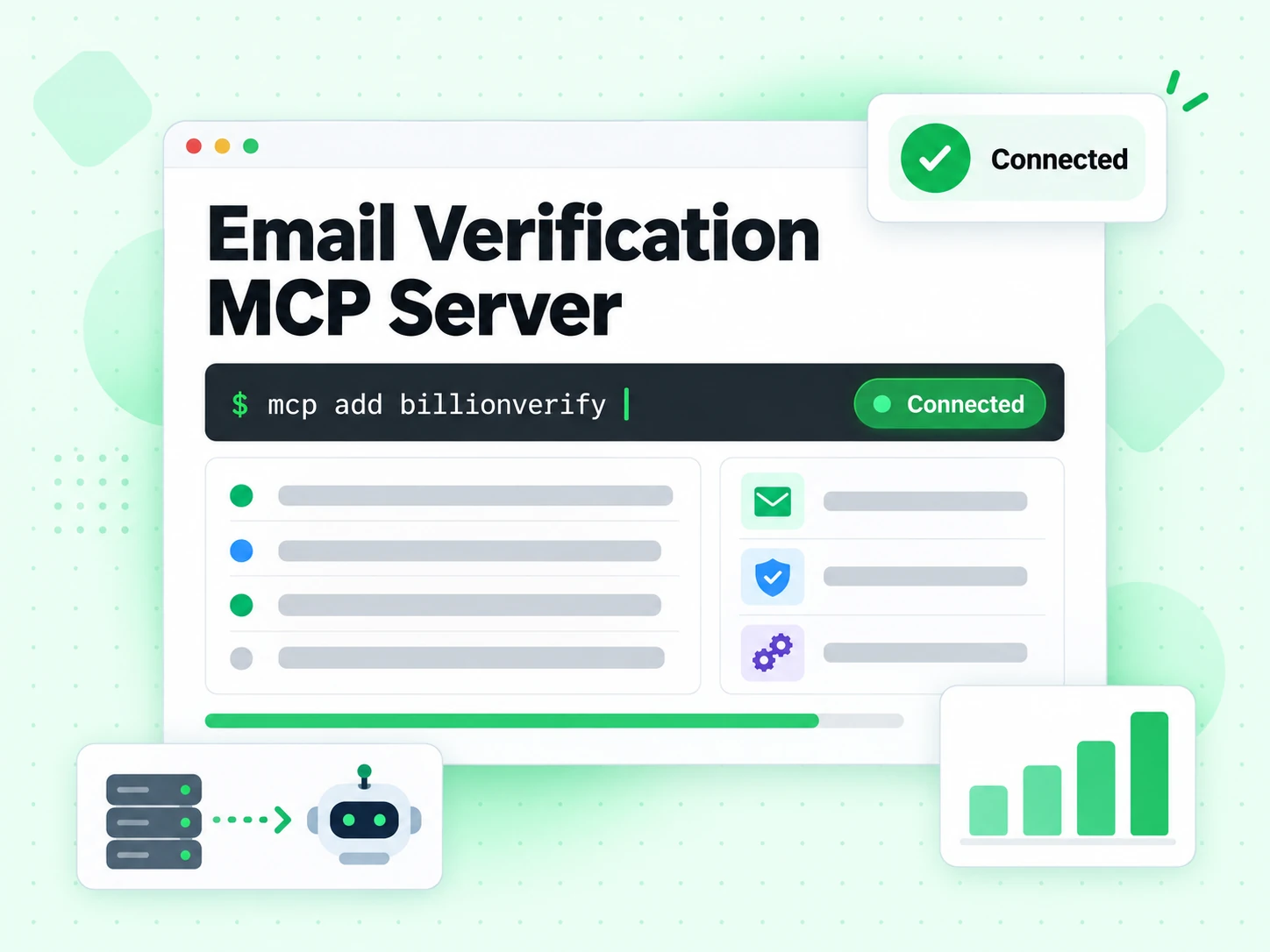
claude mcp add --transport http billionverify https://mcp.billionverify.com/mcp

https://mcp.billionverify.com/mcp

Email Verification MCP Server connected to an AI client through a remote endpoint

Connect the MCP server

Connect the MCP server in about two minutes. Nothing to install locally.

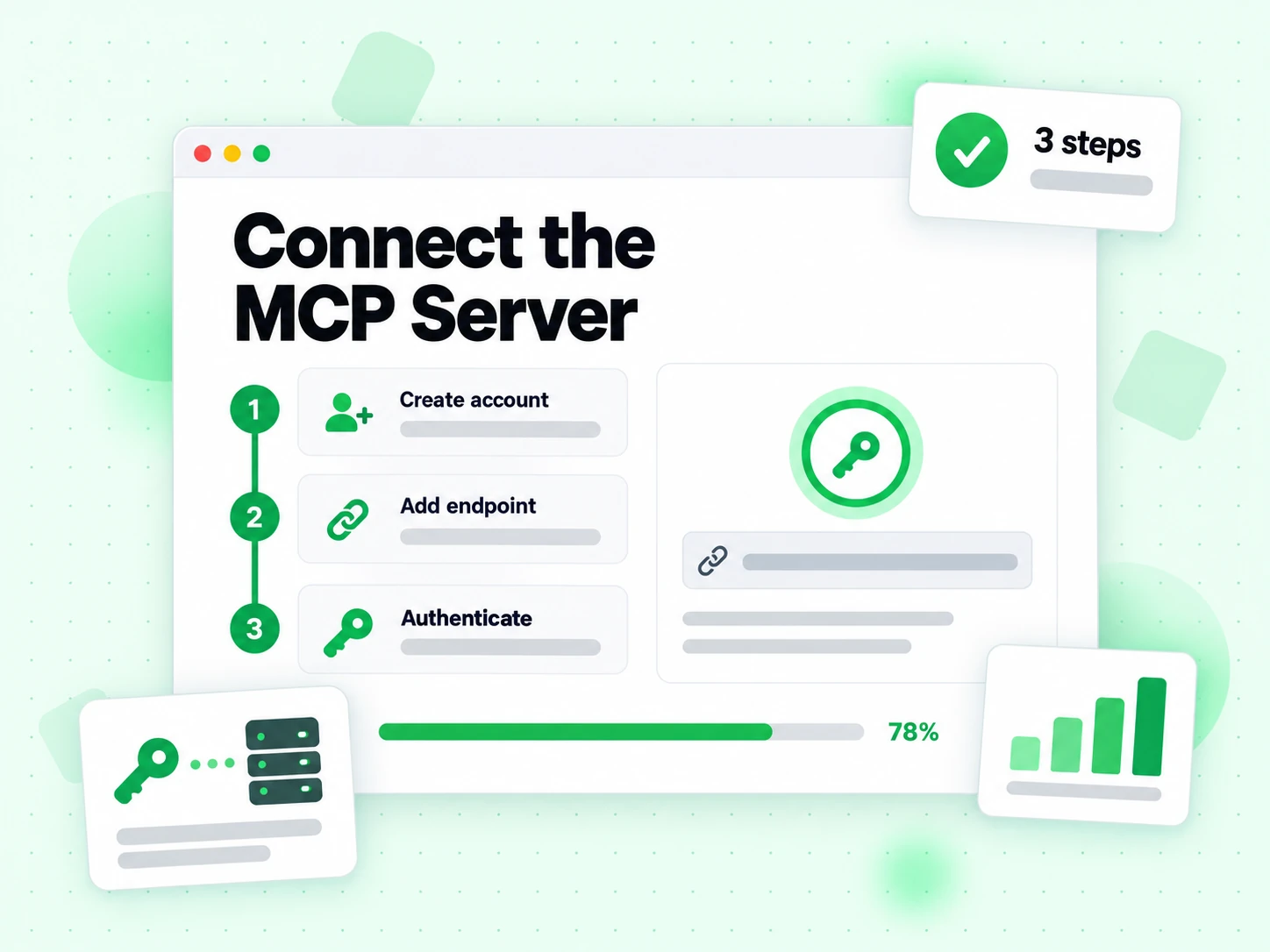
  1. Create Account

    Add the MCP server URL to your client's MCP configuration. There is nothing to install — the email verification MCP server is hosted.

  2. Add Remote Endpoint

    Authorise over OAuth. The MCP connection is tied to your account rather than to a key pasted into a config file.

  3. Authenticate

    The verification tool appears in the model's tool list. From then on, asking whether an address is valid runs a real check through the MCP server.

Connect the MCP Server in three steps: create an account, add the endpoint, and authenticate

What this email verification MCP server exposes

What this MCP server exposes as callable tools.

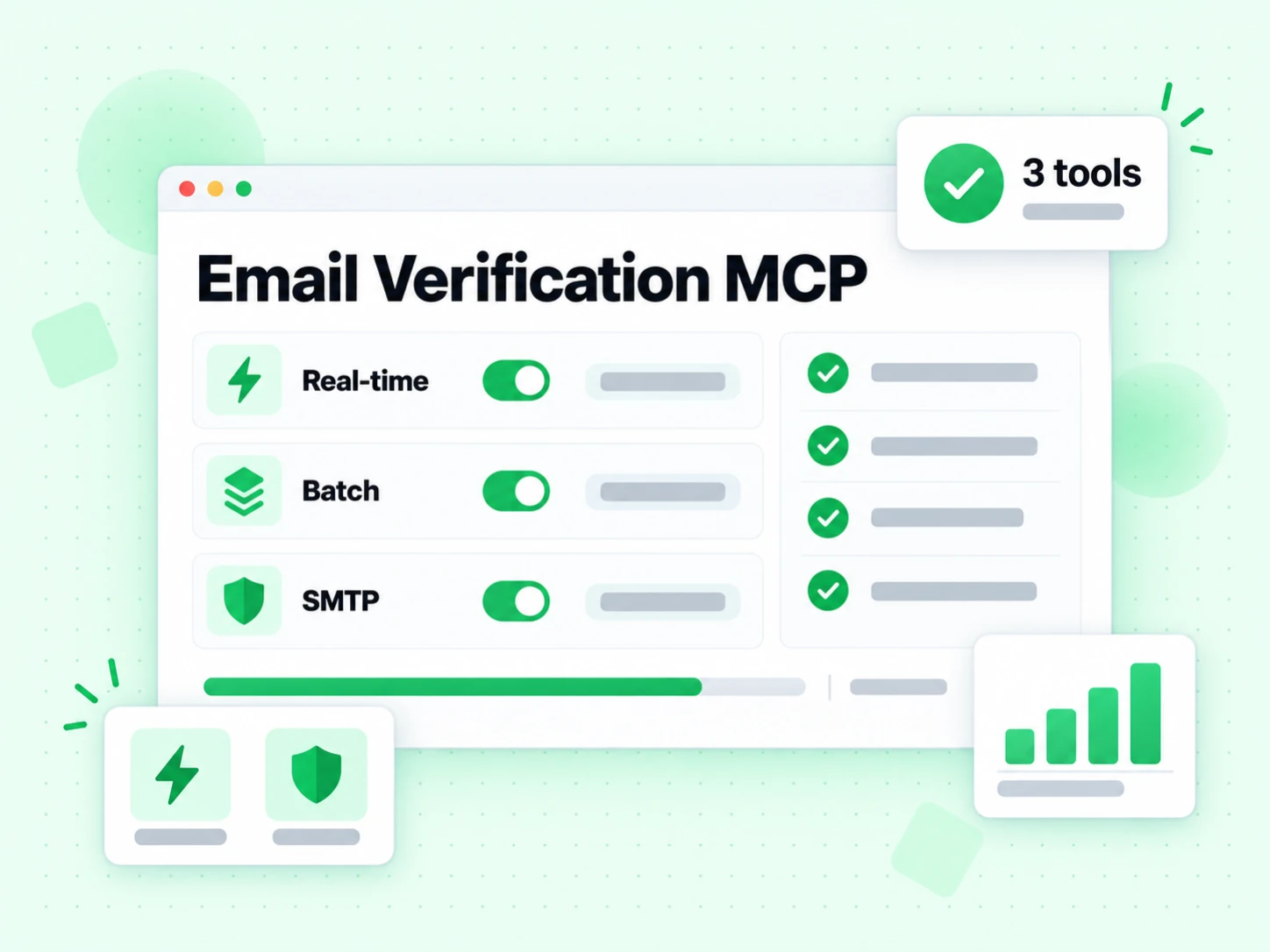
  • Real-time Verification

    One address, checked live over SMTP. This is the tool an agent reaches for most, and an email verification MCP server returns it as structured fields rather than prose.

  • Batch Processing

    Up to 50 addresses in one MCP call, same schema. Beyond that, the MCP server points the agent at the async file endpoints instead.

  • SMTP Verification

    A real mailbox probe, not a syntax guess. It is the reason to connect an email verification MCP server at all rather than letting the model reason about the address.

Email Verification MCP exposing real-time, batch, and SMTP verification tools

Clients that can use one MCP server for email verification

The email verification MCP server works with every MCP client — no per-client plugin, because MCP handles discovery.

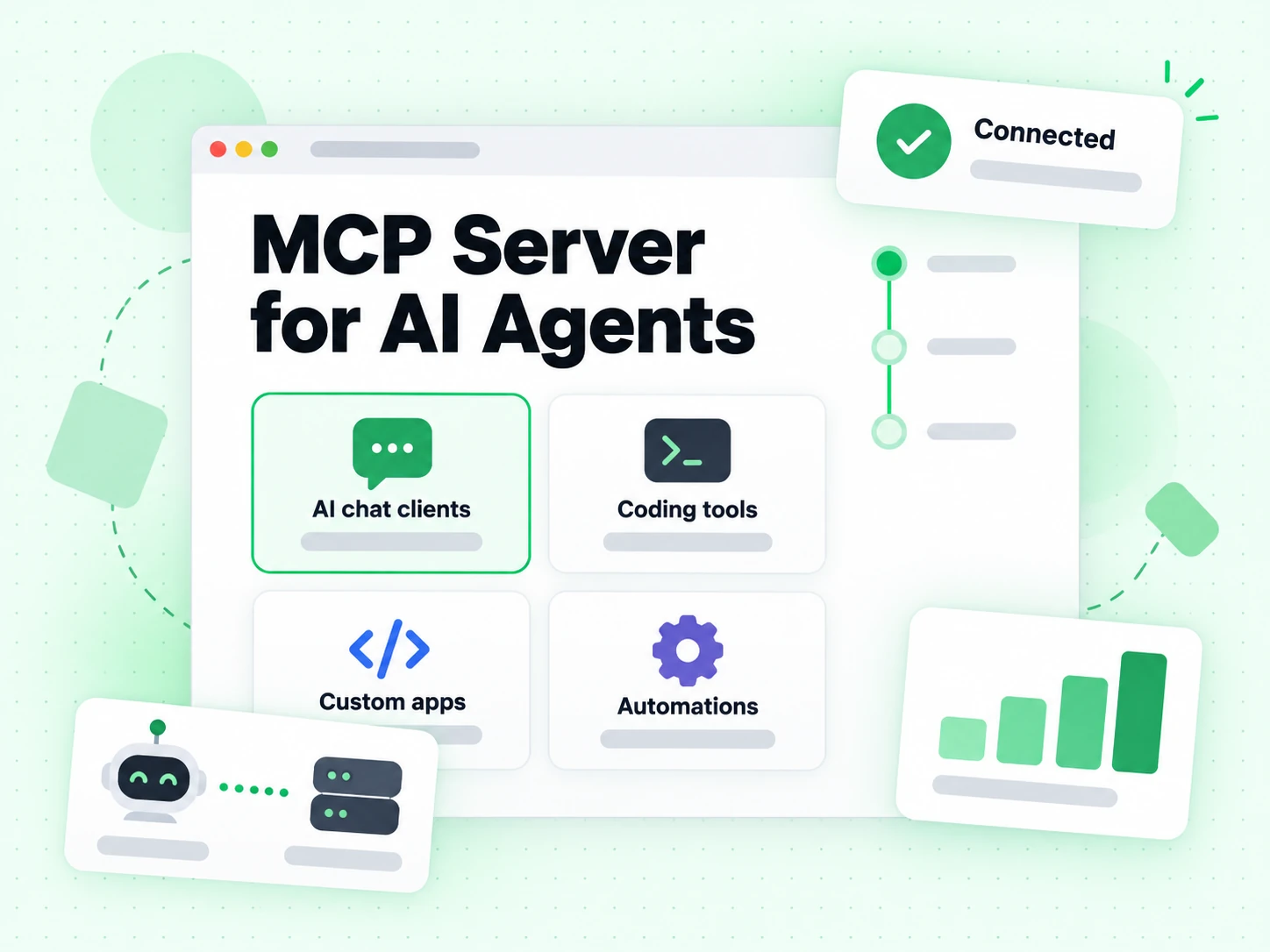
  • AI Chat Clients

    Claude Desktop, ChatGPT Desktop, DeepSeek, Kimi, MiniMax, Doubao

  • AI Coding Tools

    Claude Code, OpenCode, Cursor, Windsurf, Cline, Continue, Zed

  • Custom Integration

    REST API, HTTP Streamable Transport, JSON-RPC 2.0

MCP Server for AI Agents usable from AI chat clients, coding tools, and custom apps

Why an MCP server for email verification needs SMTP

Why an MCP server that runs real SMTP beats one that checks syntax.

A model asked to judge an address without tools will produce a confident, well-formed guess. So will an MCP server that only checks syntax — it just guesses in JSON.

An MCP server for email verification that opens a real SMTP conversation returns evidence instead. That is the whole difference, and it is why this email verification MCP server exists.

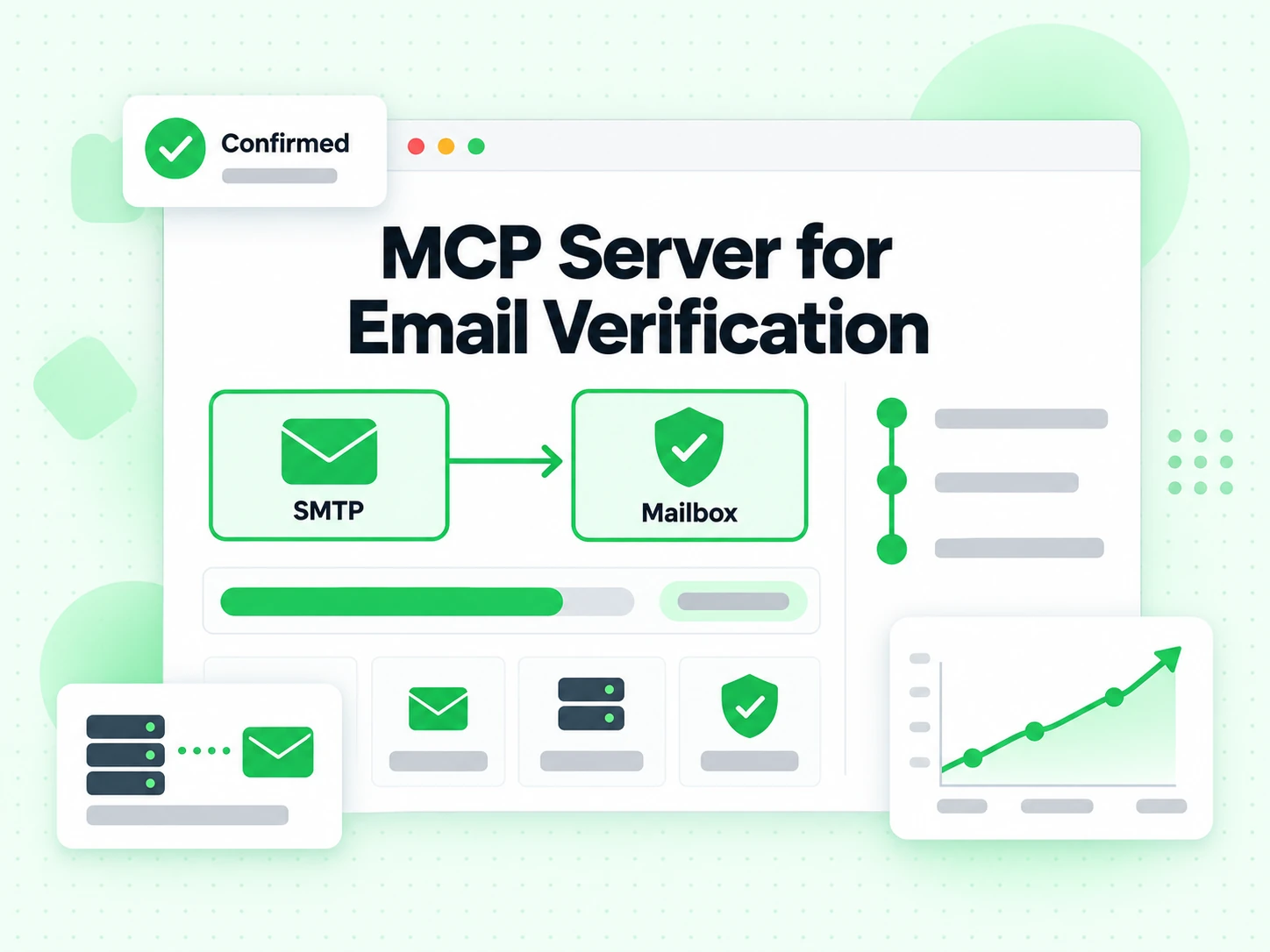
MCP Server for Email Verification confirming a mailbox over SMTP

What it is

What an email verification MCP server gives an agent

MCP is the Model Context Protocol: a standard way for an AI client to discover and call external tools. An email verification MCP server exposes real mailbox verification as one of those tools, so an agent can check an address instead of guessing about it.

The MCP server turns verification into a callable tool

Without MCP, an agent that needs to check an address either invents an answer or asks you to run something. With the email verification MCP server connected, the model sees a tool, calls it, and reads a structured result.

That is the whole value: our email verification MCP server replaces a plausible guess with a live SMTP answer, and the model does not have to be taught how to make an HTTP request.

The MCP protocol handles discovery and schema

The client asks our MCP server what tools it offers, and the server describes each one with its parameters. Nothing has to be hard-coded in the client, which is why an MCP server works across Claude Desktop, Cursor, and any other MCP client without per-client code.

This is what separates MCP from a bare REST API. The API still exists underneath; MCP is the layer that makes it discoverable to a model.

Structured JSON in, structured JSON out

The MCP server returns the same fields the REST API does: status, quality score, risk level, reason codes, and the disposable, role, catch-all, and free-webmail flags.

A model reading structured output cannot round unknown up to deliverable the way it can when summarising prose. Using the MCP server for email verification is a correctness decision, not only a convenience one.

Hosted, so there is nothing to run

The email verification MCP server runs at mcp.billionverify.com. There is no local process, no container, and no dependency to keep current — the client connects over HTTP and this MCP server handles the rest.

Authentication is OAuth, so the MCP connection is tied to your account rather than to a key pasted into a config file.

What comes back

Reading what the MCP server returns

Four statuses, and an agent should branch on them exactly the way application code would.

deliverable

The mailbox accepted an SMTP probe when this email verification MCP server ran the check. Safe to proceed with whatever the agent was doing.

The MCP server returns this as a field, not as a sentence, so the model does not have to interpret it.

undeliverable

A permanent failure. The agent should stop, report the reason code, and not write the address into a CRM or a campaign.

This is the case where an unassisted model is most likely to be wrong — a well-formed dead address looks fine to a language model and fails at our MCP server.

risky

The mailbox works but carries a flag: disposable provider, role account, catch-all domain. The MCP server returns which one, so the agent can apply your policy rather than a generic rule.

Tell the agent what your policy is; an email verification MCP server supplies the facts it needs to apply it.

unknown

The receiving provider deferred or rate-limited the probe. Nothing was proven either way.

An agent should queue a retry, not treat unknown as a pass. The MCP server reports it honestly rather than rounding it.

Getting it running

Connecting this MCP server to your client

Two minutes, and no code. The MCP server is hosted, so the client only needs the URL.

  1. 1

    Claude Desktop and Cursor

    Add the MCP server URL to the client's MCP configuration, authorise through OAuth, and the verification tool appears in the model's tool list.

    From then on, asking whether an address is valid produces a real check rather than a guess.

  2. 2

    Agent frameworks

    LangChain, CrewAI, and any framework with MCP support connect the same way. The email verification MCP server does not care which client is calling it.

    For frameworks without MCP support, the underlying REST API is still there — use Email Verification API directly and skip the MCP layer entirely.

  3. 3

    What to tell the agent

    Give it a policy rather than a threshold: which statuses to accept, what to do with risky flags, when to retry unknown. The MCP server supplies the evidence; the policy is yours.

    Agents that are told only check the email will call the email verification MCP server and then invent a conclusion about a risky result.

  4. 4

    Bulk work

    One-address MCP calls are for conversational and agent workflows. For a file, the async endpoints are the right tool.

    Use Bulk Email Verification for files; an MCP server call per row is the wrong shape for ten thousand addresses.

Limits

What our MCP server does not do

Its claim is narrow, which is what makes an agent's use of it trustworthy.

It does not grant consent

A deliverable result is not permission to email someone. An agent acting on MCP server output still needs your consent rules encoded somewhere.

The MCP server reports a mailbox fact and nothing about permission.

It does not identify a person

An accepting mailbox does not prove who controls it. Shared aliases and forwarded addresses are routine.

An agent should not infer identity from a deliverable status returned by this MCP server.

It does not guarantee inbox placement

SMTP acceptance describes the recipient path. Whether a later campaign lands in the inbox depends on sender-side reputation the MCP server never sees.

Use the deliverability test for that half of the problem.

It is not a substitute for a policy

The MCP server returns evidence. What an agent does with a catch-all domain or a disposable provider is a decision your product makes, not one the protocol makes.

Encode it once and give it to the agent alongside the MCP connection.

Reference

The protocol and the neighbouring surfaces

MCP is an open protocol, and the same verification engine is exposed several other ways.

The Model Context Protocol

MCP is an open standard for connecting models to tools, which is why one email verification MCP server works across every compliant client rather than needing a plugin per product.

The protocol handles discovery, schemas, and transport; our email verification MCP server supplies the verification.

One-click skills instead of MCP

If your platform uses skills rather than MCP, the Agent Skills package installs the same verification in one click.

Same engine, same fields — MCP and skills are two delivery mechanisms for one tool.

The REST API underneath

The Email Verification API is what our MCP server calls. Everything available through MCP is available over plain HTTP too.

Choose MCP when a model is the caller; choose the REST API when your own code is.

Frequently Asked Questions

1. How do I install this email verification MCP server?

There is nothing to install. It is a hosted MCP server: add the URL to your client's MCP configuration, authorise over OAuth, and the tool appears. No local process, no container, no dependency to keep current.

2. How do I use this with Claude Code?

Add the MCP server URL to the Claude Code MCP configuration and authorise over OAuth. Running the MCP server for email verification means the agent calls a tool instead of reasoning about whether an address looks plausible.

3. How do I set up in Cursor or Windsurf?

Same as any other client: add the URL, authorise, and the tool appears. An MCP server for email verification is client-agnostic by design — that is what the protocol is for.

4. Can I use this with ChatGPT, DeepSeek, or Kimi?

Any MCP-compliant client works, because MCP is an open protocol rather than a per-vendor plugin format. That is the point of connecting one MCP server for email verification once instead of integrating separately with each AI product.

5. Do I need an SDK to use the MCP server?

No. MCP handles discovery and schemas, so any compliant client can call an email verification MCP server without per-client code. If you would rather call HTTP directly from your own code, the REST API is available too — an MCP server for email verification and the API return identical fields.

Ready to Get Started?

Connect our email verification MCP server

An MCP server for email verification, hosted and OAuth-secured. Let your agent check addresses instead of guessing about them.

Hosted remote MCP server · No local package required · OAuth handled by client

99.9%
Accuracy
Real-time
API Speed
$0.00014
Per Email
600/mo
Free Forever