

 WordPress plugin
Best WordPress Email Verification Plugin
BillionVerify Email Validator is a free WordPress plugin bringing real-time WordPress email verification to every form on your site. Install this WordPress email verification plugin to block invalid, disposable, catch-all and role emails before they reach your WordPress database.
 View source on GitHub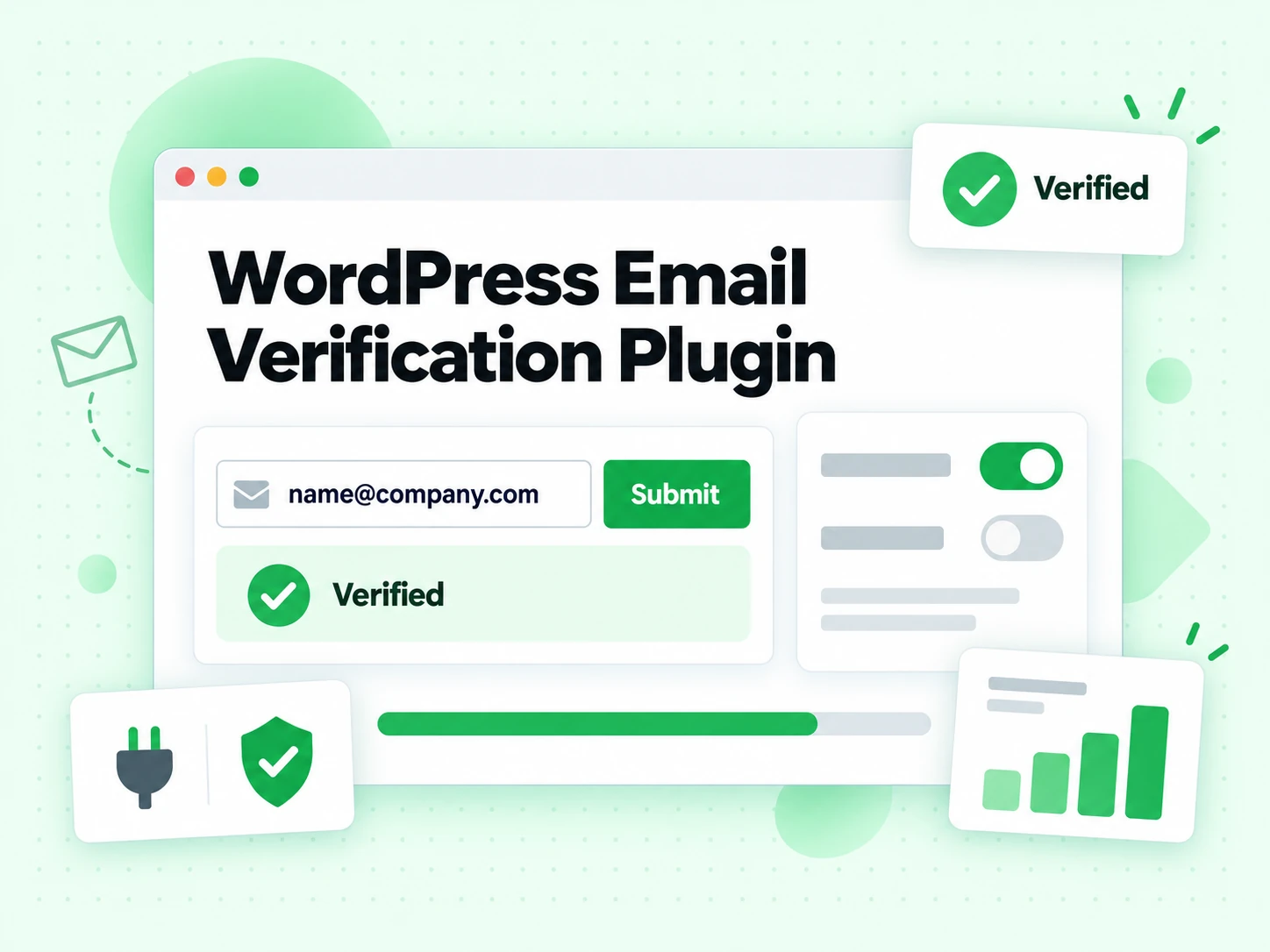
What is the BillionVerify WordPress plugin?
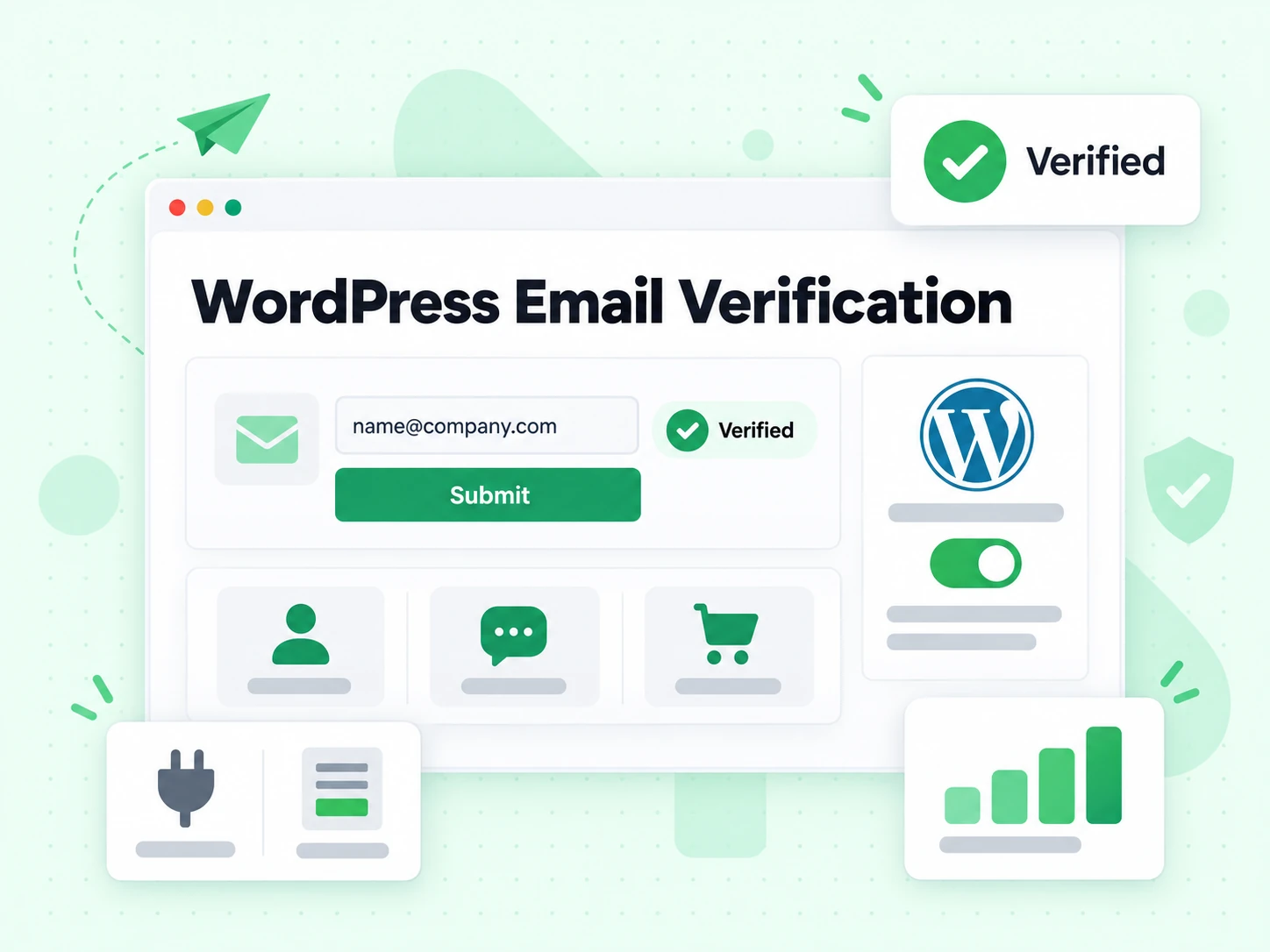
BillionVerify is a real-time WordPress email verification plugin that checks every address as your WordPress forms are submitted. Our WordPress email verification plugin stops fake, mistyped, disposable and undeliverable emails before they hit your WordPress site — no front-end changes and no theme edits required.
Built for WordPress, email verification in this WordPress plugin runs against the BillionVerify API with syntax, MX and SMTP mailbox checks, then rejects the submission when the address matches a status you chose to block. Cleaner WordPress signups mean fewer bounces, less spam, and healthier campaigns from your WordPress site.
WordPress forms this email verification plugin protects
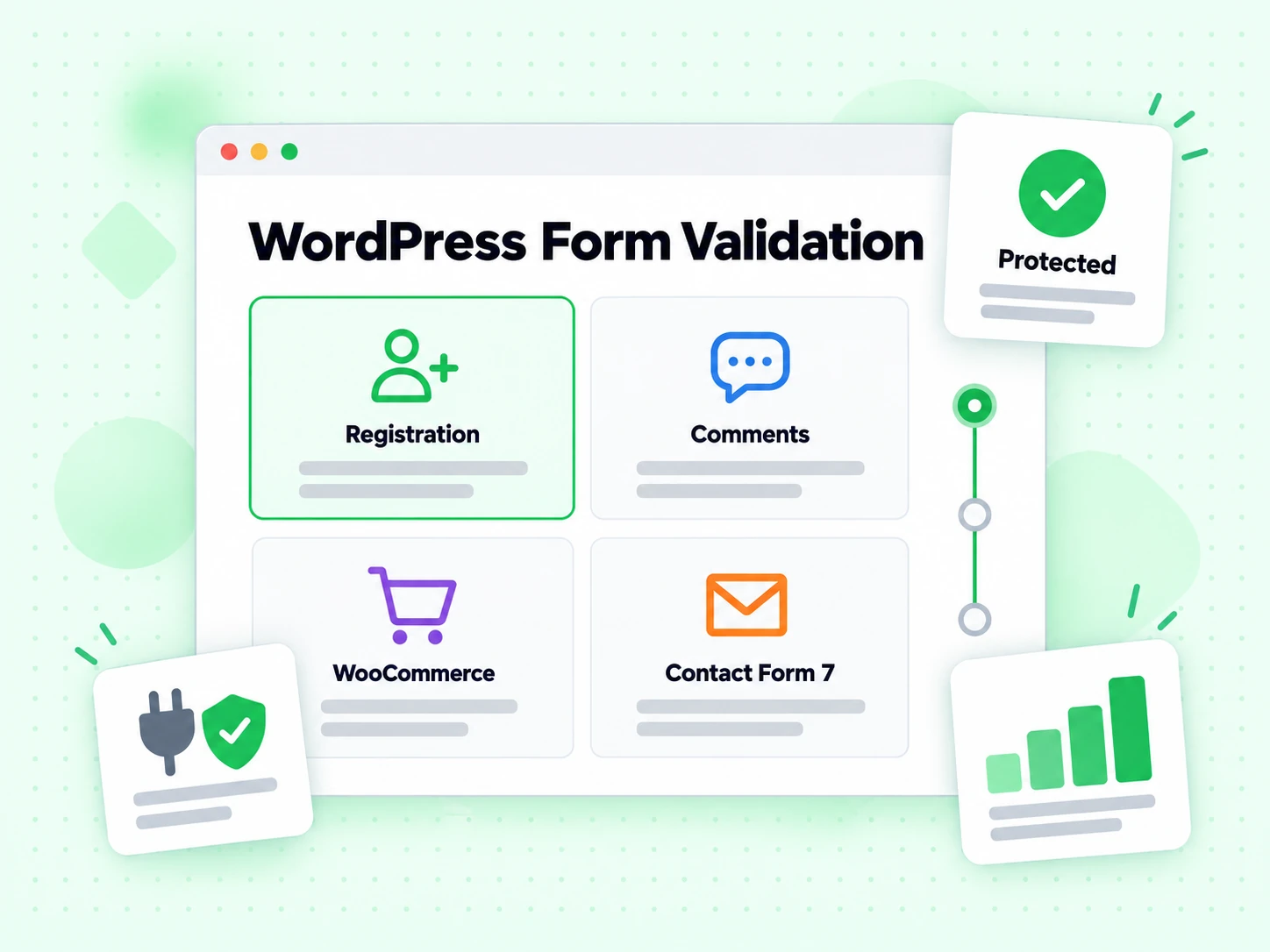
Enable the WordPress integrations you need in Settings → BillionVerify and WordPress email verification hooks into those forms automatically.
WordPress Registration
Verify addresses on the default WordPress registration form, including WordPress multisite signup.
WordPress Comments
Validate the email field on the native WordPress comment form to cut spam comments.
WordPress Lost Password
Check addresses on the WordPress lost-password form before reset emails are sent.
WooCommerce
Verify addresses on WooCommerce checkout and account registration on your WordPress store.
Contact Form 7
Add email verification to Contact Form 7, the most popular WordPress contact form plugin.
WPForms
Validate email fields in WPForms, the drag-and-drop WordPress form builder plugin.
Gravity Forms
Block bad addresses in Gravity Forms, a leading advanced WordPress forms plugin.
Elementor Pro Forms
Verify addresses in Elementor Pro form widgets across your WordPress pages.
Fluent Forms
Add real-time email verification to Fluent Forms on your WordPress website.
How to set up WordPress email verification
Get the best WordPress email verification plugin running in three steps.
Install the WordPress plugin
Upload this WordPress plugin to /wp-content/plugins or install it from the WordPress plugins screen, then activate it in WordPress.
Add your API key
Go to Settings → BillionVerify in your WordPress admin, paste your BillionVerify API key and click "Test connection".
Choose forms and statuses
Pick which WordPress forms to protect and which statuses block a submission. Invalid is blocked by default.
WordPress plugin features
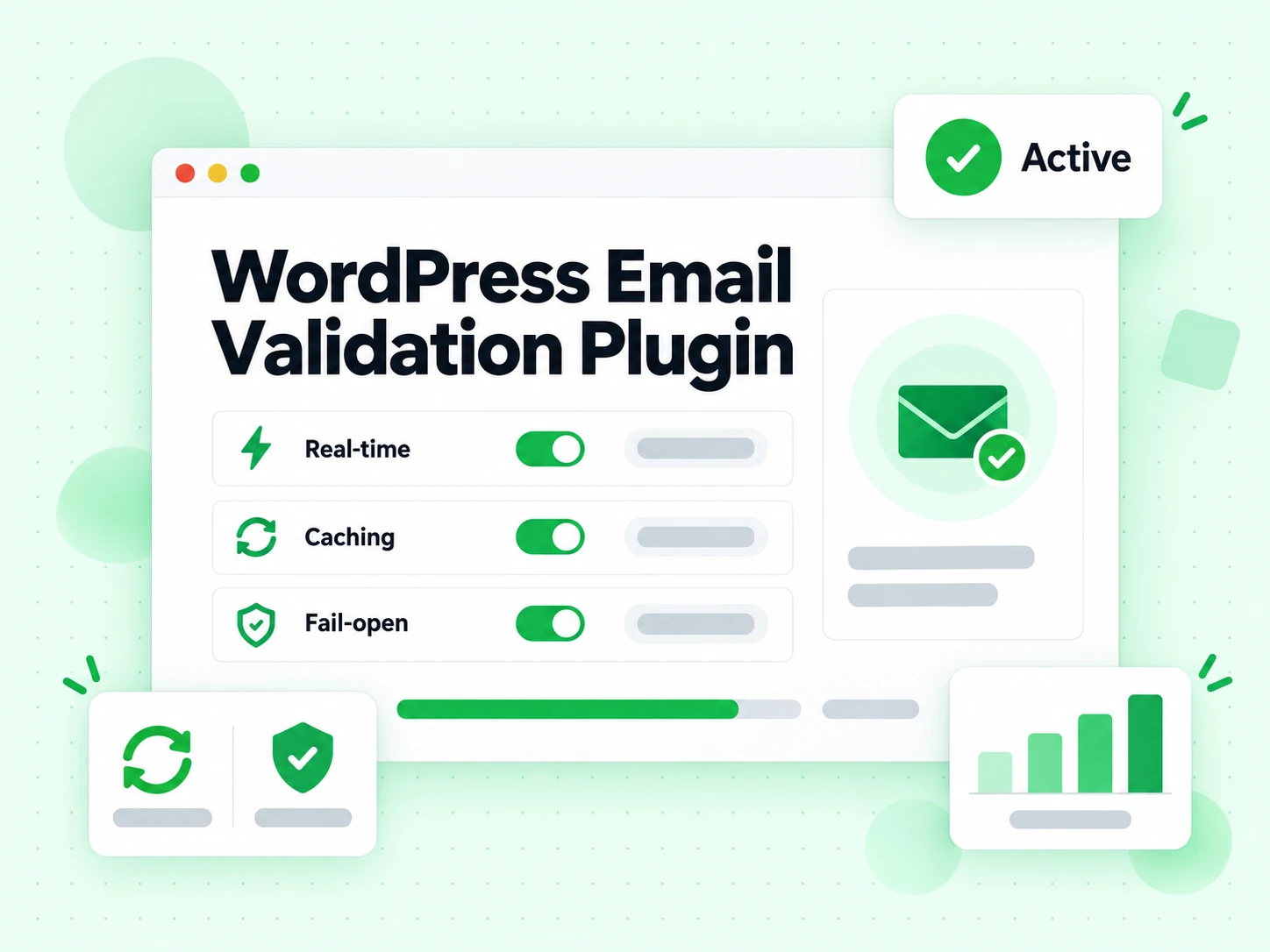
Real-time WordPress email verification
Our WordPress plugin verifies each address during form submission — no front-end changes to your WordPress site.
Detects every email status
Identify valid, invalid, disposable, catch-all, role and risky addresses on any WordPress form.
Choose what blocks a submission
Decide exactly which statuses your WordPress forms reject — invalid only by default, fully configurable.
Custom error message
Show your own message to WordPress visitors when an address is blocked by this WordPress plugin.
Built-in test tools
Run a connection test and a single-email test right inside the WordPress plugin settings screen.
Result caching
That WordPress plugin caches results, so repeated addresses do not spend extra WordPress email verification credits.
Fail-open by design
If the API is unreachable or credits run out, your WordPress forms keep working as normal.
Free WordPress plugin
This WordPress email verification plugin is free on WordPress.org — you only pay for verification credits.
Why add WordPress email verification
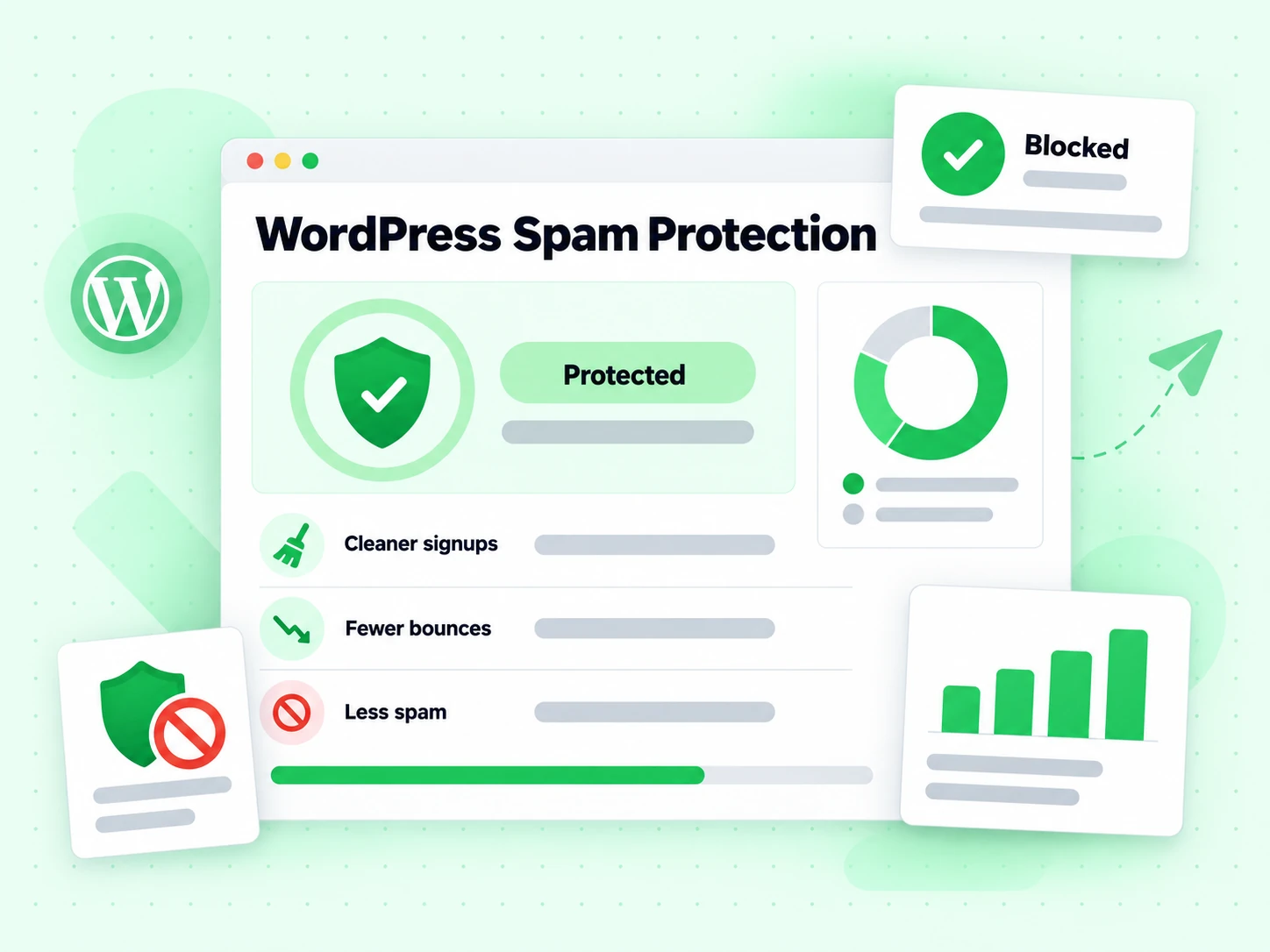
Cleaner WordPress signups
Keep fake and mistyped addresses out of your WordPress user base and mailing lists.
Fewer bounces
Removing undeliverable addresses at the WordPress form protects your sender reputation.
Less spam
Blocking disposable and role addresses reduces spam registrations and spam comments on WordPress.
Better WooCommerce data
Capture deliverable customer addresses at WooCommerce checkout, protected by the same WordPress plugin.
No code, no theme edits
Our WordPress plugin works through settings only — no changes to your WordPress theme or forms.
Credit-friendly
Caching and the never-charged unknown status keep your WordPress verification costs low.
Explore the free features
Nineteen free tools alongside the paid AI features, none of them requiring an account.
Email Verify Tools
Email Verifier
Check if an email address is valid with a free email verifier, no signup — syntax, MX, SMTP mailbox, disposable, role and catch-all checks.
Recipient evidence — not sender or DNS configuration.
Email Verify Tools
Email Validator
Free email validator for address syntax and published MX records. Run an email syntax and MX check instantly, without claiming SMTP mailbox proof.
Email Verify Tools
Email Spam Checker
Free email spam checker: see whether an address sits on a domain with a recorded spam, phishing, or malware history. Check email for spam risk instantly, no signup.
Email Verify Tools
Disposable Email Detection
Free temporary email address detector: spot disposable and throwaway domains in real time, with focused disposable results for signups and list quality.
Email Verify Tools
Bounce Email Checker
Free bounce email checker: find out whether an address will hard bounce before you send, with a live SMTP probe. A hard bounce detection tool, no signup.
Email Verify Tools
Email List Cleaning
Email list cleaning service with live SMTP verification on every row: dedupe, suppress hard bounces, keep the reasons. Clean email list free tool, no signup to try.
WordPress plugin FAQ
1. How does WordPress email verification work?
When a visitor submits a protected WordPress form, that WordPress email verification plugin sends the address to the BillionVerify API. If it matches a status you chose to block (for example invalid or disposable), the WordPress form rejects the submission and asks for a different email. No message is sent to the address during verification.
2. What happens if my account runs out of credits?
By default this WordPress plugin fails open: if the check cannot complete, the address is accepted and your WordPress forms keep working as if nothing were installed. You can switch it to fail closed in the WordPress plugin settings.
3. Does the WordPress plugin consume a credit on every submission?
Each unique address is verified once and cached for the lifetime you configure, so repeated submissions of the same address on your WordPress forms do not spend extra credits. The unknown status is never charged.
4. Do I need to modify my existing WordPress forms?
No. Enable the integrations you want in Settings → BillionVerify and our WordPress plugin hooks into those forms automatically — no changes to your WordPress theme or form markup.
5. Which WordPress forms does the plugin support?
Default WordPress registration, comment and lost-password forms, WooCommerce checkout and registration, Contact Form 7, WPForms, Gravity Forms, Elementor Pro Forms and Fluent Forms.
6. Is this WordPress email verification plugin free?
Yes. The BillionVerify Email Validator WordPress plugin is free to download and install from WordPress.org. You only pay for the WordPress email verification credits you actually use through the BillionVerify API.
Add WordPress email verification to your site
Install our free WordPress plugin, the best WordPress email verification plugin on WordPress.org, and start blocking bad addresses on every form today.
Free WordPress plugin on WordPress.org · Works with 9+ WordPress form plugins · Real-time WordPress email verification · No theme or form edits