

Free LinkedIn Carousel Downloader: Save Slides as PDF or Images
Paste a public LinkedIn carousel or document post link and save every slide as an image, or the original PDF. A free LinkedIn carousel downloader that hands back LinkedIn's own image and PDF files — no login, no app, no watermark.
- Free to use
- No login required
- No watermark added
- All slides or original PDF
Paste a LinkedIn carousel or document post URL to download the slides
What Is a LinkedIn Carousel Downloader?
A LinkedIn carousel downloader is a tool that saves the images or PDF behind a LinkedIn carousel post so you can keep a usable copy off the platform. LinkedIn shows carousels — and the visually similar document posts — as a swipeable stack of slides inside the feed, but it doesn't give every viewer an obvious way to save LinkedIn carousel slides as a file. Copying screenshots one slide at a time is slow and drops resolution; this LinkedIn carousel downloader lets you download LinkedIn carousel slides in one pass and hands back every page, or the original document, in a form you can actually keep. In short, it's a free LinkedIn carousel downloader online you can use without installing anything.
BillionVerify's LinkedIn carousel downloader works with both post types LinkedIn treats as multi-slide content. An image carousel is a set of pictures the author uploaded and arranged one by one — there's no underlying file, so downloading it means saving each image. A document post is different: it starts life as an uploaded PPT, PPTX, DOC, DOCX, or PDF, and LinkedIn converts it into a PDF behind the scenes before rendering it slide by slide in the feed. Because that PDF already exists on LinkedIn's side, this tool can fetch it directly — which is why it works as a LinkedIn document downloader and a LinkedIn pdf downloader, not only as a slide-by-slide image saver.
That distinction is also why a single generic image saver isn't enough on its own. Downloading carousel slides as PNG or JPG covers the image-carousel case, but a real LinkedIn carousel to PDF result — the exact file LinkedIn stored, not a re-assembled copy — is only possible for document posts. This tool checks the post first, then offers whichever output actually exists: images for a carousel, and images plus the original PDF for a document post. Free use on this page includes both paths, with no login and no watermark added to what LinkedIn already published.
How to Download a LinkedIn Carousel as PDF
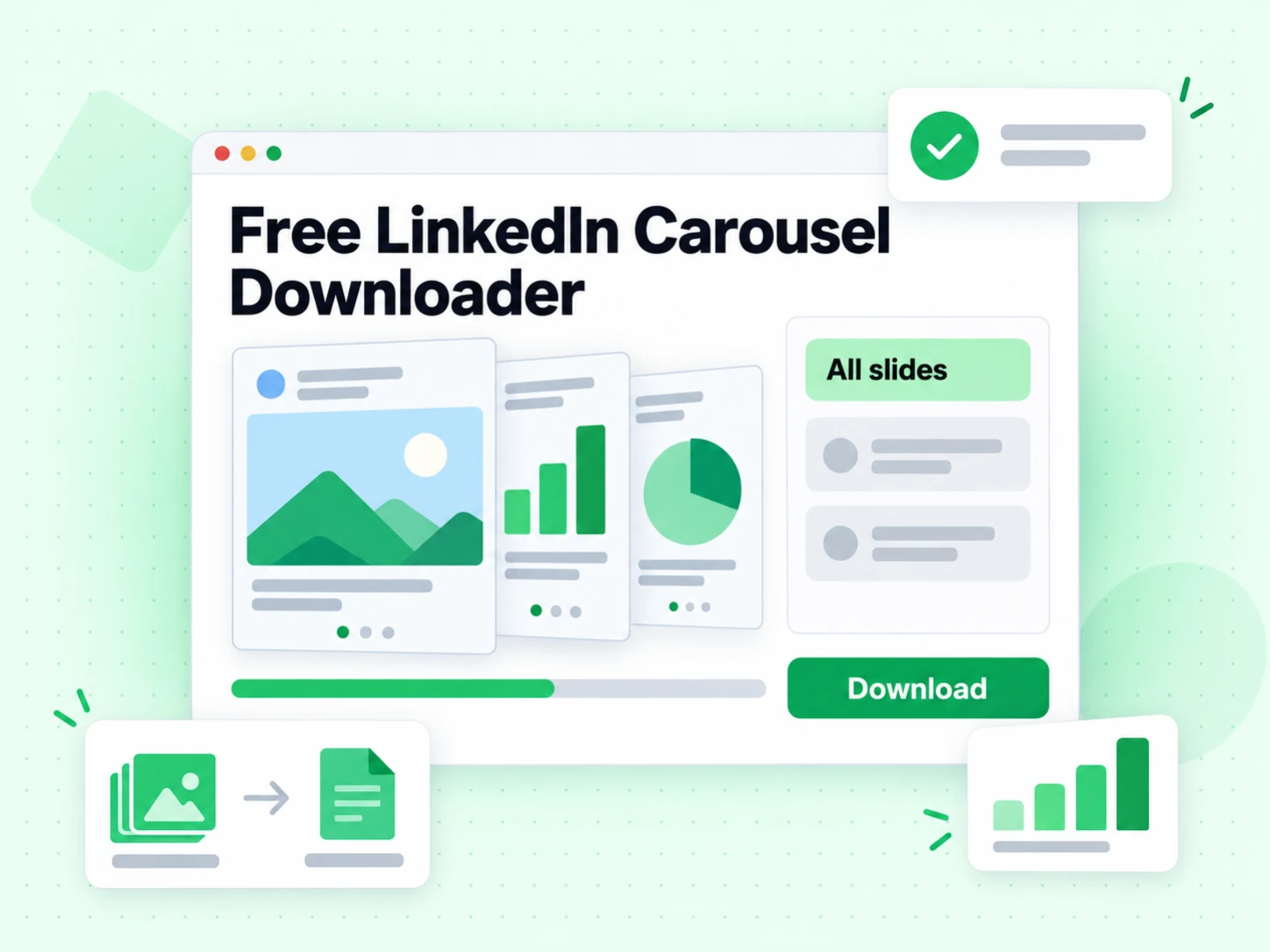
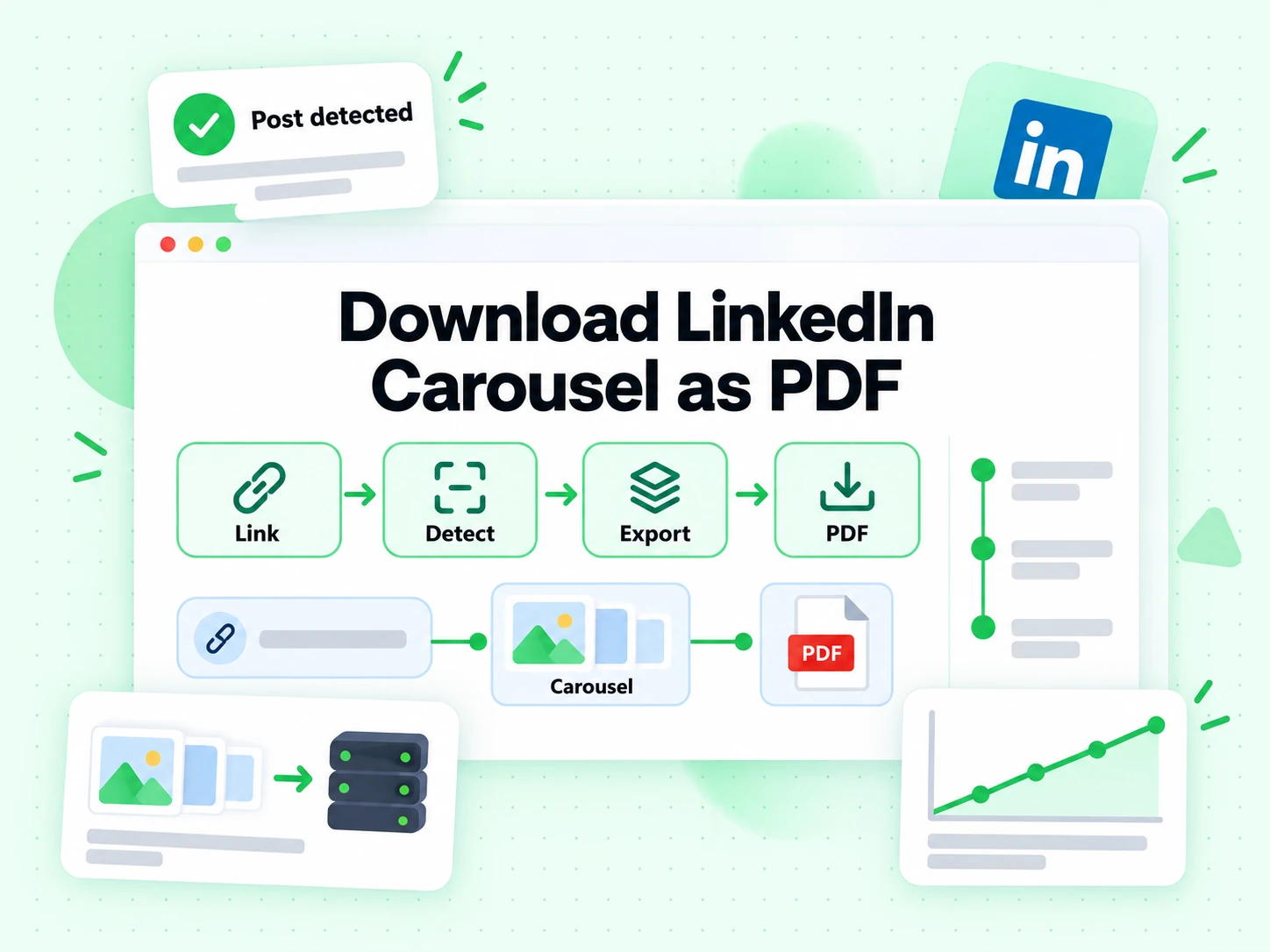
Every free LinkedIn carousel downloader request on this page goes through the same four steps, whether the post you paste is an image carousel or a document post.
Copy the LinkedIn post link
Open the LinkedIn carousel or document post, click the three-dot menu on the post, and choose "Copy link to post." This is the same link LinkedIn uses to share the post, so no special formatting is needed before you download LinkedIn carousel content behind it.
Paste the link and detect the post type
Drop the URL into the box above and click "Get Slides." This free LinkedIn carousel downloader reads the post and tells apart an image carousel from a document post before showing any download option, since only a document post carries an original PDF.
Choose slides, a ZIP, or the PDF
For an image carousel, download each slide individually or grab all slides as a single ZIP. For a document post, do either of those plus download the original PDF — the same file LinkedIn stored when the PPT, PPTX, DOC, DOCX, or PDF was uploaded.
Save the file to your device
Each download saves straight to your device's downloads folder — no account, no browser extension, and no software to install. You can download LinkedIn slides one at a time, or let the ZIP handle a large carousel automatically.
When You Need a LinkedIn Carousel Downloader
Use this free LinkedIn carousel downloader whenever a slide deck or one-pager only exists inside someone else's post, and you need a copy you can open, forward, or file away on your own.
Before a sales or client review
Prospects and clients often share a proposal, a case study, or a one-pager as a LinkedIn document post instead of attaching a file. Downloading the LinkedIn carousel or the original PDF puts the same content into your CRM or shared drive, where the rest of the deal team can actually open it.
When researching a competitor's campaign
Competitor carousels get edited or taken down. Saving the slides — or the LinkedIn carousel to PDF output when the post is a document post — while the campaign is live gives you a stable reference instead of a link that might 404 next quarter.
When archiving a candidate's portfolio
Recruiters see design and writing samples posted as LinkedIn carousels. A LinkedIn document post download keeps the portfolio attached to the candidate's file even after the original post is deleted or the account is closed.
When you need the source file, not a link
A link breaks if the post is edited, restricted, or removed. Saving LinkedIn slides once, at the resolution LinkedIn stored them, means the file still opens the next time you need it — on or off LinkedIn.
Before turning a carousel into other content
Teams that repurpose a LinkedIn carousel into a blog post, an internal training deck, or a written transcript for accessibility need the original images or PDF first. Save the slides here, then convert them wherever that next step happens.
All Slides or the Original PDF: What You Get
LinkedIn has two kinds of multi-page posts. An image carousel is a set of independent images the poster uploaded one by one — for these, this LinkedIn carousel downloader saves each slide as an image. A document post is created by uploading a PPT, PPTX, DOC, DOCX, or PDF file — LinkedIn converts it into a single PDF, and this tool fetches that original PDF directly, in addition to each page as an image.
The LinkedIn carousel downloader detects which kind of LinkedIn post you've linked to and shows the download options that apply, so you never see a PDF button on a LinkedIn post that never had a PDF to begin with.
Carousel Post vs. Document Post
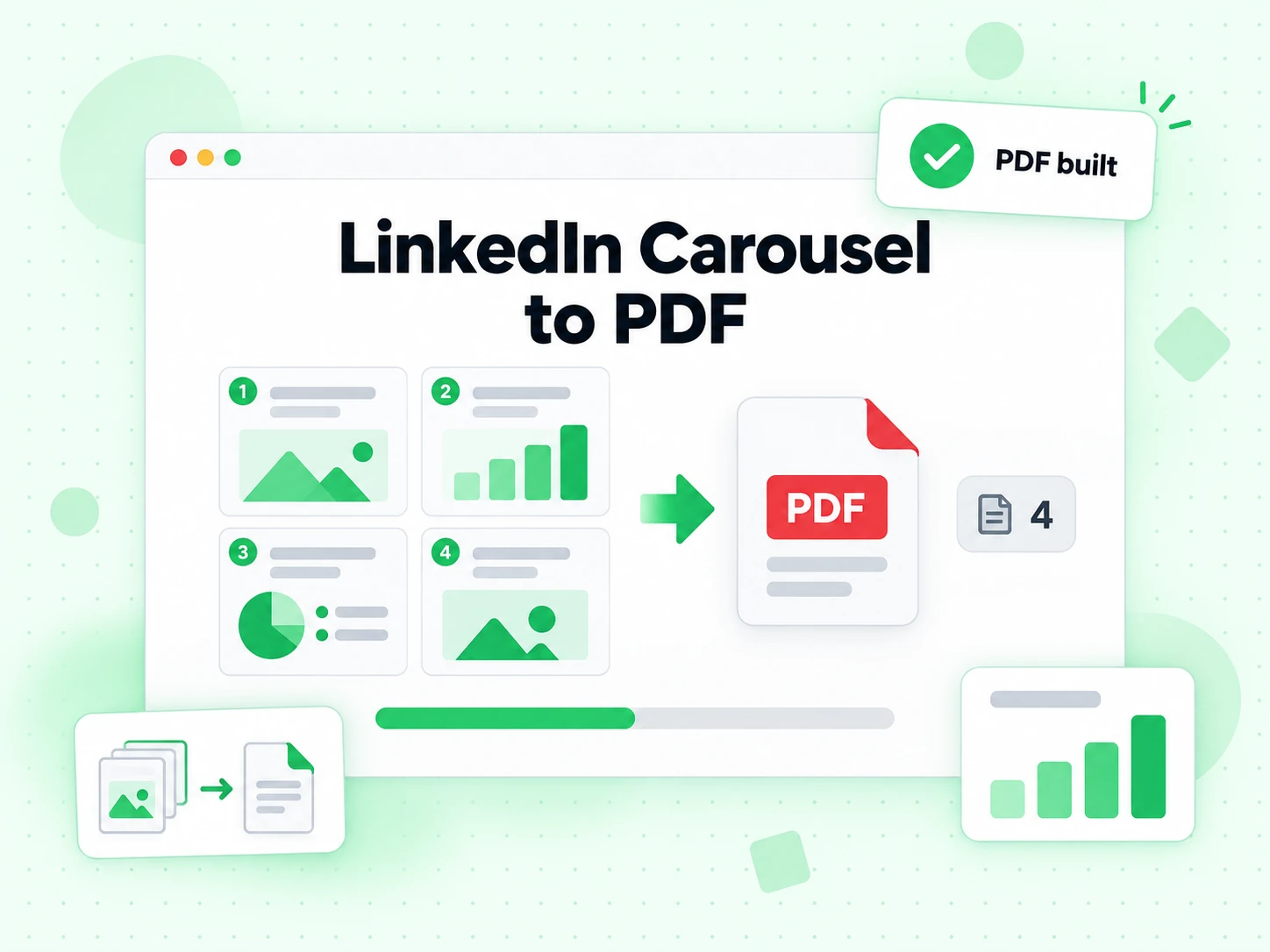
A carousel post is a sequence of images the author uploaded and arranged manually — there's no underlying file, just the images. A document post is generated from an uploaded PPT, PPTX, DOC, DOCX, or PDF (up to 100MB and 300 pages, per LinkedIn's own limits) and LinkedIn stores it as a PDF behind the scenes. Visually they can look similar in the feed, but only document posts have an original PDF to download. This LinkedIn carousel downloader supports both formats from the same input box, so you don't need to know which type a post is before you paste the link.
Why the Download Option Is Missing on Some Posts
LinkedIn's own document viewer shows a download icon for some document posts and not others — that control lives in a setting the poster sets at publish time, not in this tool. When a document post doesn't show a download option on LinkedIn itself, this free LinkedIn carousel downloader mirrors that same setting: slides only, with no PDF button, matching what LinkedIn itself already displays for that post.
Download LinkedIn Carousels on iPhone and Android
This free LinkedIn carousel downloader online works the same in any mobile browser, so you can save slides or a PDF from your phone just as easily as from a laptop. Copy the post link from the LinkedIn app's share menu, open this page, paste the link, and tap "Get Slides." Downloaded slides and PDFs save to your device's downloads folder.
How This LinkedIn Carousel Downloader Differs
This is a single-post, free LinkedIn carousel downloader — paste a link, get files back. It is not a scheduling tool, not a carousel maker, and not a browser extension that needs your logged-in session.
Some people search for a LinkedIn carousel pdf downloader, a LinkedIn slideshow downloader, or a LinkedIn document downloader and land here — on this page, those are the same tool as the LinkedIn carousel downloader above, since LinkedIn's slideshow-style carousels and document posts share the same download flow. Use the comparison below to see where this fits next to LinkedIn's own controls and the other ways people try to save a carousel.
| Tool | What it does | Use it when |
|---|---|---|
| LinkedIn Carousel Downloader | Reads a public LinkedIn post and returns every slide, or the original PDF for a LinkedIn document post | When you need the actual LinkedIn image or PDF files, not just a screenshot |
| LinkedIn's Own Download Button | Lets the LinkedIn document viewer save the PDF, but only when the poster enabled it | When the poster left LinkedIn's download option on — otherwise this tool is the fallback |
| Browser Screenshot or Extension | Captures whatever is on screen, one LinkedIn slide at a time, at screen resolution | A quick, low-resolution copy of one LinkedIn slide when you don't need the full set |
| LinkedIn Carousel Maker Tools | Design new carousel slides to post, not download an existing one | Creating a new carousel, not saving someone else's published post |
| LinkedIn Video Downloader | Saves the native MP4 video from a LinkedIn post instead of slides or a PDF | When the LinkedIn post is a video, not a carousel or document — the two tools cover different content types |
How to Read Your LinkedIn Carousel Download Result
When a free LinkedIn carousel downloader request succeeds, the result tells you two things: how many slides the post has, and whether an original PDF exists alongside them. "Slides found — PDF available" means the post is a document post — LinkedIn converted an uploaded PPT, PPTX, DOC, DOCX, or PDF into the file behind the feed, and this tool can hand back that exact PDF as well as each page as an image. "Slides found" without a PDF option means the post is an image carousel — a set of pictures the author uploaded one by one, with no underlying document to retrieve, so images are the only file type that exists.
Whether you download LinkedIn PDF document post files or save an image carousel slide by slide, the file you get is the one LinkedIn already stored — nothing is re-rendered, re-compressed, or watermarked on our side. Large carousels package into a ZIP automatically; if that packaging step fails or takes longer than expected, fall back to downloading slides individually, which pulls the same file straight from LinkedIn's own CDN for each page.
More Free LinkedIn and Email Tools
Downloading a LinkedIn carousel is often one step in a bigger workflow — finding the right contact, verifying an email, or turning the slides into text. This free LinkedIn carousel downloader pairs well with these next steps.
Need the video too?
Save the native MP4 from a LinkedIn post with the LinkedIn Video Downloader — the same free, no-login flow as this LinkedIn carousel downloader.
Find the contact behind the post
Turn a LinkedIn profile or company domain into a verified email address before you follow up on the carousel you just saved.
Check an address before you send
Run a free SMTP email verifier on any address you found, so the outreach that follows a saved LinkedIn carousel doesn't bounce.
Screen personal vs. company addresses
Free Email Checker flags free personal webmail providers — useful when qualifying leads sourced from a downloaded LinkedIn document post.
Turn the slides into a transcript
Once you've downloaded a LinkedIn carousel or document post as a PDF, Transcript.im can turn the text and narration on those slides into a written transcript for accessibility, translation, or repurposing.
Frequently Asked Questions
1. Is this LinkedIn carousel downloader free?
Yes. There's no charge to use this free LinkedIn carousel downloader, and no account is required. Free use is subject to a daily limit designed to prevent automated abuse.
2. Do I need to log in to LinkedIn to use this tool?
No. It works with the public post link alone — you don't need a LinkedIn account or an active session to download LinkedIn carousel slides or a document post PDF.
3. Can I download the original PDF, not just images?
Yes, for document posts (posts created from an uploaded PPT, PPTX, DOC, DOCX, or PDF). That makes this a working LinkedIn PDF downloader for that post type — image carousels don't have an underlying PDF, since they were never uploaded as a document.
4. Why doesn't LinkedIn let me download this carousel?
LinkedIn's own document viewer only shows a download icon for some document posts, based on a setting the poster controls at publish time. This LinkedIn carousel downloader shows the same result LinkedIn does — slides only, no PDF option — when that setting is off.
5. What's the difference between a carousel post and a document post?
A carousel is a set of individually uploaded images; a document post is generated from an uploaded PPT, PPTX, DOC, DOCX, or PDF file and stored by LinkedIn as a single PDF. See the comparison section above for how this LinkedIn document downloader handles each type.
6. Can I download a private post's carousel?
No. This tool only works with posts that are public.
7. Can I download all slides at once?
Yes. Use "Download All Slides (ZIP)" to package every slide from this LinkedIn carousel downloader — all slides at once — into a single ZIP file; this can take up to a minute for large carousels, and the download starts automatically once it's ready. You can also download slides individually if you prefer.
8. Can I download a LinkedIn carousel on mobile?
Yes. A LinkedIn carousel download online works the same in any mobile browser — see "Download LinkedIn Carousels on iPhone and Android" above.
9. What resolution do the slides download at?
The resolution LinkedIn stored for the post. Document posts typically offer higher resolution than image carousels.
10. Is there a LinkedIn carousel downloader for slideshow posts too?
Yes. LinkedIn's slideshow-style carousels and document posts both go through the same LinkedIn carousel downloader on this page — paste the link and the tool detects which type of post it is before showing slides, a ZIP, or a PDF option.
Find verified emails from any LinkedIn profile
Looking for LinkedIn contacts to reach out to after using this free LinkedIn carousel downloader? Try our free Email Finder to find verified email addresses from a LinkedIn profile or company domain.
600 free credits/mo · 99.9% SMTP accuracy · No credit card required