๐Ÿ“ Introducing MapLeads: Turn Google Maps, Bing Maps & Apple Maps into your lead list.Try MapLeads
Free header analyzer

Email Header Analyzer

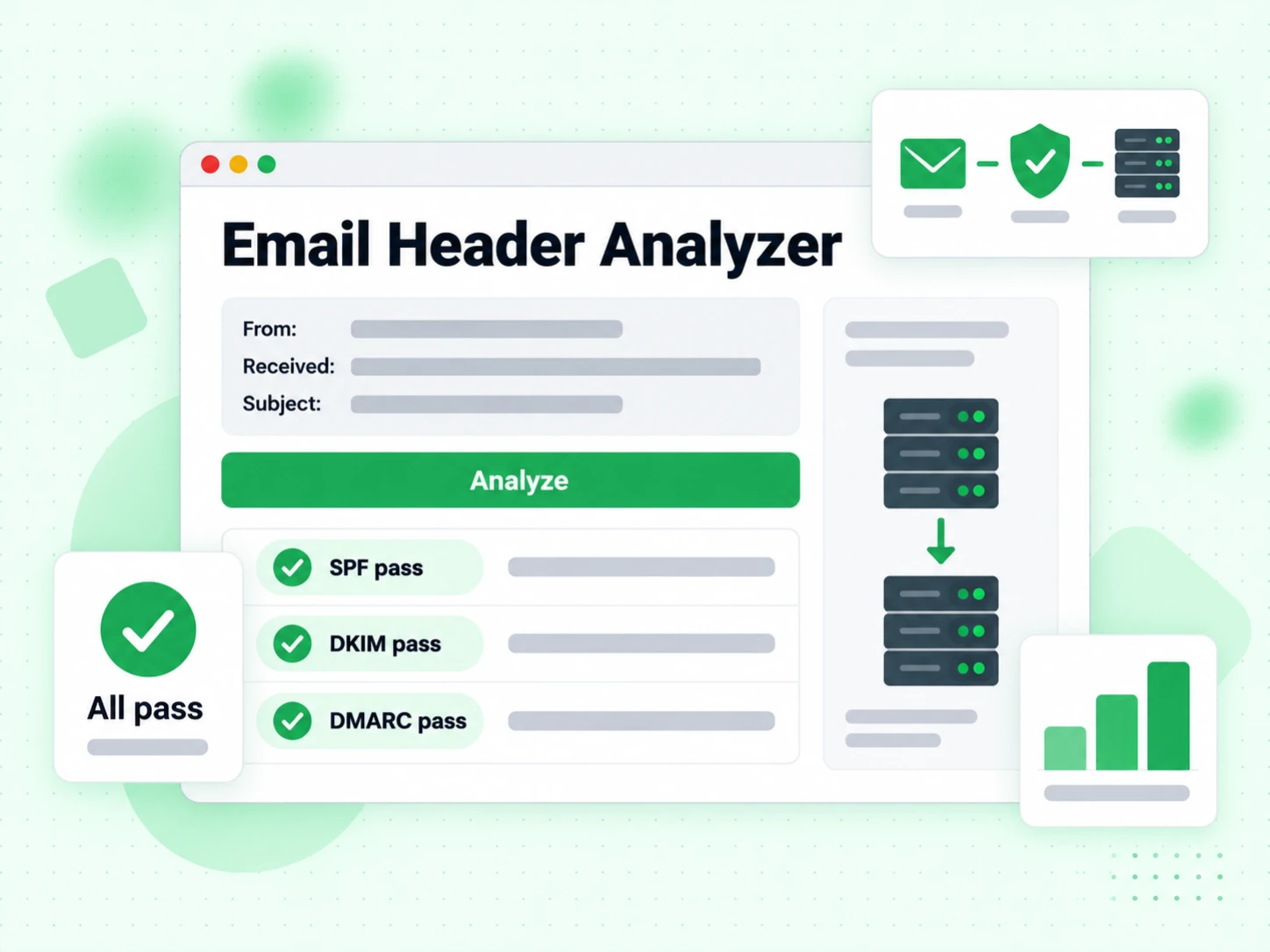
Paste a raw header block and this free email header analyzer shows SPF, DKIM, and DMARC verdicts, the full delivery path, and every key header field. Parse email headers online free, in your browser โ€” no header text is uploaded anywhere.

Paste your header into the header analyzer

What Are Email Headers and What Do They Contain?

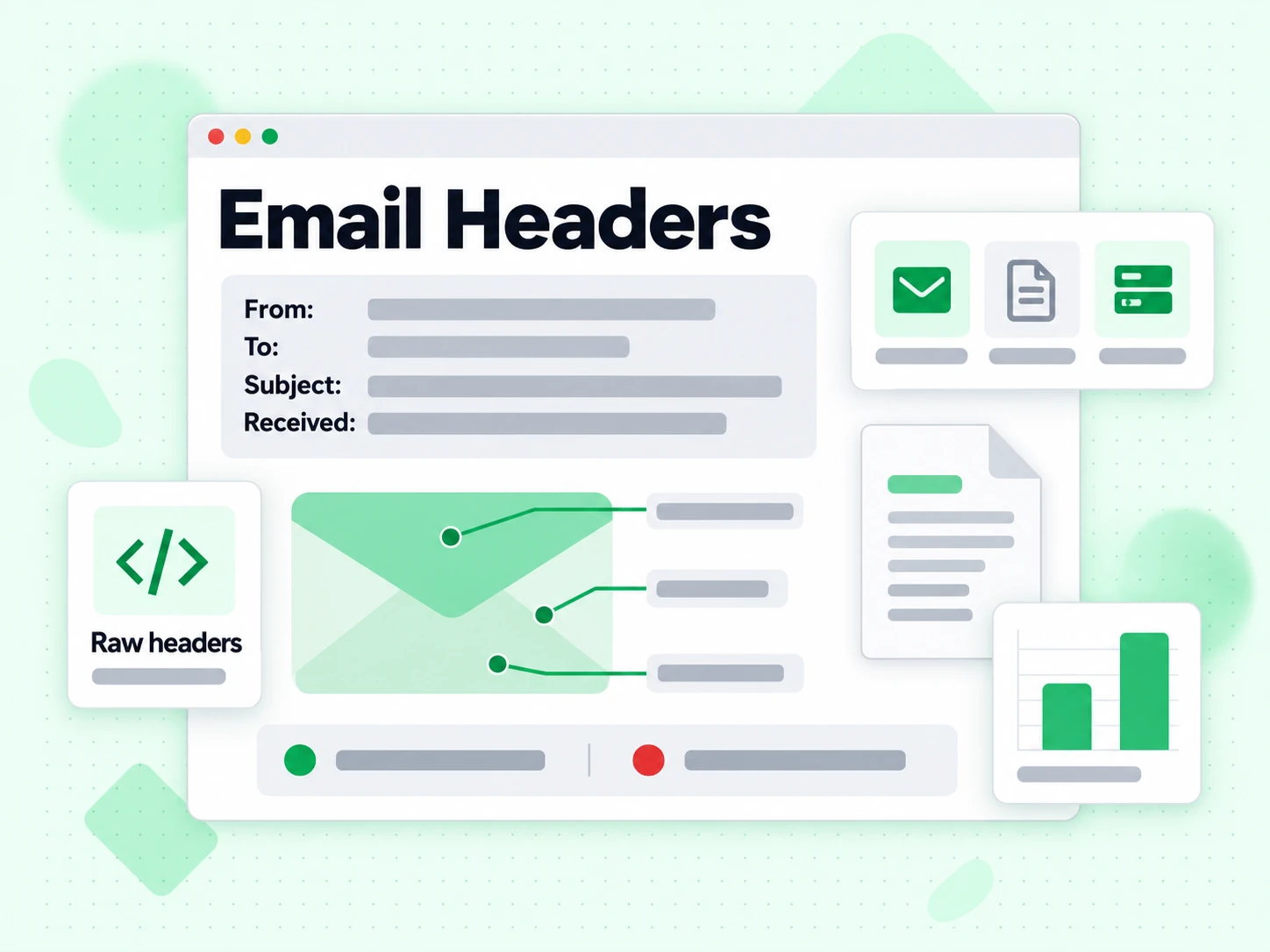
Every email message contains two parts: the visible body (the text, images, and HTML you read) and the technical headers that live above the body. Headers record the full routing history of the message, authentication results, spam scores, and metadata like the sender, recipient, subject, and timestamps. Most email clients hide headers from normal view, but they are always present and can be revealed through your mail client's "show original" or "view headers" option.

Analyzing email headers is one of the most reliable ways to diagnose delivery problems, investigate suspected phishing messages, and verify that your authentication setup (SPF, DKIM, DMARC) is working correctly for a real message.
How to Find Email Headers in Different Mail Clients

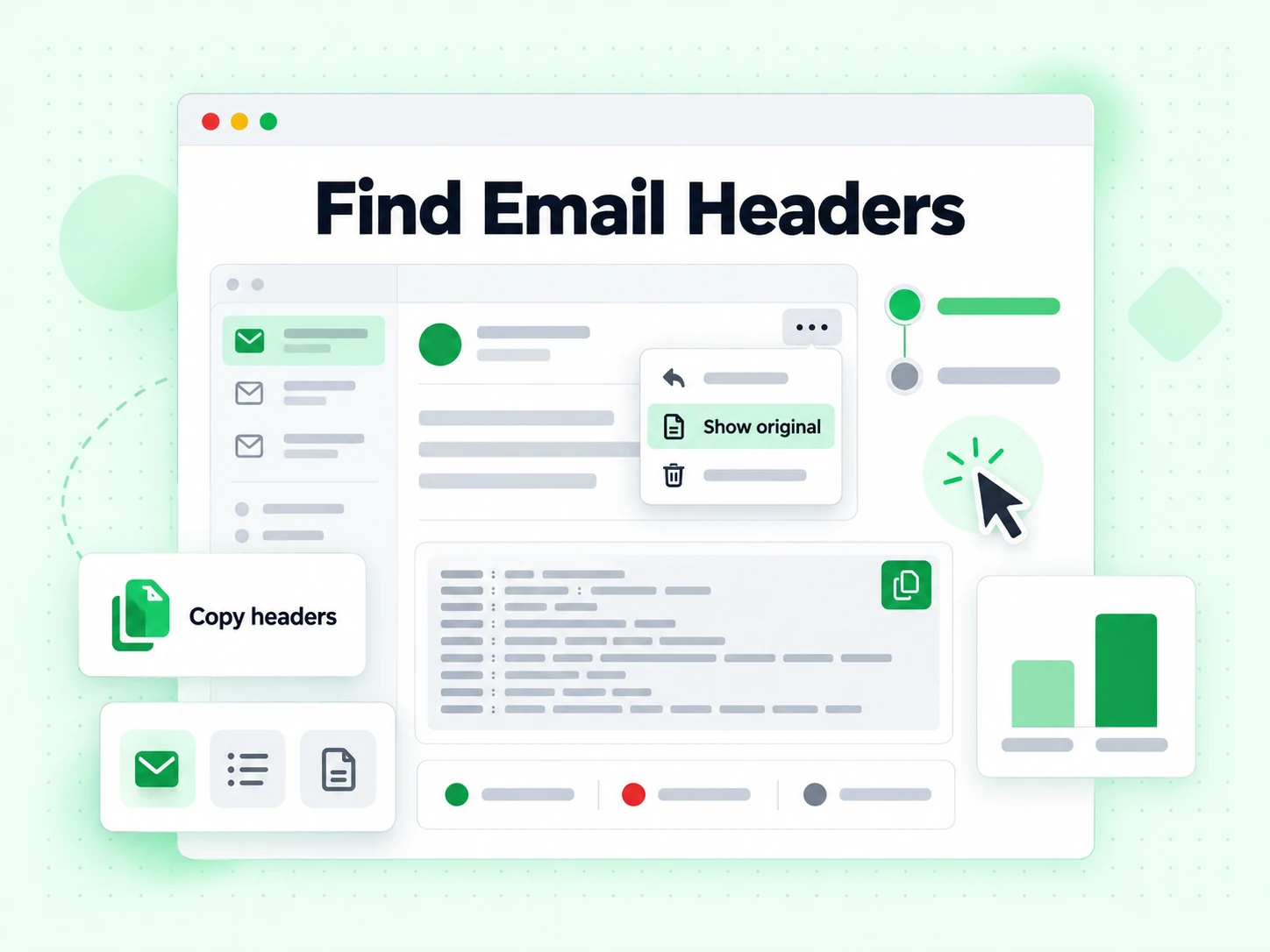
  • Gmail:Open the message, click the three-dot menu (โ‹ฎ) in the top-right corner, and select "Show original". Copy all content from the popup.
  • Outlook (web):Open the message, click the three-dot menu, then View โ†’ View message source.
  • Apple Mail:Open the message, then View โ†’ Message โ†’ All Headers, or press Shift + Command + H.
  • Thunderbird:Open the message, then View โ†’ Headers โ†’ All.
  • Yahoo Mail:Open the message, click More โ†’ View Raw Message.

Copy everything from the first header line (usually Delivered-To: or Return-Path:) down to the blank line before the email body.
Key Headers to Look For

The most important headers for diagnosing delivery issues are:

  • Authentication-Results: Shows SPF, DKIM, and DMARC pass/fail results as evaluated by the receiving server. This is the most important header for diagnosing authentication failures.
  • Received: One entry per hop in the delivery path. Reading from bottom to top gives chronological order. Each entry usually includes the server hostname, IP address, and timestamp.
  • X-Spam-Score / X-Spam-Status: Added by spam filters like SpamAssassin. Shows the numeric score and which rules were triggered.
  • DKIM-Signature: The actual DKIM signature attached by the sending server. Contains the selector, domain, and cryptographic signature.
  • Return-Path: The envelope sender โ€” the address used for bounce notifications, checked by SPF.
  • Message-ID: A unique identifier for the message, useful for tracking it through log files.

What Authentication Results Mean for Deliverability

A message showing spf=pass dkim=pass dmarc=pass in the Authentication-Results header has the best chance of inbox placement. Any failure here should be investigated. An SPF failure often means the sending IP is not listed in your SPF record. A DKIM failure may mean the signature is missing, expired, or the public key in DNS does not match the private key used for signing. A DMARC failure means neither SPF nor DKIM aligned with the From domain.

Header analysis tells you what happened with a specific message. To prevent problems before sending, use email verification on your list and verify your authentication configuration with our SPF, DKIM, and DMARC generator tools. For large lists, bulk verification and the validation API let you integrate checks into your workflow.


What a header holds

What a free email header analyzer reads in a header

Every message carries a header block the recipient never sees. A free email header analyzer parses that header into the fields that actually explain what happened to the message.

The Received header chain is the delivery path

Each server that handles a message prepends its own Received header, so the chain reads bottom-up: the oldest hop is last. The email header analyzer reverses it into chronological order, which is the only way to read a delay.

Timestamps on each Received header show where a message sat. A twelve-hour gap between two hops is a queue, not a network problem, and the header analyzer surfaces it immediately.

The Authentication-Results header carries the verdicts

The receiving server writes its own conclusions into this header. A free email header analyzer reads them back rather than re-running the checks, because the receiver's verdict is the one that decided delivery.

This is the single most useful header for diagnosing spoofing and deliverability. Three verdicts, one header, and the header analyzer separates them so a DKIM pass is never mistaken for a DMARC pass.

The Return-Path header and the From header differ

The Return-Path header is the envelope sender that SPF authorises. The From header is what the recipient sees. When the two headers disagree, DMARC alignment decides whether that is legitimate forwarding or a spoof.

An email header analyzer that shows both header fields side by side makes the mismatch obvious in a second, where reading a raw header takes minutes.

Message-ID, Date, and the spam-score header fields

The Message-ID header uniquely identifies the message and is what a provider's support team will ask for. The Date header is the sender's claim, not the delivery time โ€” the Received header chain has the truth.

Filter scores such as the X-Spam-Status header appear when the receiver adds them. The header analyzer surfaces whichever header the receiving system wrote.

Reading verdicts

What each header verdict means

Four combinations cover almost everything a free email header analyzer will show you in the Authentication-Results header.

SPF pass, DKIM pass, DMARC pass

Fully authenticated and aligned. If this message still landed in spam, authentication is not the cause โ€” look at content, reputation, and complaint history.

This is what a healthy header looks like in the email header analyzer, and it is worth running one of your own sends through to learn the shape.

SPF fail, DKIM pass, DMARC pass

The normal signature of forwarded mail. Forwarding rewrites the delivering IP so SPF fails, while the DKIM signature survives intact and carries the DMARC alignment.

Not a problem. An email header analyzer that flagged this combination as a failure would be misleading you.

SPF pass, DKIM fail, DMARC pass

Usually a message modified in transit โ€” a mailing list appending a footer, or a security appliance rewriting links. The signature no longer matches the body.

Alignment still holds through SPF, so delivery is fine. Worth investigating in the free email header analyzer if it happens on every send.

DMARC fail

Neither SPF nor DKIM produced an aligned pass. Under an enforcing policy the message is quarantined or rejected outright.

Read the Authentication-Results header the email header analyzer extracted, find which mechanism failed, and fix that record on the sending side.

Using it

When to parse email headers online free

The header analyzer answers questions nothing else can, and it answers them from a header you already have.

  1. 1

    A message arrived late

    Read the Received header chain bottom-up and look at the gaps between timestamps. The hop where the time jumps is the one that queued the message, and only the header records it.

    Nothing else tells you this. Delivery logs on your side end at handoff; the header carries the rest of the journey.

  2. 2

    A message looks like a spoof

    Compare the Return-Path header against the From header, then read the DMARC verdict. Those two header checks settle most suspicious messages in under a minute.

    The free email header analyzer only covers the message that arrived. For the sender address itself, use Is This Email Legit to confirm whether a working mailbox is behind it.

  3. 3

    Your own mail is landing in spam

    Send a message to an account elsewhere, then parse email headers online free from the copy that arrived. The receiver's own header verdicts are more useful than any prediction.

    If the header analyzer shows authentication passing cleanly, the problem is content or reputation rather than configuration.

  4. 4

    You need a Message-ID for support

    Providers ask for the Message-ID header before they will look at anything. The email header analyzer extracts that header without you scrolling through raw text.

    Copy it exactly from the email header analyzer, including the angle brackets.

Limits

What a header analyzer cannot tell you

A header is a record of what happened, not a prediction and not proof of identity.

A header can be forged above the trusted hop

Any header a sender writes can be faked. Only the Received header lines added by servers you trust are reliable, which means reading the header chain upward from the receiving end.

A free email header analyzer shows the whole chain; judging where trust begins in that header is still your job.

It does not test your sending configuration

The header analyzer reads one message that already arrived. A header cannot tell you whether your SPF record is under the ten-lookup limit or your DMARC policy is set correctly.

For that, use the sender-side checkers rather than an email header analyzer โ€” a header is evidence about one message, not about your configuration.

It cannot see private filter decisions

Large mailbox providers rarely explain a spam-folder placement in the header. An absent header explanation is not evidence that nothing happened.

Postmaster tools from the provider are the only visibility into that layer.

It says nothing about the recipient address

Parsing a header tells you about one delivered message. Whether the addresses on your list exist is a different question no header answers.

For that, use Email Verifier; a clean header and a dead recipient address are entirely compatible.

Reference

Header specifications and the neighbouring tools

Header syntax is defined by the IETF, and the tools beside this free email header analyzer cover the sender side.

RFC 5322 defines the header fields

The IETF's RFC 5322 defines the header field syntax every email header analyzer parses, including Received, From, and Message-ID.

Authentication-Results is defined separately in RFC 8601, which is why a header analyzer treats it as its own section.

Check your own records, not just the header

A header shows a receiver's verdict. The SPF Checker and DMARC checker show whether your own records are configured to earn a pass.

Parse email headers online free to see what happened; use those tools to change what happens next.

Then verify the list

Authentication is half the job. Bulk Email Verification removes the dead addresses that damage sending reputation regardless of how clean your headers are.

A free email header analyzer and a verified list solve the two halves of the same deliverability problem.

Frequently Asked Questions

1. Are my email headers sent to your servers?

No. The email header analyzer runs entirely in your browser. The header text you paste never leaves the page, which is why you can parse email headers online free without an account and without worrying about what the header contains.

2. How do I get a header out of Gmail for the analyzer?

Open the message, use the three-dot menu, and choose Show original. Copy the header block from the top of that view and paste it into the email header analyzer. Outlook calls the same view message details, and the header analyzer accepts either format.

3. The header shows SPF fail but DKIM pass. Is that bad?

Usually not. That combination is the normal signature of forwarded mail: forwarding rewrites the delivering IP so SPF fails, while the DKIM signature survives and carries DMARC alignment. A free email header analyzer that flagged it as a failure would be misleading you.

4. Why does the header show several servers?

Each server that handles the message prepends its own Received header. The header chain reads bottom-up, oldest last. Our email header analyzer reverses the header order into chronological sequence so you can see where the message actually waited.

5. What is the Message-ID header for?

It uniquely identifies the message and it is the first thing a provider's support team will ask for. The email header analyzer extracts it so you do not have to scroll through raw header text looking for it.

6. The header says DMARC fail. How do I fix it?

DMARC fail means neither SPF nor DKIM produced an aligned pass. Read the Authentication-Results header the email header analyzer extracted, identify which mechanism failed, then fix that record on the sending side with the SPF or DMARC checker.

Email header analyzer

Verify addresses before you send

A header explains one delivered message. Invalid addresses cause bounces no header analyzer can fix โ€” parse email headers online free here, then verify the list.

Parse email headers online free ยท Header analyzer runs in-browser ยท SPF, DKIM, DMARC header verdicts ยท Header analyzer, no account

99.9%
Accuracy
Real-time
API Speed
$0.00014
Per Email
600/mo
Free Forever