

Domain and organisation
The most reliable reverse lookup signal. Company domain or consumer webmail, and which organisation the domain belongs to.
Find email owner for free
This free reverse email lookup that starts from an address and reports what is actually observable: the domain and organisation, mail routing, role-account patterns, and any public profile the owner published. Find email owner for free — with inference labelled as inference, not sold as fact.
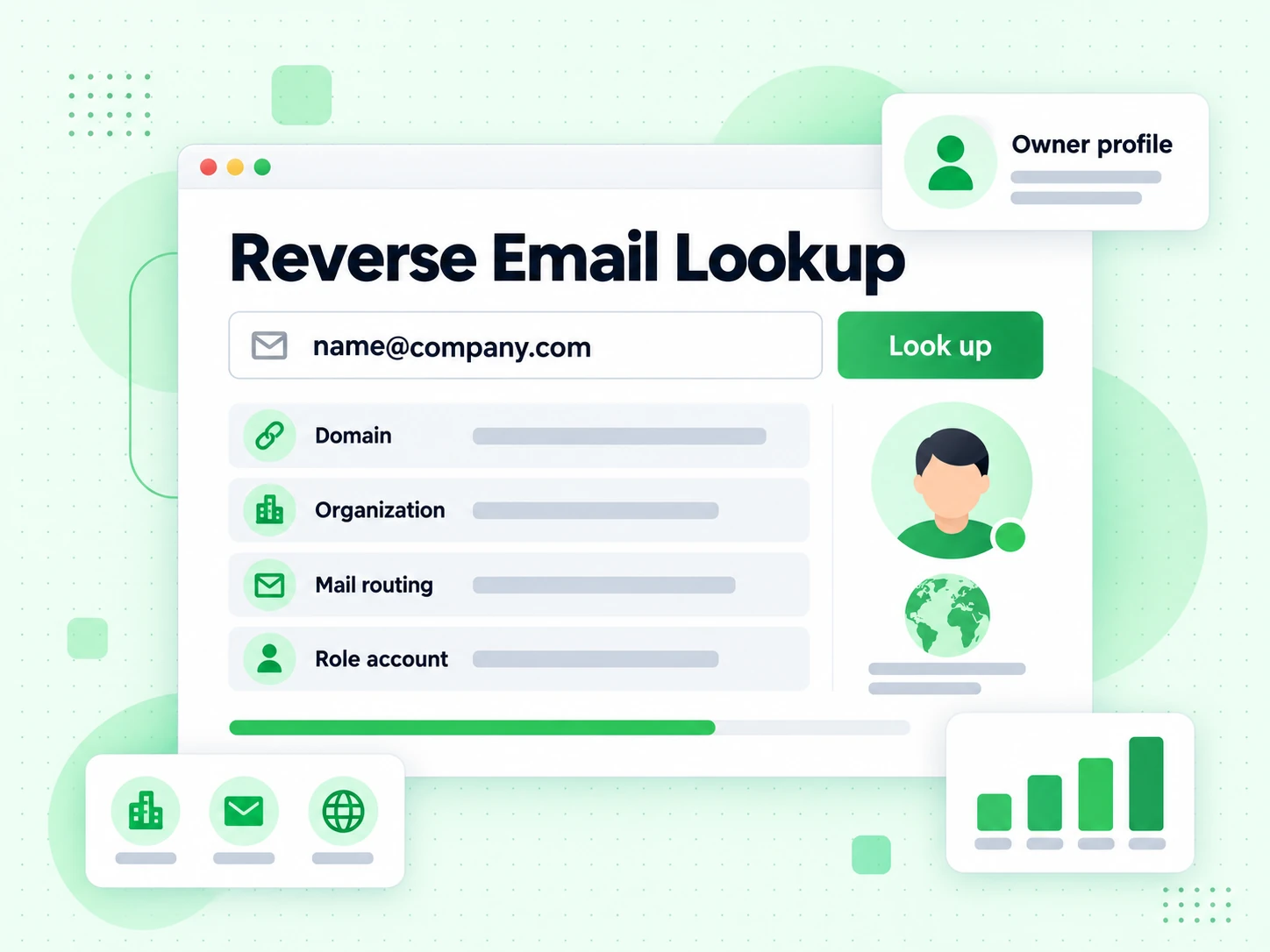
Our reverse email lookup works backwards from an address to whatever public context exists around it. This reverse lookup reads the domain, its mail routing, the shape of the local part, and public profile services — signals anyone can observe rather than a purchased database of people.
The strongest signal in any free reverse email lookup is the domain. A company domain gives the reverse lookup an organisation to name; a consumer webmail address gives it nothing at that level, and an honest reverse email lookup says so instead of inventing an employer.
Everything the reverse lookup infers is labelled as inference. A name guessed from a firstname.lastname pattern is a hypothesis, not a fact, and carrying that distinction into your CRM is the difference between useful context and permanently wrong data.
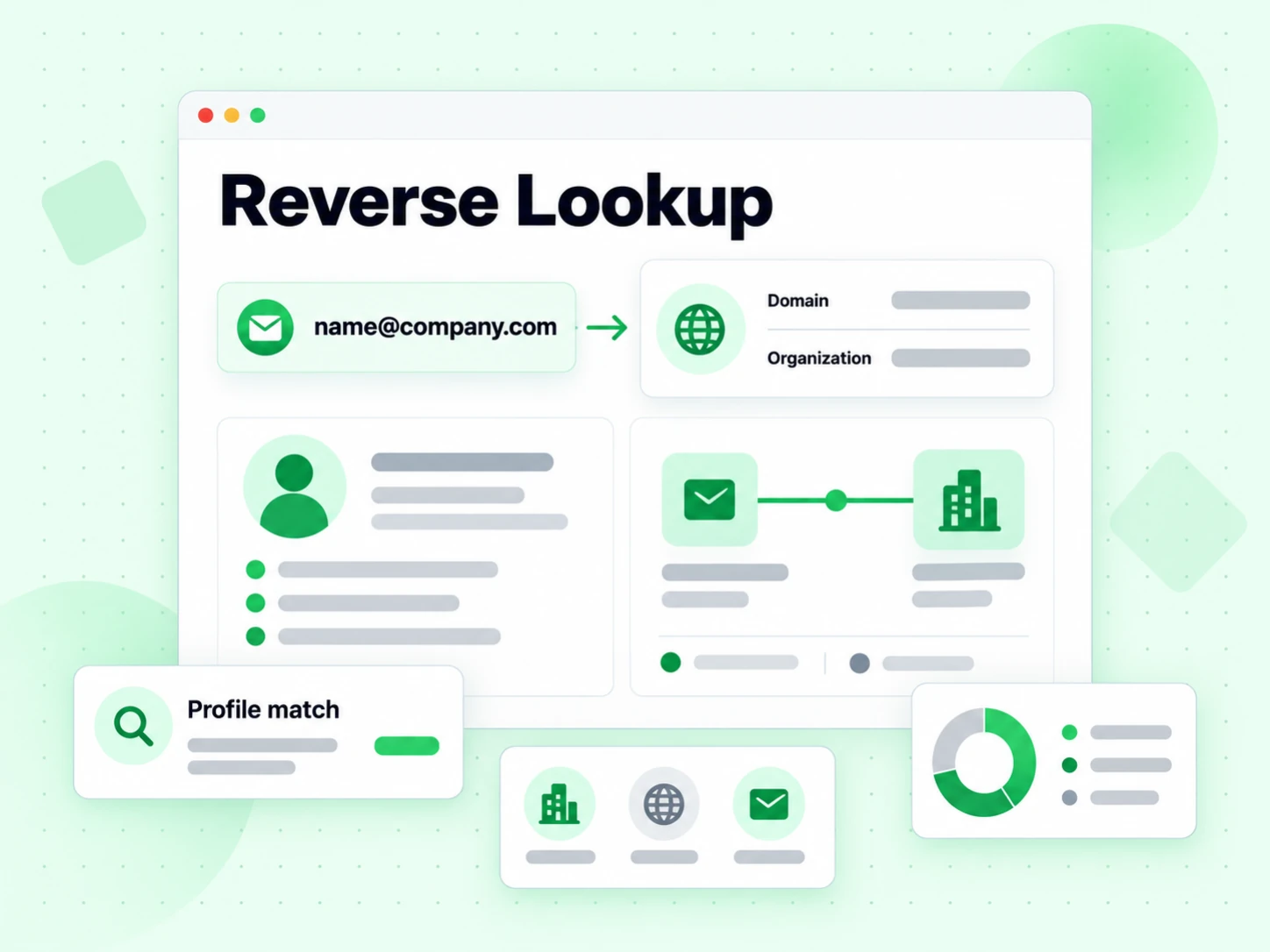
Four layers, ordered from most reliable to least. A reverse lookup is only as good as its willingness to say which is which, and to admit when you cannot find email owner for free at all.
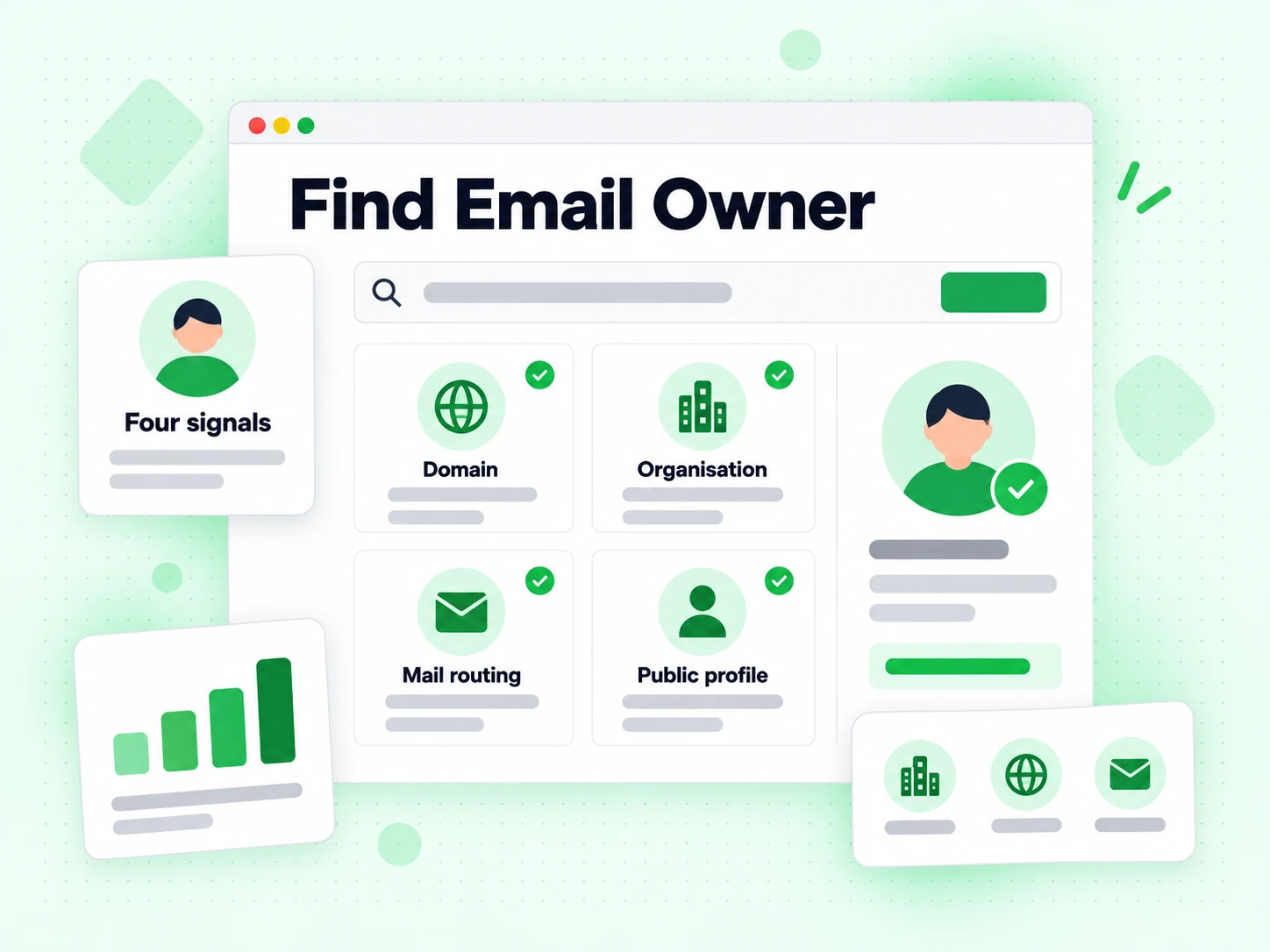
The most reliable reverse lookup signal. Company domain or consumer webmail, and which organisation the domain belongs to.
Whether the domain can receive mail at all. The reverse email lookup that skips this can describe an address nothing will ever reach.
Personal pattern or role account. The reverse lookup reports the pattern it matched and stops short of calling it an identity.
Gravatar and similar services the owner opted into. When our free reverse email lookup finds one it is the owner's own disclosure; finding none is the normal case.
What a reverse lookup sees
Our reverse email lookup starts from an address and works outward to whatever public context exists around it. It is a reverse lookup over observable signals, not a database of people.
Every free reverse email lookup begins with the domain: does it resolve, does it route mail, is it a company domain or a consumer webmail provider. That reverse lookup step is deterministic and it frames everything after it.
An address on a company domain gives a reverse lookup an organisation to name. An address on Gmail gives it nothing at the organisation level, and an honest reverse email lookup says so rather than inventing an employer.
firstname.lastname patterns suggest a person; info@ and support@ suggest a shared inbox. The reverse email lookup can report the pattern it matched, but a pattern is not an identity.
This is where most reverse lookup products overreach. The reverse lookup saw a string shaped like a name; it did not confirm that anyone by that name uses the mailbox.
Gravatar and similar public services associate an address hash with a profile the owner chose to publish. When this free reverse email lookup finds one, that is genuinely the owner's own disclosure.
When it finds nothing, that means nothing. Most people have never registered a public profile, so an empty reverse lookup result is the normal case — you cannot find email owner for free where the owner published nothing.
Our free reverse email lookup that reports an organisation for a domain with no mail route is describing something that cannot receive a message. The reverse lookup includes MX status for exactly that reason.
For whether the specific mailbox accepts mail, the reverse lookup hands off to verification — those are different questions.
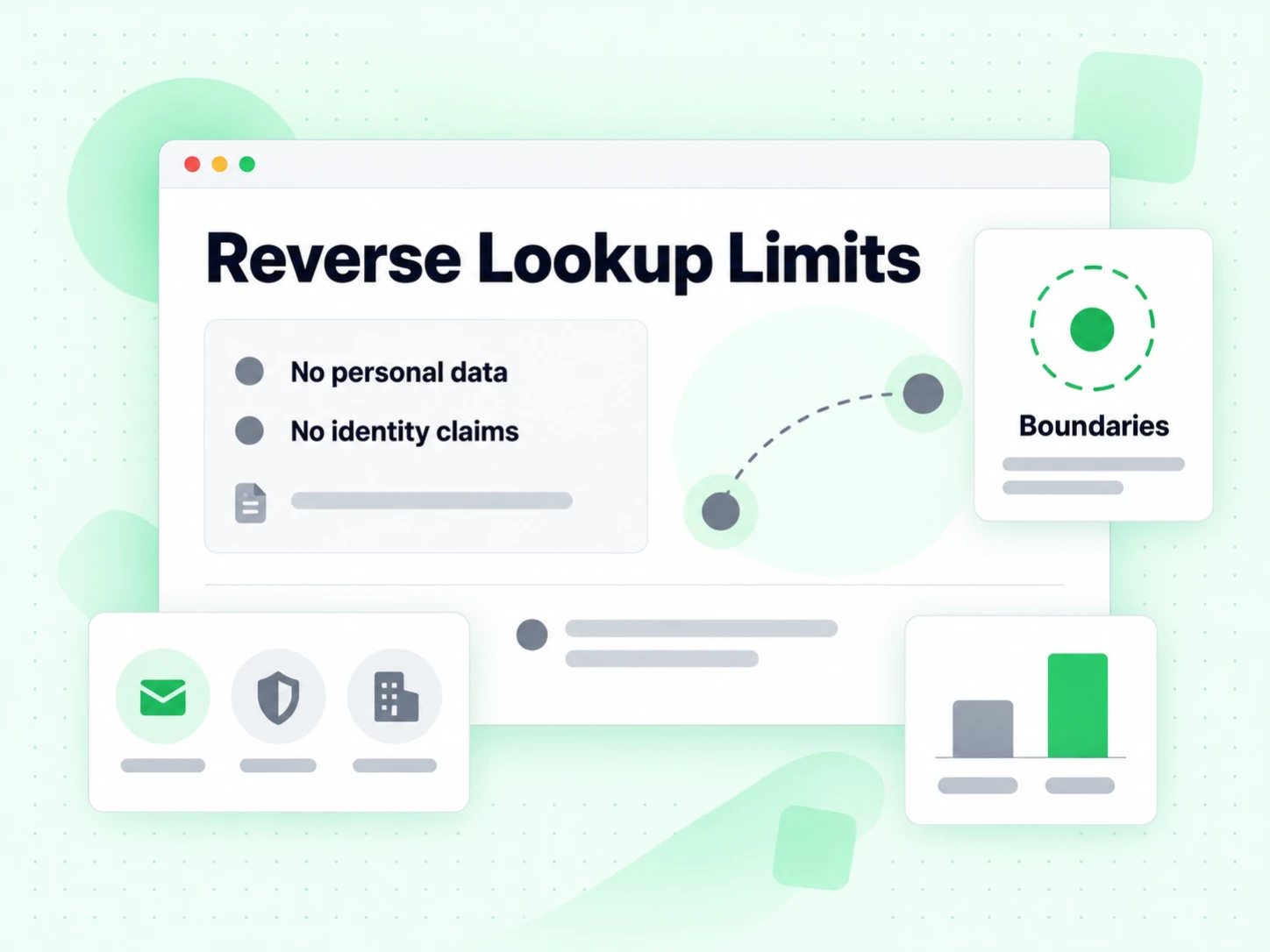
Reverse lookup limits
Every limit below is a limit of the data, not of this particular reverse lookup. Any product claiming otherwise is guessing with confidence.
The free reverse email lookup on a Gmail address has a local part and nothing else. There is no organisation, no public directory, and no reverse path from the address to a household.
Products that return a name anyway are inferring from purchased data of unknown provenance. This reverse email lookup labels inference as inference rather than claiming to find email owner for free every time.
Mailboxes are reassigned, shared, forwarded, and inherited. A reverse lookup describes an address, and the person behind it may have changed since any signal it found was published.
Treat every reverse email lookup result as a hypothesis to confirm through a channel you already trust.
A reverse lookup reads public technical signals. It does not access private records, and it should not be used to make decisions about employment, credit, or housing.
Those decisions are regulated precisely because inference from thin signals is unreliable.
Organisation context and deliverability are unrelated. Our reverse email lookup can identify a company perfectly while the specific address bounces.
For that half, use Email Verifier; the reverse email lookup and a mailbox probe answer genuinely different questions.
Running a reverse lookup
The reverse lookup is one input. Four habits keep it from becoming a confident wrong answer.
Read what the reverse email lookup says about the domain first: company or consumer, mail routing present or absent, role account or personal pattern. That part is factual.
Only then look at any name the reverse lookup surfaced, and treat it as the least reliable field on the page.
A published Gravatar profile is observed. A name guessed from firstname.lastname is inferred. A good free reverse email lookup labels which is which, and you should carry that label forward into whatever system stores the result.
Storing an inferred name as a confirmed one is how bad CRM data becomes permanent.
If the reverse lookup result matters — a payment, a contract, an access request — verify it somewhere else. This reverse email lookup is a starting point for a conversation, not the end of one.
For a suspicious sender specifically, Is This Email Legit checks whether a working mailbox is behind the address at all.
A reverse lookup tells you about context. Whether the mailbox accepts mail is a different check with a different tool, and running both takes under five seconds.
Do it before you write, not after the message bounces.
Most reverse lookup results fall into one of these three shapes.
The richest case: the reverse email lookup names the organisation from the domain, reports mail routing, and flags the local part as a personal rather than role pattern. The name remains inferred.
The thinnest case. This free reverse email lookup can confirm the provider and whether a public profile exists, and nothing more. Any product claiming to find email owner for free here is guessing at an employer.
info@, billing@, support@. The reverse lookup names the organisation confidently and correctly reports that no individual is behind the address.
After the reverse lookup
Three adjacent questions this reverse email lookup deliberately does not answer.
The Email Verifier runs a live SMTP probe. A reverse lookup describes context; the verifier describes deliverability.
Run both on an unfamiliar address and you have covered most of what our free reverse email lookup alone leaves open.
The Is This Email Legit page frames the same evidence around an incoming message rather than around a reverse lookup on a contact.
Use it when the address wrote to you; use the reverse email lookup when you found the address somewhere else.
The Free Webmail Checker classifies consumer webmail providers specifically, which is the single field a reverse lookup leans on most.
It is worth reading if your reverse email lookup results keep coming back thin — consumer domains are why.
Four situations where a reverse lookup gives you something you could not get faster another way.
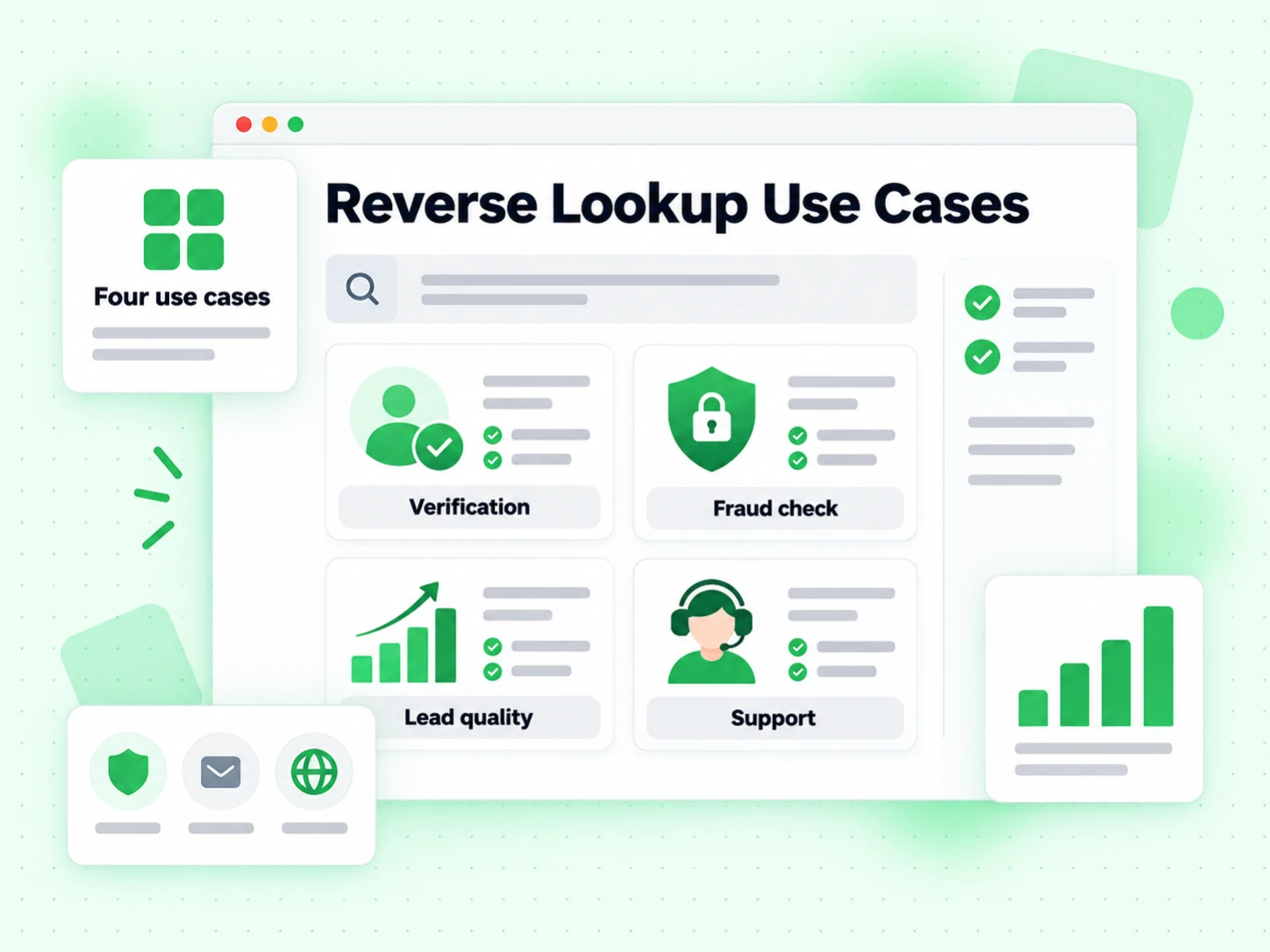
You have an address and no context. Find email owner for free: the reverse lookup names the organisation and tells you whether a person or a shared inbox is behind it.
Before spending sales time, the reverse lookup separates company domains from consumer webmail and role accounts from individuals. Find email owner for free before you write the first line.
This reverse email lookup on the sender domain is one cheap input before you reply to anything asking for money or credentials.
Run a reverse lookup on records with no company field. Where the domain is a company, the reverse email lookup fills the gap with an observed fact rather than a guess.
A free reverse email lookup on a consumer address has a local part and nothing else. There is no organisation and no reverse path to a household, so this reverse lookup returns what it found rather than pretending you can find email owner for free in every case.
It is also not a background check and not proof of current ownership. Mailboxes are reassigned, shared, and inherited, so every reverse email lookup result is a hypothesis to confirm through a channel you already trust.
 Check if the email address is valid
Our reverse email lookup answers context. These answer the questions a reverse lookup deliberately leaves open.
Check mailbox deliverability with SMTP and a complete risk panel.
Detect Gmail, Yahoo, Outlook, and other free personal email providers.
Run a fast syntax and MX check without an SMTP mailbox probe.
Identify temporary and throwaway email domains at signup.
Focus on undeliverable addresses and hard-bounce risk.
Detect domains that accept every recipient and need careful handling.
Find generic inboxes such as sales, support, info, and admin.
Extract email addresses from text, documents, and pasted content.
Yes — this free reverse email lookup with no signup. Run the reverse lookup on as many addresses as you need. It reads public signals live rather than serving a cached reverse lookup result.
Sometimes, and the reverse lookup will tell you which kind of answer it gave. A published public profile is an observation; a name guessed from a firstname.lastname pattern is inference. Any product promising to find email owner for free on every Gmail address is guessing from purchased data.
Almost always a consumer webmail address. There is no organisation behind gmail.com, so the reverse email lookup has the provider, the local-part pattern, and any public profile — and nothing else. That is the honest answer rather than a failure.
No. Context and deliverability are unrelated: a reverse lookup can name the company correctly while the specific mailbox bounces. Use the Email Verifier for a live SMTP probe — the two answer different questions.
No. This reverse lookup reads public technical signals and accesses no private records. Decisions about employment, credit, or housing are regulated precisely because inference from thin signals is unreliable, and the free reverse email lookup is exactly that kind of thin signal.
No. Every reverse email lookup runs in real time and the address is never stored. Data is encrypted in transit and discarded once the reverse lookup returns.
Free tier for autonomous workflows — AI agents verify emails without billing setup. 99.9% SMTP-level accuracy.
Native MCP Server integration · 99.9% SMTP-level accuracy · Free tier, no credit card