

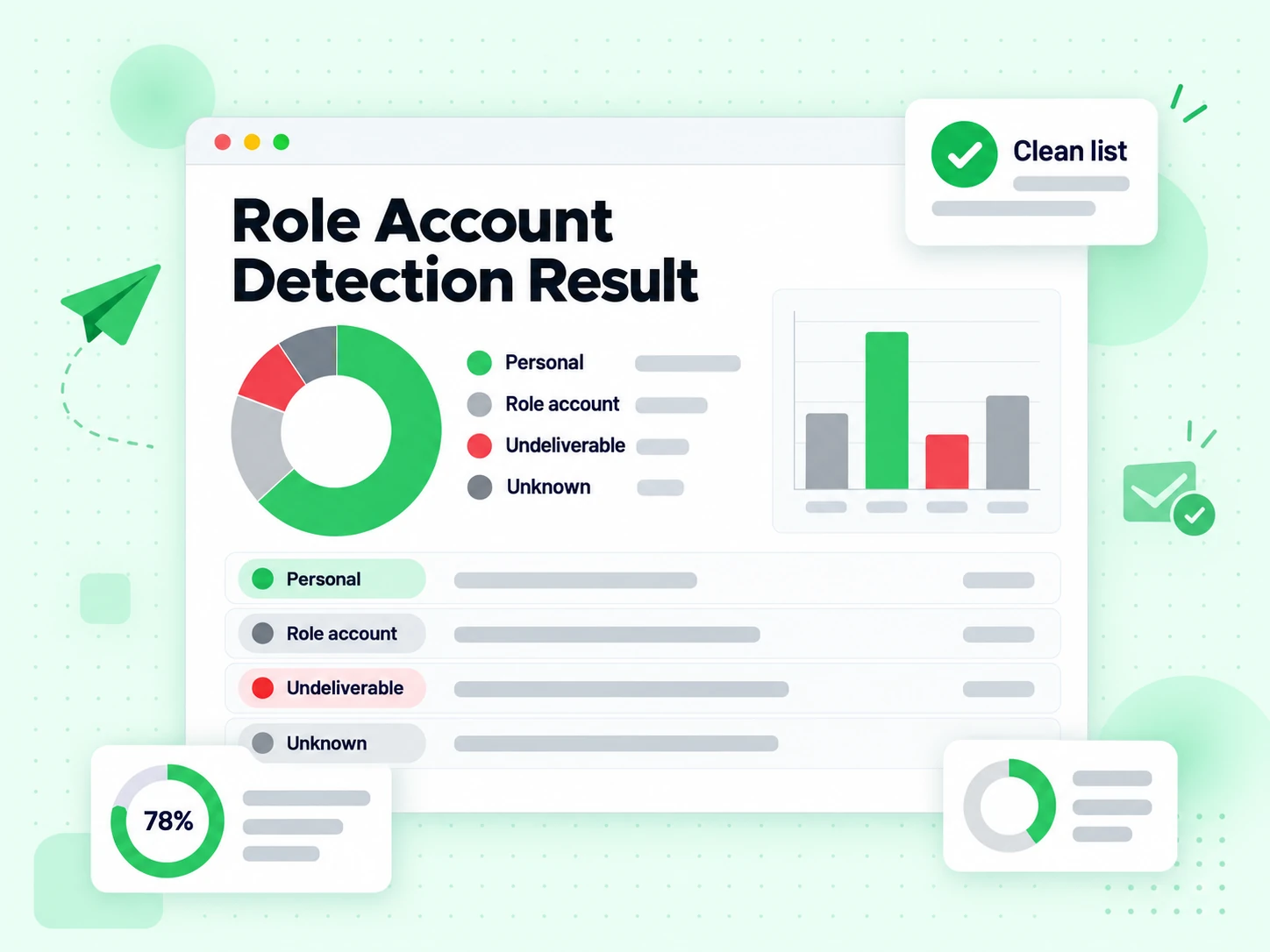
Email Verify Tools

Role Account Detection

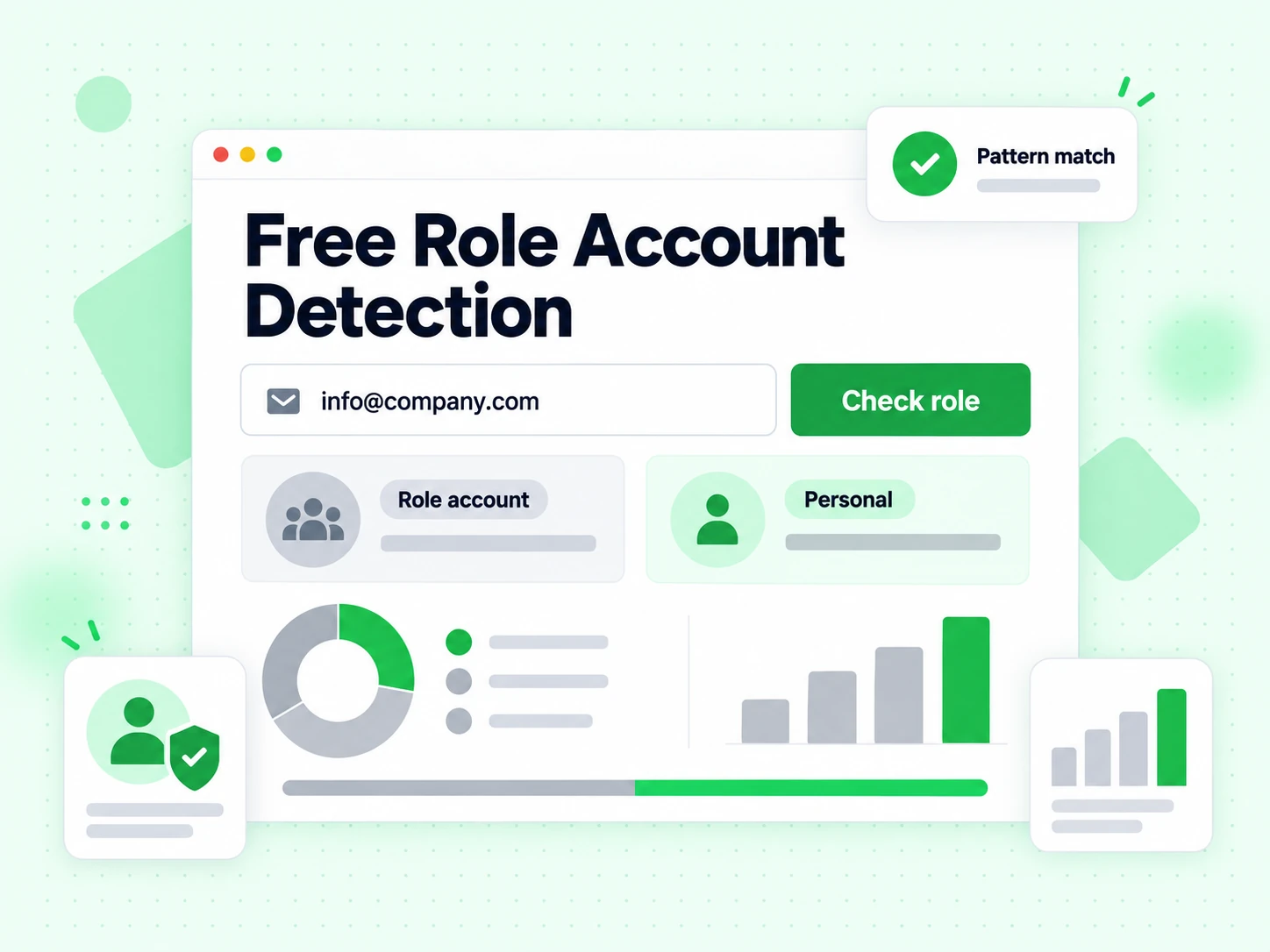
Is this a personal inbox or a generic role mailbox? Detect info@, support@, sales@, and similar patterns with a focused role result.

What is role account detection?

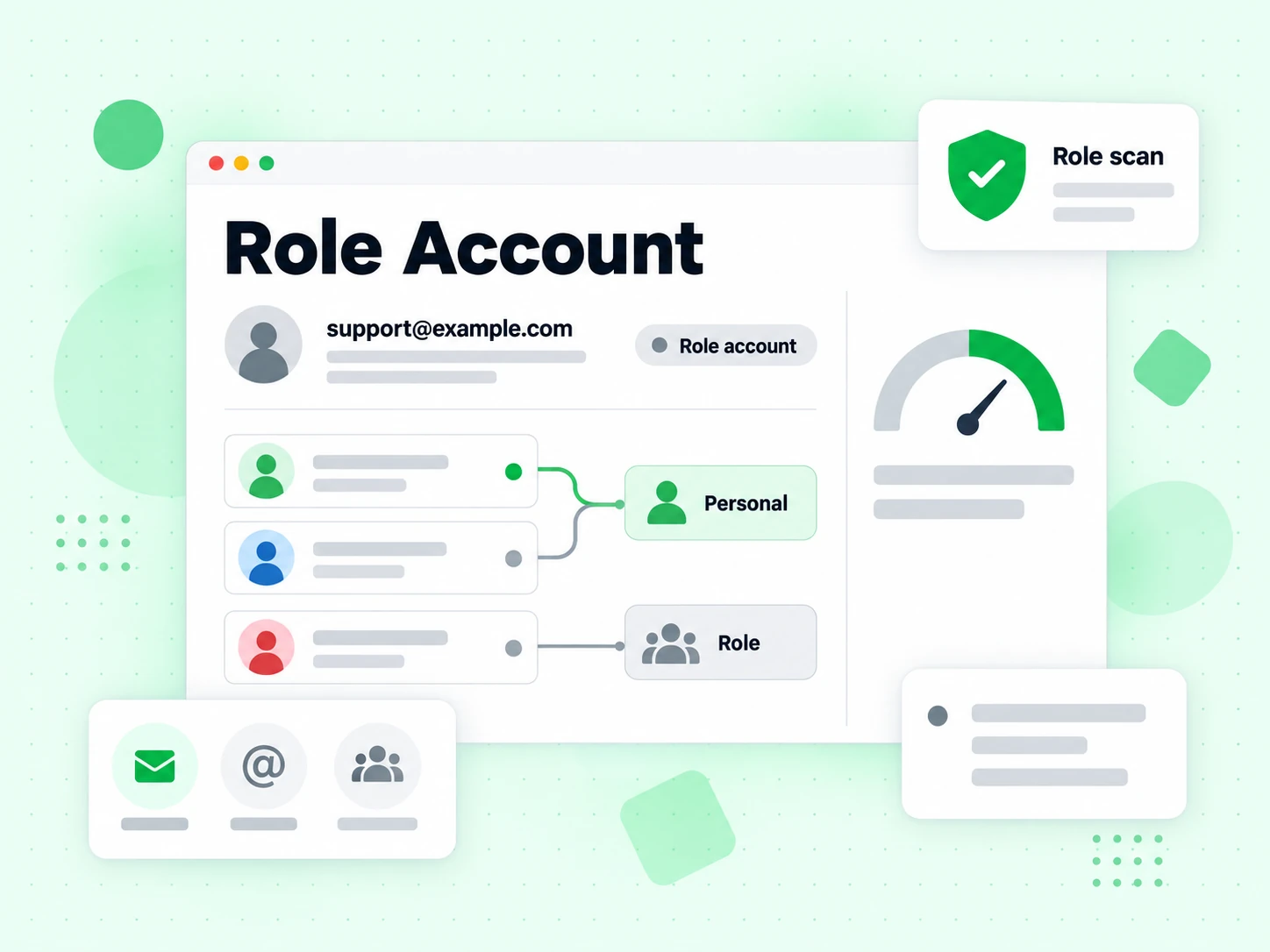
Role account detection flags generic mailboxes such as info@, support@, sales@, and admin@.

Those addresses often accept mail but drag down reply rates, inflate spam complaints, and waste SDR time. A focused tool keeps the role decision front and center.

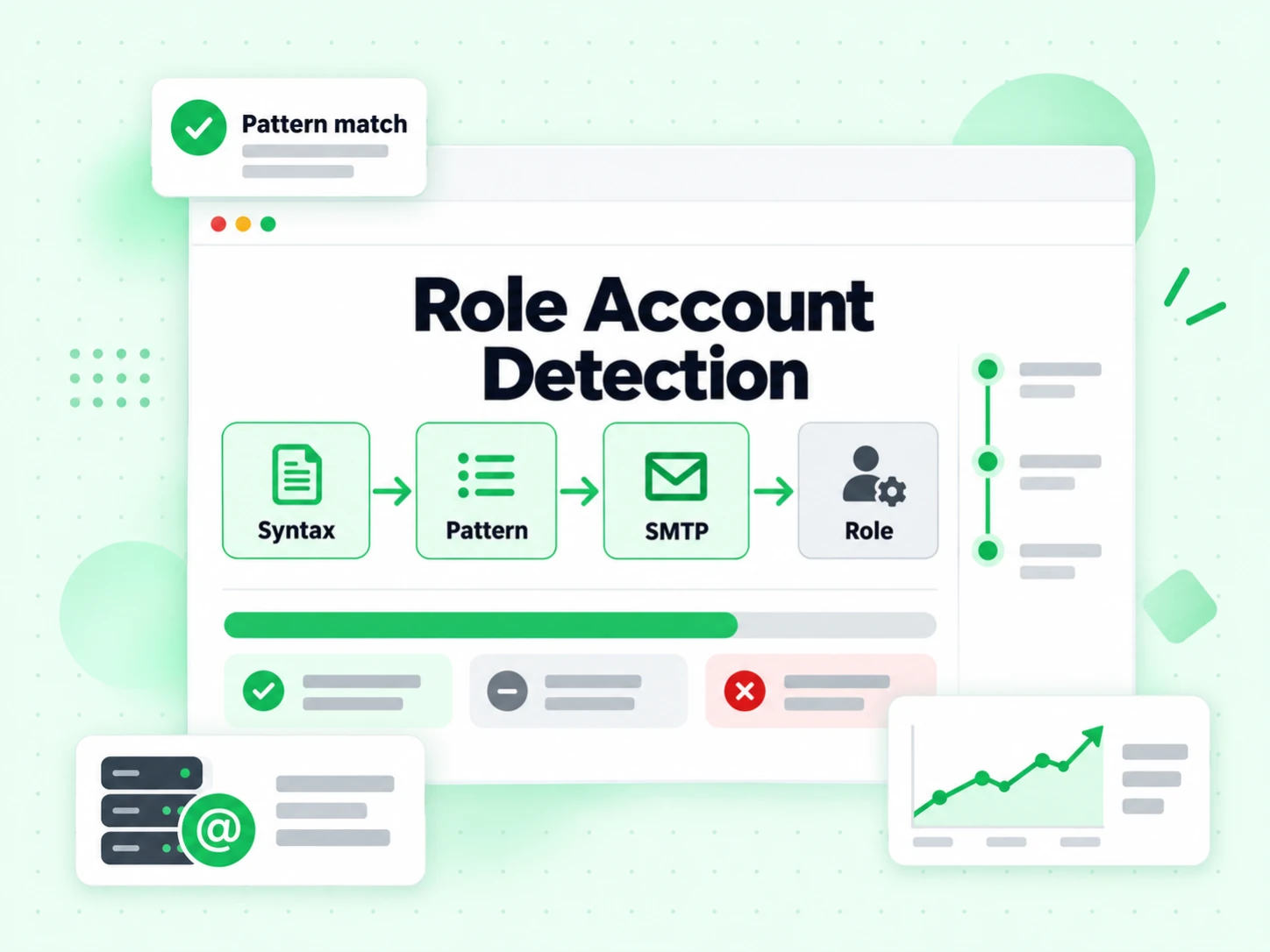
Detection combines local-part patterns with verification context, then this page only shows the role result and guidance.

How role account detection works

Full verification underneath. Focused result on the page.

  1. 1. Validate the address

    Reject empty or malformed input before any network work.

  2. 2. Resolve domain mail path

    MX and domain context feed both deliverability and specialized classification.

  3. 3. Run SMTP when available

    Mailbox probes improve accuracy for bounce and catch-all readings.

  4. 4. Show only the role reading

    The UI highlights this page’s dimension and its plain-language meaning — not the full multi-flag dashboard.

When you need role account detection

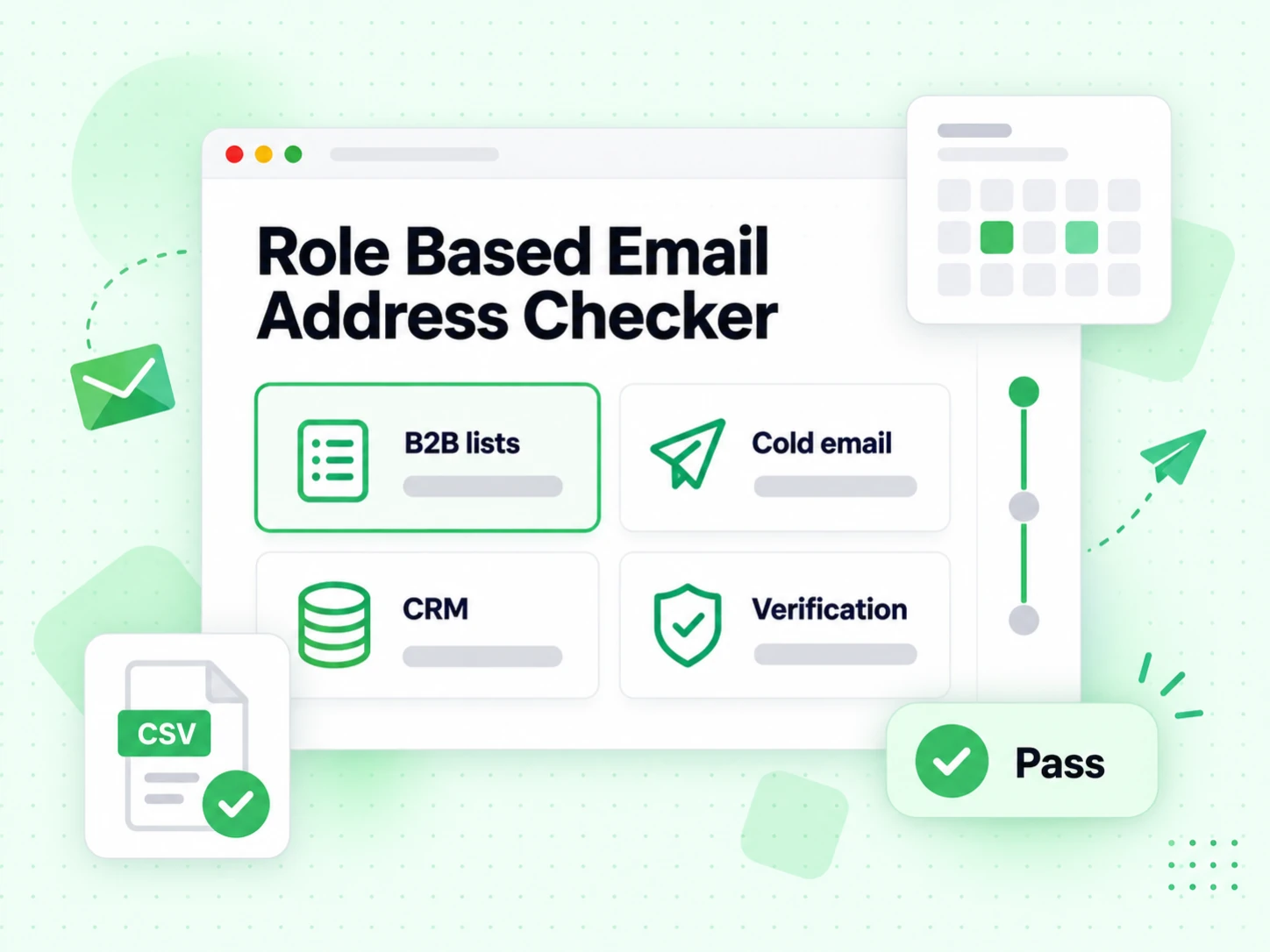
Use a specialized tool when one decision matters more than a full report.

  • High-intent workflows

    Signup gates, SDR sequencing, and ESP prep each obsess over a different failure mode — disposable, bounce, catch-all, or role.

  • Cleaner UX for stakeholders

    Marketers and ops teams act faster when the page title matches the only result they must read.

  • Alongside comprehensive checks

    Start on Email Checker for the full panel, then deep-link specialists for training and playbooks.

  • Before scale

    Prove the specialized signal on one address, then apply it in bulk list cleaning and the API.

Role Account Detection vs other Email Verify Tools

These are interactive Email Verify Tools — not bulk jobs, not the API, not Free Tools (DNS / SPF / DKIM).

This page isolates the role decision. Other tools either show a full multi-layer result or a different specialized flag.

ToolWhat it doesUse it when
Email CheckerFull SMTP + all risk flags on one addressWhen you want a complete multi-layer result in one place
Free Email CheckerDetect free personal webmail providers (Gmail, Yahoo, …)Lead quality and B2B domain scoring — not free-of-charge verification
Email ValidatorSyntax + MX only — no SMTPQuick format and domain screen
Disposable Email DetectionFlags temporary / throwaway domainsSignup and lead capture
Bounce Email CheckerFocus on bounce and undeliverable riskList hygiene for bounce-rate control
Catch-All VerifierDetects catch-all domainsWhen SMTP accept is unreliable
Role Account DetectionFinds generic role addressesB2B outreach quality
Email List CleaningVerify many addresses at once (paste or CSV)When a single check is not enough and you need a cleaned list

How to read a role account detection result

Role account means a generic mailbox pattern. Not a role account means the local-part is not a common role keyword — still not a guarantee of a personal inbox.

Syntax and MX failures still surface first — there is no specialized reading until the address is well-formed on a mail-capable domain.

Frequently Asked Questions

1. What is a role account email?

A role account (or role-based address) is a generic mailbox shared by a function — info@, support@, sales@, admin@, billing@, hello@, and similar patterns — rather than a named person. Mail may deliver, but reply rates are often lower, routing is unclear, and some ESPs and spam filters treat heavy role-address volume as lower quality.

2. Why detect role accounts in B2B outreach?

Cold email and SDR sequences convert best to personal inboxes. Role accounts increase no-replies, shared triage delays, and unsubscribe/complaint risk when many teams hit the same sales@ alias. Role account detection lets you score, suppress, or route those rows differently from named contacts without throwing away every non-personal domain.

3. Does “not a role account” mean it is a personal inbox?

No. It means the local-part does not match common role patterns. The address could still be a shared alias with an uncommon name, a distribution list, or a personal inbox. Role detection is a quality signal, not identity proof. Pair it with Email Checker deliverability results and your own enrichment data.

4. Role detection vs Email Checker — which to use?

Use Role Account Detection when the playbook decision is specifically “generic role vs likely personal local-part.” Use Email Checker when you need SMTP deliverability plus disposable, catch-all, and role flags together. For full files, run Email List Cleaning so every row is classified before the sequence launches.

5. Is role account detection free?

Interactive checks use the fair-use free full verification quota (20 per IP every rolling 24 hours) shared with other full tools. Bulk and API paths are available after signup for pipeline-scale filtering.

6. Do you store emails I test?

Public checks return a result and enforce abuse limits. We do not build marketing lists from addresses you paste into this tool.

Role Account Detection

Scale beyond a single check

Sign in for bulk list cleaning, higher volume, and API access with the same verification engine.

20 free SMTP checks / 24h · No credit card for free tier · Same engine as bulk & API

99.9%
Accuracy
Real-time
API Speed
$0.00014
Per Email
100/day
Free Forever