

πŸ“ Introducing MapLeads: Turn Google Maps, Bing Maps & Apple Maps into your lead list.Try MapLeads

Email Verify Tools

Bounce Email Checker: Find Hard-Bounce Risk Before Sending

Will this address hard-bounce if you send? Get a bounce-risk reading powered by SMTP. 20 free full checks per IP every rolling 24 hours.

What is bounce email checker?

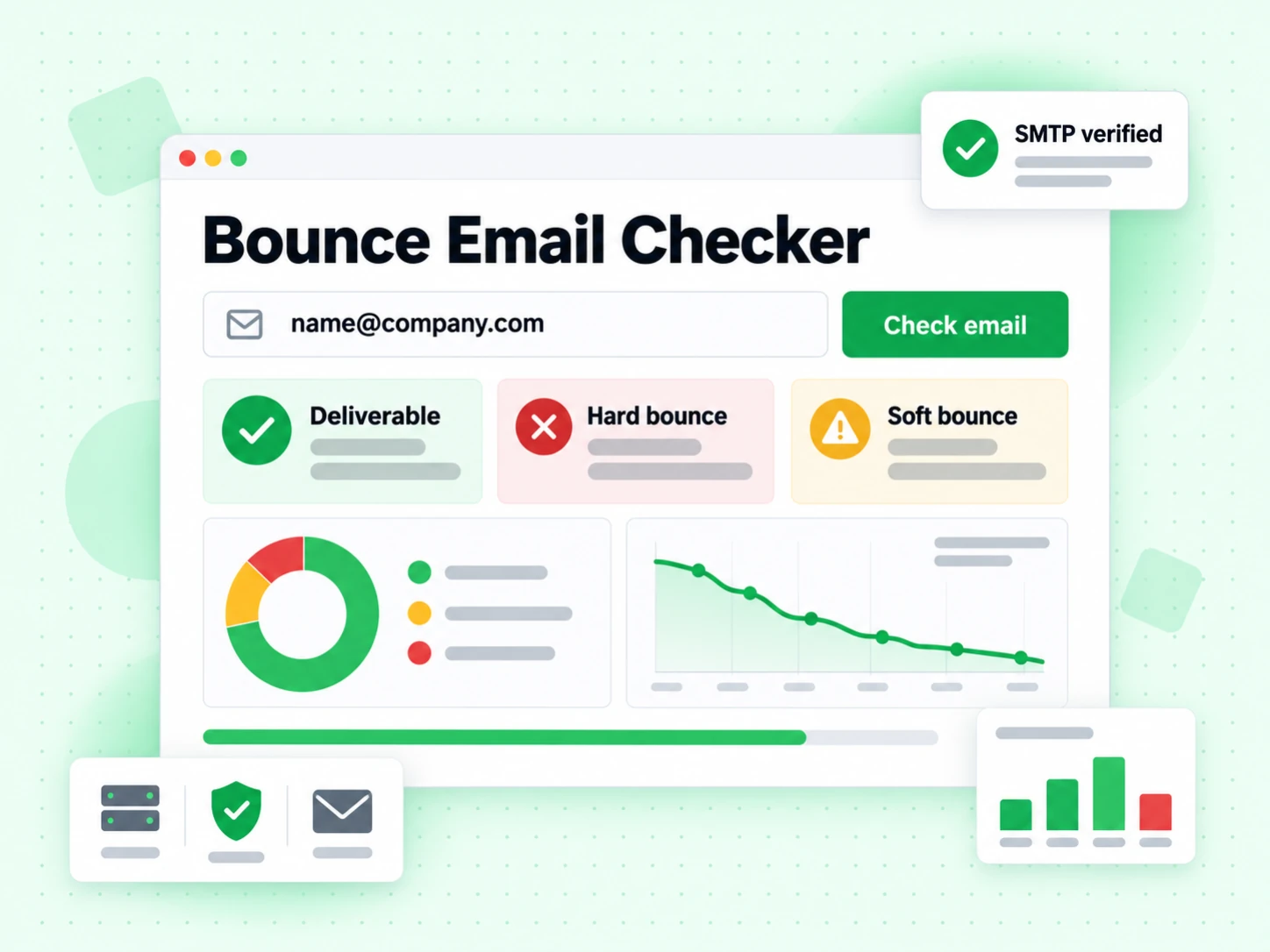
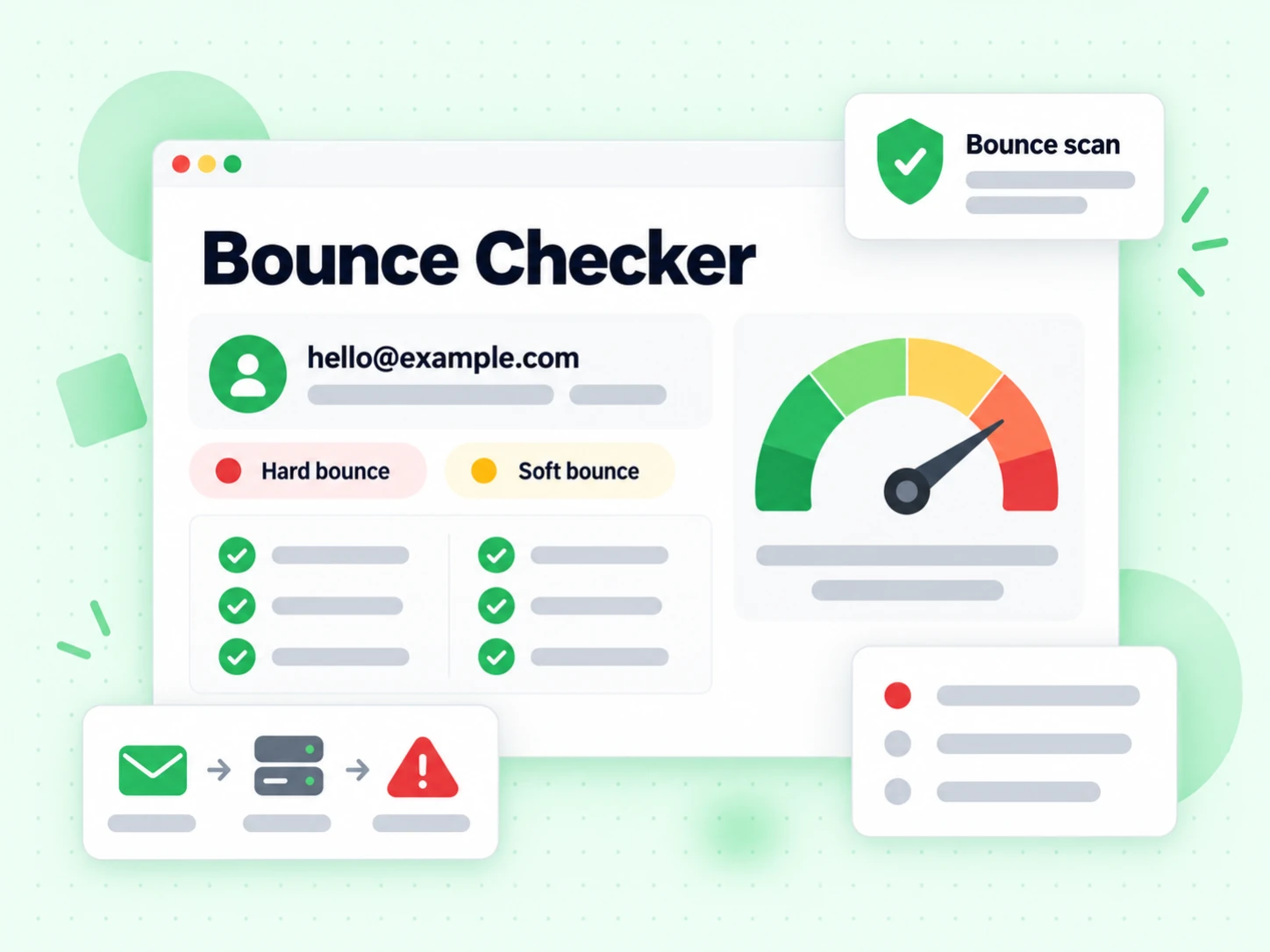
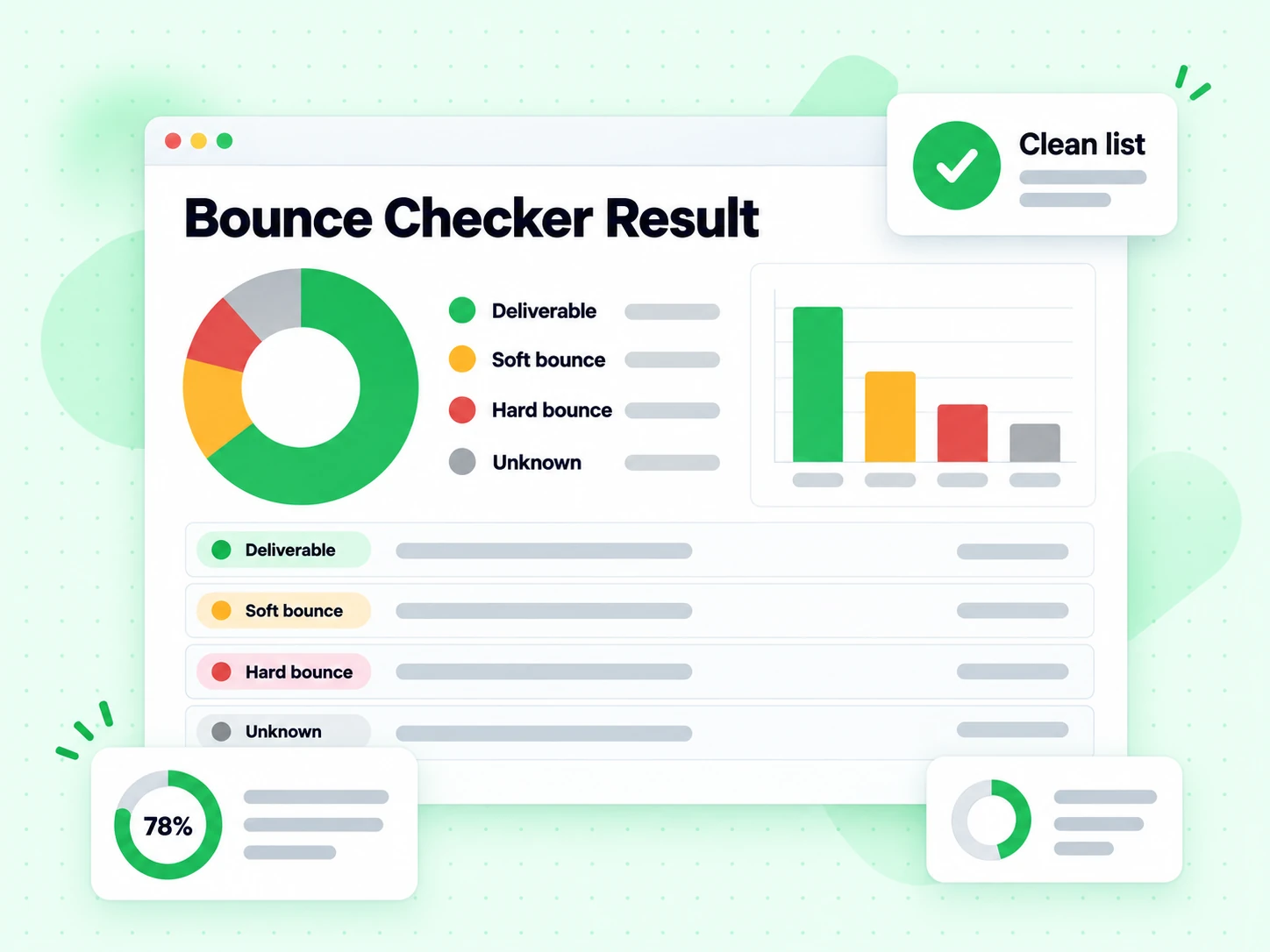
A bounce email checker focuses on whether an address is likely to hard-bounce if you send to it.

ISPs punish high bounce rates. The job is not a pretty multi-flag report β€” it is a clear reading of undeliverable risk so you can scrub before campaigns leave the ESP.

This page uses full SMTP under the hood, then presents bounce-oriented status and interpretation only. For disposable or role quality signals, open those specialized tools.

How bounce email checker works

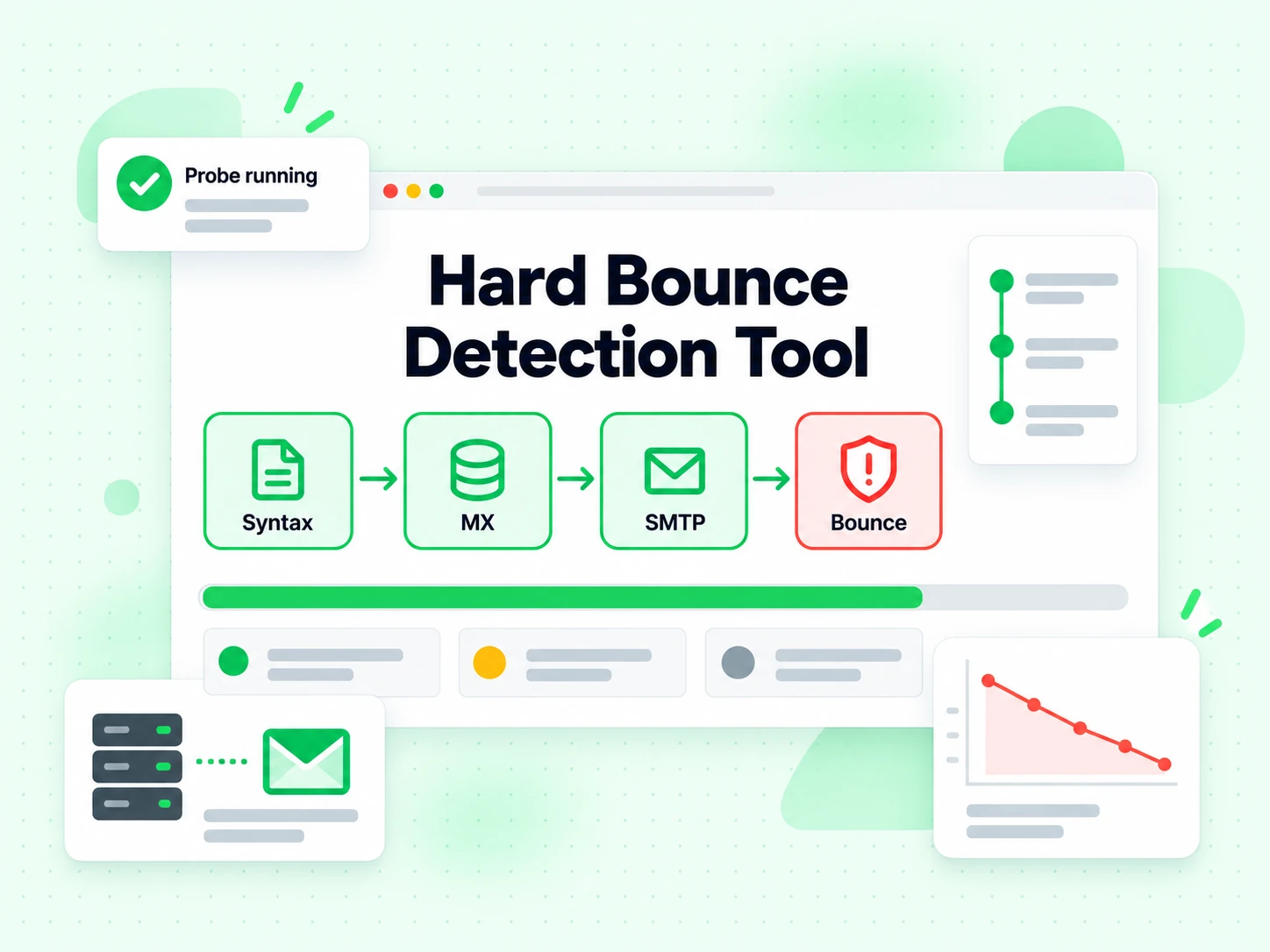
Follow the address from structure and DNS to a point-in-time SMTP recipient result.

  1. 1. Validate the address

    Reject empty or malformed input before any network work.

  2. 2. Resolve the receiving route

    Find the domain's published mail exchangers before attempting a recipient-level SMTP conversation.

  3. 3. Evaluate the recipient response

    Use the SMTP reply class to separate permanent rejection from temporary or inconclusive conditions.

  4. 4. Show only the bounce reading

    The UI highlights this page’s dimension and its plain-language meaning β€” not the full multi-flag dashboard.

When you need bounce email checker

Use a specialized tool when one decision matters more than a full report.

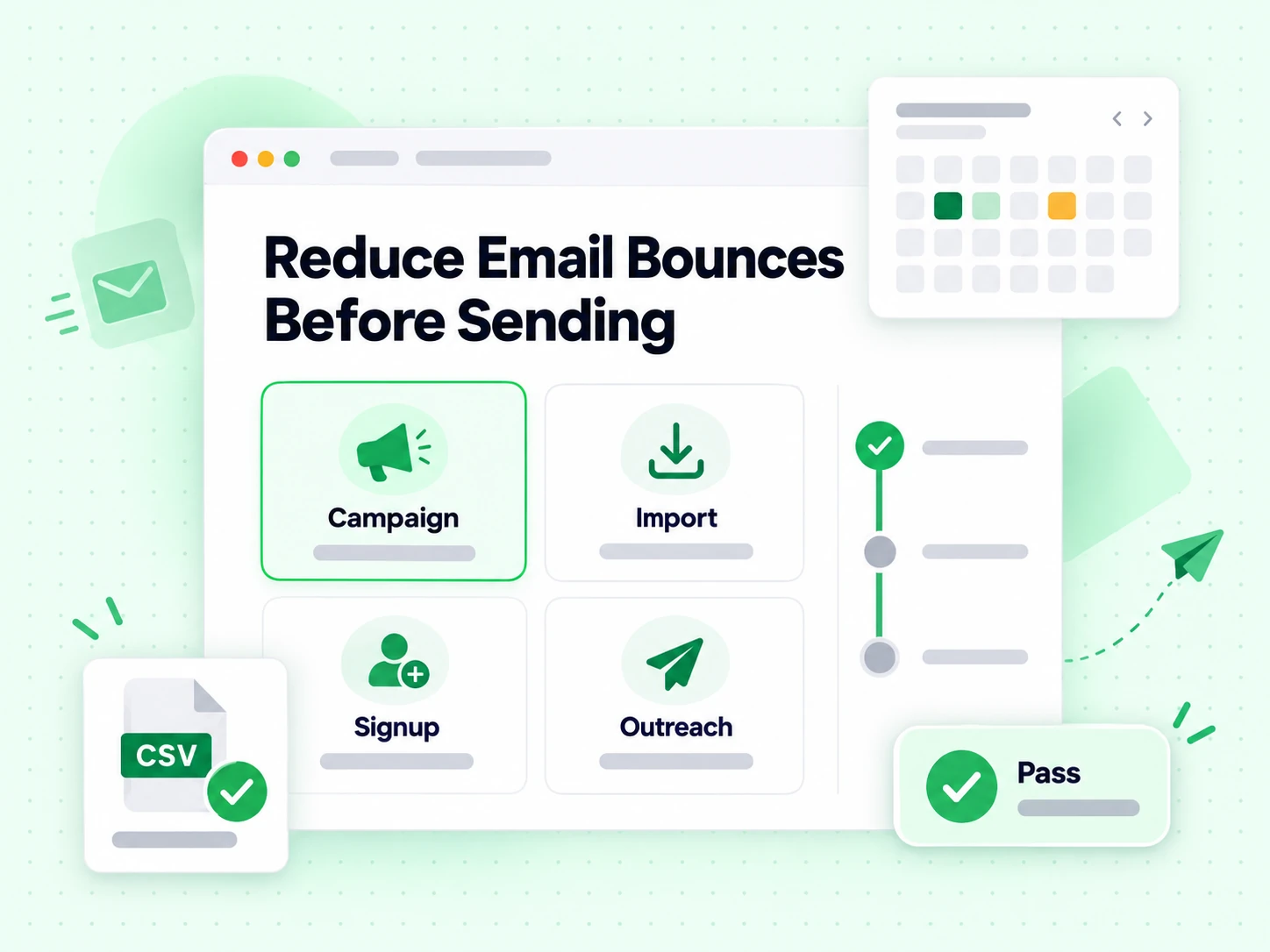
  • Investigate a high-bounce segment

    Distinguish permanent rejects from temporary receiving-system conditions before changing the whole campaign.

  • Prepare a campaign audience

    Recheck dormant segments and imported contacts close to the campaign date so stale results do not become preventable bounces.

  • Route temporary failures for retry

    Keep greylisting, timeouts, and temporary provider replies out of the permanent invalid bucket.

  • Catch errors at capture

    Show a specific format or mailbox reason while the user can still correct an important form submission.

Bounce Email Checker vs other Email Verify Tools

These are interactive Email Verify Tools β€” not bulk jobs, not the API, not Free Tools (DNS / SPF / DKIM).

This page isolates the bounce decision. Other tools either show a full multi-layer result or a different specialized flag.

ToolWhat it doesUse it when
Email VerifierFull SMTP mailbox check plus all risk flagsWhen deliverability and send safety matter
Email CheckerFull SMTP + all risk flags on one addressWhen you want a complete multi-layer result in one place
Free Email CheckerDetect free personal webmail providers (Gmail, Yahoo, …)Lead quality and B2B domain scoring β€” not free-of-charge verification
Email ValidatorSyntax + MX only β€” no SMTPQuick format and domain screen
Disposable Email DetectionFlags temporary / throwaway domainsSignup and lead capture
Bounce Email CheckerFocus on bounce and undeliverable riskList hygiene for bounce-rate control
Catch-All VerifierDetects catch-all domainsWhen SMTP accept is unreliable
Role Account DetectionFinds generic role addressesB2B outreach quality
Email List CleaningVerify many addresses at once (paste or CSV)When a single check is not enough and you need a cleaned list
Reverse Email LookupFind public owner and company context from an email addressLead research and unknown-sender review
Phone Number ValidatorValidate phone format, country, type, and E.164 outputCRM phone cleanup before outreach

How to read a bounce email checker result

A permanent reject indicates high hard-bounce risk. An accepted recipient response is positive point-in-time evidence, while catch-all behavior can make that acceptance less specific to the exact mailbox.

A temporary or ambiguous server response remains unknown rather than being forced into valid or invalid. Retry important unknown results before making a permanent suppression decision.

From input to SMTP

How the bounce email checker estimates send risk

Bounce risk is built from a sequence of evidence, not a single format rule or database label.

Address structure removes failures that can never be delivered

The check begins with the local part, @ separator, and domain. An empty domain, malformed separator, or structurally unusable address cannot become deliverable later in the pipeline. Catching these defects before DNS and SMTP also avoids unnecessary network work.

Syntax alone cannot show whether a mailbox exists. For a lightweight format and published-MX screen without SMTP, use the Email Validator. This bounce checker continues because the send-risk question needs mailbox-level evidence; use the Email Checker when you want every risk signal in one panel.

DNS identifies the receiving mail path

Published MX records tell senders which systems advertise inbound mail for the domain. If the current check cannot find a usable published route, it cannot continue to a recipient conversation. Unusual domains relying on implicit MX behavior may require manual review rather than an automatic permanent rejection.

DNS success proves only that a receiving path is advertised. It does not prove the local part exists, that the recipient is active, or that the server will accept your campaign.

SMTP recipient replies provide the strongest point-in-time evidence

The verifier opens an SMTP conversation without sending message content and evaluates the receiving server's response to the recipient stage. A clear permanent rejection is strong hard-bounce evidence. A clear acceptance is positive evidence, but catch-all policy can reduce how specifically it applies to the requested mailbox.

SMTP response classes are defined by RFC 5321. A 5xx response is a permanent negative reply, while a 4xx response indicates a temporary condition and should not be mislabeled as a hard invalid.

Read the status

Separate permanent bounce risk from temporary uncertainty

The action should follow the evidence class returned by the receiving system.

Permanent rejection

A definitive non-existent recipient, invalid domain, or permanent SMTP rejection belongs on a suppression path before you send. Repeatedly mailing a known invalid address wastes volume and can damage list-quality signals.

Preserve the reason code with the status. It lets operators distinguish a typo from a domain failure and helps a form user correct an address instead of receiving a vague error.

Accepted with normal mailbox evidence

An accepted recipient response on a non-catch-all domain is the strongest result available without delivering a real message. It is still point-in-time evidence: providers can change policy, employees leave, and aliases are retired.

Use the Email Verifier when you want the final send decision together with disposable, role, catch-all, and other risk context rather than a bounce-focused explanation.

Temporary, unknown, or catch-all

A timeout, greylisting response, temporary server failure, or policy block does not establish a hard bounce. Retry an important unknown result later. A catch-all acceptance means the domain may accept invented local parts, so treat it as uncertain rather than person-level proof.

Open the Catch-All Verifier when domain-wide acceptance is the central decision. Keeping catch-all and unknown separate prevents inflated valid counts.

Before every send

Build bounce checking into list hygiene

One successful check is useful evidence, but reliable sending depends on when and how often you apply it.

  1. 1

    Check at capture and explain correctable errors

    Validate important form submissions before they enter the CRM. When the failure is structural, show a specific correction prompt. When the provider is temporarily unavailable, allow a retry instead of telling the user the address does not exist.

    For product forms and real-time workflows, the Email Verification API returns machine-readable status and reason fields so the application can make that distinction.

  2. 2

    Clean aging lists immediately before a campaign

    A database that was clean at acquisition can accumulate hard bounces as people change jobs and domains expire. Run Email List Cleaning close to the send date, especially for dormant segments and imported event lists.

    Do not overwrite the original address during cleaning. Keep the input, normalized value, timestamp, status, and reason so suppression decisions remain traceable.

  3. 3

    Route outcomes instead of flattening them

    Suppress permanent invalids, send normal valid results through the intended campaign, and place unknown or catch-all rows into a review or retry queue. Disposable and role flags may need their own policies even when the mailbox accepts mail.

    This routing preserves audience size without pretending every ambiguous result is safe. It also makes campaign reporting more useful because the reason a row was excluded remains visible.

Avoid false promises

What a bounce email checker cannot guarantee

Mailbox verification reduces preventable hard bounces; it does not control every event after you press send.

Acceptance does not guarantee delivery to the inbox

The receiving server can accept a recipient and later filter, quarantine, defer, or bounce the message based on content, sender reputation, authentication, or internal policy. The checker does not send campaign content and cannot predict every downstream filter.

Use the Email Deliverability Test for SPF, DKIM, DMARC, and sending-infrastructure diagnostics. Those checks answer a different question from recipient existence.

Soft bounces are conditions, not permanent identities

A full mailbox, greylisting response, rate limit, or temporary outage may recover. Converting every 4xx response into invalid creates unnecessary list loss and prevents a later successful delivery.

Retain the timestamp and reason, then retry according to campaign value and provider policy. Escalate repeated temporary failures separately from clear permanent rejects.

Verification does not create consent

A mailbox that appears deliverable may still be suppressed, unsubscribed, purchased without permission, or inappropriate for the campaign. Apply your own consent records, legal basis, frequency rules, and do-not-contact lists after technical verification.

The tool answers bounce risk. It does not authorize outreach or establish that a named person controls the address.

Technical reference

Use SMTP semantics without oversimplifying them

Standards-based interpretation keeps temporary and permanent outcomes from collapsing into one misleading score.

RFC 5321 distinguishes temporary and permanent replies

The SMTP specification separates 4xx transient negative replies from 5xx permanent negative replies. That distinction is why an inconclusive or temporary result should be retried rather than counted as a confirmed hard bounce. See RFC 5321 for the protocol definitions.

Keep the raw reason beside the normalized status

A simple valid or invalid label is convenient, but the reason and SMTP class preserve the evidence needed for retries, support, and audits. Store both instead of discarding the original outcome after segmentation.

Reverify when the cost of a stale result is high

There is no permanent verification timestamp. Set a cadence based on list age, source quality, and campaign importance, and recheck immediately before large sends or after a long period of inactivity.

Frequently Asked Questions

1. What does a bounce email checker do?

A bounce email checker focuses on whether an address is likely to hard-bounce if you send to it. BillionVerify runs SMTP-capable verification under the hood, then this page presents a bounce-oriented status and plain-language interpretation β€” not a full multi-flag dashboard. Use it when ISP bounce rate, ESP penalties, and sender reputation are the main risk you care about.

2. Hard bounce vs soft bounce β€” which does this catch?

SMTP verification is strongest at permanent failures: invalid mailboxes, non-existent domains, and clear rejects (classic hard-bounce risk). Soft bounces (full mailbox, temporary greylisting, policy delays) can still appear as risky or unknown and may need a retry. Always pair bounce checking with list hygiene cadence; one clean pass does not freeze a list forever as people change jobs and domains expire.

3. Will a bounce email checker reduce my bounce rate?

Removing hard-invalid addresses before send is one of the highest-leverage ways to cut bounce rate and protect domain reputation. It cannot fix spammy content, poor authentication (SPF/DKIM/DMARC), or a burned IP. Use bounce checking (or full Email Checker / list cleaning) before campaigns, then fix infrastructure with Free Tools (SPF, DKIM, DMARC) if authentication is broken.

4. Bounce checker vs Email Checker β€” which should I use?

Use Bounce Email Checker when the only decision is undeliverable risk and you want a focused reading. Use Email Checker when you also need disposable, catch-all, and role flags in one comprehensive result. For whole CSVs, use Email List Cleaning so every row gets verified before the ESP send.

5. Is the bounce email checker free?

Interactive checks include fair-use free full SMTP probes: 20 per IP every rolling 24 hours, no signup. That quota is shared with other full verification tools. For bulk list cleaning and API volume, create an account. The free tool is meant to prove bounce risk on samples before you commit credits to a full file.

6. Do you store emails I test?

Public checks return a result and enforce abuse limits. We do not build marketing lists from addresses you paste into this tool.

Bounce Email Checker

Scale beyond a single check

Sign in for bulk list cleaning, higher volume, and API access with the same verification engine.

20 free SMTP checks / 24h Β· No credit card for free tier Β· Same engine as bulk & API

99.9%
Accuracy
Real-time
API Speed
$0.00014
Per Email
100/day
Free Forever