

Chapter 1 of 7 · What Instantly already does
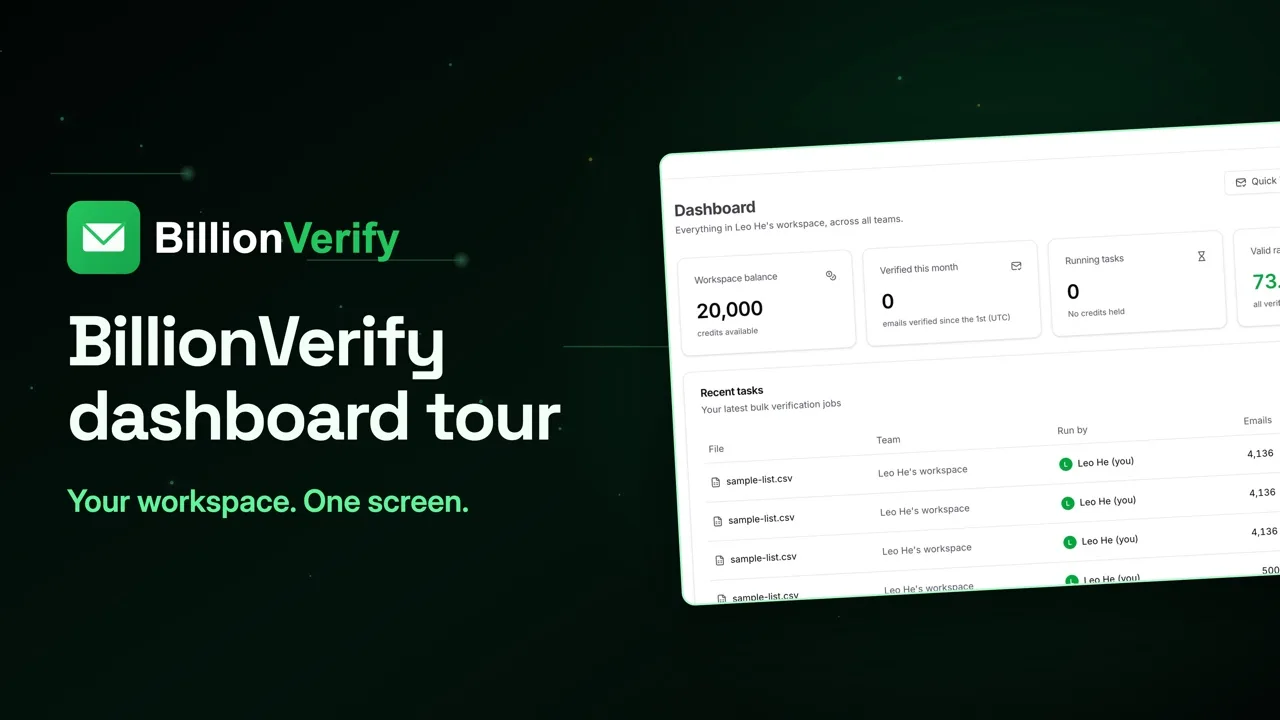
About this video
This video uses sample data, not real Instantly data. BillionVerify is not affiliated with or endorsed by Instantly. File verification needs a paid account.
Video transcript
Here's how to get a clean list into Instantly, and what to do with each result. Instantly already gives you three protections. You can verify leads at upload. BounceShield skips known high-risk recipients, and it's on by default. And when a lead bounces, follow-ups to that lead stop. Its help center calls this the best practice. Verify leads before upload, and keep BounceShield on. That's the order we'll follow. Here's why it matters. Instantly says hard bounces seriously damage your domain health and sender reputation. And it names poor lead quality as the common cause. So your lead list goes to BillionVerify first. Only the addresses you pick go into your Instantly campaign. Open File List Verify, and drop in your CSV. BillionVerify picks out the email column and counts the unique addresses. You see the credits before anything runs. Click Verify, and it runs in the background. These are bigger sample lists, not Instantly data. Every status gets its own count. Send to valid in your main campaign. Give catch-all its own campaign. Role addresses are shared inboxes, so write for that. Hold back unknown. Leave out invalid and disposable. Filter by status and export, one file for each campaign. Why split catch-all? Instantly's bounce guide explains it. Some domains accept all emails at first, then reject them later. So keep those leads apart, and watch the bounces. If you also run Instantly's own check, know one setting. Leads marked Risky are not contacted by default. To send to them, open Sending rules, and turn on Allow risky emails. In your campaign, open Leads and choose Upload CSV. Email has to be mapped. Instantly's guide also says to remove true and false values, and our verification columns have them. So set those to Do Not Import. Two boxes next. Check for duplicates is on by default, and skips leads already in another campaign or list. Verify leads is optional here, since this file is already checked. After launch, some leads may show as Skipped. BounceShield is one reason. The others are your blocklist, AI lead filtering, and company send limits. The Skipped filter shows them all. When a lead bounces, open the campaign's Analytics, and check the bounce type. Download the bounced leads, and import them into your Blocklist. They're left out of every future campaign. On our side, each result uses one credit, including catch-all and role. Unknown, bad syntax and disposable are free. File uploads need a paid account, and any credit purchase unlocks them. 20 free credits every day you use your account, up to 600 a month. No credit card required. Start at billionverify.com.
Featured in this video
Instantly Email VerificationVerify emails before importing lists into Instantly. Remove invalid records and segment catch-all, role-based, and unknown addresses before campaign launch.Try Instantly Email VerificationMore in Cold Email
All email verification videos

BillionVerify pricing
Start free, then pay for what you verify. Pick a plan or buy credits once.
billed yearly $96
Save 60%$0.0004 / per credit
All 240,000 credits arrive at once. Use them anytime.
Choose your credits
Included in every paid plan
- 240,000 credits / year
- Single email verification
- Bulk email verification
- Email Finder
- Bulk Email Finder
- Company Search
- Live SMTP mailbox check
- Real-time API + batch processing
- CSV & Excel upload support
- Comprehensive verification reports
- Workspaces and teams with spend limits
- Credits never expire
Try the AI email verification features
20 free credits every day you log in, up to 600 a month. Free AI first email verification across every feature, no credit card.
Native MCP Server integration · Catch-all reported separately · Free tier, no credit card