

Chapter 1 of 8 · Why verified labels differ
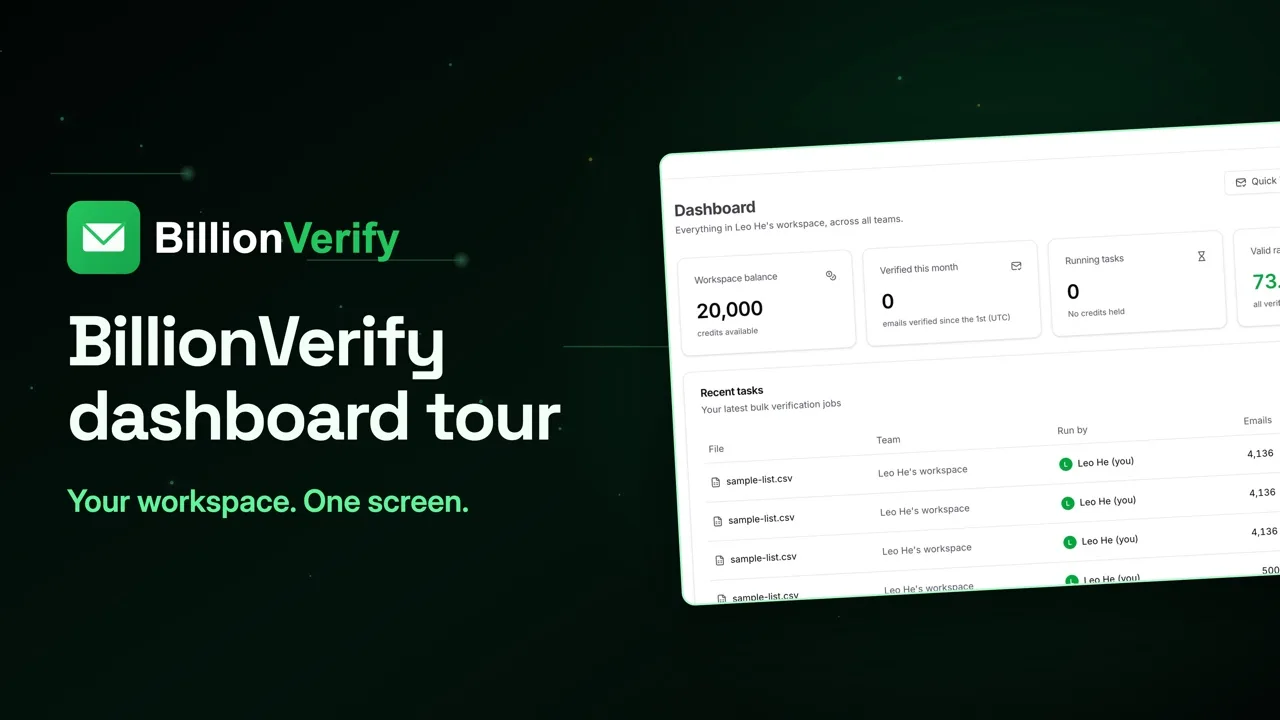
About this video
This video uses sample data, not purchased data. File verification needs a paid account.
Video transcript
Here's how to merge B2B leads from different sources, and verify them before they reach your CRM. Most B2B lists come from more than one place. A database export. An email finder. An enrichment file. Each one has its own label for a good address. But those labels answer a different question. Your database tells you if this is the right person. Sending depends on something else: will this mailbox accept mail today? And that answer changes. Email lists decay by about 22.5% a year, and buying a list doesn't stop that. So give every source the same test. Step one: merge them into one file, with one email column. Then add a column called Source, and fill it in for every row. Step two: take out what you already know. Drop contacts already in your CRM, past bounces, and anyone who opted out. A new export can bring them right back. Step three: open File List Verify, and upload the merged file. Overlap gets handled here. If an address is in the file twice, it counts once, and your download keeps its first row. Start the check and move on. You'll get an email when it finishes. The next results come from a larger sample list, not purchased data, so expect a different mix. Now every address has a status, and each status means the same thing, whichever source it came from. Tick the statuses you want, then click Export Results. Your columns stay in the download, with the results added at the end. So Source sits next to each status. Group it by Source, and count each status. Now every source is judged on one test, not its own label. Save those numbers with the export date for your next list. Then route each result. Valid goes to your CRM or main campaign. Invalid and disposable go on your suppression list. Catch-all gets a smaller segment. Role addresses get a shared-inbox message. Unknown goes to review. Sometimes a record your database calls verified comes back invalid. Usually neither is wrong. The person may have left after the last refresh. Go with today's result. Two sources may also give you two addresses for one person. Verify both, and keep the one that comes back valid. If both do, use the newer one. And before you reuse any list, or once it's over 90 days old, verify it again. What does this cost? One credit per result, catch-all and role included. Unknown, bad syntax and disposable are free. File uploads need a paid account, and any credit purchase unlocks them. 20 free credits every day you use your account, up to 600 a month. No credit card required. Start at billionverify.com.
Featured in this video
B2B Leads Email VerificationVerify emails from Apollo, ZoomInfo, Hunter, and other B2B data sources before sending. Database confidence scores are not the same as email deliverability.Try B2B Leads Email VerificationMore in B2B Leads
All email verification videos
BillionVerify pricing
Start free, then pay for what you verify. Pick a plan or buy credits once.
billed yearly $96
Save 60%$0.0004 / per credit
All 240,000 credits arrive at once. Use them anytime.
Choose your credits
Included in every paid plan
- 240,000 credits / year
- Single email verification
- Bulk email verification
- Email Finder
- Bulk Email Finder
- Company Search
- Live SMTP mailbox check
- Real-time API + batch processing
- CSV & Excel upload support
- Comprehensive verification reports
- Workspaces and teams with spend limits
- Credits never expire
Try the AI email verification features
20 free credits every day you log in, up to 600 a month. Free AI first email verification across every feature, no credit card.
Native MCP Server integration · Catch-all reported separately · Free tier, no credit card