

Chapter 1 of 8 · Where Maps emails come from
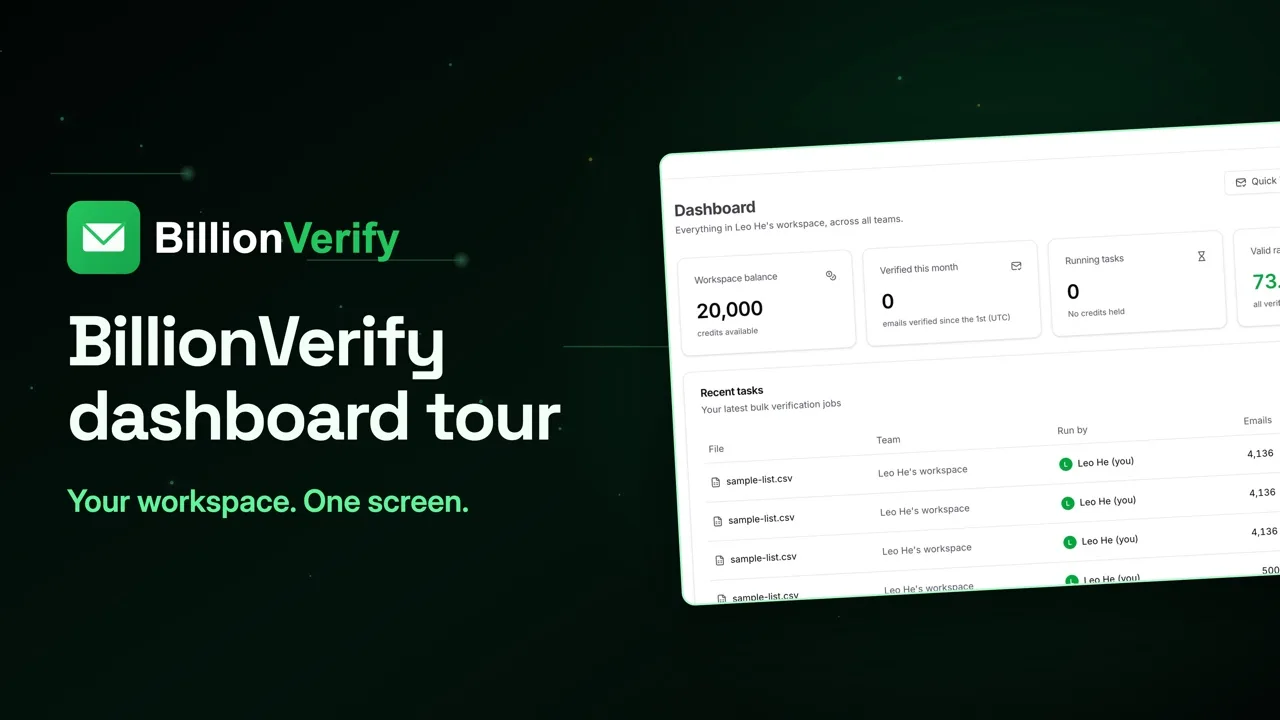
About this video
This video uses sample data, not real Google Maps data. BillionVerify doesn't scrape Google Maps, and isn't affiliated with or endorsed by Google. File verification and Email Finder need a paid account.
Video transcript
A local business list needs sorting, not just cleaning. Here's how. A Maps listing has a phone number and a website, but no email field. So your scraper opens that website and copies whatever address it finds. Look at what comes back. Booking, appointments, info, office. They can be real inboxes, but they belong to a front desk, not a person. That page may be years old, too. A business moves, closes or changes domain, and the old address stays online. Chains add one more problem. Each location can have its own listing, all pointing to one inbox. Step one is cleanup. One email per row, then remove repeats, by email first, then by domain. Step two. In BillionVerify, go to File List Verify and add your cleaned file. Before anything runs, you see the email column, the unique count, and the most credits it can use. Start it and move on. You'll get an email when it's finished. These numbers come from a bigger sample list, not a Maps scrape, so your split will look different. Step three. On a local list, start with two statuses: role and catch-all. A working info address comes back as role, not valid. That isn't a bad result. At many small businesses, it's the only public address, so write for a shared inbox. Think about who opens it. At a restaurant, that's often the host. At a dentist, the front desk. At a law firm, intake. So give them a reason to forward it. Worth more effort? Get the owner's name from the site, and Email Finder can look up a verified address. That's paid accounts only, ten credits per hit. Catch-all is the other big one. Many small business domains accept mail for any address, so the server can't prove this mailbox exists. Now split the file. Valid goes to your main campaign. Role gets its own copy. Catch-all goes out small and capped. Unknown waits for review. Invalid and disposable go on a suppression list, so the next scrape can't bring them back. And no email means phone. On a new domain, start with valid, add role next, and bring in catch-all last. To pull each list, tick its status and click Export Results. Names and categories stay on every row. Check the catch-all column too: a role address on a catch-all domain belongs in your careful send. On cost, valid, invalid, catch-all and role each use one credit. Unknown, bad syntax and disposable are free. File uploads need a paid account, and any credit purchase turns them on. 20 free credits every day you use your account, up to 600 a month. No credit card required. Start at billionverify.com.
Featured in this video
Google Maps Email Scrape and Email VerifyUse Google Maps for local business research, collect listing and website contact data, then verify emails so prospecting, sales, and marketing lists stay clean.Try Google Maps Email Scrape and Email VerifyMore in Google Maps Leads
All email verification videos

BillionVerify pricing
Start free, then pay for what you verify. Pick a plan or buy credits once.
billed yearly $96
Save 60%$0.0004 / per credit
All 240,000 credits arrive at once. Use them anytime.
Choose your credits
Included in every paid plan
- 240,000 credits / year
- Single email verification
- Bulk email verification
- Email Finder
- Bulk Email Finder
- Company Search
- Live SMTP mailbox check
- Real-time API + batch processing
- CSV & Excel upload support
- Comprehensive verification reports
- Workspaces and teams with spend limits
- Credits never expire
Try the AI email verification features
20 free credits every day you log in, up to 600 a month. Free AI first email verification across every feature, no credit card.
Native MCP Server integration · Catch-all reported separately · Free tier, no credit card