



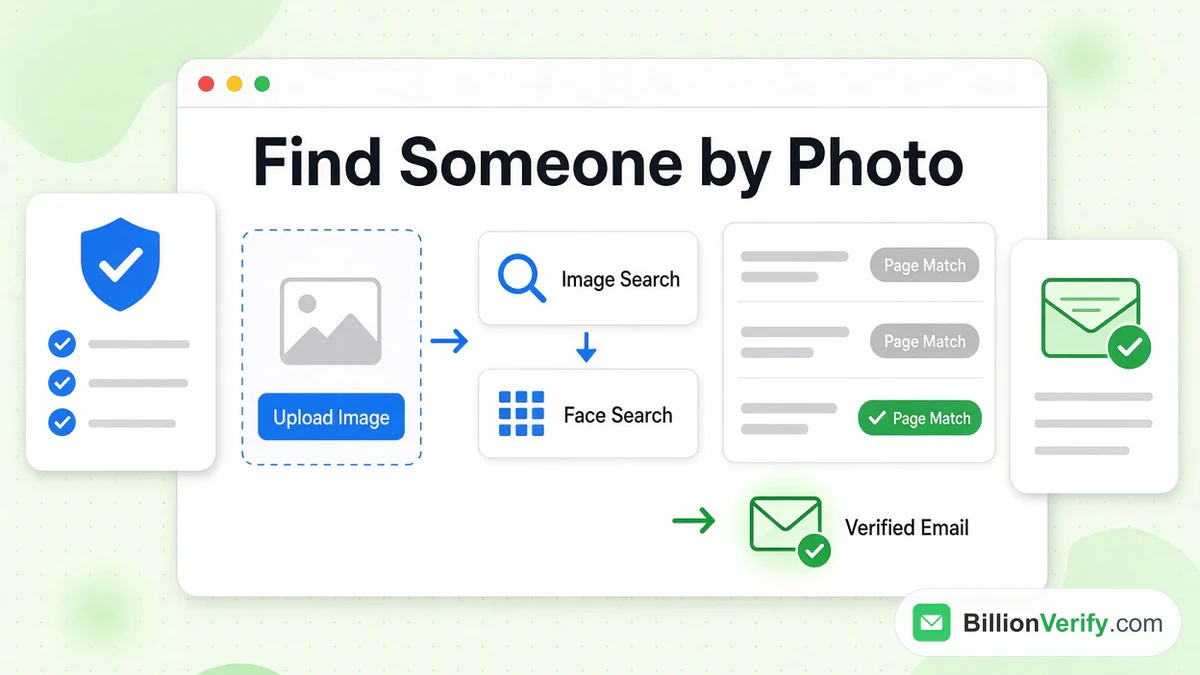
You can sometimes learn who is in a photo, or where a photo came from, by running it through a tool built for pictures. Two kinds exist. A reverse image search looks for pages that carry the same or a similar picture. A face search matches the face itself against a database of faces. This guide explains how each works, compares three well-known services and sets out the limits, risks and responsible uses.
We are not affiliated with Google, TinEye, PimEyes or any other company named here. BillionVerify is an email verification service, and the last part of this guide covers how to verify a contact once you have one. Facts about other companies come from their own pages, checked in November 2026.
Key facts (checked November 2026):
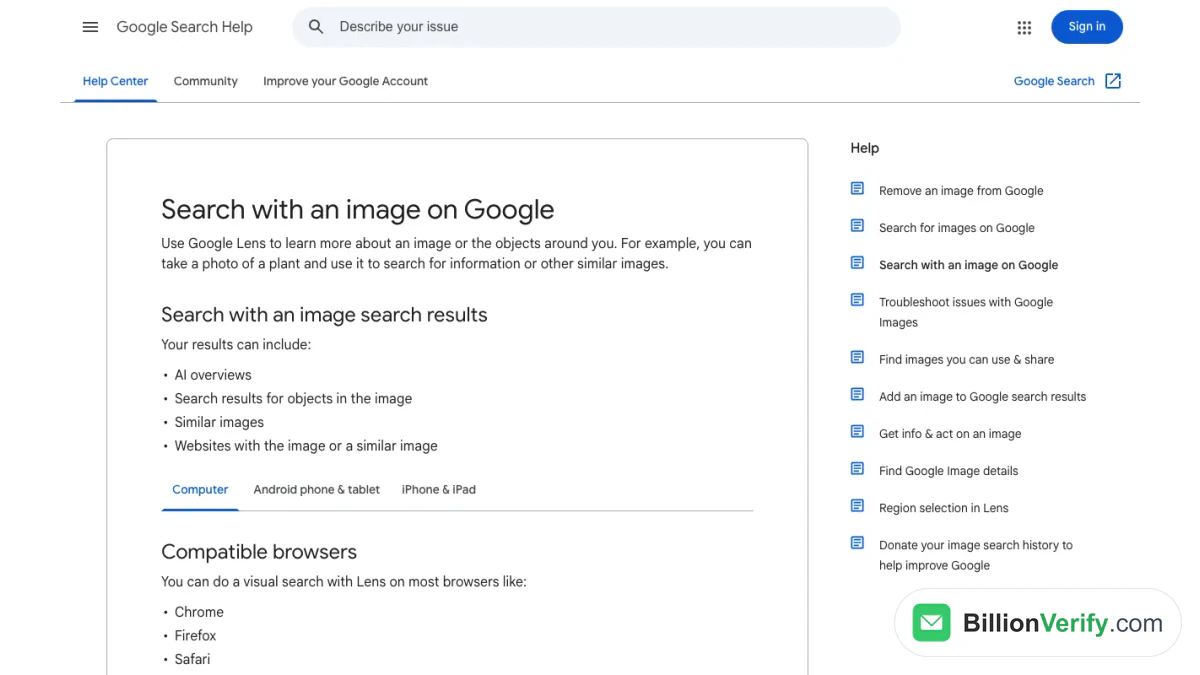
- Google's help page says you can search with an image by uploading a file, dragging it into the search box, pasting an image link or right-clicking in Chrome.
- The same help page also says "Google may store the URLs you search."
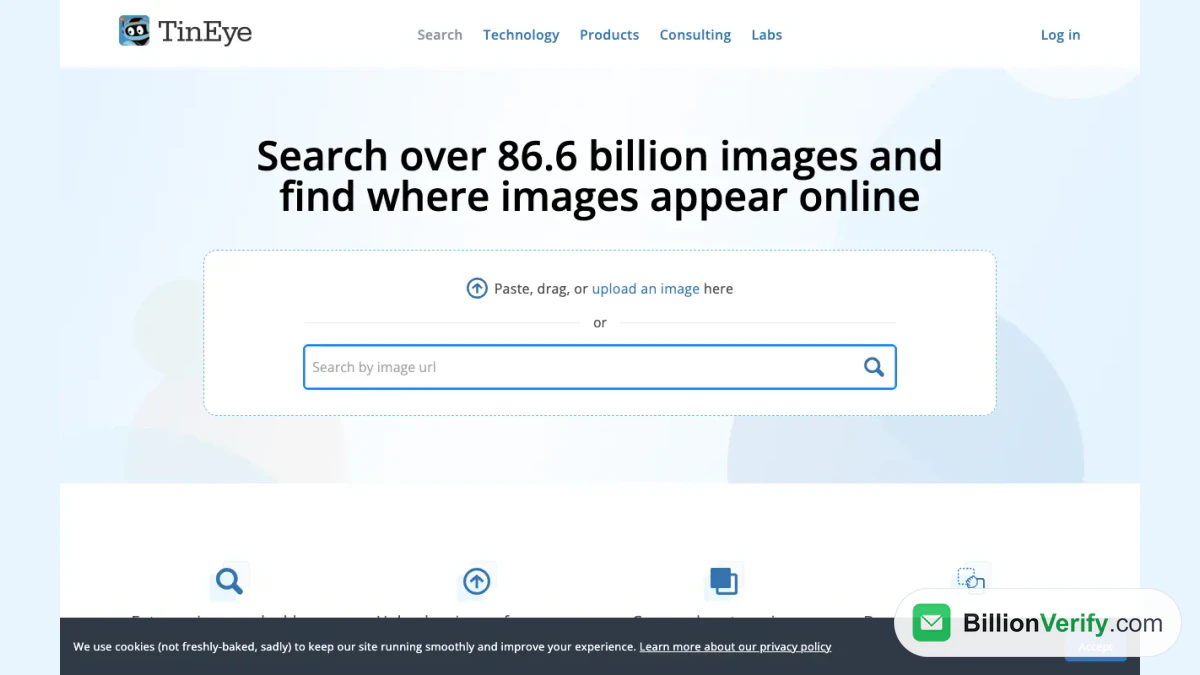
- TinEye says its index holds over 86.6 billion images and that your search image is never saved or indexed.
- PimEyes describes itself as "a privacy-first online face search engine and reverse image search technology" and says it covers only the open web.
- PimEyes lists upload limits of five photos and 15 MB per photo.
- Google's Lens page describes identifying objects such as plants, dogs, artwork and landmarks, and does not describe identifying people.
Reverse Image Search vs Face Search
The two terms sound alike and behave differently. A reverse image search takes a picture and looks for the same file, a copy or a close edit across the web. It tells you where a picture appears, who posted it and in what context. It does not need to know whose face is in it.
A face search extracts the face from your picture and compares it with faces from other pictures. It aims to locate other photos of the same person, even in different settings. That is a stronger and riskier capability, and it is why these services draw more scrutiny. Many results for "face search" mix both tools and also include apps that apply filters or edit faces, so check what a service does before you upload anything.
What each one is good for
A reverse image search is good for tracing a source. You can discover the original of a photo, spot a stock image used in a profile, or see whether a picture has been edited. A face search suits one job: surfacing other public photos that appear to show the same person. It does not give you a name on its own. You still need to read the pages it points to.
Free Tools to Find Someone by Photo
The free options are reverse image searches. They do not recognize faces as a product feature, but they can still lead to a name when the same photo sits next to a caption that names the person. In that sense, a free people finder by photo is really a page finder.
Google image search
Google's help article lists several routes for an image query on a computer. You can click the search by image icon on google.com and upload a file, drag a file into the search box, or paste the address of an image. In Chrome, you can right-click an image and choose Search with Google Lens. After you upload, you can add a description in the "Add to your search" box to refine the results.
Screenshot: the same article, which lists the upload, drag, paste and right-click methods.
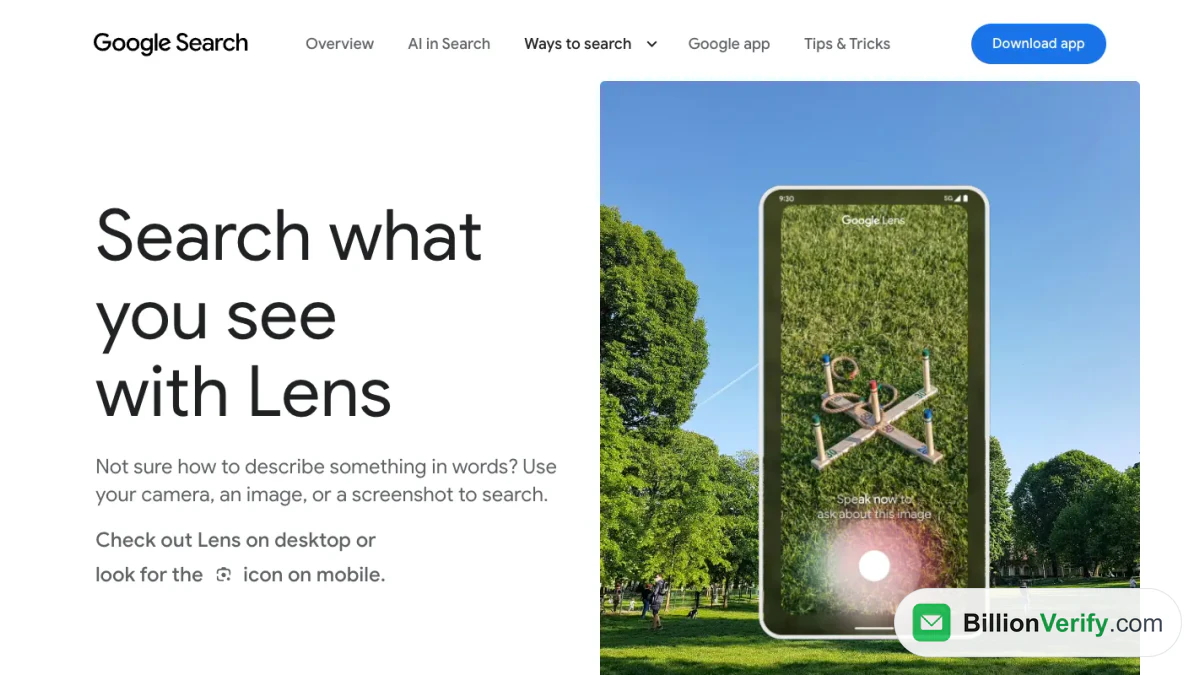
The Lens product is a camera search for objects: it names flowers, pets, murals and monuments, and it invites you to "Use your camera, an image, or a screenshot to search." Nothing there says Lens identifies people. Treat Google as a way to reach pages that show a picture, not as a way to name a face.
Screenshot: the Lens landing screen, which describes visual search.
TinEye
TinEye is a dedicated reverse image search. Its home page lets you upload an image, paste a link, drag and drop, or paste from your clipboard. Results can be sorted to show the first occurrence of your image, the most changed version, the newest match or the biggest version. A stock filter helps identify the creator or copyright holder, and a comparison view shows how an image was cropped or altered.
TinEye also stresses privacy. Beyond its own statement quoted above, it explains that it crawls only web content, never the search images. For tracing the origin of a photo, that combination is useful.
Screenshot: TinEye's How to use TinEye article, as archived on its site in November 2026.
Face Search Services
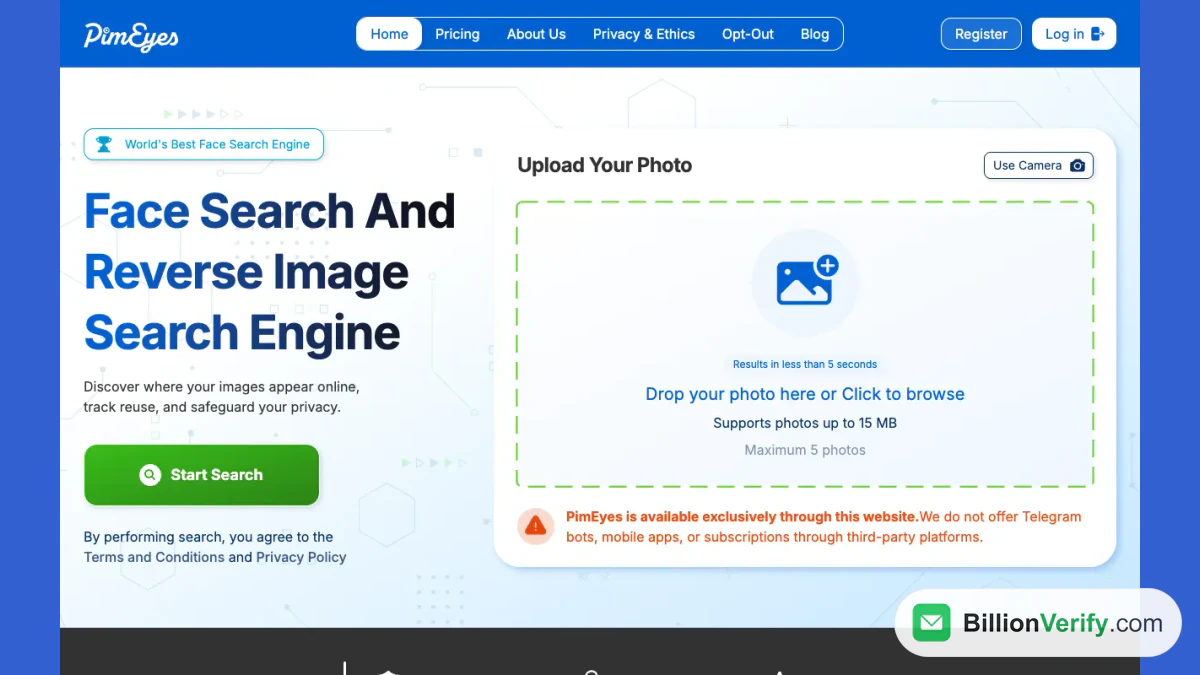
PimEyes is the best-known service of this kind. It limits its coverage to "only the open web, excluding social media and video platforms", and claims that uploaded images are "never stored, never shared, and never used to train models." Those are the company's statements, not independent findings.
Its pricing shows three plans on a monthly or yearly toggle. Open Plus allows up to 75 searches daily and 10 alerts. PROtect allows up to 125 searches daily and 20 alerts, and adds reports and optional takedown support. Advanced offers unlimited daily searches and 500 active alerts. A consent line reads "By performing search, you agree to the Terms and Conditions and Privacy Policy." We did not see a step that asks you to confirm that the face is your own.
Screenshot: PimEyes home page, with its upload box for a picture.
What a match means
A face match is a lead, not an identification. The service returns faces that look similar, and similar is not identical. Lighting, age, angle and image quality affect the result, and look-alikes exist. Open the page behind each hit and look for a caption, a byline or other context that you can confirm independently.
Reverse Image Search for People: What It Can and Cannot Do
Photo tools have real strengths, and clear limits.
- It can show where a picture appears. That is often enough to trace a stolen photo or a fake profile.
- It can reveal edits. Comparison tools expose crops and alterations.
- It cannot name a person on its own. A result is a page, not a name.
- It cannot see private pages. Services crawl the public web, and PimEyes skips most social networks.
- It can be wrong. Matches rest on similarity, and the web contains many copies and look-alikes.
If your aim is a person's contact details, a people finder by photo rarely finishes the job. You usually end up with a lead, and then you need a public record or a professional profile to go further. Our people finder guide maps those routes.
Privacy, Safety and the Law
Face search is sensitive because a face is hard to change. A tool that can surface photos of someone who did not agree to be searched can enable stalking, harassment and exposure. Use it with that in mind.
- Have a legitimate reason. Checking a profile that might be fake, tracing the source of a photo used without permission, or searching for your own images are different from trying to locate a stranger.
- Do not publish what you find. Naming a person on the basis of a face match can harm someone who is not the person you think.
- Check the rules where you live. Laws on biometric data and on face templates differ by place, and they change.
- Respect the opt-out. PimEyes offers a removal link in its menu and footer, which you can use to ask to be removed from results. The site does not explain how that works, so read the current process there.
People-search sites also hold photos. Spokeo's home page says you can look up social profiles and photos, and its terms bar using its information for decisions about employment, housing, credit or insurance. Those limits come from the Fair Credit Reporting Act, which the FTC enforces. A photo match must not be used to screen a tenant or a job candidate. For the Spokeo details, see is Spokeo legit.
From a Name to a Verified Contact
Say a photo search leads you to a name, and the person works at a company. The next step is a contact route. For a work address from a name and a company domain, see our guide to how to find someone's work email address. BillionVerify's Email Finder returns one verified work email for a person at a company, and it is available on paid accounts only.
Before you write, verify. Our reverse email lookup shows the domain, organization and mail routing behind an address from public signals, and it does not claim to confirm an identity. A bounced message harms your sender reputation, so a quick check is worth the time.

If the contact you found is a phone number rather than an email, read whose number is this for ways to identify it, and run it through our phone number validator first.
FAQs
How do I find someone by photo?
Run the photo through Google or TinEye to see where else it appears, then study each result for a name or context. A tool such as PimEyes looks for other photos of the same face. Treat any match as a lead and confirm it separately.
Is there a free way to do a face search?
Google and TinEye cost nothing and return matching pages for your picture. Face services such as PimEyes sell plans with daily search limits. The free tools do not recognize faces as a headline feature.
What is the difference between reverse image search and face search?
One finds copies and close edits of a picture online. The other compares your subject's features with those in other pictures. The first traces a file, and the second tries to trace a person.
Does reverse image search for people work?
Partly. It works when the same photo appears on a page that carries the person's name, and it fails when the picture is new or private. It points you to where to look next.
Can Google Lens identify a person?
Google presents Lens as an object tool and is silent on naming people. Use it to see where a photo is posted, then judge those results yourself.
Does TinEye keep the photos I search with?
TinEye says it does not save or index your image, and that its crawler touches web content alone. Those are TinEye's own statements, so read its current privacy terms prior to uploading a sensitive photo.
Does PimEyes search social media?
By its own description, no: it sticks to the open web. A face that appears only inside those networks will not turn up. Check the site for the current scope.
How accurate is a people finder by photo?
Not very, on its own. Matches are based on similarity, so look-alikes appear and image quality shifts outcomes. A photo search tells you where to look next, and a name still needs a second source.
Is it legal to find someone by photo?
Searching public images for personal use is generally allowed, but rules on biometric data vary by place, and harassment, stalking and misuse are illegal. Do not use results to decide on hiring, housing, loans or coverage, because consumer-reporting law covers those uses.
Can I remove my photos from face search results?
Some services provide a removal route. PimEyes has one linked from its site. Removal does not delete the original pages, so you may also need to contact the sites that host your photos.
Watch: How to Validate a Phone Number: Free Phone Number Validator
Watch: Free Reverse Email Lookup: What It Shows and What It Can't
Read next: ZabaSearch: Free People Search, What It Shows and Its Limits