



Email marketing managers often find themselves battling poor deliverability and wasted efforts due to messy, outdated contact lists. Keeping your campaigns efficient depends on gathering and maintaining a database of high-quality, active B2B contacts. By using targeted list building strategies and regularly analyzing verification reports, you can transform your email lists into powerful assets that drive results while protecting sender reputation.
Quick Summary
| Actionable Insight | Description |
|---|---|
| 1. Define Your Ideal Audience | Segment your target audience by industry, company size, job title, and location to enhance list accuracy. |
| 2. Use Double Opt-In Verification | Implement a double opt-in process to ensure high-quality contacts and improve email deliverability. |
| 3. Conduct Bulk Email Verification | Use BillionVerify to remove invalid or risky email addresses, thereby protecting sender reputation. |
| 4. Regularly Analyze and Clean Your List | Periodically review your email list to eliminate inactive, invalid, or unresponsive contacts for better engagement. |
| 5. Set Up Automated Maintenance | Create a schedule for quarterly list cleaning to ensure ongoing verification and list quality improvement. |
Step 1: Gather and Organize Your Email Data
Getting a clean and organized email list starts with strategic data collection. Your goal in this step is to build a targeted database of high quality B2B contacts that will fuel your marketing campaigns with precision and effectiveness.
Start by defining your ideal audience through detailed segmentation. Using targeted list building strategies means considering specific parameters like industry vertical, company size, job titles, and geographic location. This granular approach ensures you collect contact information from professionals who are most likely to engage with your content and offerings.
To gather email data effectively, leverage multiple channels and touchpoints. Your website should feature strategically placed sign up forms that offer value in exchange for contact information. Consider creating lead magnets like comprehensive whitepapers, industry research reports, webinar registrations, or exclusive content downloads that incentivize professionals to share their email addresses. Social media platforms and professional networking events also provide excellent opportunities to expand your contact database through organic interactions.
Make sure you implement a double opt-in process to verify each email address and confirm the subscriber's genuine interest. This approach not only improves your list quality but also helps maintain strong email deliverability rates. Segmenting your collected data based on engagement levels and relevance will further refine your marketing precision.
The following table compares initial list gathering methods for building a quality B2B email database:
| Method | Data Accuracy | Audience Targeting | Effort Required |
|---|---|---|---|
| Website Sign-Up Forms | High, if double opt-in | Very precise | Moderate (setup needed) |
| Lead Magnet Offers | High, motivated users | High | High (content needed) |
| Social Media Connections | Medium, may vary | Moderate | Ongoing |
| Networking Events | Medium, manual entry | High | High (follow-up needed) |
Pro tip: Create a standardized spreadsheet template with clear columns for email, name, company, job title, and source to maintain consistent and organized data collection from the beginning.
Step 2: Upload Lists to BillionVerify Platform
Now that you have gathered and organized your email data, it is time to upload your list for comprehensive verification. The email verification process begins with seamlessly transferring your carefully collected contact information into the platform for thorough validation.

To get started, log into your BillionVerify account and navigate to the bulk email verification section. Uploading email lists for verification is straightforward and supports multiple file formats including CSV and Excel spreadsheets. You can either drag and drop your file directly into the upload area or use the manual upload function to select your saved document. Ensure your file is properly formatted with a clean column of email addresses to maximize verification accuracy.
During the upload process, you will be prompted to name your verification task for easy tracking and reference. The platform will automatically process your list, analyzing each email address for validity, potential risks, and deliverability. After completion, you will receive a detailed report breaking down the verification status of each email address complete with specific validation insights.
The verification process helps you identify and remove invalid, risky, or potentially harmful email addresses from your marketing lists. This critical step ensures your email campaigns reach genuine recipients, improve sender reputation, and maximize your marketing effectiveness.
Pro tip: Before uploading, double check your file for any formatting inconsistencies or extra spaces that might interfere with email validation and potentially reduce accuracy.
Step 3: Run Bulk List Cleaning and Verification
With your email list uploaded, you are now ready to initiate the comprehensive verification process that will transform your raw contact data into a refined marketing asset. The bulk list cleaning stage is critical for ensuring the highest possible email deliverability and maintaining your sender reputation.
When you launch the verification process, the BillionVerify platform will automatically analyze each email address through multiple validation checks. These sophisticated checks examine various aspects of each email including syntax accuracy, domain validity, mail server existence, and potential spam trap indicators. Email verification technology quickly identifies problematic email addresses such as disposable emails, role based accounts, catch all domains, and potentially risky contacts that could harm your marketing performance.
The platform provides a detailed verification report that categorizes your email addresses into distinct segments like valid, invalid, risky, and unknown. This granular breakdown allows you to make informed decisions about which email addresses to keep, remove, or further investigate. By systematically cleaning your list, you dramatically reduce bounce rates, protect your sender reputation, and increase the overall effectiveness of your email marketing campaigns.
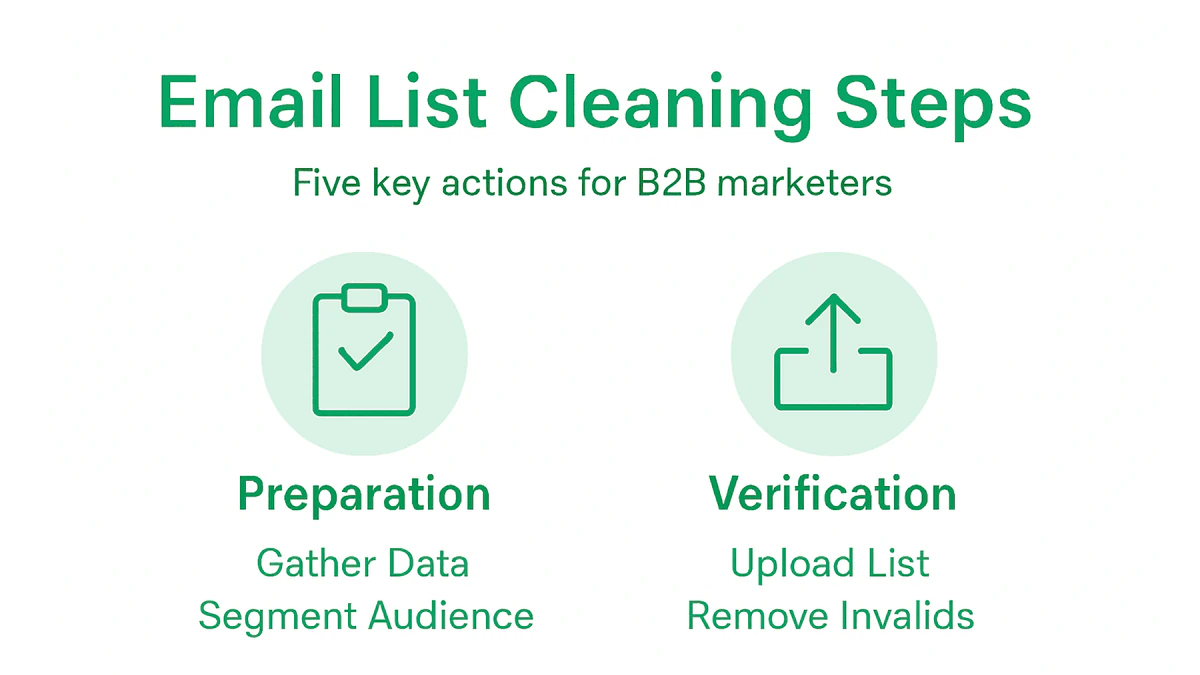
As the verification process completes, you will have a clean highly targeted email list ready for your marketing initiatives. The remaining valid emails represent genuine potential contacts who are most likely to engage with your content and offers.
Pro tip: Always download and retain your verification report for future reference and to track improvements in your email list quality over time.
Step 4: Analyze Verification Reports and Remove Invalids
After completing your email list verification, you will receive a comprehensive report that breaks down the quality and status of your contacts. Understanding and acting on this report is crucial for maintaining a high-performing email marketing database.
Data verification processes involve systematically categorizing your email addresses into distinct segments such as valid, invalid, risky, and potentially problematic contacts. Your verification report will highlight critical information including syntax errors, non existent domains, disposable email addresses, and potential spam traps. Each category requires a specific approach to ensure your marketing list remains clean and effective.
When reviewing the report, focus on removing completely invalid email addresses that will harm your sender reputation. These typically include emails with incorrect syntax, non existent domains, or addresses flagged as permanent bounces. For risky emails like catch all domains or role based accounts, consider a more nuanced approach. You might choose to segment these contacts separately or apply additional verification steps before deciding whether to keep or remove them.
Here is a summary of common email verification report categories and recommended actions:
| Category | Typical Issues Identified | Recommended Action |
|---|---|---|
| Valid | No errors, deliverable address | Keep in main marketing list |
| Invalid | Syntax errors, bad domain | Remove from all communications |
| Risky | Catch-all, role-based, possible spam trap | Isolate for further review |
| Unknown | Server unresponsive or ambiguous | Monitor or retest later |
The goal is to create a highly targeted list of verified email addresses that maximizes your potential for successful email marketing campaigns. By carefully curating your list and removing invalid contacts, you significantly improve email deliverability rates and protect your sender reputation.
Pro tip: Create a backup of your original email list before making any deletions so you can reference or reprocess contacts if needed.
Step 5: Test and Update Your Cleaned List
After meticulously cleaning your email list, the next critical phase involves continuous testing and strategic maintenance to preserve your marketing database's quality and effectiveness.
List hygiene practices require implementing a systematic approach to monitoring and refreshing your contact database. Regularly validate your email list by analyzing engagement metrics and removing contacts that demonstrate consistent inactivity. Focus on identifying and filtering out hard bounces, unresponsive email addresses, and contacts that have not interacted with your campaigns within the last 60 to 90 days.
Develop a structured process for ongoing list maintenance that includes periodic verification and segmentation. This might involve creating distinct groups for highly engaged contacts, moderately active subscribers, and potentially inactive recipients. By segmenting your list, you can design targeted re engagement campaigns for lukewarm contacts while maintaining a core group of responsive email addresses. Consider implementing automated tools that can help track email performance, monitor bounce rates, and systematically remove unproductive contacts.
The ultimate goal of continuous list testing is to maintain a dynamic and responsive email database that delivers maximum marketing efficiency. Your cleaned list should represent active, interested potential customers who are genuinely interested in your communications.
Pro tip: Set up quarterly automated list cleaning schedules to ensure your email database remains fresh and high performing without manual intervention.
Maintain a High-Performing B2B Email List with BillionVerify
The article highlights the challenge of managing and continuously cleaning B2B email lists to improve deliverability, reduce bounce rates, and protect sender reputation. You want to ensure your email data is accurate, valid, and free from risky contacts like disposable or role-based emails. This is essential to maximize your marketing effectiveness and engagement with genuine prospects.
BillionVerify specializes in solving these exact pain points by providing a powerful bulk email list cleaning solution that helps you verify and clean your contact data with 99.9% accuracy. With features such as disposable email detection, role-based email identification, and real-time verification, you gain full control over your list hygiene. This means you can confidently engage with verified contacts, reduce hard bounces, and safeguard your sender reputation.

Ready to take your email marketing to the next level? Visit BillionVerify now and let our comprehensive verification reports and user-friendly platform streamline your email list cleaning process. Act today to protect your campaigns from invalid addresses and unlock the true potential of your B2B email marketing efforts.
Frequently Asked Questions
What is the first step in the email list cleaning process for B2B marketers?
Start by gathering and organizing your email data to build a targeted database of potential contacts. Define your ideal audience and segment your list by parameters like industry, company size, and job titles to enhance precision in your marketing efforts.
How can I verify the email addresses in my list?
You can verify your email addresses by using an email verification platform that checks the validity and deliverability of each contact. Upload your list in a supported file format, such as CSV or Excel, and follow the verification process to identify and remove invalid addresses.
What should I do with the categories in my email verification report?
Review the categories in your email verification report, which typically include valid, invalid, risky, and unknown addresses. Remove completely invalid addresses, isolate risky emails for further investigation, and consider re-testing unknown addresses from your list to maintain its quality.
How often should I update and test my cleaned email list?
Regularly update and test your cleaned email list to preserve its effectiveness. Aim to conduct list hygiene practices every three months to analyze engagement and remove inactive contacts, which can help maintain a high deliverability rate and protect your sender reputation.
What actions should I take with inactive email addresses?
Identify and filter out inactive email addresses from your list, which may include contacts that haven’t engaged with your campaigns in the last 60 to 90 days. Consider running targeted re-engagement campaigns for these contacts before removing them to maximize the potential of your email marketing efforts.