



Email marketing remains one of the highest-return channels available to digital marketers, but the tactics that drove results in 2020 are losing ground fast. Inbox algorithms are smarter, privacy protections are reshaping how opens are tracked, and subscriber expectations have shifted toward relevance and speed. Automated flows generate 3-5x more revenue per email than batch campaigns, which signals a clear direction for marketers willing to modernize their approach. This article covers the criteria, strategies, and comparisons you need to build a high-performing email program in 2026.
Key Takeaways
| Point | Details |
|---|---|
| Automation delivers higher ROI | Automated emails outperform batch campaigns by 3-5x on revenue and conversions. |
| Authentication is essential | SPF, DKIM, and DMARC maximize inbox placement and credibility. |
| Personalization drives engagement | AI-powered, first-party personalization boosts relevance and user response. |
| Mobile-first design increases clicks | Clear, single-CTA emails optimized for mobile capture fast reader attention. |
| Analytics and testing improve results | Focus on clicks, conversions and ongoing A/B testing for continuous improvement. |
Criteria for effective email marketing in 2026
Before optimizing campaigns, you need a clear picture of what good performance actually looks like. Benchmarks vary by industry and send type, but key e-commerce benchmarks show open rates of 25-38%, click-through rates (CTR) of 2.6-3.1%, and revenue per email ranging from $0.08 to $0.35, with automated flows sitting at the higher end.
However, open rates are increasingly unreliable. Apple Mail Privacy Protection and similar features pre-load tracking pixels, inflating open counts regardless of actual engagement. This makes CTR, click-to-open rate (CTOR), and revenue per recipient (RPR) far more trustworthy signals for evaluating email marketing ROI.
Core metrics to track in 2026:
- Click-through rate (CTR): Measures the percentage of recipients who clicked a link
- Click-to-open rate (CTOR): Compares clicks to actual opens, filtering out privacy-inflated data
- Revenue per recipient (RPR): Total revenue divided by emails delivered
- Conversion rate: The percentage of recipients who completed a desired action
- Bounce rate: Hard and soft bounces that signal list hygiene issues
| Metric | E-commerce benchmark | Why it matters |
|---|---|---|
| Open rate | 25-38% | Directional only due to privacy changes |
| CTR | 2.6-3.1% | Reliable engagement signal |
| Revenue per email | $0.08-$0.35 | Direct revenue impact |
| CTOR | 10-15% | Quality of content and targeting |
For a broader view of what drives results, the effectiveness guide for SMEs outlines how smaller organizations can apply the same benchmarks at scale.
Pro Tip: Stop optimizing for open rates. Shift your reporting dashboards to CTR, CTOR, and RPR. These metrics reflect real subscriber behavior and give you a more accurate picture of campaign health.
With industry-backed criteria defined, let's explore actionable best practices to level up your campaigns.
Embrace automation and triggered flows
Automation is where modern email programs generate the most consistent revenue. Unlike one-time batch sends, triggered flows respond to subscriber behavior in real time, making them far more relevant and timely.

The revenue advantage is significant. Automated flows generate 3-5x more revenue per email than standard campaigns, driven by higher relevance and better timing. Welcome sequences, abandoned cart flows, post-purchase follow-ups, and win-back campaigns all outperform generic newsletters when built correctly.
Because privacy changes distort open tracking, you should measure revenue per recipient, clicks, and conversions rather than relying on open rates to evaluate flow performance. This keeps your optimization decisions grounded in actual business outcomes.
High-impact automation flows to prioritize:
- Welcome series: Introduce your brand, set expectations, and drive first purchase
- Abandoned cart: Recover lost revenue with timely, personalized reminders
- Browse abandonment: Re-engage visitors who showed intent but didn't convert
- Post-purchase: Build loyalty, request reviews, and cross-sell related products
- Win-back: Reactivate lapsed subscribers before removing them from your list
For a structured approach to building these sequences, the email workflow automation guide covers setup and sequencing in detail. Pairing automation with proper segment email lists practices ensures each flow reaches the right audience.
Pro Tip: Layer SMS into your automation flows for cart abandonment and time-sensitive offers. Combining email and SMS in a single journey consistently produces higher conversion rates than either channel alone. Learn how to automate email marketing across channels effectively.
Automation drives results. Now, let's look at authentication and inbox placement.
Maximize inbox placement with authentication and IP ramp-up
Even the most well-crafted email is worthless if it lands in spam. Technical deliverability is the foundation that everything else depends on, and it starts with proper authentication.
Full email authentication using SPF, DKIM, and DMARC, combined with gradual IP warm-up, helps maintain inbox placement above 84%. Each protocol plays a distinct role:
- SPF (Sender Policy Framework): Specifies which mail servers are authorized to send on your domain's behalf
- DKIM (DomainKeys Identified Mail): Adds a cryptographic signature to verify message integrity
- DMARC (Domain-based Message Authentication, Reporting, and Conformance): Tells receiving servers what to do when SPF or DKIM checks fail
Deploying all three authentication protocols is no longer optional. Major inbox providers including Google and Yahoo now require DMARC alignment for bulk senders, and failure to comply results in deliverability penalties.
| Sender type | Typical inbox placement | Key risk factors |
|---|---|---|
| Batch senders (no auth) | 60-70% | Spam traps, blacklisting |
| Batch senders (full auth) | 80-88% | List hygiene, volume spikes |
| Triggered flows (full auth) | 88-95% | Low send volume, cold IPs |
New IP addresses require a gradual volume ramp-up over several weeks to build a positive sending reputation. Jumping straight to high volumes triggers spam filters. Use the avoid spam filters guide to structure your warm-up schedule correctly.
With deliverability secured, personalization becomes the next frontier for maximizing impact.
Personalize at scale using first-party data and AI
Generic email blasts are a fast path to unsubscribes. Subscribers now expect content that reflects their behavior, preferences, and stage in the customer journey. Hyper-personalization using first-party data, behavioral triggers, and AI for subject lines and content is the standard for high-performing programs in 2026.
First-party data, meaning information collected directly from your subscribers through purchases, browsing, and preferences, is your most valuable personalization asset. It is accurate, privacy-compliant, and unique to your business.
How to implement hyper-personalization:
- Collect behavioral data at every touchpoint: pages visited, products viewed, purchase history
- Segment your list by lifecycle stage, purchase frequency, and product category interest
- Use AI tools to generate and test subject line variants at scale
- Dynamically swap content blocks based on subscriber segment
- Trigger emails based on specific actions rather than fixed send schedules
For practical frameworks, the personalization strategies guide covers segmentation logic, while advanced personalization tactics addresses cold outreach scenarios. Additional boost engagement tips provide channel-specific recommendations.
Pro Tip: AI is excellent for generating subject line variants and optimizing send times, but human strategy must drive segmentation logic. Letting AI determine who receives what without oversight leads to mismatched messaging and list fatigue.
Personalization makes content relevant. Now let's ensure it's also readable on every device.
Design mobile-first for the inbox and conversions
More than half of all emails are opened on mobile devices, and subscribers make split-second decisions about whether to engage or delete. Mobile-first design means keeping HTML under 50KB, placing a single CTA above the fold, and using minimalist layouts that load fast and read clearly on small screens.
Emails are often read in under nine seconds, which means your message must communicate value immediately. A cluttered layout, slow-loading images, or a buried call-to-action will cost you the click.
Mobile design essentials:
- Keep HTML file size under 50KB to prevent clipping in Gmail
- Use a single-column layout for consistent rendering across devices
- Place your primary CTA button above the fold, visible without scrolling
- Use system fonts or web-safe fonts to avoid rendering failures
- Compress images and use alt text for accessibility and load speed
| Design element | Impact on CTR | Best practice |
|---|---|---|
| CTA placement | High | Above the fold, single button |
| HTML file size | Medium | Under 50KB |
| Image-to-text ratio | Medium | 60% text, 40% image |
| Font size | Medium | Minimum 14px body, 22px headline |
| Column layout | High | Single column for mobile |
For a complete walkthrough, the mobile optimization guide and [design best practices](https://billionverify.com/blog/email-design-best practices) cover layout, rendering, and CTA strategy. The agency best practices resource also addresses design standards for high-volume senders.
Mobile design builds engagement. Now let's compare these practices across industries.
Head-to-head comparison: Best practices for e-commerce vs. SaaS
Not every best practice applies equally across business models. E-commerce and SaaS email programs have different goals, subscriber behaviors, and revenue drivers. Understanding where to focus your effort by industry prevents wasted resources and misaligned strategy.
Email drives 25-35% of e-commerce revenue when optimized, with an ROI of $36-42 per $1 spent, making it the highest-return channel for online retailers.
| Best practice | E-commerce priority | SaaS priority |
|---|---|---|
| Abandoned cart automation | Critical | Low |
| Onboarding email sequence | Medium | Critical |
| Mobile-first design | Critical | High |
| Behavioral segmentation | High | Critical |
| Lifecycle messaging | Medium | Critical |
| Promotional campaigns | High | Low |
For SaaS companies, the onboarding sequence is the single most important email flow. It determines whether a trial user activates, converts, and retains. Every touchpoint should guide the user toward a specific product milestone.
Actionable recommendations by industry:
E-commerce:
- Prioritize cart abandonment, browse abandonment, and post-purchase flows
- Use promotional campaigns tied to inventory and seasonal events
- Segment by purchase frequency and average order value
SaaS:
- Build onboarding sequences around feature adoption milestones
- Use behavioral triggers tied to in-app activity
- Focus lifecycle messaging on upgrade, renewal, and churn prevention
For B2B-specific tactics, the B2B open rate tips guide covers strategies that consistently outperform industry averages. Review current trends 2026 for additional context on where each model is heading.
Having compared practices by industry, let's focus on continuous improvement and analytics.
Continuous optimization: Analytics, testing, and omnichannel integration
Building strong flows and design is only the beginning. Sustained performance requires ongoing testing, rigorous analytics review, and integration with complementary channels.
AI supports optimization for timing and content variants, but human strategy remains essential for interpreting results and making structural decisions. Automated tools can surface patterns, but marketers must decide what those patterns mean for their audience.
Key analytics and testing practices:
- Run A/B tests on subject lines, CTA copy, send times, and content layout
- Review CTOR and RPR by segment, not just overall campaign averages
- Monitor list growth rate and unsubscribe rate as leading indicators of list health
- Use Google Postmaster Tools and Microsoft SNDS to track domain reputation and spam complaint rates
- Integrate email data with CRM and SMS platforms for a unified view of the customer journey
Omnichannel integration is not about sending more messages. It is about coordinating touchpoints so that email, SMS, and in-app messaging work together to move subscribers through the funnel without creating friction or fatigue.
Pro Tip: Set up Google Postmaster Tools and Microsoft SNDS before scaling any campaign. These free tools give you direct visibility into how inbox providers view your sending domain, including spam rates and authentication status.
For a structured approach to measuring and improving returns, the improve ROI guide covers analytics frameworks in detail. The essentials for modern business resource provides additional context on omnichannel strategy.
Advance your email marketing with verification and automation solutions
Every best practice covered in this article depends on one foundational requirement: a clean, verified email list. Automation, personalization, and mobile design all underperform when your list contains invalid addresses, spam traps, or role-based accounts that inflate bounce rates and damage sender reputation.
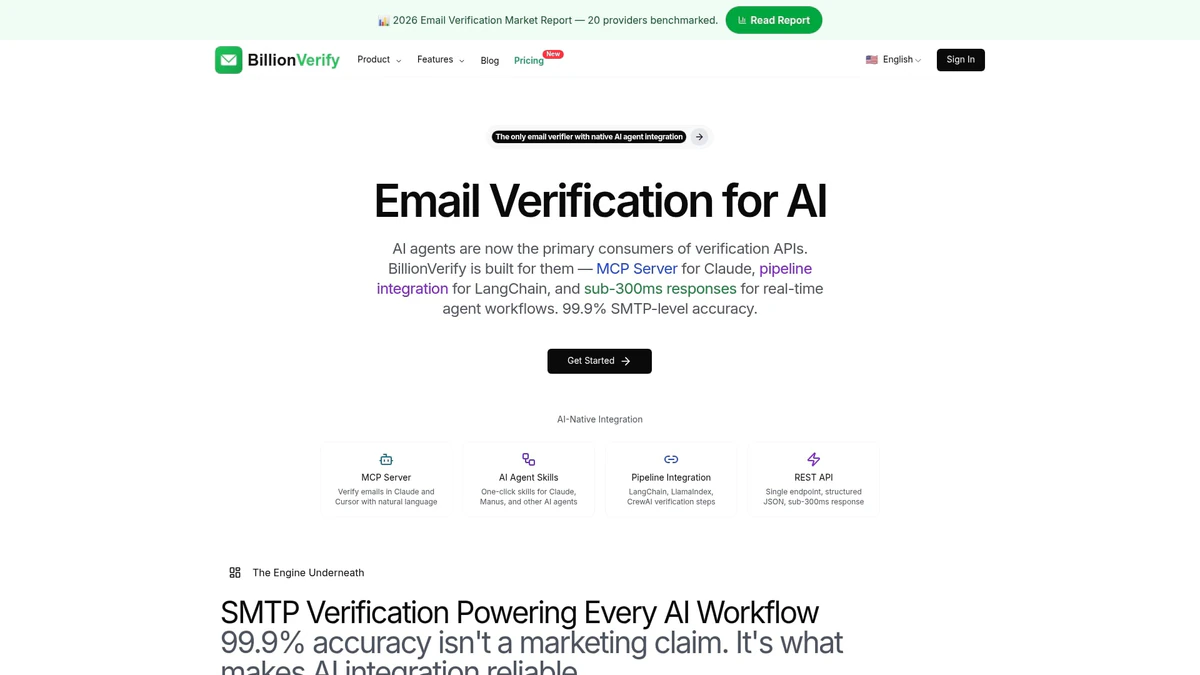
BillionVerify's AI-first email verification platform gives e-commerce and SaaS marketers the tools to validate large volumes of email addresses in real time, removing disposable emails, catch-all domains, and risky addresses before they reach your sending infrastructure. With seamless integration across more than 20 major email platforms and CRMs, BillionVerify fits directly into your existing workflow. Pair it with the deliverability guide to build a sending foundation that supports every strategy in this article.
Frequently asked questions
What is the most important metric for email marketing in 2026?
Clicks and conversions are more reliable than opens because privacy protections inflate open counts. Revenue per recipient and CTOR are the most actionable metrics for evaluating real campaign performance.
How can I increase revenue from my email campaigns?
Prioritize automation flows over batch sends, since automated flows generate 3-5x more revenue per email. Combine automation with segmentation and personalization to maximize conversion rates.
What authentication should I implement for email marketing?
SPF, DKIM, and DMARC should all be fully deployed to protect your sender reputation and maintain inbox placement above 84% across major providers.
What does mobile-first email design involve?
Keep HTML under 50KB, place one clear CTA above the fold, and use a minimalist single-column layout. These mobile-first design principles ensure fast loading and clear readability on small screens.
How can I avoid email deliverability problems?
Gradually ramp up sending volume from new IPs and monitor Google and Microsoft postmaster tools regularly to catch reputation issues before they affect inbox placement.