



Every day, thousands of transactional emails fail to reach their intended recipients, costing businesses customer trust and driving support costs through the roof. Password resets sit undelivered, order confirmations vanish into spam folders, and account notifications never arrive. These failures aren't random. They stem from preventable deliverability issues that verification can solve. This guide walks you through proven steps to ensure your transactional emails reliably reach inboxes, protecting your sender reputation and keeping customers engaged.
Key takeaways
| Point | Details |
|---|---|
| Delivery vs deliverability | Delivery means the recipient server accepts your email, while deliverability ensures it lands in the inbox, not spam |
| Verification reduces bounces | Validating email addresses before sending minimizes hard bounces and protects your sender reputation from damage |
| 2026 compliance is mandatory | Major providers now enforce strict authentication standards requiring SPF, DKIM, and DMARC configuration |
| Step-by-step process works | Following sequential verification checks from syntax to mailbox existence dramatically improves inbox placement |
Why transactional email verification is essential in 2026
Transactional emails are automated messages triggered by user actions like signing up for an account, resetting a password, confirming an order, or receiving a shipping notification. Unlike promotional emails, these messages carry critical information users actively expect and need. When a customer can't access their password reset or never receives their order confirmation, the impact goes far beyond a single failed message.
Poor deliverability harms retention and raises support costs dramatically. Users who don't receive expected transactional emails contact support, abandon their carts, or simply leave for competitors who communicate more reliably. Your brand suffers reputational damage that's hard to quantify but easy to feel in declining engagement metrics and rising churn rates.
Understanding the distinction between delivery and deliverability is crucial. Delivery simply means the recipient's mail server accepted your message. Deliverability means that message actually landed in the primary inbox where users will see it, not buried in spam or promotions tabs. You can have perfect delivery rates while suffering terrible deliverability, and most senders don't realize this until it's too late.
Since February 2024, major providers enforce strict deliverability standards that became even more rigorous through 2025 and into 2026. Google, Yahoo, and Microsoft now require proper authentication, low complaint rates, and technical compliance from all bulk senders. These aren't suggestions anymore. They're hard requirements that will block your emails if you fail to meet them.
"Email providers now immediately enforce technical standards like SPF, DKIM, and DMARC alignment. Senders who ignore these requirements face automatic filtering to spam or outright blocking, with no grace period or warning."
Ignoring verification creates cascading problems:
- High bounce rates damage your sender reputation permanently
- Spam trap hits trigger immediate blacklisting across provider networks
- Authentication failures cause automatic spam folder placement
- Poor engagement signals tell algorithms your emails aren't wanted
- Support tickets multiply as users report missing critical messages
The stakes for transactional email deliverability have never been higher. Your verification process either protects your communication channel or slowly destroys it.
Preparing for transactional email verification: prerequisites and tools
Email deliverability means ensuring emails land in the recipient's primary inbox, not just that they were accepted by the server. Before you can verify individual email addresses effectively, your sending infrastructure must meet baseline technical requirements that major providers now mandate.
Every sender needs these prerequisites in place:
- SPF records properly configured to authorize your sending IP addresses
- DKIM signatures applied to authenticate your domain on every message
- DMARC policy published to tell receivers how to handle authentication failures
- Established domain reputation through consistent sending patterns over time
- Automated bounce handling that removes hard bounces immediately
- Dedicated sending infrastructure separate from your main domain when possible
Those sending bulk mail must have all key technical protocols configured before verification even matters. Without proper authentication, even perfectly valid email addresses won't receive your messages reliably.
| Tool/Protocol | Purpose | Implementation Priority |
|---|---|---|
| SPF | Authorizes sending servers | Critical, implement first |
| DKIM | Cryptographically signs messages | Critical, implement first |
| DMARC | Sets authentication policy | Critical, implement first |
| Email parser | Validates address syntax | High, before policy checks |
| Verification API | Checks mailbox existence | High, integrate early |
| Bounce processor | Removes invalid addresses | Medium, automate soon |
Pro Tip: If you send over 5,000 emails daily, providers classify you as a bulk sender with stricter requirements. Verify your bulk sender status and ensure you meet all technical prerequisites before scaling your transactional email volume.
Parsing email addresses properly before validation prevents errors that waste verification credits and create false positives. Many senders skip this step and send malformed addresses directly to verification APIs, getting back invalid results for addresses that were never syntactically correct in the first place. A proper parser catches obvious syntax errors instantly without needing external validation.
Before executing verification steps, complete these preparatory actions:
- Audit your current authentication setup using tools like MXToolbox or DMARCian
- Review your sending patterns to identify any sudden volume spikes that hurt reputation
- Implement proper bounce categorization to distinguish hard from soft bounces
- Set up monitoring dashboards to track delivery and engagement metrics continuously
- Document your current baseline metrics so you can measure improvement accurately
Your verification strategy must align with your overall deliverability goals and 2026 compliance requirements. Preparation isn't optional. It's the foundation that makes verification effective.
Step-by-step transactional email verification process
With prerequisites in place, you're ready to implement the core verification process that protects deliverability and reduces bounces. Follow these steps sequentially for every email address before sending transactional messages.
- Perform syntactic validation to catch obvious formatting errors like missing @ symbols, invalid characters, or malformed domains that would bounce immediately
- Verify domain existence by checking DNS MX records to confirm the recipient domain actually accepts email and has working mail servers configured
- Validate mailbox existence through SMTP connection tests that verify the specific email address exists on the recipient server without sending actual mail
- Check SPF, DKIM, and DMARC alignment for your sending domain to ensure authentication passes before the message even leaves your infrastructure
- Implement real-time bounce monitoring that immediately flags and removes addresses that hard bounce on first send attempt
- Set up continuous reputation monitoring to catch deliverability degradation before it impacts significant message volume
Separate parsing from policy by using a real parser first, then applying business rules explicitly. This approach handles edge cases like plus addressing or subdomain variations without rejecting valid addresses your business rules might want to accept.
Choosing between real-time and bulk validation depends on your specific use case and volume:
| Verification Method | Advantages | Disadvantages | Best Use Case |
|---|---|---|---|
| Real-time validation | Immediate feedback, prevents bad data entry | Higher per-check cost, slight user friction | User registration, checkout forms |
| Bulk validation | Lower cost per address, processes millions quickly | Delayed feedback, addresses may change | List cleaning, database hygiene |
| Hybrid approach | Balances cost and speed, catches most issues | Requires more complex integration | High-volume transactional systems |
Pro Tip: Implement automated parsing as a separate step from policy decisions. Parse addresses with a standards-compliant parser, then explicitly apply your business rules like blocking disposable domains or role accounts. This separation makes troubleshooting easier and prevents valid addresses from being incorrectly rejected.
Verification directly reduces bounce rates by catching invalid addresses before they damage your sender reputation. Every hard bounce signals to receiving servers that you're sending to addresses you shouldn't have, accumulating negative reputation points that eventually trigger spam filtering or blocking. By validating addresses first, you eliminate this reputation drain entirely.

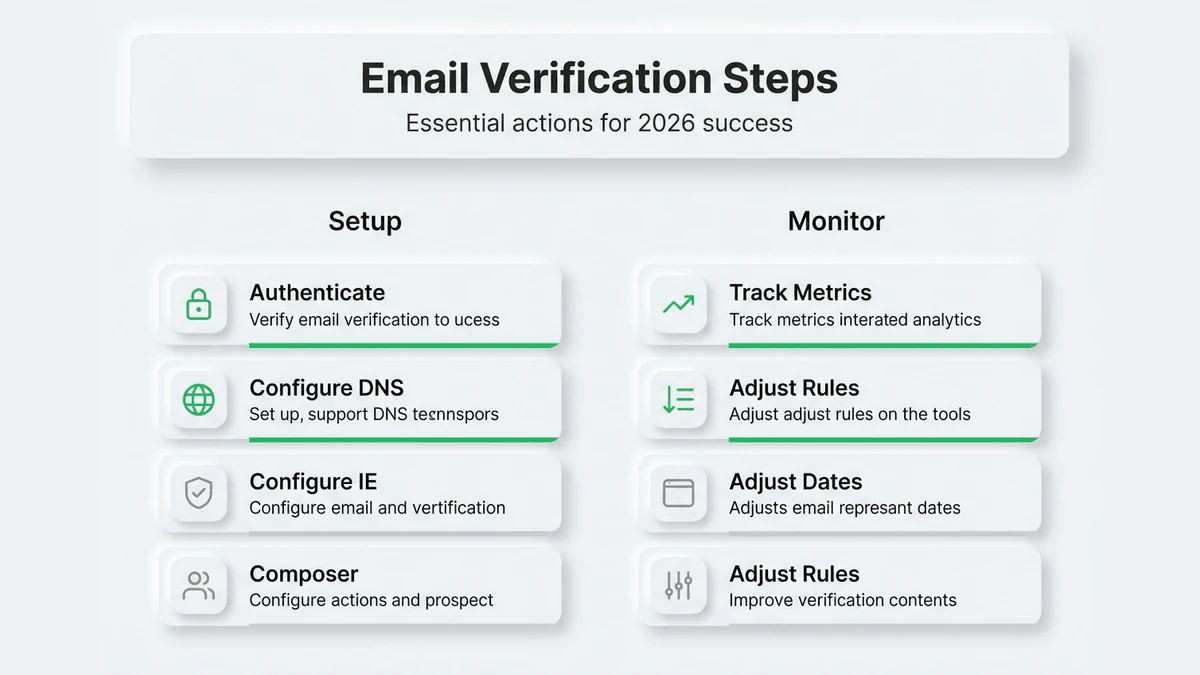
Continuous monitoring and adjustment keeps your verification process effective as email landscapes evolve. Providers change their filtering rules, domains get abandoned, and user behavior shifts. Set quarterly reviews of your verification methods to ensure they still catch emerging deliverability threats effectively.
Verifying results and troubleshooting common issues
Implementing verification steps is only half the battle. You must measure effectiveness and quickly identify problems to maintain reliable deliverability over time. The right metrics tell you whether your verification process actually works or just creates false confidence.
Track these core metrics to assess verification success:
- Delivery rate measures what percentage of sent emails the recipient server accepts
- Open rate indicates how many delivered emails users actually engage with
- Bounce rate shows what percentage of sends fail immediately due to invalid addresses
- Complaint rate tracks how often recipients mark your emails as spam
- Inbox placement rate reveals what percentage lands in primary inbox versus spam or promotions
The relationship between these metrics reveals your true deliverability health. High delivery with low opens suggests a deliverability problem, not a delivery problem. Your messages reach the server but land in spam where users never see them.
Typical issues that verification helps prevent or diagnose:
- Blacklisting from sending to spam traps or invalid addresses repeatedly
- Spam filtering triggered by poor sender reputation or authentication failures
- Authentication failures when SPF, DKIM, or DMARC records are misconfigured
- Poor sender reputation accumulated through high bounce or complaint rates
- Content filtering that mistakes legitimate transactional content for spam
Pro Tip: Diagnose deliverability problems by analyzing email logs and recipient feedback loops systematically. Look for patterns in which domains filter you, what time of day issues occur, and whether specific message types have worse placement than others. These patterns point directly to root causes.
"If open rates are low despite high delivery, you face a deliverability problem, not a delivery problem. Your emails are being accepted by servers but filtered to spam folders where users never see them, requiring immediate investigation of authentication and reputation factors."
Iterating your verification process based on monitoring data ensures continuous improvement. When you notice deliverability degradation, immediately audit your verification steps to identify gaps. Perhaps a new type of invalid address is slipping through, or a verification API has reduced accuracy. Regular testing against known good and bad addresses confirms your process still works as expected.
Troubleshooting requires systematic investigation. Start with authentication by using tools like Google Postmaster or Microsoft SNDS to see how major providers view your domain. Check blacklists to ensure you haven't been listed due to spam trap hits. Review recent bounce messages for patterns that indicate specific verification gaps. This methodical approach quickly identifies deliverability issues before they become critical.
Enhance your email verification with AI-powered solutions
Managing comprehensive email verification manually across high volumes becomes unsustainable quickly. You need intelligent automation that handles complex parsing, applies sophisticated validation rules, and adapts to evolving deliverability requirements without constant manual intervention.
BillionVerify's AI-first platform automates the entire verification workflow with enterprise-grade accuracy. The system intelligently parses addresses, validates syntax, checks domain reputation, verifies mailbox existence, and flags risky addresses like spam traps or disposables in milliseconds. This automation eliminates manual work while improving accuracy beyond what human review can achieve.
Key benefits that transform your transactional email program:
- Reduce bounce rates to near zero by catching invalid addresses before sending
- Improve inbox placement dramatically through better sender reputation
- Save countless hours by automating verification across millions of addresses
- Integrate seamlessly with existing email systems through robust API connections
- Scale verification effortlessly as your transactional volume grows
Pro Tip: Integrate AI-powered verification tools with your existing workflows at the point of data entry for maximum impact. Real-time validation during user registration or checkout prevents bad addresses from entering your system in the first place, eliminating the need for expensive bulk cleaning later.
FAQ
How do I distinguish between email delivery and deliverability?
Delivery means the recipient's mail server accepted your email without immediately rejecting it. Deliverability means that accepted email actually landed in the user's primary inbox where they'll see it, not spam or promotions folders. You can have 100% delivery with 0% deliverability if all your emails go to spam. Understanding this distinction is essential for diagnosing why users aren't receiving your transactional messages.
What are the most critical email authentication protocols for deliverability?
SPF, DKIM, and DMARC form the foundation of email authentication that major providers now require. SPF authorizes which IP addresses can send from your domain. DKIM cryptographically signs your messages to prove they weren't tampered with. DMARC tells receiving servers what to do when SPF or DKIM checks fail. Proper configuration of all three protocols is mandatory for reliable deliverability in 2026, especially for bulk senders.
How often should I monitor and update my email verification process?
Monitor deliverability metrics continuously through automated dashboards, but conduct formal verification process reviews quarterly. Update your verification steps immediately after any infrastructure changes, domain migrations, or significant volume increases. Regular monitoring catches emerging issues before they damage sender reputation significantly. Quarterly reviews ensure your verification methods still effectively catch new types of invalid addresses and adapt to evolving provider requirements.
Can I verify transactional emails in real time without adding user friction?
Yes, modern verification APIs complete checks in under 200 milliseconds, fast enough to validate during form submission without noticeable delay. Implement verification as a backend check after the user submits but before you accept the address into your system. Provide immediate feedback if the address is invalid, allowing users to correct it right away. This approach prevents bad data entry while maintaining smooth user experience.
What should I do if my transactional emails suddenly start going to spam?
Immediately audit your authentication setup to confirm SPF, DKIM, and DMARC are passing. Check major blacklists to see if your sending IPs or domain have been listed. Review recent bounce and complaint rates for sudden spikes that damage reputation. Analyze which specific domains are filtering you using tools like Google Postmaster. Often sudden spam filtering results from authentication failures, blacklisting, or reputation damage from sending to invalid addresses, all preventable through proper verification.