


Free Tools

Free Email Tools

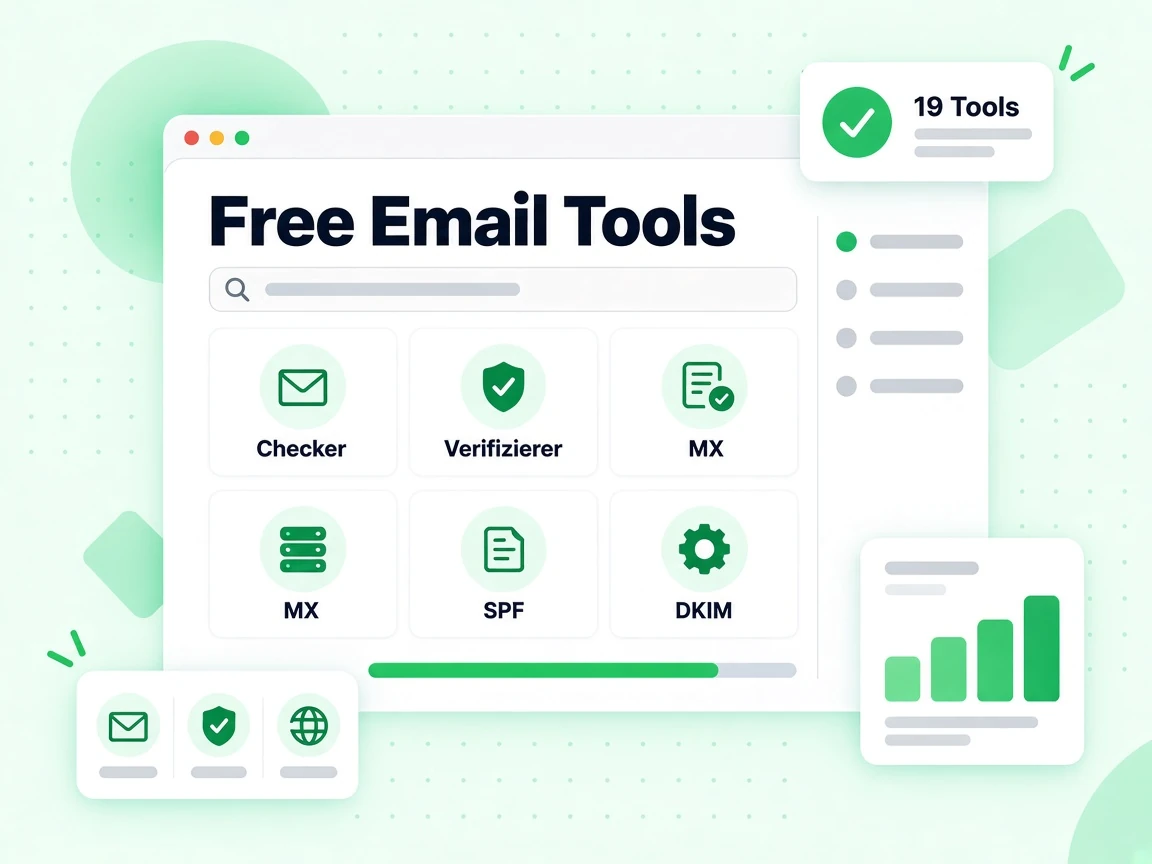
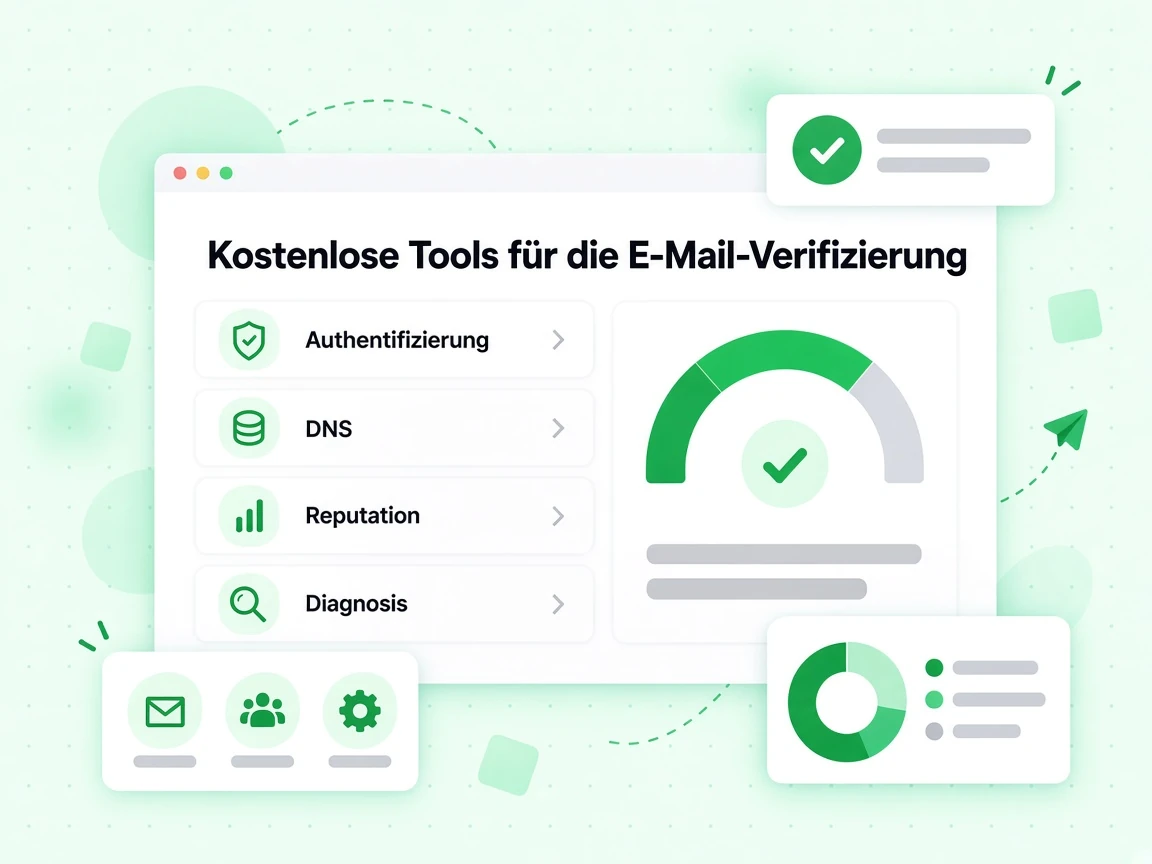
Everything you need to diagnose, configure, and protect your email infrastructure. Thirteen free tools — no account required.

No signup required for any tool
DNS, authentication, and deliverability checks
Results in seconds, directly in your browser

All 13 Free Email Tools

From DNS record generators to domain lookup tools — use any of these free tools to audit, fix, or understand your email setup.

SPF Record Generator

Build a valid SPF TXT record for your domain. Add sending sources, set enforcement policy, and copy the finished record.

DKIM Record Generator

Generate a DKIM public key record to publish in your DNS. Choose key size and selector to match your mail server.

DMARC Policy Generator

Create a DMARC policy record with your preferred enforcement level, reporting addresses, and alignment settings.

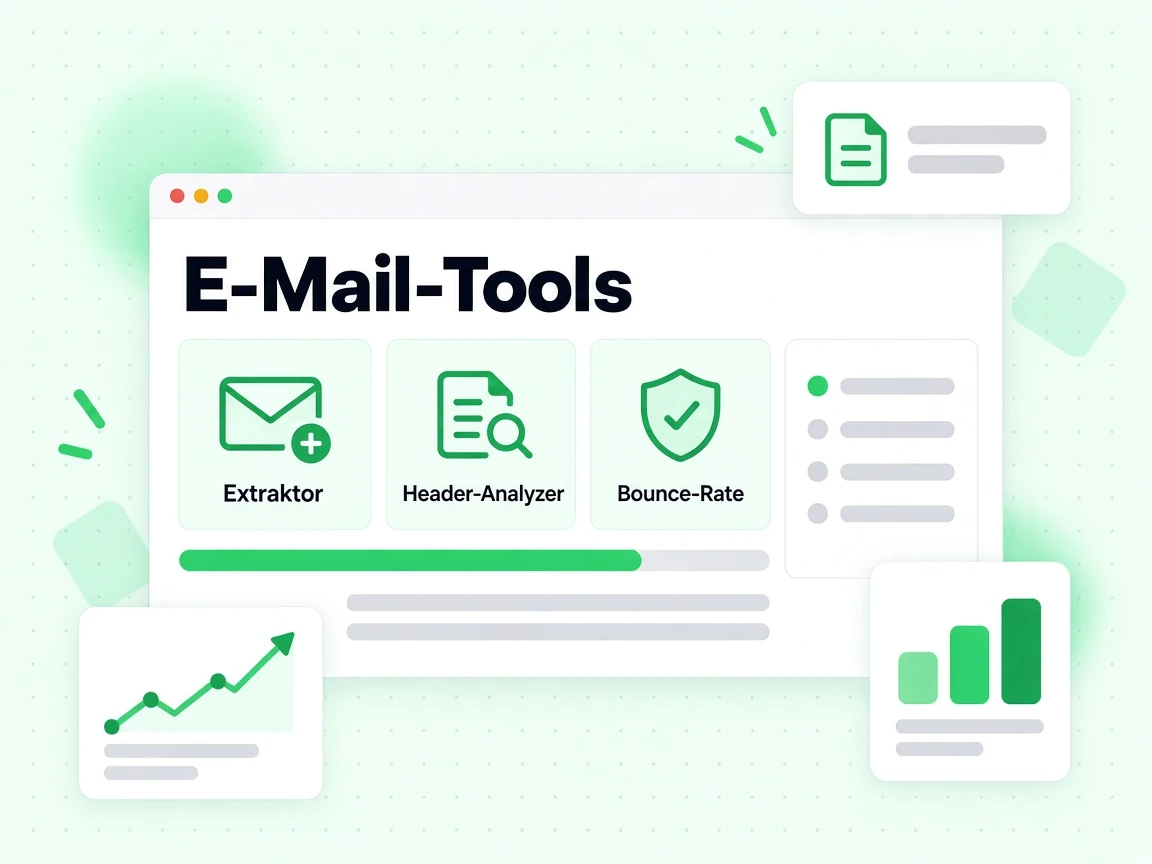
Email Header Analyzer

Paste raw email headers to see SPF, DKIM, DMARC results, routing hops, delays, and authentication chain at a glance.

Bounce Rate Calculator

Enter your send volume and bounce count to calculate bounce rate, understand the impact, and benchmark against industry thresholds.

MX Record Lookup

Query the MX records for any domain to see which mail servers accept incoming email and their priority order.

SPF Record Checker

Validate the SPF record published for any domain. See pass, fail, or configuration errors along with the raw record.

DKIM Record Checker

Look up the DKIM TXT record for a domain and selector to verify the public key is published and correctly formatted.

DMARC Record Checker

Check the DMARC policy record for any domain. See enforcement level, reporting addresses, and alignment settings.

DNS Record Checker

Query any DNS record type — A, AAAA, CNAME, TXT, MX, NS, SOA — for any domain from multiple global resolvers.

Email Blacklist Checker

Check if your IP address or domain appears on major email blacklists that affect inbox placement and sender reputation.

IP Reputation Checker

Look up the reputation score and blacklist status of any IP address to understand its impact on email deliverability.

WHOIS Lookup

Query WHOIS registration data for any domain. See registrar, registration date, expiry, nameservers, and status.

Why Email Infrastructure Matters

Every email you send depends on a chain of DNS records, authentication signals, and reputation checks working together. When one link breaks, messages land in spam or bounce entirely.

Authentication Prevents Spoofing

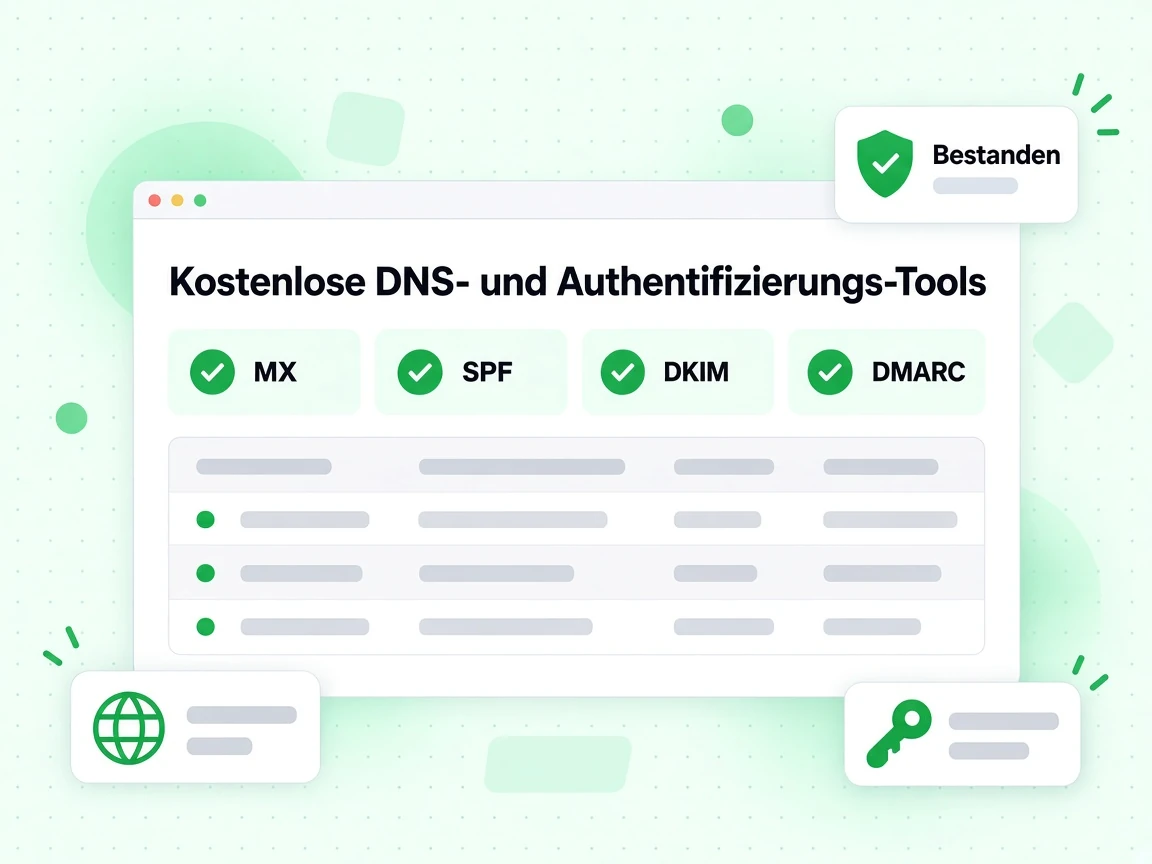
SPF, DKIM, and DMARC together prove that your email really came from you. Without all three configured correctly, receiving mail servers may reject or flag your messages as suspicious.

DNS Records Shape Deliverability

Mail servers check MX, PTR, TXT, and DMARC records before and during delivery. Misconfigured DNS is one of the most common reasons legitimate email lands in spam.

Reputation Affects Every Send

Blacklist appearances and poor IP reputation hurt inbox placement across all your campaigns. Regular checks catch problems before they escalate and damage your sender score.

Headers Tell the Full Story

Email headers contain the complete delivery chain — every hop, every authentication check, every delay. Analyzing them is the fastest way to diagnose why a specific message failed.

Who Uses These Tools

These tools are useful for anyone who sends or manages email — from solo developers to enterprise email engineers.

🛠️

Developers & System Administrators

Use the SPF, DKIM, and DMARC generators when setting up a new domain or mail server. Use the DNS and MX lookup tools to verify records published correctly after changes.

📧

Email Marketers

Use the blacklist checker and IP reputation checker before major campaign sends. Use the email header analyzer to investigate deliverability problems with specific messages.

🤝

Agencies & Consultants

Use these tools during onboarding audits to identify gaps in a client's email infrastructure. The WHOIS lookup helps verify domain ownership and registration details.

🛡️

Security Teams

Use the DMARC checker to verify enforcement levels across domains you manage. Use the email header analyzer to trace suspicious messages back through their routing chain.

How These Tools Work

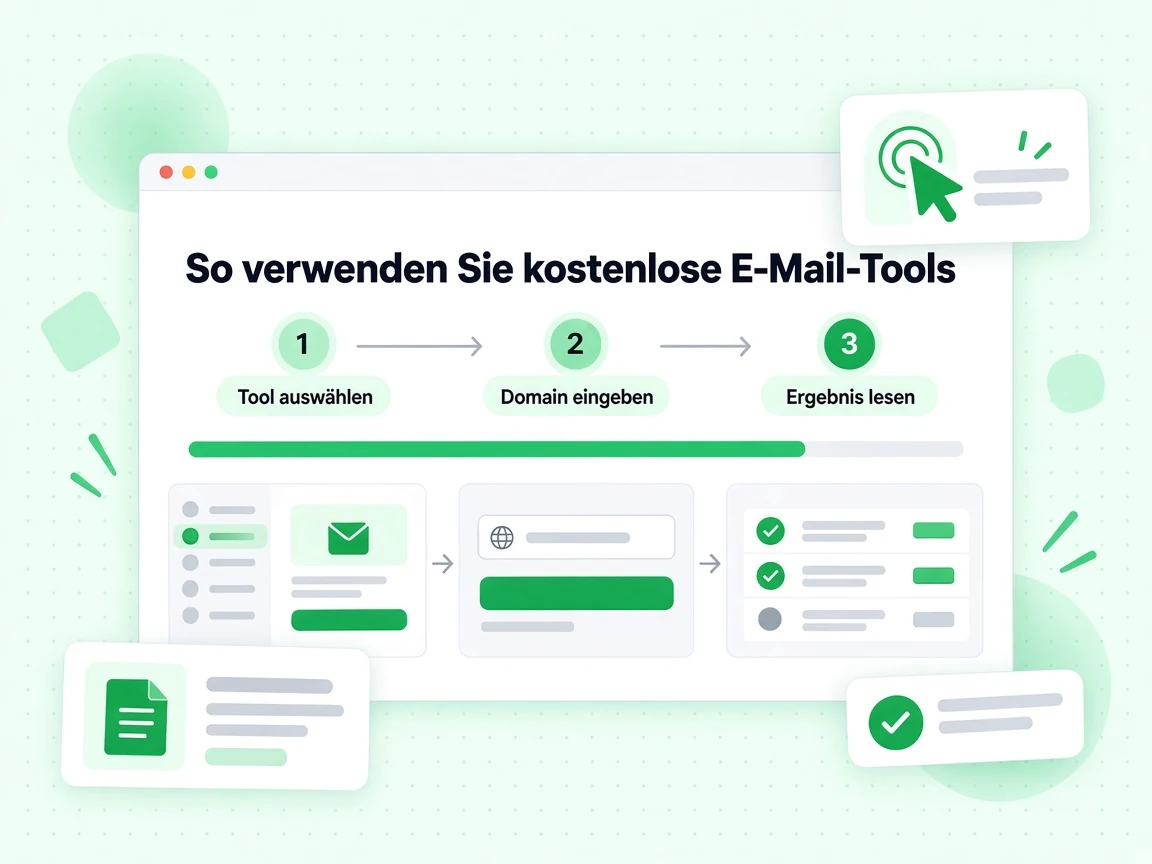
Each tool queries live data sources — DNS resolvers, WHOIS databases, and reputation lists — and returns results in a structured, actionable format.

1

Pick a Tool

Choose the tool that matches what you need to check or generate. No account or payment required.

2

Enter Your Domain or Data

Each tool accepts a domain name, IP address, or raw email headers depending on the task.

3

Review the Results

Results appear immediately with explanations, so you know what to fix or copy into your DNS settings.

Frequently Asked Questions

1. Are these email tools really free?

Yes. All 13 tools on this page are free to use without creating an account. For high-volume email verification and API access, BillionVerify offers paid plans — but every tool listed here runs directly in your browser at no cost.

2. What is the difference between SPF, DKIM, and DMARC?

SPF (Sender Policy Framework) specifies which mail servers are allowed to send email for your domain. DKIM (DomainKeys Identified Mail) adds a cryptographic signature to each outgoing message so receivers can verify it was not tampered with. DMARC (Domain-based Message Authentication, Reporting and Conformance) tells receiving servers what to do when SPF or DKIM checks fail, and where to send failure reports. All three work together as a layered email authentication system.

3. Why does my email land in spam even though I have SPF and DKIM set up?

SPF and DKIM passing does not guarantee inbox placement on its own. Common additional causes include: your IP or domain appearing on a blacklist, a DMARC policy set to none instead of quarantine or reject, missing or misconfigured DMARC alignment, spam-triggering content or link patterns in the message, or a low sender reputation built up over time. Use the blacklist checker, DMARC checker, and email header analyzer together to identify which layer is the problem.

4. How do I use the email header analyzer?

Open the email you want to investigate in your email client, then find the option to view the original or raw message source (the exact menu item varies by client). Copy the full header block — everything above the message body — and paste it into the header analyzer. The tool will parse every field, show the routing hops with timestamps, and display the SPF, DKIM, and DMARC authentication results from the received headers.

5. What does it mean if my domain is on a blacklist?

Being listed on an email blacklist means one or more organizations that track spam activity have flagged your domain or sending IP as a source of unwanted mail. The severity depends on which list you appear on — some lists are checked by major inbox providers like Gmail and Outlook, others have minimal impact. Use the blacklist checker to see which lists you appear on, then visit each list's website to request removal after you have identified and resolved the underlying issue.

6. How often should I check my email infrastructure?

Run a full check — SPF, DKIM, DMARC, MX records, and blacklist status — whenever you change email providers, add a new sending domain, or notice a drop in deliverability. For active sending domains, a monthly check catches problems before they compound. If you are actively troubleshooting a deliverability issue, check after every DNS change to confirm the records published correctly.

Email Verification Platform

Need More Than Free Tools?

BillionVerify offers production-grade email verification, bulk list cleaning, and a validation API for teams that send at scale.

Verify individual emails in real time · Clean bulk lists before every campaign · Integrate via REST API or native plugins · 99.9% accuracy with SMTP verification

99.9%
Genauigkeit
Real-time
API-Geschwindigkeit
$0.00014
Pro E-Mail
100/day
Dauerhaft kostenlos