

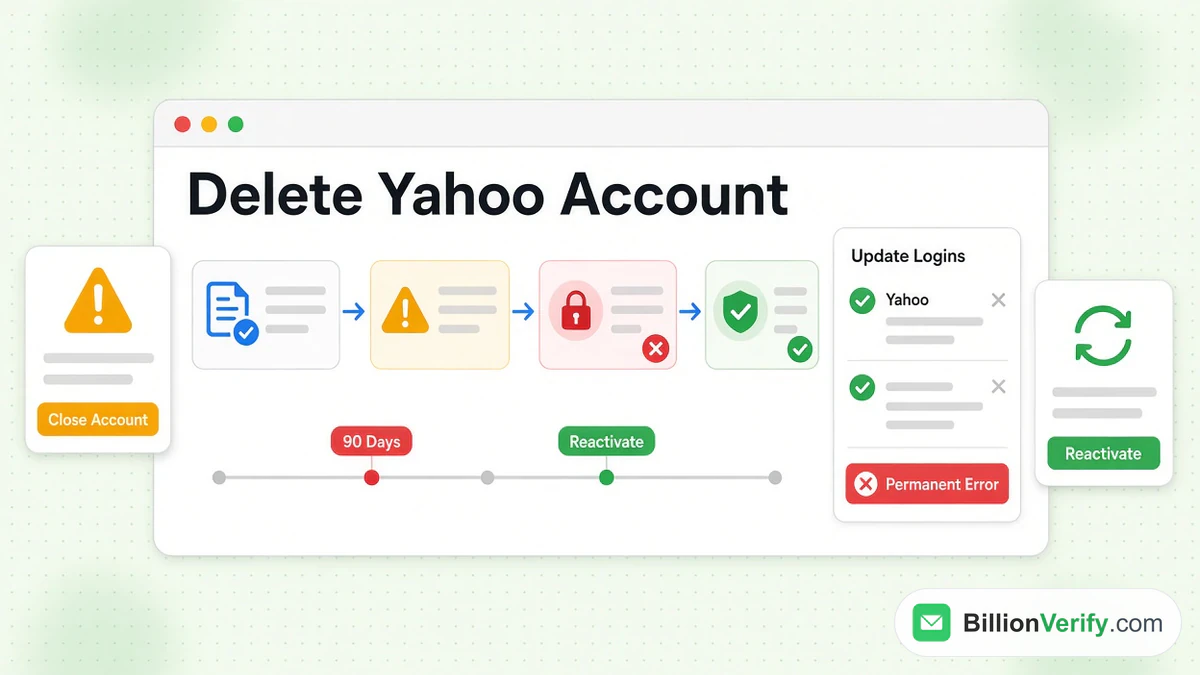
To delete a Yahoo account, open the account termination page while signed in, read what closing does and work through the prompts. Yahoo offers no separate route for a plan to delete a Yahoo email account while keeping the rest: the mailbox belongs to the account, so the whole thing goes together.
This guide covers what you lose if you delete Yahoo account contents, the conditions Yahoo sets, the steps, the reactivation window and what happens to the ID afterwards. All Yahoo facts come from Yahoo's help pages, read in November 2026. We are not affiliated with Yahoo. BillionVerify is an email verification service, and the last section is for people who write to Yahoo recipients.
Key facts (checked November 2026):
- Closing removes Yahoo Mail messages and folders, plus Calendar, Finance portfolios and Fantasy teams.
- A running subscription must be canceled and any balance paid first.
- A canceled plan's last paid period must have ended at least 90 days earlier.
- Reactivation by signing in lasts 30, 90 or 180 days, depending on the country of registration.
- A closed Yahoo ID is never offered to anyone else.
- BillionVerify does not charge for an unknown verification result.
What Happens When You Delete a Yahoo Account
The article on closing or reactivating starts with a warning to read before acting. Closing removes access to everything tied to the account. Yahoo names four items: Fantasy teams, Calendar, Finance portfolios and the mail itself, meaning messages and folders. With the mailbox gone, the Yahoo email ID stops working too. Yahoo account deletion is therefore broader than clearing out a mailbox.
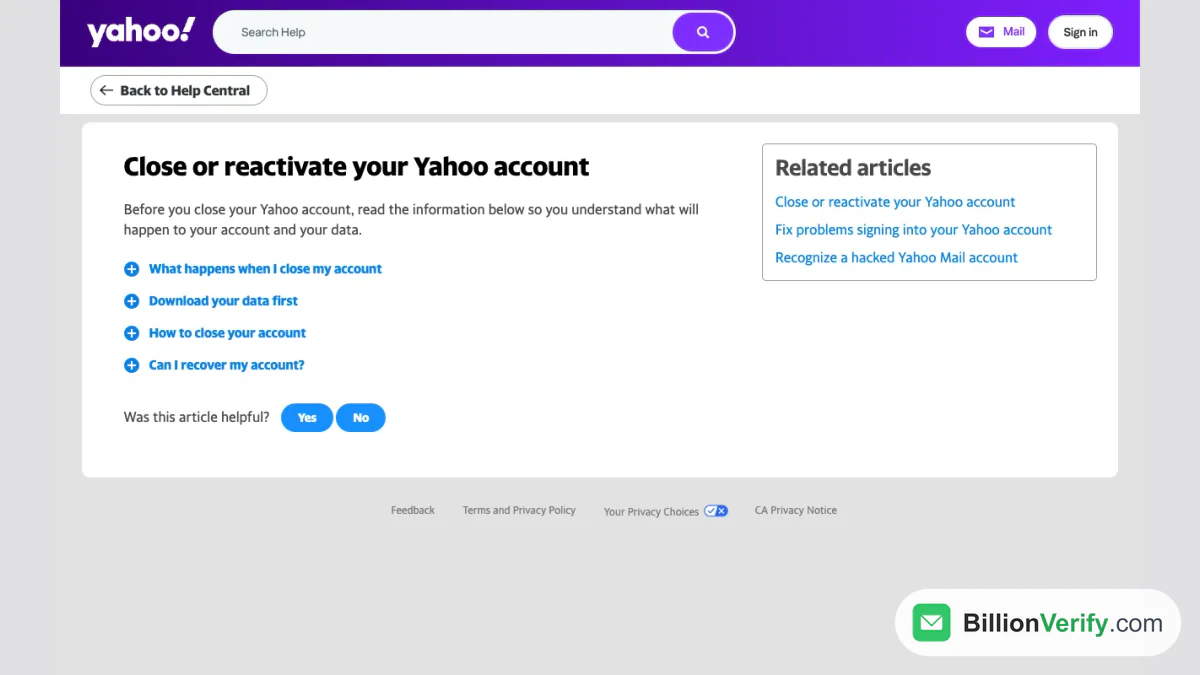
Screenshot: the closing and reactivation article.
The same article says to save data first. Anything you want to keep must be downloaded before the account is closed, and a copy of your information, with details about it, is available through the Privacy Dashboard and Controls. Do this step first, because it cannot be done afterwards.
Yahoo groups such articles under the Create or delete account topic in its account help, which is the place to start for neighboring subjects such as passwords and sign-in.
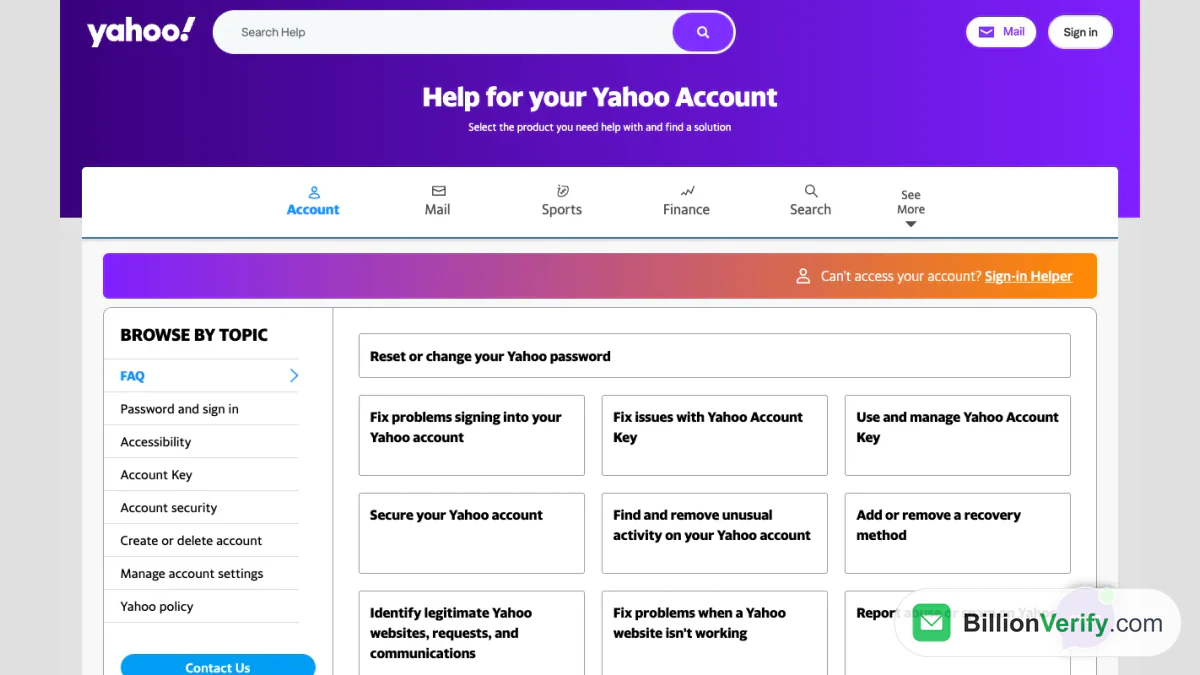
Screenshot: the account section of Yahoo Help.
Before You Delete a Yahoo Email Account: Plans and Waiting Periods
Paid services can block the closing. A running subscription has to be canceled first. Two conditions follow: any outstanding balance must be paid, and at least 90 days must have elapsed since the final paid period of your last canceled subscription. Someone who pays for Yahoo Mail Plus therefore cannot cancel and close on the same day.
The Subscriptions page of the account handles cancellations and payment of what remains. If you plan to leave Yahoo, cancel early and note the date the term ends, since that date starts the waiting period.
Steps to Delete a Yahoo Account
Three steps follow once data is saved and the conditions are met.
- Sign in to the account termination page.
- Read the information about closing.
- Follow the on-screen instructions.
Those steps name a web page and no app menu, so the work happens in a browser, and anyone who wants to delete Yahoo account data on a phone follows the same page. Our Yahoo Mail login guide covers sign-in and the Sign-in Helper, which you need if the password is lost, because the page requires you to be signed in. That also means deletion without logging in is not an option.
Many people want to remove only one Yahoo email ID and keep the account. The help pages we read describe no such route for the main ID. The only way to delete Yahoo email account contents wholesale is closing it. A separate article does cover sending from or deleting an extra email ID attached to the account, which is a different case. For the primary ID, stopping use or opening a new Yahoo account is the closest alternative.
Can You Recover a Deleted Yahoo Account?
For a short time, yes. Changing your mind is possible by signing in within a period that depends on where the account was registered.
| Registered in | Time to reactivate |
|---|---|
| Most countries and regions | 30 days |
| Australia, New Zealand | 90 days |
| Brazil, Hong Kong, India, Taiwan | 180 days |
Signing in during that period leads to a check of your recovery details and a new password, or a Continue button when prompted. After the period ends the account is gone, and Yahoo account deletion cannot be reversed. Yahoo's article on reusing a deactivated ID states that a permanently removed Yahoo ID cannot be used again by anyone, you included. Someone who needs Yahoo again must create a new account with a different ID.
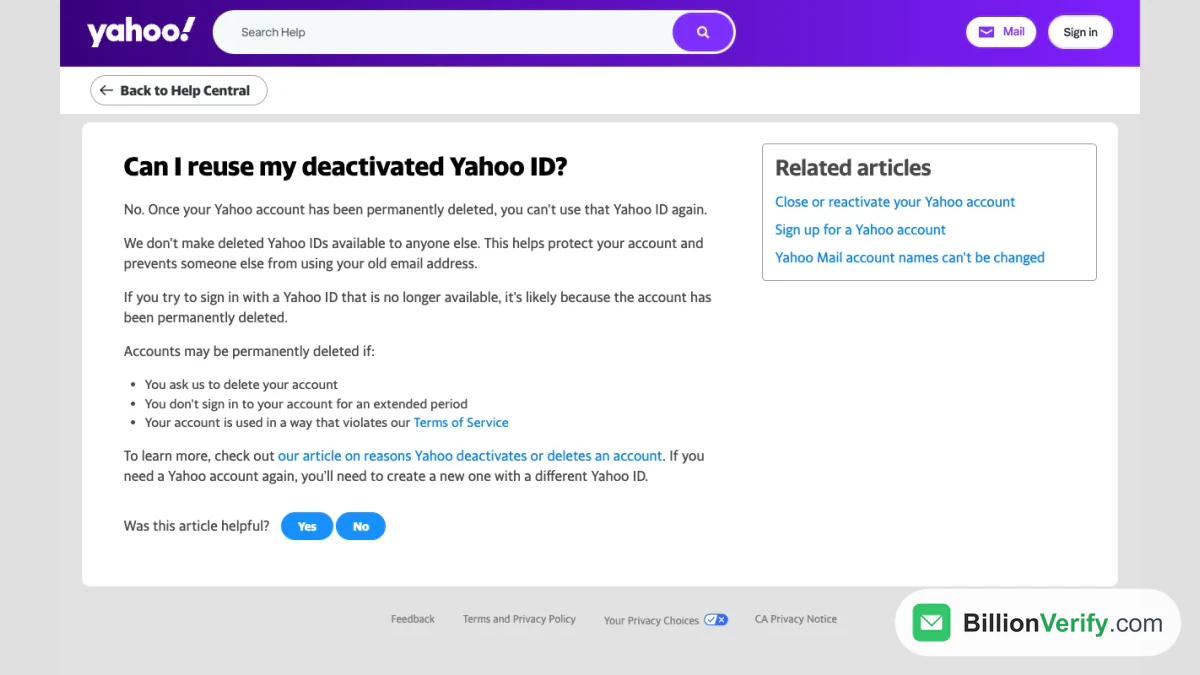
Screenshot: the page on reusing an old ID.
The rule protects you, because it stops another person from taking over your old Yahoo email ID. It also gives a rough answer to how long a deleted account lingers: the pages give the reactivation window, and no separate date for final removal.
Other Ways a Yahoo Account Disappears
You are not the only one who can end it. The article on why Yahoo deactivates or deletes accounts lists three cases: you ask for it, you do not sign in for 18 months, or the account breaks the Terms of Service.
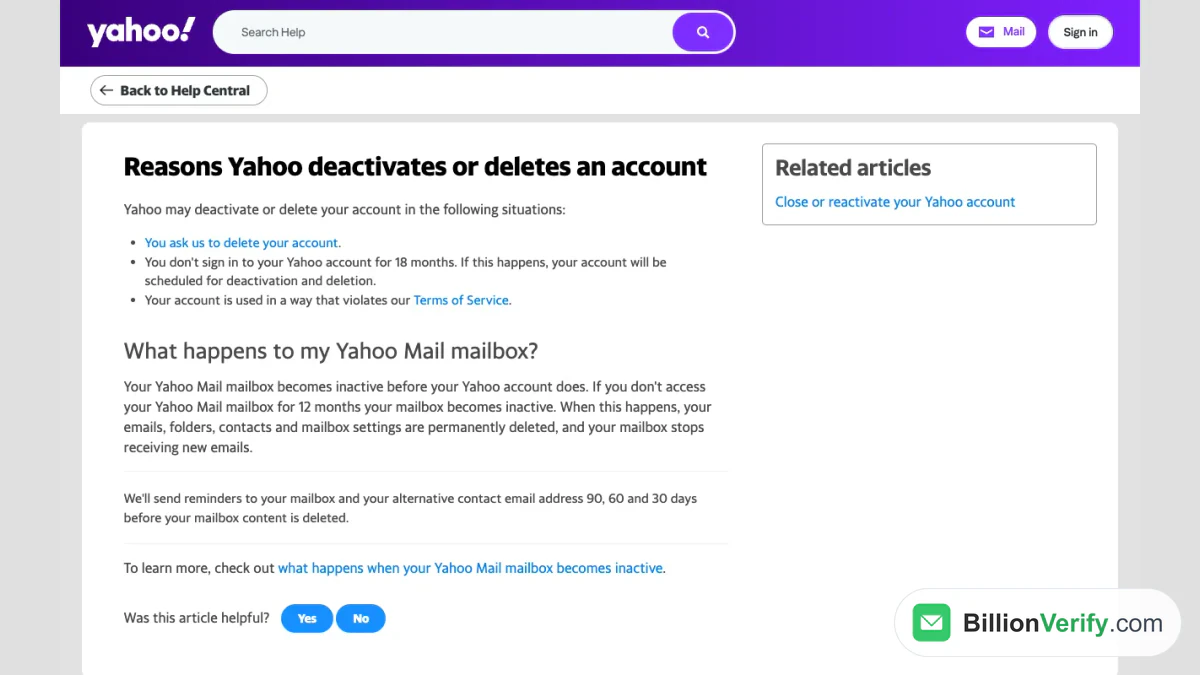
Screenshot: the page on automatic removal.
The mailbox runs on a shorter clock. Per Yahoo's article on inactive mailboxes, one that nobody opens for a year goes inactive, and everything in it is permanently erased, including folders, contacts and settings. Three warnings come beforehand, one each at three, two and one months out, to the mailbox and to any alternative address. An active Plus subscription prevents the erasure.
Doing nothing is therefore a slow route to delete a Yahoo account, but it happens on Yahoo's schedule rather than yours. Deleting it yourself decides when the data disappears.
Update Everything That Uses the ID
An email ID you plan to drop may serve as a login or recovery contact elsewhere. If you plan to delete Yahoo account access, move logins first. Before Yahoo account deletion, change it on each service that relies on it, such as shops, banks, social profiles and newsletters, or you may lose access. Yahoo's article on recovery contacts adds that these contacts are how passwords get reset, so switch them first. To keep old messages, download the data as described above.
What a Closed Yahoo Email ID Means for Senders
To a sender, a closed Yahoo mailbox is simply a dead one. Yahoo's help on failed delivery shows an example notice reading "This is a permanent error" and "This user doesn't have a yahoo.com account." After a permanent error like that, stop writing to the recipient. Yahoo's Sender Hub asks list owners to have a policy for dropping such addresses.
BillionVerify's check of whether an address is real.
Lists age as accounts close. A contact collected years ago may have been deleted, left to lapse or closed by its owner. BillionVerify's email verifier tests one address, and bulk email verification cleans a whole list before a send. Each result is valid, invalid, catch-all or unknown. Valid and invalid cost 1 credit each, unknown is free and a free re-check stays open for 24 hours. The free tier adds 20 credits per active day, up to 600 a month, and they never expire. It takes seconds to check an email address before you send, and the free page needs no signup.
To see what is public about an address, use the reverse email lookup. For numbers collected with a list, the phone number validator checks them.
FAQs
How do I delete a Yahoo email account?
Use the termination page and its steps. Closing the account closes the mailbox, because the two are one, so you delete Yahoo email account data only by closing everything.
Can I delete a Yahoo email account but keep the rest?
Nothing we read offers a way to remove only the primary ID while keeping the profile.
Why can't I delete a Yahoo account?
You cannot delete Yahoo account ownership while certain conditions hold. When closing fails, an active subscription, an unpaid balance or fewer than 90 days since a canceled plan's paid term ended each block it.
Can I get a closed Yahoo account back?
Yes, briefly. Signing in during the reactivation window restores it, and the length of that window depends on the country of registration.
Will someone else take my old Yahoo ID?
No. Yahoo does not release deleted IDs, and you cannot reuse yours either.
How does Yahoo account deletion work for idle accounts?
An unopened mailbox is erased after a year, and an account untouched for 18 months is scheduled for removal.
What happens to mail sent to a removed Yahoo ID?
It bounces with a permanent error. Drop such contacts and check older ones before a campaign.
Watch: How to Validate a Phone Number: Free Phone Number Validator
Watch: Bulk Email Verification: How to Verify an Email List From a File
