



Data drives email marketing success. Understanding your metrics, building meaningful reports, and using insights to optimize campaigns separates high-performers from those who just send emails and hope for the best. This guide covers everything you need to know about email analytics.
Why Email Analytics Matter
Understanding the role of data in email success.
The Analytics Advantage
Data-Driven Decisions: Replace guesswork with evidence. Analytics show what works and what doesn't.
Continuous Improvement: Track performance over time to identify trends and opportunities.
Resource Optimization: Focus efforts on what drives results, not assumptions.
Stakeholder Communication: Prove email marketing's value with concrete metrics.
What Good Analytics Enable
Campaign Optimization:
- Identify winning subject lines
- Find optimal send times
- Discover resonant content
- Improve targeting
Strategic Insights:
- Understand audience behavior
- Track customer journey
- Measure channel effectiveness
- Predict future performance
Problem Detection:
- Spot deliverability issues early
- Identify disengaged segments
- Catch technical problems
- Monitor list health
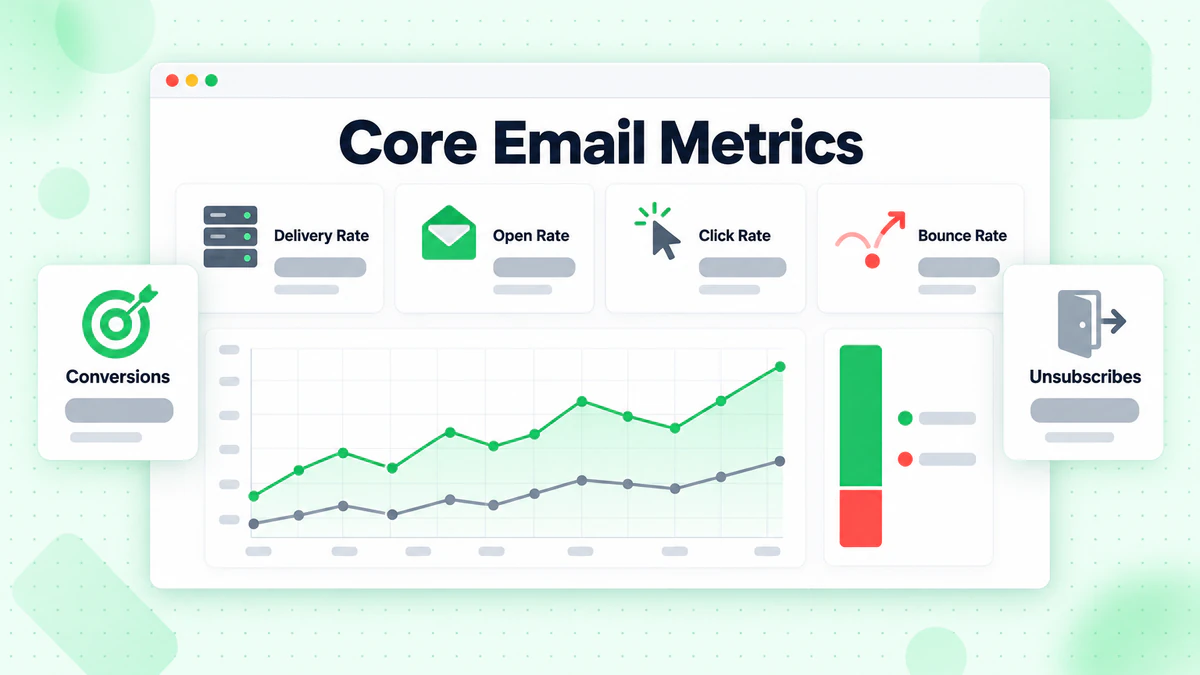
Core Email Metrics
The fundamental metrics every email marketer should track.
Delivery Metrics
Delivery Rate: Percentage of emails that reached recipient servers (not bounced).
Delivery Rate = (Sent - Bounces) / Sent × 100
Benchmark: 95%+ is healthy. Below 90% indicates problems.
Bounce Rate: Percentage of emails that failed to deliver.
Bounce Rate = Bounces / Sent × 100
Types:
- Hard bounces: Permanent failures (invalid address)
- Soft bounces: Temporary failures (full inbox, server issues)
Benchmark: Under 2% total, under 0.5% hard bounces.
Inbox Placement Rate: Percentage of delivered emails that reached the inbox (not spam).
Inbox Rate = Inbox Deliveries / Total Delivered × 100
Note: Requires specialized monitoring tools; not available in standard ESP reports.
Engagement Metrics
Open Rate: Percentage of delivered emails that were opened.
Open Rate = Unique Opens / Delivered × 100
Benchmark: 15-25% average, varies significantly by industry.
Important Caveat: Apple Mail Privacy Protection and other tracking blockers inflate open rates. Don't rely solely on opens.
Click Rate (CTR): Percentage of delivered emails that received at least one click.
Click Rate = Unique Clicks / Delivered × 100
Benchmark: 2-5% average, varies by content type.
Click-to-Open Rate (CTOR): Percentage of opens that resulted in clicks.
CTOR = Unique Clicks / Unique Opens × 100
Benchmark: 10-15% average.
Why CTOR Matters: Isolates content effectiveness from subject line performance.
Unsubscribe Rate: Percentage of recipients who unsubscribed.
Unsubscribe Rate = Unsubscribes / Delivered × 100
Benchmark: Under 0.5% per campaign. Spikes indicate content or frequency issues.
Spam Complaint Rate: Percentage of recipients who marked email as spam.
Complaint Rate = Complaints / Delivered × 100
Benchmark: Under 0.1% (0.01% is ideal). Above 0.1% is dangerous.
Conversion Metrics
Conversion Rate: Percentage of recipients who completed desired action.
Conversion Rate = Conversions / Delivered × 100
Or click-based:
Conversion Rate = Conversions / Clicks × 100
Revenue Per Email (RPE): Average revenue generated per email sent.
RPE = Total Email Revenue / Emails Sent
Revenue Per Subscriber: Average revenue per subscriber over a period.
Revenue Per Sub = Total Revenue / Active Subscribers
List Health Metrics
List Growth Rate: Net change in subscriber count.
Growth Rate = (New Subscribers - Unsubscribes - Bounces) / Total List × 100
Benchmark: Positive growth monthly. Aim for 2-5% net growth.
Engagement Rate: Percentage of list that's engaged (opened or clicked recently).
30-Day Engaged: Opens or clicks in last 30 days 90-Day Engaged: Opens or clicks in last 90 days
Benchmark: 30-50% 90-day engaged is healthy.
Setting Up Analytics
Configuring proper tracking and measurement.
Essential Tracking Setup
UTM Parameters: Add tracking parameters to all email links.
https://example.com/product?utm_source=email&utm_medium=newsletter&utm_campaign=weekly_digest_2025_01_15
Standard UTM Parameters:
utm_source: Traffic source (email)utm_medium: Marketing medium (newsletter, promotional, etc.)utm_campaign: Specific campaign nameutm_content: Link identifier (optional)utm_term: Test variant (optional)
Google Analytics Integration: Connect email tracking to Google Analytics for full journey visibility.
Conversion Tracking: Set up goals or events to track:
- Purchases
- Sign-ups
- Downloads
- Form submissions
Email Platform Analytics
Standard ESP Reports:
- Campaign performance summaries
- Subscriber engagement history
- Automation performance
- A/B test results
Advanced Features (varies by platform):
- Engagement over time
- Device and client reporting
- Geographic data
- Link click maps
Third-Party Analytics Tools
Dedicated Email Analytics:
- Litmus Analytics
- Email on Acid
- Postmark
Marketing Analytics Platforms:
- Google Analytics
- Amplitude
- Mixpanel
Business Intelligence:
- Tableau
- Looker
- Power BI
Building Email Reports
Creating reports that drive action.
Report Types
Campaign Reports: Performance of individual email campaigns.
Key Metrics:
- Send volume
- Delivery rate
- Open rate
- Click rate
- Conversions/revenue
- Unsubscribes and complaints
Automation Reports: Performance of automated email sequences.
Key Metrics:
- Trigger volume
- Completion rates
- Step-by-step performance
- Drop-off points
- Revenue attributed
List Health Reports: Overall health and growth of email list.
Key Metrics:
- Total active subscribers
- Growth rate
- Bounce trends
- Engagement distribution
- Segment performance
Revenue Reports: Email's contribution to business revenue.
Key Metrics:
- Total email revenue
- Revenue by campaign type
- Revenue per subscriber
- Attribution methodology
- Channel comparison
Report Frequency
Real-Time Monitoring:
- Deliverability issues
- Unusual bounce rates
- Complaint spikes
Daily Reports:
- Campaign performance (first 24-48 hours)
- Automation triggers
- Critical alerts
Weekly Reports:
- Campaign summaries
- A/B test results
- List growth
- Engagement trends
Monthly Reports:
- Overall performance
- Revenue attribution
- Strategic insights
- Recommendations
Quarterly Reports:
- Trend analysis
- Channel comparison
- Strategic review
- Planning input
Building Effective Dashboards
Executive Dashboard (high-level):
- Email revenue
- Subscriber growth
- Key conversion metrics
- Month-over-month trends
Marketing Dashboard (operational):
- Campaign performance
- Automation health
- A/B test results
- Engagement trends
Technical Dashboard (deliverability):
- Bounce rates by type
- Complaint rates
- Inbox placement
- Authentication status
Data Visualization Best Practices
Choose Right Chart Types:
- Trends over time: Line charts
- Comparisons: Bar charts
- Proportions: Pie/donut charts
- Distributions: Histograms
Design Principles:
- Clear labels and legends
- Consistent color coding
- Appropriate scales
- Context through benchmarks
Actionable Insights:
- Highlight anomalies
- Include comparisons
- Add recommendations
- Connect to business goals
Advanced Analytics Techniques
Going beyond basic metrics.
Cohort Analysis
What It Is: Grouping subscribers by shared characteristics (like signup date) and tracking behavior over time.
Why It Matters: Shows how engagement changes over subscriber lifetime.
Example Analysis: Track open rates for subscribers who joined in each month:
- January cohort: Month 1 = 45%, Month 6 = 30%
- February cohort: Month 1 = 42%, Month 6 = 28%
Insights:
- Engagement decay patterns
- Impact of onboarding changes
- Seasonal effects on retention
Engagement Scoring
What It Is: Assigning scores to subscribers based on their engagement.
Scoring Model Example:
| Action | Points |
|---|---|
| Email open | +1 |
| Email click | +3 |
| Purchase from email | +10 |
| No open (30 days) | -5 |
| Unsubscribe | -10 |
Applications:
- Segment by engagement level
- Prioritize high-engagement subscribers
- Identify at-risk subscribers
- Customize send frequency
Predictive Analytics
Churn Prediction: Use historical data to predict which subscribers are likely to unsubscribe.
Signals:
- Declining open rates
- Decreasing click frequency
- Longer time between engagement
- Device/client changes
Purchase Prediction: Predict likelihood of conversion based on engagement patterns.
Applications:
- Target high-intent subscribers
- Optimize campaign timing
- Personalize content and offers
Attribution Analysis
Why It's Complex: Multiple emails often contribute to a single conversion.
Attribution Models:
Last Click: Credit to last email clicked before conversion.
- Pros: Simple, easy to measure
- Cons: Ignores journey
First Click: Credit to first email that brought them in.
- Pros: Values awareness
- Cons: Ignores nurturing
Linear: Equal credit to all emails in journey.
- Pros: Fair distribution
- Cons: Doesn't reflect influence
Time Decay: More credit to emails closer to conversion.
- Pros: Reflects recency
- Cons: May undervalue early touches
Data-Driven: Algorithmically determined based on actual influence.
- Pros: Most accurate
- Cons: Requires data and sophistication
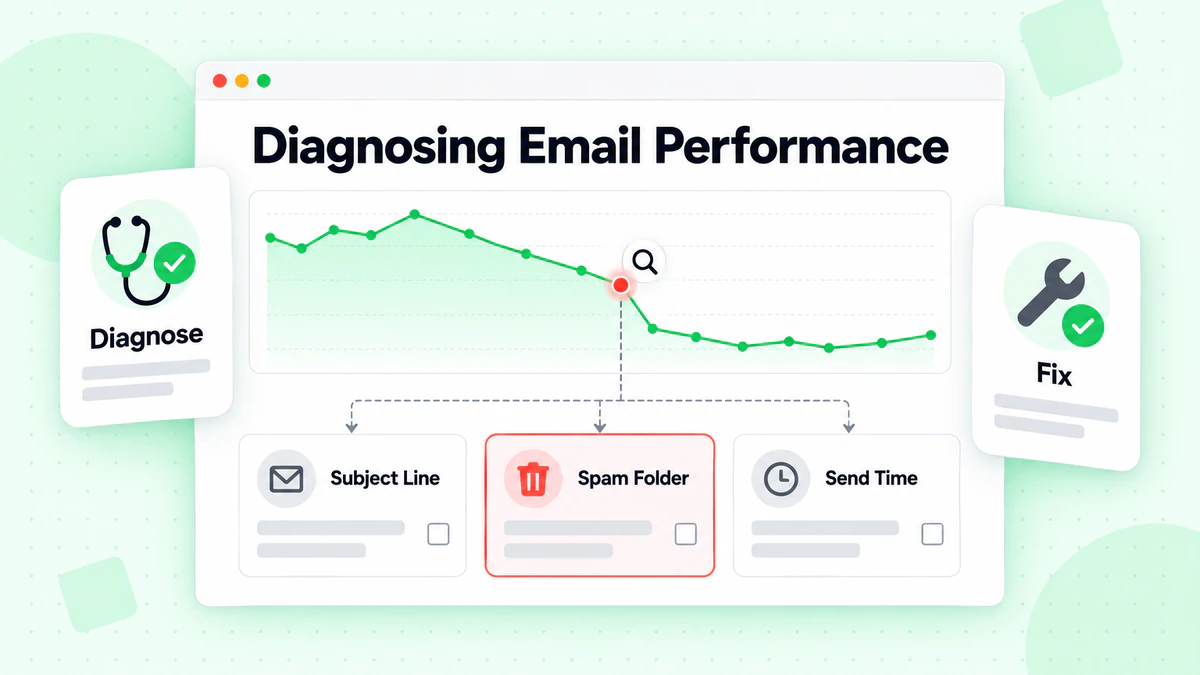
Diagnosing Performance Issues
Using analytics to identify and solve problems.
Low Open Rates
Potential Causes:
- Poor subject lines
- Deliverability issues (going to spam)
- Send time not optimal
- List fatigue
- Wrong audience
Diagnostic Steps:
- Check inbox placement (are you hitting spam?)
- Compare subject line performance
- Analyze by segment (which audiences underperform?)
- Check send time performance
- Review engagement trends over time
Solutions:
- A/B test subject lines
- Improve deliverability
- Test send times
- Segment and target better
- Clean unengaged subscribers
Low Click Rates
Potential Causes:
- Content not compelling
- Calls-to-action unclear
- Design issues (especially mobile)
- Content-audience mismatch
- Too many or too few links
Diagnostic Steps:
- Review click maps (what are people clicking?)
- Check mobile vs. desktop performance
- Analyze by content type
- Compare across segments
- Review CTA placement and design
Solutions:
- Improve content relevance
- Clarify and strengthen CTAs
- Optimize mobile design
- Better personalization
- Test different formats
High Unsubscribe Rates
Potential Causes:
- Too many emails
- Content not valuable
- Content not expected
- Wrong audience acquired
- Changed interests
Diagnostic Steps:
- Compare unsubscribes by campaign type
- Review frequency impact
- Analyze by acquisition source
- Check timing (when do most unsubscribe?)
- Survey unsubscribers
Solutions:
- Reduce frequency
- Improve content quality
- Set better expectations at signup
- Improve targeting
- Offer preference center
Deliverability Problems
Warning Signs:
- Sudden drop in open rates
- Increased bounce rates
- Spam complaints rising
- ISP-specific issues
Diagnostic Steps:
- Check authentication (SPF, DKIM, DMARC)
- Review bounce types
- Monitor spam complaints
- Check blacklist status
- Test inbox placement
Solutions:
- Fix authentication issues
- Remove invalid addresses with email list cleaning
- Clean unengaged subscribers
- Review content for spam triggers
- Warm up sending gradually
Learn comprehensive strategies in our email deliverability guide and how to reduce bounce rates.
Benchmarking Your Performance
Understanding how you compare.
Industry Benchmarks
Average Email Marketing Benchmarks (2024-2025):
| Industry | Open Rate | Click Rate | Unsubscribe |
|---|---|---|---|
| E-commerce | 15-20% | 2-3% | 0.2% |
| B2B | 20-25% | 3-5% | 0.1% |
| Media/Publishing | 20-25% | 4-6% | 0.1% |
| Non-profit | 25-30% | 3-4% | 0.1% |
| SaaS | 20-25% | 3-5% | 0.2% |
Important Notes:
- Benchmarks vary significantly
- Your own trends matter more than industry averages
- Apple Mail Privacy Protection affects open rates
- Focus on improvement, not just comparison
Internal Benchmarking
Compare Against Yourself:
- Month-over-month trends
- Year-over-year comparisons
- Campaign type averages
- Segment performance
Set Improvement Targets: Based on historical performance, not arbitrary goals.
Competitive Analysis
What You Can Learn:
- Subscribe to competitor emails
- Analyze their frequency
- Study their content approach
- Note their strategies
What You Can't Learn:
- Their actual metrics
- What works for them
- Their list quality
- Their revenue
Email Analytics Best Practices
Maximizing the value of your data.
Data Quality
Ensure Accurate Data:
- Consistent UTM tagging
- Proper conversion tracking
- Clean data collection
- Regular audits
Avoid Common Errors:
- Double-counting conversions
- Incorrect attribution windows
- Mixing metrics definitions
- Ignoring statistical significance
Testing and Optimization
Test-Measure-Learn Cycle:
- Hypothesize: What do you think will improve?
- Test: Run controlled experiment
- Measure: Track results accurately
- Learn: Analyze and document findings
- Apply: Implement winners
Statistical Significance: Don't declare winners too early. Use significance calculators to ensure results are real, not random.
Master testing with our email testing and optimization guide and email AB testing guide.
Documentation
Document Your Analytics:
- Metric definitions
- Calculation methods
- Data sources
- Report schedules
- Historical context
Why It Matters:
- Consistency over time
- Team alignment
- Knowledge transfer
- Audit trail
Privacy and Compliance
Data Considerations:
- GDPR and privacy regulations
- Data retention policies
- User consent for tracking
- Anonymization where needed
Analytics Tools and Platforms
Building your analytics stack.
Email Service Provider Analytics
Standard Features:
- Campaign reports
- Automation analytics
- Subscriber history
- Basic segmentation
Advanced Features (premium plans):
- Predictive analytics
- Custom reporting
- API access
- Advanced attribution
Google Analytics
Email-Specific Tracking:
- UTM parameter reports
- Campaign performance
- Conversion tracking
- Multi-channel attribution
Setup Requirements:
- Consistent UTM tagging
- Goals/conversions configured
- E-commerce tracking (if applicable)
- Custom reports for email
Dedicated Email Analytics
Litmus Analytics:
- Read time tracking
- Device and client data
- Engagement geography
- Email client insights
Benefits:
- Deeper engagement insights
- Design optimization data
- Cross-client analysis
Data Warehouses
For Advanced Analysis:
- Combine email data with other sources
- Build custom attribution models
- Long-term trend analysis
- Advanced segmentation
Options:
- BigQuery
- Snowflake
- Redshift
Common Analytics Mistakes
Avoid these pitfalls.
Mistake 1: Vanity Metrics Focus
Problem: Celebrating high open rates without connecting to business results. Fix: Always tie metrics to revenue or conversions.
Mistake 2: Ignoring Context
Problem: Judging campaigns without considering timing, audience, or goals. Fix: Compare like to like, consider all factors.
Mistake 3: Analysis Paralysis
Problem: Tracking everything but acting on nothing. Fix: Focus on metrics that drive decisions.
Mistake 4: Trusting Open Rates Completely
Problem: Making decisions solely based on open rates. Fix: Use multiple metrics, acknowledge tracking limitations.
Mistake 5: No Baseline
Problem: No understanding of normal performance. Fix: Establish baselines before measuring improvement.
Mistake 6: One-Time Analysis
Problem: Looking at data only occasionally. Fix: Build consistent reporting cadence.
Analytics Checklist
Setup Checklist
- [ ] UTM parameters standardized
- [ ] Conversion tracking configured
- [ ] ESP analytics reviewed
- [ ] Google Analytics connected
- [ ] Dashboards created
- [ ] Baseline metrics established
Ongoing Monitoring
- [ ] Daily: Deliverability and critical metrics
- [ ] Weekly: Campaign performance review
- [ ] Monthly: List health and trends
- [ ] Quarterly: Strategic analysis
Optimization Process
- [ ] Regular A/B testing
- [ ] Results documentation
- [ ] Winning tactics implemented
- [ ] Continuous improvement cycle
Data Quality and Analytics
How list quality affects your metrics.
Impact of Invalid Emails
Skewed Metrics: Invalid emails sent = Lower open and click rates
Deliverability Damage: Bounces affect sender reputation, impacting delivery to valid addresses.
Wasted Analysis: Time spent analyzing performance that includes non-recipients.
Verification Benefits
Accurate Metrics: When you only send to valid addresses, metrics reflect true engagement. Use email verification to ensure data quality.
Better Benchmarking: Compare yourself fairly when your denominator is clean with bulk email verification.
Meaningful Segmentation: Engagement data is accurate for valid subscribers. Maintain email list hygiene for reliable analytics.
Conclusion
Email analytics transform email marketing from guessing to knowing. By tracking the right metrics, building actionable reports, and using data to drive decisions, you'll continuously improve performance and prove email's value to your business.
Key analytics principles:
- Track what matters: Focus on metrics that drive decisions
- Context is everything: Compare fairly, consider all factors
- Act on insights: Analysis without action is pointless
- Improve continuously: Use the test-measure-learn cycle
- Quality data: Clean lists mean accurate analytics
Your analytics are only as good as your data. Invalid emails distort every metric you track.
Ready to ensure your email analytics reflect real performance? Start with BillionVerify to verify your list and get accurate, actionable email metrics.