



When you send an email matters almost as much as what you send. The same email can see dramatically different results depending on when it lands in the inbox. This guide covers everything you need to know about email timing—from industry benchmarks to testing strategies that find your unique optimal send times.
Why Email Timing Matters
Understanding the impact of when you hit send.
The Inbox Competition
The Reality:
- Average professional receives 121+ emails daily
- Emails compete for limited attention
- First emails seen often get priority
- Poor timing means buried emails
Timing Impact: Well-timed emails can see 20-30% higher open rates than poorly timed ones.
What Timing Affects
Open Rates: Emails sent when recipients are checking their inbox get opened more.
Click Rates: Engaged readers at optimal times click more.
Conversions: Better engagement at the right time leads to more conversions.
Unsubscribes: Poorly timed emails (especially too many) drive unsubscribes.
The Timing Variables
Day of Week: Which days see highest engagement?
Time of Day: Morning, afternoon, or evening?
Time Zone: Your time or the recipient's?
Frequency: How often is optimal?
Email Type: Different emails need different timing.
General Email Timing Benchmarks
What the data says across industries.
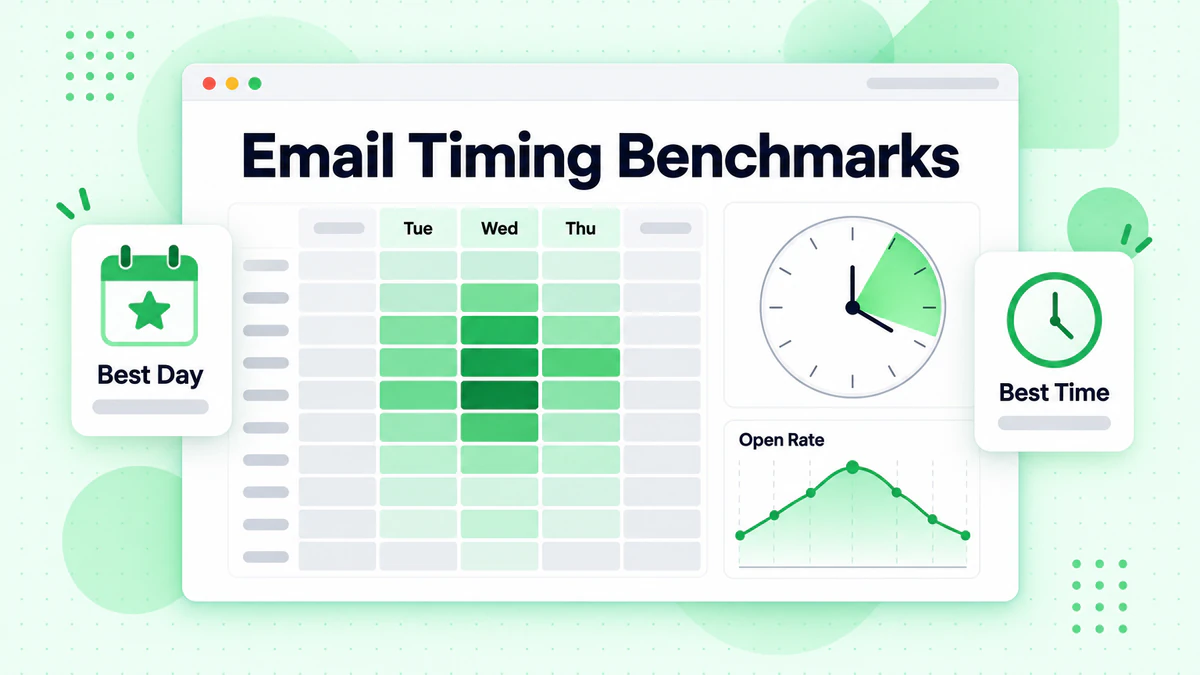
Best Days to Send Email
Research Consensus:
| Day | Performance | Notes |
|---|---|---|
| Tuesday | Best | Consistently high engagement |
| Wednesday | Very Good | Strong mid-week performance |
| Thursday | Very Good | Good before weekend |
| Monday | Moderate | Inbox cleanup competition |
| Friday | Moderate | Attention shifts to weekend |
| Saturday | Lower | Personal time, less checking |
| Sunday | Variable | Evening can work |
Key Insight: Tuesday, Wednesday, and Thursday consistently outperform other days across most industries.
Best Times to Send Email
Research Consensus:
| Time | Performance | Why |
|---|---|---|
| 10:00 AM | Excellent | Morning inbox check |
| 2:00 PM | Very Good | Post-lunch check |
| 8:00 AM | Good | Early morning routine |
| 6:00 PM | Good | Evening check |
| 11:00 AM | Good | Pre-lunch scan |
Time Windows:
- Morning Peak: 9-11 AM
- Afternoon Peak: 1-3 PM
- Evening Peak: 6-8 PM
Important Caveats
Benchmarks Are Starting Points:
- Your audience may differ significantly
- Industry patterns vary
- Test to find YOUR optimal times
- Benchmarks are averages, not guarantees
Data Sources Vary: Different studies show different "best" times. The truth is: it depends on your specific audience.
Timing by Audience Type
Different audiences have different patterns.
B2B Email Timing
Professional Audience Behavior:
- Check email during work hours
- Morning check before meetings
- Post-lunch catch-up
- Less engagement outside work hours
B2B Best Times:
- Best Days: Tuesday-Thursday
- Best Times: 10 AM, 2 PM
- Avoid: Weekends, early morning, late evening
B2B Considerations:
- Time zone matters (business hours)
- Industry affects patterns (finance vs. creative)
- Seniority affects schedule (executives check less often)
B2C Email Timing
Consumer Behavior:
- Check email throughout day
- Personal email on personal time
- Mobile checking increases flexibility
- Evenings and weekends viable
B2C Best Times:
- Best Days: Varies by audience
- Best Times: 10 AM, 8 PM
- Weekend: Can work well for leisure/retail
B2C Considerations:
- Demographics affect patterns
- Product type matters (impulse vs. considered)
- Lifestyle factors (parents vs. singles)
Mobile-Primary Audiences
Mobile Checking Patterns:
- Throughout the day
- Commute times (8-9 AM, 5-7 PM)
- Lunch break
- Evening browsing
Mobile Considerations:
- Subject line visibility limited
- Quick scanning behavior
- Location and context vary
Timing by Email Type
Different emails deserve different timing.
Promotional Emails
Goal: Drive immediate action (purchase, signup)
Best Timing:
- Before payday: End of month
- During high-intent times: Lunch, evening
- Sales: Tuesday-Thursday typically
Avoid:
- Early morning (too early for purchase decisions)
- Late night (unless time-zone specific)
Newsletter/Content Emails
Goal: Get read and engaged with
Best Timing:
- When readers have time to read
- Morning commute (mobile readers)
- Lunch break
- Evening relaxation
Consider:
- Match complexity to time available
- Long content needs dedicated reading time
- Quick updates can work anytime
Transactional Emails
Goal: Deliver expected information
Best Timing:
- Immediately after trigger
- No delay for order confirmations
- Real-time for alerts and notifications
Note: Transactional emails should be instant—timing optimization doesn't apply.
Welcome Emails
Goal: Start relationship strong
Best Timing:
- Immediately after signup (first email)
- Follow-ups can be timed strategically
- Consider onboarding sequence pacing
Re-engagement Emails
Goal: Win back attention
Best Timing:
- Try different times than regular sends
- Morning for fresh start feel
- Test what reaches inactive subscribers
Frequency Optimization
How often to send matters as much as when.
Finding the Right Frequency
Too Few Emails:
- Subscribers forget you
- Miss revenue opportunities
- Lose mind share
Too Many Emails:
- List fatigue
- Higher unsubscribes
- Lower engagement per email
- Spam complaints
Frequency Benchmarks
By Industry (typical ranges):
- E-commerce: 2-5 emails per week
- B2B: 1-2 emails per week
- Media/Publishing: Daily to weekly
- SaaS: 1-4 emails per month
- Non-profit: 1-2 emails per month
Frequency Testing
How to Test:
- Segment list into frequency groups
- Send different amounts to each
- Measure engagement and revenue
- Find optimal balance
Metrics to Watch:
- Open rate per email
- Total opens per subscriber
- Unsubscribe rate
- Revenue per subscriber
Preference Centers
Let Subscribers Choose:
- Frequency options (daily, weekly, monthly)
- Content type preferences
- Communication channels
- Pause options
Benefits:
- Reduces unsubscribes
- Improves engagement
- Shows respect for preferences
Time Zone Considerations
Reaching global audiences at the right time.
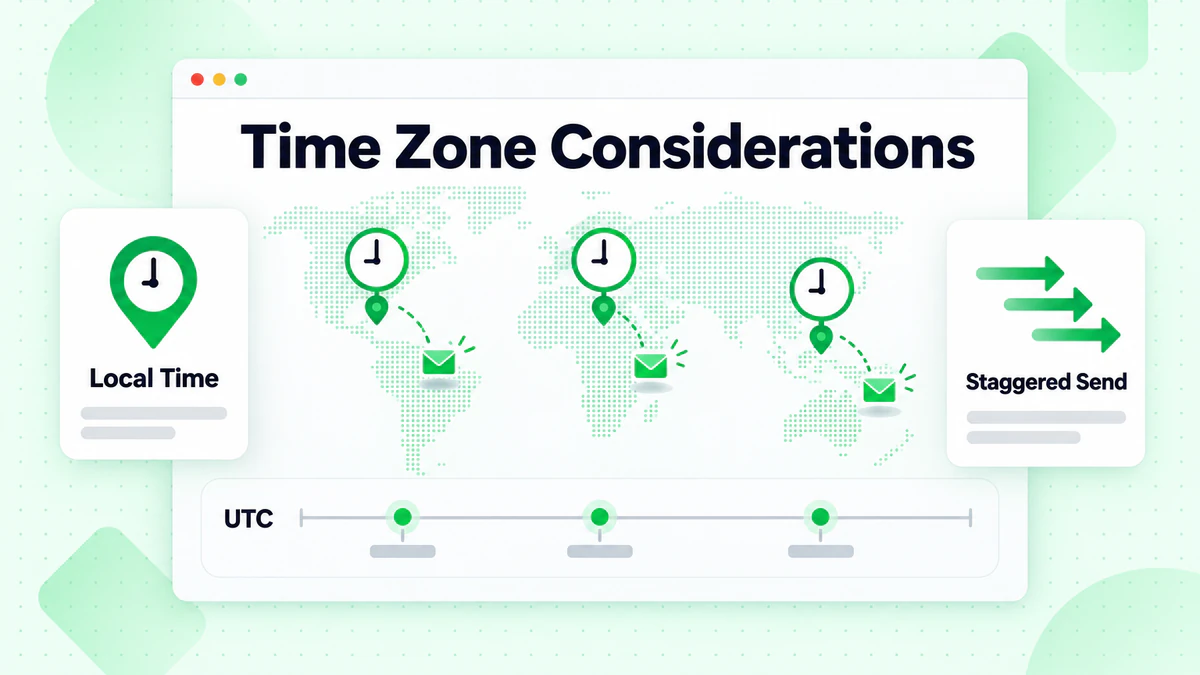
Time Zone Strategies
Option 1: Send in Recipient's Time Zone
Send at 10 AM local time for each recipient.
Pros:
- Optimal timing for everyone
- Highest engagement potential
- Professional appearance
Cons:
- More complex to implement
- Requires accurate time zone data
- Some ESPs don't support well
Option 2: Segment by Region
Create segments by geographic region, send separately.
Pros:
- Simpler than individual time zones
- Good balance of optimization and simplicity
- Works with any ESP
Cons:
- Still requires multiple sends
- Some recipients get less optimal times
Option 3: Single Send Time
Pick one time and send to everyone.
Pros:
- Simplest to manage
- Works for small, concentrated lists
- Quick to execute
Cons:
- Poor timing for some recipients
- Disadvantages certain regions
- Lower overall engagement
Collecting Time Zone Data
Methods:
- Ask at signup
- Infer from IP address
- Derive from phone number
- Use location data from activity
Important: If you don't have time zone data, you can't optimize for it.
Testing Your Send Times
Finding what works for YOUR audience.
A/B Testing Send Times
Basic Approach:
- Split list randomly
- Send same email at different times
- Compare results
- Apply learnings
What to Test:
- Same day, different times
- Same time, different days
- Morning vs. afternoon vs. evening
Time Testing Best Practices
Test One Variable: Only change the send time, not the content.
Sufficient Sample Size: Need enough recipients for statistically significant results.
Multiple Tests: One test isn't definitive. Confirm with multiple experiments.
Consider Seasonality: Results may vary by season, holidays, events.
Send Time Optimization Tools
AI-Powered Solutions: Many ESPs offer machine learning-based send time optimization.
How They Work:
- Analyze individual subscriber behavior
- Predict optimal time for each person
- Send automatically at predicted best time
Considerations:
- Requires historical engagement data
- Works better with larger lists
- Not always more effective than well-tested manual times
Advanced Timing Strategies
Going beyond basic optimization.
Predictive Send Time
Individual Optimization: Predict the best send time for each subscriber based on their behavior.
Data Used:
- Historical open times
- Click times
- Website activity patterns
- Purchase timing
Implementation:
- Some ESPs offer built-in
- Can build custom models
- Requires sufficient data per subscriber
Event-Based Timing
Triggered by Behavior: Send based on actions, not clock time.
Examples:
- Website visit → Email within 1 hour
- Cart abandonment → Email at 1, 24, 48 hours
- Content download → Follow-up next day
- Purchase → Review request 7 days later
Benefits:
- Always relevant timing
- Based on recipient readiness
- Higher engagement
Sequential Timing
Coordinated Sequences: Plan timing across multiple emails.
Example Campaign:
- Day 0: Announcement
- Day 2: Benefits detail
- Day 4: Social proof
- Day 6: Urgency/deadline
Considerations:
- Consistent timing builds expectation
- Varying times can increase visibility
- Match urgency to timeline
Real-Time Optimization
Live Adjustments: Monitor campaign performance and adjust mid-send.
How It Works:
- Send to small initial segment
- Measure early results
- Adjust timing for remaining recipients
- Optimize in real-time
Requirements:
- Fast analytics
- Flexible sending infrastructure
- Large enough list to segment
Timing and Deliverability
How timing affects whether emails arrive.
Server Load Considerations
ISP Processing:
- Major ISPs may throttle high-volume sends
- Spreading sends can improve delivery
- Early morning may see less competition
Practical Impact: For large lists, consider spreading sends over hours rather than all at once.
Engagement Signals
Timing Affects Engagement:
- Higher engagement = Better sender reputation
- Better reputation = Better deliverability
- Optimal timing creates virtuous cycle
The Connection: Poor timing → Low engagement → Reputation damage → Deliverability problems
Learn more about protecting your sender reputation in our email deliverability guide.
Send Spacing
Between Campaigns:
- Don't send multiple campaigns same day
- Space promotional emails appropriately
- Balance automated and broadcast sends
Within Campaigns:
- Large lists: Spread over time
- International: Stagger by time zone
- Urgent: Send as quickly as delivery allows
Common Timing Mistakes
Avoid these pitfalls.
Mistake 1: Blindly Following Benchmarks
Problem: Using industry benchmarks without testing your audience. Fix: Use benchmarks as starting points, then test.
Mistake 2: Ignoring Time Zones
Problem: Sending at 10 AM your time to global audience. Fix: Segment by region or use send-time optimization.
Mistake 3: Over-Sending
Problem: Too many emails causing fatigue. Fix: Test frequency, offer preferences, monitor unsubscribes.
Mistake 4: Inconsistent Timing
Problem: Random send times confuse subscribers. Fix: Establish predictable patterns (unless testing).
Mistake 5: Not Testing
Problem: Never testing to find optimal times. Fix: Regular A/B testing of send times.
Mistake 6: One-Size-Fits-All
Problem: Same timing for all email types. Fix: Match timing to email purpose and audience.
Building Your Timing Strategy
A framework for optimization.
Step 1: Know Your Audience
Gather Data:
- Where are they located?
- When do they typically engage?
- What are their work/life patterns?
- Device usage patterns?
Step 2: Start with Benchmarks
Initial Approach:
- Use industry benchmarks as starting point
- Consider your email type
- Account for audience characteristics
Step 3: Test Systematically
Testing Plan:
- Test day of week (same time, different days)
- Test time of day (same day, different times)
- Test frequency
- Document all results
Step 4: Implement Findings
Apply Learnings:
- Update default send times
- Segment where needed
- Set up automation timing
- Configure time zone handling
Step 5: Continue Optimizing
Ongoing Improvement:
- Regular testing cadence
- Monitor for changes
- Adapt to audience evolution
- Try new approaches
Timing Checklist
Before Sending
- [ ] Considered recipient time zones
- [ ] Chosen optimal day based on email type
- [ ] Selected tested/benchmark time
- [ ] Checked recent send history (not over-sending)
- [ ] Reviewed automation timing
Testing Plan
- [ ] Testing calendar established
- [ ] Variables isolated properly
- [ ] Sample sizes sufficient
- [ ] Results being documented
- [ ] Learnings being applied
Optimization
- [ ] Time zone data collected
- [ ] Segments by region created (if needed)
- [ ] Frequency tested
- [ ] Preference center offered
- [ ] Send time optimization tools evaluated
Data Quality and Timing
Invalid emails affect your timing optimization.
The Data Quality Connection
Invalid Emails Skew Timing Analysis:
- Bounces count as non-opens
- Distorts engagement patterns
- Makes timing tests unreliable
Clean Data Enables:
- Accurate engagement analysis
- Reliable timing tests
- True optimization
Before Timing Optimization
Verify Your List: Ensure you're optimizing timing for valid, deliverable addresses using email verification and email list cleaning.
Why It Matters: If 10% of your list is invalid, your timing analysis is based on flawed data. Maintain email list hygiene for accurate optimization.
Conclusion
Email timing is both science and art. The science gives us benchmarks and testing frameworks. The art is understanding your unique audience and continuously optimizing.
Key timing principles:
- Benchmarks are starting points: Test to find your optimal times
- Know your audience: Different audiences have different patterns
- Test systematically: One variable at a time, document results
- Consider time zones: Respect your recipients' local time
- Balance frequency: Find the sweet spot between too few and too many
Perfect timing means nothing if emails don't reach the inbox. Invalid addresses hurt deliverability and distort your timing data.
Ready to ensure your carefully timed emails reach valid subscribers? Start with BillionVerify to verify your list and maximize the impact of your timing optimization.