



Regular email marketing audits identify problems before they become crises and uncover opportunities for improvement. Whether you're evaluating an inherited program, preparing for a major campaign, or conducting routine maintenance, a systematic audit ensures nothing falls through the cracks. This complete checklist covers every aspect of email marketing evaluation.
Why Conduct an Email Marketing Audit
Understanding the value of systematic evaluation.
Audit Benefits
Identify Problems:
- Deliverability issues
- Compliance gaps
- Technical errors
- Strategic misalignment
- Missed opportunities
Improve Performance:
- Benchmark against best practices
- Find optimization opportunities
- Prioritize improvements
- Justify resource requests
Reduce Risk:
- Compliance violations
- Reputation damage
- Revenue loss
- Security vulnerabilities
When to Audit
Regular Schedule:
- Comprehensive audit: Annually
- Quick health check: Quarterly
- Technical review: Monthly
Triggered Audits:
- Performance decline
- Team changes
- Platform migration
- Compliance requirements
- Strategic shifts
Audit Scope Options
Full Audit: Everything covered
- Strategy and goals
- List health and management
- Deliverability
- Content and design
- Automation
- Compliance
- Performance
- Technology
Focused Audit: Specific areas
- Deliverability audit only
- Compliance review
- Content assessment
- Technical evaluation
Strategy and Goals Audit
Evaluating strategic alignment.
Strategy Checklist
Documentation:
- [ ] Written email marketing strategy exists
- [ ] Strategy aligns with overall marketing goals
- [ ] Strategy updated within last 12 months
- [ ] Team understands and follows strategy
Goals and Objectives:
- [ ] SMART goals defined
- [ ] Goals tied to business outcomes
- [ ] Goals tracked regularly
- [ ] Progress reported to stakeholders
Audience Understanding:
- [ ] Customer personas documented
- [ ] Personas based on real data
- [ ] Personas updated regularly
- [ ] Content mapped to personas
Questions to Answer
- What are the primary objectives of email marketing?
- How do email goals connect to business goals?
- What does success look like?
- How is success measured?
- Who is responsible for achieving goals?
Red Flags
- No documented strategy
- Goals not tied to business outcomes
- Strategy unchanged for 2+ years
- Team unclear on priorities
- No regular performance reviews
Recommendations Template
Finding: [What you discovered] Impact: [Why it matters] Recommendation: [What to do] Priority: [High/Medium/Low] Effort: [High/Medium/Low]
List Health and Management Audit
Evaluating subscriber list quality.
List Quality Checklist
- [ ] Bounce rate under 2%
- [ ] Complaint rate under 0.1%
- [ ] Regular list cleaning performed
- [ ] Invalid emails removed
- [ ] Hard bounces removed immediately
List Growth:
- [ ] List growing (not shrinking)
- [ ] Growth sources documented
- [ ] Quality of new subscribers tracked
- [ ] No purchased lists used
Engagement:
- [ ] Active subscriber percentage known
- [ ] Inactive subscribers identified
- [ ] Re-engagement campaigns run
- [ ] Unengaged subscribers suppressed/removed
List Metrics to Review
| Metric | Healthy | Warning | Critical |
|---|---|---|---|
| Bounce Rate | <1% | 1-2% | >2% |
| Complaint Rate | <0.05% | 0.05-0.1% | >0.1% |
| Unsubscribe Rate | <0.5% | 0.5-1% | >1% |
| List Growth Rate | >5%/month | 0-5%/month | Negative |
| Active Rate (90 days) | >50% | 30-50% | <30% |
Data Quality Assessment
Accuracy:
- [ ] Email addresses validated
- [ ] Names spelled correctly
- [ ] Data fields populated
- [ ] Duplicates removed
Completeness:
- [ ] Required fields captured
- [ ] Segmentation data available
- [ ] Preference data collected
- [ ] Source tracking in place
Recency:
- [ ] Data updated regularly
- [ ] Stale records flagged
- [ ] Last activity tracked
- [ ] Subscription date recorded
Red Flags
- Bounce rate over 2%
- Complaint rate over 0.1%
- No list cleaning in 6+ months
- Large percentage of inactive subscribers
- Unknown list sources
- Purchased or rented lists
Deliverability Audit
Evaluating inbox placement.
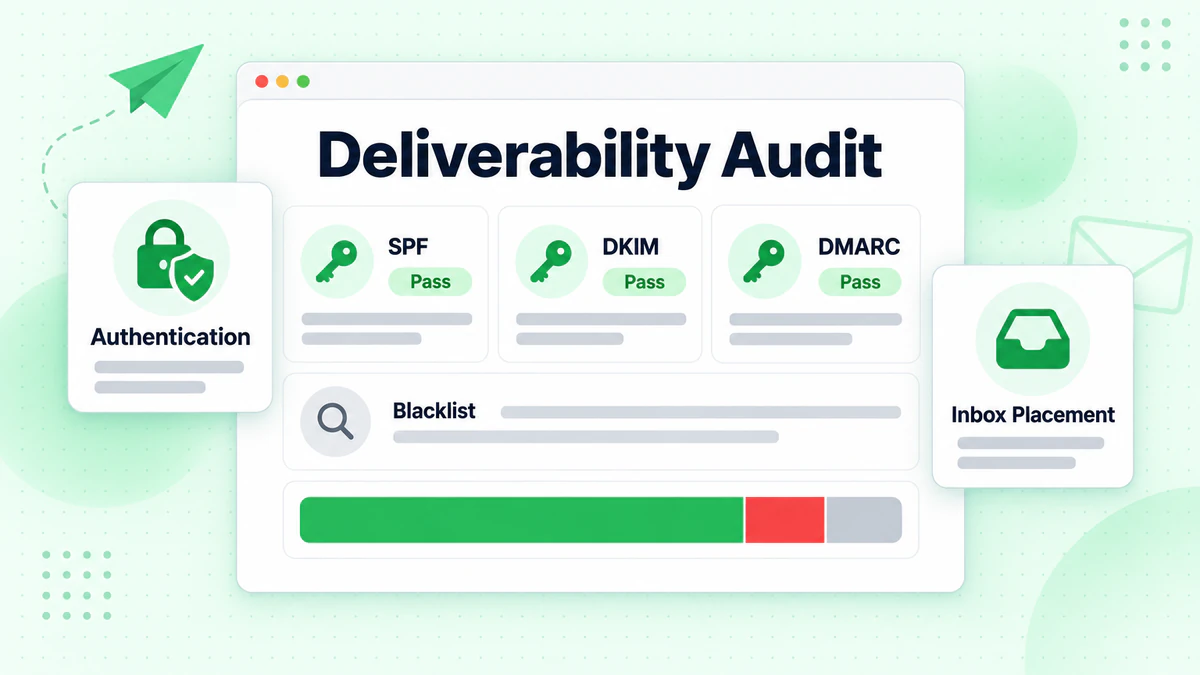
Authentication Checklist
SPF:
- [ ] SPF record published
- [ ] All sending IPs included
- [ ] Record passes validation
- [ ] Not exceeding 10 DNS lookups
DKIM:
- [ ] DKIM configured for all sending domains
- [ ] Keys properly published
- [ ] Signatures passing validation
- [ ] Keys rotated regularly (annually minimum)
- [ ] DMARC record published
- [ ] Policy at p=quarantine or p=reject
- [ ] Reporting configured (rua)
- [ ] Reports reviewed regularly
Infrastructure Checklist
Sending Domain:
- [ ] Domain age appropriate (not brand new)
- [ ] Domain reputation checked
- [ ] Subdomain strategy in place
- [ ] Domain not on blocklists
IP Addresses:
- [ ] IP reputation monitored
- [ ] Dedicated IPs (if applicable) properly warmed
- [ ] IP not on major blocklists
- [ ] Sending volume appropriate for IPs
Deliverability Metrics
Monitor These:
- [ ] Inbox placement rate (use seed testing)
- [ ] Spam folder placement
- [ ] Blocklist status
- [ ] Authentication pass rates
- [ ] Bounce categorization
Tools to Use
- MXToolbox (blocklist, authentication)
- Google Postmaster Tools
- Microsoft SNDS
- Seed list testing tools
- Email verification services
Red Flags
- Missing or broken authentication
- DMARC at p=none for extended period
- IP or domain on blocklists
- Low inbox placement rates
- High spam folder placement
- Sudden metric changes
Content and Design Audit
Evaluating email creative.
Content Quality Checklist
Relevance:
- [ ] Content matches audience needs
- [ ] Subject lines accurate to content
- [ ] Personalization used appropriately
- [ ] Segmentation drives content variation
Value:
- [ ] Emails provide clear value
- [ ] Balance of promotional vs. valuable content
- [ ] Content not overly salesy
- [ ] Educational content included
Quality:
- [ ] Copy professionally written
- [ ] Grammar and spelling correct
- [ ] Tone consistent with brand
- [ ] CTAs clear and compelling
Design Checklist
Brand Consistency:
- [ ] Templates follow brand guidelines
- [ ] Colors, fonts, logo correct
- [ ] Voice and tone consistent
- [ ] Visual style recognizable
Technical:
- [ ] Mobile responsive design
- [ ] Renders across email clients
- [ ] Load time acceptable
- [ ] File sizes optimized
Accessibility:
- [ ] Alt text on images
- [ ] Sufficient color contrast
- [ ] Readable font sizes
- [ ] Logical reading order
Email Elements Review
Subject Lines:
- [ ] Under 50 characters (ideally)
- [ ] Not all caps or excessive punctuation
- [ ] No spam trigger words
- [ ] A/B tested regularly
Preview Text:
- [ ] Custom preview text set
- [ ] Complements subject line
- [ ] Not default "View in browser" text
From Name:
- [ ] Recognizable sender
- [ ] Consistent across campaigns
- [ ] Appropriate for content type
Links:
- [ ] All links working
- [ ] Links properly tracked
- [ ] Landing pages mobile-friendly
- [ ] Unsubscribe link prominent
Red Flags
- Broken images or links
- Poor mobile rendering
- No preview text
- Inconsistent branding
- Missing accessibility features
- Spam-triggering subject lines
Automation Audit
Evaluating automated email programs.
Automation Inventory
Document All Automations:
| Program | Trigger | # Emails | Last Updated | Owner |
|---|---|---|---|---|
| Welcome | Signup | 5 | [Date] | [Name] |
| Abandon Cart | Cart abandon | 3 | [Date] | [Name] |
| Re-engagement | 90 days inactive | 3 | [Date] | [Name] |
Automation Health Checklist
Each Automation:
- [ ] Still relevant and needed
- [ ] Trigger working correctly
- [ ] Emails sending successfully
- [ ] Content current and accurate
- [ ] Performance acceptable
- [ ] Exit conditions appropriate
Overall:
- [ ] No conflicting automations
- [ ] Frequency caps in place
- [ ] Suppression lists applied
- [ ] Error handling configured
Performance Review
For Each Automation:
- Open rates vs. benchmark
- Click rates vs. benchmark
- Conversion rates
- Revenue generated
- Unsubscribe rates
Common Automation Issues
Technical:
- Broken triggers
- Incorrect timing
- Missing segments
- Duplicate sends
Content:
- Outdated information
- Broken links
- Old promotions
- Stale personalization
Strategic:
- Conflicting messages
- Over-messaging
- Wrong audience
- Unclear goals
Red Flags
- Automations running without review
- No documentation
- Unknown owners
- Outdated content
- Poor performance unaddressed
- Conflicting sequences
Compliance Audit
Evaluating legal and regulatory compliance.
CAN-SPAM Checklist (US)
- [ ] Valid physical postal address in emails
- [ ] Clear identification as advertisement (if applicable)
- [ ] Honest subject lines
- [ ] Working unsubscribe mechanism
- [ ] Unsubscribe requests honored within 10 days
- [ ] No deceptive header information
GDPR Checklist (EU)
- [ ] Lawful basis documented for all processing
- [ ] Consent obtained where required
- [ ] Consent records maintained
- [ ] Privacy notice provided
- [ ] Easy opt-out available
- [ ] Data subject rights honored
- [ ] Data processing agreements with vendors
CASL Checklist (Canada)
- [ ] Express or implied consent obtained
- [ ] Consent records maintained
- [ ] Clear sender identification
- [ ] Unsubscribe mechanism working
- [ ] Contact information included
General Compliance
Consent Management:
- [ ] Subscription source tracked
- [ ] Consent timestamp recorded
- [ ] Consent language documented
- [ ] Double opt-in used (recommended)
Unsubscribe Process:
- [ ] One-click unsubscribe available
- [ ] Unsubscribe works immediately
- [ ] No login required
- [ ] Preference center option
Data Handling:
- [ ] Data stored securely
- [ ] Access restricted appropriately
- [ ] Retention policy followed
- [ ] Deletion process exists
Red Flags
- No consent records
- Difficult unsubscribe process
- Missing physical address
- No privacy notice
- Third-party data without consent
- Outdated compliance practices
Technology Audit
Evaluating your email technology stack.
ESP Evaluation
Capabilities:
- [ ] Meets current needs
- [ ] Supports planned growth
- [ ] Features utilized efficiently
- [ ] Integration capabilities adequate
Performance:
- [ ] Deliverability acceptable
- [ ] Uptime reliable
- [ ] Speed satisfactory
- [ ] Support responsive
Cost:
- [ ] Pricing competitive
- [ ] Value for investment
- [ ] No unused features paying for
- [ ] Growth costs acceptable
Integration Audit
Key Integrations:
| System | Integration | Status | Data Flow |
|---|---|---|---|
| CRM | [Yes/No] | [Working/Issue] | [Direction] |
| E-commerce | [Yes/No] | [Working/Issue] | [Direction] |
| Analytics | [Yes/No] | [Working/Issue] | [Direction] |
Integration Health:
- [ ] Data syncing correctly
- [ ] No delays or errors
- [ ] Field mapping accurate
- [ ] Error handling in place
Security Audit
Access Control:
- [ ] User access appropriate
- [ ] Former employees removed
- [ ] Admin access limited
- [ ] Password policies enforced
- [ ] 2FA enabled
Data Security:
- [ ] Data encrypted
- [ ] Transmission secure
- [ ] Backups in place
- [ ] Audit logs available
Red Flags
- Multiple disconnected tools
- Underutilized features
- Integration errors
- Security gaps
- Excessive access
- No audit trail
Performance Audit
Evaluating email program results.
Metric Benchmarking
Compare Against:
- Industry benchmarks
- Historical performance
- Internal goals
- Best-in-class examples
Performance Metrics Checklist
Engagement:
- [ ] Open rates tracked and benchmarked
- [ ] Click rates tracked and benchmarked
- [ ] Click-to-open rates calculated
- [ ] Engagement trending up/stable
Conversion:
- [ ] Conversion rates tracked
- [ ] Revenue attributed to email
- [ ] ROI calculated
- [ ] Goal completion measured
List Health:
- [ ] Unsubscribe rates acceptable
- [ ] Complaint rates low
- [ ] Bounce rates minimal
- [ ] List growth positive
Trend Analysis
Review Trends Over:
- Last 30 days
- Last 90 days
- Last 12 months
- Year-over-year
Look For:
- Sudden changes
- Gradual declines
- Seasonal patterns
- Campaign-specific impacts
Performance by Segment
Analyze:
- By email type
- By segment
- By automation
- By device
- By email client
Red Flags
- Consistent declines
- Metrics below benchmarks
- No tracking in place
- Unclear attribution
- No regular reporting
Conducting the Audit
Practical guidance for audit execution.
Audit Preparation
Gather Materials:
- Access to ESP and analytics
- Strategy documents
- Campaign history
- List information
- Technical documentation
- Previous audit reports
Define Scope:
- What areas to cover
- How deep to go
- Timeline for completion
- Stakeholders involved
Audit Process
Phase 1: Data Collection (Week 1)
- Pull reports and metrics
- Document current state
- Gather samples
- Interview stakeholders
Phase 2: Analysis (Week 2)
- Compare to benchmarks
- Identify gaps
- Note opportunities
- Prioritize findings
Phase 3: Reporting (Week 3)
- Write findings
- Develop recommendations
- Create action plan
- Prepare presentation
Audit Documentation
For Each Area:
AREA: [Name]

CURRENT STATE
- What exists today
- Key metrics
- Evidence gathered

FINDINGS
- What's working
- What needs improvement
- Critical issues

RECOMMENDATIONS
- Specific actions
- Priority level
- Effort required
- Expected impact

ACTION ITEMS
- What to do
- Who's responsible
- Timeline
Post-Audit Actions
Immediate (Week 1 post-audit):
- Fix critical issues
- Assign owners
- Set timelines
Short-Term (1-3 months):
- Address high-priority items
- Implement quick wins
- Start larger projects
Long-Term (3-12 months):
- Complete major initiatives
- Establish ongoing practices
- Schedule next audit
Quick Health Check
For routine quarterly reviews.
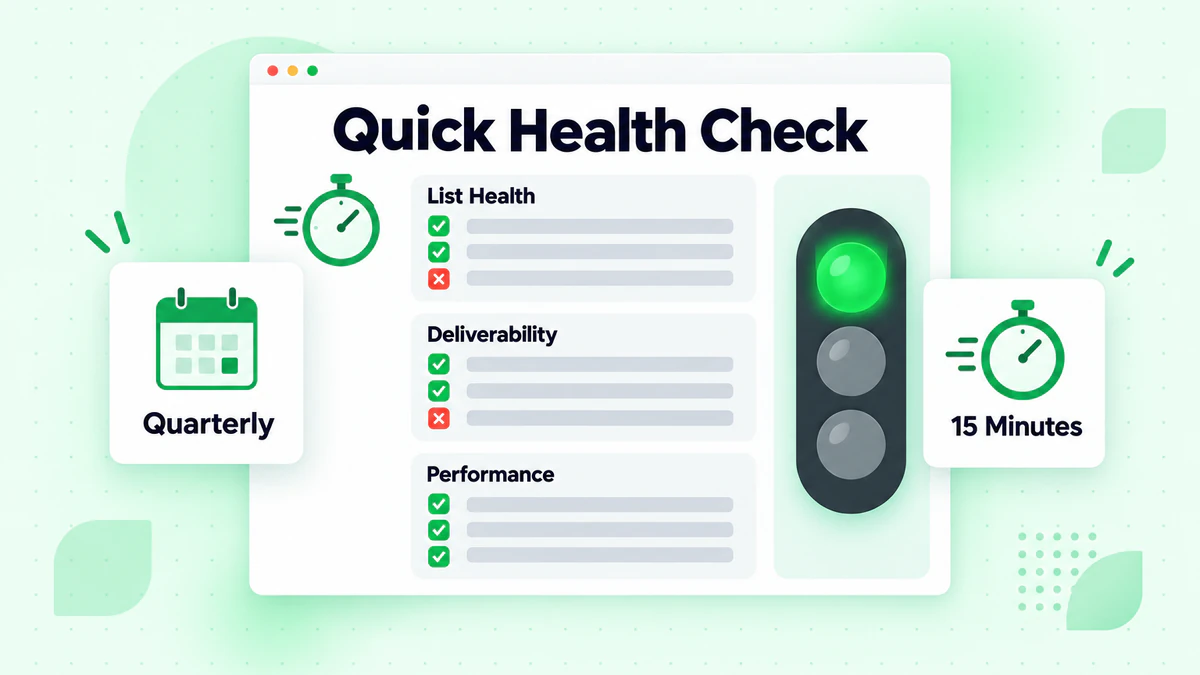
15-Minute Health Check
List Health (5 minutes):
- [ ] Bounce rate under 2%?
- [ ] Complaint rate under 0.1%?
- [ ] List growing?
Deliverability (5 minutes):
- [ ] Authentication passing?
- [ ] Not on major blocklists?
- [ ] Inbox placement acceptable?
Performance (5 minutes):
- [ ] Open rates stable/improving?
- [ ] Click rates stable/improving?
- [ ] No sudden changes?
Monthly Technical Check
- [ ] All automations running
- [ ] No errors in logs
- [ ] Links working
- [ ] Images loading
- [ ] Integrations syncing
Audit Report Template
Executive Summary
Overall Health: [Good/Fair/Needs Attention]
Key Findings:
- [Top finding 1]
- [Top finding 2]
- [Top finding 3]
Priority Recommendations:
- [Top recommendation 1]
- [Top recommendation 2]
- [Top recommendation 3]
Detailed Findings
[Area Name]
| Item | Status | Finding | Recommendation | Priority |
|---|---|---|---|---|
| [Item] | [✓/⚠/✗] | [Detail] | [Action] | [H/M/L] |
Action Plan
| Action | Owner | Timeline | Resources Needed |
|---|---|---|---|
| [Action] | [Name] | [Date] | [Resources] |
Appendix
- Raw data and reports
- Detailed metrics
- Tool outputs
- Supporting documentation
Data Quality in Audits
Why email verification is part of every audit.
List Quality Assessment
Verification Questions:
- When was list last verified?
- What percentage of emails are valid?
- How are new emails validated with real-time verification?
- What's the bounce rate trend?
Verification Action Items:
- Verify entire list with email list cleaning if never done
- Implement real-time verification
- Establish regular verification schedule
- Monitor bounce rates continuously
Impact of Invalid Emails
On Audit Findings:
- Engagement metrics skewed
- Deliverability impacted
- List health appears worse
- ROI calculations inaccurate
Verification First: Consider verifying list before auditing performance to get accurate baseline.
Conclusion
Regular email marketing audits prevent problems, identify opportunities, and ensure continuous improvement. A systematic approach covers all aspects of your program from strategy to execution to compliance.
Key audit principles:
- Be systematic: Use checklists, don't rely on memory
- Be thorough: Check everything, even what seems fine
- Document findings: Create actionable reports
- Prioritize actions: Focus on highest-impact items first
- Make it routine: Schedule regular reviews
List health underlies every audit area. Invalid emails affect deliverability, engagement metrics, and program performance.
Ready to start your audit with a clean list? Start with BillionVerify to verify your email list and establish accurate baselines for your audit.