

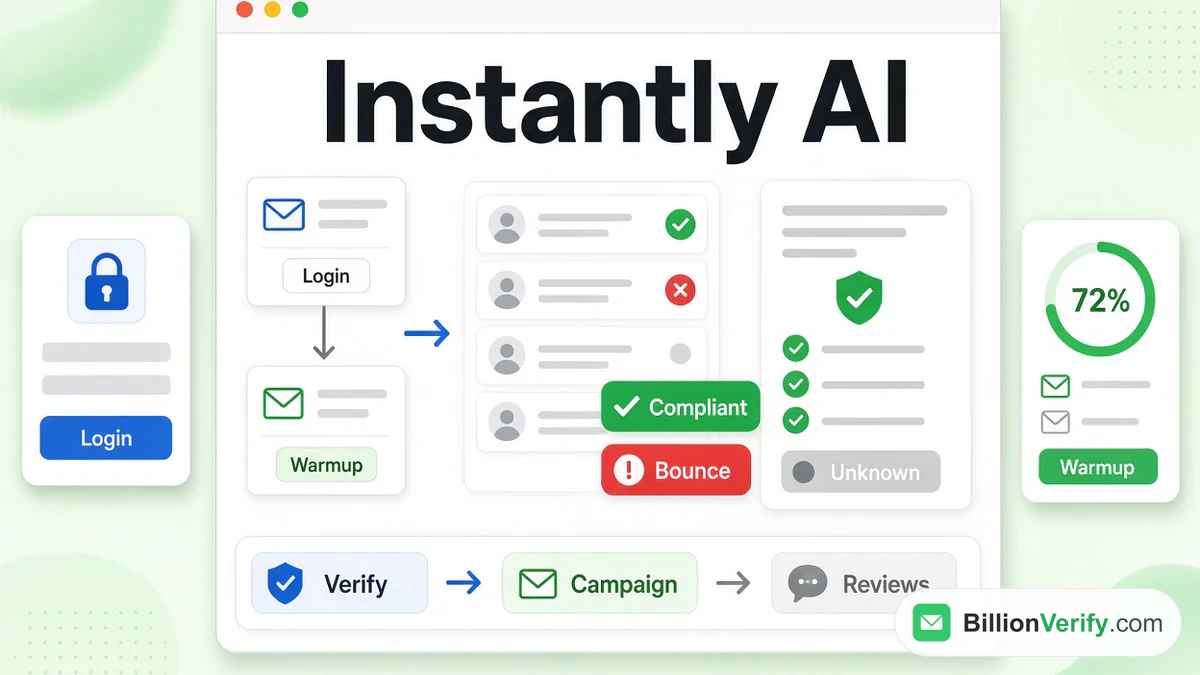
Instantly AI is a cold email platform for connecting unlimited sending accounts, warming them up, and running outreach campaigns from a single dashboard. It also offers a database of business contacts and a set of automated sales agents. The marketing site lives at instantly.ai, while the app sits at a separate address that serves every Instantly login. Below you will find what the product includes, how the Instantly AI login and password reset work, how Instantly email warmup behaves, and what to check before trusting Instantly AI reviews. Everything comes from Instantly's own site and help center in November 2026. We are not affiliated with Instantly. BillionVerify is an email verification service, so we also show where list checking fits into an Instantly workflow.
Key facts (checked November 2026):
- Instantly's help section describes the product as automation for outbound campaigns, with no cap on senders or warmup and business leads built in.
- Its warmup page says the deliverability pool holds over a million real inboxes, and that warmup has no fixed countdown.
- A campaign pauses automatically once its bounce rate passes 5%, provided at least 200 messages have gone out.
- Uploaded contacts draw on a single fixed total across all campaigns, and paused or draft campaigns count toward it.
- Verifying a lead uses a quarter of a credit on the credit plans, and the verification page grants 25 credits to start.
- BillionVerify does not bill unknown results, and its free plan gives 20 credits on each day of use, up to 600 a month.
What Is Instantly AI?
Instantly AI is software for outbound sales. You connect inboxes from any provider, upload leads, write a sequence, and Instantly sends it. According to its docs, the aim was to minimize cost while keeping messages out of spam, which is why senders and warmup are unlimited. Plans differ mainly by monthly send volume and by how many contacts you can upload.
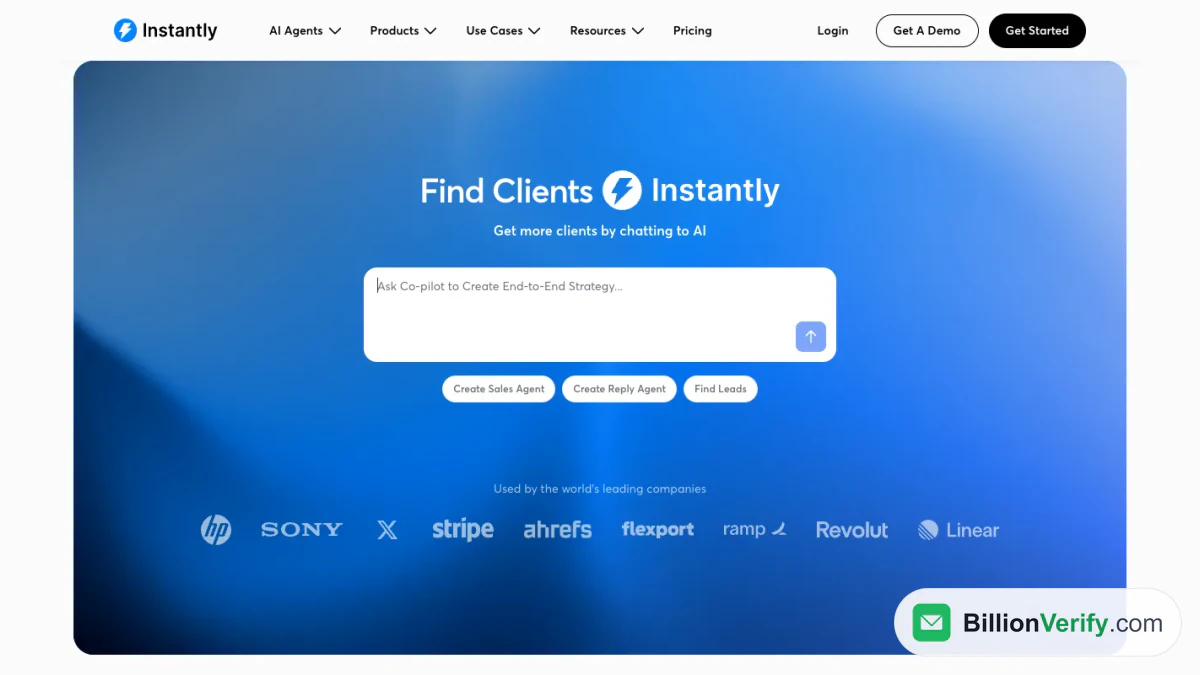
Screenshot: the homepage of instantly.ai.
The name causes some confusion. "Instantly" is also an ordinary English adverb, so a search for the single word returns everything from loans to home remedies. The company uses the domain instantly.ai, and the added "AI" in its name matches the AI agents it sells. To reach the product, look for instantly.ai and app.instantly.ai.
What the product includes
Instantly splits its product into several parts, and each has its own pricing line:
- Outbound: the sending engine. It connects unlimited senders, rotates them, and runs sequences. It is sold as the Growth, Hypergrowth and Lightspeed plans.
- Lead Finder: a B2B database of more than 450M leads, with filters, enrichment and waterfall email search. It runs on Instantly Credits.
- Agents: a Sales Agent, a Reply Agent and several others that write outreach or answer replies on your behalf.
- CRM and Unibox: a shared inbox for replies, with a CRM included from Hypergrowth upward.
- Deliverability tools: warmup, placement testing, verification and a bounce-protection rule.
- Website Visitors: identification of the people who visit your site.
Instantly's own FAQ says that once campaigns are set up the tool "runs completely on autopilot," as long as enough leads are loaded. That describes sending. Choosing leads, writing copy and keeping the list clean remain your job.
Who it is built for
Instantly's menus name sales teams, marketers, agencies, freelancers, founders and enterprises. Agencies are a big group, because many client domains fit in one workspace when sending is unlimited. Our guide to cold email tools explains how this kind of sender compares with data tools and CRMs.
Instantly Login
The Instantly login screen is at app.instantly.ai/auth/login. Two buttons, "Log In with Google" and "Log in with Apple," sit above a form with an address field and a password field. A "Forgot password?" link and a "Don't have an account? Sign Up" link appear below the Log In button.
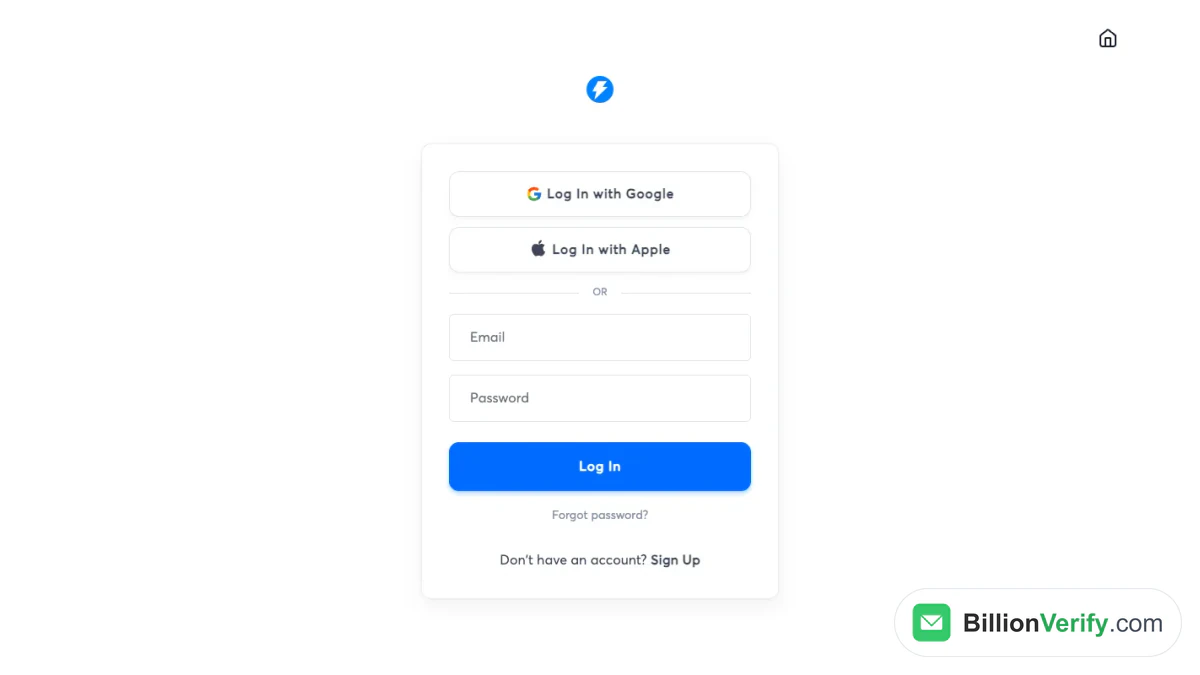
Screenshot: the sign-in form with its social buttons.
The top menu of instantly.ai also carries a Login link that leads to the same screen, so the Instantly AI login and the app sign-in are identical.
Instantly AI login with Google or Apple
Click the button for the provider you used when you signed up. Instantly authenticates you through that account, with nothing extra to remember. To add a regular secret as well, the reset guide says to use the social button first, go to Settings, then Account & Settings, find the Change Password block, leave the current-password field empty, and save a new one. Afterwards either route works.
Reset a forgotten password
For an account created with a password rather than a social button, the guide gives four steps:
- Choose "Forgot password?" under the form.
- Type your address and request the reset link.
- Open the message and follow the link.
- Create a fresh password and sign in with it.
If nothing arrives, check spam or junk, confirm you typed the right address, wait a few minutes, and ask for another link. The guide adds that the inbox itself must be able to receive mail without problems, which matters if the address sits on a domain with broken mail routing. It states no expiry time for the link.
Change the password while signed in
Click your profile avatar in the bottom-left corner and pick Settings. Under Account & Settings, the Change Password section takes the current entry and the replacement twice. Click Save to finish.
Extra security for the whole team
Two-factor authentication is off by default. Instantly recommends turning it on if credentials have ever been shared with others. The Security section of that same page has an Enable button; press it, scan the QR code with an authenticator app such as Google Authenticator, Duo Mobile or 1Password, and enter the code. A workspace owner can require every team member to use two-step authentication, and a "log out of all devices" control ends each active session.
When an Instantly login fails
Most failed attempts come from using the wrong route. An account created with a social button has no password, so typing an address into the form leads nowhere. Use the same social button as before, or add a password first as described above. If you do have one and it no longer works, the reset flow is the quickest fix. Another cause is an outdated address on file, since the Instantly login follows whatever email is stored on the account.
Change your Instantly login email
A separate help article covers updating the address you sign in with. Do it before you hand workspace ownership to someone else, so the new owner receives the security notices.
Instantly Email Warmup
Instantly email warmup builds a sending reputation for a new or idle sender. The system sends, receives, opens and replies to messages between your connected senders and its warmup network, which runs through a private group of headless browsers. It works with any connected sender, including Google Workspace and Outlook.
The slow ramp
Warmup does not start at full volume. The slow ramp sends 2 warmup messages on day one, 4 on day two and 6 on day three, then keeps climbing with a randomized count each day. The warmup page also mentions read emulation, which scrolls through messages to look like human reading, and settings for open rate and spam protection.
Recommended warmup settings
The settings article lists the defaults for a newly created account. The daily warmup limit is 10, the reply rate is 30%, and the increase per day is 1, so the count rises by one message each day until it reaches the limit. A weekdays-only mode skips weekends for sending, although the account still receives warmup mail then. "Disable slow warmup" is meant only for senders that are already warmed, never for new ones. You can also change the warmup filter tag, which helps you hide warmup traffic in Gmail and Outlook.
Standard and Basic warmup pools
New accounts join the Standard pool by default, a balanced mix of Google, Outlook and SMTP accounts shown with a green flame. The Basic pool is mostly SMTP accounts, shows a yellow flame, and brings weaker engagement. The Standard pool has an SMTP cap tied to your tier: 100 on Growth, 500 on Hypergrowth and 1,000 on Lightspeed. Go past it and the whole workspace drops to Basic until you upgrade or add capacity. Tier changes take effect daily at 12 am UTC.
When is a mailbox ready?
Another help article sets two conditions. The sender should have warmed for at least two weeks, or three weeks for AirMail accounts, and its health score should stay above 90% across the last seven days. Accounts bought already warm can send campaigns right away. Instantly email warmup can keep running next to live campaigns, which is why the dashboard shows a score rather than a countdown.
What warmup does not do
Instantly reports 30% higher inbox placement for its users, but that figure comes from the vendor. Warmup gives a sender a good history. It does not make a bad list safe. An account that writes to dead addresses collects bounces whatever its score says. For a closer look at how mailbox providers read those signals, see our email deliverability guide for cold senders.
Instantly AI Reviews: What to Check
Instantly shows testimonials on its own pages and links to review sites from its Resources menu. Trustpilot and G2 both carry listings. We do not repeat a star rating here, because ratings drift and a vendor page shows only its best rating. Open the review sites, sort by the lowest scores, and read the date on each entry. Prospecting from review sites? Clutch vs Trustpilot for B2B outreach compares what each one offers.
A fair read separates three things. The first is the sending tool, which most users praise or criticize for setup and deliverability. The second is the data side, meaning Lead Finder and the spending around it, where complaints tend to be about cost. The third is support and billing, which depends on the plan.
Limits written in the docs
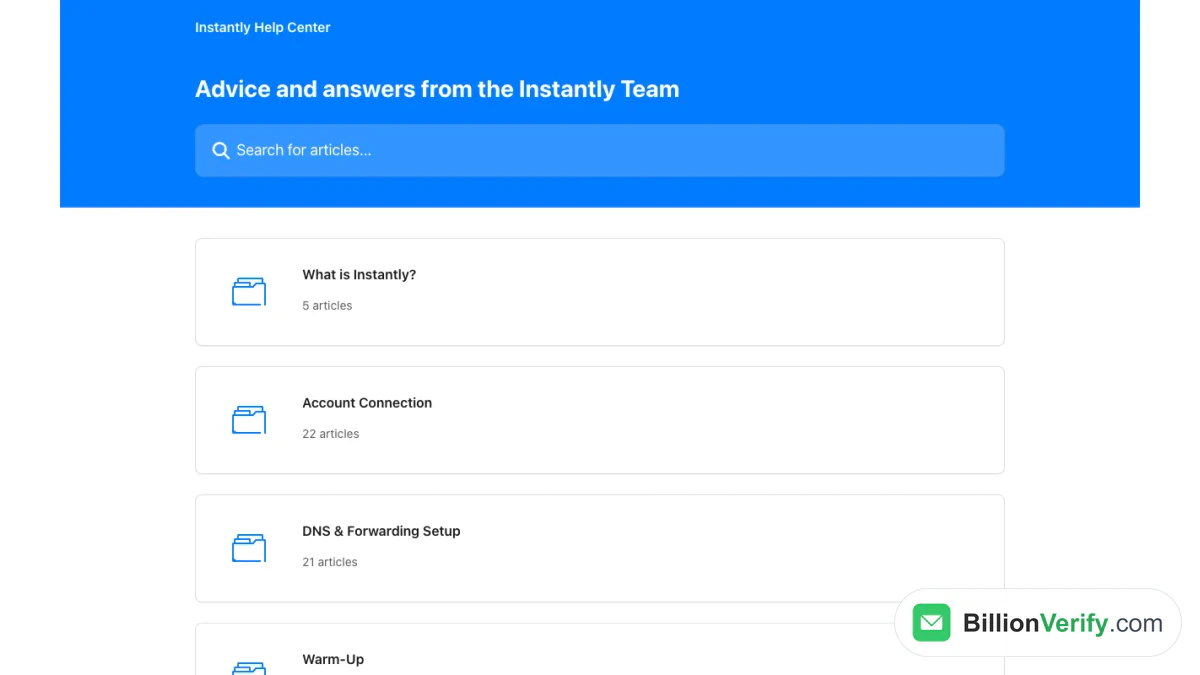
Screenshot: the docs home page, which lists every article collection.
Several limits are documented, and they explain many complaints:
- The uploaded-contacts limit is a fixed total, not a monthly allowance. Every contact in any campaign counts, even in paused and draft ones.
- Free trial workspaces that are not upgraded are deleted after the trial, and warmup, senders and campaigns pause when it ends.
- Unused data balances expire two months after purchase on monthly plans and after a year on annual plans.
- Done-for-you domains and inboxes keep working only while an Outbound plan is active.
The pricing details behind these limits are in our Instantly pricing guide.
Bounce Limits and Verification Credits
Instantly pauses a campaign when bounces exceed 5%. The article on this rule says it is on by default, runs only after 200 messages have been sent, and can be set to a different threshold in Preferences. After you fix the problem and resume, the campaign will not pause again for bounces for seven days. The same article tells you to verify leads and check your copy for spam words.
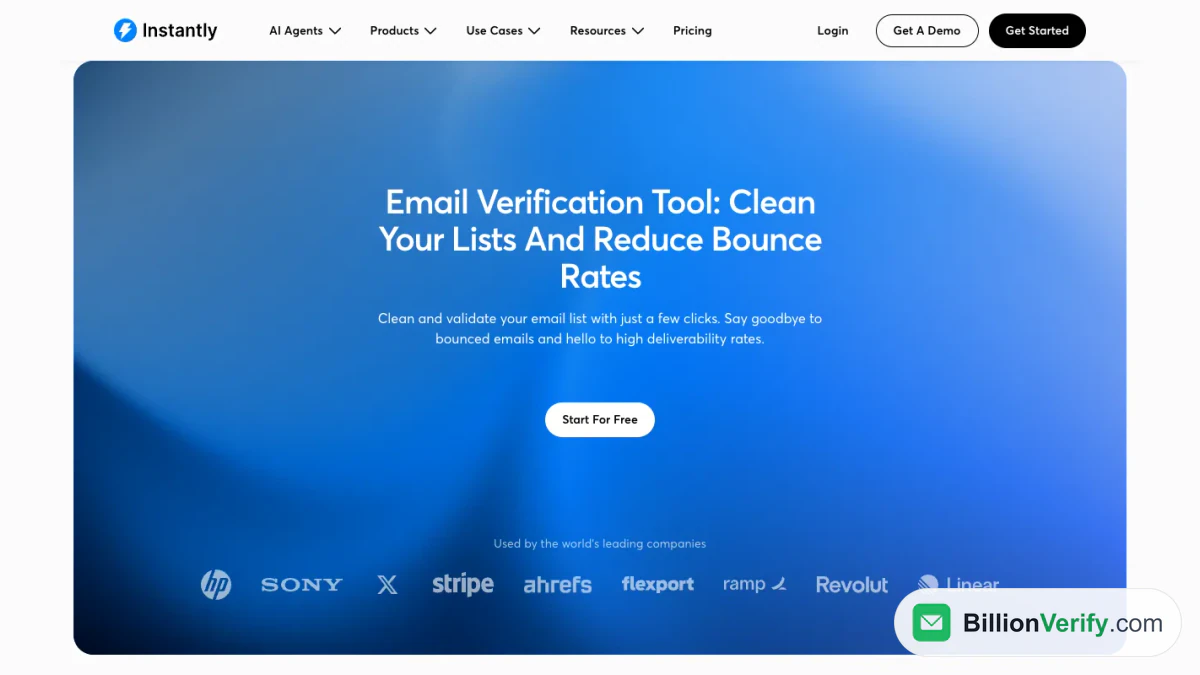
Screenshot: the verification page on instantly.ai.
Instantly sells its own checker. Its page says you can upload a list and get a report within minutes, with a free starter allowance and no card. The page also says catch-all handling can recover up to 40% of leads that other tools would mark unknown. Past the free allowance, Instantly email verification runs on Data Credits at 0.25 per lead. The Nano plan costs $9 a month for 150 credits, which covers 600 leads.
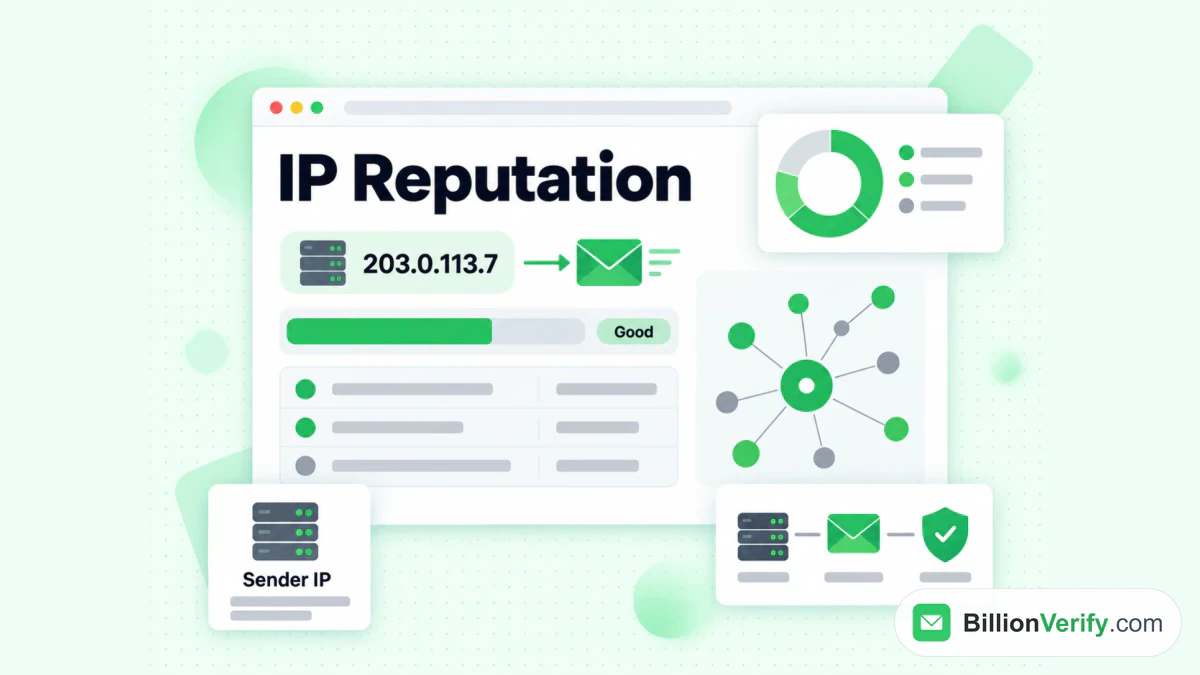
BillionVerify checks the reputation of a sending IP before you send.
So checking inside Instantly is an extra cost beyond the starter allowance. If you would rather keep Data Credits for lead search, verify files elsewhere first. BillionVerify reports catch-all addresses as their own class, bills 1 credit for each valid or invalid result and nothing for unknown results, and re-checks the same address free within 24 hours. You can verify one address or upload a whole file to bulk email verification and then import only the clean rows. Since the contacts total counts every upload, this also keeps dead addresses from eating your capacity. If you only have a few addresses, run a quick check on an email address with no sign-up.
Addresses found by other tools can arrive unchecked. Our email finder returns only verified work emails for a name and a company domain, and it is available on paid accounts only. A reverse email lookup helps when you need to see who owns an address already in your sheet, and a phone number validator checks numbers for any call steps you add later.
Cancelling and What Happens Next
Cancelling is self-service. Open Settings, then Billing & Usage, pick the tab for your plan, scroll to the cancel control and confirm. Outbound and Data Credits plans end when the billing cycle closes, so you keep working until then, and a Resume Subscription button undoes a scheduled cancellation. Pausing is not offered, which makes cancelling the only way to stop future charges, and the cancellation article says nothing about refunds. Done-for-you, AirMail and pre-warmed accounts work differently. They stop immediately, their warmup and campaigns stop with them, and the domains stay valid for twelve months from the original purchase date. A paid placement-testing add-on also ends at once, with prorated credit for the unused time. Each workspace carries its own subscription and its own charge.
Cold Email Rules to Follow
In the United States, the CAN-SPAM Act governs commercial messages. They must carry accurate sender details and a subject line that matches the content. They must say they are advertisements, include a valid postal address, and offer an opt-out you honor in time. Instantly keeps a global block list so that people who opted out stay out of every campaign, and our CAN-SPAM guide walks through each requirement. For data on reply rates, our write-up of Instantly's benchmark report is a useful companion.
Setting Up Instantly Without Burning Your Domain
A short routine protects your sending accounts while you learn the tool.
- Use a separate domain for outreach, not your main business domain.
- Connect the account, switch warmup on, and wait until the dashboard calls it ready.
- Verify the list, and upload only deliverable addresses.
- Start with a small daily volume and watch bounces against the 5% pause rule.
- Add more senders before you raise the volume on any single one.
FAQs
What is Instantly AI used for?
Instantly AI sends cold campaigns at scale from unlimited connected senders. It also warms them up, gathers replies in one inbox, and offers lead search plus automated agents.
Is Instantly AI free?
Instantly has no free plan, but its 14-day free trial needs no credit card. The trial lets you connect two senders, upload 250 leads and send up to 1,000 messages. It also grants the same number of welcome credits and two free placement tests.
Where is the Instantly AI login page?
It sits on the app subdomain under /auth/login, and instantly.ai links to it from the header. Pick Google, Apple, or the classic form.
How does Instantly email warmup work?
Your senders trade messages with a network of real inboxes, which open and answer them. Volume starts at 2 on day one and grows daily. A dashboard shows when the account can handle campaigns.
Do Instantly AI reviews agree about deliverability?
They differ, because results depend on your domain, your list and your copy as much as on the tool. Read recent entries on the public review sites, and note whether the writer cleaned their list before sending.
What happens when my Instantly bounce rate is too high?
The campaign pauses and shows a "Bounces" error. Review the bounce reasons in the analytics, remove bad addresses and resume.
Do I need to verify emails before uploading to Instantly?
It is a good idea. Invalid addresses cause bounces, and each uploaded contact counts toward a fixed total. A verifier removes dead ones before they use capacity or trigger the pause.
Watch: How to Verify an Email: Single, Bulk, File and API
Watch: How to Validate a Phone Number: Free Phone Number Validator
