

Lemlist is a cold outreach platform that runs sequences across mail, LinkedIn, phone, SMS and WhatsApp from one workspace. The company behind it, lempire, also sells a lead database and a finder for work mail inside the same product. This lemlist review explains what the tool does, how the lemlist login works, what the lemlist Chrome extension can and cannot do, and how to read lemlist reviews without being misled. Every fact comes from the vendor's own site and docs in November 2026. We are not affiliated with lemlist. BillionVerify is an email verification service, and the last sections show how to check a list before it goes into any sending tool.
Key facts (checked November 2026):
- The entry tier costs $55 a month on yearly billing and $69 on monthly billing, with 50k sends a month, according to the rate card.
- A finder lookup costs 5 credits, and the credits article says it charges only when a deliverable or risky result comes back.
- The 14-day trial needs no card and ends in a Freemium tier if you do not upgrade.
- The lemlist Chrome extension works inside LinkedIn and Sales Navigator but not in Recruiter, per the install steps.
- The sign-in screen offers three provider buttons above a password form.
- BillionVerify bills 1 credit for each valid or invalid verdict and nothing for unknown ones.
What Is Lemlist?
Lemlist is software for outbound sales. You load prospects, write a sequence of steps, and the platform runs each one on the schedule you set. A step can be a message, a profile visit, a call task, an SMS or a WhatsApp note. The home screen calls it "the only platform you need to make outbound work," and the rate card says more than 20,000 sales teams run their outbound in it.
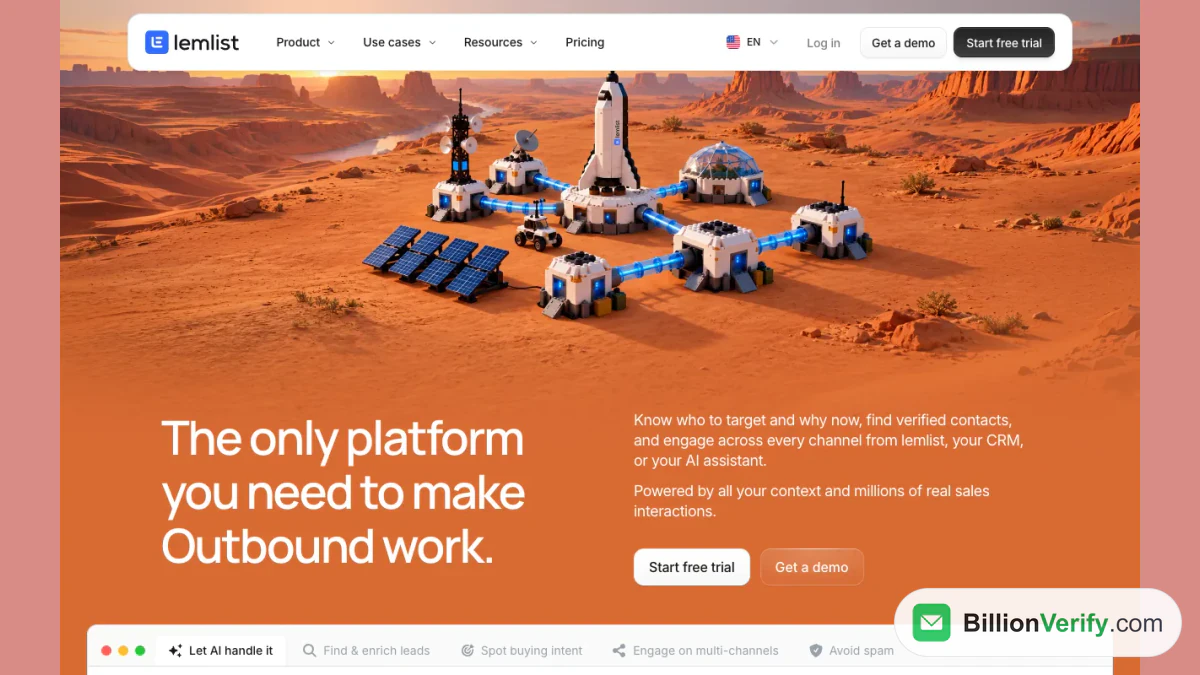
Screenshot: the homepage of lemlist.com.
Four parts matter for a buyer. Sequencing covers every channel in one flow. Lead data is described as a 650M+ database plus a finder for mail and numbers. Deliverability tooling brings the lemwarm warm-up and a hub that the FAQ says come with every tier. AI sits under lemAgent, signal agents, and an MCP server plus command line tool for developers.
Who it is built for
The menus split use cases by role: sales reps, sales leaders, founders and RevOps. Agencies are courted through unlimited senders on the entry tier. A solo founder who wants one tool for mail and LinkedIn is the simplest fit, while a team that only needs bulk sending from many mailboxes may find the multichannel layer more than it needs. That question belongs to the lemlist pricing article rather than this one. The interface comes in English, French, German and Spanish, and the footer shows lempire as the legal owner.
What it does not do
Lemlist does not promise inbox placement. Its pages describe helpers such as warm-up, sending limits, an unsubscribe link, inbox rotation and deliverability alerts. Where a message lands still depends on your domain, your list and your copy.
BillionVerify lists the authentication checks, SPF, DKIM, DMARC and rDNS, behind a healthy sending setup.
Tiers in Brief
There are three tiers and two data add-ons. The entry one is for senders who want mail only. Multichannel adds LinkedIn, SMS, calling and a WhatsApp option, and it prices per user. Enterprise is custom, with single sign-on and a dedicated manager.
| Tier | Yearly billing | Monthly billing | Main limits |
|---|---|---|---|
| $55 | $69 | Unlimited users and senders, 50k sends | |
| Multichannel | $87 per user | $109 per user | 5 senders per user, unlimited messages |
| Enterprise | Custom | Custom | Custom roles, SSO and SAML, priority support |
Lead data enrichment starts at $20, or $16 on yearly billing, for 2k credits. Buying intent signals start at $29, or $21 if paid yearly, for 100 signals.
Lemlist Login
The lemlist login screen is at app.lemlist.com/login. It says "Welcome back!" and offers three buttons above a form: Google, Microsoft and Organization. A "Forgot password?" link sits under the password field, and a "Create account for free" link sits below the Log in button.
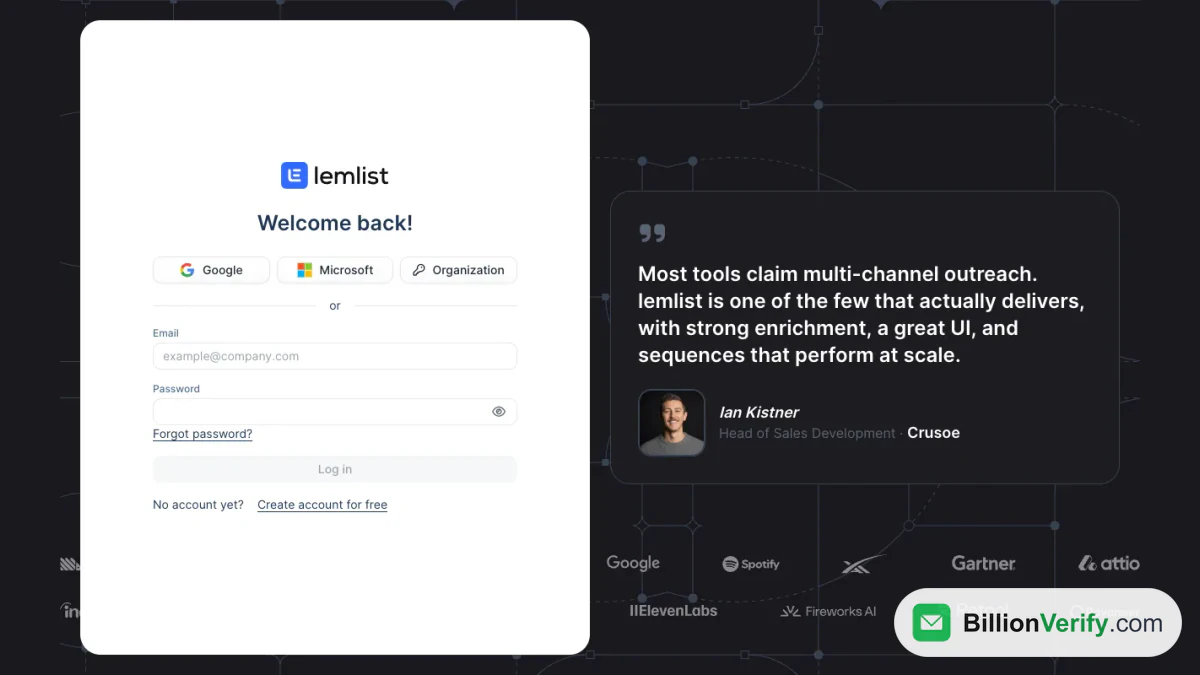
Screenshot: the form at app.lemlist.com.
Which lemlist login button to press
Google and Microsoft let you reuse a work profile you already have. The Organization button is for single sign-on, which a help article covers, along with a switch back to a password. SAML-based SSO is an Enterprise feature, and the feature grid lists advanced login security under that tier only. Pick the same route you used at signup, because a lemlist login through the wrong button simply fails.
Password reset and locked profiles
Anyone who loses access to a lemlist login can recover it from the screen itself. If you forget the password, click "Forgot password?" and type the address on file. A reset link follows. The new password needs upper and lower case letters, a number, a symbol and at least eight characters. The reset steps add that a successful reset also unlocks a profile that was locked after several failed attempts.
When the message never arrives, use "Resend password link" on the confirmation screen. Check spam first, because that note arrives from lemlist's own sending system and can be filtered like any other mail.
Two-factor authentication
A second sign-in factor works for password users. In Settings, under Account settings and Security, press Enable, scan the QR code with an authenticator app such as Google Authenticator, Authy or Duo, and type the six-digit code. Save the recovery codes when they appear, since they are the way back in if the phone is lost. The feature sits in the Enablement & Support rows of the comparison table, so it is not limited to Enterprise.
Trial profiles and the Freemium fallback
A new team gets the trial automatically after its first lemlist login. The trial article says only new accounts or newly created teams qualify, and a team that was once on a paid tier cannot reactivate it. If you do not upgrade, the workspace moves to a Freemium tier with fewer features, so an old login does not disappear when the trial ends.
When a lemlist login still fails
Work through four checks in order. First, confirm the button matches how the profile was created. Second, request a reset link and look in spam. Third, if the profile is locked, finish the reset, because that also unlocks it. Fourth, if the second factor blocks you, use a saved recovery code. After that, the vendor's support is the remaining route.
Lemlist Chrome Extension
The lemlist Chrome extension puts the platform inside LinkedIn, Gmail and your CRM. The help center calls it "lemlist everywhere." Its marketing site promises to "scrape LinkedIn leads' verified data in 1 click" and says you can export mail from single profiles or in bulk from searches.
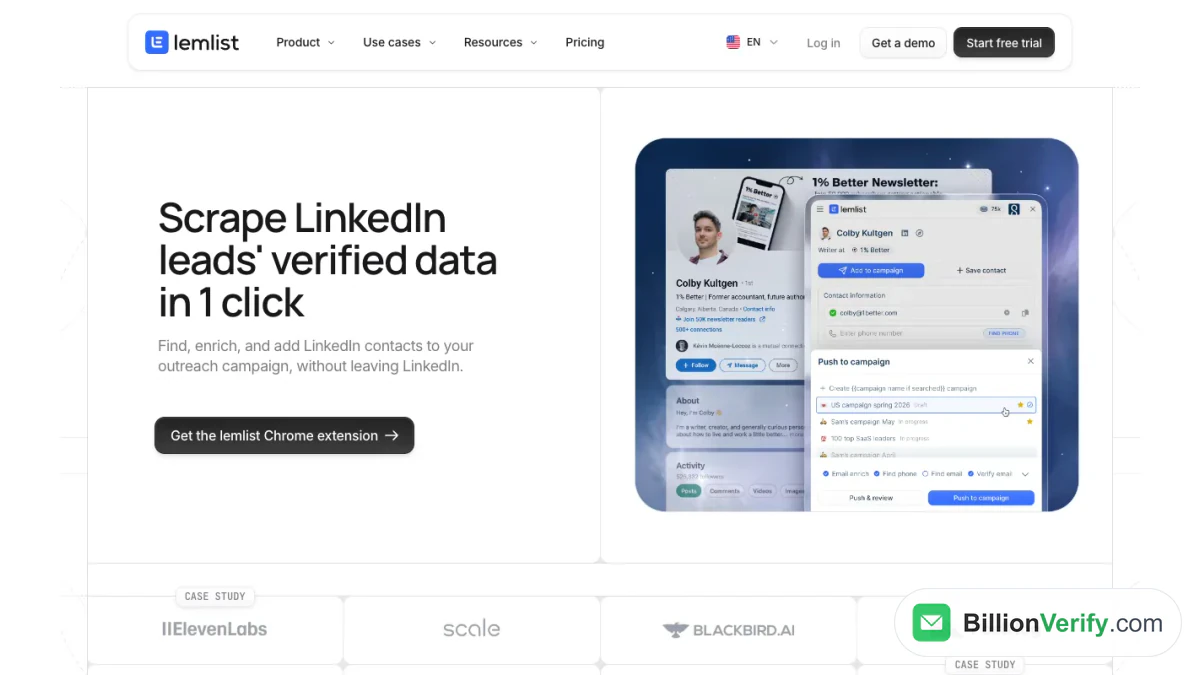
Screenshot: the extension listing on lemlist.com.
How to install the extension
Open the Chrome Web Store listing, click Add to Chrome, and confirm. This is the whole lemlist Chrome extension setup. A welcome screen opens; click Get started. Then open any profile screen and click the toolbar icon on the right side to reveal the sidebar. It shows the detected profile and the lemlist workspace it is about to join, plus a Refresh profile button for when it picked up the wrong person. Click Link this account to finish.
The Chrome extension does not need the same address on both services, according to the usage article. They do need to be signed in within one browser profile.
What the extension can do
On LinkedIn the Chrome extension can add a lead to a campaign, add it to a contact list, enrich the details and call through the dialer. On Gmail it tracks messages sent outside the platform and offers saved templates and AI writing help. On HubSpot it adds leads to campaigns, supports bulk adds from list views, enriches contacts and places calls the same way. Salesforce is the exception: the article says it works there only for Enterprise teams. The trial includes the Chrome extension, while lemwarm needs a paid tier.
What the extension cannot do
The install steps state that it runs on LinkedIn and its premium Navigator tool, and skips Recruiter or an event listing. It also needs Google Chrome, so anyone in another browser uses the web app instead. The marketing site notes that exports work from a free LinkedIn or Navigator login, so the Chrome extension does not demand a paid Navigator seat to run.
Fixing Chrome extension problems
The install steps list five fixes. A "LinkedIn cookie missing" error usually follows logging out, switching browser profiles or clearing cookies, so sign in to both services in the same profile and refresh. If the sidebar does not appear, reload the page and confirm you are on a supported screen. A wrong profile detected means checking which one is open, then using Refresh profile. Installed but not linked means opening the sidebar and pressing the link button. After clearing cookies, sign back in to both and relink.
What the extension spends
Enrichment through the extension draws on the same credit balance as the web app. Profile enrichment costs 1 credit, a finder lookup 5, and a phone number 20. Installing the extension costs nothing.
Lemlist Reviews: How to Read Them
The site cites a 4.6 out of 5 rating from more than 2,240 reviews on G2, shown as of the November 2026 snapshot. A vendor always picks its best number, so treat it as a starting point, and ask of every lemlist review which version of the product it covers. Read dated lemlist reviews on the review sites yourself, sort by the lowest scores, and filter by your company size. Reviews older than a year predate the current tier names, and reviews that mention support depend on the tier, since priority support is an Enterprise feature.
Which part do reviews describe?
Lemlist reviews are more useful once you know the part of the product they describe. The platform is two products in one workspace: a sending tool and a data tool. Reviews about credits running out concern the data side. Reviews about messages landing in spam concern domain setup and list quality, which no sending tool controls. Reviews of the Chrome extension usually concern LinkedIn cookies, and reviews about daily limits belong to the Chrome extension and to the network itself.
Trial limits that shape early reviews
Many first impressions come from the trial, and a lemlist review based on it covers a narrow product. It sends at most 50 messages a day, gives 200 one-time credits, and excludes both lemwarm and in-app calling. Lemlist reviews written during those two weeks describe a restricted product. Any lemlist review should name the tier it tested, so check whether the writer was on a paid one before you weigh a complaint.
Limits visible without reviews
You do not need a reviewer to find the other limits, because lemlist documents them. The entry tier comes with no bundled allowance, so every lookup is paid for from an add-on, a top-up or a trial balance. Plan allowances reset every month, while add-on and top-up balances roll over. Only team admins can buy more.
Credits and Email Verification
Credits are spent whenever lemlist finds, verifies or enriches data for you. They are deducted only for a valid result, and the finder bills only when a find comes back. The finder page says every result is "double-verified," so for contacts found inside lemlist, verification is part of the price.
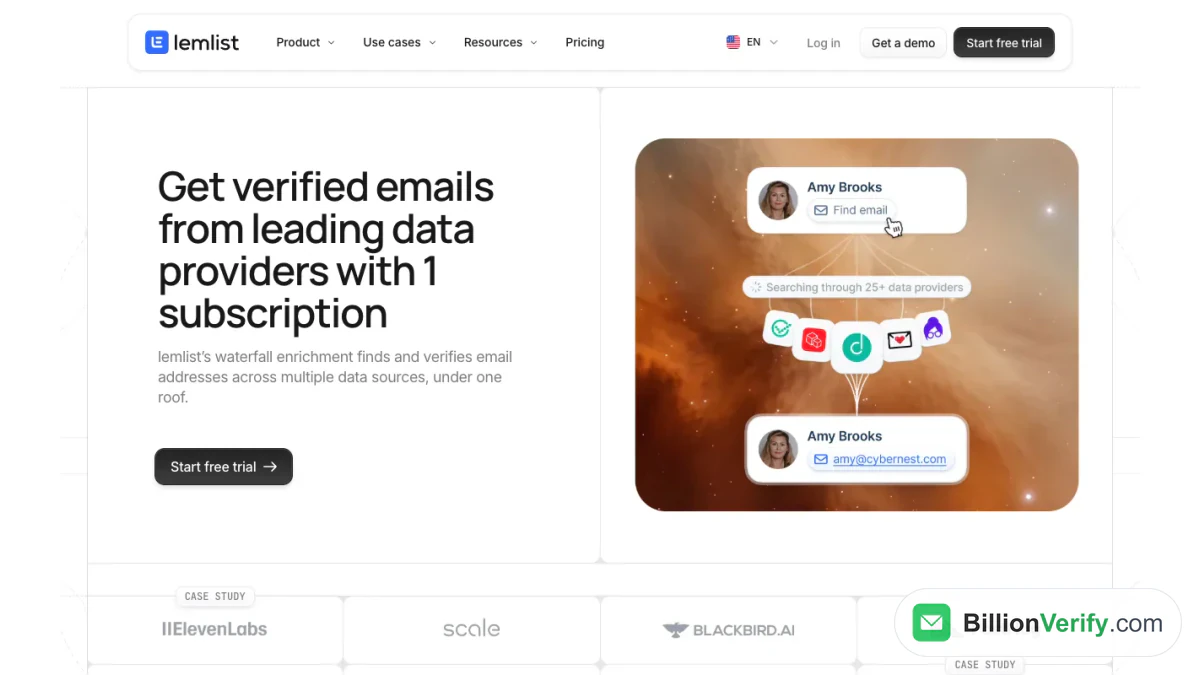
Screenshot: the Email Finder and Verifier listing.
Lists that do not come from lemlist
Many campaigns start from a CSV exported from another database, a webinar tool or a scraper. Those contacts never passed through the finder, and the price list has no separate line for checking a file you upload yourself, so treat such lists as unchecked. A dead mailbox returns a hard bounce, and a high rate on a new sending domain is one of the quickest ways to damage its reputation. Our guide to cold email deliverability explains how mailbox providers read those signals.
BillionVerify checks each address with syntax, DNS, MX and SMTP tests, and it reports catch-all addresses as their own class instead of counting them as valid. The same address is re-checked free within 24 hours, and new users get 20 free credits on each day of use, up to 600 a month, with no card. Run a single address through the email verifier or upload a whole file to bulk email verification and export the clean rows into lemlist. Unsure about one contact? Test it on BillionVerify first, free and without an account.
When a sheet only has names and companies, a finder is the other route. BillionVerify's email finder returns only verified work emails for a name and a company domain (paid accounts only). For a lead with no work mail, a reverse email lookup shows what is publicly known about an address you already hold, and a phone number validator checks a number ahead of any call or SMS step.
Rules That Apply
In the United States, unsolicited commercial mail follows the CAN-SPAM Act. The FTC's compliance guide says a commercial message must not use false header information or a misleading subject line. It must identify itself as an advertisement, include a valid physical postal address, and give a clear way to opt out that the sender honors promptly.
That grid lists an unsubscribe link and sending limits among the deliverability tools, and the footer links a sending policy and an anti-abuse policy. Those tools help you follow the rules but do not decide your legal position. Our CAN-SPAM Act guide lists the requirements in plain language. For recipients in Europe the GDPR applies too, and the docs have articles on GDPR and cold outreach.
A Safe Way to Start
A first campaign goes better when the list is ready before the sequence is.
- Collect prospects and check every address, whether it came from the finder or elsewhere.
- Connect a mailbox on a domain you can afford to lose, and let lemwarm run before volume goes up.
- Start with a small batch and watch bounces. Stop if they climb.
- Add social steps only after the mail steps are healthy, so the two channels do not mask each other's problems.
Our cold email outreach guide covers the sequence and follow-up side, and the list quality article explains how to score a list before you send.
FAQs
What is lemlist used for?
It runs outbound campaigns that mix mail, LinkedIn, calls, texts and WhatsApp. Teams load prospects, build a sequence, and the platform sends each step on schedule while it tracks replies. A lead database, a finder and a warm-up tool come along.
Is lemlist free?
There is no permanent free tier, but a two-week trial asks for no card. It gives the multichannel features except in-app calls and lemwarm, plus 200 credits, and it caps sending at 50 a day.
Where is the lemlist login?
Go to app.lemlist.com/login and pick a provider button, single sign-on, or type your address and password. Use the reset route under the form to get a fresh link by mail.
Does the extension work on Sales Navigator?
Yes. The lemlist Chrome extension runs on the main network and its Navigator edition, but not on Recruiter or event listings, and it requires Google Chrome. Finding contacts through it draws down your balance.
How much does the finder cost?
Each find is priced at 5 credits, and a charge applies only to a usable find. At the $20 add-on price for 2k credits, that works out to about $0.05 per charged lookup.
Does lemlist verify files I upload?
The credits article describes verification as part of finding a contact and lists no separate price for checking uploads. Run uploaded lists through a verifier first so invalid addresses never reach a campaign.
Can I trust lemlist reviews on its site?
They are real numbers from a review platform, but a vendor shows only its best one. Compare them with recent entries on other review sites, and read the low scores for problems that match your use case.
Watch: How to Verify an Email: Single, Bulk, File and API
Watch: How to Export Past Email Finder Results From Find History
